Joined May 2018
- Tweets 661
- Following 477
- Followers 355
- Likes 8,461
339 Photos and videos

Jun 13
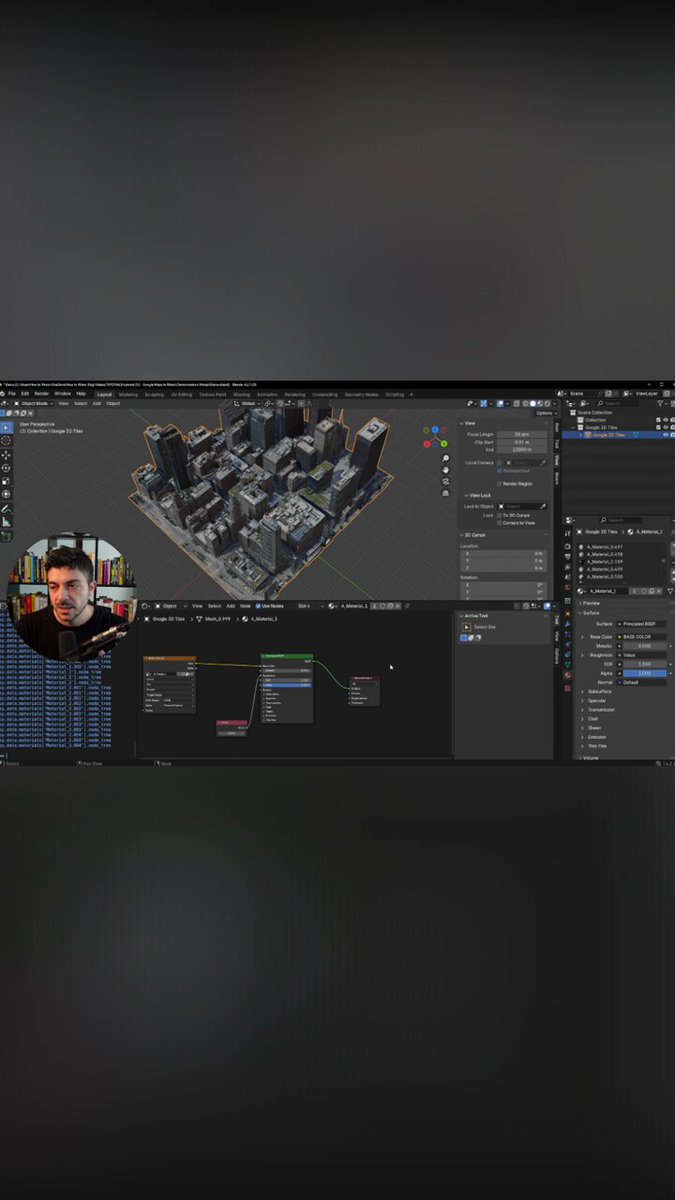
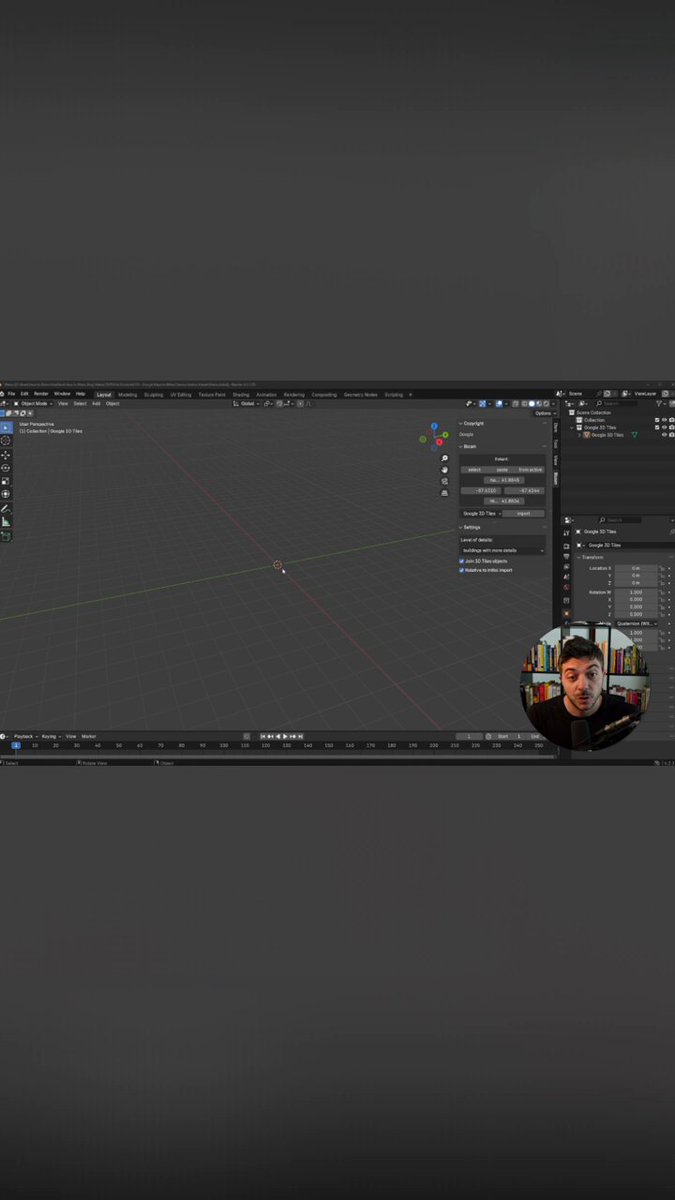
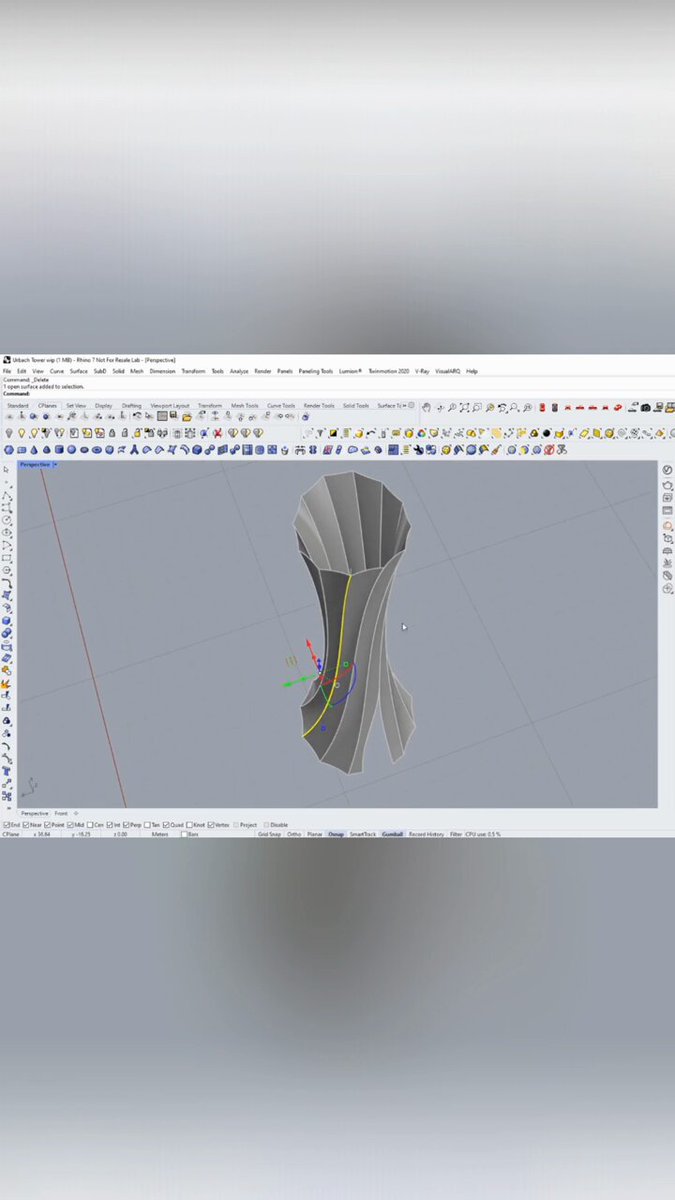
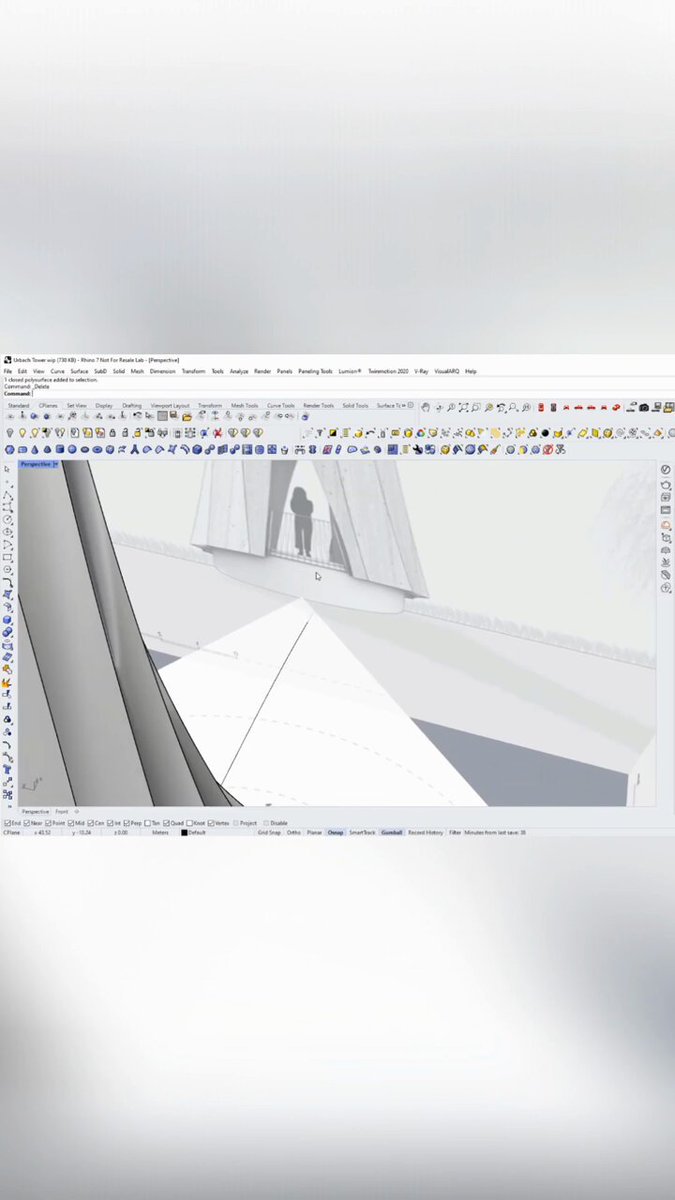
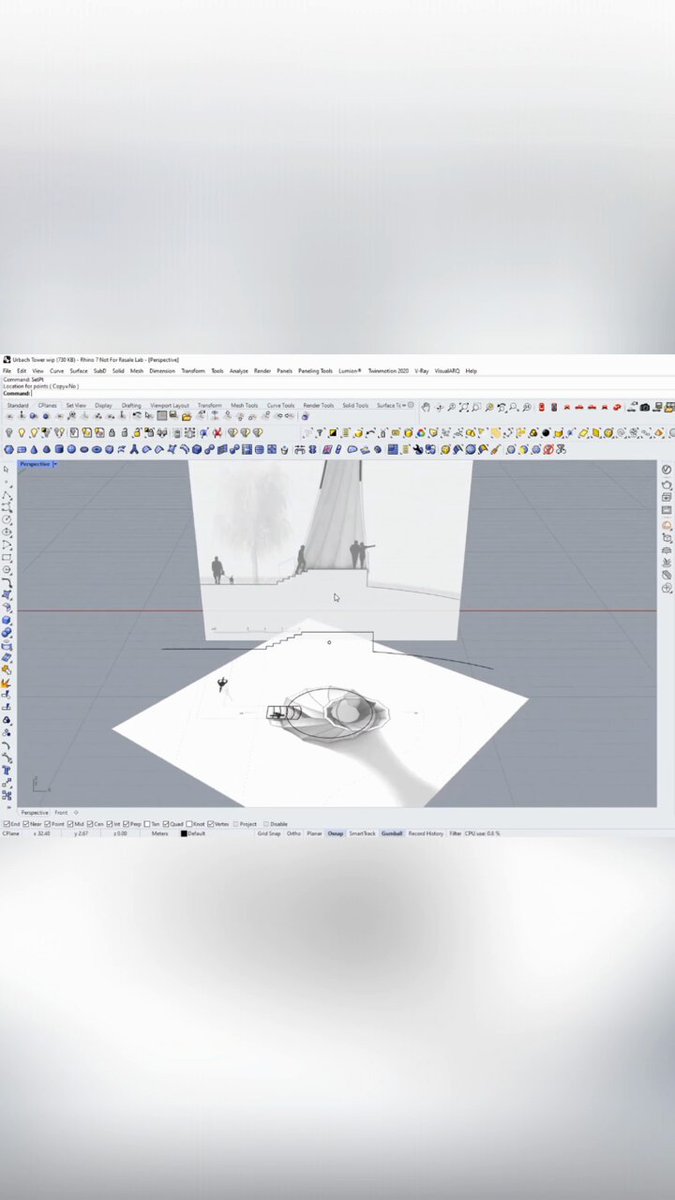
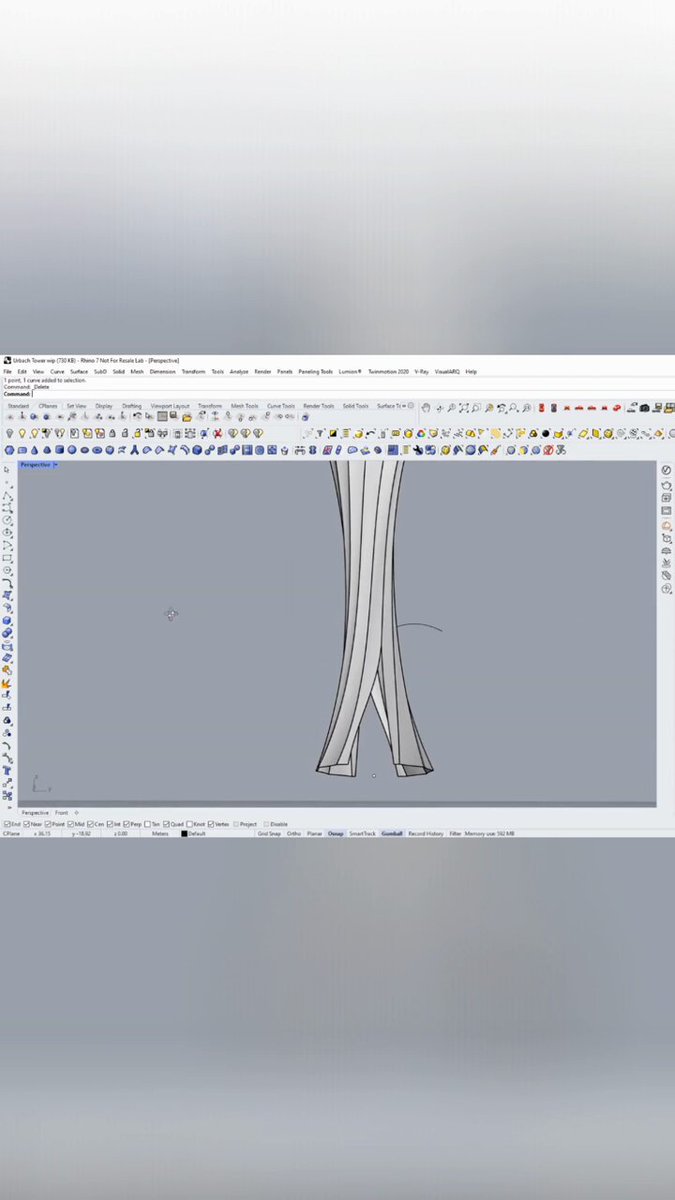
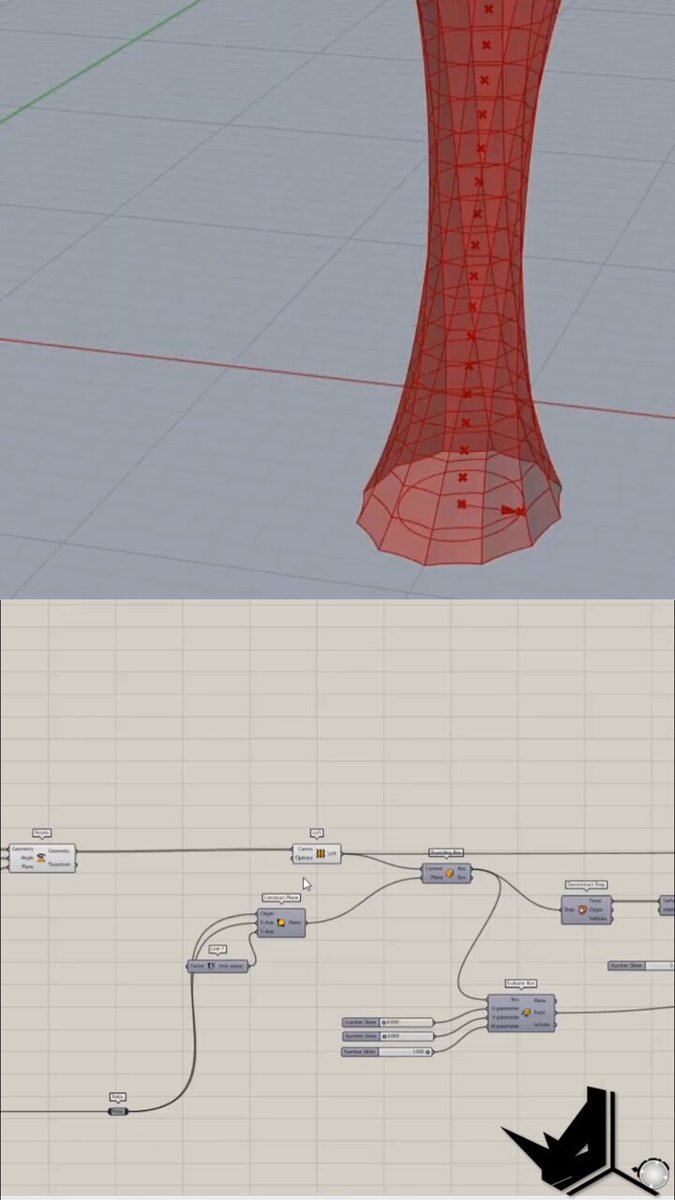
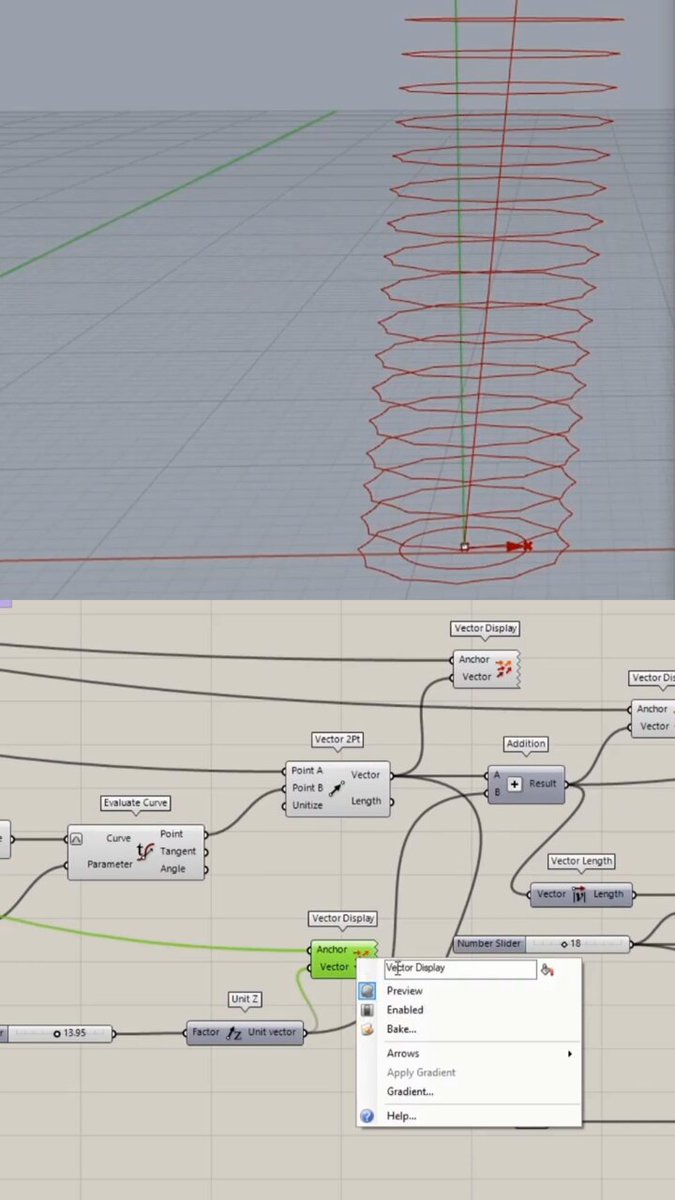
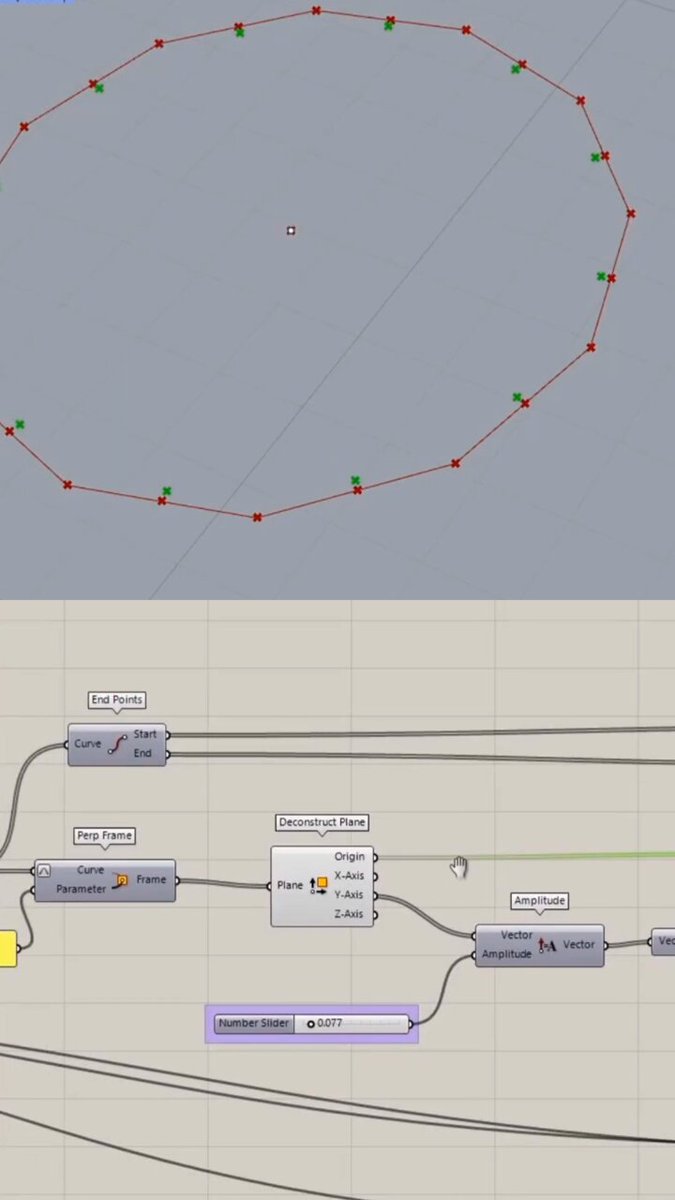
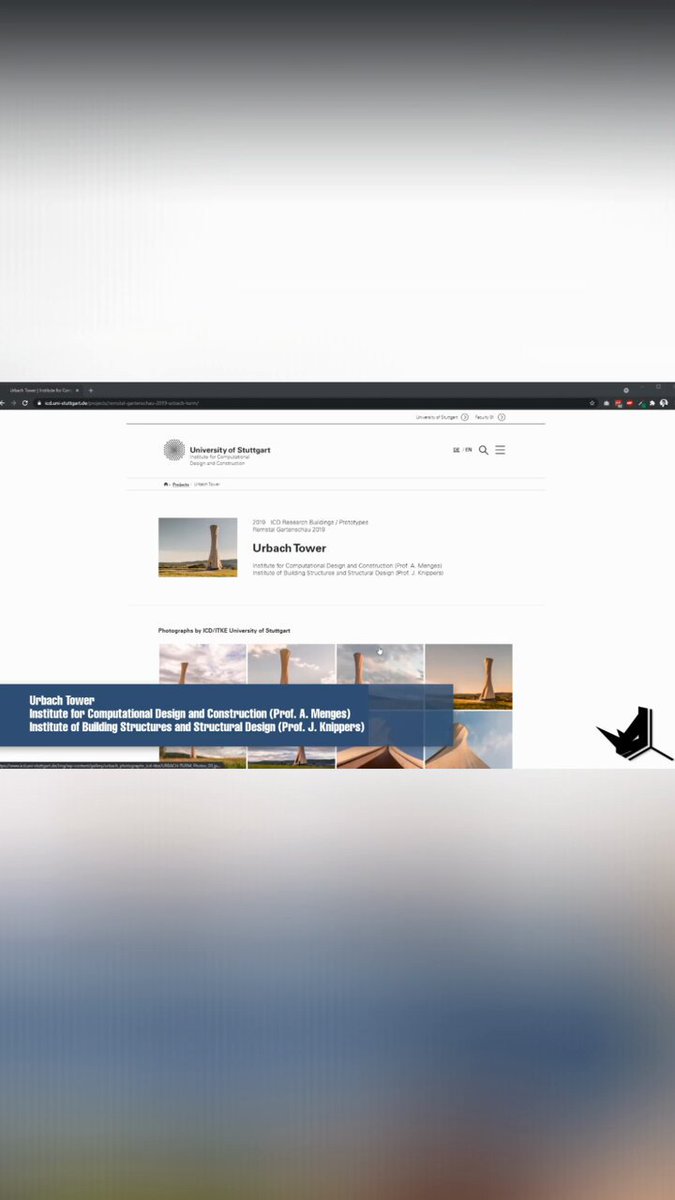
3D Site Context Part 4! 🏙️ Blender to Rhino is here. 🔄 Unpack textures, export FBX, and import for pro-level renders. 🏢 Finish with V-Ray Photoshop for epic results! 🚀🔥 #Rhino3D #ArchViz #Blender #3DModeling #Design
4
64
Jun 11
3D Site Context Part 2! 🏙️ Selection & Import. 🌍 Copying coordinates from Chicago to Blosm. 📍 Setting up Google 3D Tiles and choosing the right Level of Detail. 🛠️ Pro site modeling! 🚀✨ #Rhino3D #ArchViz #Blender #3D #Architecture
4
106
Jun 9
Urbach Tower Part 10! 🏗️ Final modeling! 🛠️ Boolean Difference for gaps and Patch for the top cover. 📐 Layer management for easy rendering. 🏛️ The project is complete! 🚀🔥 #Rhino3D #Architecture #Design #3D #Tutorial
1
25
Jun 8
Urbach Tower Part 9: Detailing! 🏗️ Modifying panels and using Sweep 2 for custom geometry. 🛠️ Plus: Boolean Difference & Extract Isocurve for a clean finish! 📐✨ #Rhino3D #Architecture #3D #Design #Tutorial
19
Jun 7
Urbach Tower Part 8: Custom Fencing! 🏗️ Extracting edges and dividing segments for spacing. 📏 Using the Pull command to map curves and Pipe for structure. 🛠️ Details make the design! 🚀✨ #Rhino3D #ArchViz #Architecture #Tutorial #3D
1
37
Jun 6
Urbach Tower Part 7! 📐 Building the fence with Curve Booleans and extrusions. 🏗️ Using control points to match complex geometry and finishing with a Boolean Split. 🛠️ Every detail counts! 🚀🔥 #Rhino3D #Architecture #Vray #3D #Tutorial
1
48
Jun 4
Urbach Tower Part 5! 🏗️ Refinement in Rhino. 📐 Flattening top edges and using Intersect to place openings perfectly. ✂️ Split, Mirror, and Extrude for the final architectural look! 🚀🔥 #Rhino3D #Architecture #3D #Design #Tutorial
1
31
Jun 3
Urbach Tower Part 4! 📐 Using the Shear Angle component to tilt geometry. 🏗️ We’re using Deconstruct Brep & List Item to find the perfect rotation base. 🚀 Final bake to Rhino is next! 💎🔥 #Grasshopper #Rhino3D #3D #Design
1
24
Jun 2
Urbach Tower Part 3! 🗼 Dynamic form finding: using Graph Mappers for scaling & gradual rotation. 📐 Lofting the curves and applying Shear to extend the axis for that unique look. 🪵🚀 #Rhino3D #Grasshopper #ArchViz #Design #Tutorial
1
35
Jun 1
Urbach Tower Part 2! 🗼 Vector magic: combining height & direction for the perfect slant. 📐 Using 3-point arcs and amplitude to refine the geometry. 🪵 Scripting complexity made easy! 🚀🔥 #Rhino3D #Grasshopper #Architecture #Design #UrbachTower
27
May 31
Urbach Tower Part 1! 🗼 Building the Stuttgart & ETH Zurich wood tower. 🪵 Grasshopper logic: 12-sided polygons, perpendicular frames, and arc-midpoints. 📐 Computational design in action! 🚀🔥 #Rhino3D #Grasshopper3D #Architecture #Design #Tutorial
1
5
317
May 30
Lands Design Part 6: Earth Data! 🌍 Import terrain & buildings from anywhere! 🗺️ High-precision context for your #Rhino3D projects. 🏙️ The ultimate way to start your site plan! 🚀✨ #LandscapeArchitecture #ArchViz #3D #Design
28
May 29
Part 5: Forest Magic! 🌳 Browse species, set unit counts, and draw splines to populate trees. 🌲 Tweak points to match your terrain exactly. 🏔️ Landscape modeling in Rhino made easy! 🏗️✨ #LandsDesign #Rhino3D #ArchViz #Landscape #Tutorial
1
26
May 28
Lands Design Part 4! 🌳 Plant Paint magic. 🎨 Drag your mouse to "paint" forests from a massive library. 🌲 Trees auto-snap to the terrain for perfect positioning. 🏔️ Fast & organic! 🚀📈 #LandsDesign #Rhino3D #LandscapeArch #ArchViz #Design
49
May 3
Lands Design Part 3! 🛣️ Automating paths. 📐 Set widths, angles, and apply custom materials/profiles with ease. 🧱 Smart intersections and real-time adjustments! 🚀✨ #LandsDesign #Rhino3D #LandscapeArch #ArchViz #Design
1
47
May 2
Lands Design Part 2! 🏔️ Getting precise with cell sizes. 📐 Modeling complex hills and valleys using SubD & contours. 🌿 Turning organic shapes into accurate landscape models! 🚀📈 #LandsDesign #Rhino3D #LandscapeArch #ArchViz #Design
1
35
May 1
Lands Design Part 1! 🌳 The ultimate Landscape Arch plugin for Rhino. 🏔️ Creating organic terrains from SubD & contours. 🌿 1000s of plants Grasshopper power! 🚀📈 #LandsDesign #Rhino3D #LandscapeArch #3D #Design
54