
Looking for help with Madden? You've come to the right place. | DM for Customer Support | IG: @huddlegg
Joined August 2016
- Tweets 3,453
- Following 249
- Followers 16,256
- Likes 1,191
1,401 Photos and videos
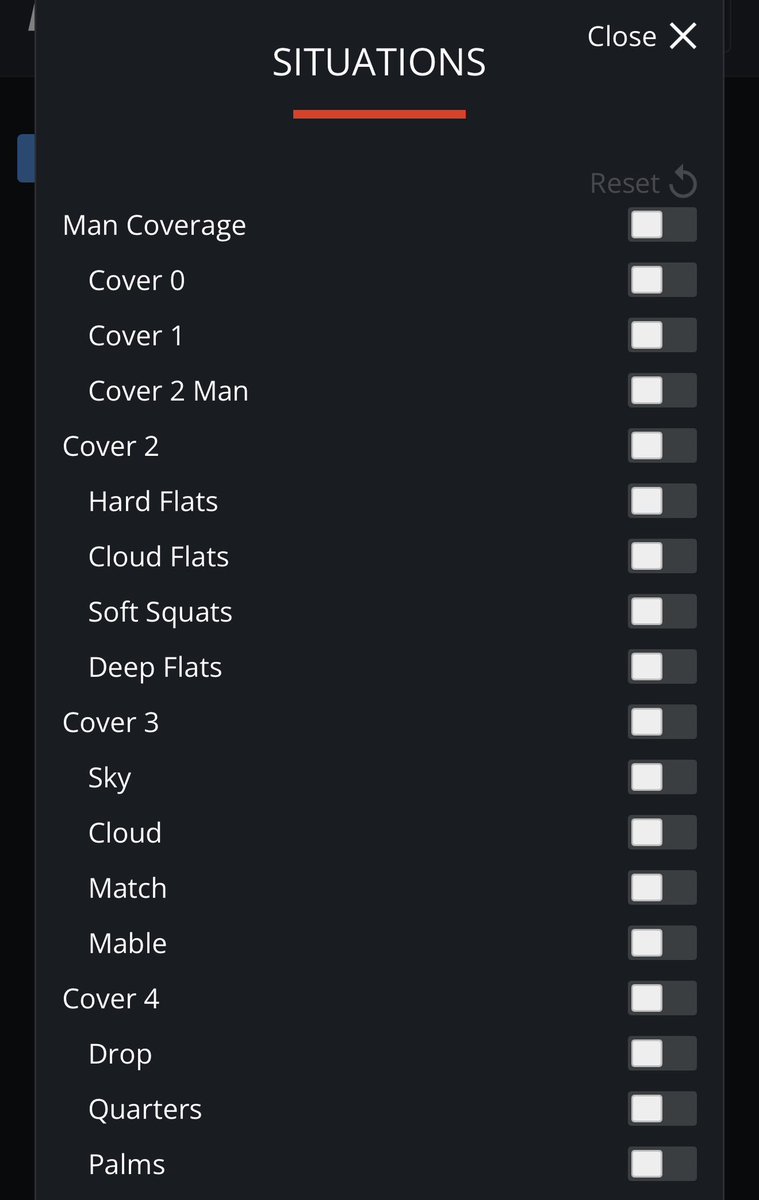

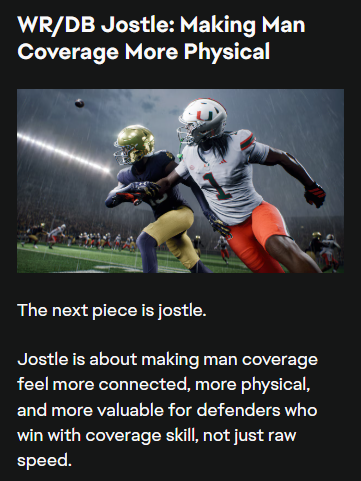
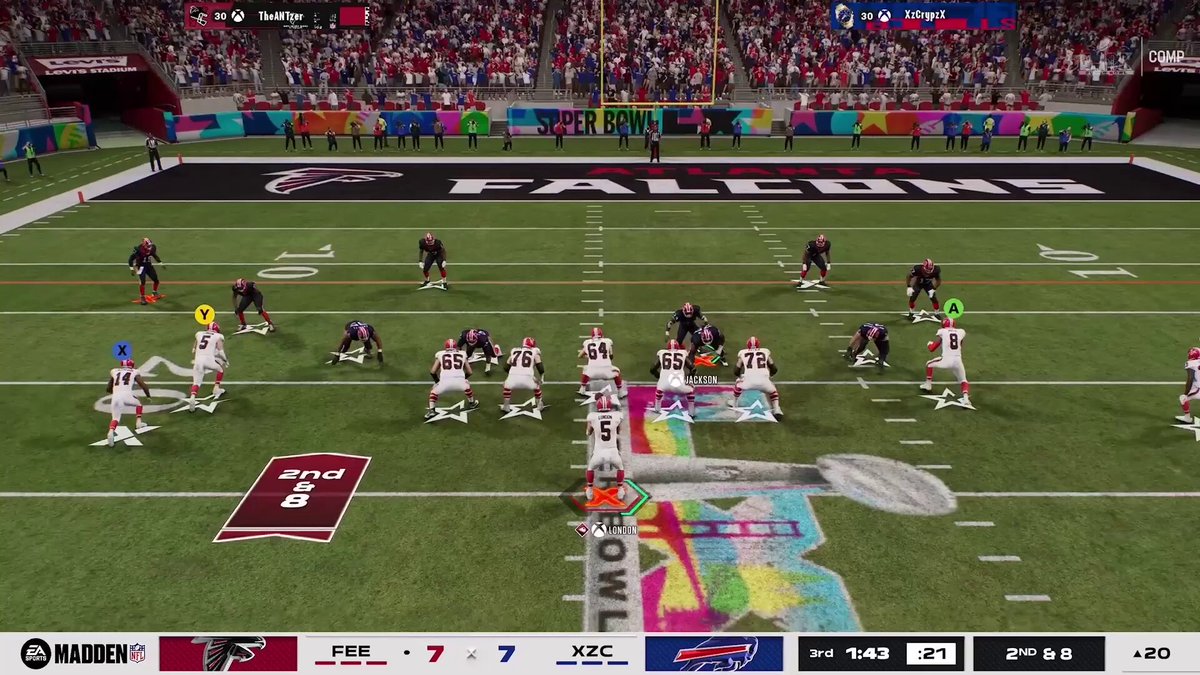
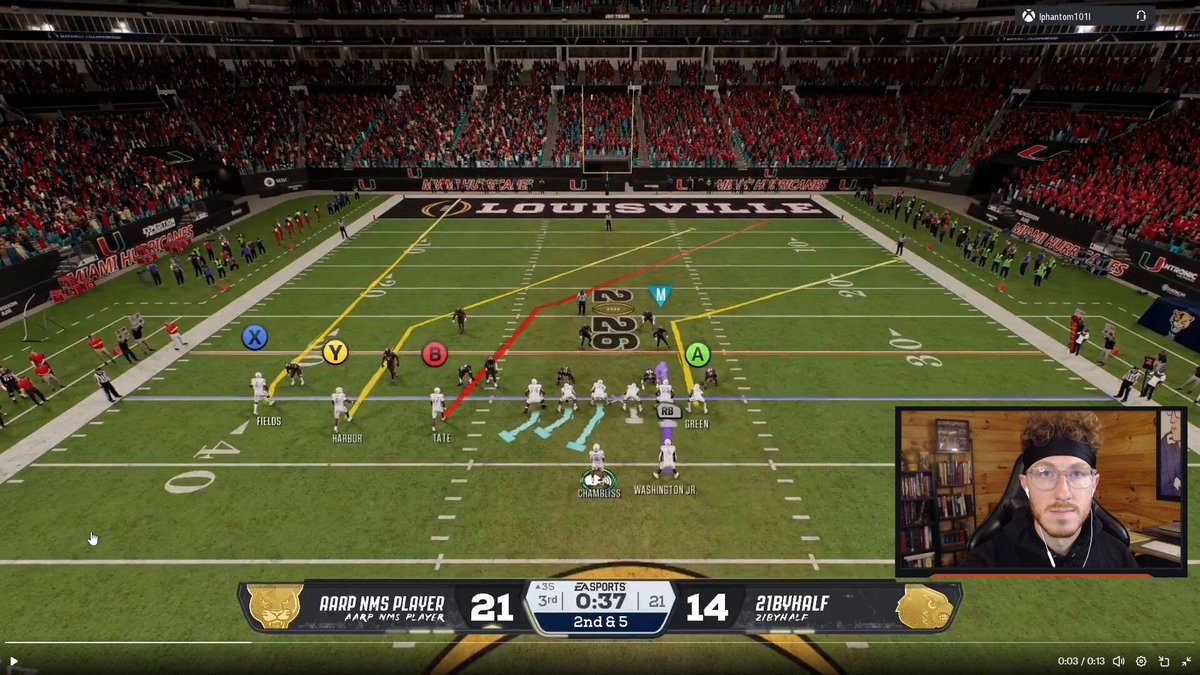
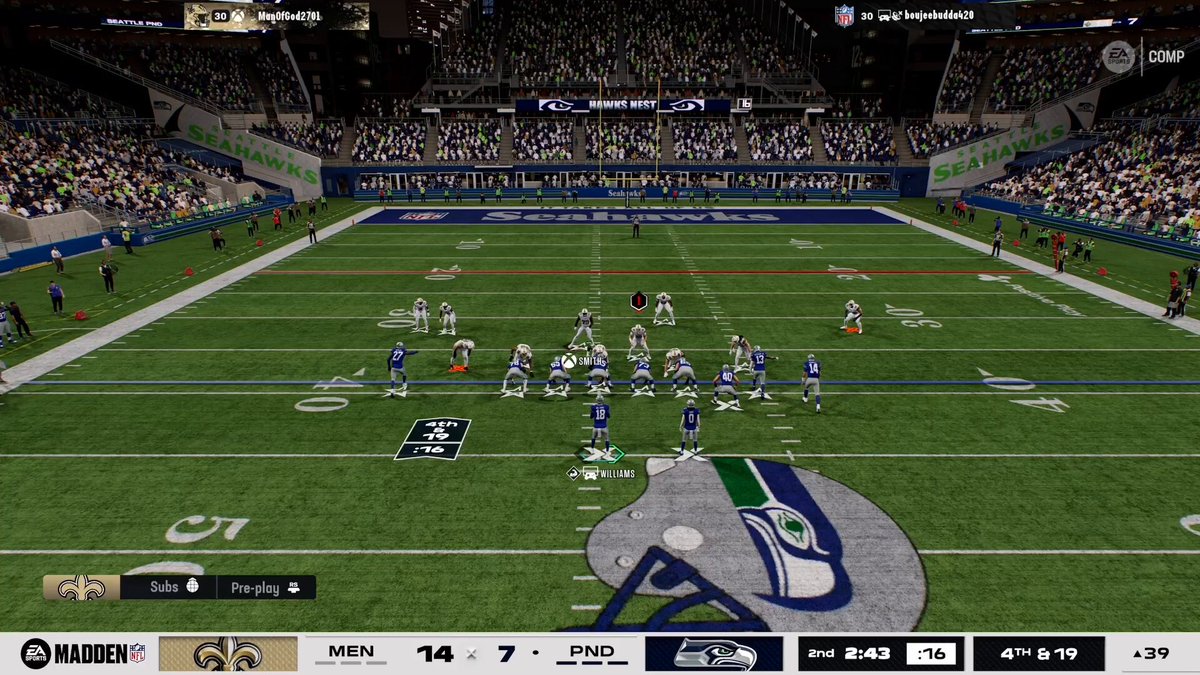
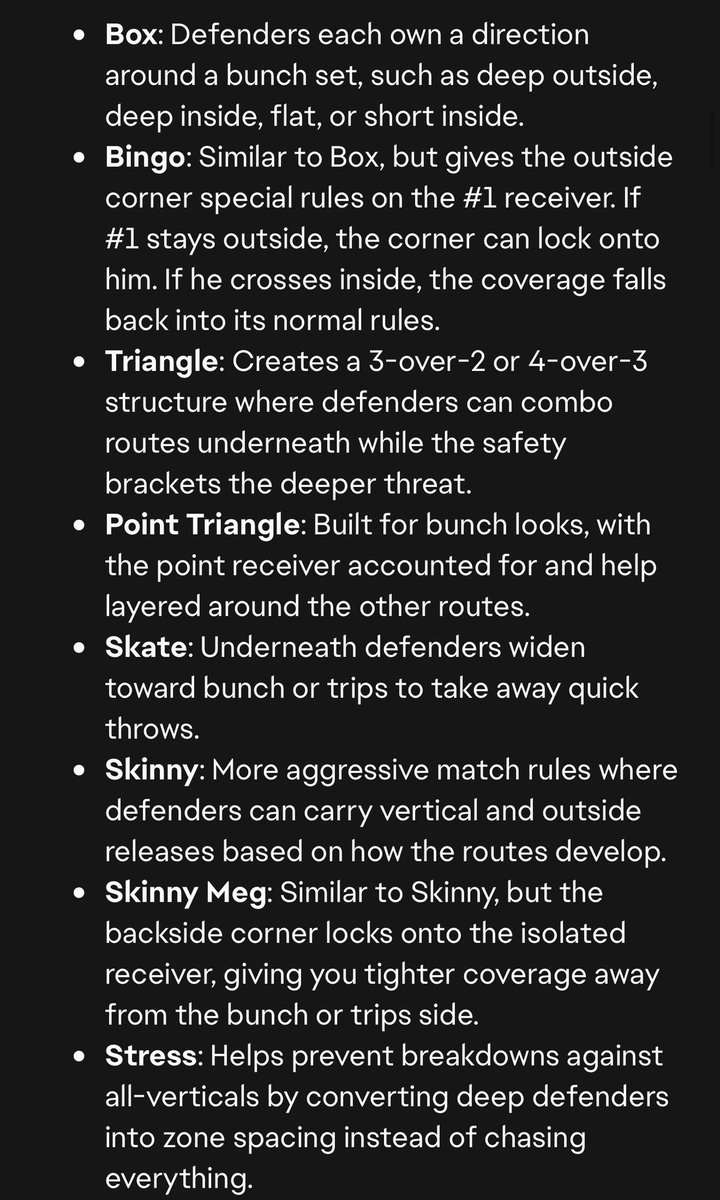
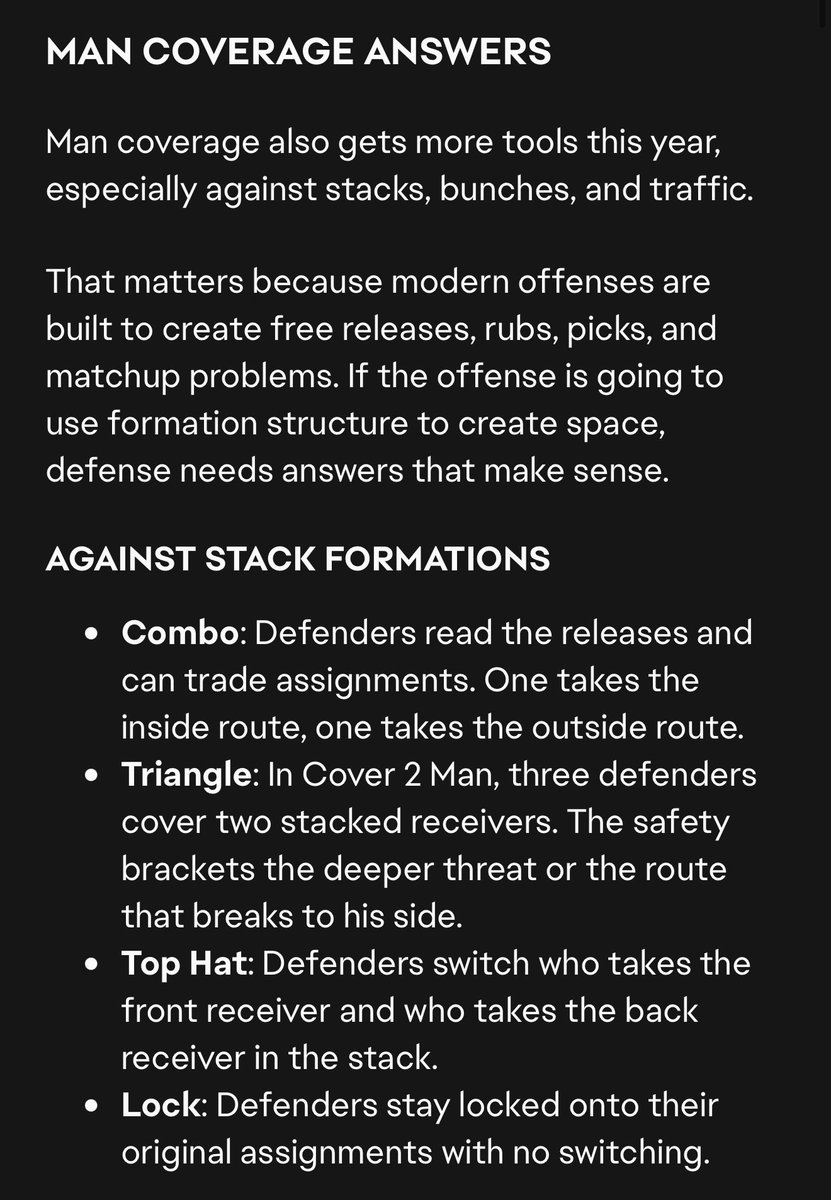
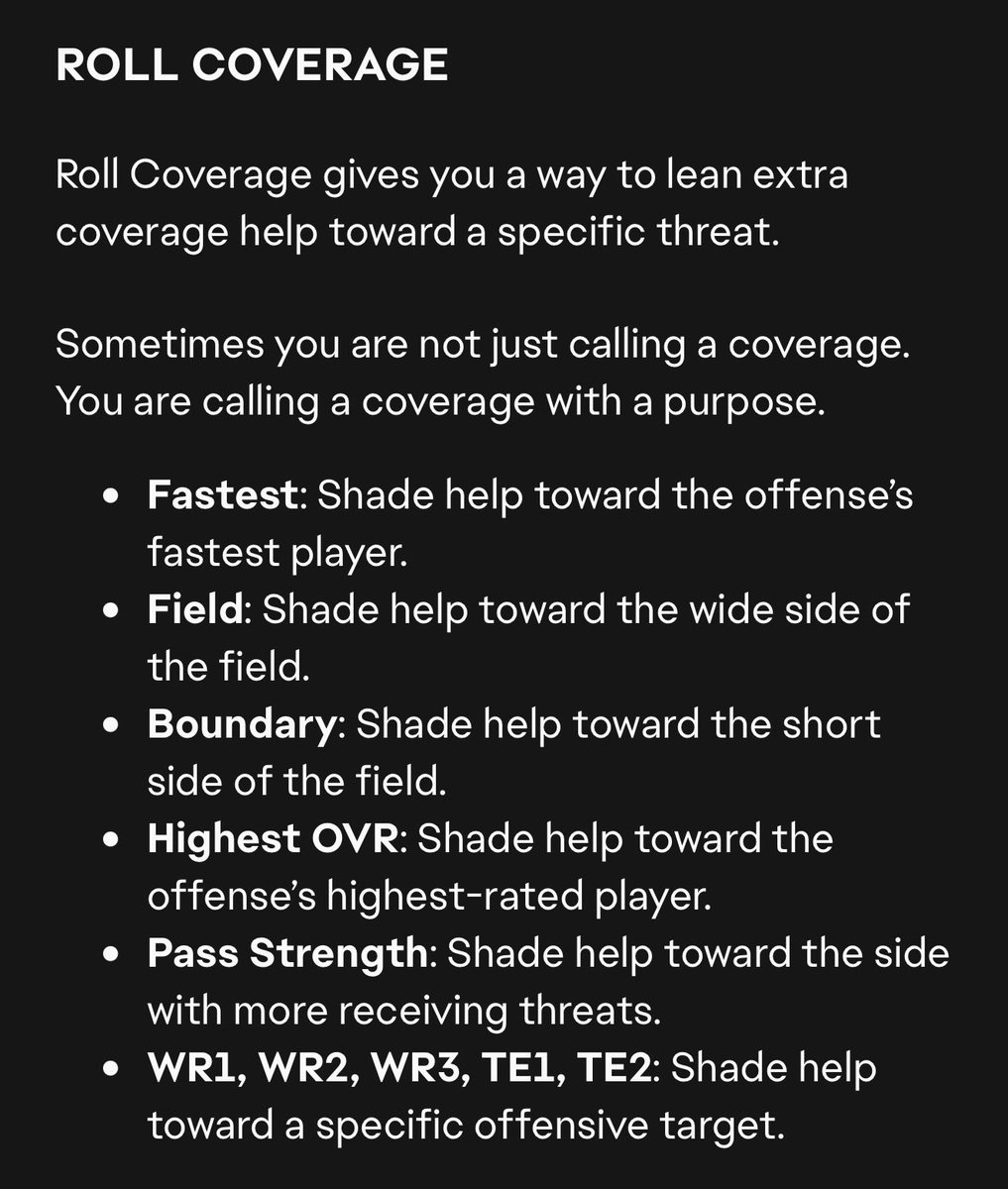


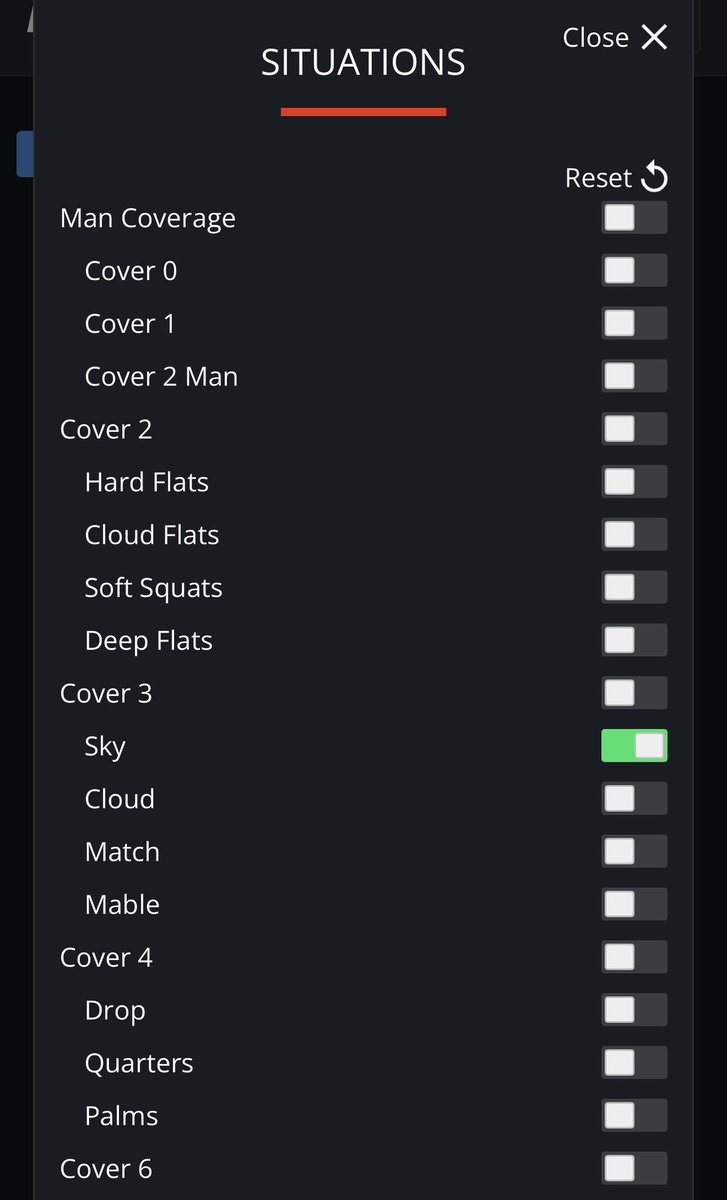
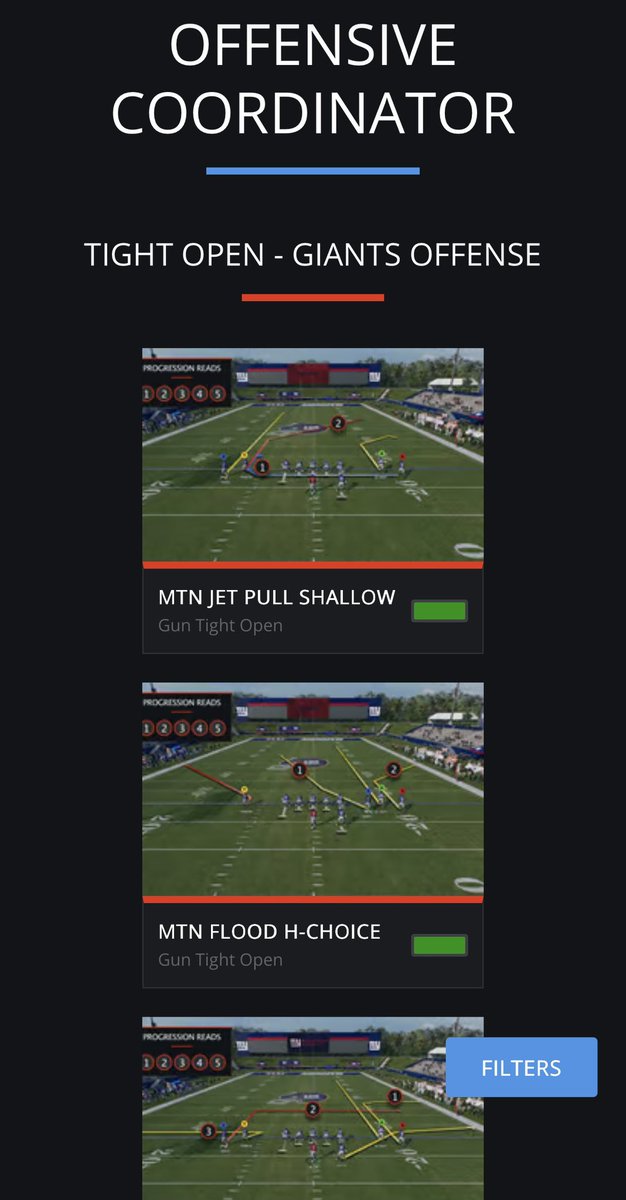
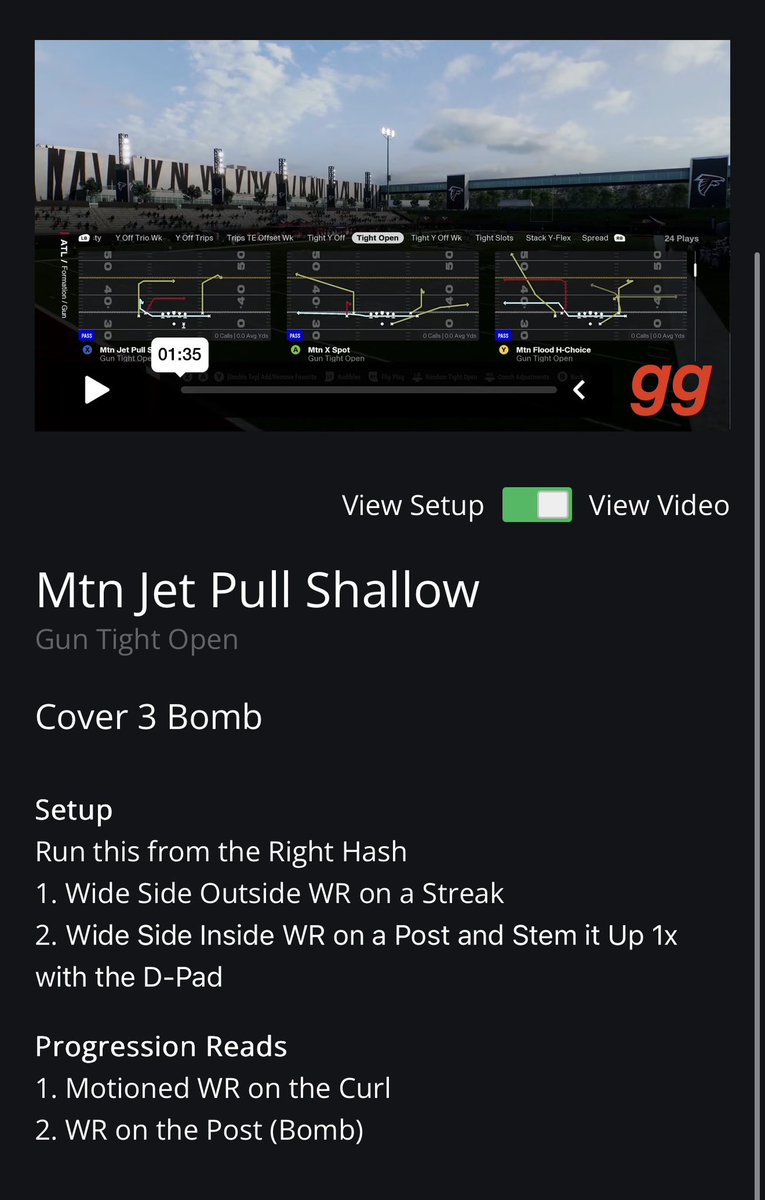
Sometimes we have people ask how to best utilize our offensive coordinator tool, so figured it’d be best to explain it here as well!
There are two ways to best utilize this tool…
1. Use it to learn a new gameplan on our site.
2. Use it to find answers for in game situations you have.
Every offensive gameplan we release is put into our Offensive Coordinator.
You can select up to three gameplans at a time to load into the tool.
From there you’ll see different situations/defenses you’ll face throughout a game. Select whichever coverages you’re looking to attack, and it’ll show you the best plays to utilize from the selected gameplan(s).
You can then click on any play you want and it’ll take you to a new screen that shows you a full video breaking down that setup, a screenshot of the play art, and a write up of the setup/progression you need for that play.
If you’re looking to learn a new offense, you can have this tool up while you’re in practice mode and you can go defense by defense helping you learn all the different setups we teach.
If you’re looking for answers mid game, just load up the Offensive Coordinator tool and select the coverage(s) you’re struggling against and find the best solution right at the top!
If you have any more questions about how this works, just let us know!
1
2
38
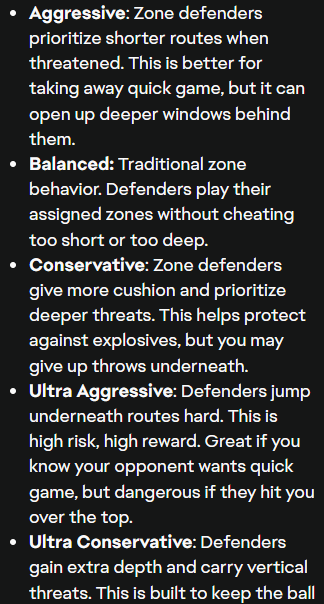
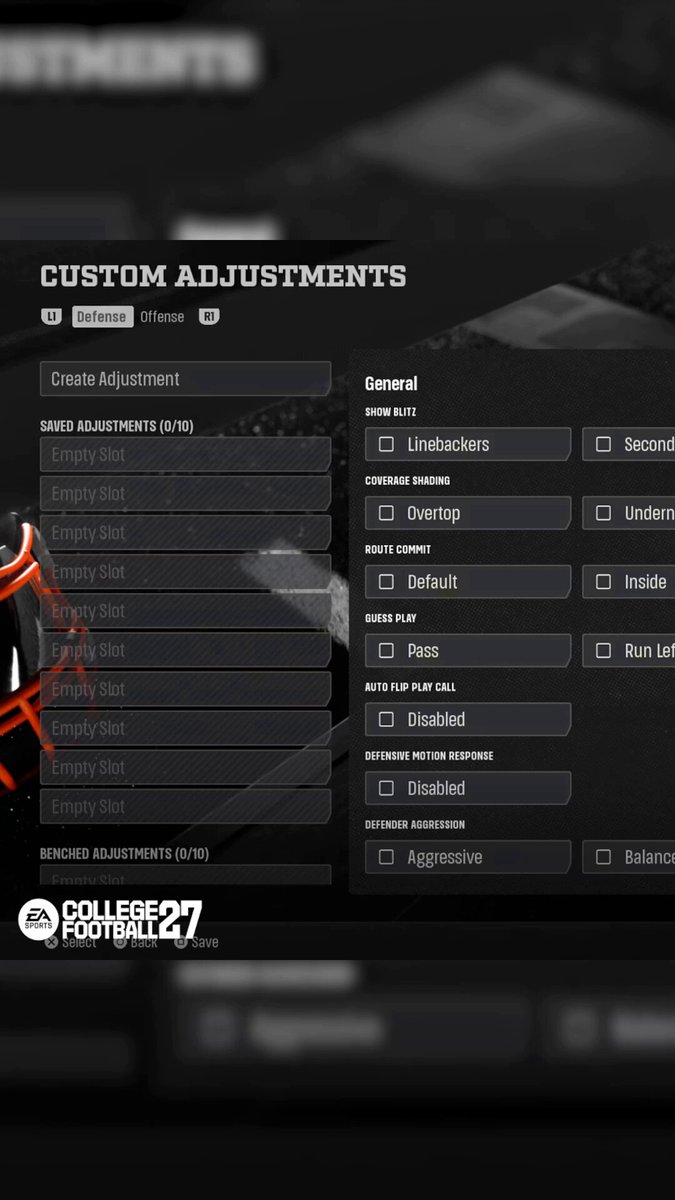
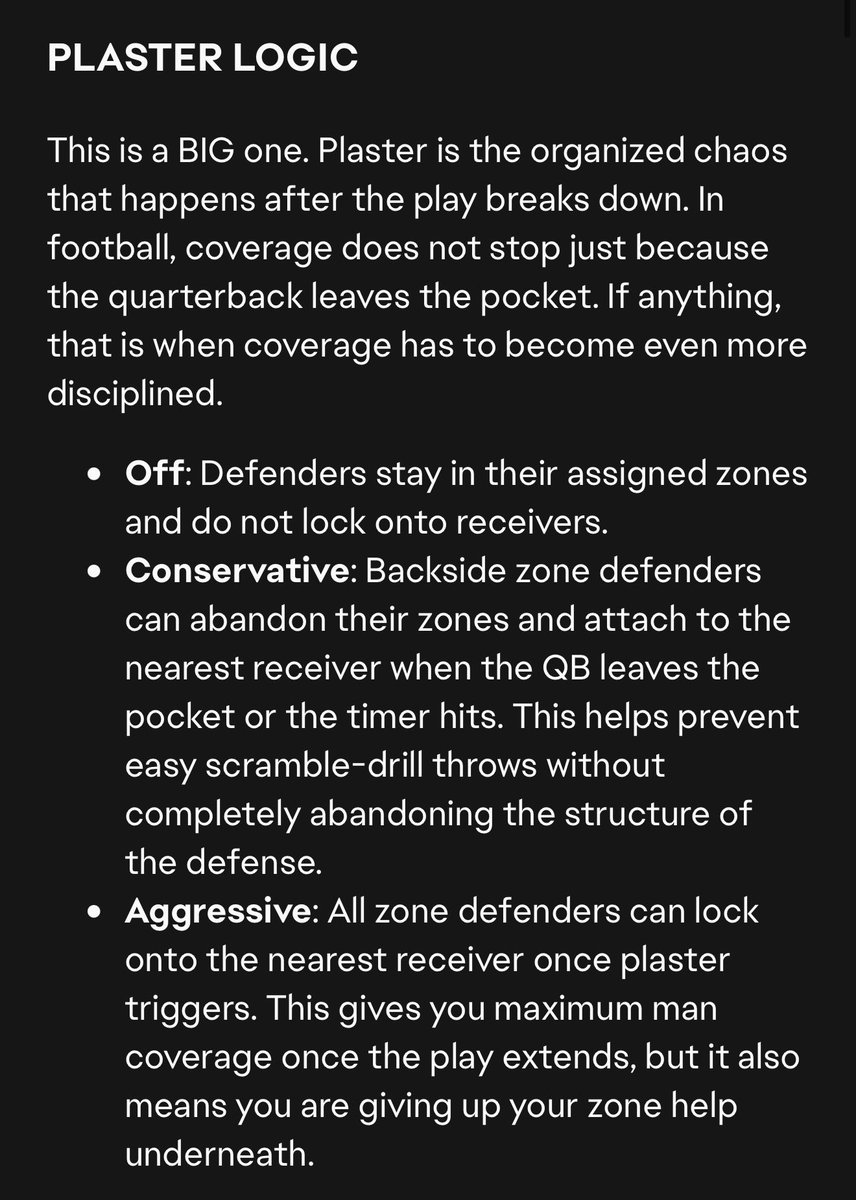
Something you should be utilizing on DAY 1 of CFB/Madden 27 is the new Smart Zones feature.
This will allow you to have a lot more control than you've ever had with how your zones play.
If you're struggling vs someone constantly throwing mesh concepts or underneath routes, look to set your zone strategy to Aggressive or Ultra Aggressive!
That's been a pain point for years, and we now have the answer!
10
149
9,162
It’s going to show you how Superstar mode works with either a QB or a TE
Jun 12

Nah fam even in superstar mode they took shortcuts too we not making excuses I could only beta test qb and te what is that gonna do???
1
3
1,282
This is the main purpose of the beta.
See how the modes operate.
Progress in MUT and Franchise doesn't carry over to the game anyways, so anything achieved during the beta would be lost.
Jun 12

Am I sad I can’t start a franchise with my Jets? Absolutely! But it allows me to be surprised what happens when it releases with my team. In the meantime, I can try out different teams and get a feel for how franchise works
7
1,594
1. Hold LT/L2 to bring up Global Adjustments, Select Receiver you want to back off of, Up on Left Stick.
2. This is something that will become muscle memory the more we use the new adjustment system! It definitely can be frustrating at first.
Jun 12

two things i dont like from the beta
1. Give us the option to individualy move our corners back.instead of forcing us to globally move them back.
2.Change the icons back to left corner square and right corner circle...stupid change in my opinion it was muscle memory
1
1
639
Huddle.gg retweeted

Jun 11
As always, this isn’t final & please use the forms for your feedback - promise it is the best way to share.
Starts at 12pm et!
See you in the field 🫡
Jun 11

Hey MVP Members!
It's almost time for you to get your hands on the #Madden27 Beta today! Before you get started at 12:00pm ET, we have some details we would like to share.
Read Here: x.ea.com/89487
2
2
12
3,910
Congrats to @DrDaquavis for taking down the Crab and winning the prize last night!
Next Tuesday we'll have a new Pro, with more prizes at stake!

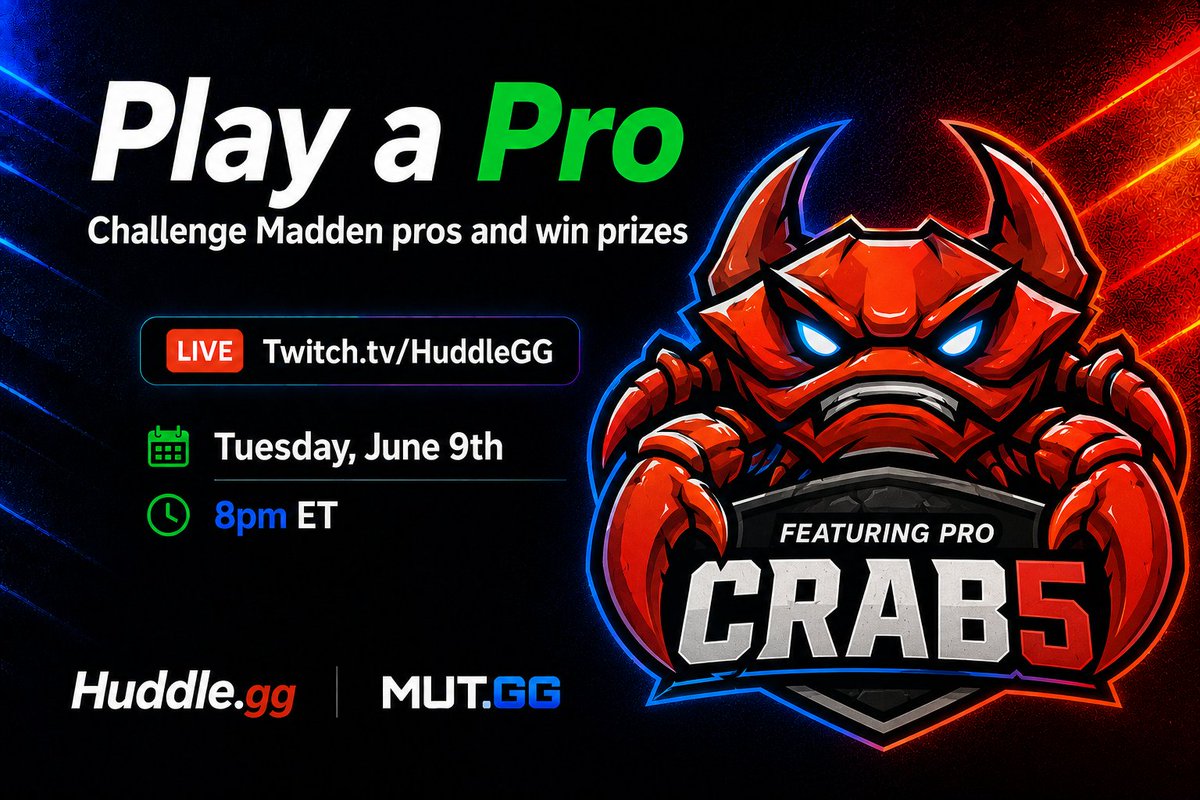
Play a Pro continues tonight with a @MUTdotGG community legend on the sticks.
Don't miss your chance to take down Crab5 and win some awesome prizes!
🗓️ Tonight
🕗 8:00 PM ET
📺 twitch.tv/huddlegg
1
1
7
1,094
Does anyone beat @GoatGeezy next year?!?!
He's doing this with a PUNTER in June!

1
6
5,715
You can join our discord for FREE by going to huddle.gg/discord
1,207