
Striving to be the best diagramming tool for software professionals. Create UML class, sequence, entity-relationship diagrams. 🎬 youtu.be/WjvBjok26bo
Joined July 2019
- Tweets 274
- Following 2,122
- Followers 996
- Likes 238
147 Photos and videos

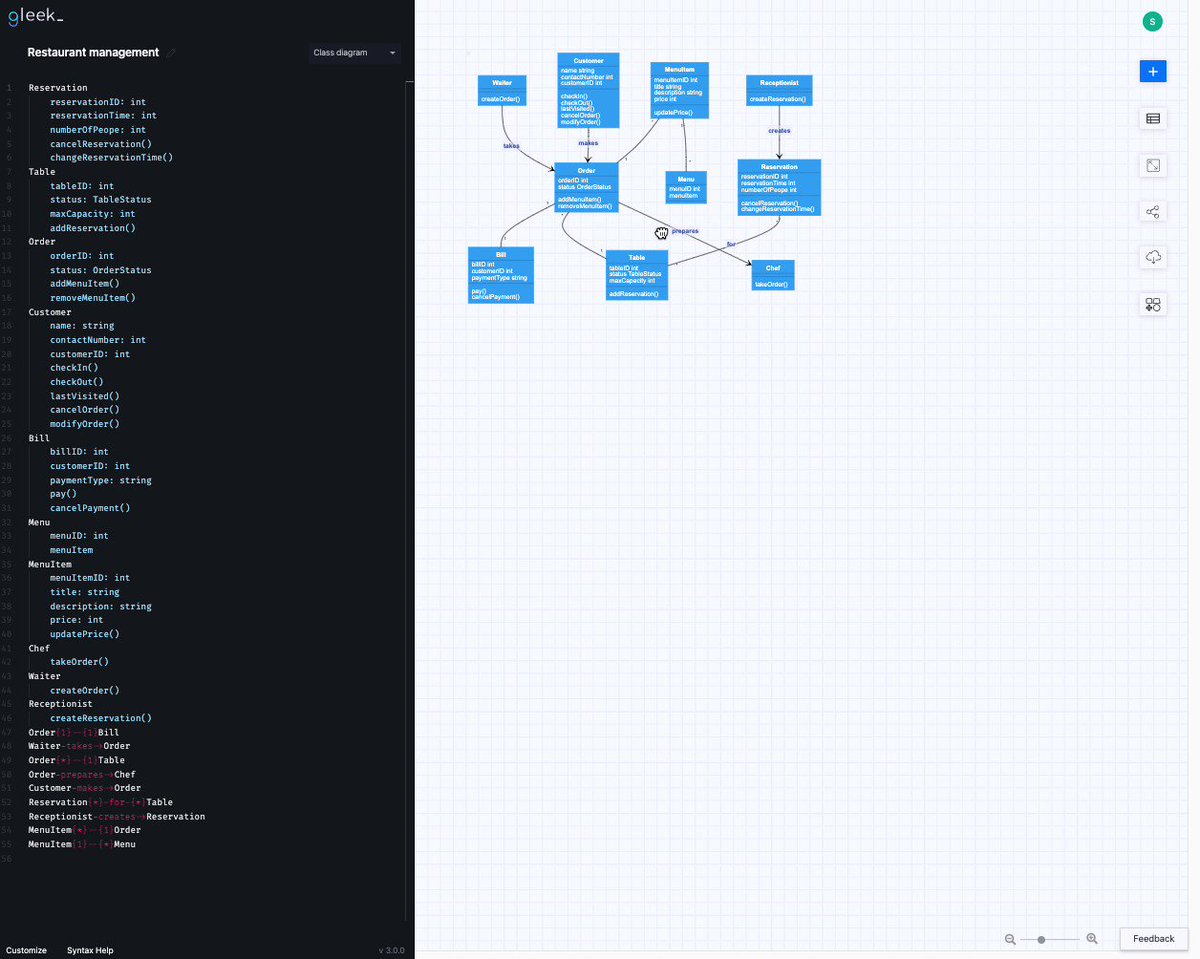
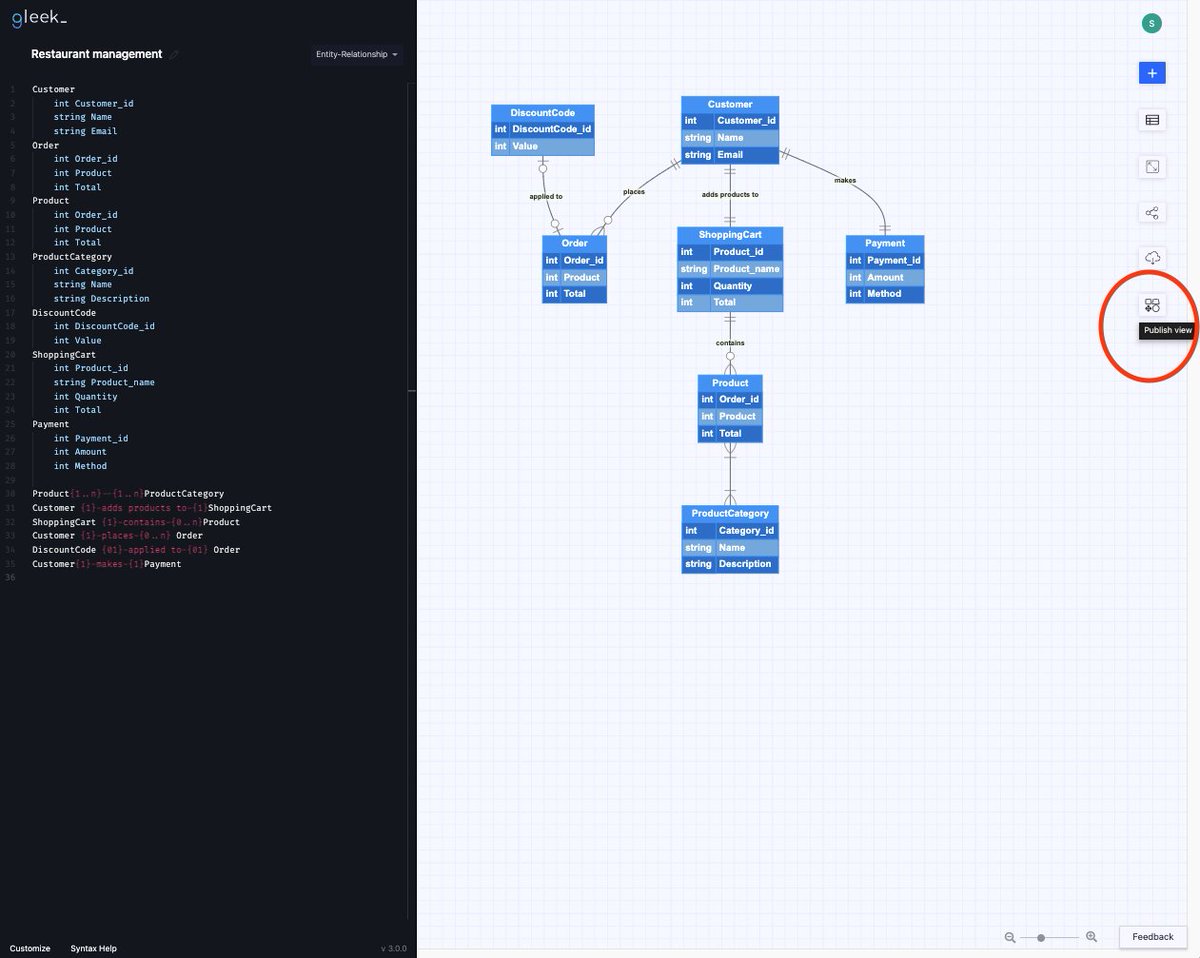



Our team was preparing for it for a long time and it finally happened. We just launched Gleek on @ProductHunt! We appreciate your feedback and support 💙
👉 bit.ly/36jBtPj
#gleek #producthunt #diagrammaker
2
7
30
📽️ Exciting news! Our second Gleek AI chat video tutorial is live now.
This time, we're diving into Microservices Sequence diagrams:
bit.ly/45RwD7W
#AIchat #Microservices #texttodiagram

1
98
Exciting News!🎉
🤖 Our brand-new How-to video is live on YouTube! Discover how to design a University management system Class diagram using Gleek AI chat. Check it out now and share your feedback:
bit.ly/46FfSyc
#AI #Tutorial
1
133
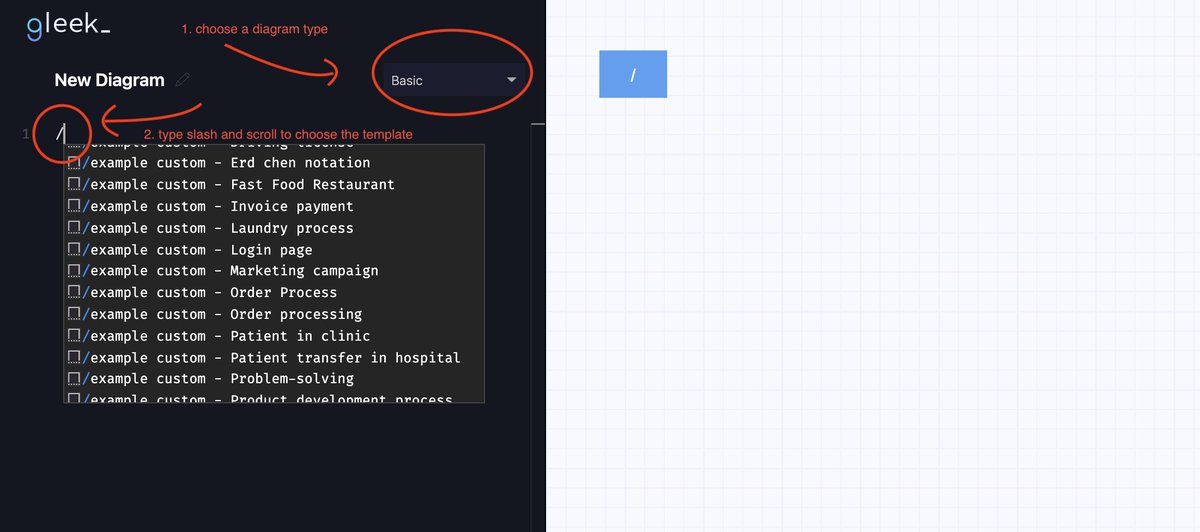
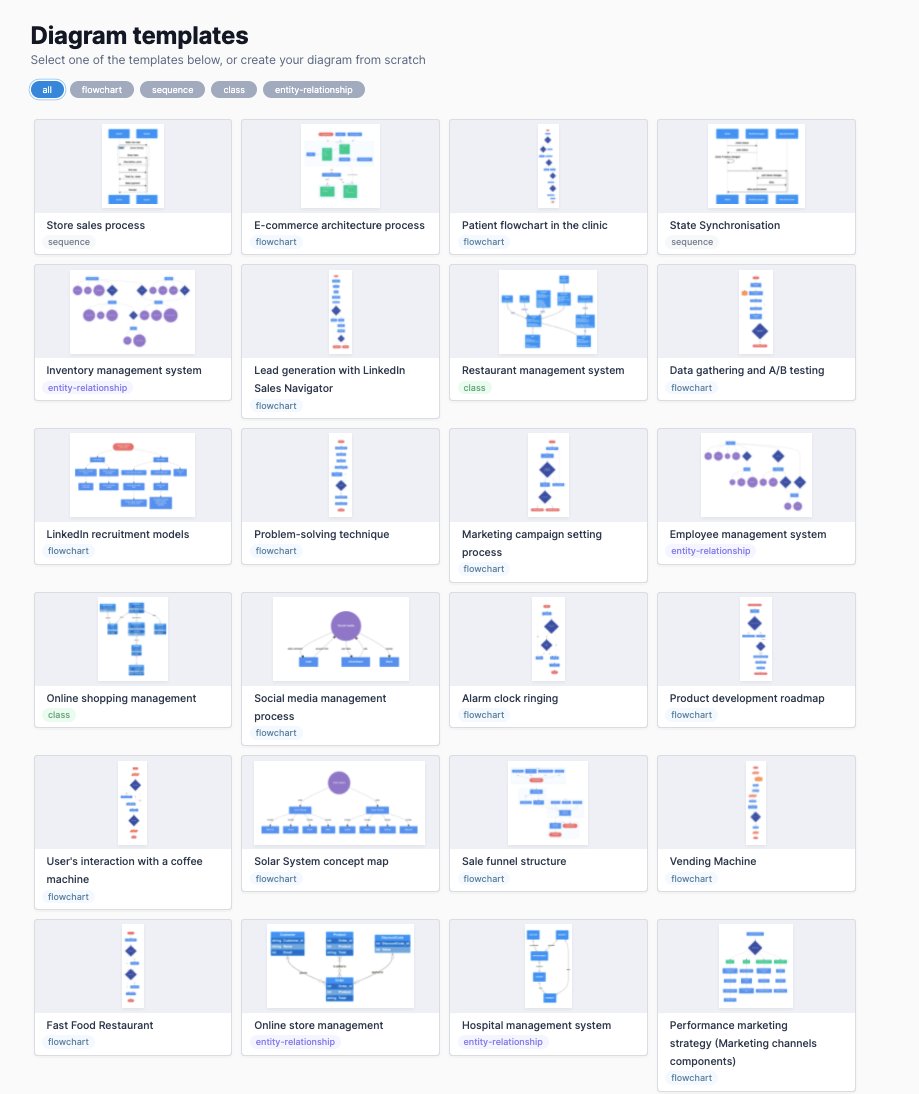
Access them from the links at the top of the Gleek website or just type a forward slash in the code field while using the app.
gleek.io/templates.html
#templates #diagramming
Ideal documentation:
❗️ Can be read in less than 15 minutes and generally saves your and team's time.
❗️ Explains the code on a high level and doesn't contain code description.
❗️ Has a level of detail based on the team's matureness.
#documentation #developermemes
1
3
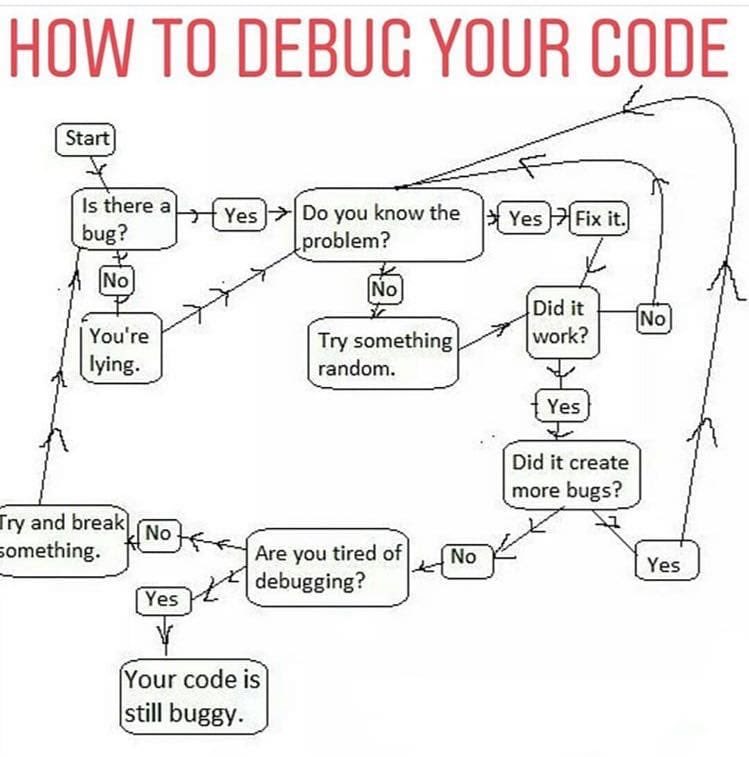
Fixed the same bug twice and didn't know it. Happened to you? @sonicrocketman shares his story of how he recognized the bug, fixed it, and still doesn't know what caused it:
brianschrader.com/archive/i-…
Watch a video tutorial about how to use the Gleek extension for Azure DevOps:
🎞️youtube.com/watch?v=riqb7SRh…
#Azure
#Mustwatch of the week
Cool video by @uidotdev on the story of React. Definitely deserves your attention.
youtube.com/watch?v=Wm_xI7Kn…
4/4 Other facts about Publisher mode:
🔍Publish mode works with all diagram types except sequence diagrams.
🔍Publish mode is a Premium feature.
🔍You can download diagrams in PNG and SVG and then exit Publish mode.
Check out more Gleek V.3 Updates:
🔗gleek.io/blog/gleek-updates-…
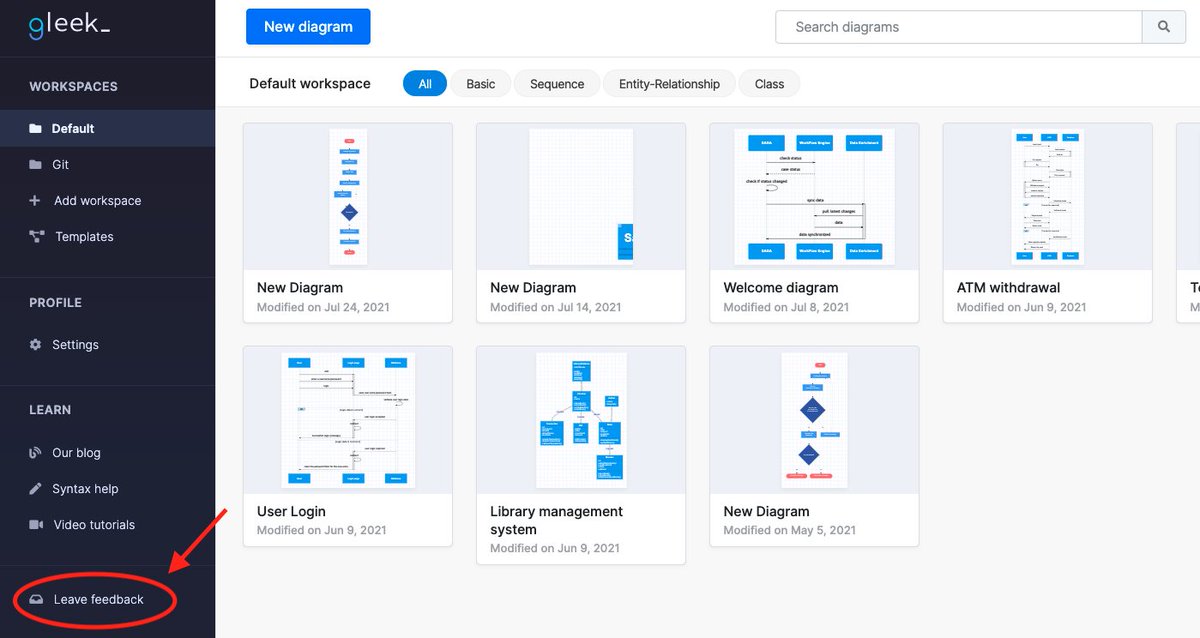
Found a bug or have a suggestion? We are always happy to receive any feedback! Contact us via the Feedback form, available from within the Gleek app.
app.gleek.io/
#Productoftheweek
We discovered a cool product called Nolific (nolific.com/) by @joeldare - a minimalistic tool (for developers) to create more productive notes. Read his own review on the improvements after using this tool:
joeldare.com/gains-im-seeing…