
Keepsafe's official Twitter customer support account. Visit @keepsafe to stay in control of your digital life. Keepsafe YouTube:
Joined April 2012
- Tweets 2,836
- Following 472
- Followers 36,650
- Likes 71
68 Photos and videos






Jun 11
Keepsafe Premium can help you protect your photos even more! Click here to learn about our Premium features: bit.ly/398ckqd
68
Jun 11
Not sure if you should get a Premium subscription? Check out the features that Keepsafe Premium offers: bit.ly/398ckqd
63
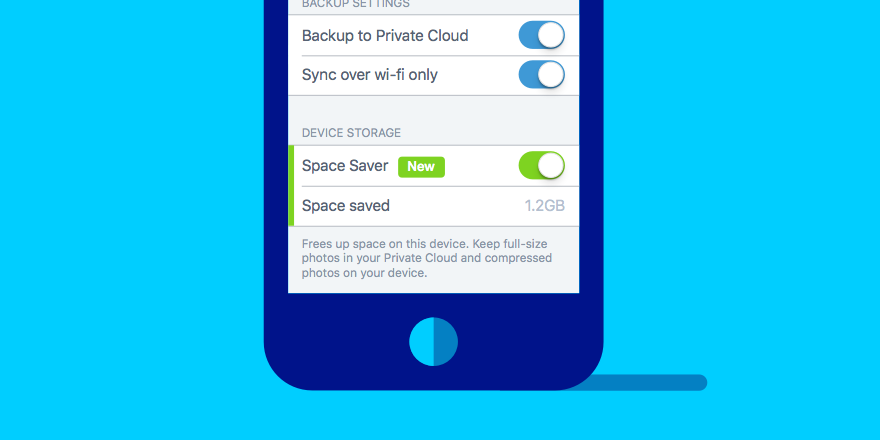
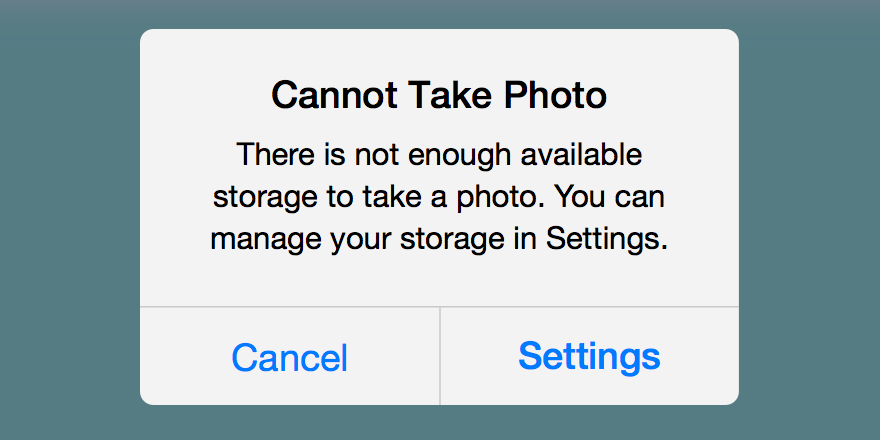
Need more storage space in your Keepsafe cloud? Visit our Help Center to learn what your options are: bit.ly/2wgIvFm
71
Your Keepsafe cloud is completely full but you have more photos? Visit our Help Center to learn what your options are: bit.ly/2wgIvFm
74
You can use Keepsafe on multiple devices! Use the same registered email address to log in and access your content across all your devices.
Learn more about Keepsafe in our Help Center: bit.ly/32z1ZBa
1
78
You can use the same Keepsafe account on multiple devices! Visit our Help Center to learn how: bit.ly/32z1ZBa
1
69
Enjoying Keepsafe Basic? Get more out of Keepsafe with a Premium subscription!
Visit our Help Center to learn more about our subscription plans: bit.ly/3adLJIm
46
Keepsafe Premium gives you access to all features. And the best part: no ads!
Visit our Help Center to learn more about our subscription plans: bit.ly/3adLJIm
49
May 28
Getting a new phone? Visit our Help Center to learn how to transfer your Keepsafe content safely! bit.ly/399J6rc
55
May 28
Changing devices? Don’t forget to transfer your Keepsafe contents before getting rid of your old phone!
The instructions in our Help Center will help you do this safely: bit.ly/399J6rc
65
May 26
Want to protect your memories?
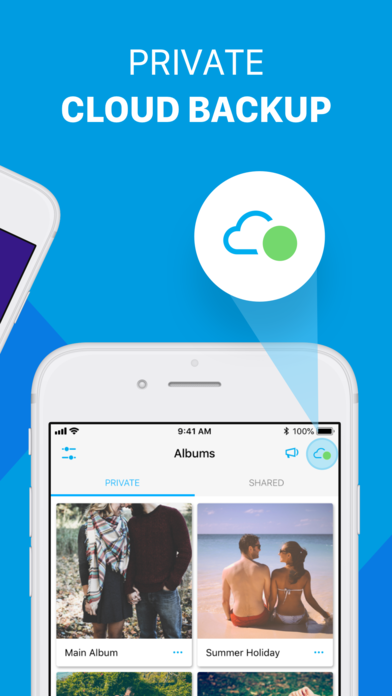
Keepsafe’s private cloud creates a backup of your photos and videos, which keeps them safe in case something happens to your device!
Learn more about it in our Help Center: bit.ly/3a7XJv4
58
May 26
Did you know?
In Keepsafe, you can backup your contents in your own private cloud, which keeps them safe in case something happens to your device!
Learn more about it in our Help Center: bit.ly/3a7XJv4
48
May 21
Want to store more than photos in your Keepsafe app? Here is a list of all supported file types: bit.ly/3bAxhdX
3
101
May 21
Having trouble importing a file into Keepsafe? Check out the supported file types here: bit.ly/3bAxhdX
48
May 19
Suspecting that someone might be trying to open your Keepsafe? Find out with ‘Intruder Alerts’: bit.ly/3uGiRbZ
48
May 19
Is someone trying to access your private photos on your phone? The ‘Intruder Alerts’ feature can tell you who it is: bit.ly/3uGiRbZ
41
May 14
Adding alternative email addresses to your Keepsafe account will help ensure that you never lose access to it! Visit our Help Center to learn how: bit.ly/497C5FG
83
May 14
Just created your Keepsafe account? Be sure to add at least one more email address to it, in case you ever lose access to the primary email: bit.ly/497C5FG
62
May 12
Can’t find your Keepsafe access code? Check out our Help Center for instructions: bit.ly/2QSNTcC
92