
AI interface for macOS. Write emails, Slack replies, Jira tickets, proofread, chat with documents ...with 350 supported models!
Joined February 2024
- Tweets 337
- Following 16
- Followers 834
- Likes 704
79 Photos and videos
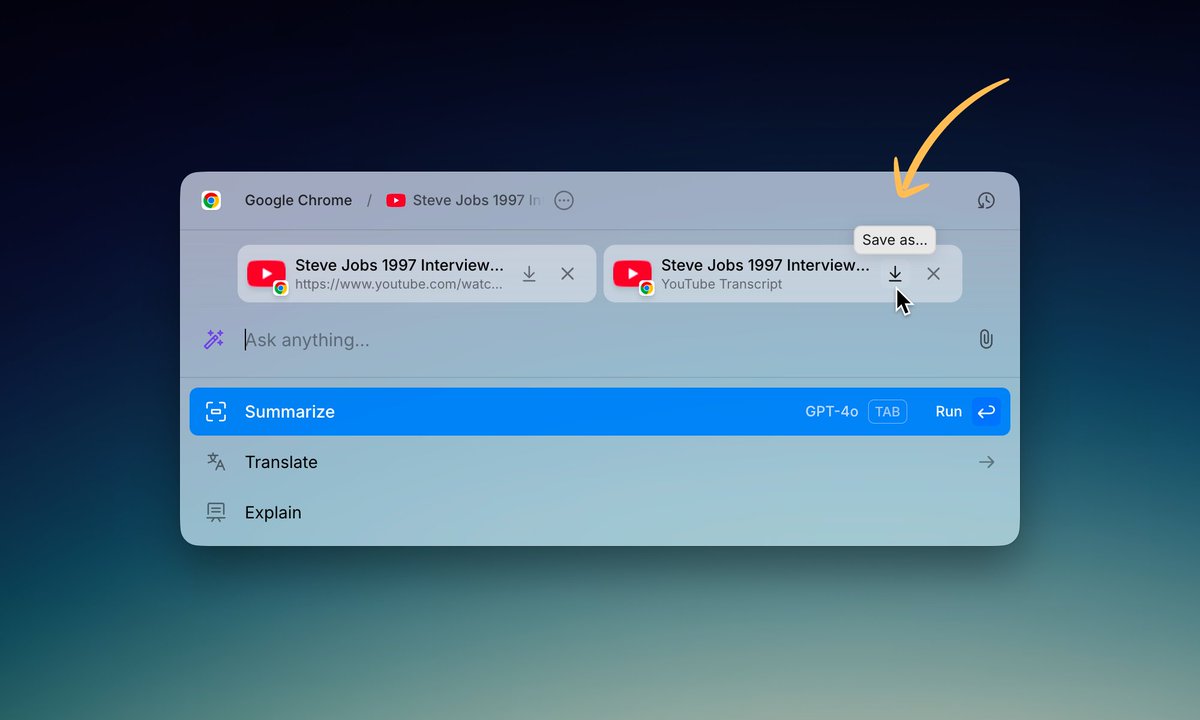
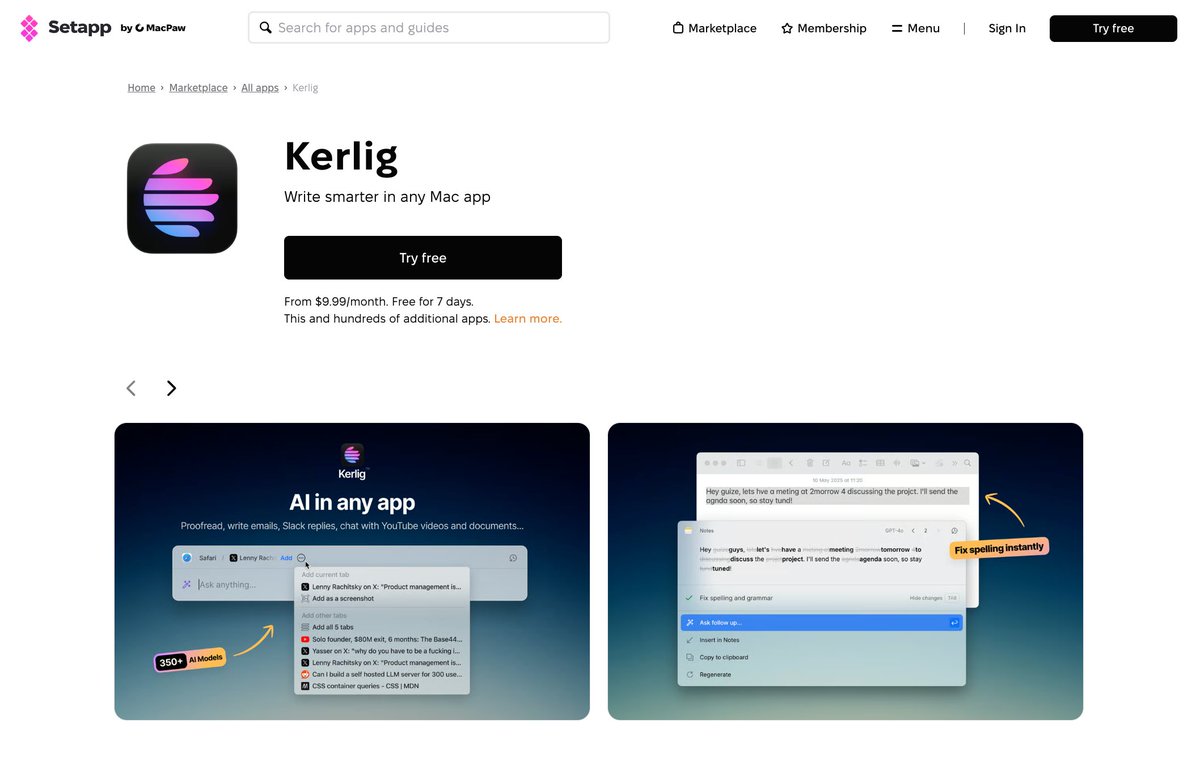
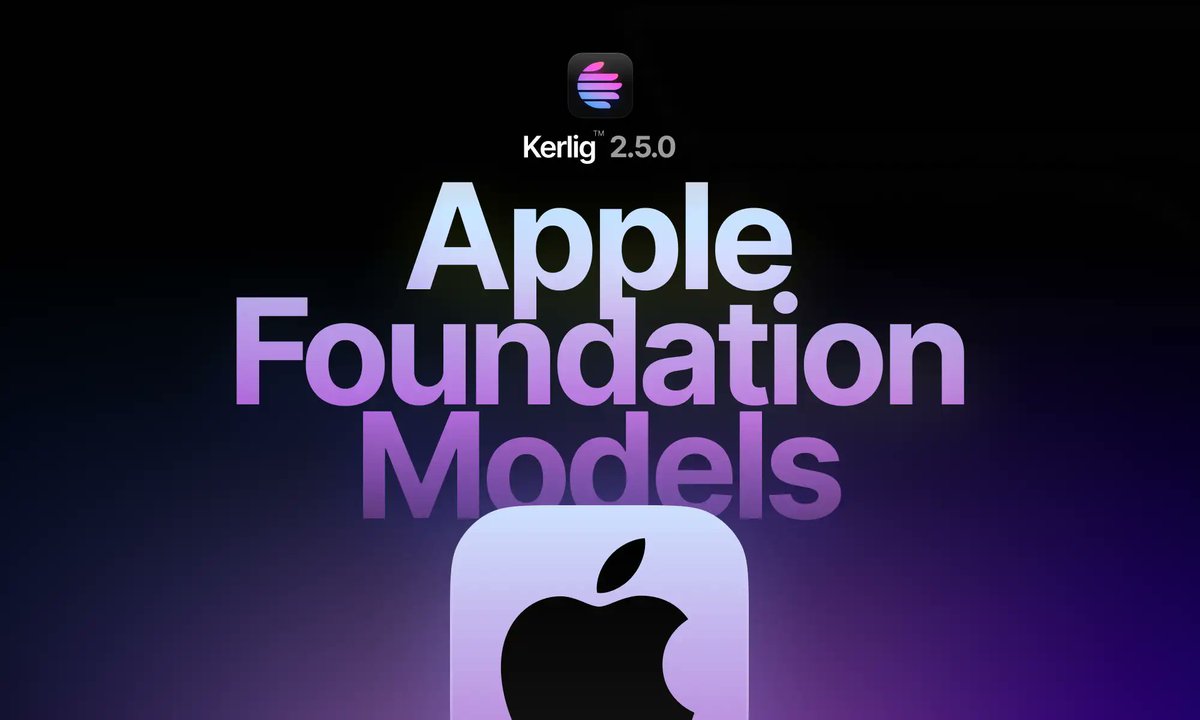

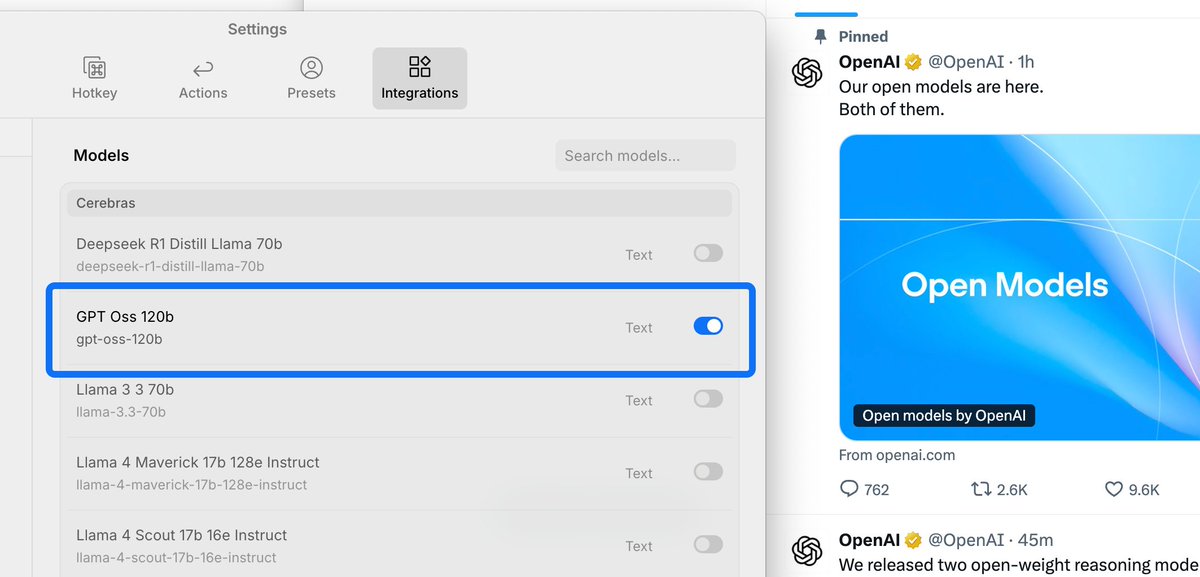
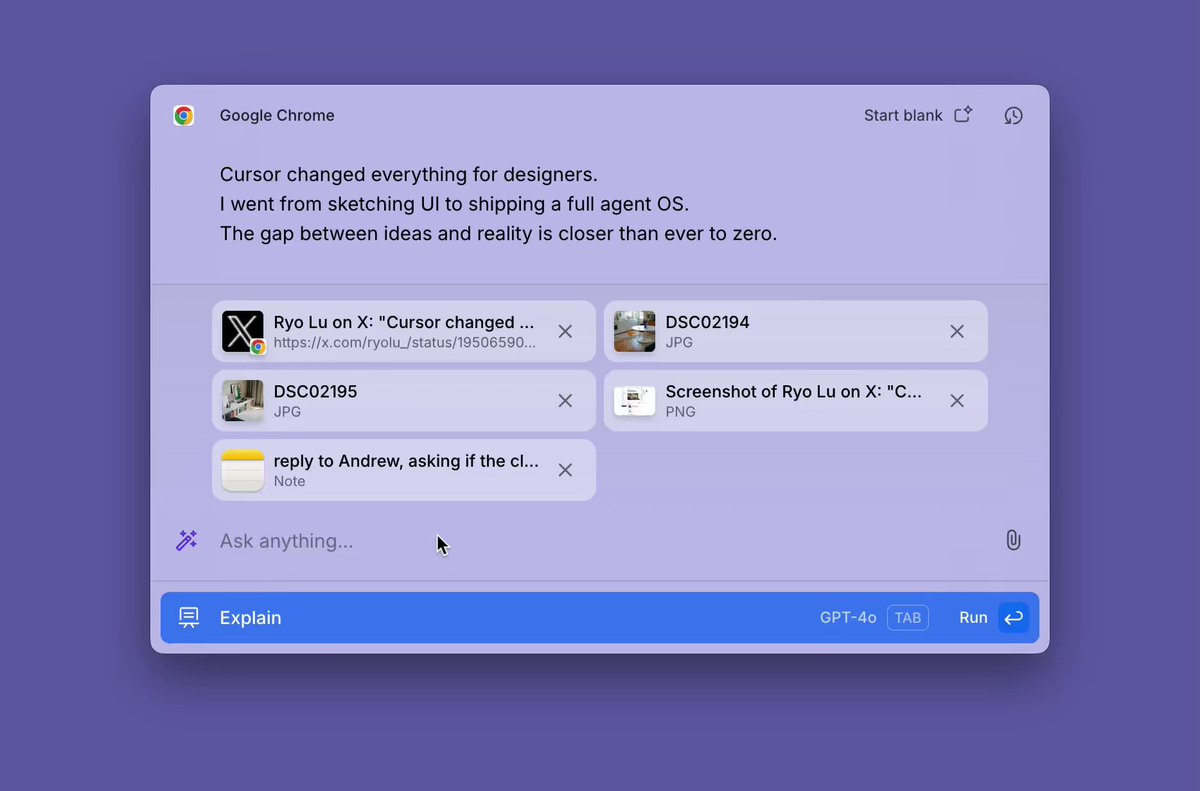
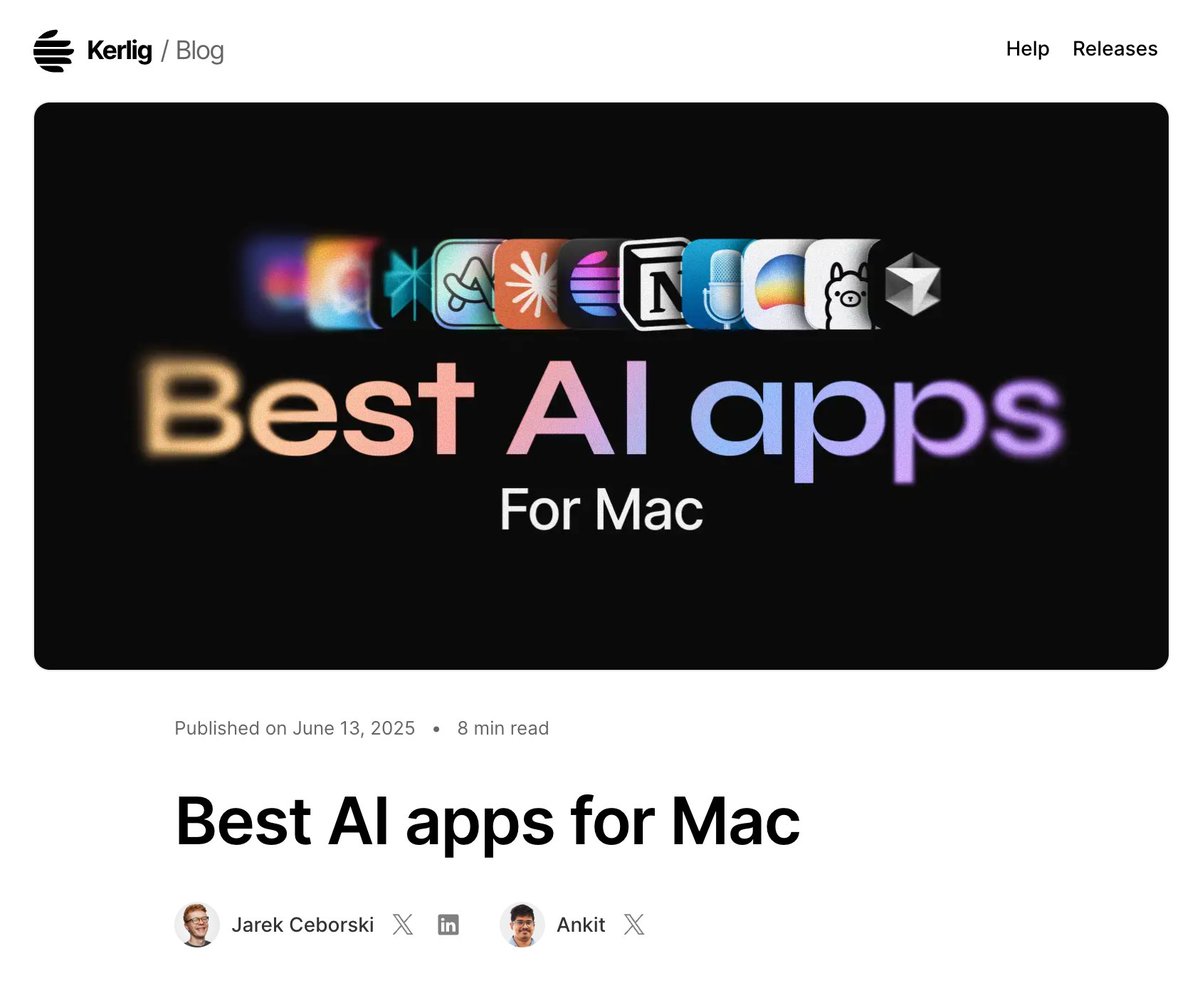
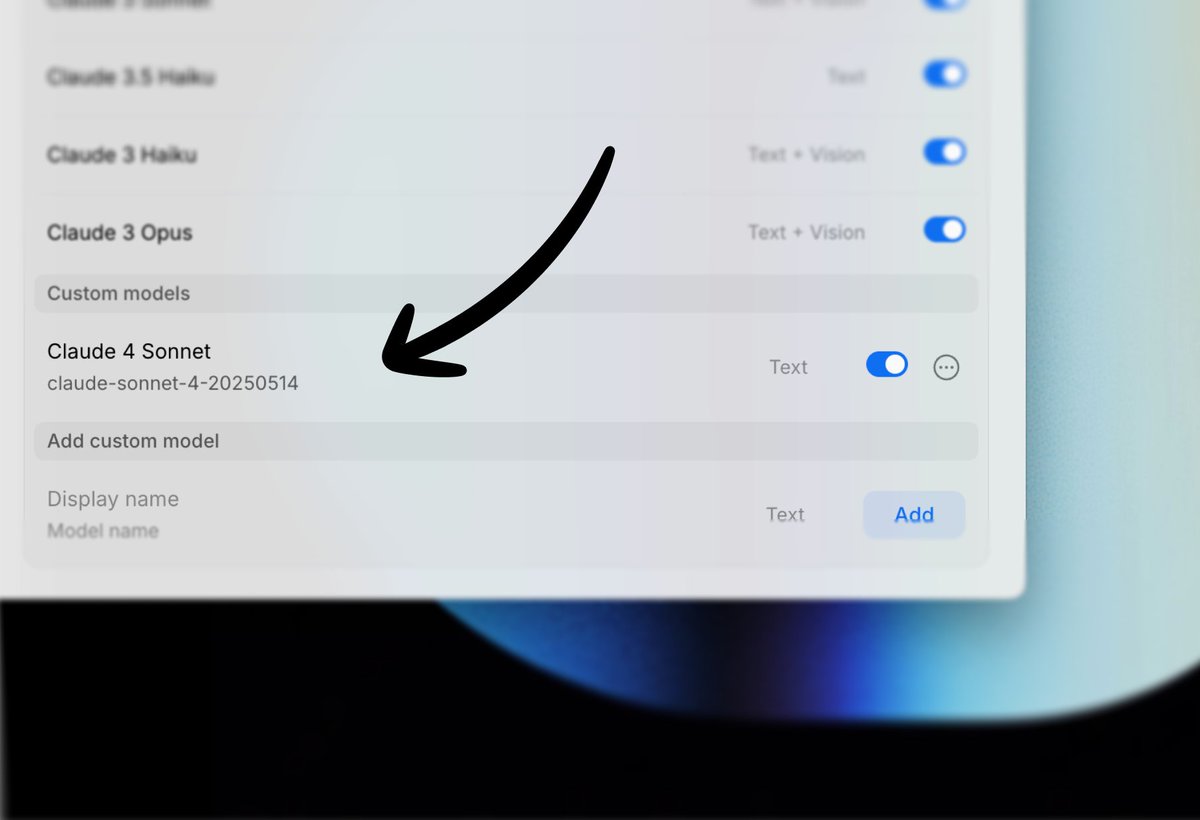
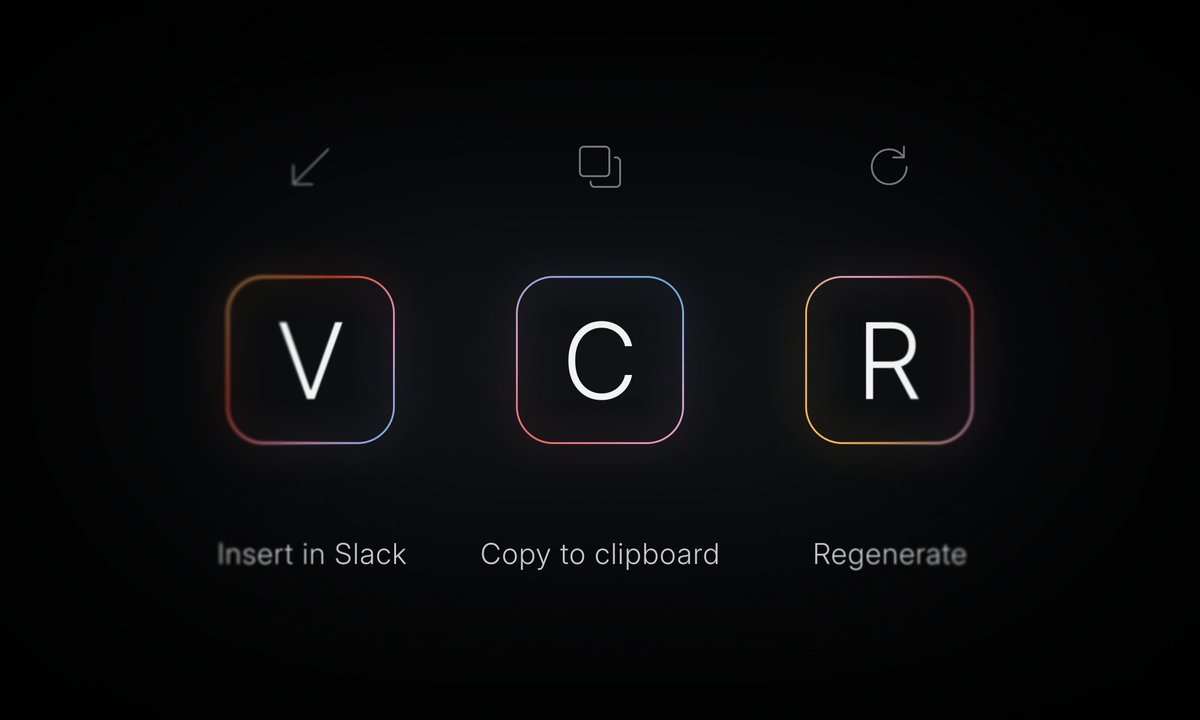

🚀 Kerlig 2.3.0 is here! Now you can capture content directly from browser tabs (even behind login walls!), plus read structured data from Apple Mail, Notes, Notion & Slack.
✨ Also new:
• Latest AI models
• Auto-close option
• Custom actions out of beta
• Longer model names
3
1
15
3,625
Release notes:
kerlig.com/releases#2.5.3
105
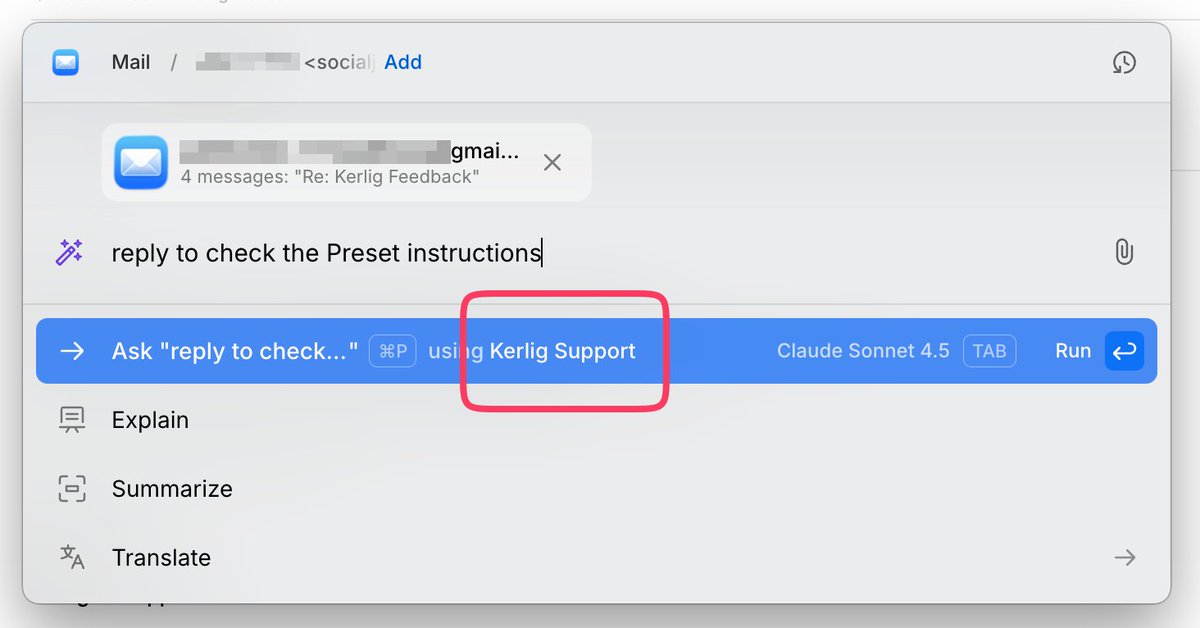
customer support 👏
24 Dec 2025

how many hours of customer support it has saved me it's just unbelievable! direct integration with Apple Mail is :chief-kiss:
2
344
Ready for Black Friday deals?
17 Nov 2025

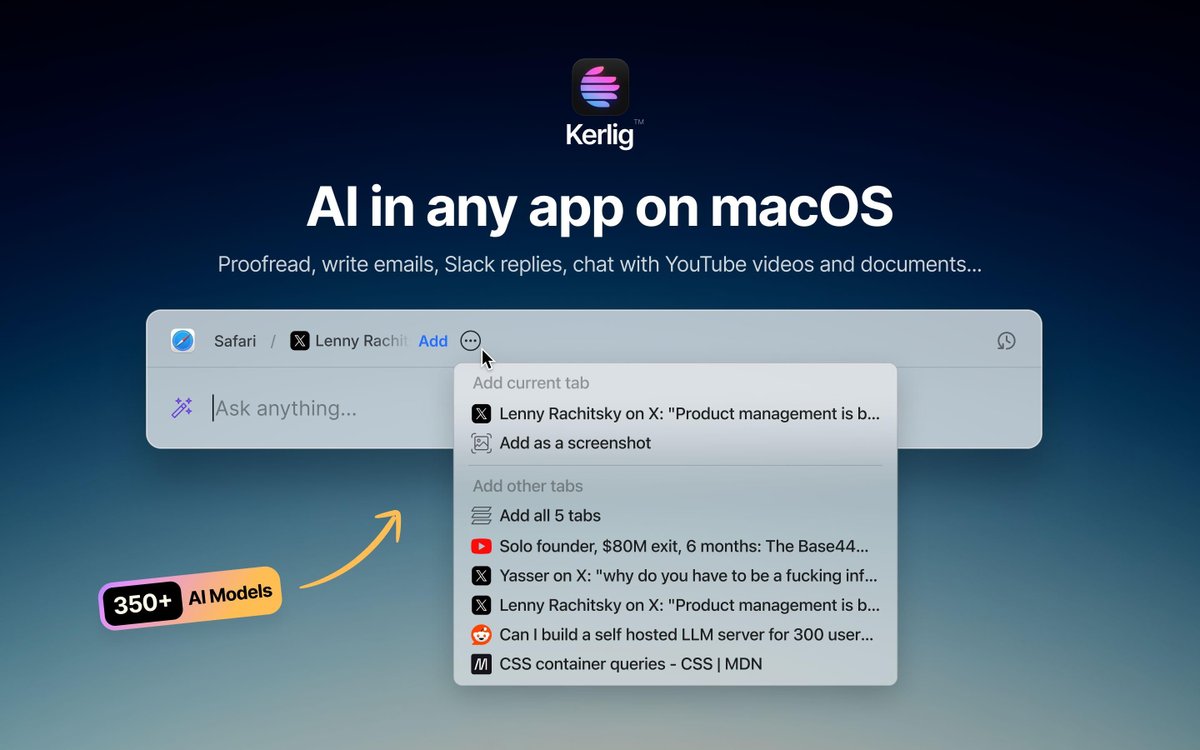
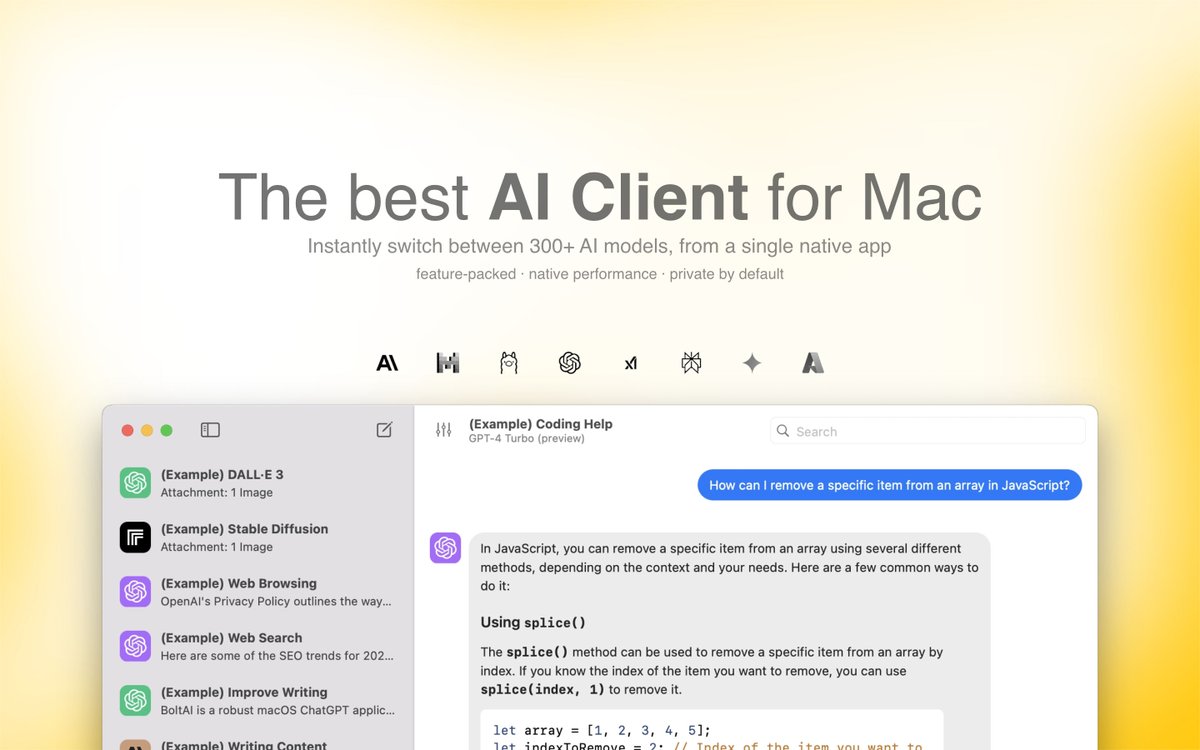
The two best AI apps on apps.deals -- @KerligAI and @Bolt__AI
Have you added AI to your daily workflow?
2
2
452
Kerlig retweeted

22 Sep 2025
Just ran some benchmarks on Apple Foundation Model and thought I'd share the results:
Setup:
✦ MacBook Pro M1 Max, 32GB RAM
✦ Using @KerligAI app
Performance:
✦ Time to First Token (TTFT) with 3,088 input tokens cold start: 7.32 seconds
✦ Tokens per Second (TPS): 33 tokens/sec
Quick thoughts: The cold start time is pretty reasonable for on-device inference, and 33 TPS is solid. It doesn't feel slow at all. I'd say "acceptable", though I can't call it fast.
Anyone else testing Apple's Foundation Model?
1
1
11
1,798
Release notes:
kerlig.com/releases
1
281
Reached 2nd place on Uneed! Thank you 💪
12 Sep 2025

Here's yesterday's podium, congratulations 🙌🏻
🥇 nano banana - 58 points
🥈 Kerlig (@KerligAI) - 51 points
🥉 Context Engineer MCP (@alessiocarra_) - 40 points
1
393
Support Kerlig on Uneed today!
11 Sep 2025
LAUNCH 🚀
Kerlig is now live on Uneed!
Likely the best AI quick chat you can get on macOS
I appreciate your support (ᵔᴥᵔ)

1
356
Summarize, explain, translate, behind the scenes:
2 Sep 2025
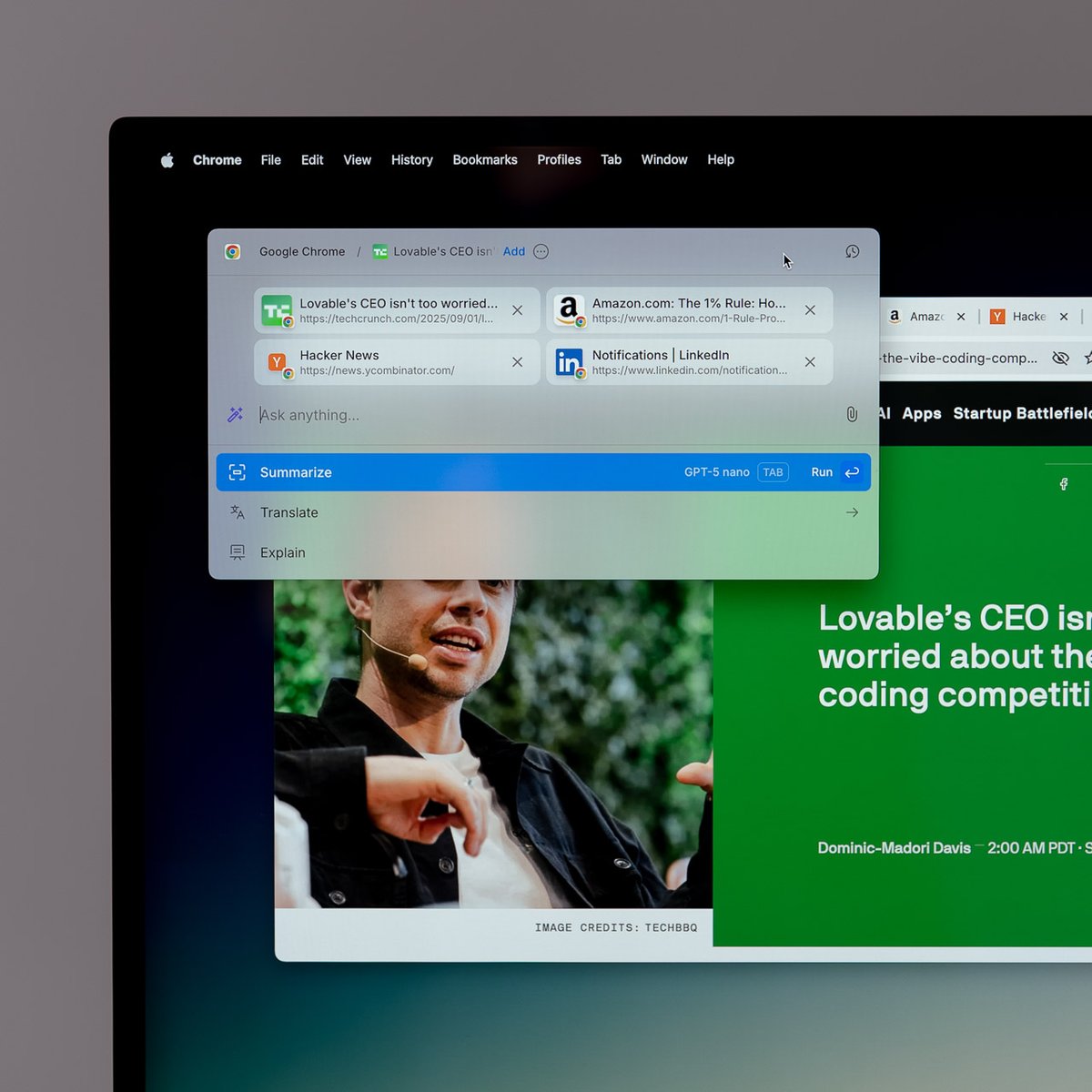
How Kerlig summarizes websites? I share the secret sauce:
1. First, it reads HTML source directly from the browser using AppleScript, so whatever page/app you see, Kerlig can see it too. This can only be done by a desktop app. When you see Claude or ChatGPT "Reading/Searching web," they do it anonymously from their servers. This means they can be easily blocked, and most importantly, they can't see what you see as a logged-in user, like social media, paid articles, web apps, etc.
2. Next, it strips out ads, popovers, overlays, footers, and other distractions. The goal is to provide LLMs only with what's important – otherwise, it's easy to make the model distracted and confused, which will result in mediocre output.
3. Finally, it converts cleaned-up HTML code to Markdown format. LLMs love Markdown – it's their native format, easiest to understand. It's basically plain text with formatting (also supports tables, images, links, etc.). At this point asking LLMs to summarize, explain, translate is a piece of cake.
That’s the “secret sauce”: Kerlig makes web content digestible so you get sharp, accurate summaries without the fluff.
322
terminal buddy 🤌
29 Aug 2025
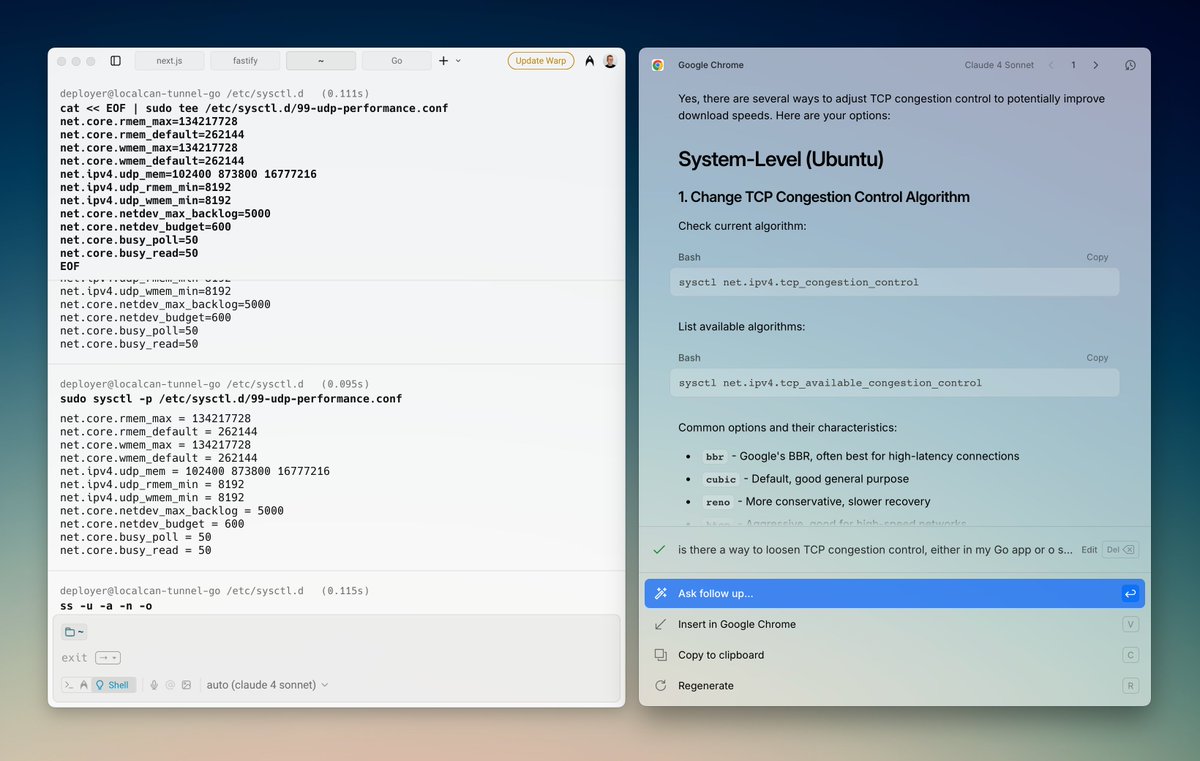
Best buddies 🤝 @KerligAI, who knew you can increase your server throughput 5x by changing the TCP congestion algo from `cubic` to `bbr`
335
Read here:
kerlig.com/blog/market-resea…
1
195
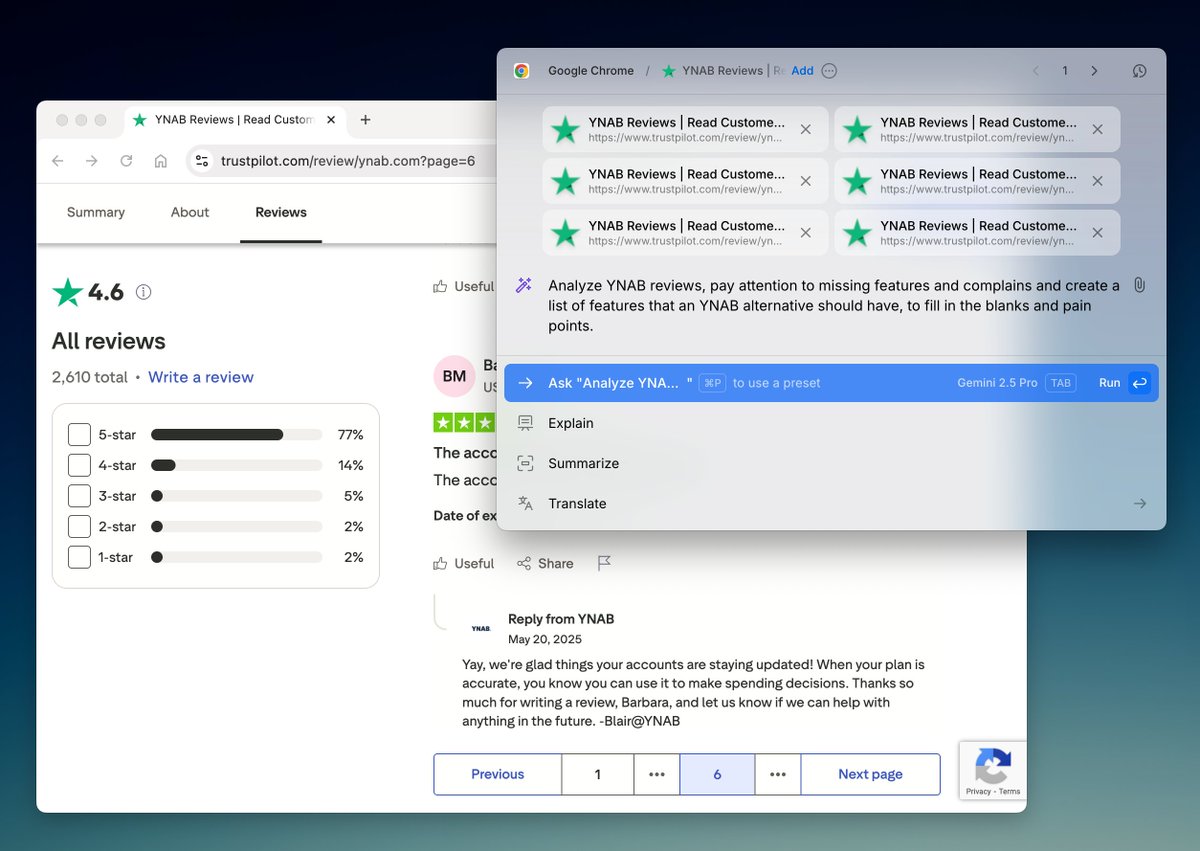
Analyze Trustpilot user reviews and find ideas for new SaaS products! ⭐️
11 Aug 2025
User reviews are a goldmine for new SaaS ideas!
See how I »chat with 500 user reviews« on Trustpilot with kerlig.com ↘️
Prompt:
Analyze YNAB reviews, pay attention to missing features and complaints and create a list of features that an YNAB alternative should have to fill in the blanks and pain points.
284