
We're here, we're listening, and we're now LIVE 24x7. Service will never be the same again. Tweet us your Laptop/Tablet/PC issues for quick help!
Joined May 2016
- Tweets 21,707
- Following 575
- Followers 26,263
- Likes 94
765 Photos and videos








Jun 15
Digital clutter is still clutter.
Take a minute to clear out temporary files:
Windows R → type %temp% → Select All → Delete → Empty Recycle Bin.
Small habit. Noticeable difference.
#Lenovo #SmarterTechnology #LenovoServices
55
Jun 11
Your PC needs breathing room too.
Avoid blocking air vents and keep it on a hard, flat surface for better airflow and cooling.
#Lenovo #SmarterTechnology #LenovoServices
50
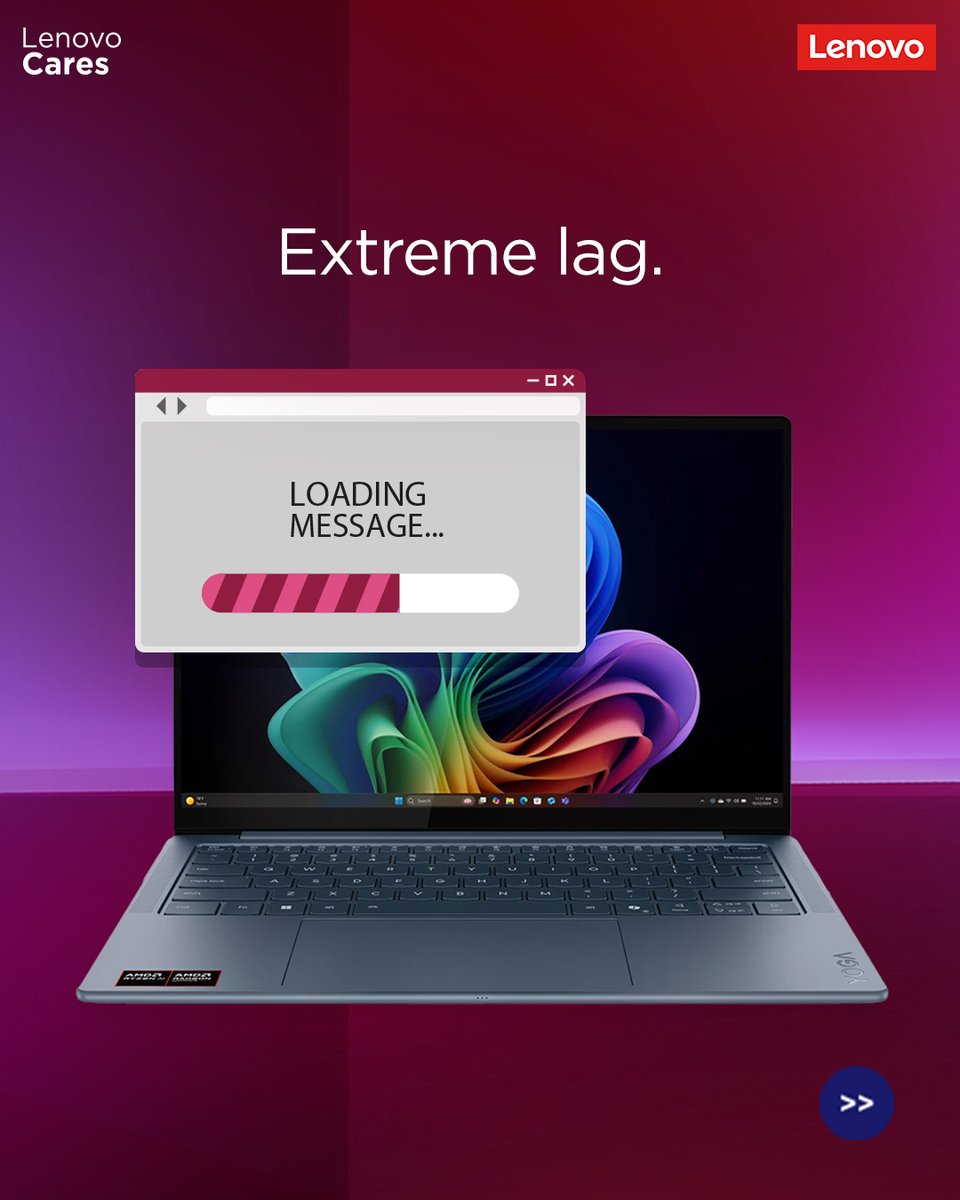
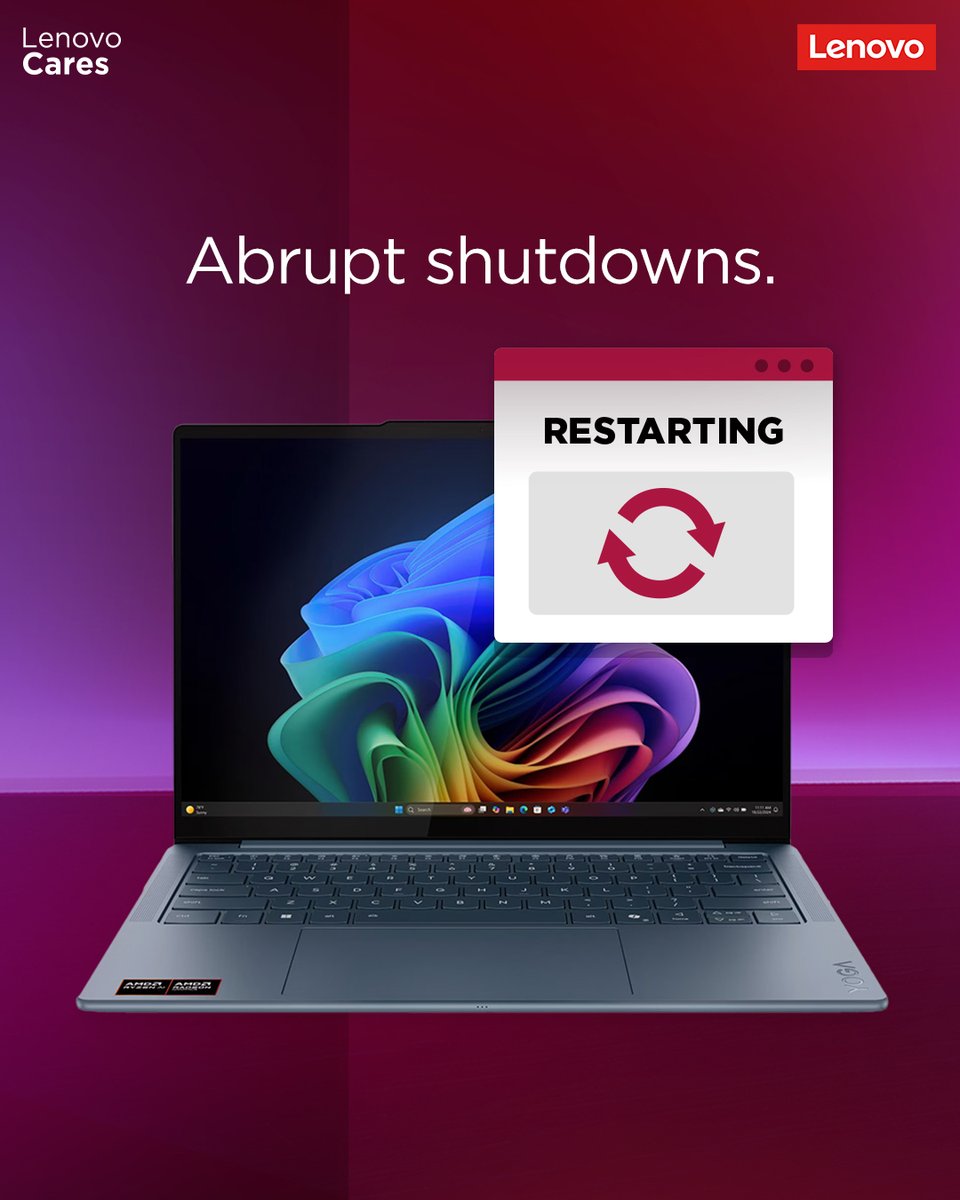
Facing extreme lag while opening files or folders? Or sudden shutdowns without any warning or error code? Your PC could be overheating.
Get guided help from the support team before it turns into a bigger issue.
#Lenovo #SmarterTechnology #LenovoServices
85
May 30
Tips to keep your movie marathon going: Dust builds up on fans, and vents traps heat instead of dissipating it, which can affect performance. Clean your PC every 2–3 months with compressed air or a soft brush for smoother sessions.
#Lenovo #SmarterTechnology #LenovoServices
92
May 26
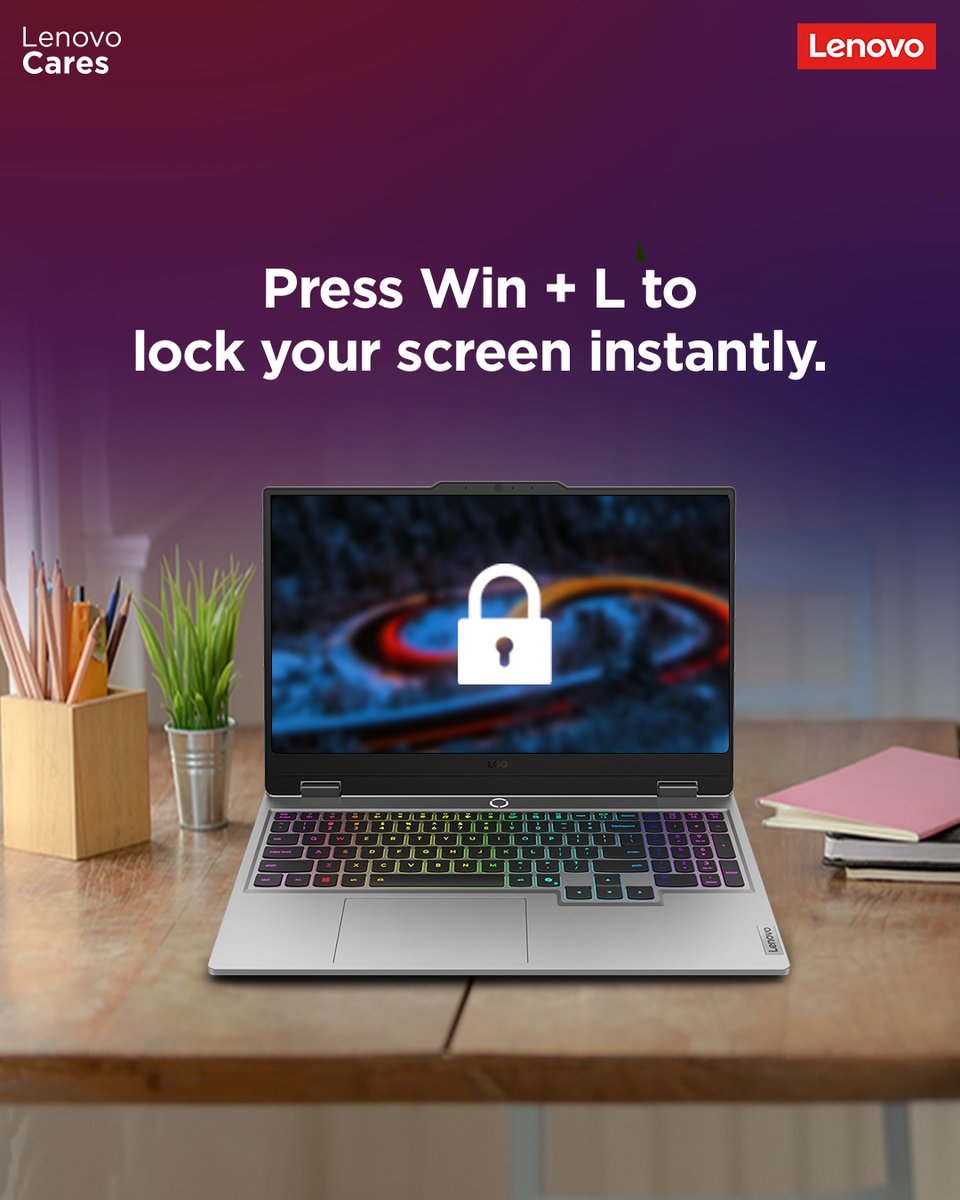
Ever get caught watching your favourite series while pretending to study? Not anymore. This sneaky little hack helps you keep “studying” without getting caught.
#Lenovo #SmarterTechnology #LenovoServices
1
84
May 25
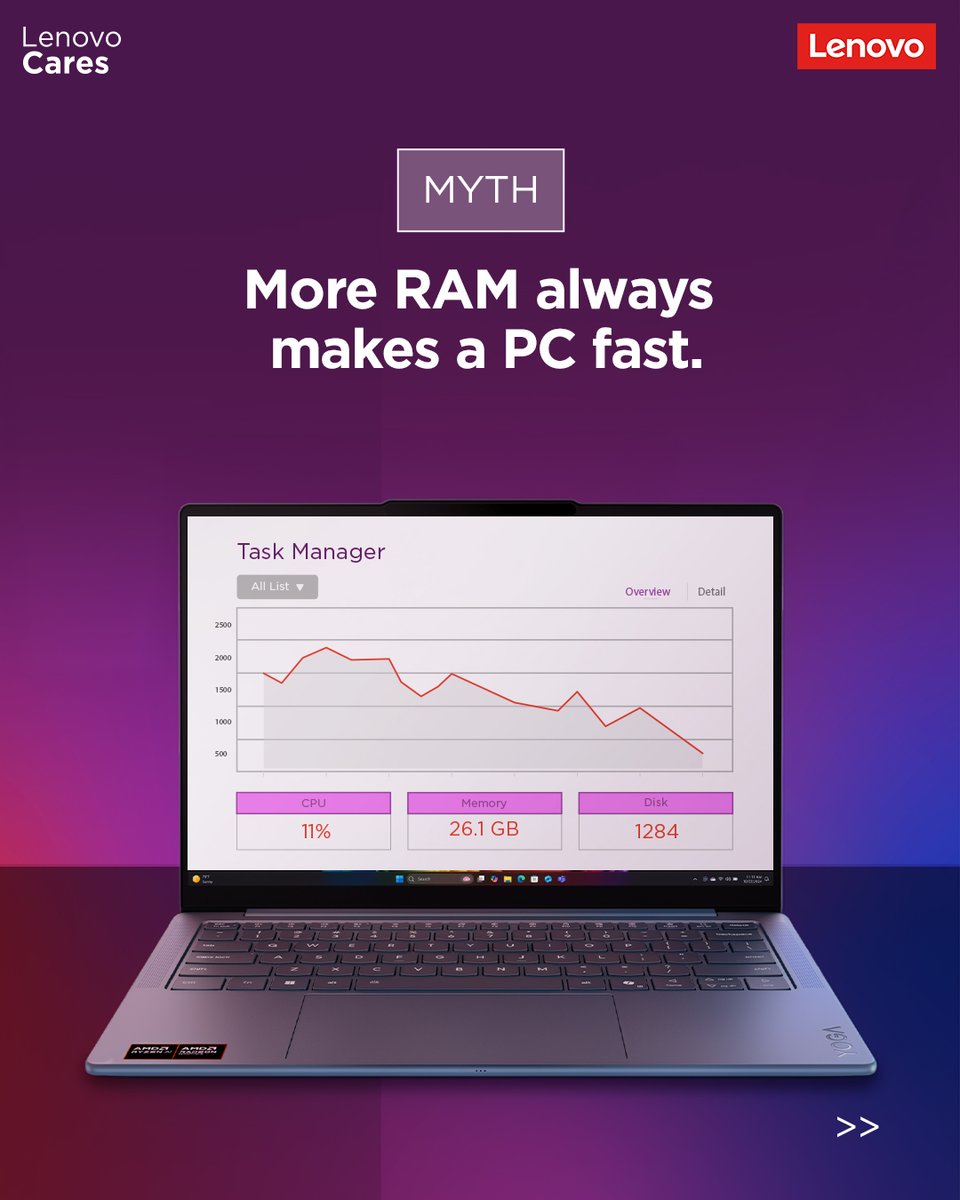
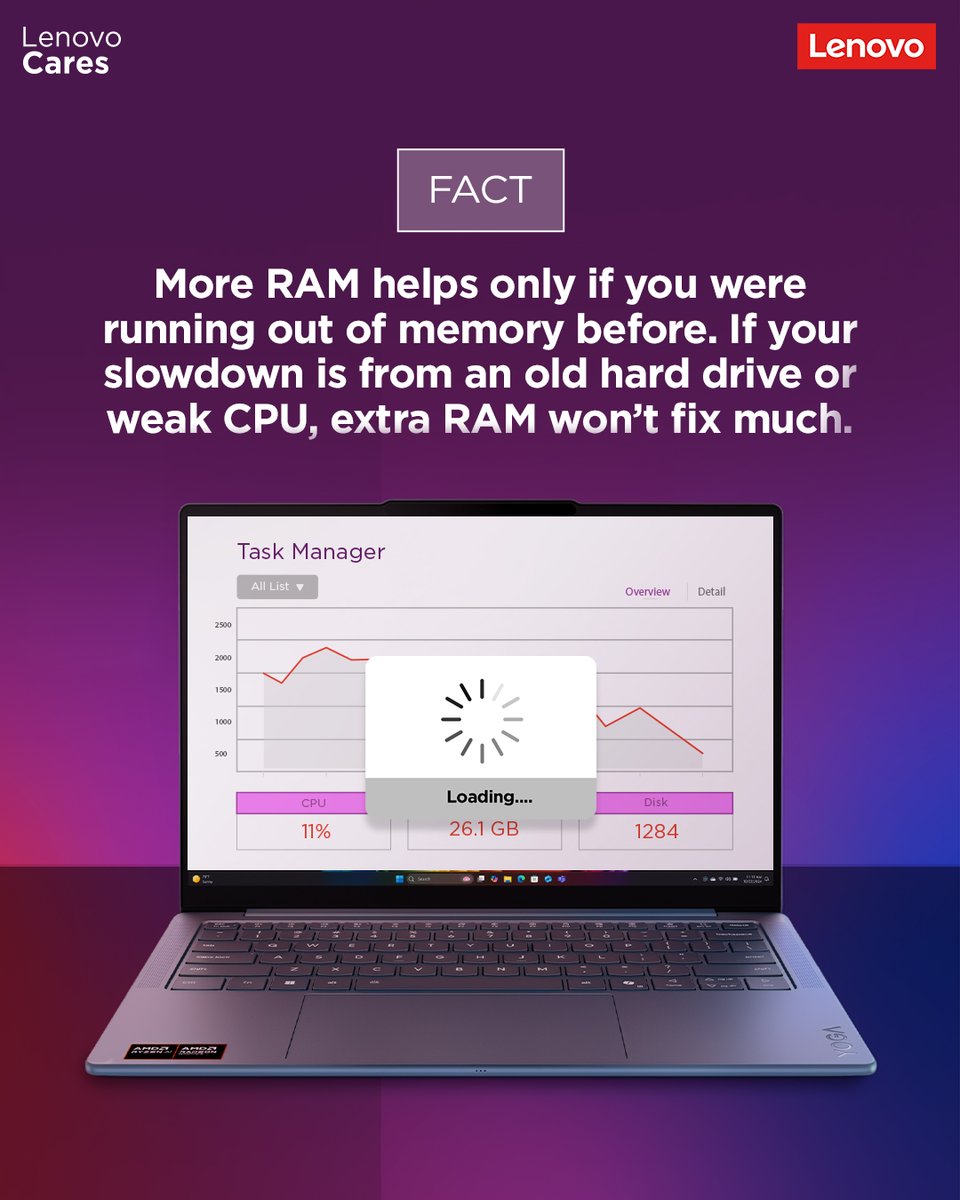
Think more RAM = instant speed? Not always.
Sometimes the real bottleneck is hiding somewhere else. Swipe through to bust the myth.
#Lenovo #SmarterTechnology #LenovoServices
62
May 21
Long weekend incoming! Before you switch into holiday mode, keep your laptop battery around 50% while storing it away - not fully charged, not completely drained.
#Lenovo #SmarterTechnology #LenovoServices
1
188
May 17

99
May 16
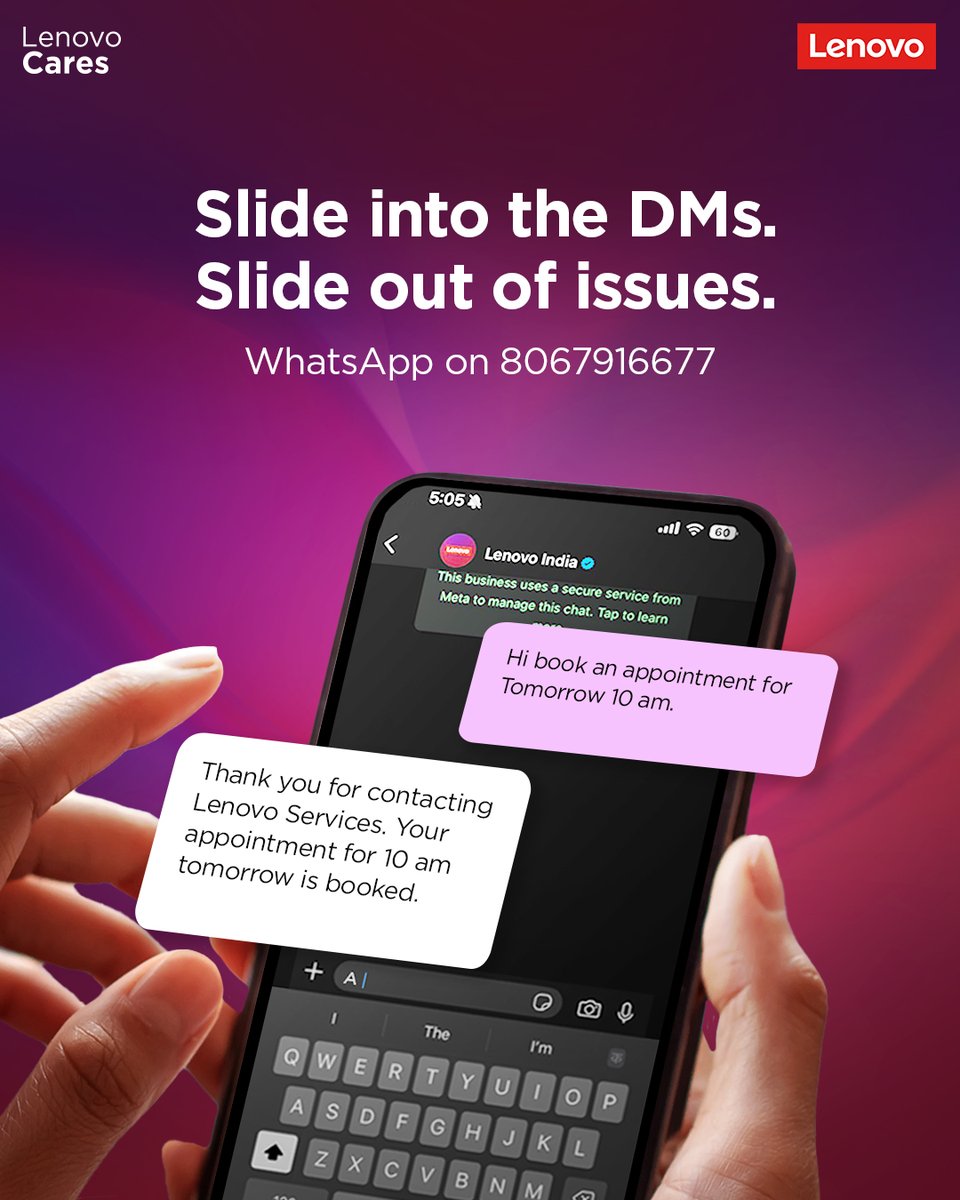
Bored of being put on hold? Not anymore. Drop a WhatsApp message to book a hassle-free appointment.
#Lenovo #SmarterTechnology #LenovoServices
62
May 14
Summer tip: Don’t leave your laptop inside a parked car.
Extreme heat can affect battery health and slow down performance before you even power it on
#Lenovo #SmarterTechnology #LenovoServices
1
61
Closing all your apps won’t make your laptop instantly faster. Sometimes, all it really needs is a quick restart to clear temporary memory and get back in the game.
#Lenovo #SmarterTechnology #LenovoServices
1
95
Best way to avoid laptop overheating during this hot weather is to use it on flat surface. And when done, completely shutting it down.
#Lenovo #SmarterTechnology #LenovoServices
120
Best way to avoid laptop overheating during this hot weather is to use it on flat surface. And when done, completely shutting it down.
#Lenovo #SmarterTechnology #LenovoServices
1
174
Apr 30
Enjoy the long weekend, but make sure you unplug your laptop before leaving for it.
#Lenovo #SmarterTechnology #LenovoServices
83
Apr 29
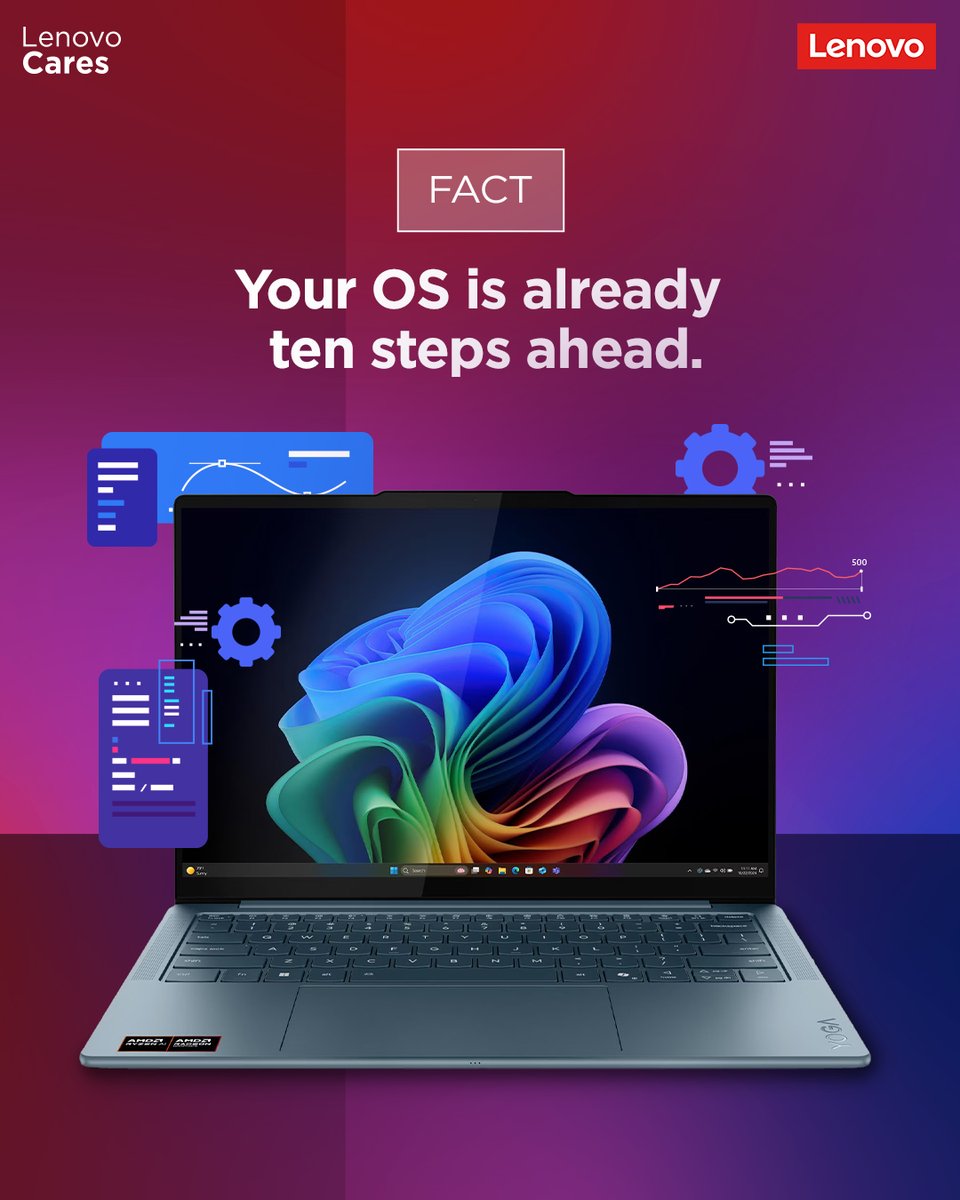
Operating system (OS) is more intelligent, when it realize it quickly shuts the background apps when it needs additional resources.
#Lenovo #SmarterTechnology #LenovoServices
37
Apr 27
When every click feels like a lifetime, your machine mught be overheating.
#Lenovo #SmarterTechnology #LenovoServices
1
69
Apr 23
In this heat don't forget keep your laptop cool by using it on a flat surface.
#Lenovo #SmarterTechnology #LenovoServices
97
Apr 18
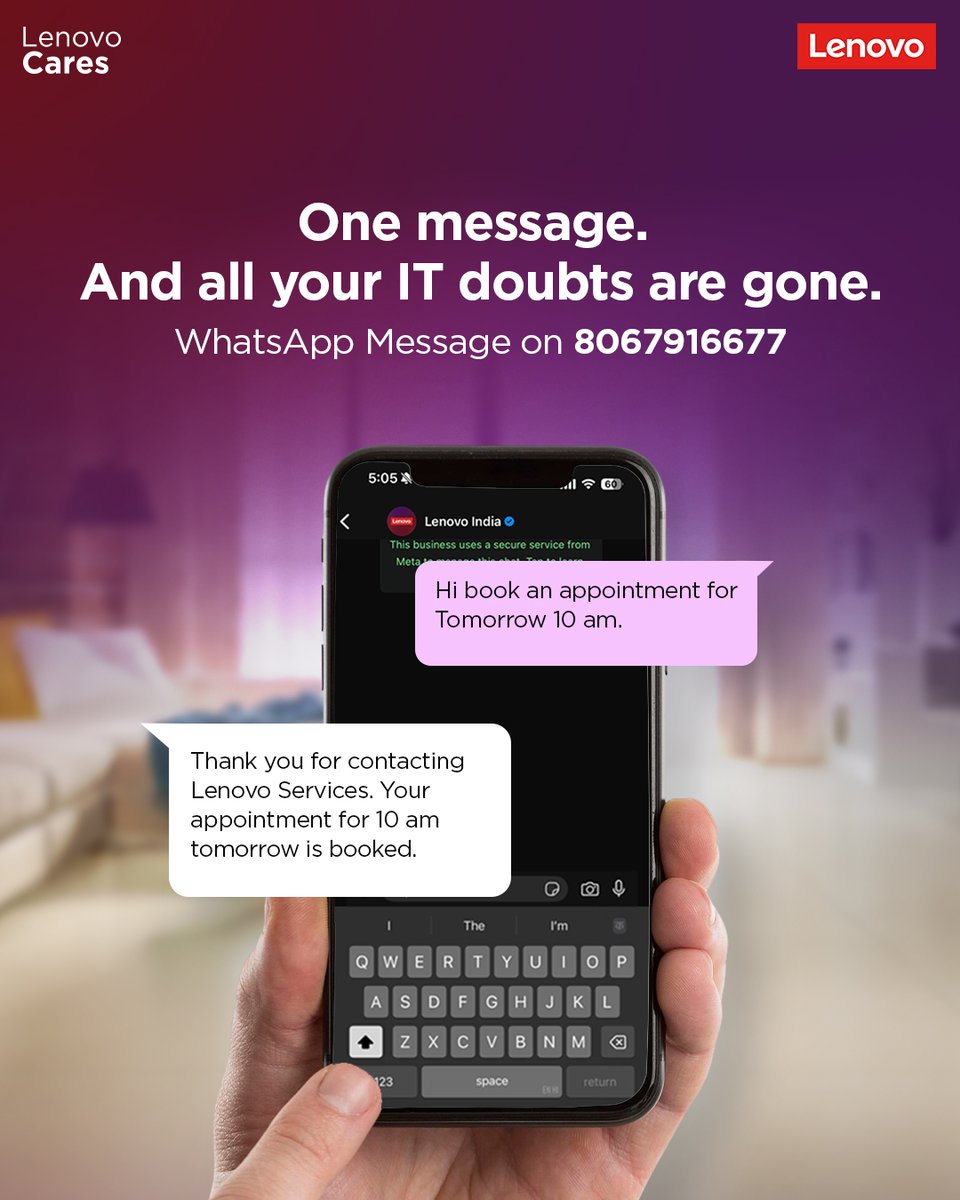
Your IT guy is now just a text away. No hold music. No waiting
#Lenovo #SmarterTechnology #LenovoServices
55
Apr 17
1
62
Apr 16
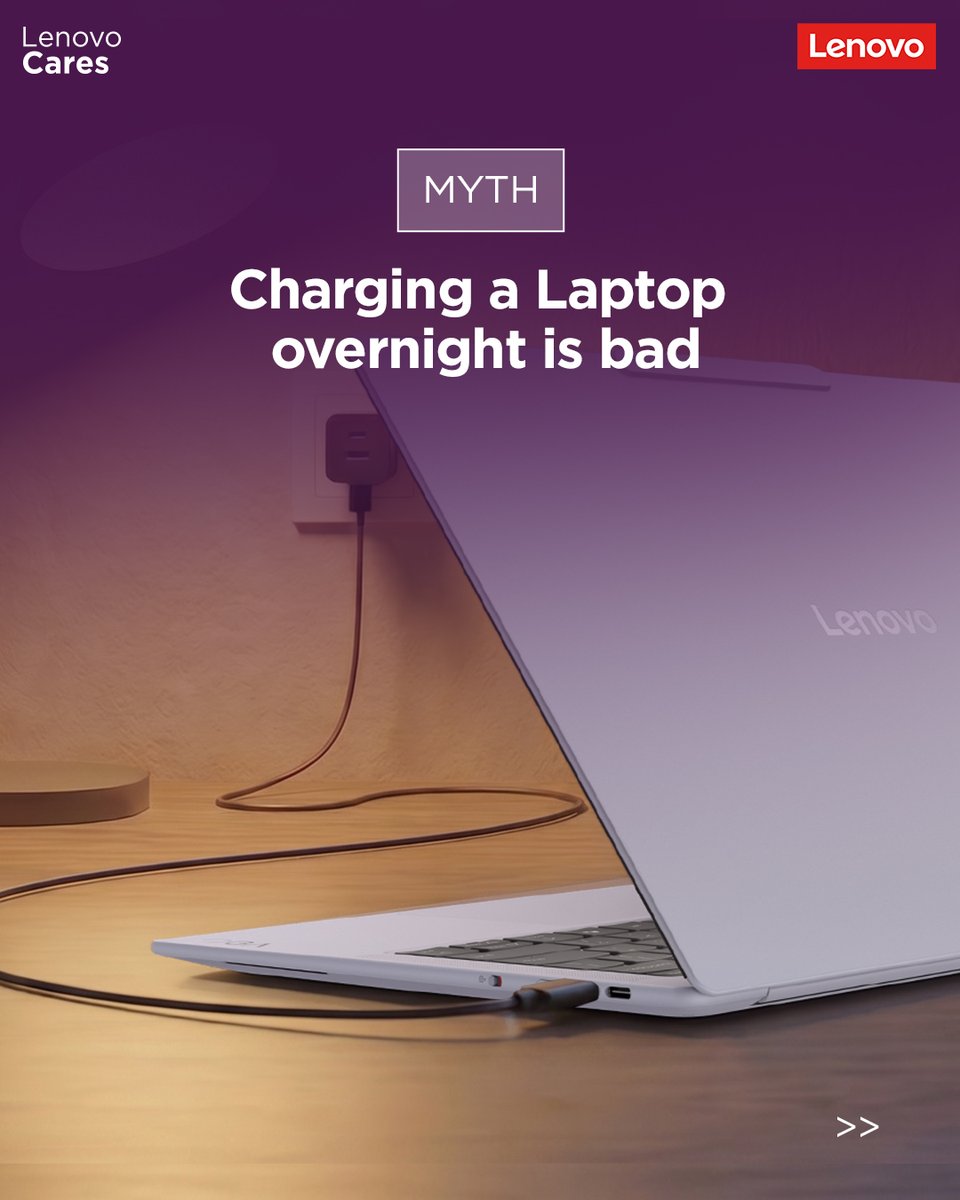
It's ok you can leave your laptop on charge overnight; modern laptop disconnect supply 100%.
#Lenovo #SmarterTechnology #LenovoServices
1
1
77