Joined January 2011
- Tweets 5,989
- Following 1,507
- Followers 2,069
- Likes 790
1,112 Photos and videos



Pinned Tweet

8 Apr 2022
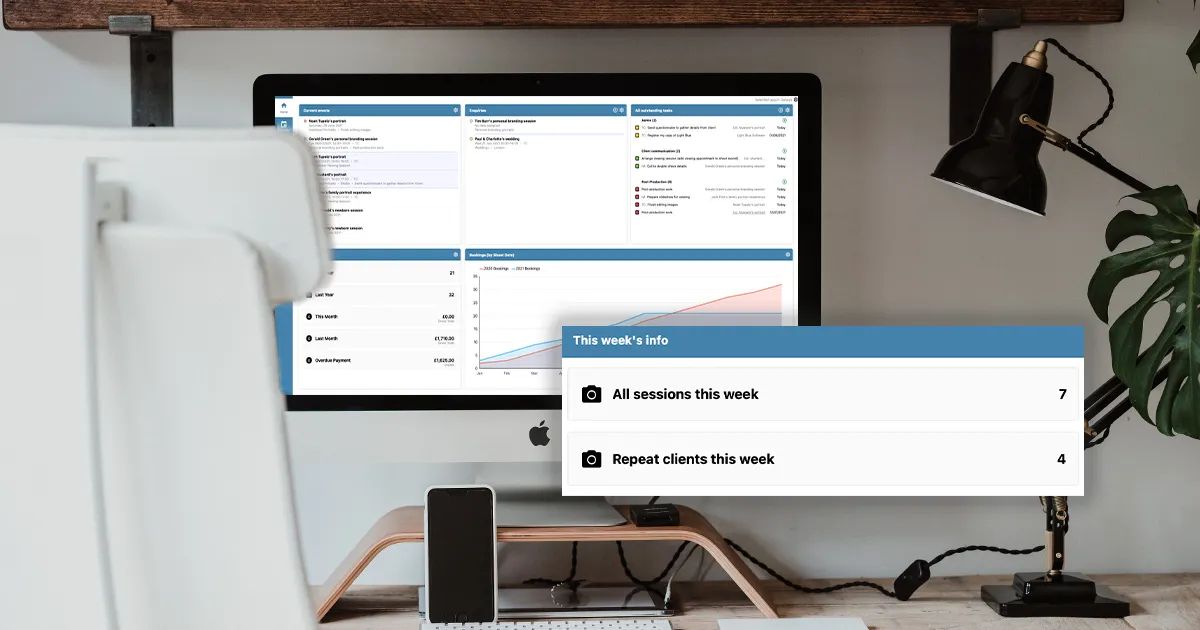
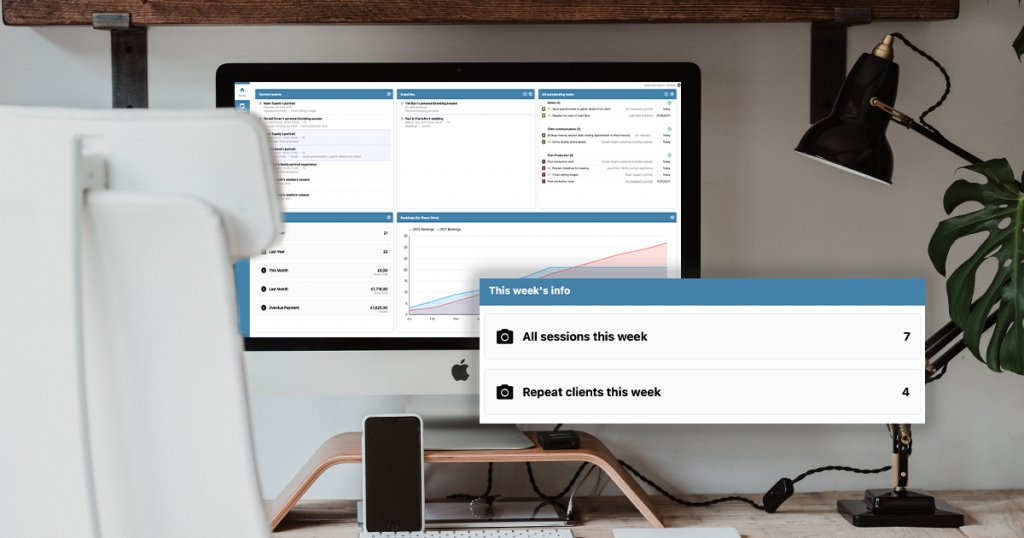
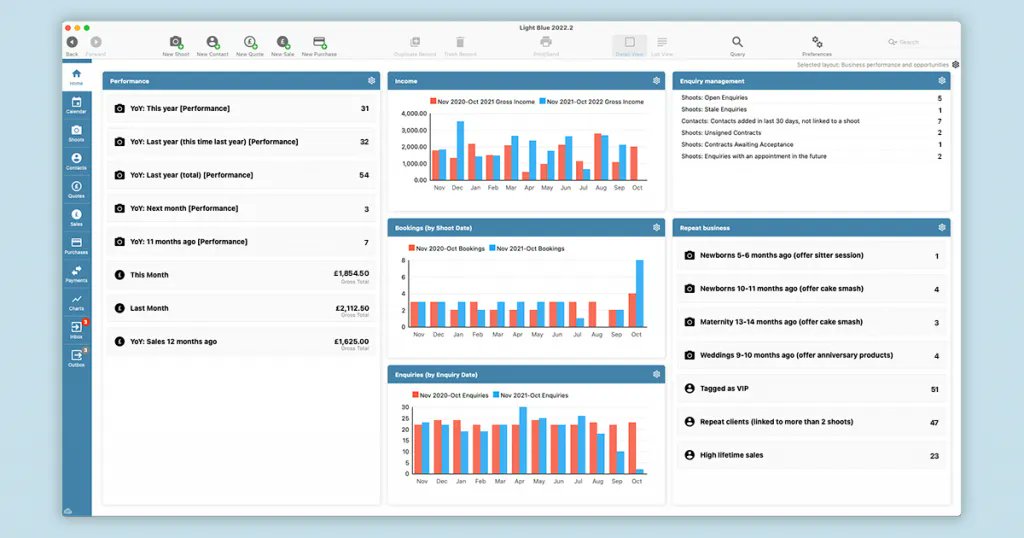
📷 Get a quick, simple and clear overview of your photography business.
See how your Light Blue home screen can be customised to show exactly what you need.
1
9 Nov 2023
🗓 Fill your diary with quality repeat clients
You work hard to bring new clients into your business, but how much untapped potential is there in the list of clients you’ve worked with before?
buff.ly/3r4QRMV
1
92
26 Oct 2023
"Light Blue is a great tool, it can certainly do so much more than I am actually using it for. But for what I do need from it and what I do use I can say with certainty that it absolutely nails it! "
- Tom Hodgson
85
28 Sep 2023
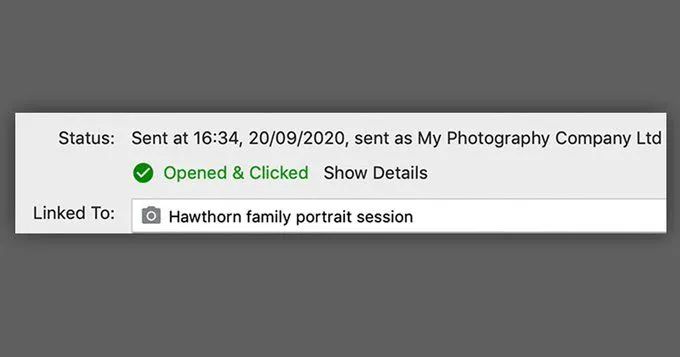
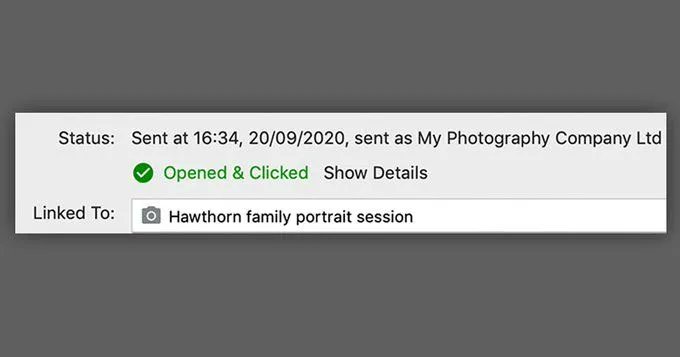
Did you know you can see whether a client has read your email or followed a link with Light Blue? You can:
✅ Opt to send emails via Light Blue’s servers via the Email preferences,
✅ Turn open & click tracking on,
✅ Send emails & see their status in the outbox or activity tab
86
27 Sep 2023
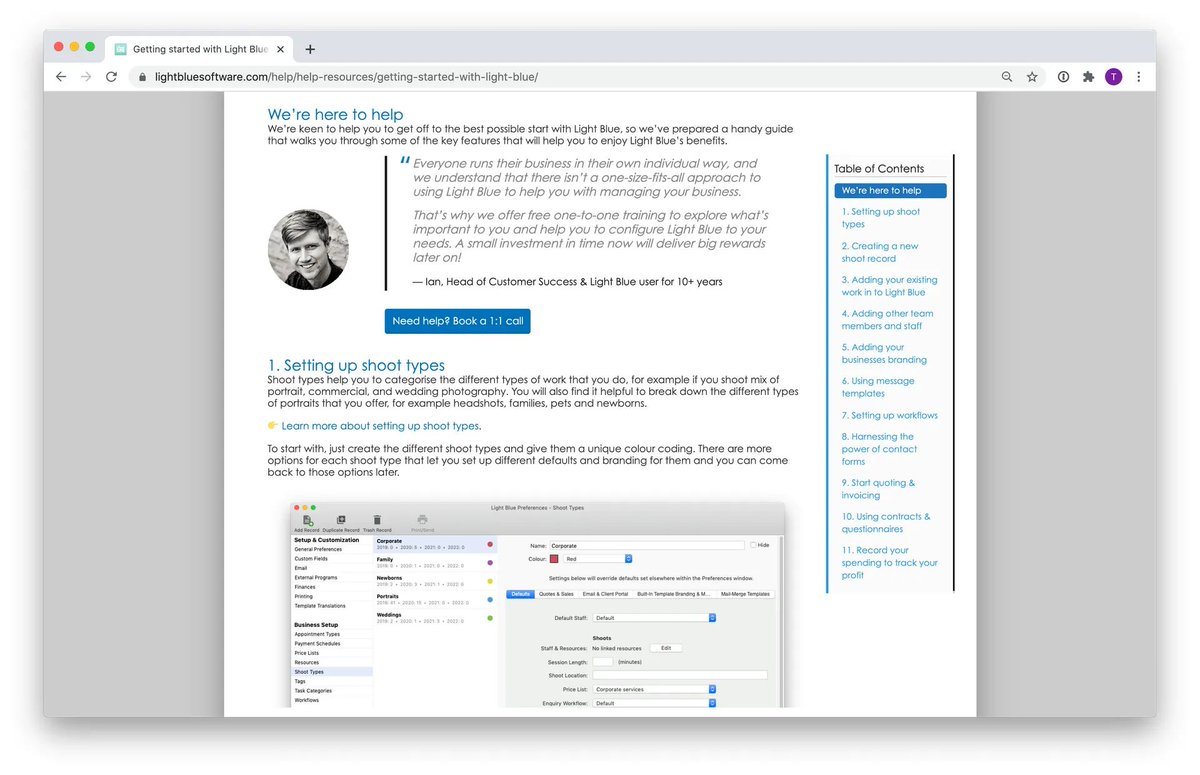
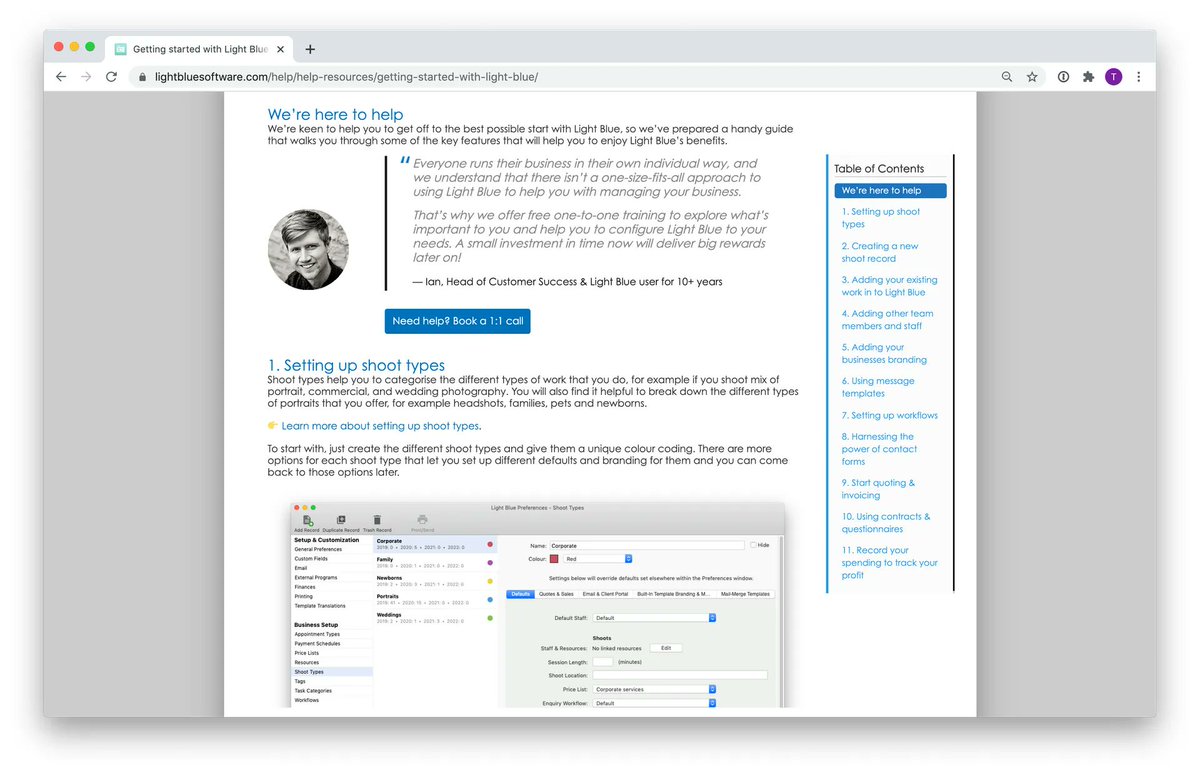
Want to get more out of Light Blue? No problem, we're here!
Whether you're just starting to use this great tool, or you've been with us for a while, we've prepared a handy guide for getting started with some of Light Blue's key features: buff.ly/3aw2Hoc
1
111
25 Sep 2023
📨 How to prevent your emails from being marked as spam
We all know how important it is to deal with clients & leads promptly (email is key to that!) - so how do we make sure the client actually gets the message?
Try these tips out for size: buff.ly/3qZYtA5
66
21 Sep 2023
"For me, Light Blue gives me peace of mind that I can never double book myself! Isn't that every photographer's worst nightmare?!
Invoicing is quick and simple, I can easily track my income and expenditure and I can quickly input expenses too."
- Emma Moore
60
19 Sep 2023
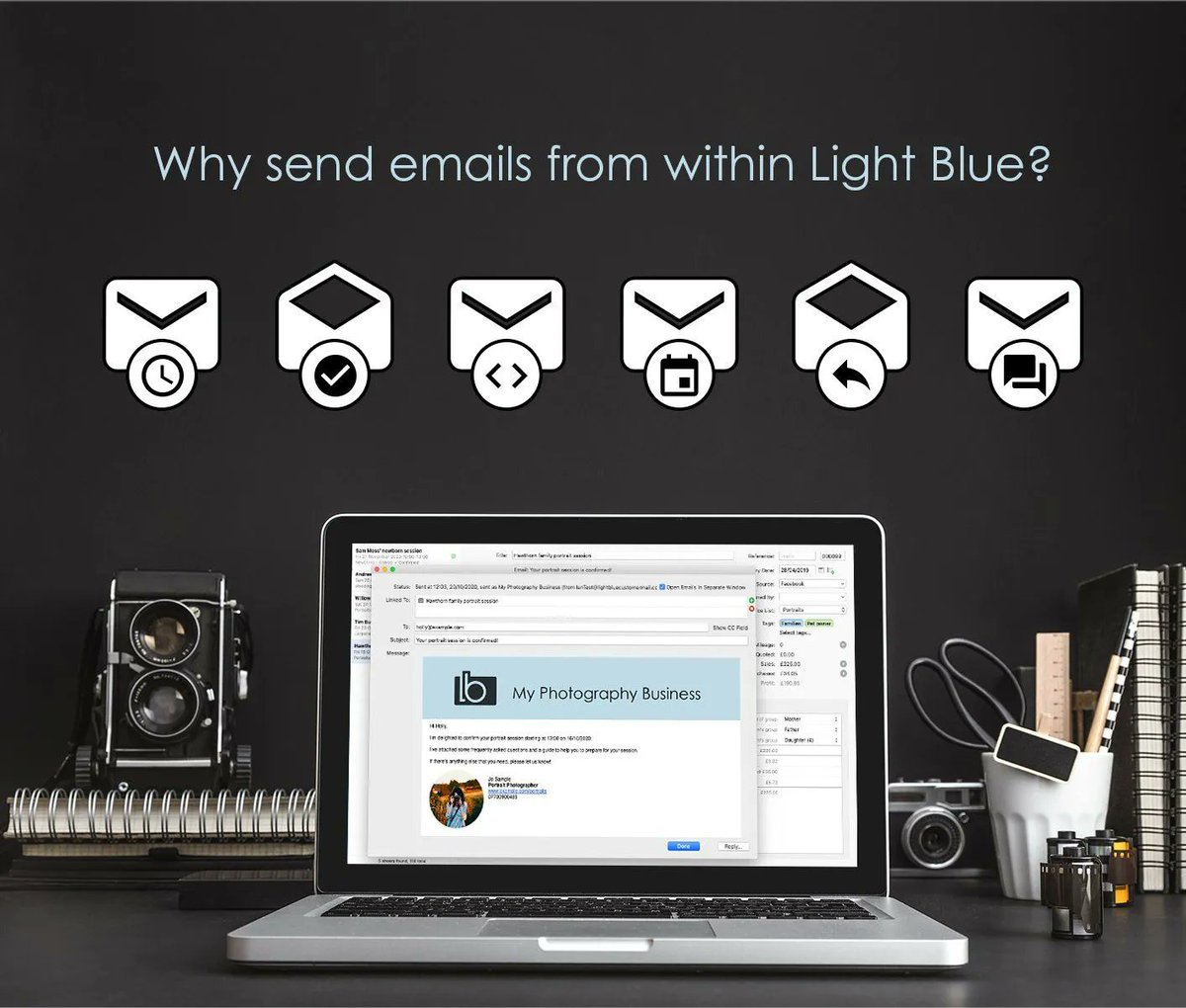
Sending messages directly within Light Blue - a game changer!
✅ You'll receive a copy of your replies back in to right record
✅ You can use templates which are automatically personalised
✅ Don't forget that you can schedule and automate your messages too!
106
15 Sep 2023
⚡️Automate your invoice reminders
Send automatic email payment reminders to your clients. You can set up simple rules for your reminders within Light Blue's Payment Schedules, your personalised messages will help you to get paid on time.
Learn how: buff.ly/3HWAx5N
60
14 Sep 2023
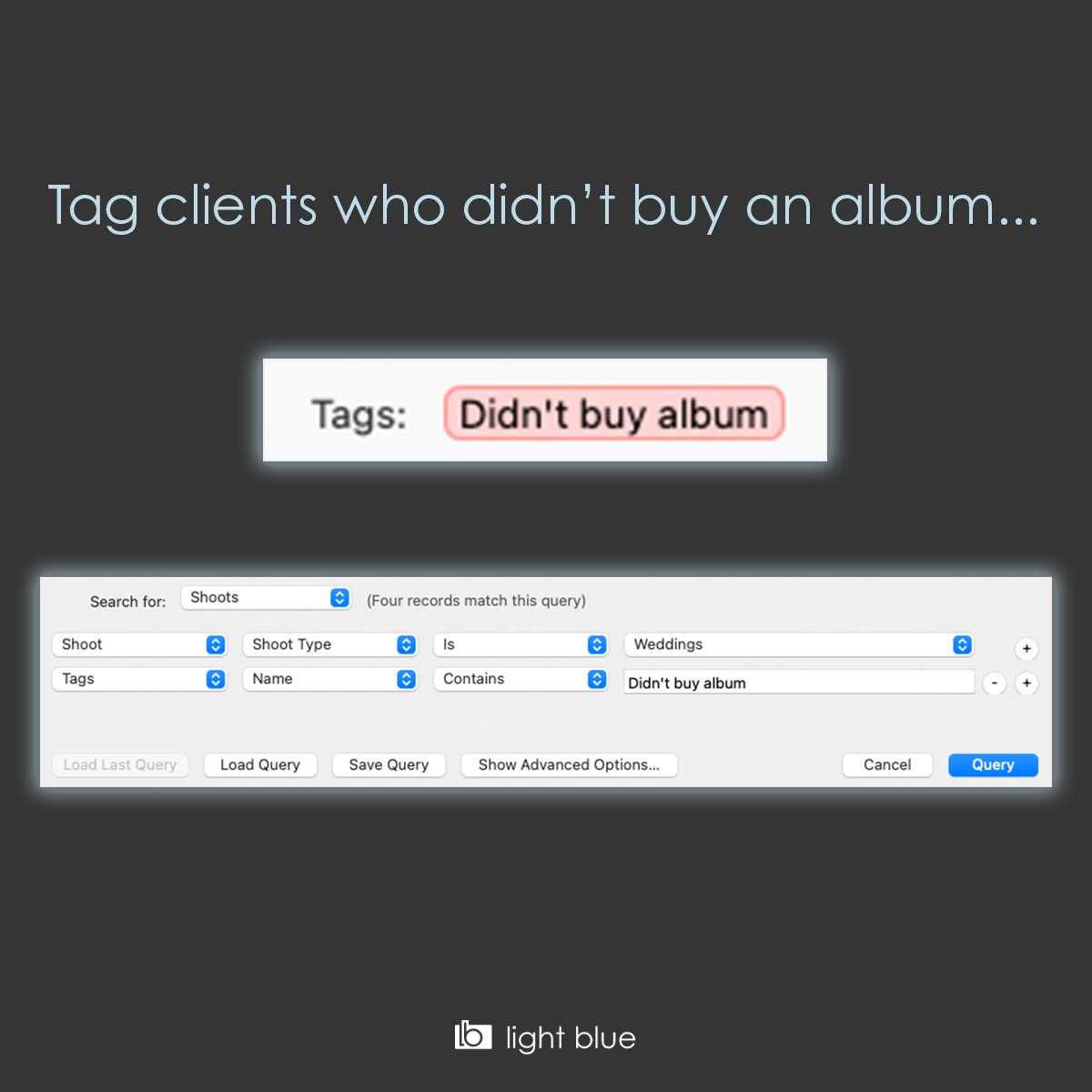
Easily Increase your album sales...
1. Set up a new tag in Light Blue's preferences
2. Add the tag to shoots that didn't buy an album
3. Use the query tool to find all those shoots so you can work through the list.
60
13 Sep 2023
🗓 Filling your diary with quality repeat clients
You work hard to bring new clients into your business, but how much untapped potential is there in the list of clients you’ve worked with before?
buff.ly/3r4QRMV
44
8 Sep 2023
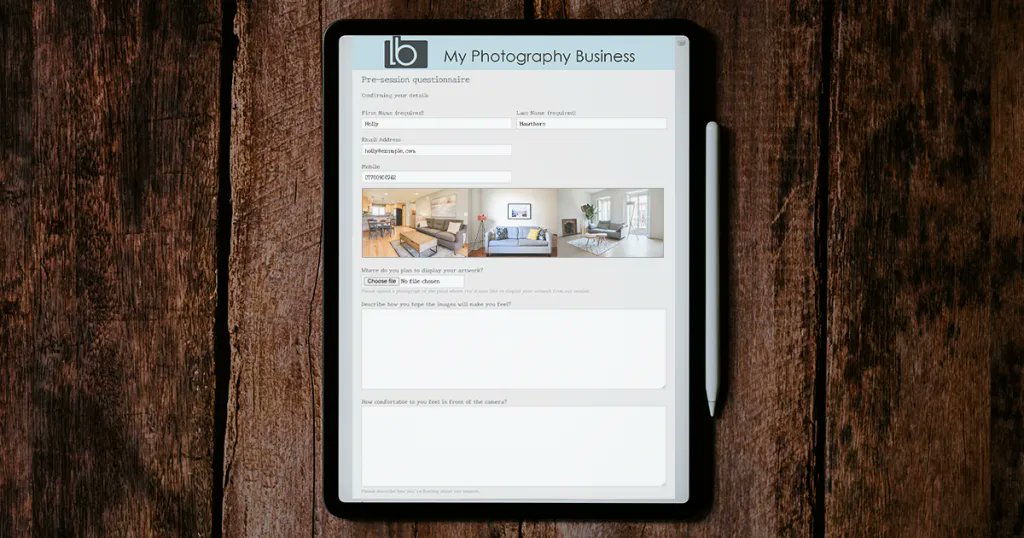
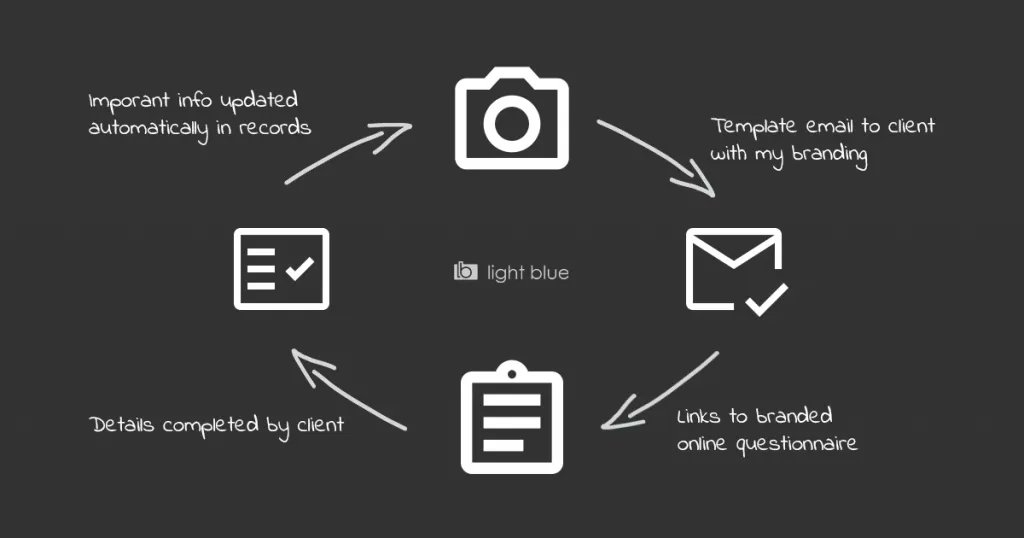
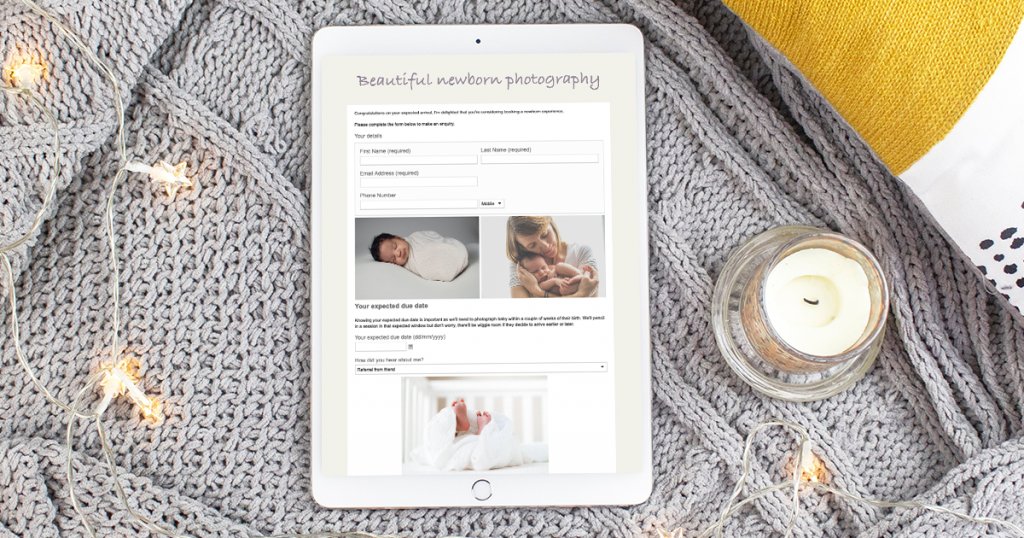
A guide to photography questionnaires 📝
The more you know about your client and their session, the better you can tailor communication and select services to suit their unique needs. buff.ly/3r2Hxcm
35
6 Sep 2023
Did you know you can see whether a client has read your email or followed a link with Light Blue? You can:
✅ Opt to send emails via Light Blue’s servers via the Email preferences,
✅ Turn open & click tracking on,
✅ Send emails & see their status in the outbox or activity tab
57
29 Aug 2023
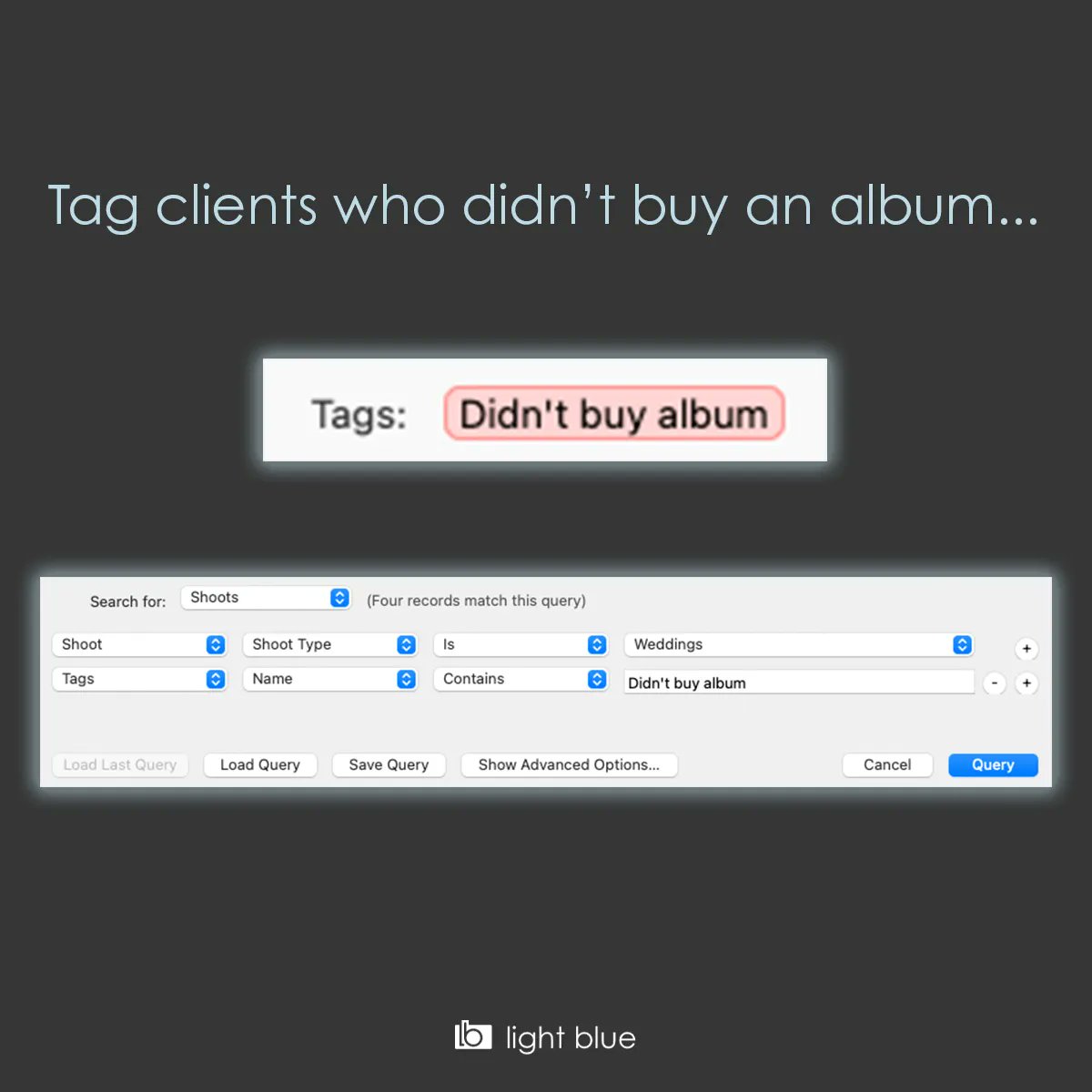
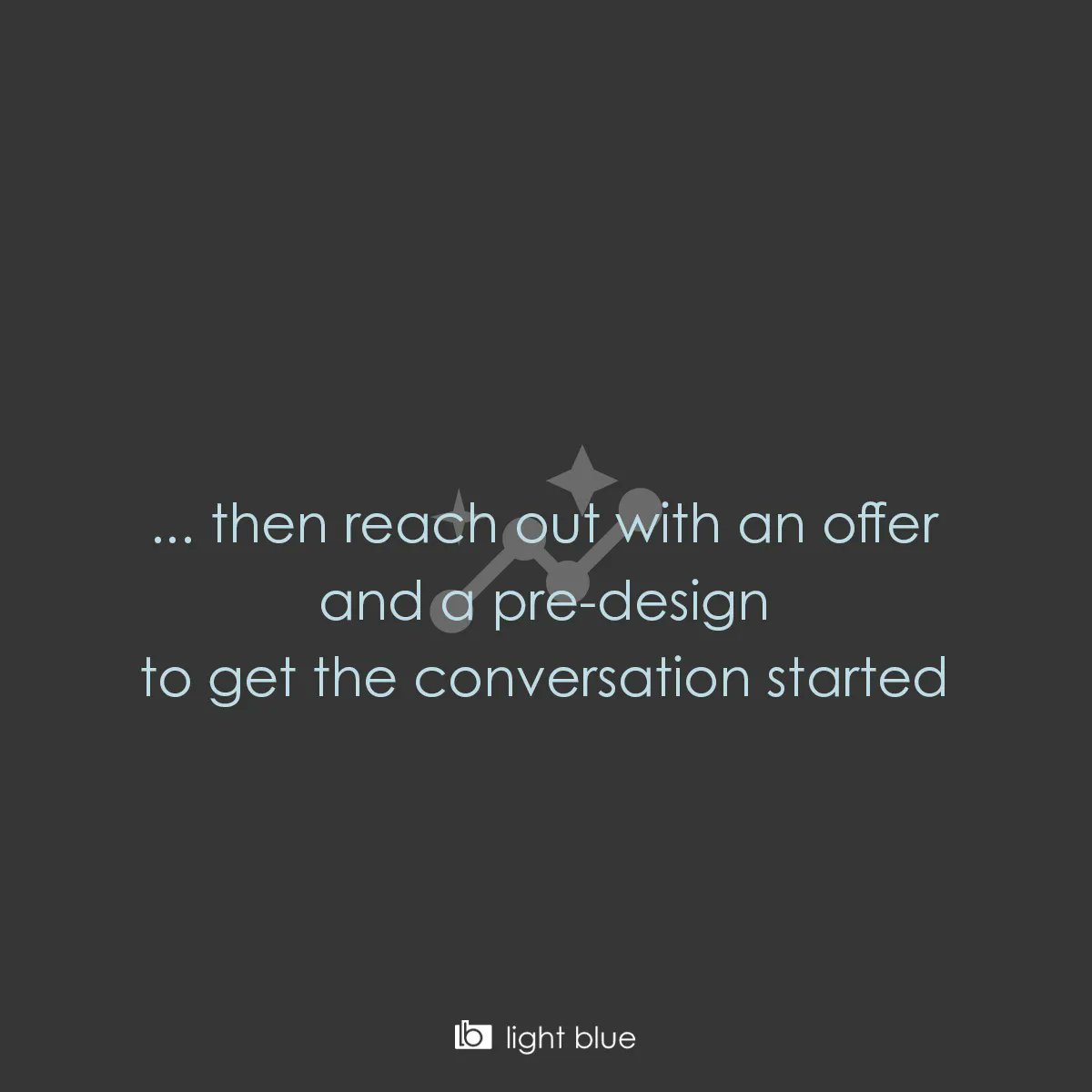
Easily Increase your album sales!
1. Set up a new tag in Light Blue's preferences
2. Add the tag to shoots that didn't buy an album
3. Use the query tool to find all those shoots so you can work through the list.
118
25 Aug 2023
Want to get more out of Light Blue? We're here for you!
Whether you're just starting to use this great tool, or you've been with us for a while, we've prepared a handy guide for getting started with some of Light Blue's key features: buff.ly/3aw2Hoc
69
24 Aug 2023
✅ Five Positive Steps to Keep Your Business Healthy
When business is going well, you want to keep it that way. But when things get quiet, it’s easy to panic.
Here's five tactics that will keep your diary looking healthy if you use them consistently.
buff.ly/3JxF2oE
1
60
23 Aug 2023
"It is quite easy to set up the basics to get started - but also has a lot of features that you can setup later on. For example the booking calendar, knowing all kinds of statistics in matter of seconds & the automatic e-mails and workflows that are customizable to my branding."
88
17 Aug 2023
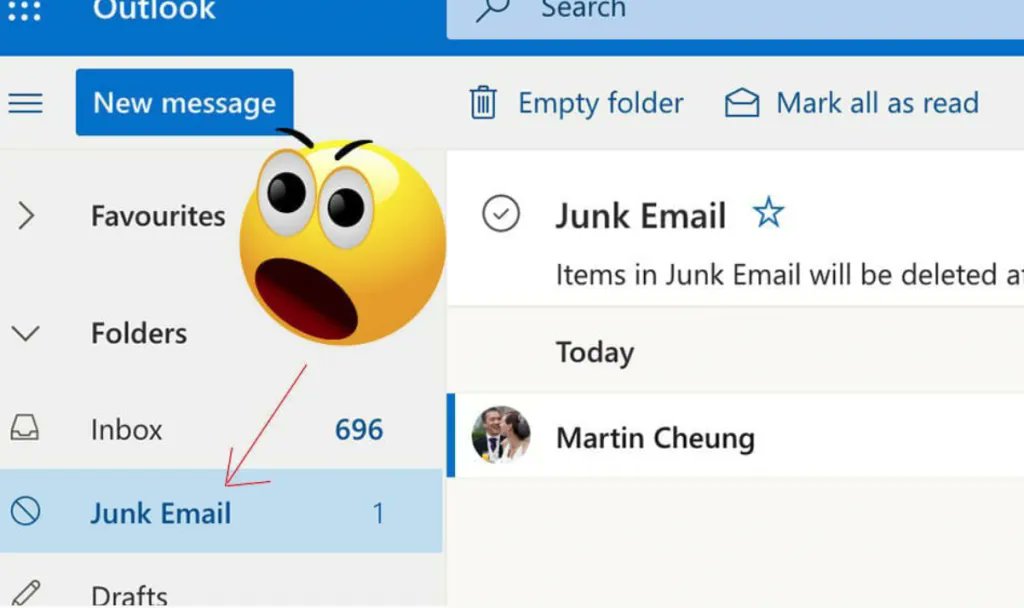
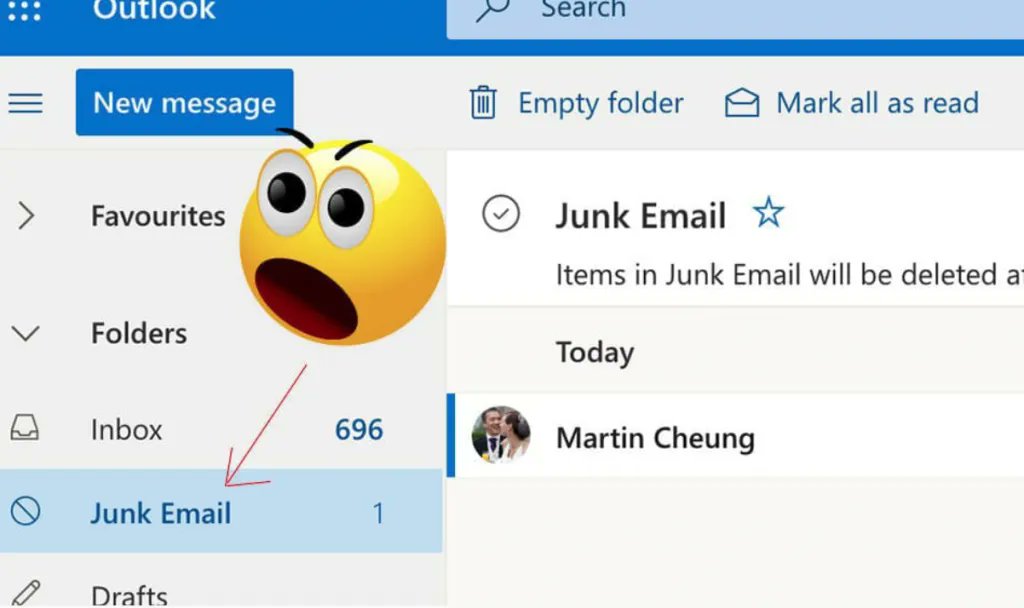
📨 How to prevent your emails from being marked as junk
We all know how important it is to deal with clients & leads promptly (email is key to that!) - so how do we make sure the client actually gets the message?
Try these tips out for size: buff.ly/3qZYtA5
1
49
11 Aug 2023
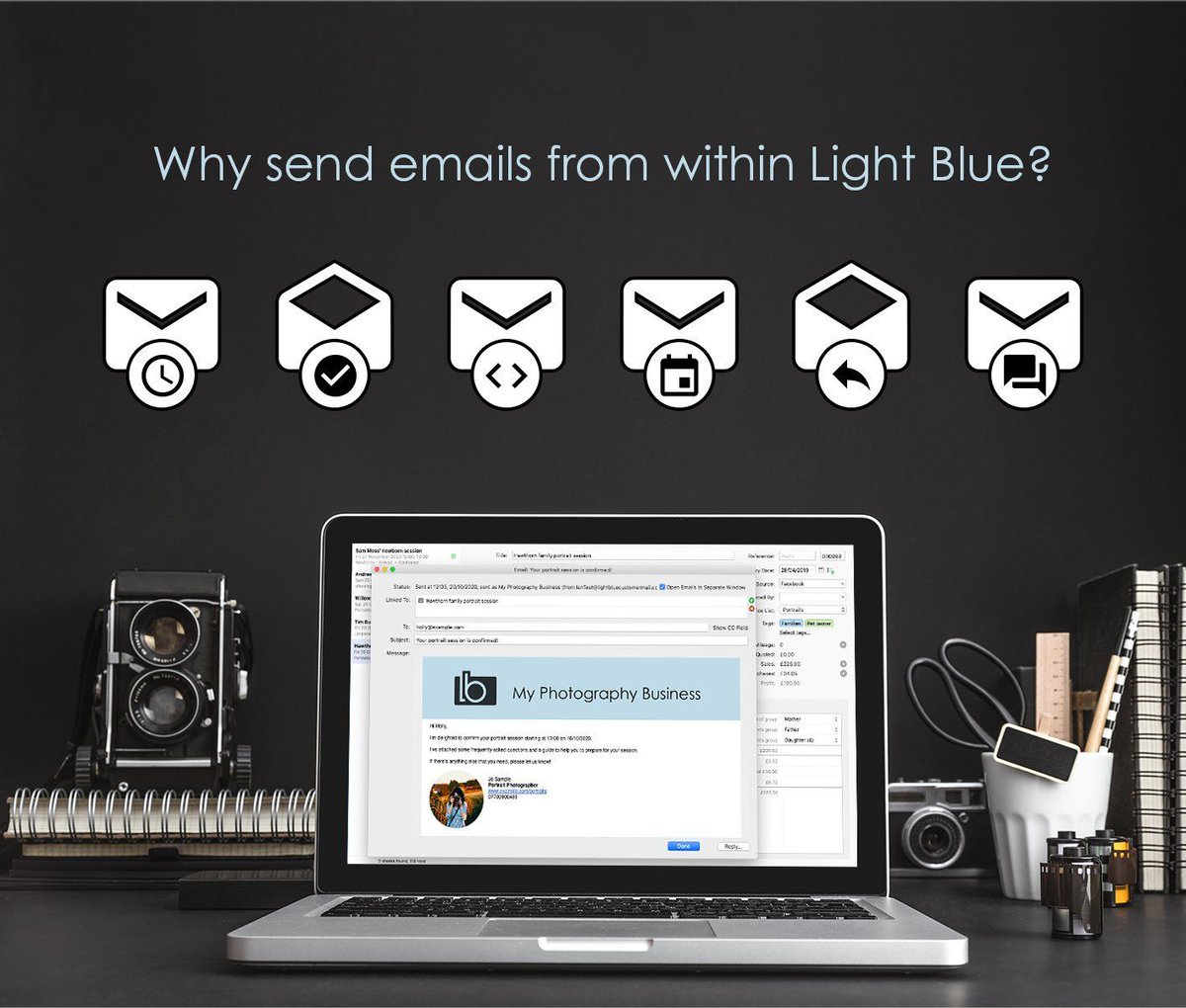
Sending messages directly within Light Blue is a game changer!
✅ You'll receive a copy of your replies back in to right record
✅ You can use templates which are automatically personalised
✅ Don't forget that you can schedule and automate your messages too!
84
8 Aug 2023
If you’re looking ahead to Q4 - perhaps you might want to take a look at this? 👇
buff.ly/3NiAow1
48
7 Aug 2023
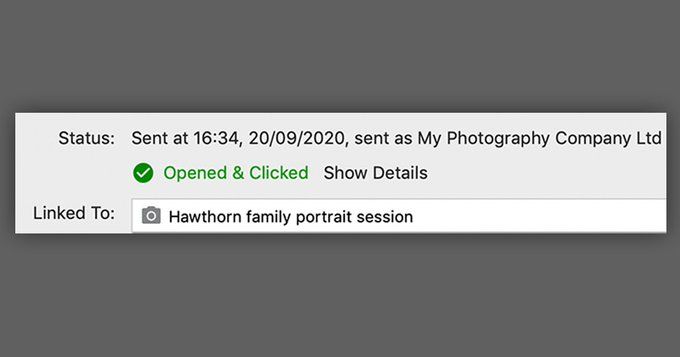
Did you know you can see whether a client has read your email or followed a link with Light Blue? You can:
✅ Opt to send emails via Light Blue’s servers via the Email preferences,
✅ Turn open & click tracking on,
✅ Send emails & see their status in the outbox or activity tab
1
1
88