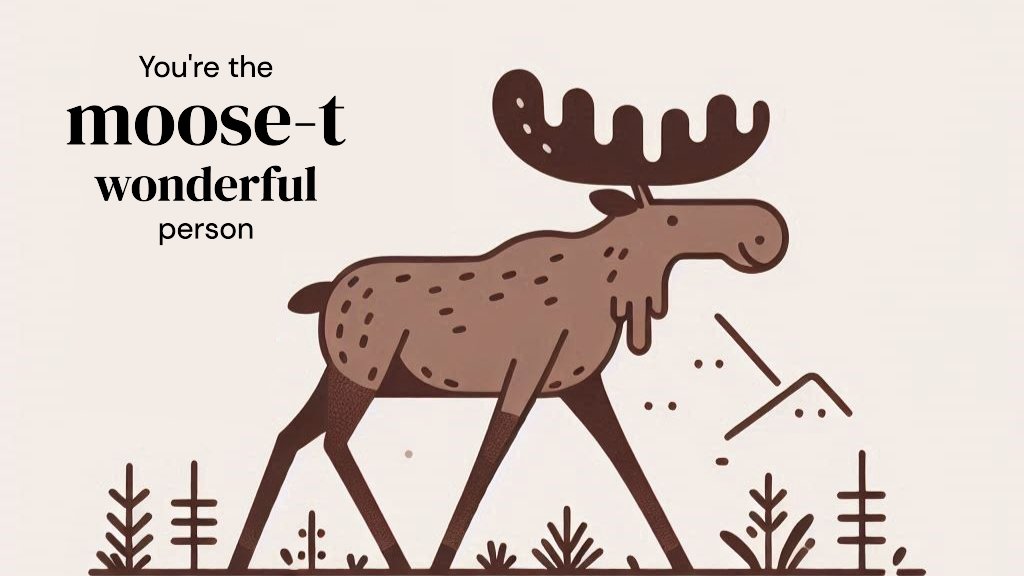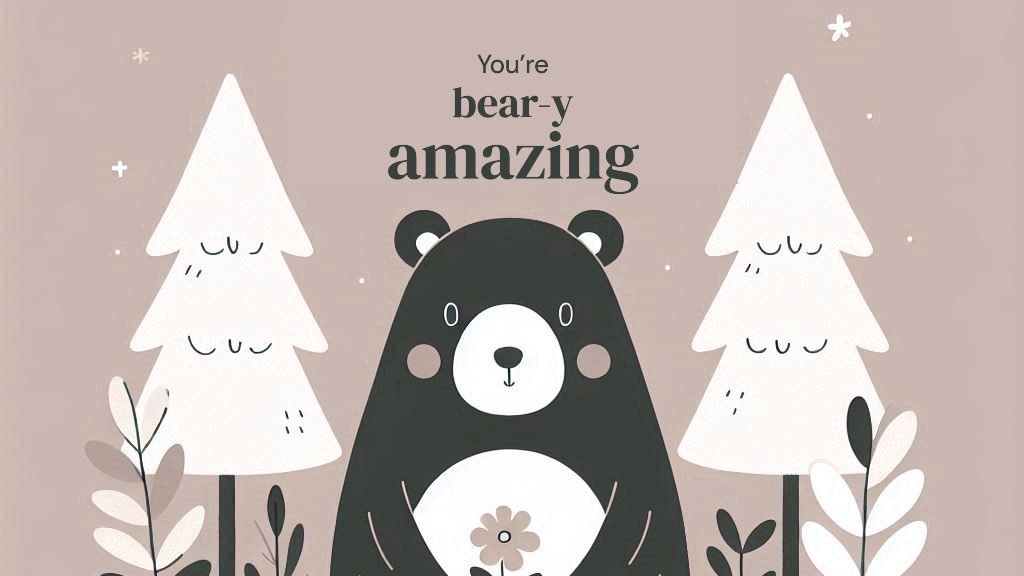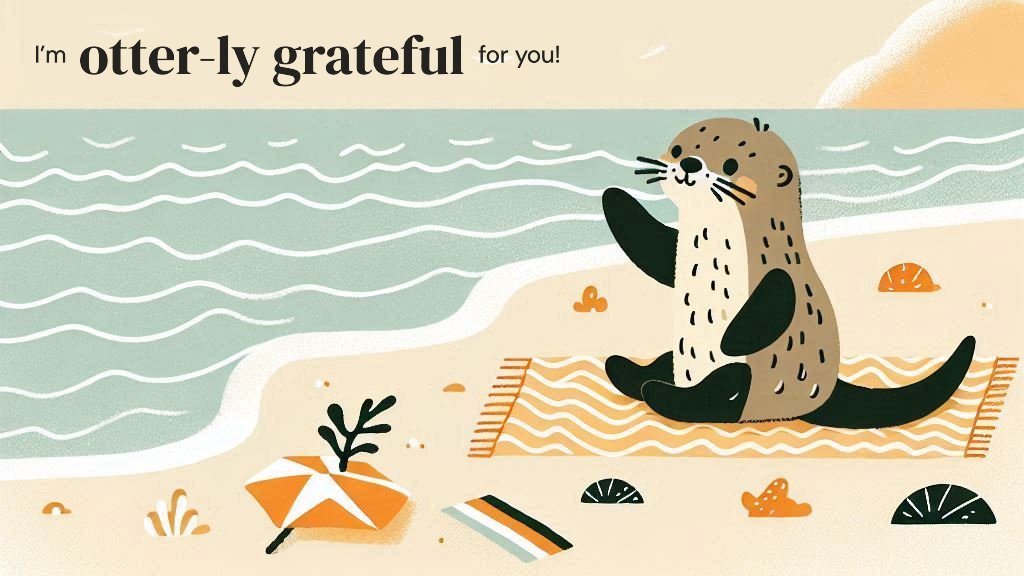
Create stunning visual designs in a flash with #MicrosoftDesigner.
- Tweets 3,013
- Following 59
- Followers 20,662
- Likes 3,535






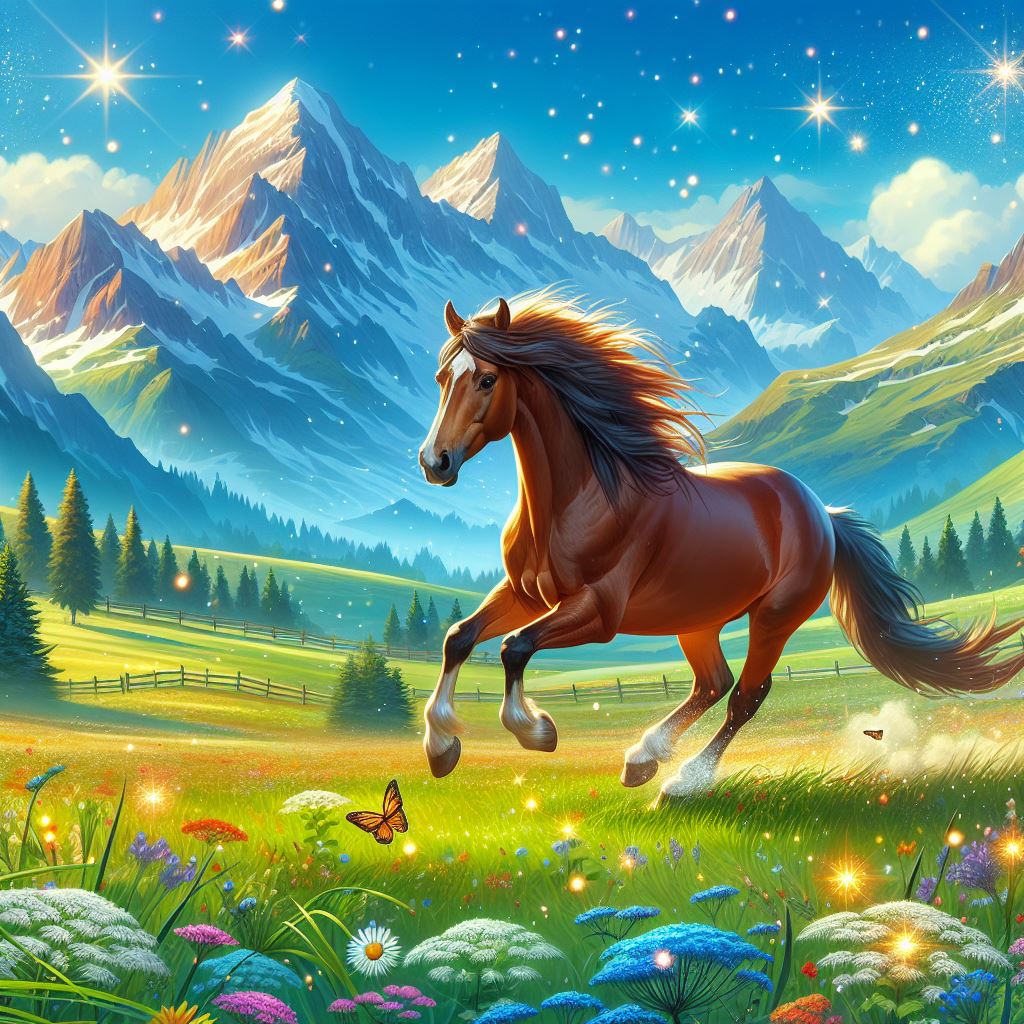
ALT Microsoft Designer generated image of a horse galloping through nature with mountains in the background.
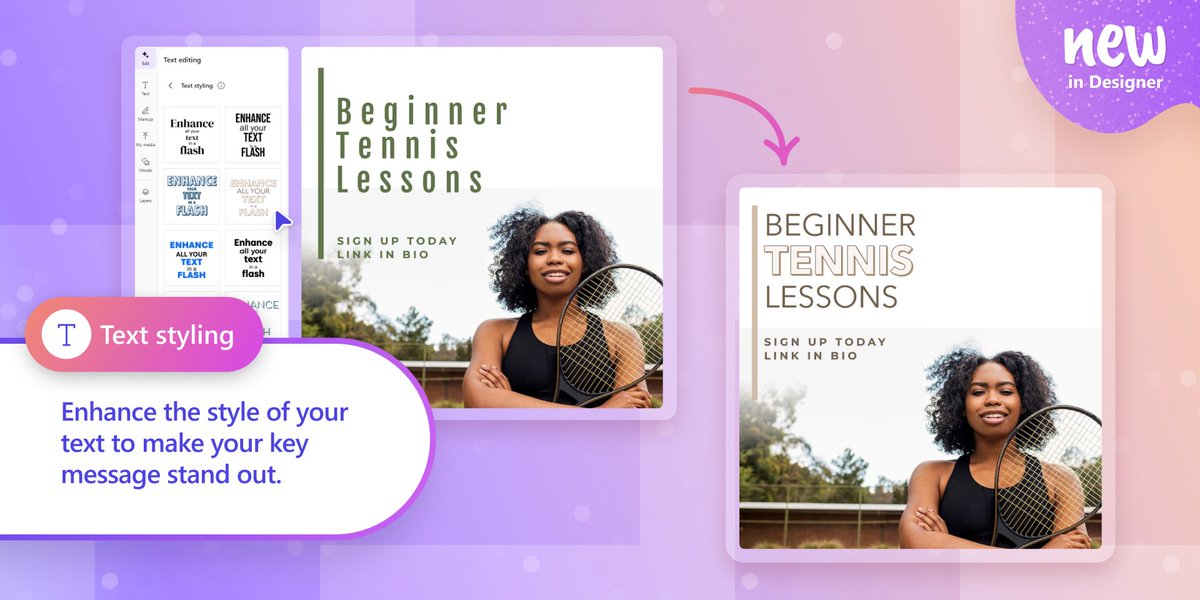
ALT Image examples of before and after of using Text styling in Designer
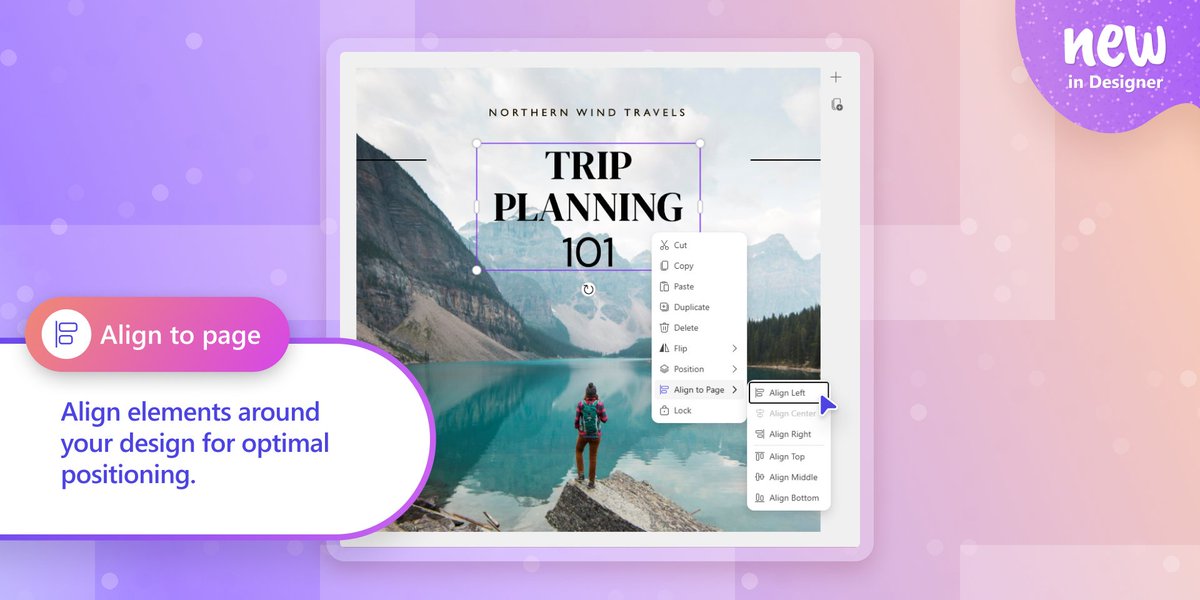
ALT Image example of Align to page feature in Designer
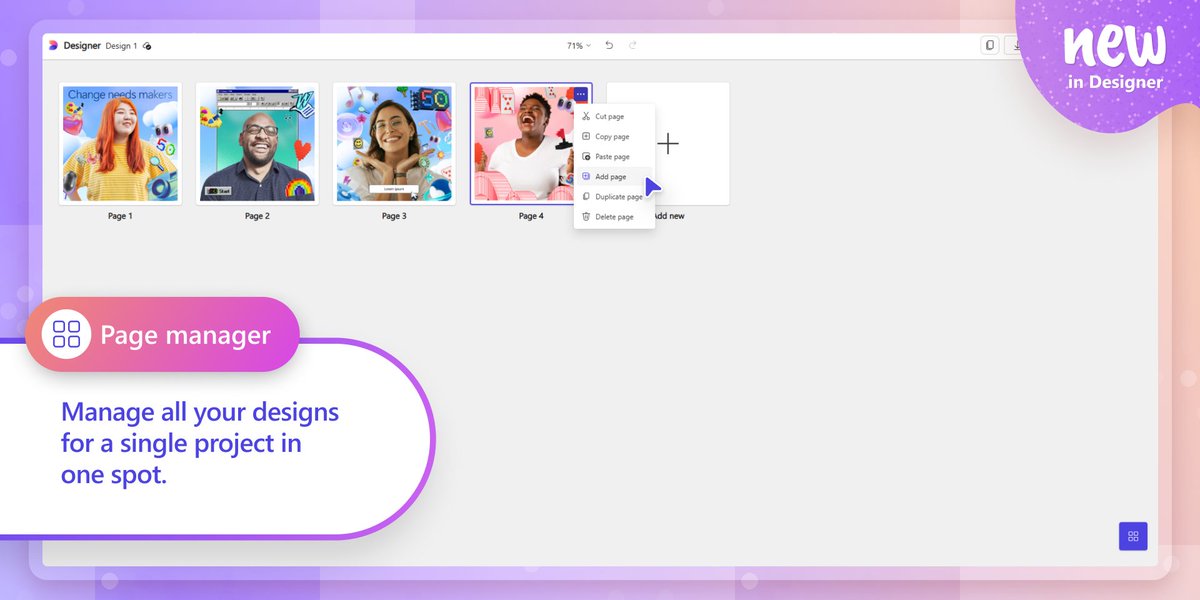
ALT Image of Page manager in Designer
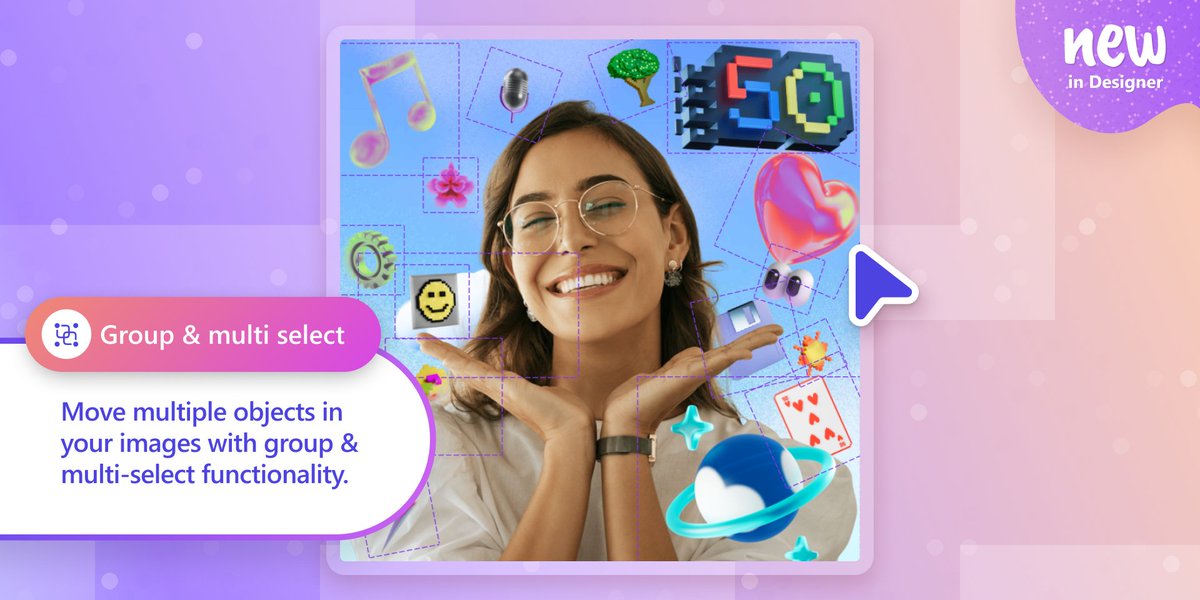
ALT Image example of Group and multi select feature in Designer
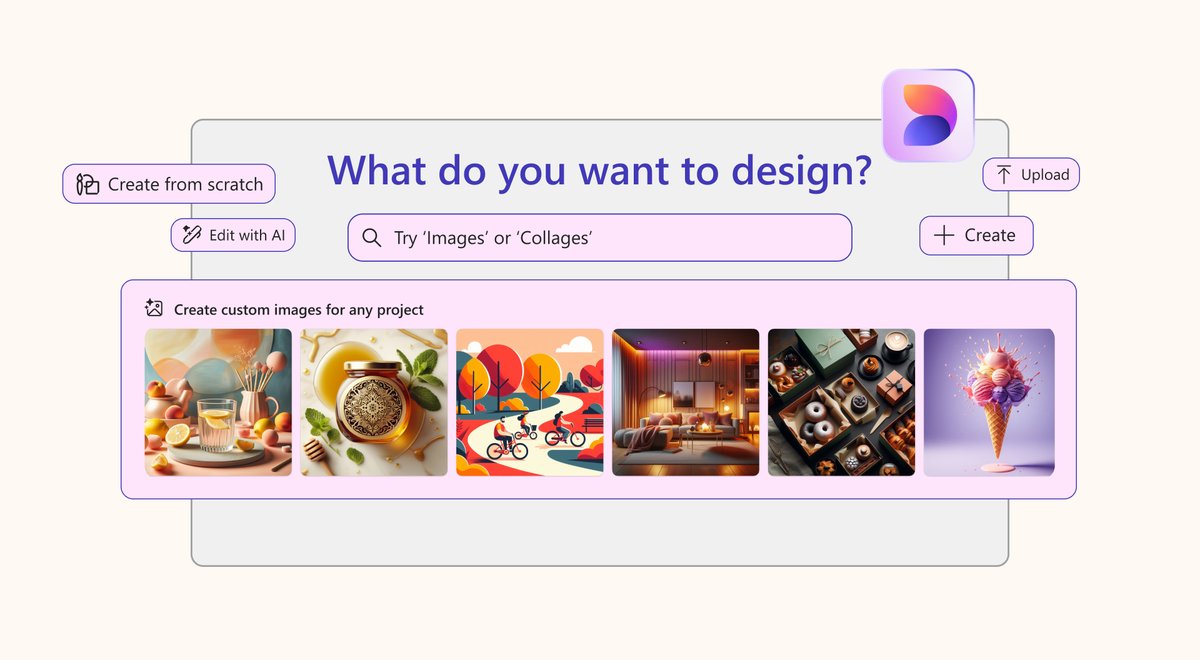
ALT A screenshot of Microsoft Designer's interface with a search bar that asks, "What do you want to design?" Users can enter a prompt like "Images" or "Collages." Buttons for "Create from scratch," "Edit with AI," "Upload," and "Create" are visible. Below the search bar, a section titled "Create custom images for any project" displays a carousel of colorful AI-generated images. The Microsoft Designer logo is positioned in the top right corner.
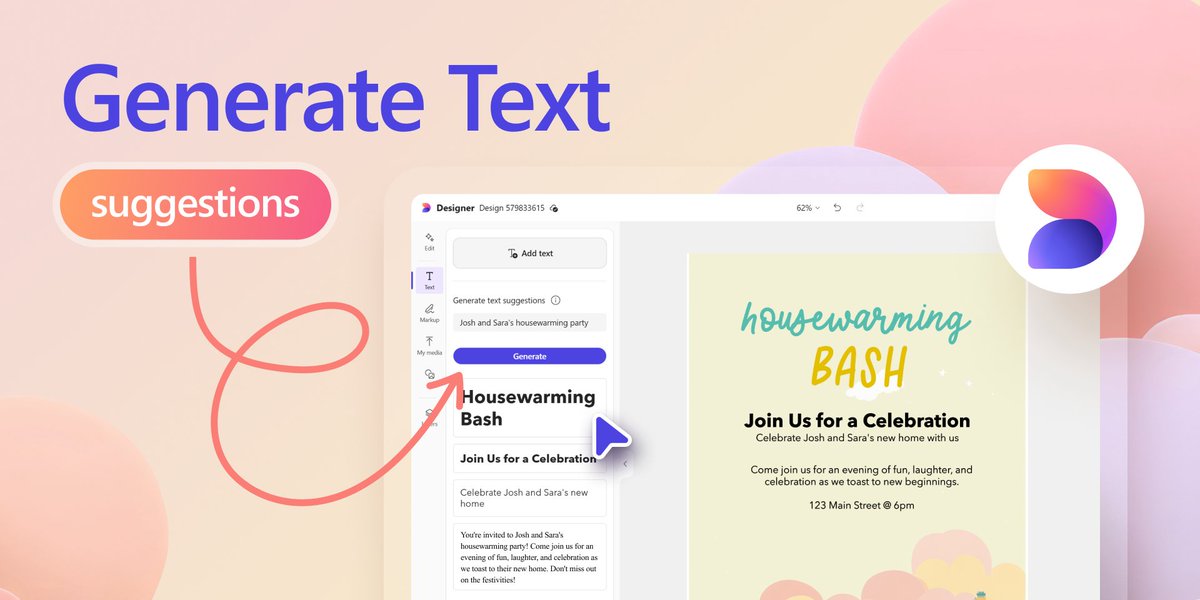
ALT Image of generating text suggestions example using a housewarming party invitation