
Legislator
Joined August 2011
- Tweets 13,692
- Following 3,863
- Followers 22,336
- Likes 2,978
1,139 Photos and videos

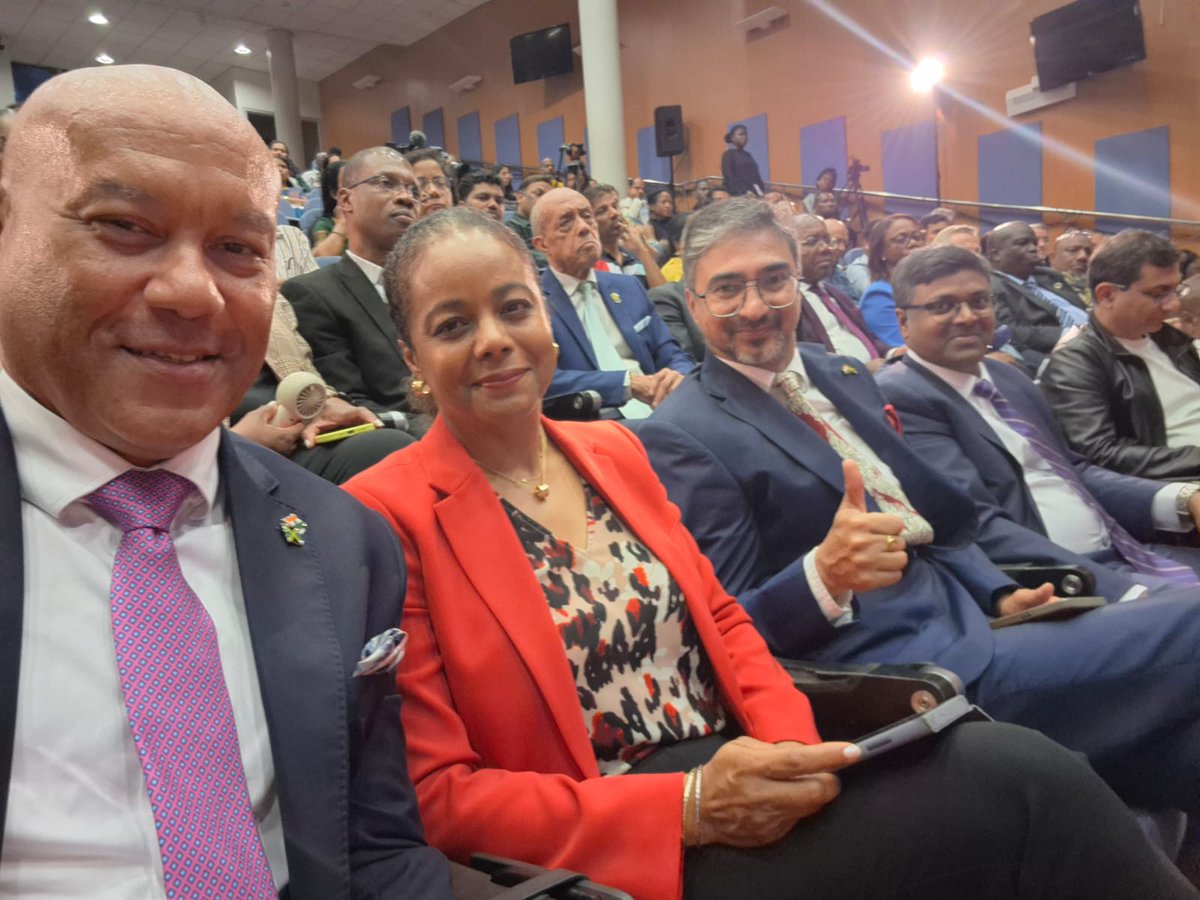

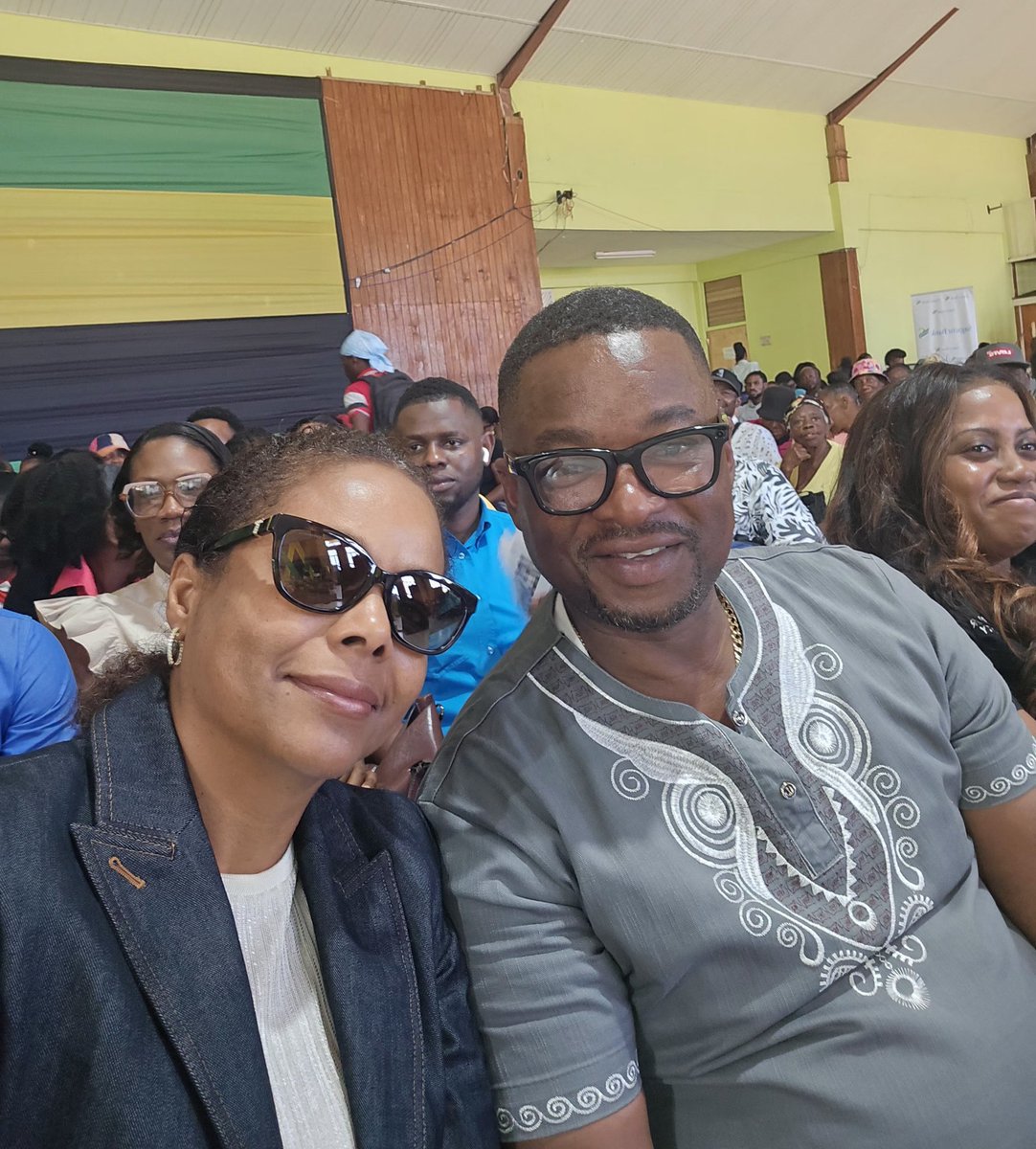
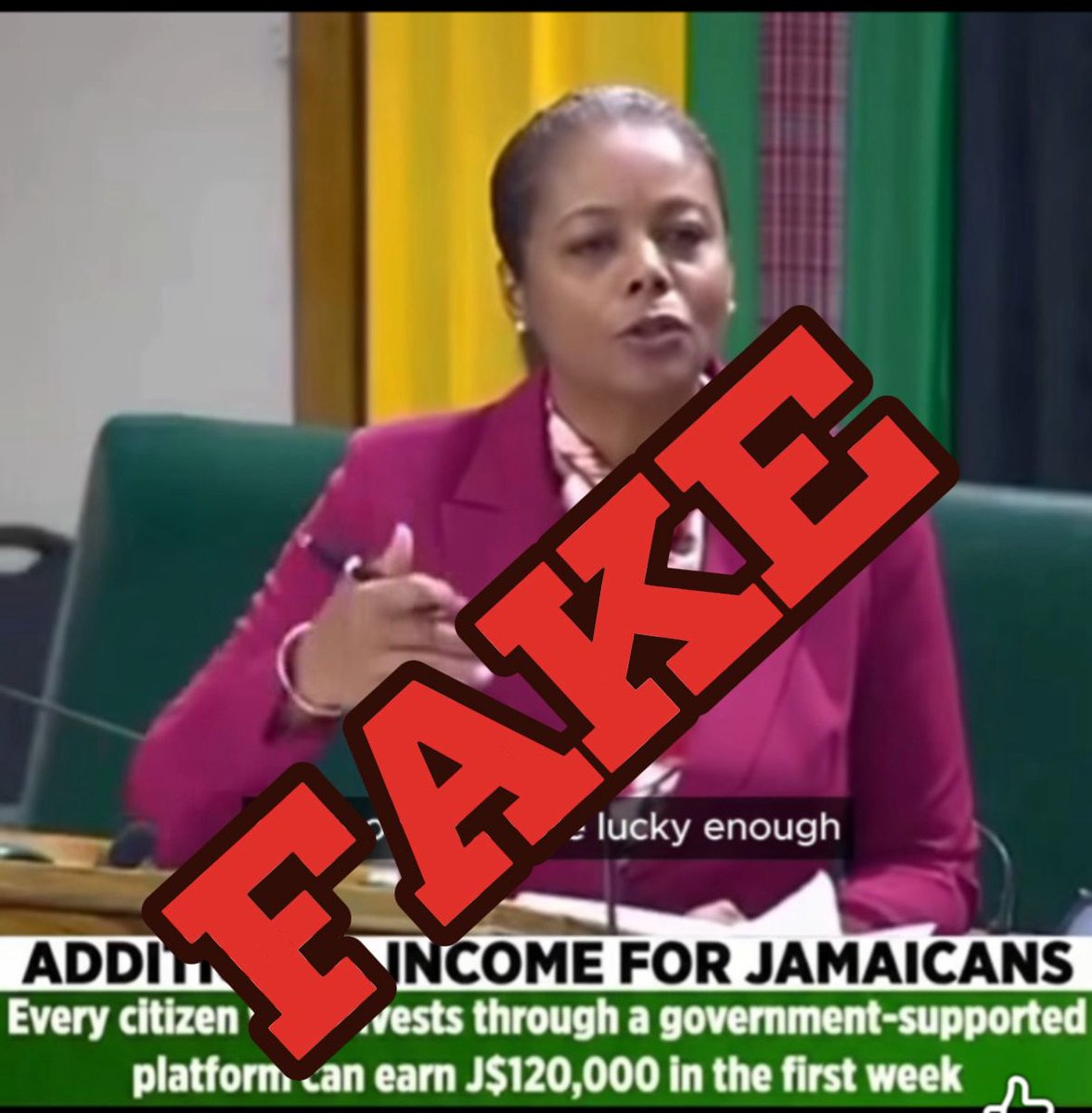
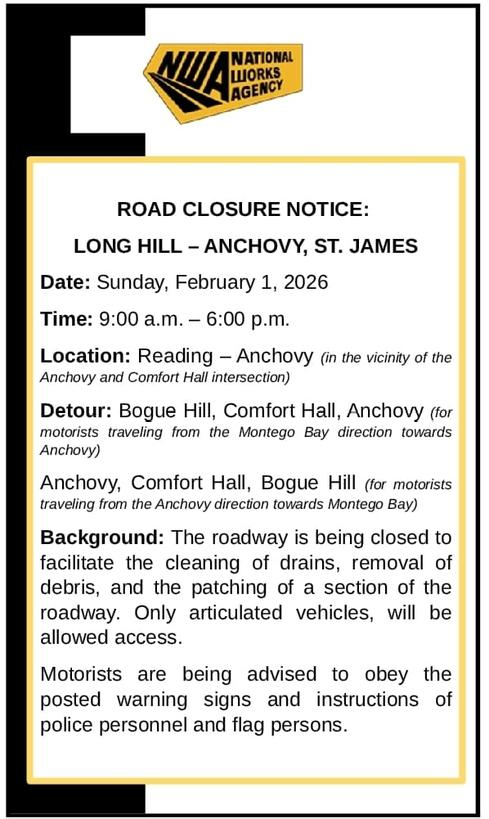
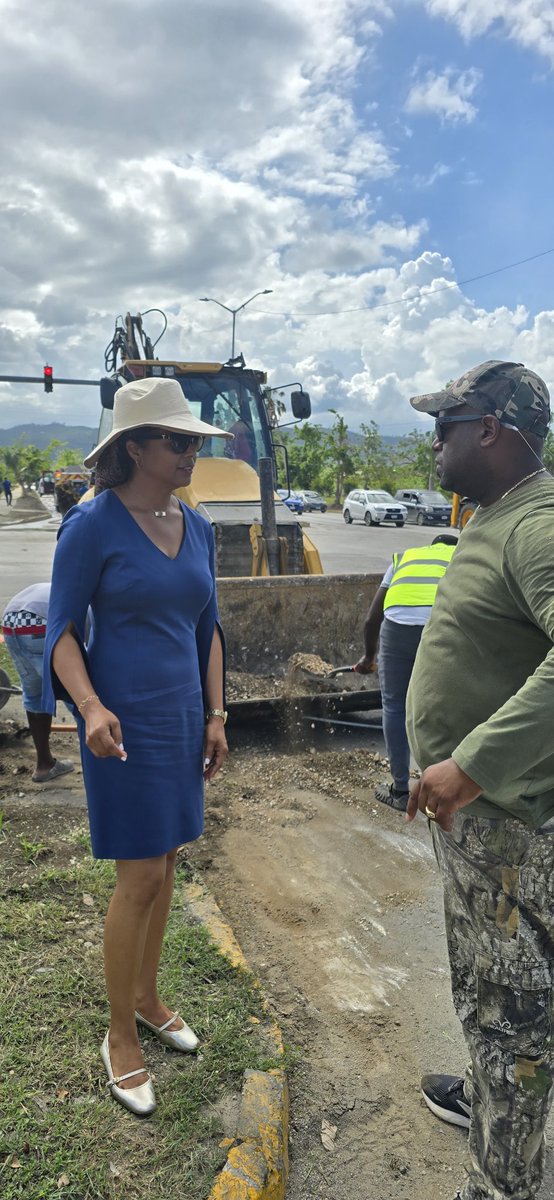


Thoroughly enjoy @televisionjam1 @TvjNewscentre #FootballFix with host #GarfieldJones and guests in this lead up to @FIFAWorldCup 2026.
2
460
Think on these things:
Proverbs 21:3 AMP
[3] To do righteousness and justice Is more acceptable to the Lord than sacrifice [for wrongs repeatedly committed].
bible.com/bible/1588/pro.21.…
2
3
755
PM hit the nail on the head with body-worn cameras jamaicaobserver.com/2026/05/…
The policy of the Government is to fully deploy camera systems for the police force. Just to be clear, there have been some discussions that seem to suggest that the Government doesn’t intend that...
5
24
838
I invite everyone to pause, suspend judgment and listen carefully to Prime Minister @AndrewHolnessJM address at the National Police College on cameras, as well as @JamaicaConstab Police Commissioner's and the statement on policing in Jamaica. I am keeping faith.
7
15
92
4,655
#ConstituencyHappenings #StJamesWestCentral Since 2016 I have supported #LabourDay projects selected by constituents themselves in communities across the constituency. For 2026 I decided to do a signature project over the period of the actual & celebrated Labour Day. Stay tuned.
1
2
5
337
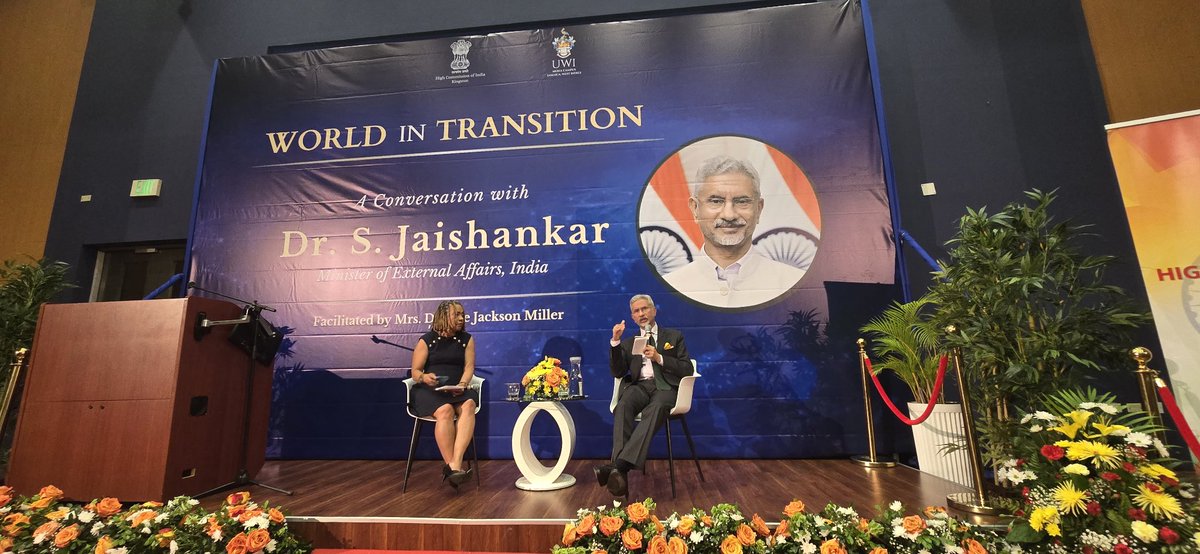
World in Transition: "Countries want trusted relationships they can rely on." @DrSJaishankar @hcikingston @keatsmat
1
7
28
1,050
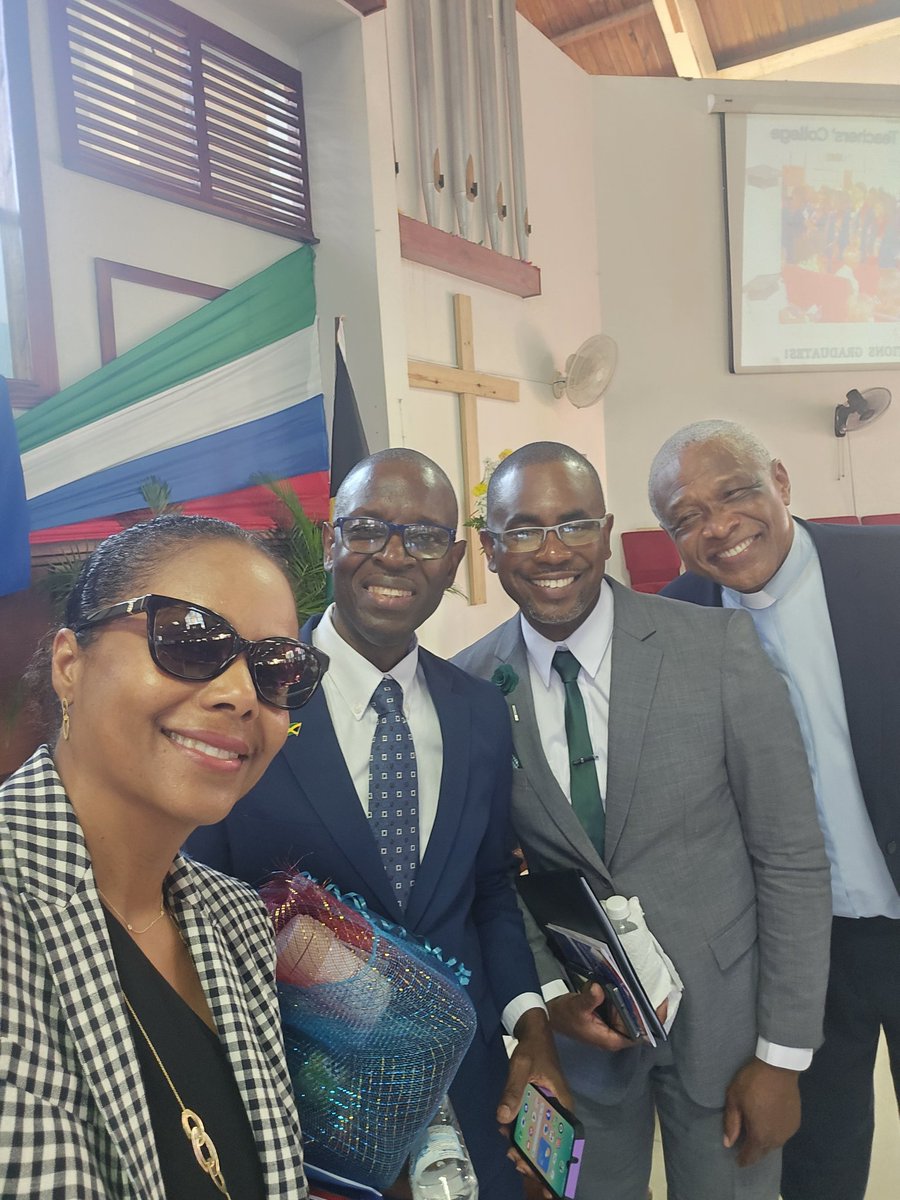
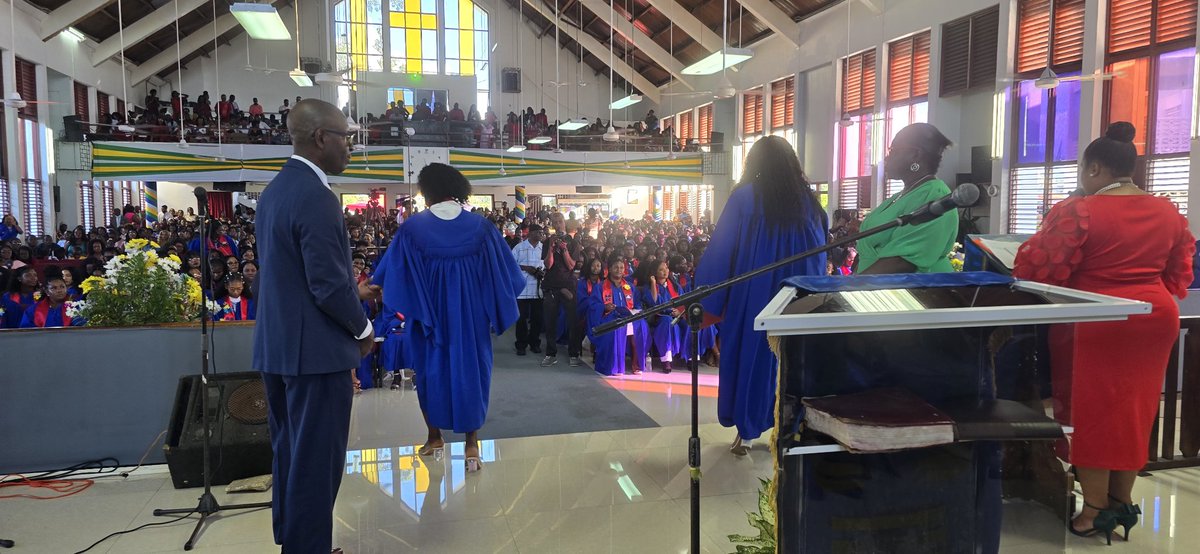
#ConstituencyHappenings #StJamesWestCentral Heartiest Congratulations to #SamSharpeTCollege graduating #Classof2026. Since 2016 I have provided meaningful scholarship and other support to numerous students who are now proud teachers.
1
7
40
1,269
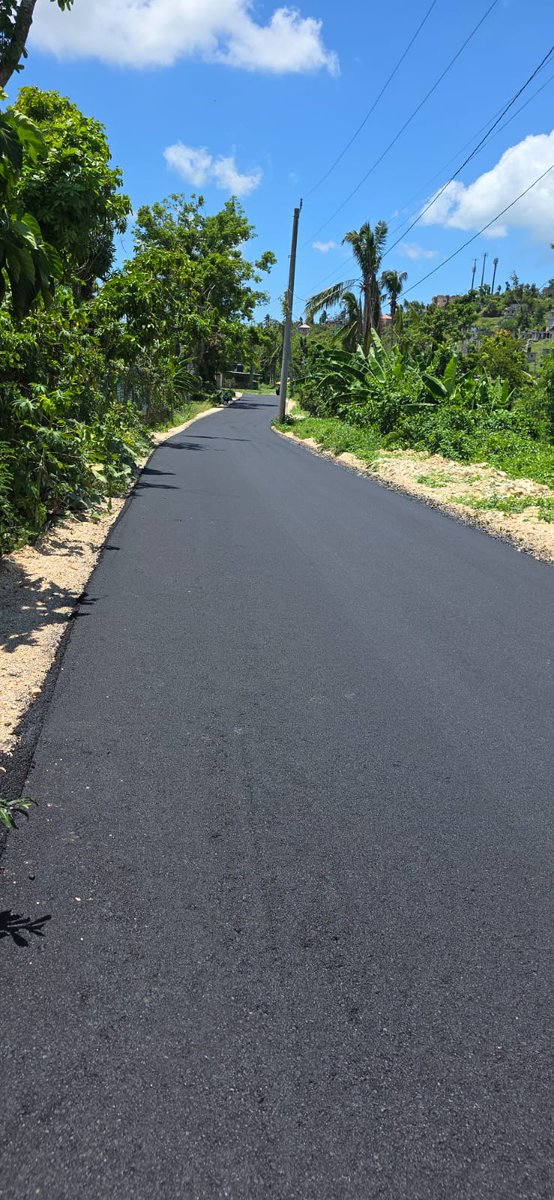
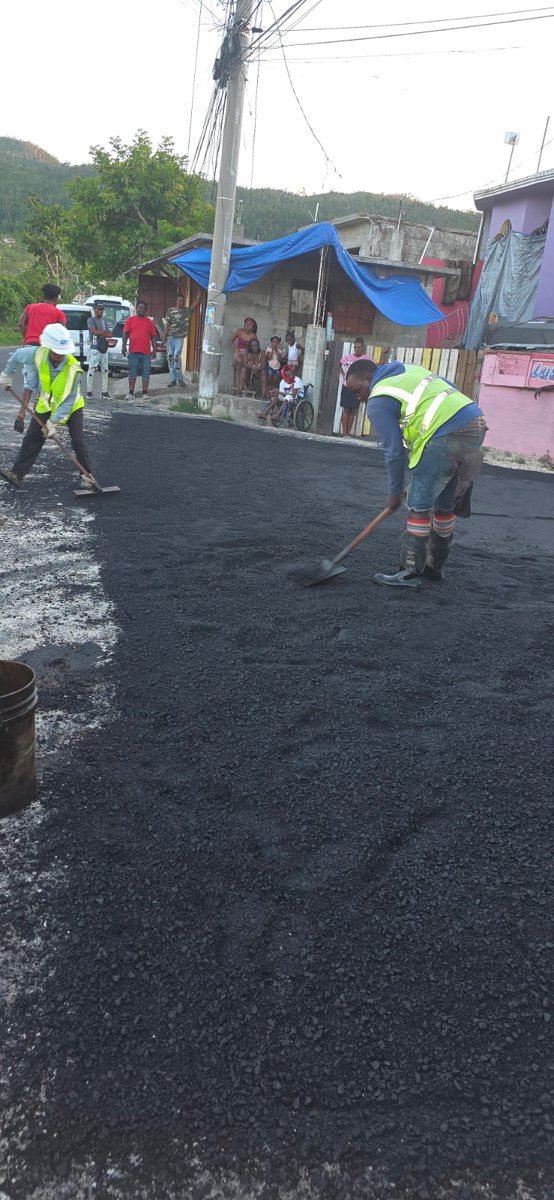
#ConstiruencyHappenings #StJamesWestCentral | I always get excited when the machinery of government delivers for the people. #EbonyDrive is being fixed, connecting the communities of #Pitfour & #MuddValley through to #Gutters main road. #SPARKSPROGRAMME #RepresentationForResults
6
18
82
2,330
Marlene Malahoo Forte retweeted

Apr 22
The fact that Malahoo’s criticism is being treated as breaking ranks is part of the problem with the partisan approach in our political culture.
4
66
231
11,814
Marlene Malahoo Forte retweeted

@MalahooForteMP we see you, we appreciate you, Jamaica applaud you for standing up for her in Parliament.
Jamaica would be a better place if we had more of you in Parliament.
The moral courage you showed yesterday is very rare in our parliament.
Well done my blueblood sister!

6
1
15
1,652
Marlene Malahoo Forte retweeted

Apr 22
@MalahooForteMP made a very courageous move, I'm not mad at it at all, opposition cheering is neither here or there.. We need NaaRRa to be sturdy and robust this was parliament at work.. let's fix what needs fixing.
Apr 22

George reacts to JLP MP Marlene Malahoo Forte's contribution to the NaRRa bill in Parliament on Tuesday, where she raised several concerns with the bill. Her contribution led to a standing ovation from the Opposition benches. #WOMM
3
7
39
1,318
Marlene Malahoo Forte retweeted

Apr 22
@MalahooForteMP is a legal mind and a lawmaker; we are paying her to be an independent thinker. She did her job in the debating of the NARRA bill, and any form of victimization for such should not even be considered.
We need a functioning NARRA.
Apr 22
George reacts to JLP MP Marlene Malahoo Forte's contribution to the NaRRa bill in Parliament on Tuesday, where she raised several concerns with the bill. Her contribution led to a standing ovation from the Opposition benches. #WOMM
6
13
1,116
Marlene Malahoo Forte retweeted

Apr 23
Indeed! Those should know that we don't seek to have cult followings but well thinking Jamaicans who want nothing but the best for the rock and so all sensible/educated opinions must contend.
No yes people... that is for those other ones.
2
9
350
Marlene Malahoo Forte retweeted

This should not be seen as breaking ranks. Its proper discharge of the duties of a legislator. @MalahooForteMP bats for her team always & for #TeamJamaica. I believe many labourites underestimate how much @AndrewHolnessJM values intellectual rigour & getting things done well.
2
8
432
Concerns have been raised in a Trinity College Dublin study about the privacy implications of the data collected by Google Dialer and Messages apps on Android phones. tcd.ie/news_events/articles/…
1
2
315
Marlene Malahoo Forte retweeted

Apr 18
One more thing.
When you delete your data, Google's own policy says it may stay on their backup servers for up to 6 more months.
Financial records may stay longer. Anonymized data may stay forever.
And data already shared with advertisers through the ad auction? That's already gone. You can't take it back.
This isn't about paranoia. It's about knowing what you agreed to without reading the terms.
1
21
91
66,592
Marlene Malahoo Forte retweeted
Apr 18
Step 6: Download everything before you delete (optional)
Go to: takeout.google.com
Select all services. Click "Create Export."
This gives you a copy of everything Google has on you. Keep it for your own records.
Then go back and delete what you don't want Google to have.
4
24
85
70,545
Marlene Malahoo Forte retweeted
Apr 18
Step 5: Delete your advertising ID (Android only)
Settings → Google → All Services → Privacy & Security → Ads → Delete Advertising ID
This is the unique tracker assigned to your phone that follows you across every app.
On iPhone, apps have to ask permission to track you (most people tap "Don't Allow").
On Android, every app gets this ID by default. No permission needed. Until you delete it.
2
23
99
74,924
Marlene Malahoo Forte retweeted
Apr 18
Step 4: Turn off ad personalization
Go to: myadcenter.google.com
Toggle off "Ad Personalization"
This stops Google from using your data to build your advertising profile.
You'll still see ads. They just won't be based on the detailed dossier Google built on you.
1
26
125
82,365