Markdown Monster wants to chew on your Markdown. An easy to use and extensible Markdown Editor and Weblog Publisher for Windows.
Joined July 2016
- Tweets 813
- Following 182
- Followers 537
- Likes 500
500 Photos and videos

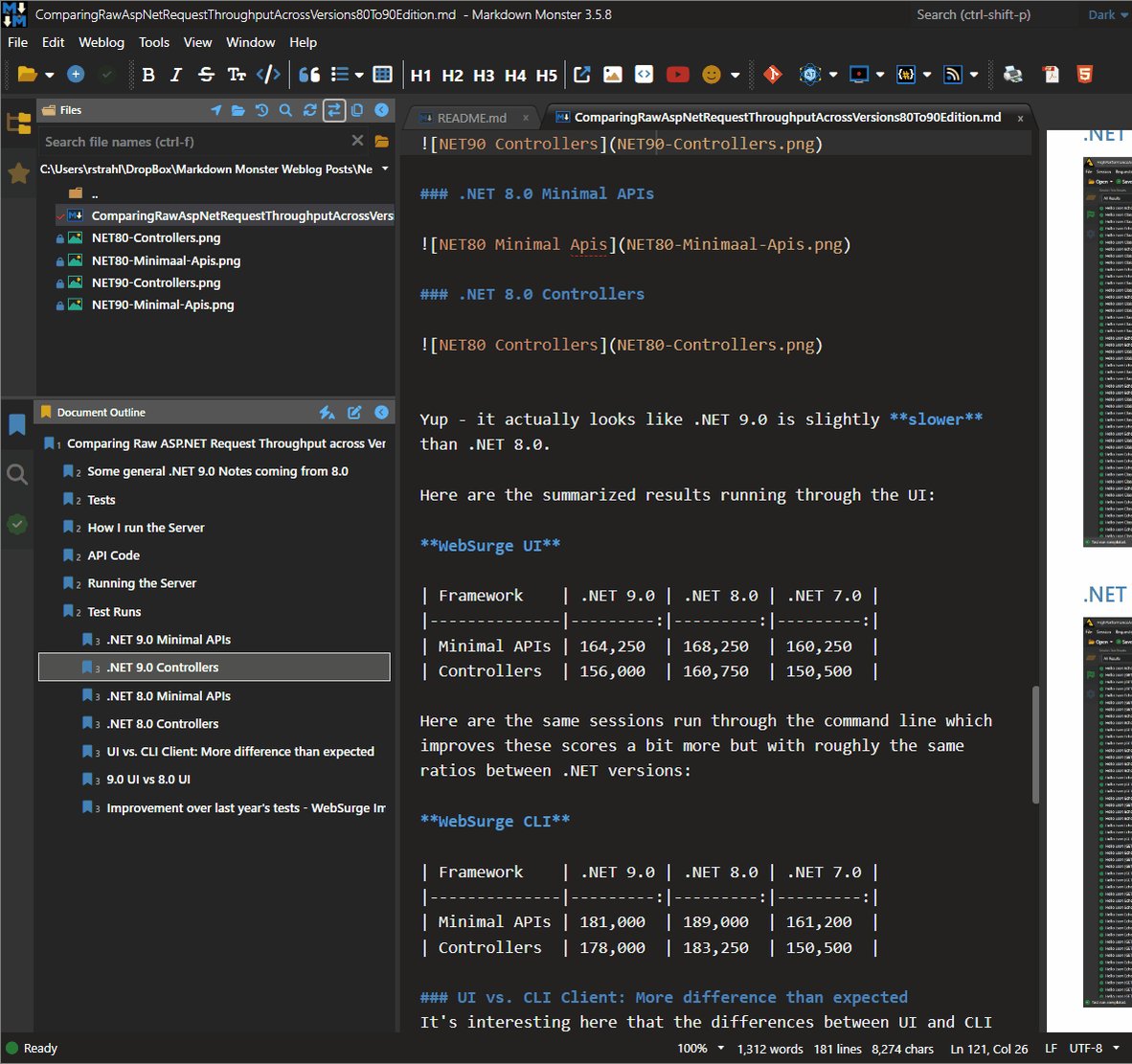
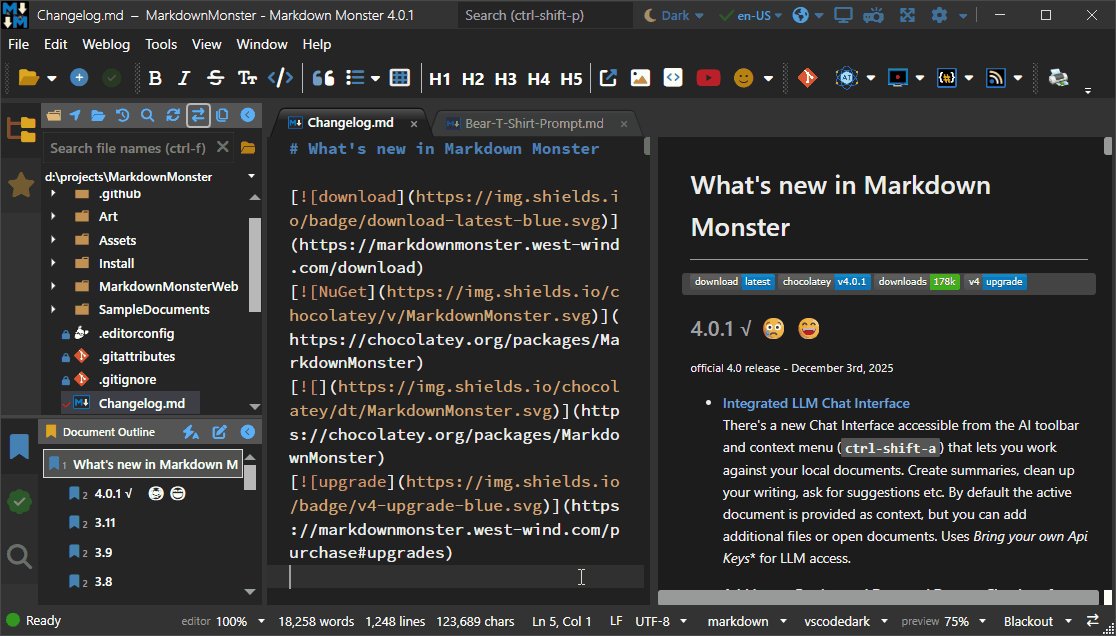
Blogged: Windows Protected your PC: Dealing with Windows SmartScreen on Installation
Windows SmartScreen has been acting up lately for Markdown Monster due to our frequent release cycle. If you run into the dreaded Blue Defender SmartScreen here's why and how to get around it.
markdownmonster.west-wind.co…
3
111

May 18
Did you know that you can check links for validity in your Markdown document in Markdown Monster using the Link Checker sidebar?
Click on the green check icon in the side bar to quickly check all referenced and image links, and quickly navigate to any of them from the link list.
4
12
711
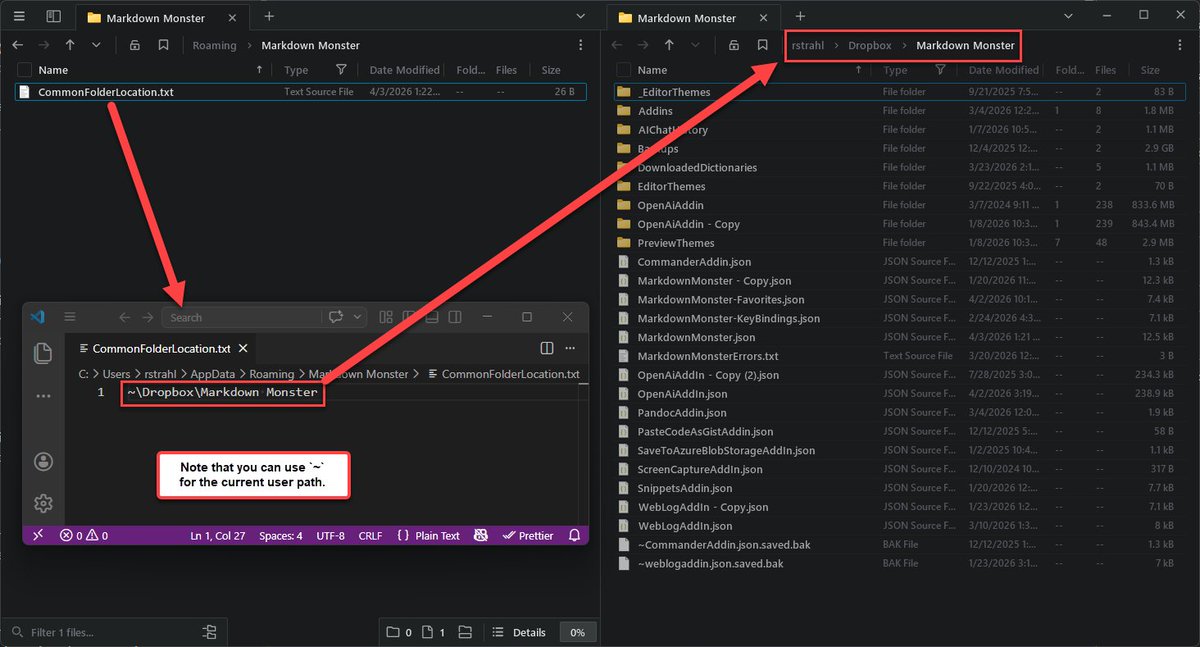
Did you know that you can change the default location of your Markdown Monster Configuration Folder to a shared location like Dropbox, Google Drive etc.
Allows for always synced content and backup, and for multiple setups to share a common configuration.
More info:
markdownmonster.west-wind.co…
3
118
Markdown Monster 4.2 is out. Lots of useful improvements:
* Improved Preview Sync
* Better Refresh for updated Images
* Goto Line (ctrl-g)
* MathML updates
* WordPress API Blog Publishing
* AI Improvements (Chat, Clean up, Summarize)
* more
Check it out:
markdownmonster.west-wind.co…
2
4
540
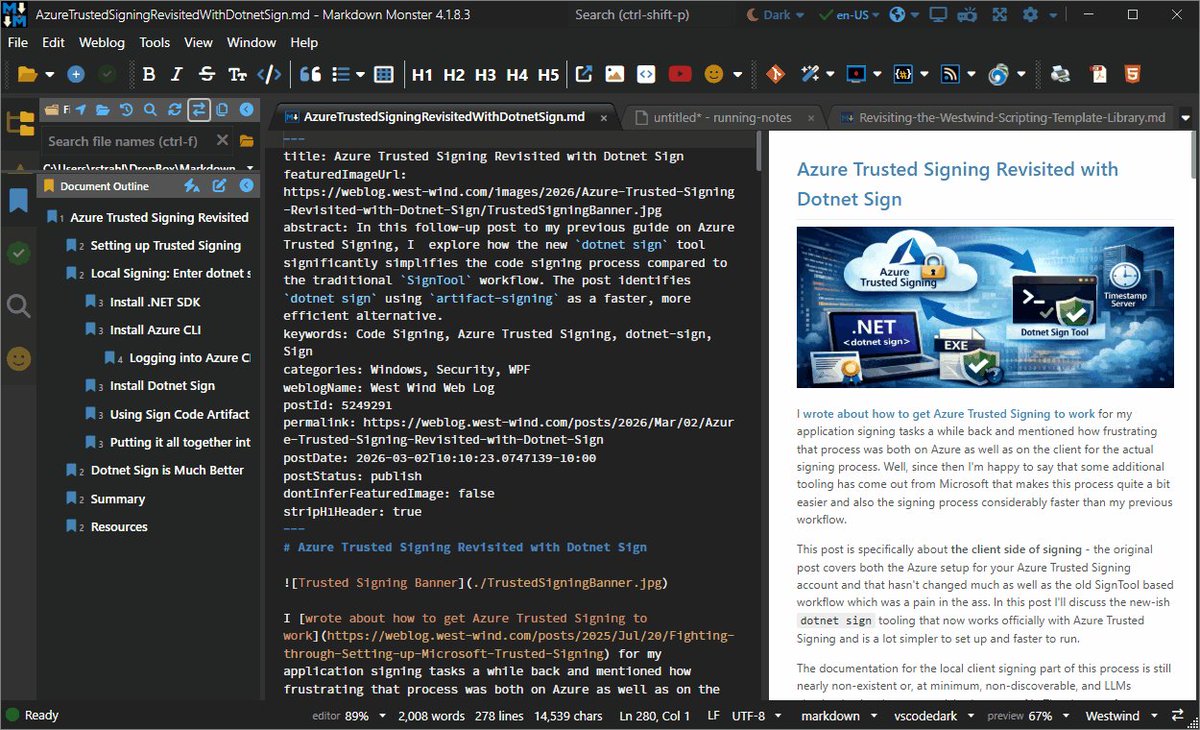
Took another shot at improving the preview syncing and preview positioning in Markdown Monster.
Preview position now is much closer to the editor line when editing and clicking in. Scrolling the editor now renders *near* the top of the preview.
See whatya think in 4.1.8.3
1
2
5
531
Getting editor and preview into sync is tricky as there are lotsa edge cases for content adjustment for top & bottom display, and scroll off.
It'll never be 100% but this update makes it significantly better than before thanks to this GitHub issue:
github.com/RickStrahl/Markdo…
54
Feb 27
Added a small feature to the Weblog Publishing interface to optionally generate an abstract using your preferred AI provider (if configured).
You can also manually do this in the document via the AI context submenu (ctrl-shift-a) -> Summarize or using the new Chat UI interface.
2
1
1
496
Feb 27
I should point out the the abstract generation has a slightly different prompt than the summarize functionality. The abstract is limited to a single paragraph and specifically meant for an abstract to describe a technical blog post, while the generic Summarize is more editor/writer focused.
1
27
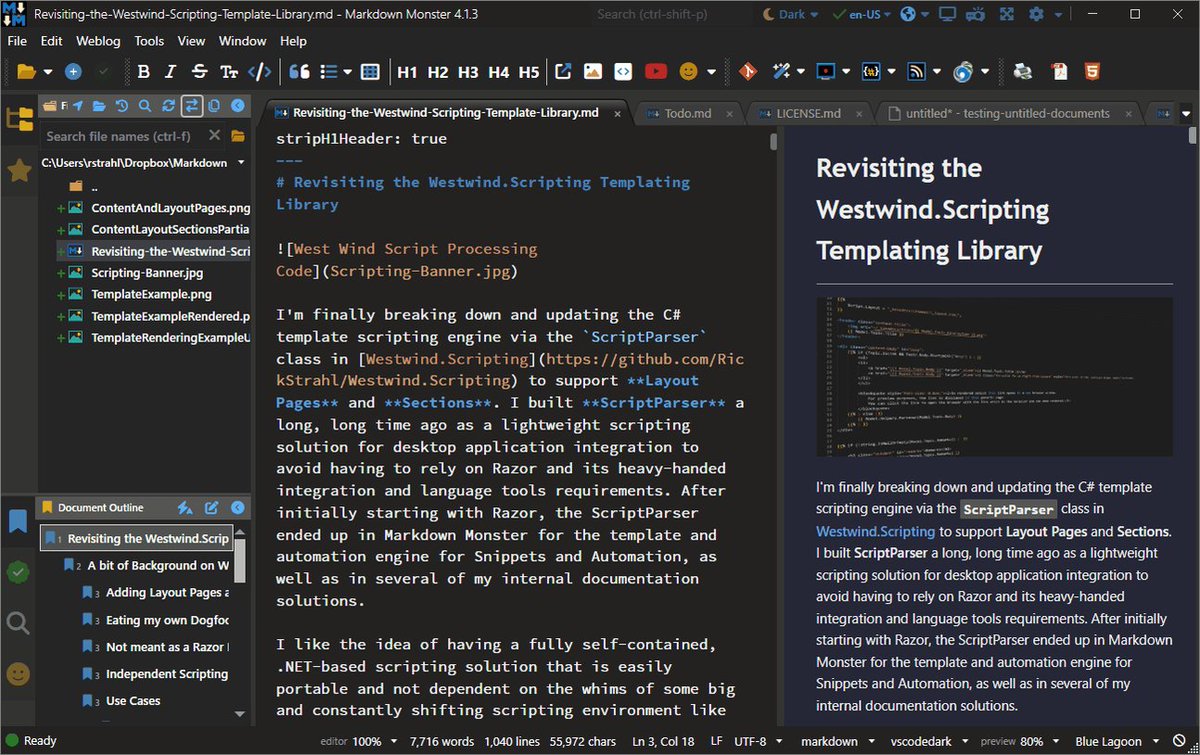
Added support for file lookups in the Command Palette (ctrl-shift-p) for quickly accessing open documents and files in the current 'project' tree.
Available in v4.1.3
1
2
3
537
Jan 22
Markdown Monster 4.1 is out. This is a maintenance release w/ a few small updates:
* Emoji Picker moved to always-on Sidebar
* Sidebar visual highlighting on activation
* Specify your List symbol (* or -)
* Improved Pdf font output
* Many AI text support enhancements
markdownmonster.west-wind.co…
2
7
584
Jan 20
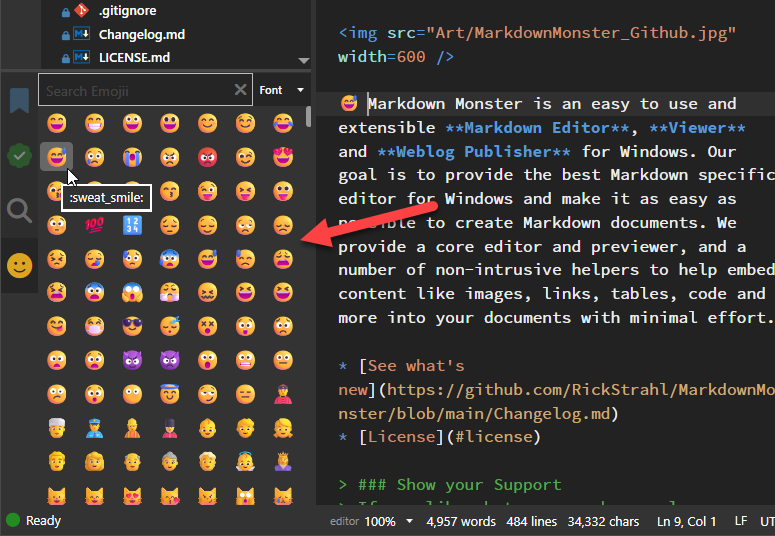
In the latest Markdown Monster update, we've moved the Emoji Window to a sidebar that is always available. Still quick accessible with ctrl-j.
Emoji's can be frivolous, but surprisingly many users have had requests around easier Emoji access, and the side bar fits that bill.
1
5
456
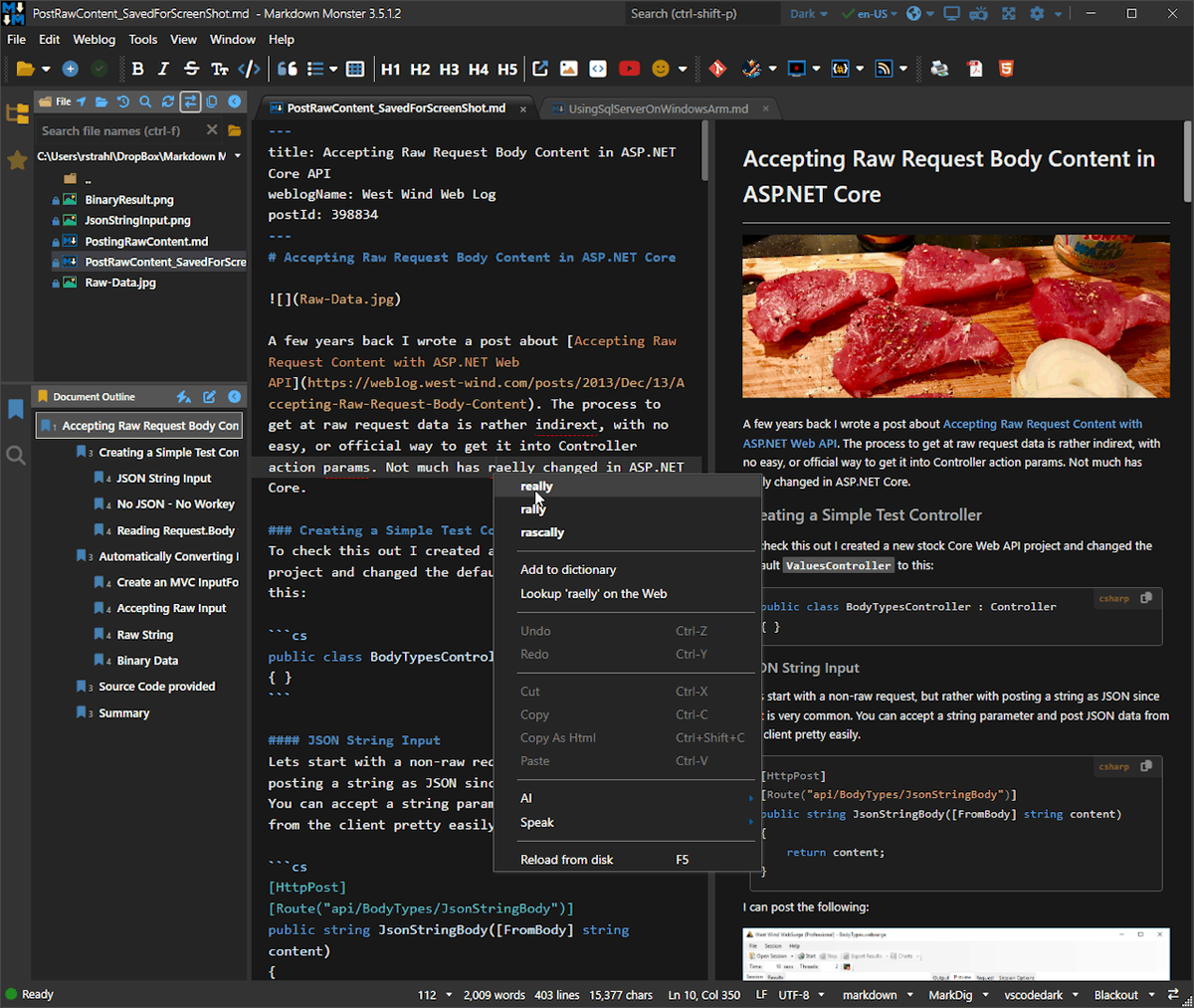
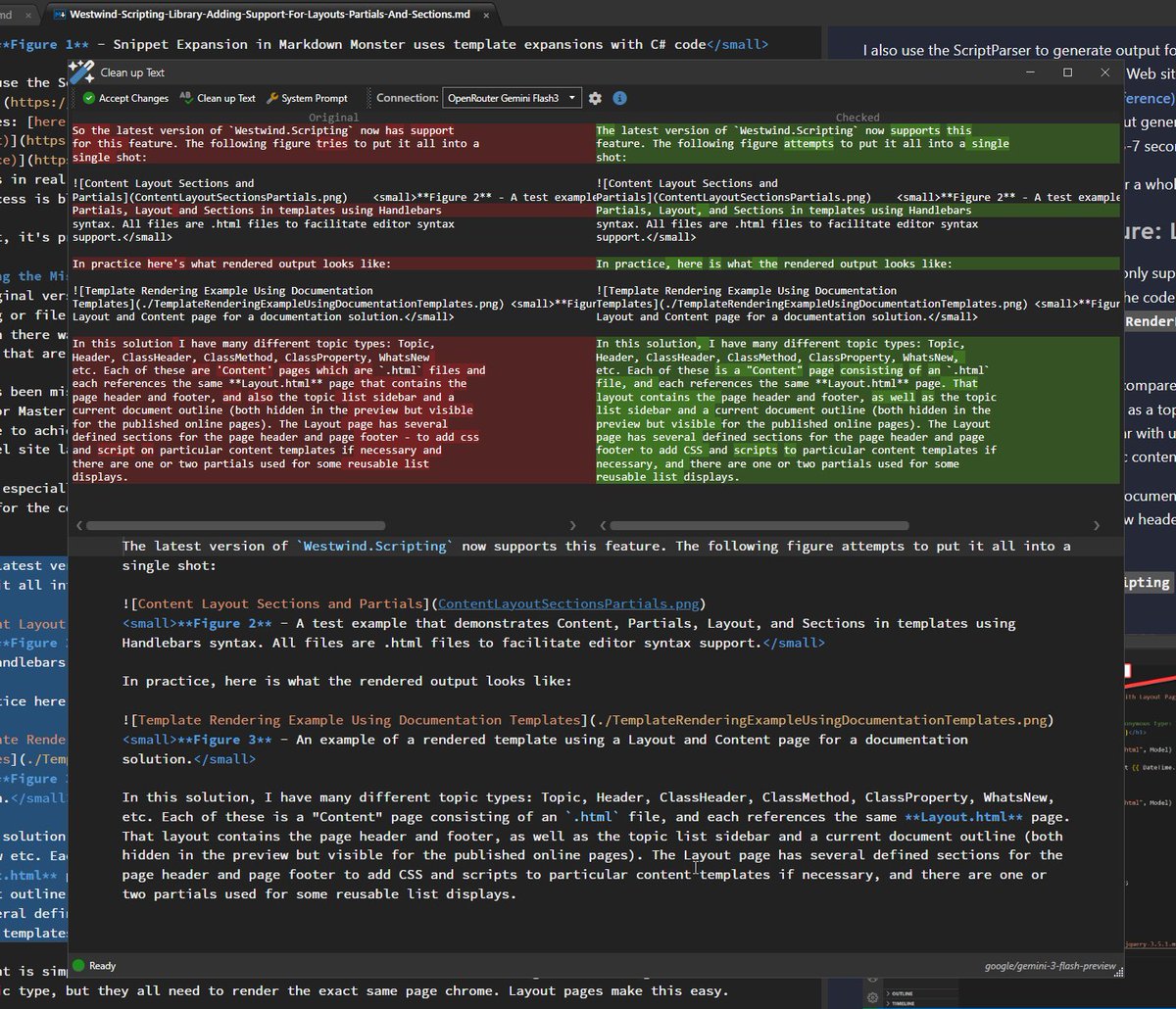
Reworking the old 'Check Grammar' interface into a 'Cleanup Text' with a few usability improvements:
* Improved fix up prompt (grammar, flow)
* Optionally edit the system prompt
* Markdown Syntax Previewer instead of plain text
* Model used display (useful for multi models)
1
1
4
511
It's not super obvious but the bottom panel with the syntax view is editable and allows making adjustments after the result is returned.
Accepting pastes the bottom panel's content back into the editor selection.
77
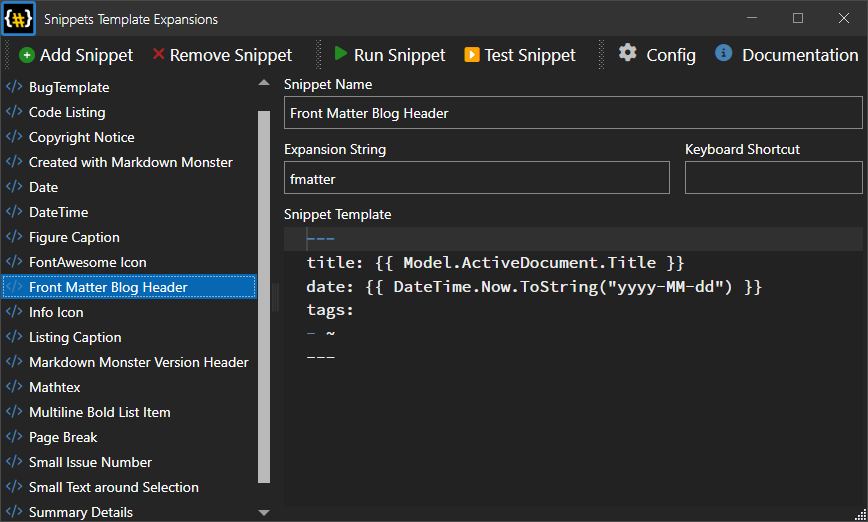
Did you know that Markdown Monster comes with a Snippet Expansion add-in built in?
Define shortcuts or use the add-in to define templates using `{{ dotnet-Expression }}` syntax to expand text for repetitive things into the editor.
1
2
4
582
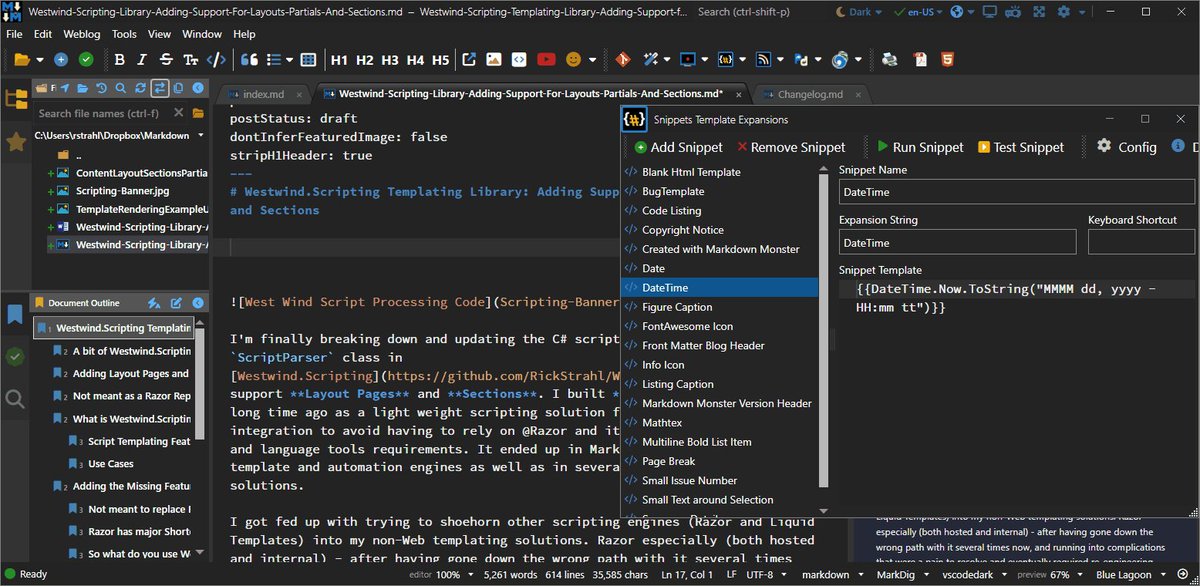
Use it to create templates for things like:
* Simple expansions, like the date example,
figure captions etc.
* Large text blocks like bug templates, doc headers
* Markdown Structured blocks (code, lists, tables)
4
93
17 Dec 2025
We've updated the Markdown Monster .NET Addin templates for v4 and .NET 10 for those of you that want to extend Markdown Monster.
Those templates are now available as a `dotnet new` template and Visual Studio New Project template Addin.
markdownmonster.west-wind.co…
2
8
679
3 Dec 2025
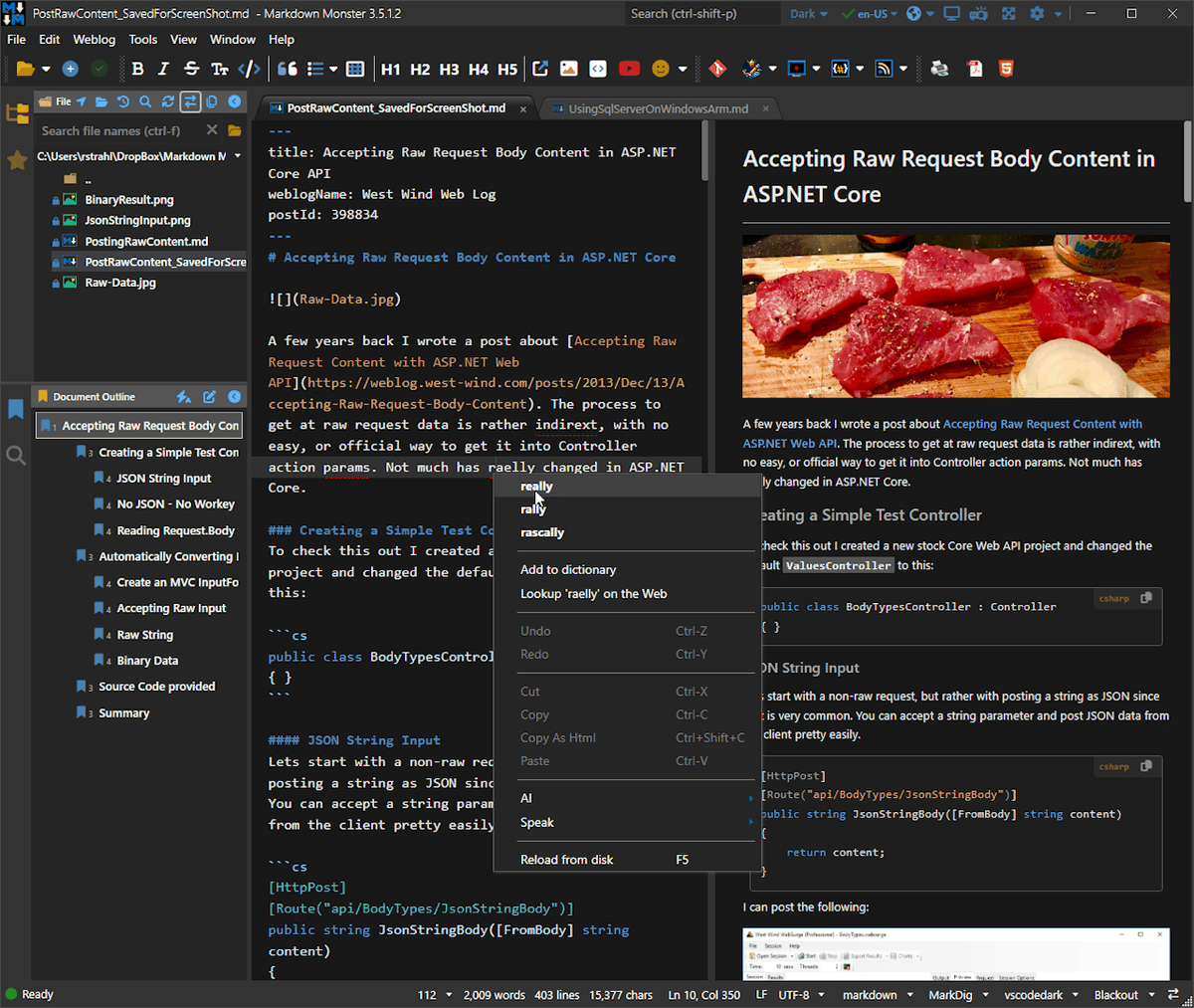
Markdown Monster 4.0 is out. Many new features & improvements:
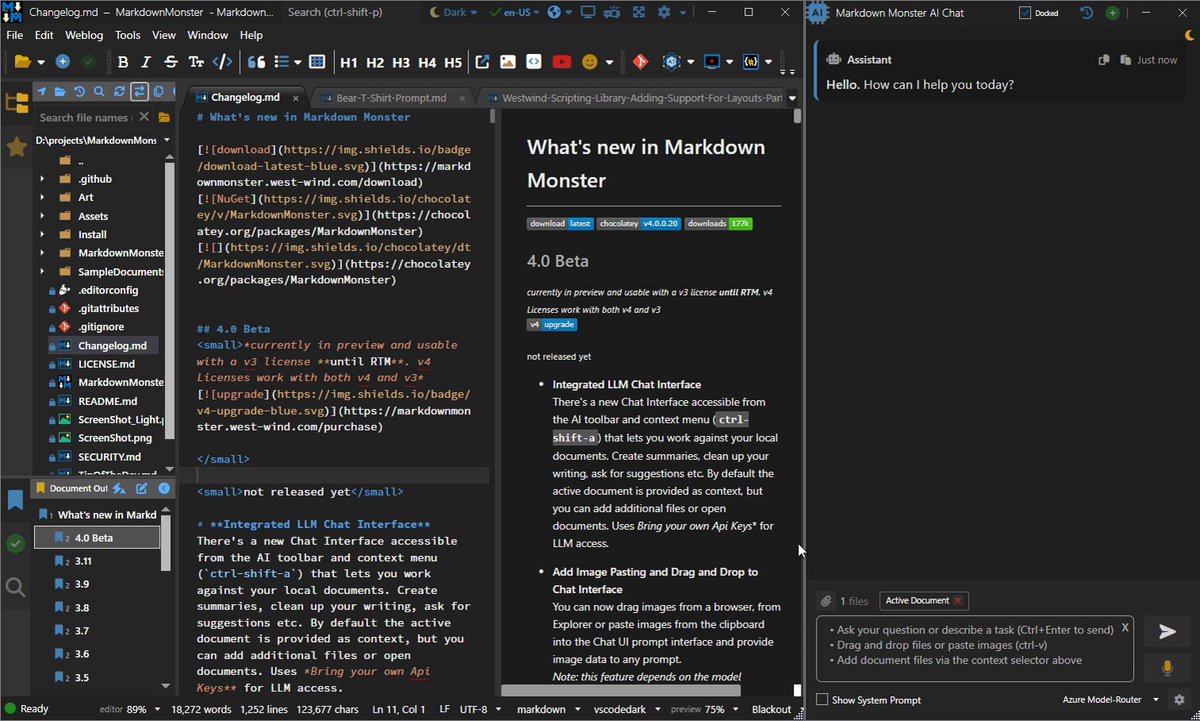
* Integrated LLM Chat interface
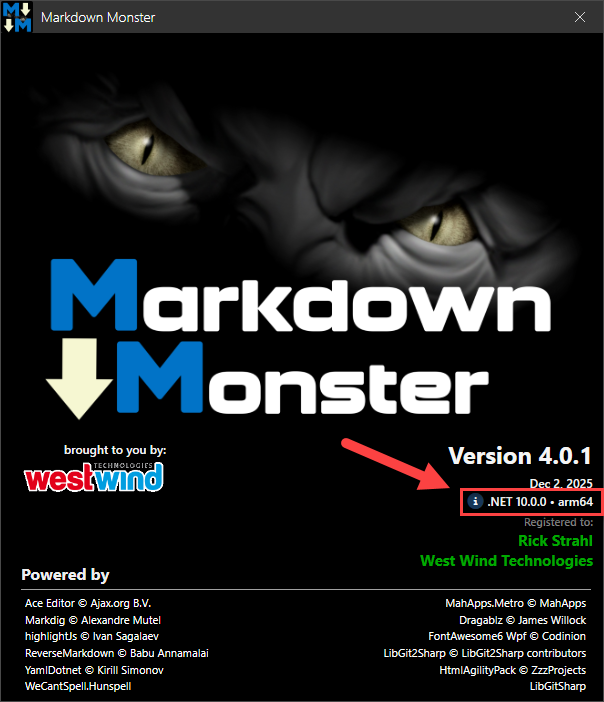
* .NET 10 Runtime
* Improved ARM64 support
* Many Mermaid graph improvements
* Support for Font ligatures
* Many small UI improvements
Check it out:
markdownmonster.west-wind.co… #markdown
2
3
14
7,546
3 Dec 2025
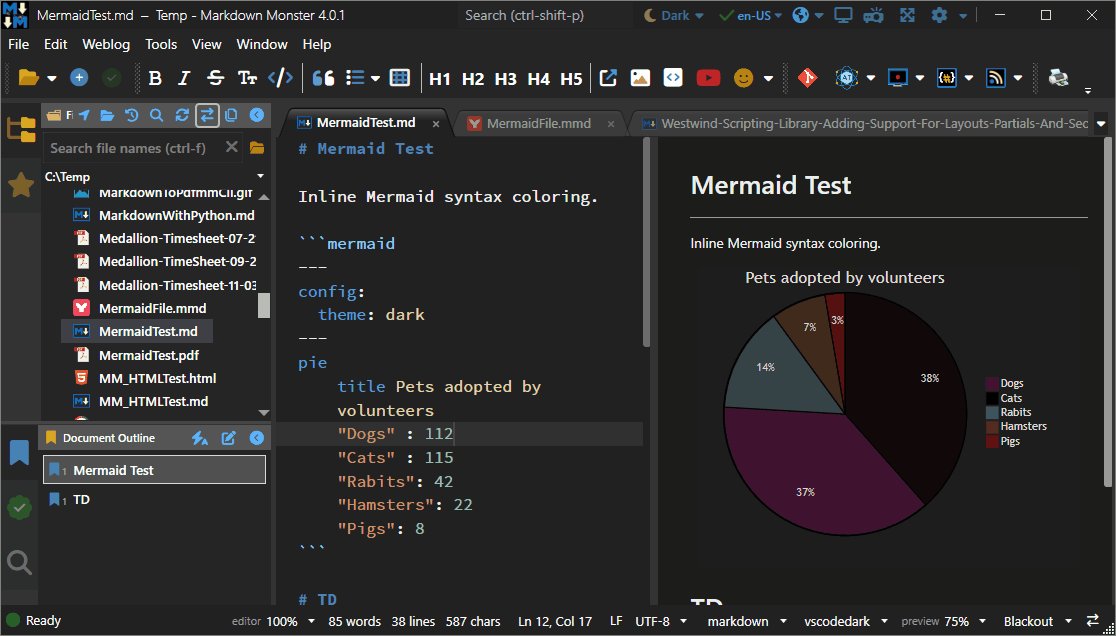
v4 also has a number of updates for Mermaid charts:
* Inline code syntax coloring
* Support for stand-alone .mmd Mermaid files
* Improved live preview
1
1
162
3 Dec 2025
There are also a couple of improvement to untitled documents:
* If title can be deduced it's displayed next to Untitled
* Helps differentiate multiple Untitled docs
* Untitled documents persist across restarts now
1
119