
⚡MARS building the future of Web3 with AI Agent technology. Seamless on-chain search, real-time insights experience. Become the Google on the blockchain.
Joined December 2022
- Tweets 669
- Following 104
- Followers 22,637
- Likes 211
158 Photos and videos








19 Jul 2025
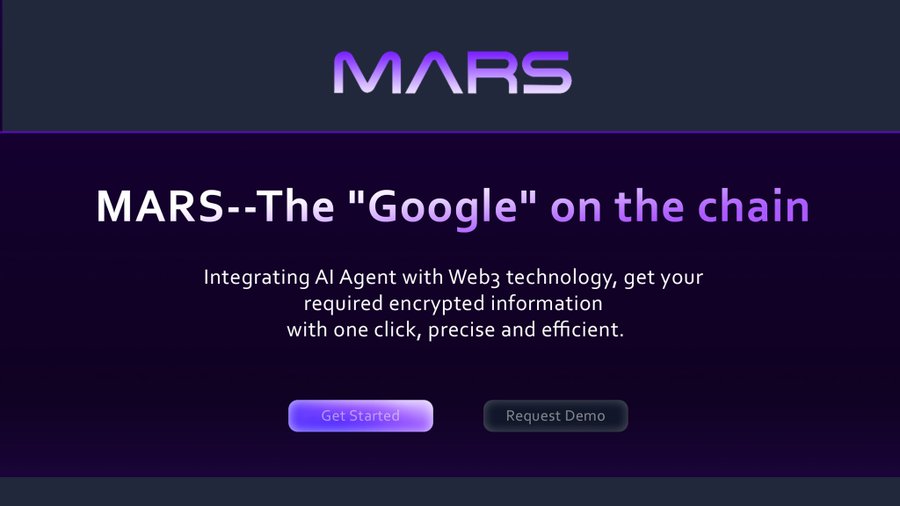
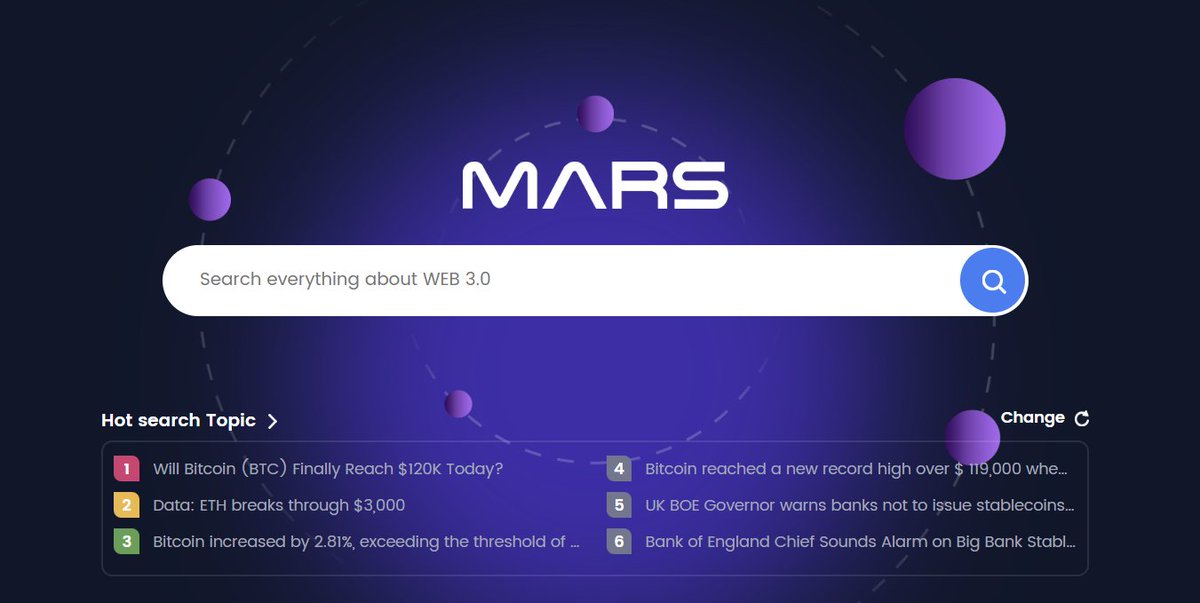
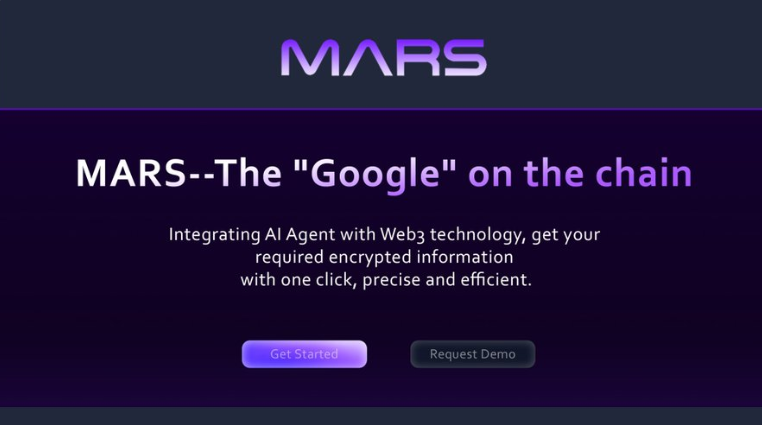
⚡️The on-chain search revolution has arrived|MARS — the Google of Web3, your AI-powered on-chain radar.
Tired of jumping between tools to check wallets, scan contracts, or analyze new projects?
Blockchain data is too fragmented, and research takes too much time.⚡️
Try MARS — with just one sentence, you can instantly aggregate information from across the entire chain.
No more copying and pasting wallet addresses.
MARS connects the dots between wallets, contracts, projects, and transaction histories using AI — helping you escape the chaos of scattered data and boost your research efficiency by tenfold.
Welcome to a new era of on-chain intelligence.
#Mars #Web3 #DeFi @solana
1
2
6,628
18 Jul 2025
🚀 #MARS is now fully live!
We're becoming the "Google of Blockchain" – and launching on-chain soon!
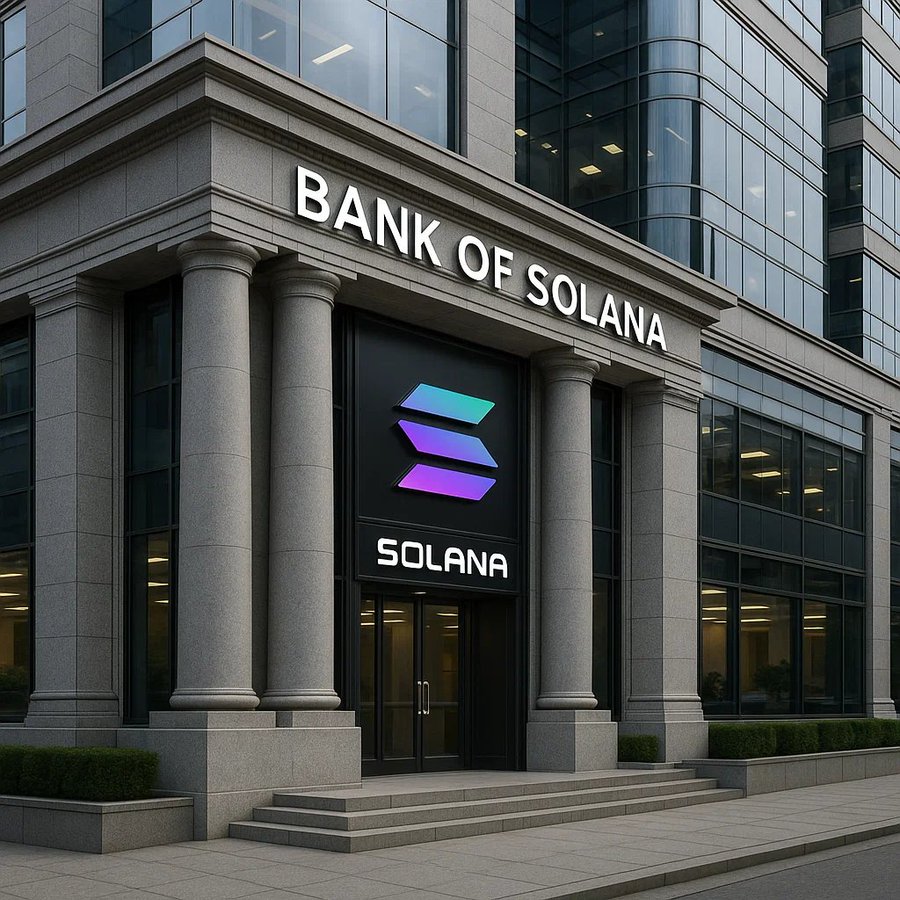
🔜 Get ready for decentralized search powered by @Solana!
Follow our journey:
@bonkfun | @SolportTom #Mars #Web3 #DeFi

From advanced reasoning to research to getting things done, Search just got even more helpful. Learn more about our updates here ⬇️ goo.gle/4lXON0i
1
6,393
18 Jul 2025
🔥We're thrilled to announce that @Mars_search now supports full #bonk token analytics!
Access real-time token data instantly – trade faster and research smarter.
The "Google of On-chain" is now live! 🔥
🔗Get started: mars.fyi
@bonkfun @SolportTom #Mars


1
6,105
14 Jul 2025
🔥One search, full insight into the on-chain ecosystem — building the Google of Blockchain!
Still relying on blockchain explorers to manually search contract details, NFT data, and wallet activity page by page?
MARS leverages cutting-edge AI Agent technology, allowing you to ask questions in natural language and get on-chain answers instantly — simple, efficient, and just like "Google for Web3."
MARS goes beyond just fetching NFT projects and contract info — it analyzes liquidity, on-chain behavior, and cross-chain transaction paths. From DeFi to GameFi, it's your all-in-one Web3 intelligence engine.
#MARS @solana @Mars_Search
4,365
3 Jun 2025
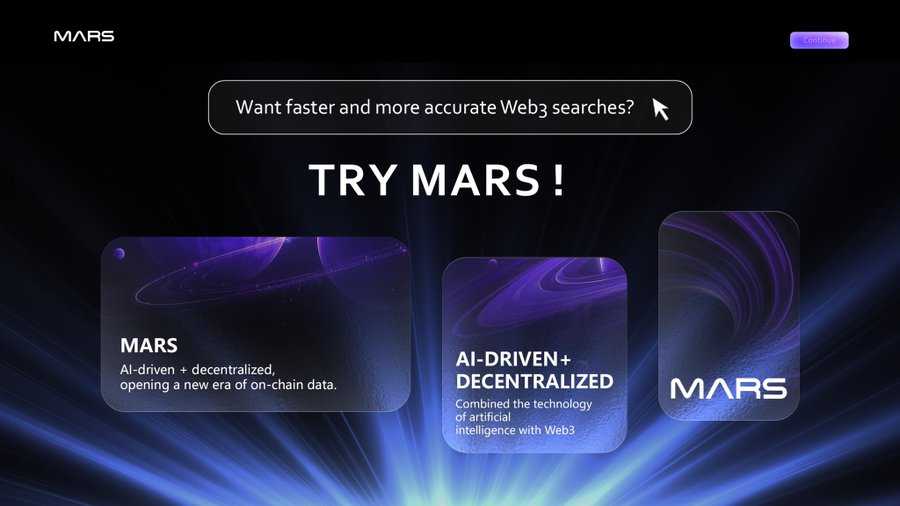
Try MARS — an AI-powered decentralized search engine with zero vulnerabilities in the Web3 world. Welcome to #MARS!
3 Jun 2025

🚨 WARNING: Another Chrome zero-day exploited in the wild.
Google just patched CVE-2025-5419 — a high-severity V8 engine flaw found by its own Threat Analysis Group.
Attackers are already using it via malicious HTML pages.
Update Chrome NOW | Read: thehackernews.com/2025/06/ne…
8
1
4
16,092
29 May 2025
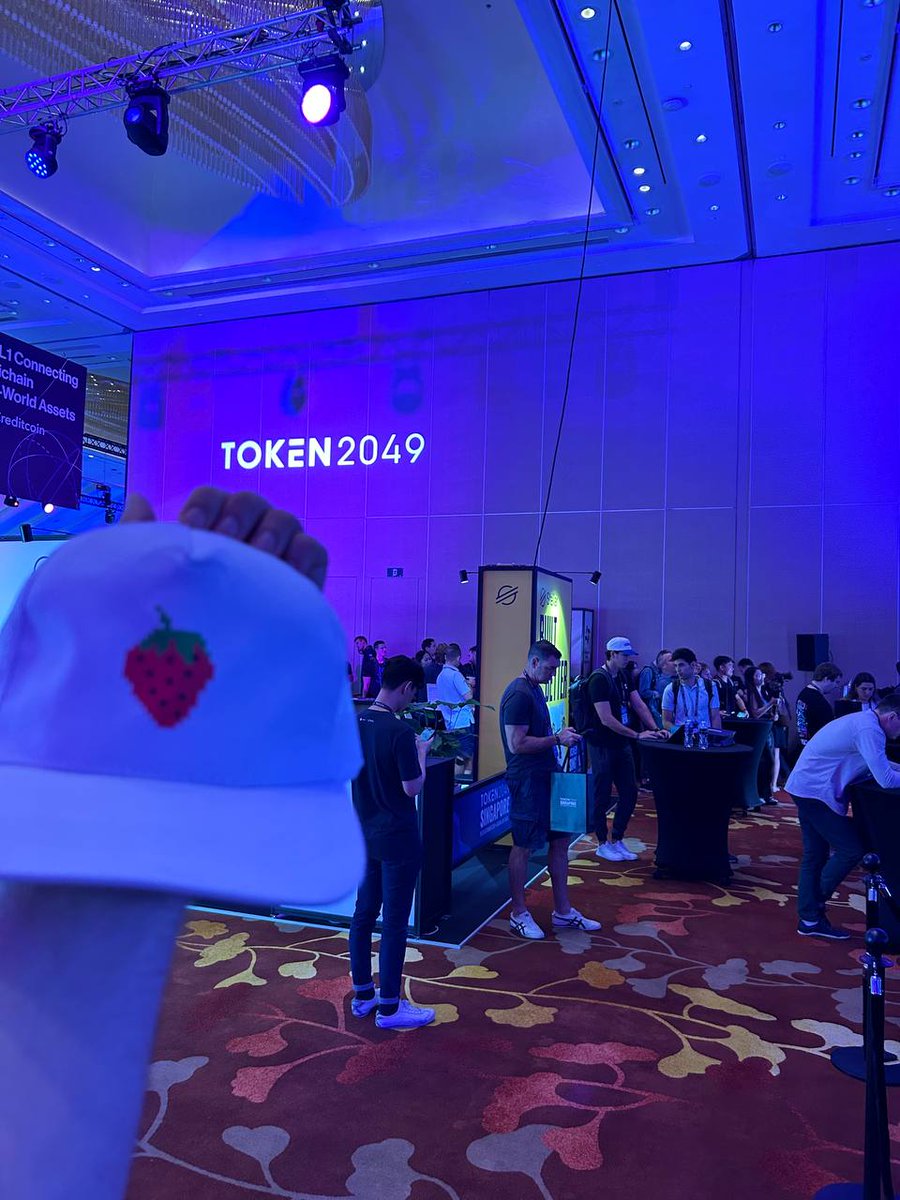
The #web3 search engines would be a great addition to the whole space. Giving users their privacy and also accurate searches
15
4
2
11,864
29 May 2025
As a supplement to the centralized network, Mars improves the accuracy of Web 3 search with the blockchain technology. Distinguish the decentralized search from centralized search: Unlike the traditional centralized search, the decentralized search engine is a network composed of multiple nodes distributed on the network. When adopting the decentralized search engine, the attention shall be paid to its search scope and the reliability of search results.
For the record results of Web 3 search, it will protect the personal privacy: in the Web 3.0, compared with the results, anonymity is more important. However, this does not mean that anonymity can ignore the results.
Confirm the source of search results: In the Web 3.0, the source of search results may be distributed and unreliable. Therefore, when using the search engines, the search results shall be confirmed to ensure that they are taken from the reliable sources.
Community of search engine: the search engine of Mars has its own community that helps you understand how the search engine work and provide feedback and suggestions. Therefore, when using the Web 3.0 search engine, it is recommended to focus on the community of search engine and activities.
13
3
2
5,920
28 May 2025
Web3 & MemeCoin 3.0: The Intelligent Evolution of a Cultural Phenomenon
From $DOGE to $SHIB, MemeCoins have reshaped Web3 culture. Now, MemeCoin 3.0 is here, merging AI-driven intelligence with community power to unlock new possibilities.
👉 Read now: medium.com/
#Web3 #MemeCoin #AI #Crypto #Blockchain #search #Airdrop
12
2
5,780
27 May 2025
How to make an "AI agent" to monitor the cryptocurrency market in real time with the help of external data sources. You can expand more functions on this basis, I will briefly show you the idea.
1. Install dependencies
• openai: used to call Mars API.
• langchain: build AI Agent and manage tool calls.
• requests: used to request cryptocurrency market APIs (such as CoinGecko, Binance, etc.).
2. Prepare the "Tool" for obtaining cryptocurrency quotes
We will first use the CoinGecko free quote interface as an example. You can obtain prices without registration, but there is a speed limit.
Write a Python function that uses requests to call CoinGecko and returns the USD price of a certain cryptocurrency. You can use other exchanges or data sources, such as Binance, Coinbase, etc.
If you want to support multiple currencies or more details, such as trading volume, market capitalization, etc., you can call other CoinGecko APIs and return richer data.
3. Package this function into a Chain "Tool"
In Chain, each "Tool" needs to contain three core elements:
• Name (name)
• Function to be executed (func)
• Simple description (description)
In this way, the Chain Agent knows when to use this tool and how to use it.
4. Create a simplest AI agent
Use the initialize_agent function to quickly create an agent and specify:
1. tools: a list of tools that can be used.
2. llm: large language model (ChatGPT/GPT-4), etc.
3. agent type: dialogue strategy, such as ZERO_SHOT_REACT_DESCRIPTION (commonly used).
4. verbose: whether to print the internal reasoning process (useful for debugging).
4.1 Initialize LLM
First, pass in your API Key. Remember to replace the following "YOUR_OPENAI_API_KEY" with the key you generated on the AI platform.
4.2 Initializing Agent
It understands natural language and will call crypto_price_tool to get real-time data if necessary.
5. Talk to the agent and check the currency price
You can call agent.run() like this:
# User asks in natural language
question = "Hello, I want to know how much Bitcoin is now?"
response = agent.run(question)
print("Agent answer:", response)
# You can also directly enter the CoinGecko ID, such as 'ethereum'
question = "Check the current price of ethereum"
response = agent.run(question)
print("Agent answer:", response)
6. Real-time monitoring (the simplest polling example)
If you want to do the most basic real-time monitoring, you can write a loop in the Python script, for example, automatically query the price every 60 seconds, and let the Agent interpret the market trend.
I wish you a happy realization and have fun!
1
2
4,030
27 May 2025
Discover MARS—The “Google” on the Chain! Integrating AI Agent with Web3 technology, MARS helps you access encrypted data with just one click. Precise, fast, and efficient.
🚀 Get started now: mars.fyi
#Web3 #AI #Blockchain #Crypto
1
1
4,379
26 May 2025
Dive into the future of search with MARS! 🪐
🚀It's like Google but for the blockchain, using AI agents and Web3 tech to deliver lightning-fast, accurate searches.
#MARSsearch #AI #Web3 #BlockchainRevolution
3
3,453
17 Mar 2025
Are we qualified to issue our Token now?
17 Mar 2025

On AI agents, I have an unpopular opinion:
While crypto is the currency for AI, not every agent needs its own token.
Agents can take fees in an existing crypto for providing a service.
Launch a coin only if you have scale. Focus on utility, not tokens.🙏
4
1
8
738

5 Feb 2025
🌞 GM WORLD
👇👇👇👇👇👇👇👇👇👇👇
There will be exciting news today.
3
1
7
611