
developer advocate at @jetbrains | creator of @nukebuildnet
Joined October 2011
- Tweets 8,314
- Following 198
- Followers 1,514
- Likes 5,310
930 Photos and videos



Matthias 🤖 retweeted

Mar 19
Introducing TeamCity CLI 🎉
It includes over 60 commands. Use it to investigate a failed build, find the root cause of a problem, or fix and re-trigger.
Read more about how TeamCity CLI can help: jb.gg/n7v5pg
7
25
13,390
Matthias 🤖 retweeted

Mar 25
𝗖# 𝗶𝗻 𝗩𝗦 𝗖𝗼𝗱𝗲 𝗮𝗹𝘄𝗮𝘆𝘀 𝗳𝗲𝗹𝘁 𝗯𝗿𝗼𝗸𝗲𝗻.
In March, this finally changed 👇
What's the problem with C# in VS Code?
You open your .NET solution in VS Code, Cursor, or another lightweight editor.
You get basic syntax highlighting. Some IntelliSense. Maybe a few squiggly lines.
But real productivity? That's been missing.
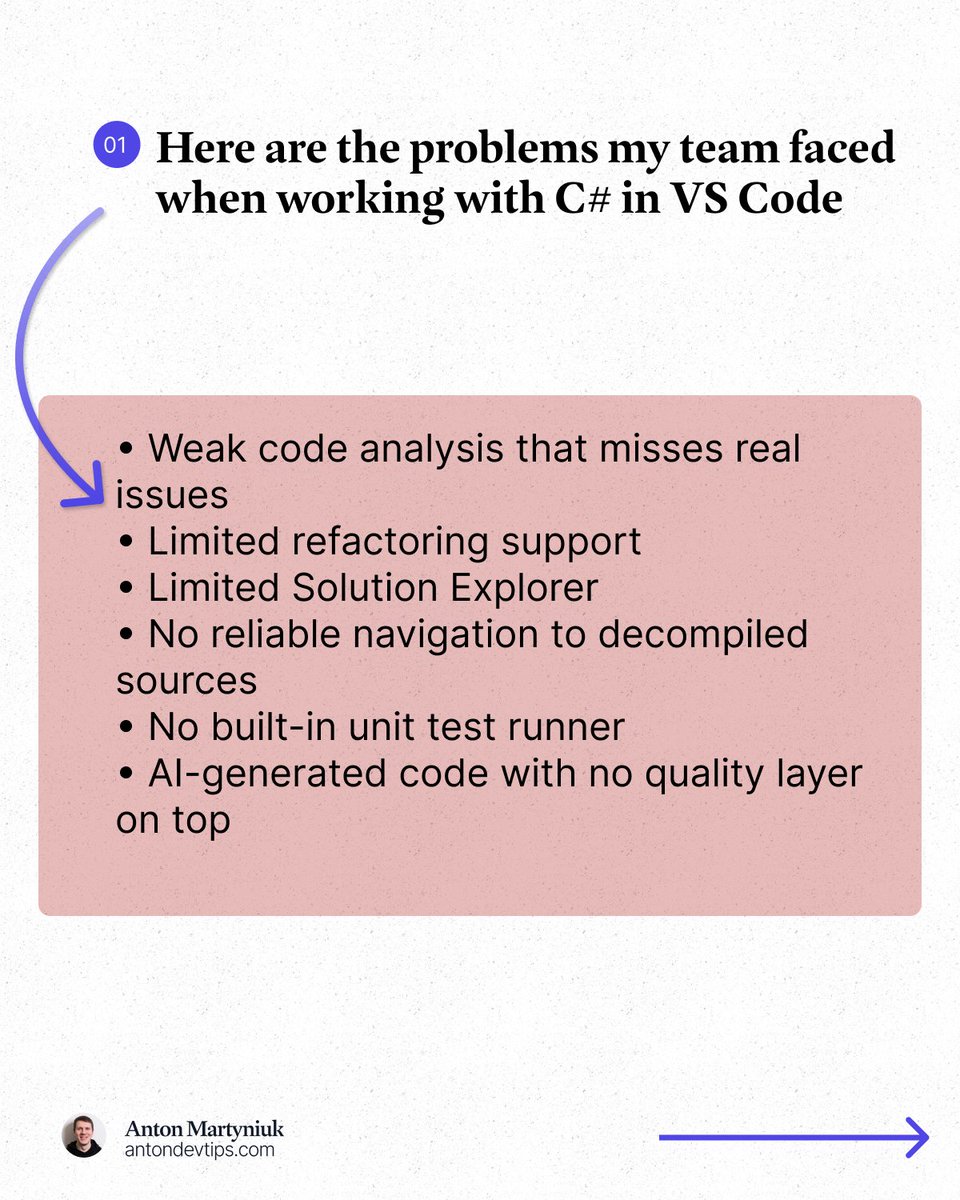
Here is what I kept running into:
• Weak code analysis that misses real issues
• Limited refactoring support
• Limited Solution Explorer
• No reliable navigation to decompiled sources
• No built-in unit test runner
• AI-generated code with no quality layer on top
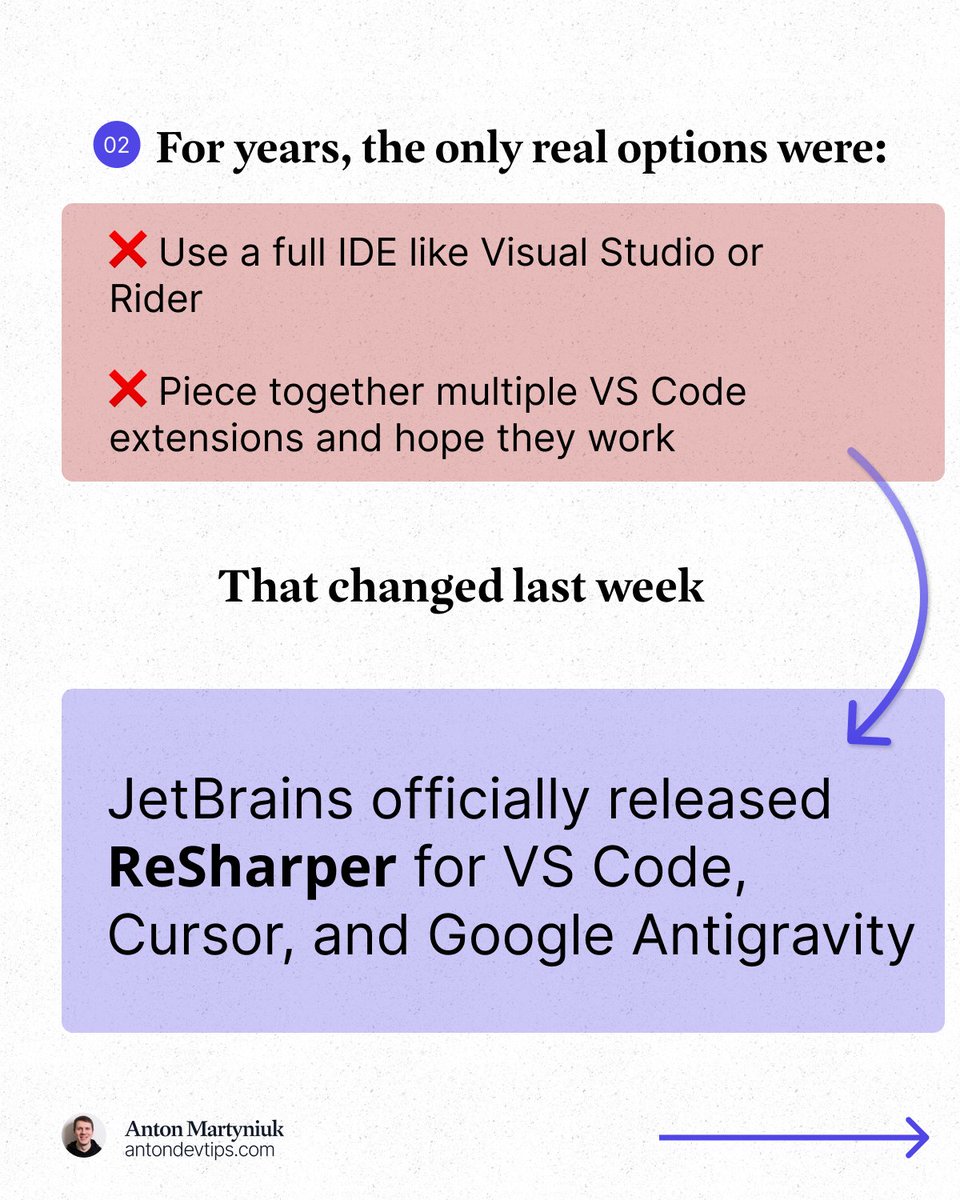
For years, the only real options were:
❌ Use a full IDE like Visual Studio or Rider
❌ Piece together multiple VS Code extensions and hope they work
This changed in March.
JetBrains officially released 𝗥𝗲𝗦𝗵𝗮𝗿𝗽𝗲𝗿 for VS Code, Cursor, and Google Antigravity: jetbrains.com/resharper/?pro…
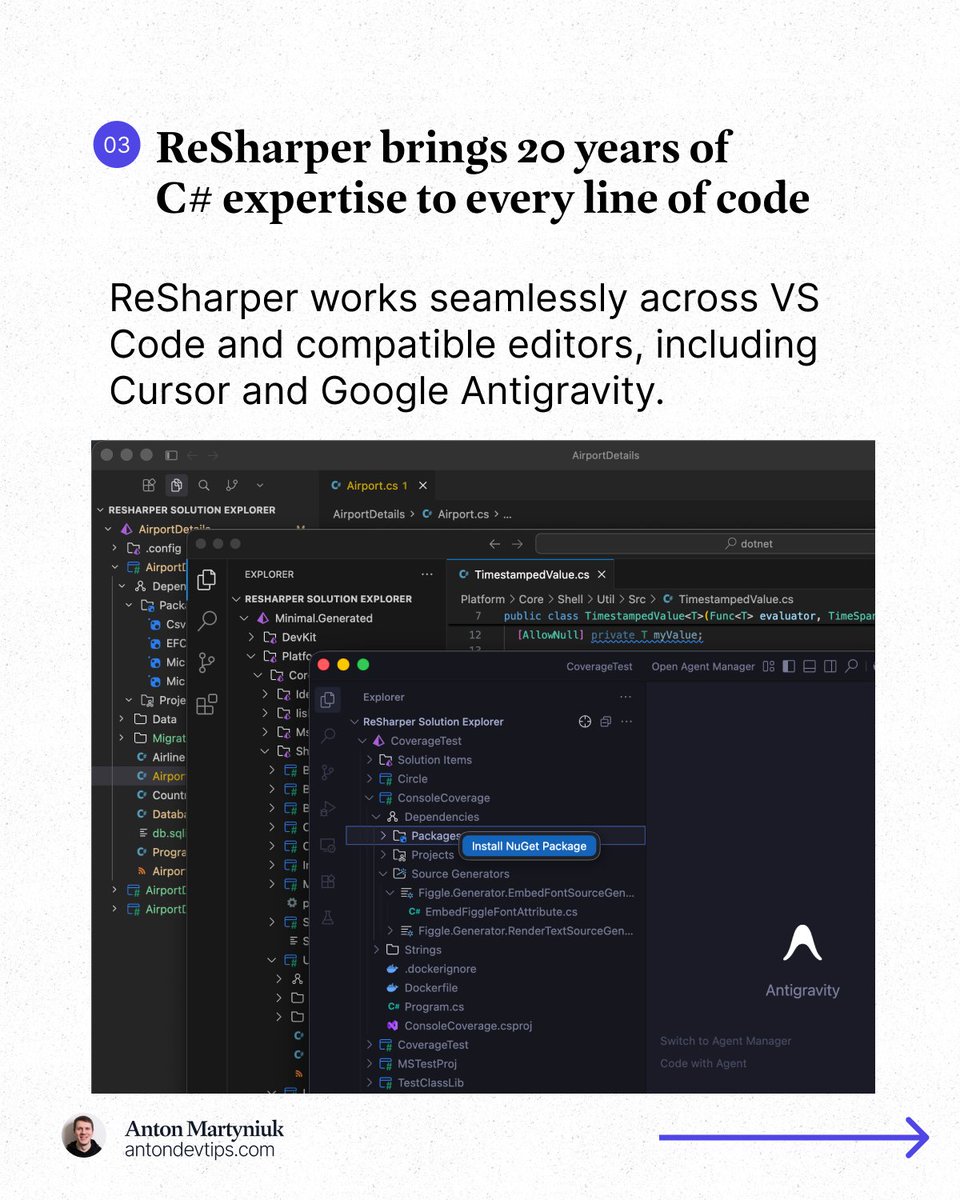
This is the same ReSharper engine that millions of developers have trusted in Visual Studio for 20 years, now running in VS Code, Cursor, and Google Antigravity.
𝗔𝗻𝗱 𝗵𝗲𝗿𝗲'𝘀 𝘁𝗵𝗲 𝗯𝗲𝘀𝘁 𝗽𝗮𝗿𝘁: 𝗶𝘁'𝘀 𝗙𝗥𝗘𝗘 𝗳𝗼𝗿 𝗻𝗼𝗻-𝗰𝗼𝗺𝗺𝗲𝗿𝗰𝗶𝗮𝗹 𝘂𝘀𝗲, 𝘀𝘁𝘂𝗱𝘆𝗶𝗻𝗴, 𝗮𝗻𝗱 𝗵𝗼𝗯𝗯𝘆 𝗽𝗿𝗼𝗷𝗲𝗰𝘁𝘀.
Here is what made a real difference for me:
1️⃣ Professional-grade code analysis
↳ Real-time inspections and quick-fixes for C#, Razor, Blazor, and XAML. It catches issues that basic extensions completely miss.
2️⃣ Smart coding assistance
↳ Context-aware completion, auto-imports, live templates, and inline documentation that go way beyond what a standard editor offers.
3️⃣ Solution Explorer inside VS Code
↳ A central hub for managing files, folders, NuGet packages, and projects across your entire solution. Just like in Rider or Visual Studio.
4️⃣ Refactoring you can trust
↳ Rename works across your whole solution while safely handling conflicts and references. No more search-and-replace guessing.
5️⃣ Fast navigation to any source
↳ Jump to symbols, usages, files, and types. When source code is not available, ReSharper decompiles assemblies and takes you directly to the declaration.
6️⃣ Built-in unit testing
↳ Run and manage tests for NUnit, xUnit .net, and MSTest directly in your editor with easy navigation to failing tests.
The next major area of focus for ReSharper for VS Code is debugging support.
JetBrains is actively working on support for launching debugging sessions and attaching to processes in .NET and .NET Framework applications.
👉 You can install ReSharper in the Extensions view of your editor (VS Code, Cursor, and Google Antigravity)
——
Many thanks to @jetbrains for sponsoring this post

14
29
125
9,015
Matthias 🤖 retweeted

📢 @resharper is now available for @cursor_ai
If you’re developing in C# in an AI-first editor, ReSharper can help you ensure your code is production-ready.
Use inspections, refactorings, navigation tools, and coding assistance to review and refine both handwritten and AI-generated code.
🔎 To get started, look up “ReSharper” in the Extensions view of your editor.
9
42
6,224

Mar 5
So excited to see ReSharper for @code being officially released. 🥳 The team did a great job integrating powerful features to a lightweight environment. 👏
Everyone please give it a try and share your feedback!

ReSharper for VS Code and compatible editors is now generally available 🎉
After a year in public preview, the extension has officially been released for Visual Studio Code, Cursor, Google Antigravity, and other compatible editors.
📍 Gold-standard code analysis for C#, XAML, Razor, and Blazor
📍 Solution-wide refactorings
📍 Navigation (including to decompiled sources)
📍 Solution Explorer for managing projects, NuGet packages, and source generators
📍 Unit testing support
It’s available with a ReSharper or dotUltimate subscription and is free for non-commercial use.
Learn more here 👉jb.gg/rs-in-vsc-released

7
292
Matthias 🤖 retweeted

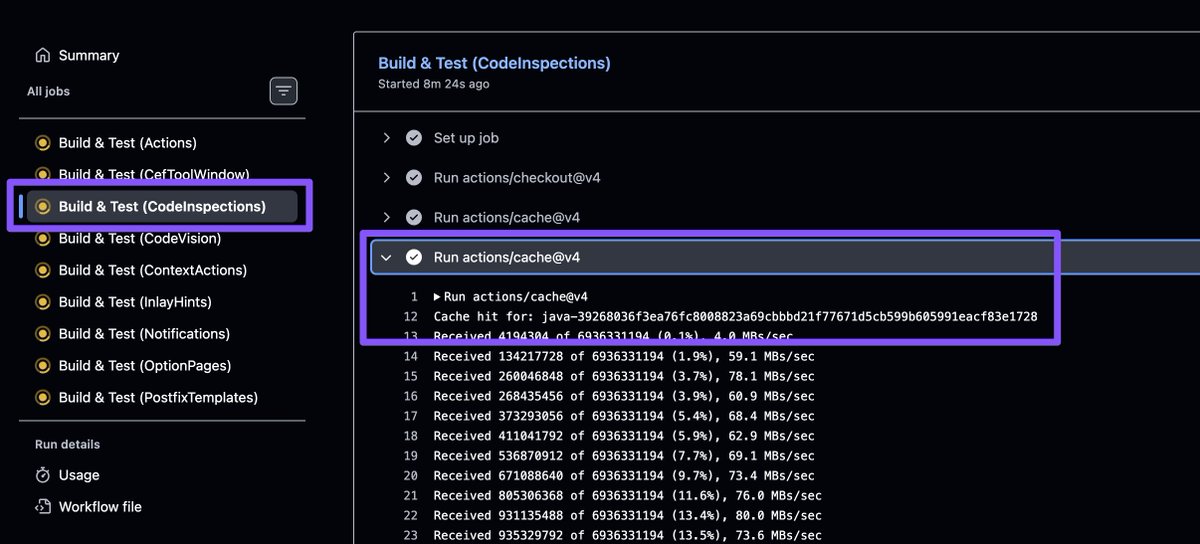
the short story: at some point in time MS folks implemented a bunch of code analyzers, duplicating what R# had running for ages. In a completely incompatible way. With own setting keys. With own setting values. With a different behavior. We did our best to map & align our stuff
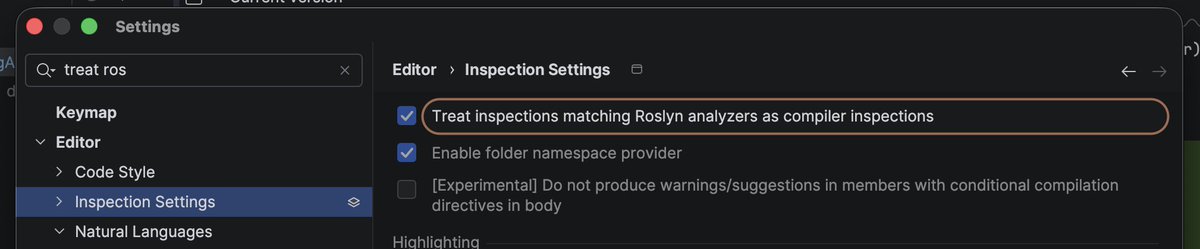
1
3
561
Matthias 🤖 retweeted

Feb 11
Smart Step Into is a game changer for debugging #fsharp code. And together with numerous stepping fixes it changes the debug experience completely

Rider 2026.1 EAP 3 is out now!
This preview build contains numerous improvements to F# support:
📍 Smart 'Step Into' now lets you skip intermediate calls and step directly into the selected function.
📍 Function return values are now shown in the 'Local Values' view.
📍 Stepping behavior has been reworked to handle curried functions, constructors, and other F#-specific patterns correctly.
Download it from our website: jetbrains.com/rider/nextvers…
#fsharp

4
13
1,097
Matthias 🤖 retweeted

Feb 9
Leadership: "AI is so good it writes almost all our code"
Status dashboard:
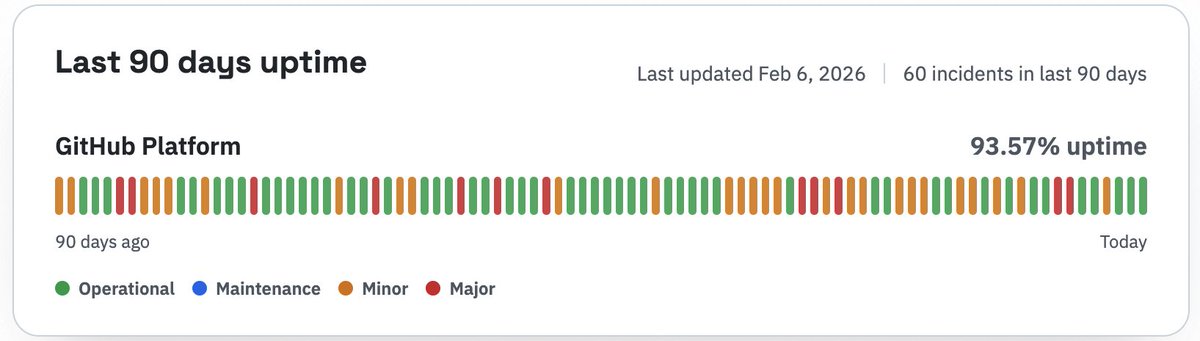
85
279
5,994
2,688,064
Feb 8
Best game ever. No discussions.

2
147
Matthias 🤖 retweeted

Feb 5
Migrating an entire legacy project to nullable reference types isn’t always realistic.
Sometimes you just want all new files to start with `#nullable enable`.
What if @resharper / @JetBrainsRider offered a per-project or per-directory setting to enforce this?
1
3
254
Feb 2
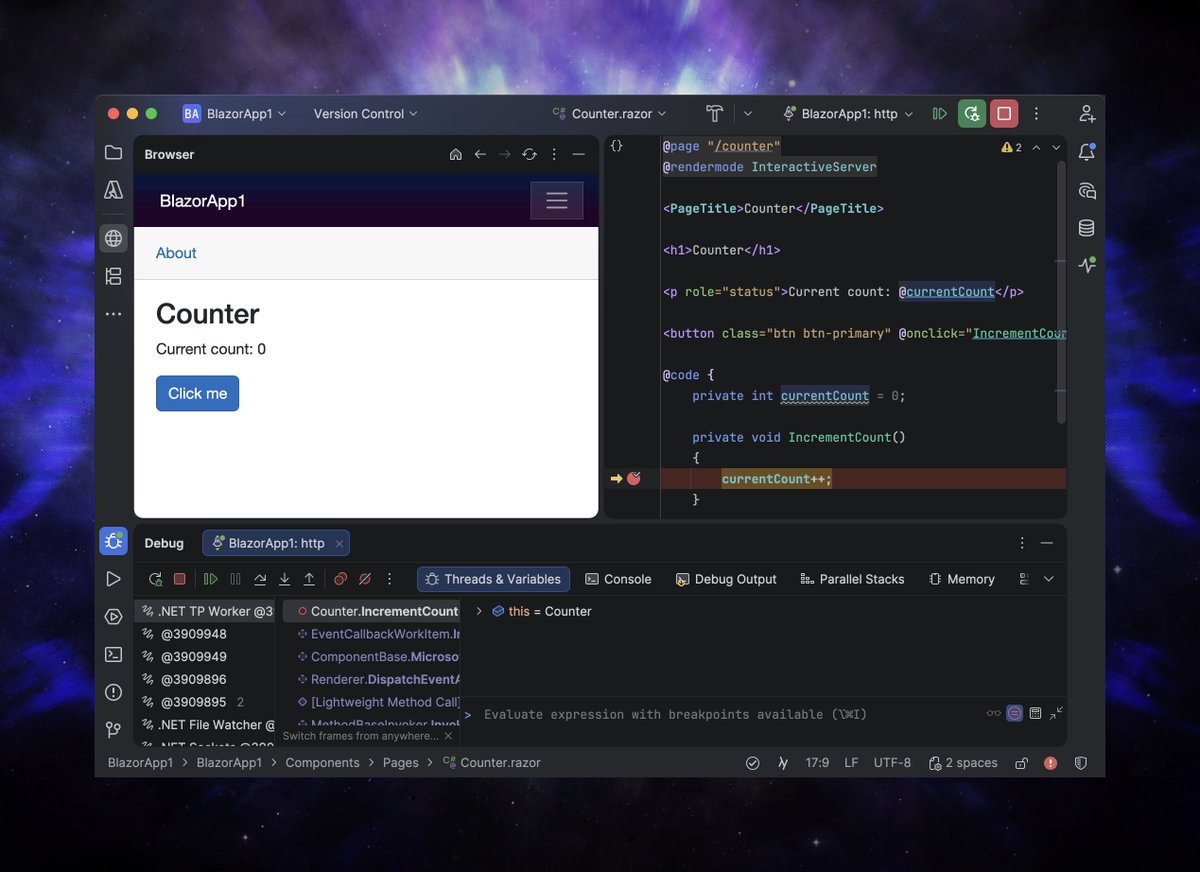
IDE Browser 1.1.0 🌐🚨
A minimal browser tool window for better web previews and fewer context switches. I'm very pleased with the look & feel. ☺️
plugins.jetbrains.com/plugin…
2
6
343
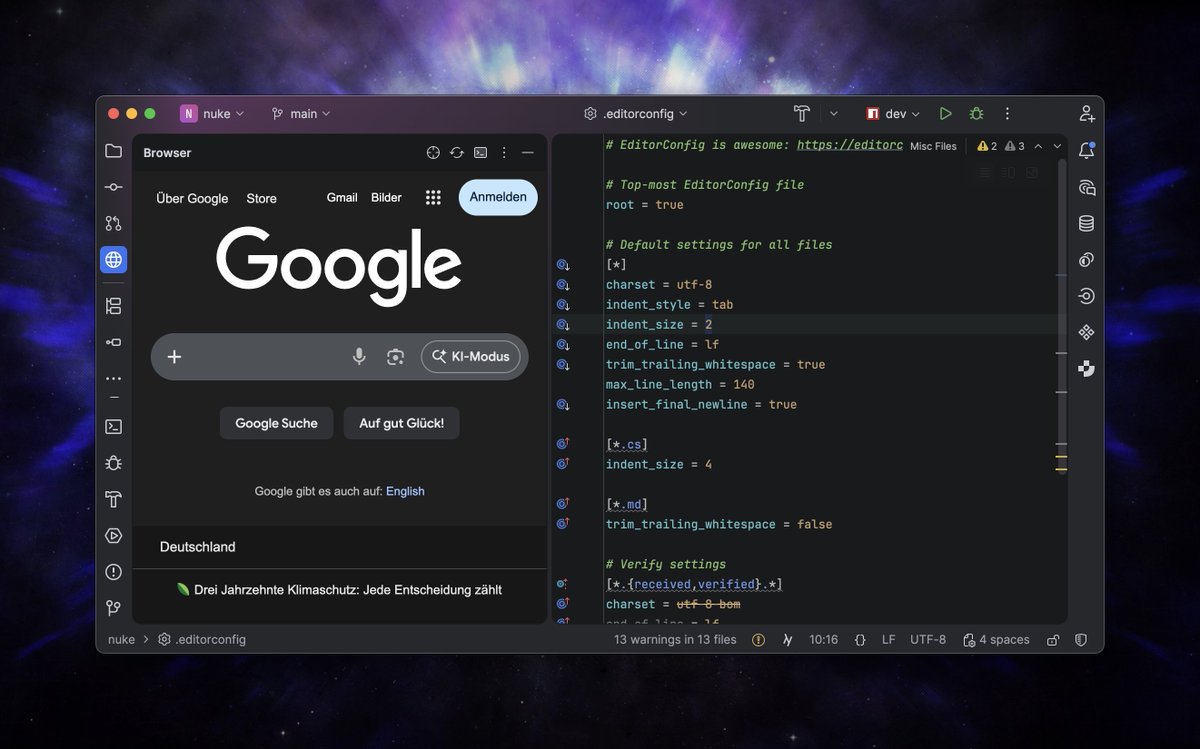
Jan 28
A neat little browser as a tool window in @JetBrainsRider. The plugin also ships with run configuration hooks to allow opening a URL upon project start. 🌐🐣
plugins.jetbrains.com/plugin…
1
4
245
Matthias 🤖 retweeted

Jan 28
Our team has arrived to #NDCLondon 2026!
Come say hi, pick up some swag, and talk to us about @JetBrainsRider , @resharper , and beyond.
📍 Cambridge Hall, booth #16

2
26
1,658
Jan 28
DNX 🫣😭
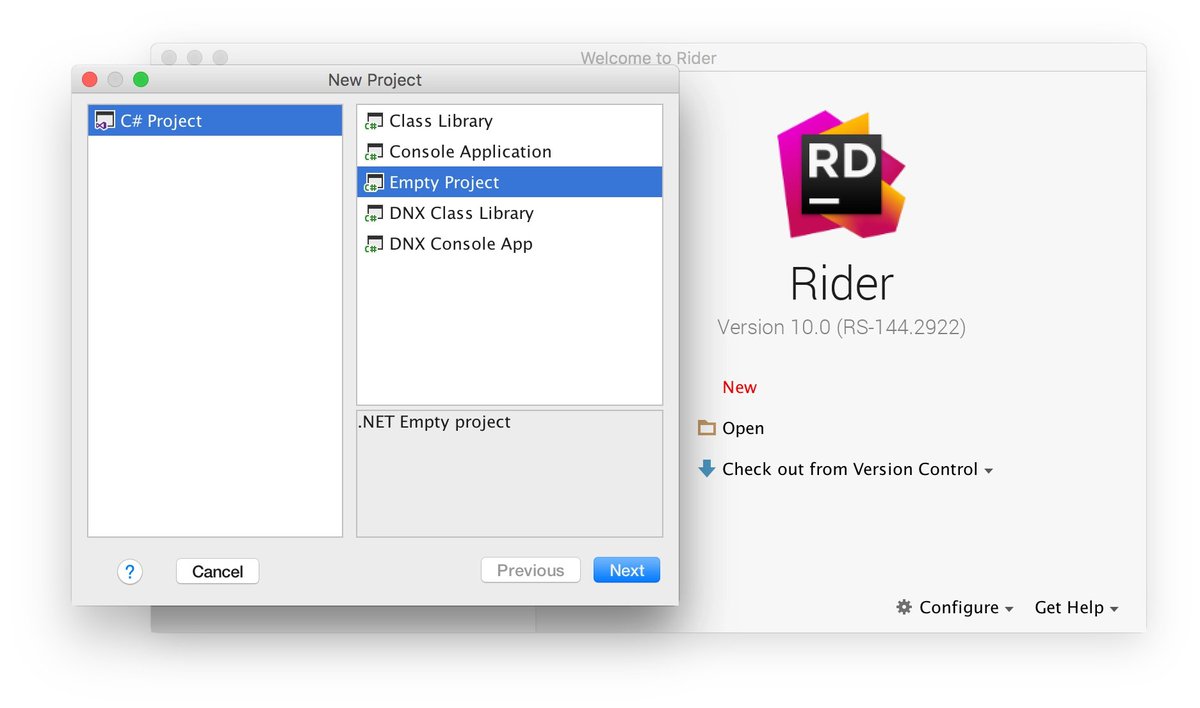
2
6
396
Matthias 🤖 retweeted
Jan 26
@UnrealEngine developers, this one is for you.
@JetBrainsRider 's expression evaluator has been rewritten, and the results are outstanding:
📍 Variable inspection up to 87x faster on warm runs and 16x faster on cold ones.
📍 Debugger memory usage is over a third of what it was.
📍 And there’s even a bonus benefit even we ourselves did not expect!
Get the full story 👉 jb.gg/rd-261-new-lldb-natvis…
#gamedevs #UnrealEngine

4
14
76
2,924
Matthias 🤖 retweeted

Jan 24
many sleepless nights later, and we're live in the #jetbrains marketplace
plugins.jetbrains.com/plugin…
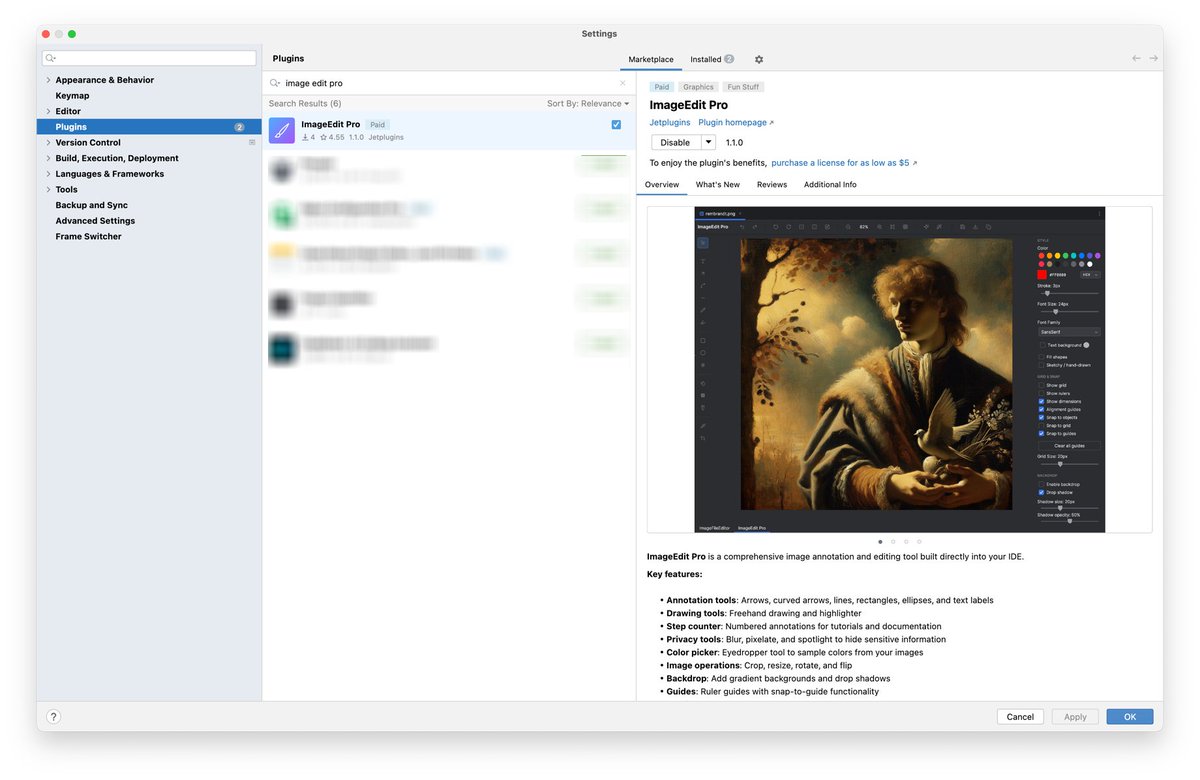
ALT The best IntelliJ image editor
1
3
10
1,093