
Oil painter merging physical and digital worlds. linktree.com/mnaples
Joined August 2011
- Tweets 7,404
- Following 2,979
- Followers 1,958
- Likes 19,705
1,161 Photos and videos
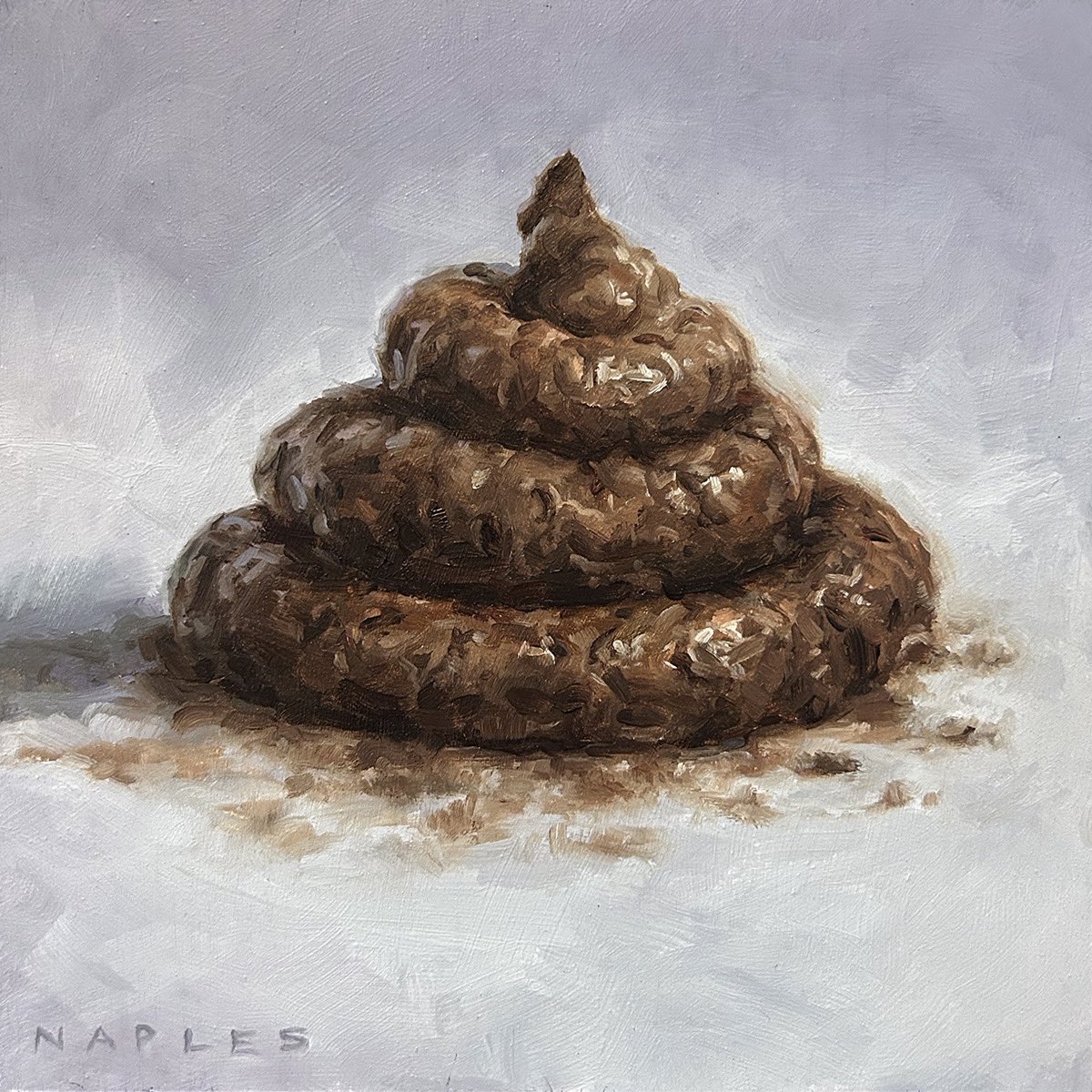
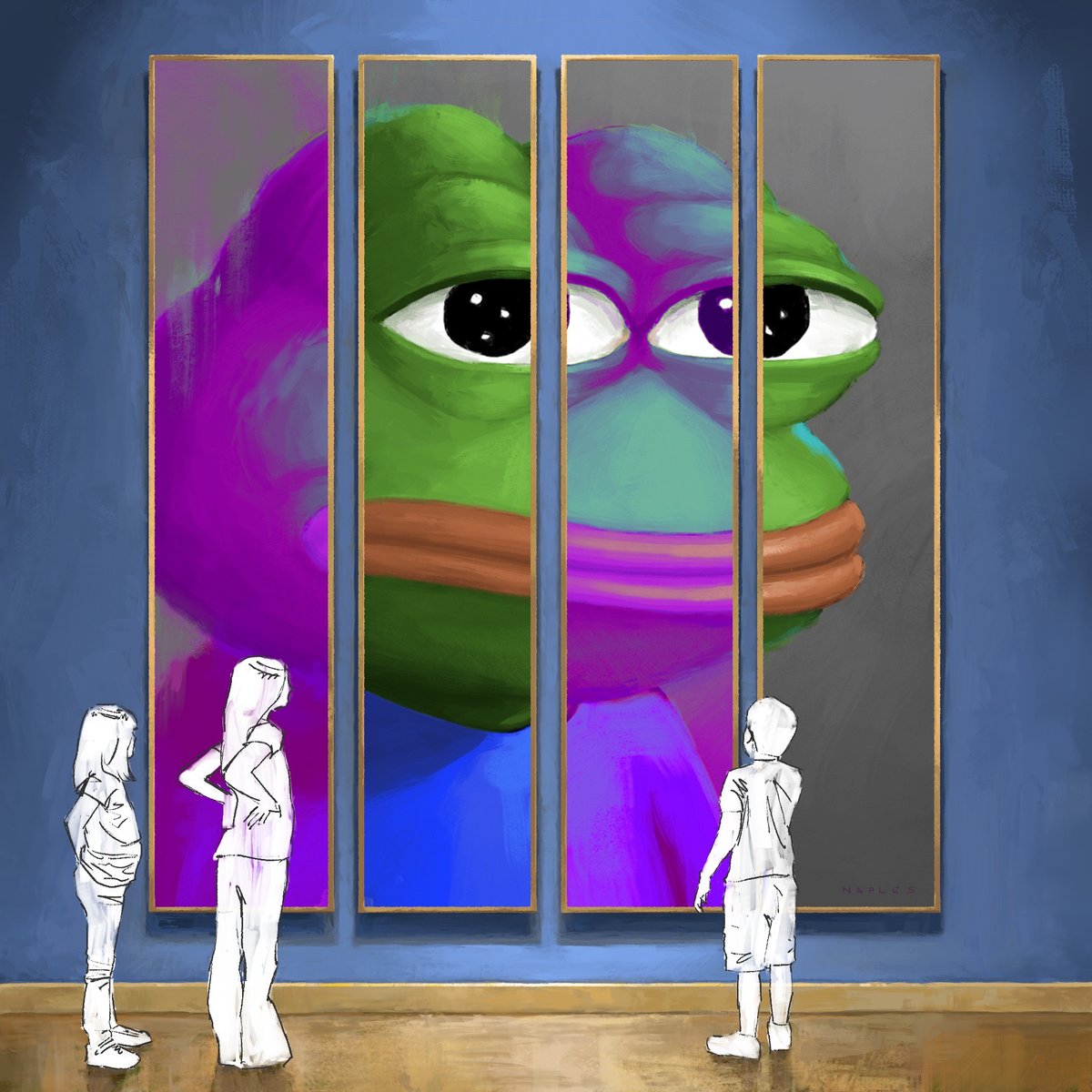

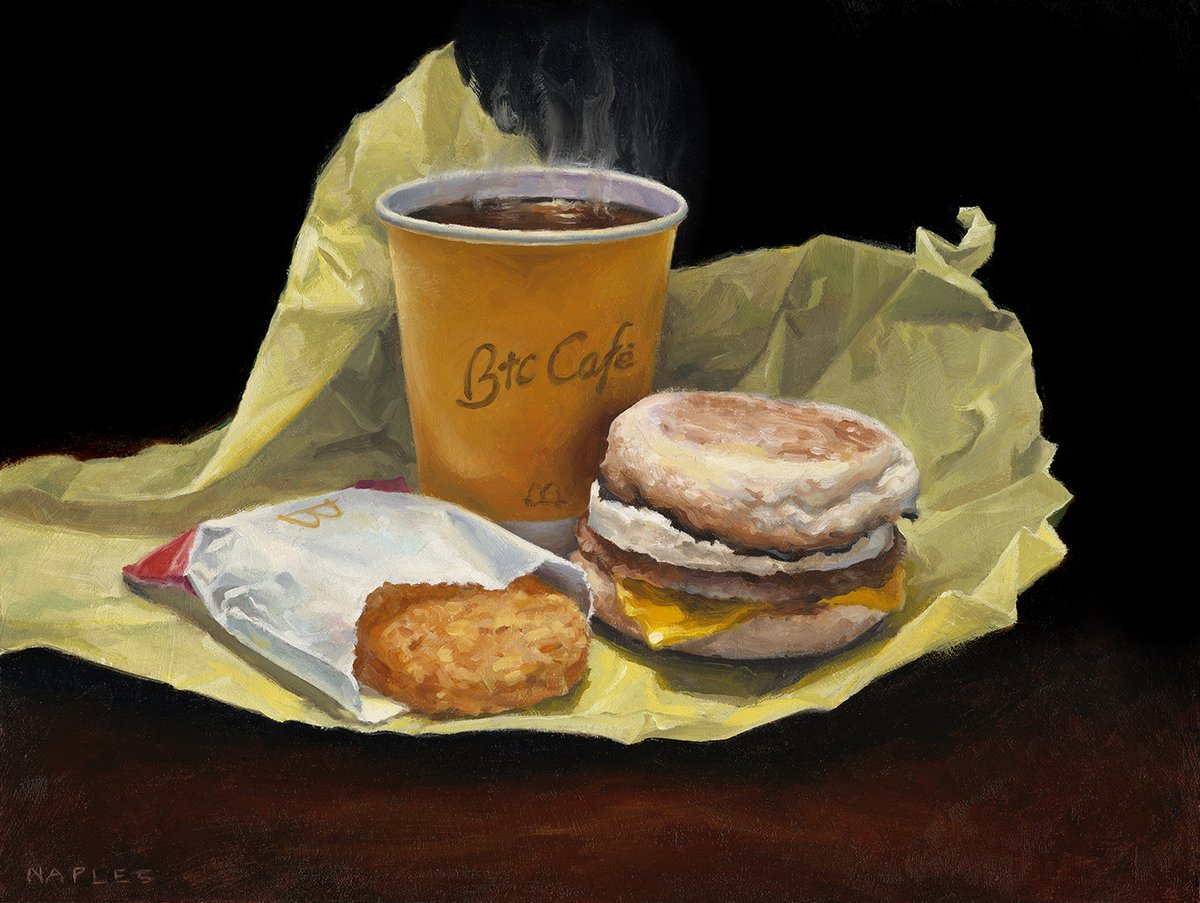



Jun 12
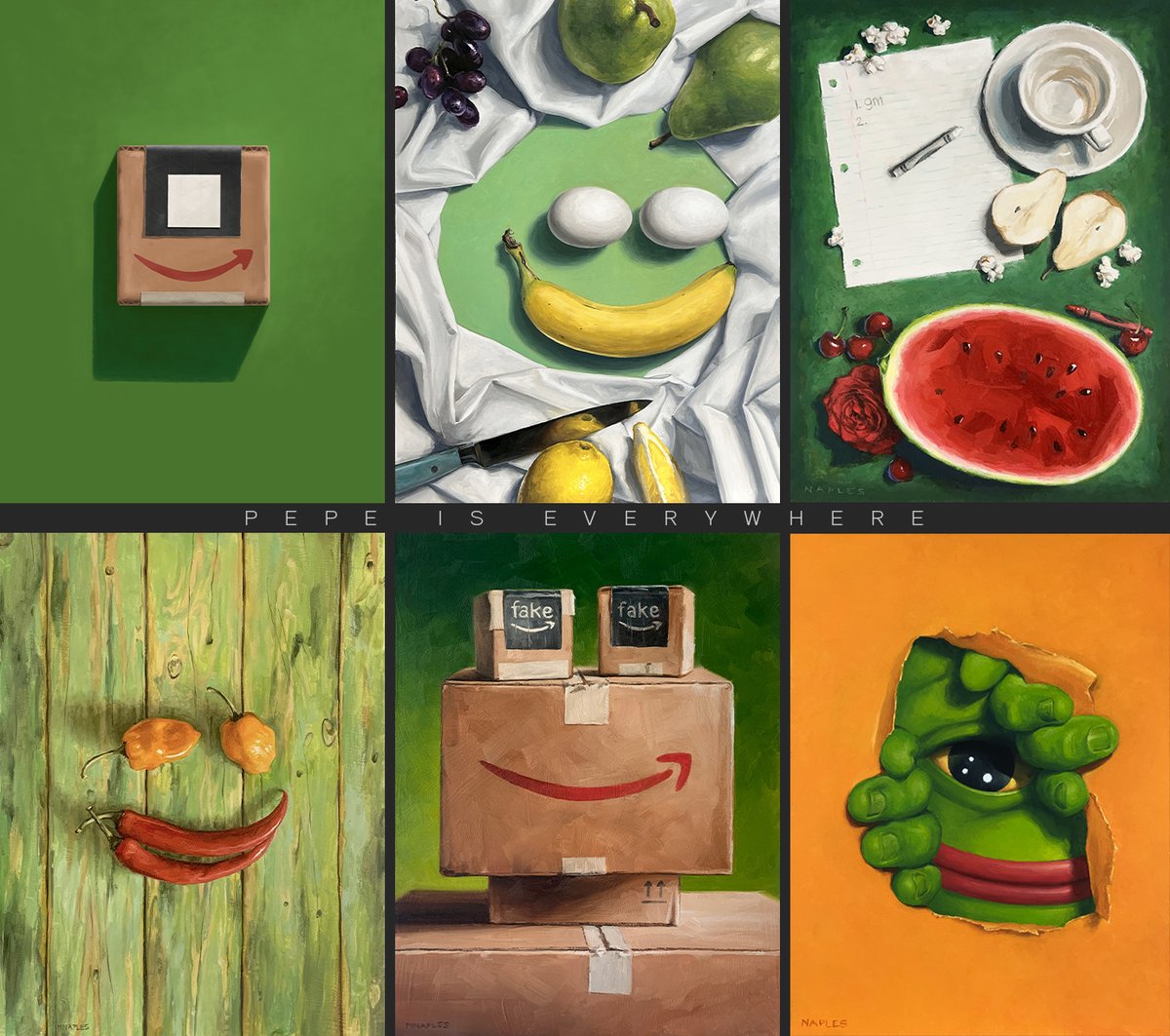
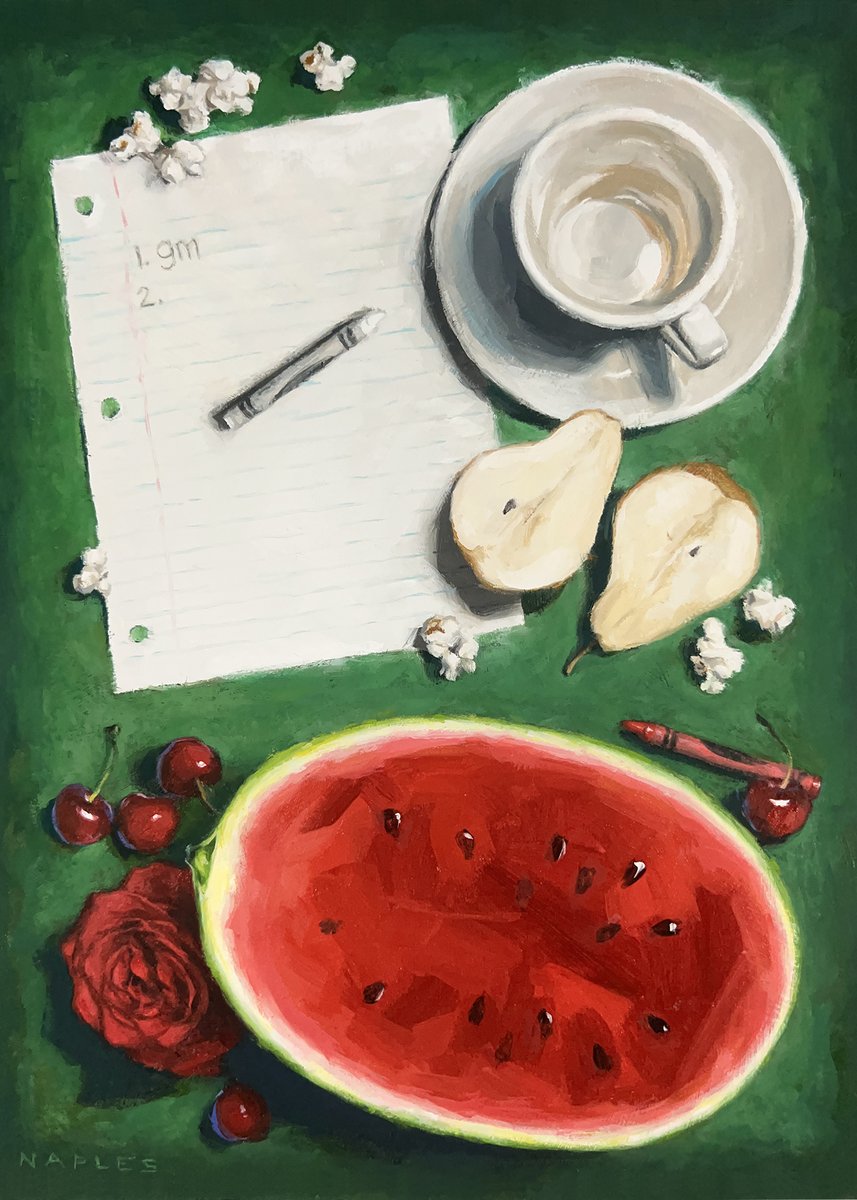
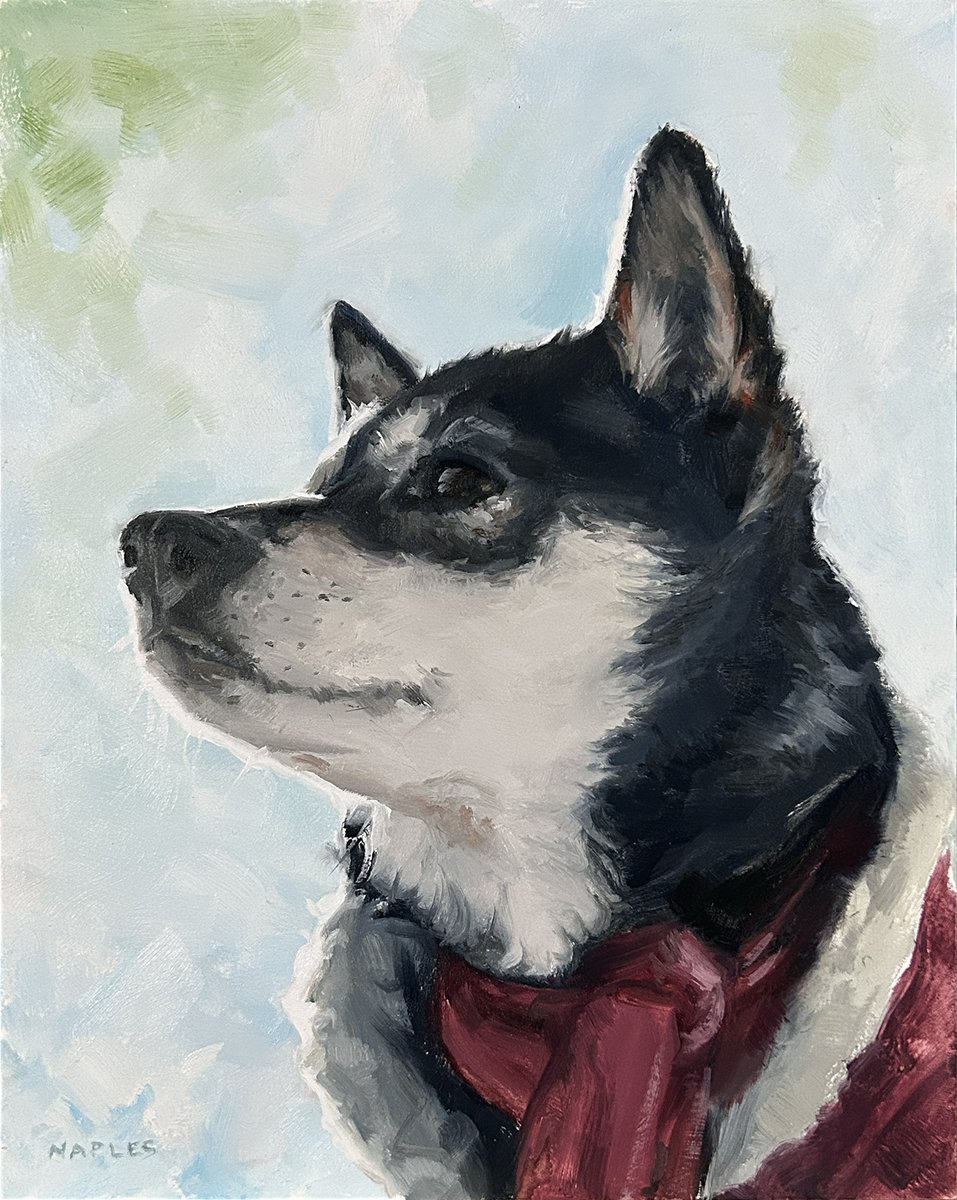
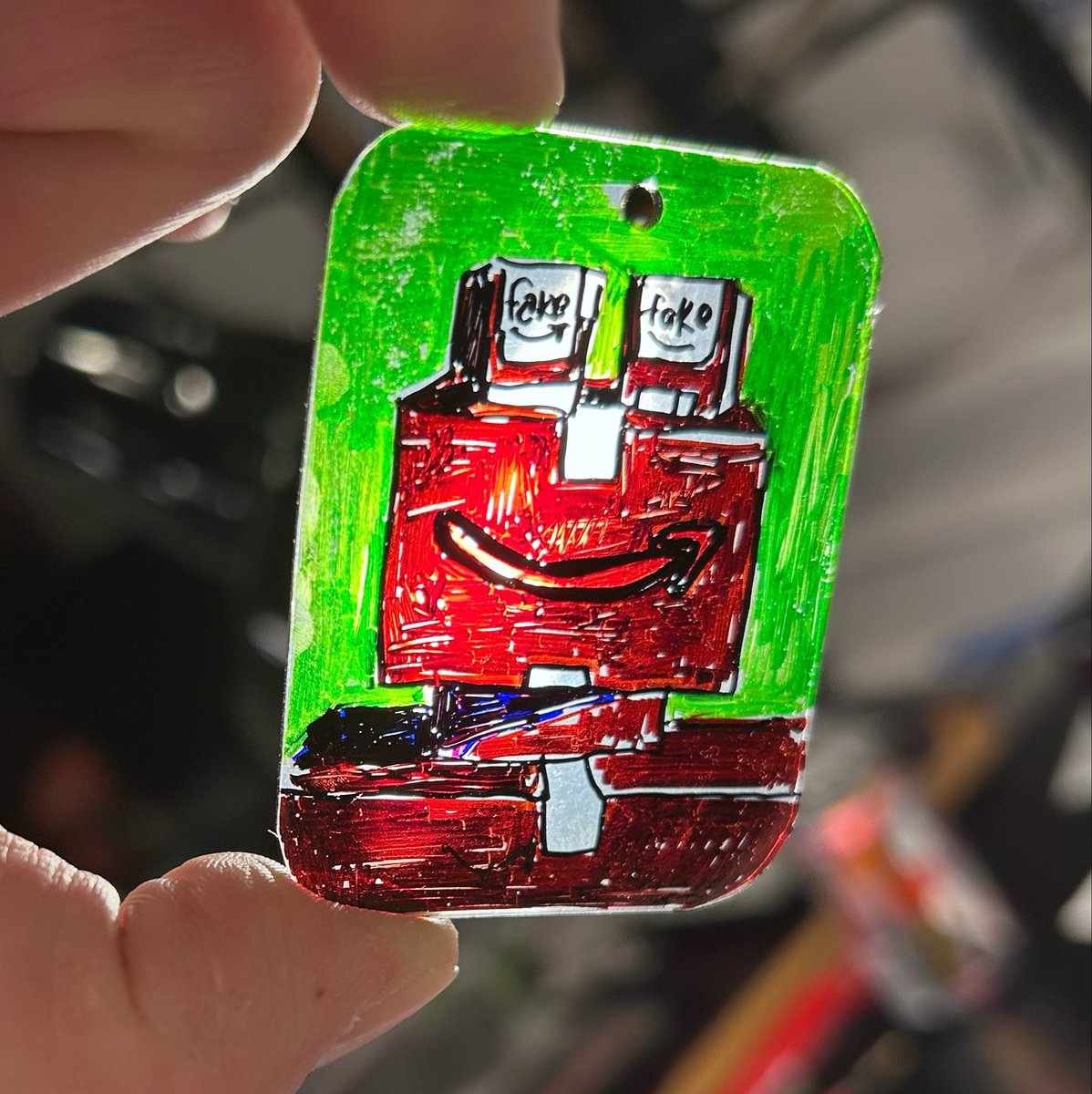
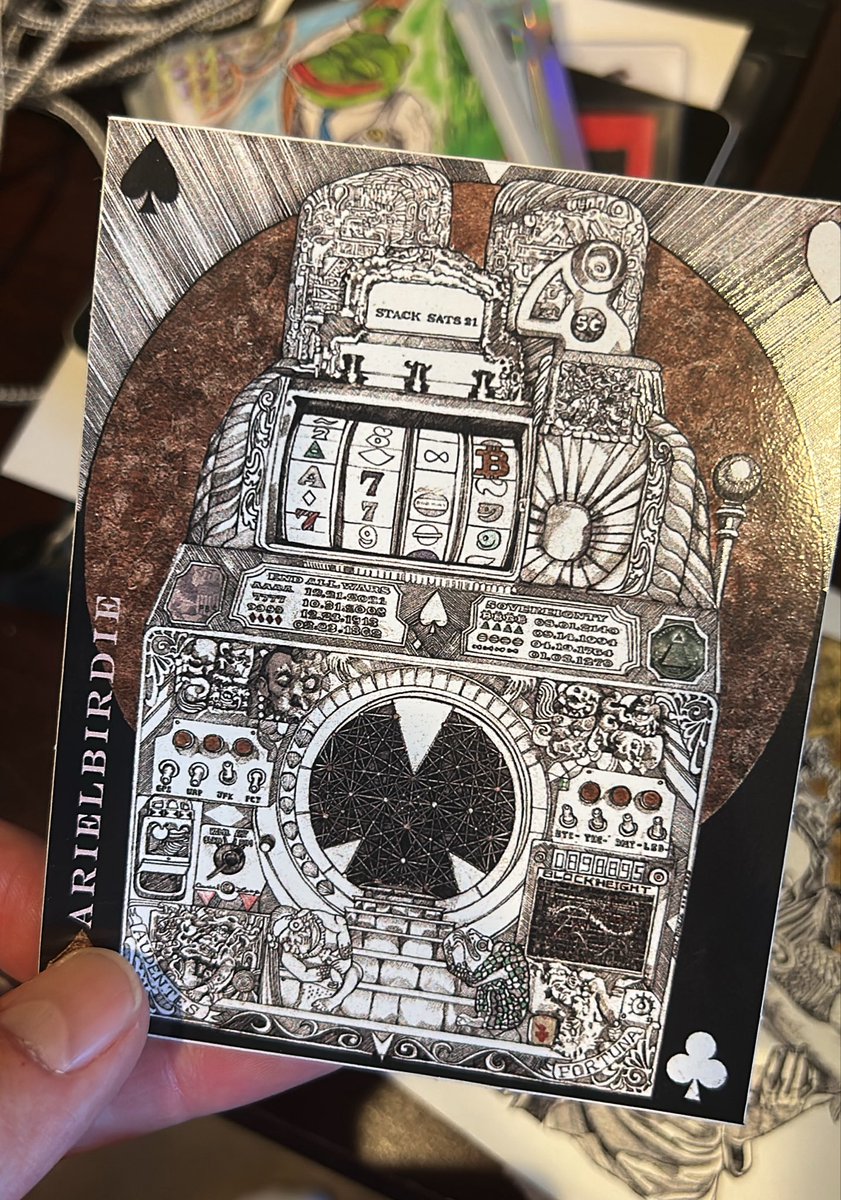
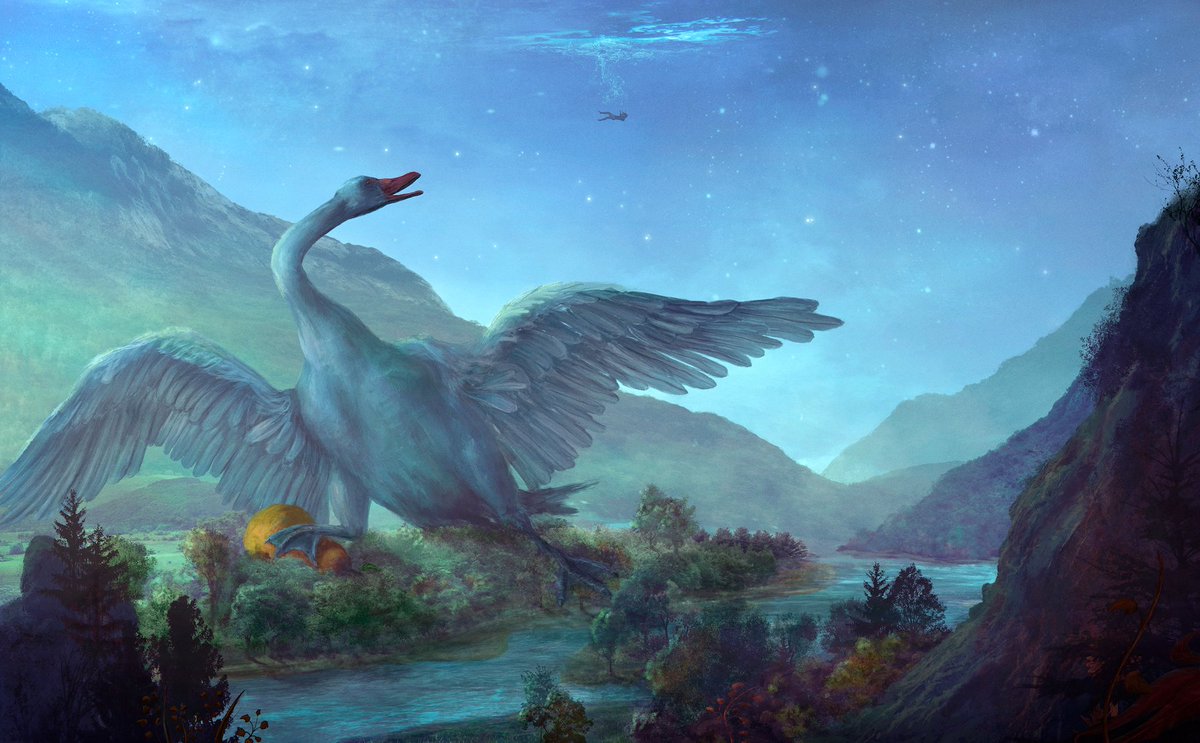
GM. I just finished a collection of 9 card-sized oil paintings. Probably nothing.
4
14
449


Jun 8
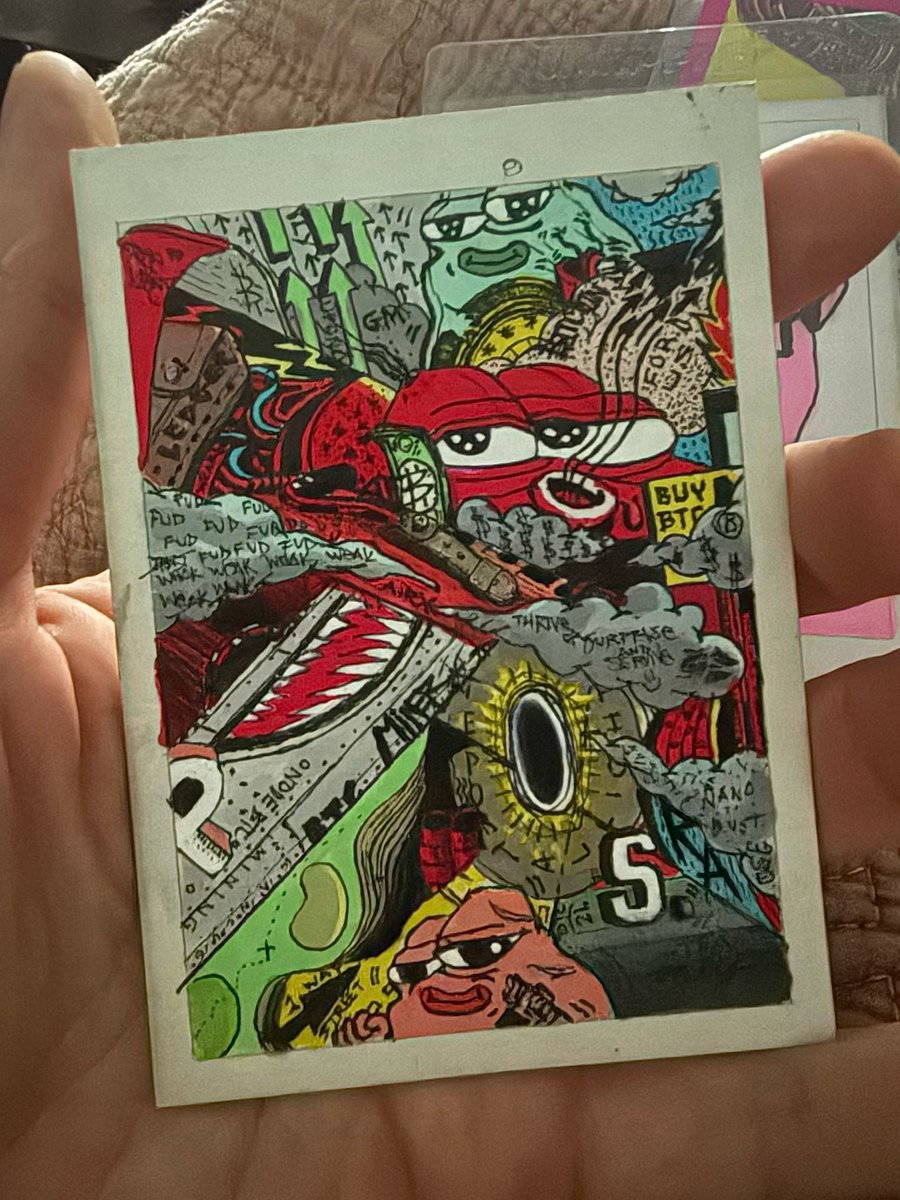
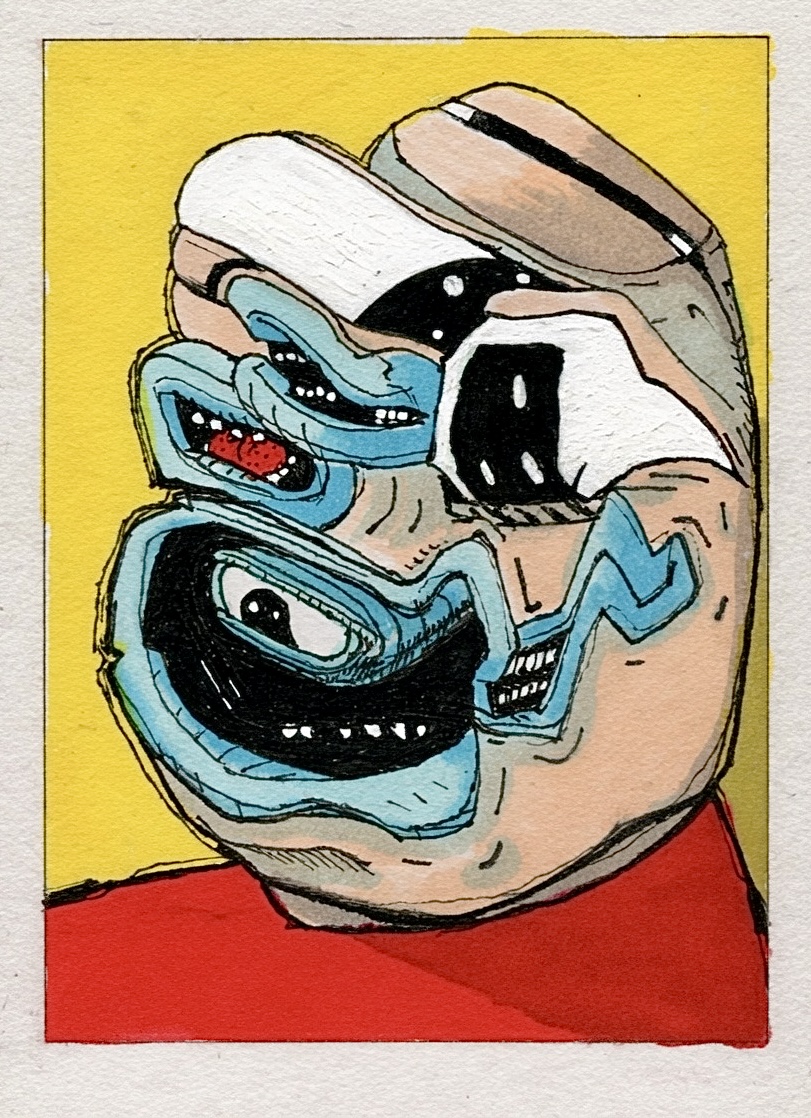
If I died I think my screenshots and card ideas files would be national KEK PEPE Treasures !

If I died I think my screenshots and card ideas files would be national KEK PEPE
Treasures !
1
4
20
510
Jun 8
M.U.S.C.L.E. Men - Vintage 1980's Toys Lot of 73 — $111.00 by @MichaelNaples on @cbay_cbay_cbay (pays in BTC/ETH/BASE/LTC) cbay.ing/l/lst_mq4mbsl3_b228… via @MichaelNaples
1
5
67
Jun 7
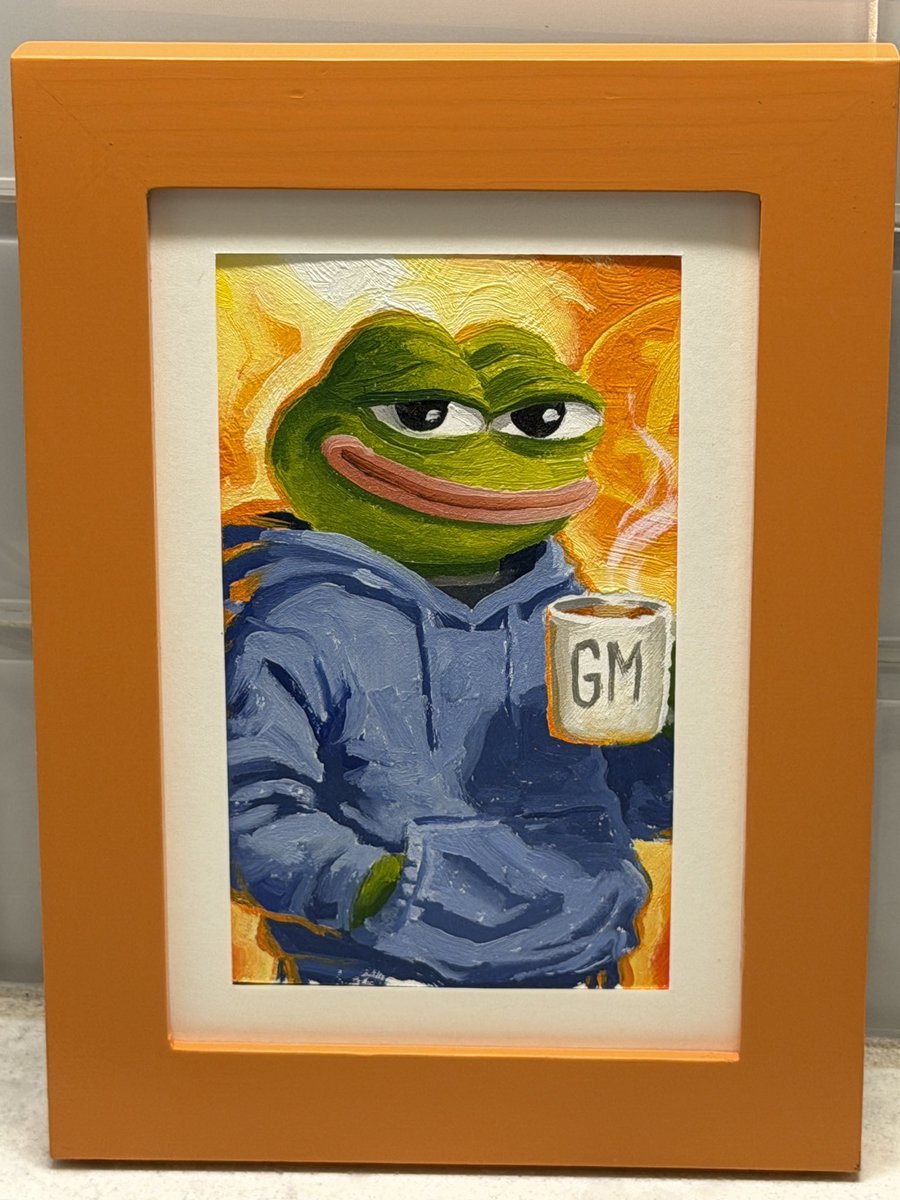
Doing still lifes means I make a lot of kitchen art. But it’s extra special to me when my Pepe’s display in kitchens. Beautiful frame on this one.

2
2
23
610

NAPLES retweeted

Jun 6
𝕺𝖇𝖑𝖎𝖛𝖎𝖔𝖓 𝔦𝔰 𝔫𝔬𝔴 𝔩𝔦𝔳𝔢🩸
𝔖𝔦𝔵 𝔞𝔫𝔦𝔪𝔞𝔱𝔢𝔡 𝔬𝔫-𝔠𝔥𝔞𝔦𝔫 𝔰𝔳𝔤 𝔯𝔢𝔩𝔦𝔠𝔰 𝔢𝔵𝔭𝔩𝔬𝔯𝔦𝔫𝔤 𝔟𝔬𝔫𝔡𝔞𝔤𝔢, 𝔰𝔥𝔞𝔪𝔢, 𝔭𝔞𝔦𝔫, 𝔭𝔯𝔢𝔡𝔞𝔱𝔦𝔬𝔫, 𝔤𝔯𝔢𝔢𝔡, 𝔞𝔫𝔡 𝔯𝔲𝔦𝔫.
𝔓𝔯𝔢𝔰𝔢𝔯𝔳𝔢𝔡 𝔟𝔢𝔶𝔬𝔫𝔡 𝔱𝔥𝔢𝔦𝔯 𝔢𝔫𝔡𝔦𝔫𝔤.
𝕲𝕱𝕸
𝔳𝔰𝔱𝔯𝔳𝔩 . 𝔞𝔯𝔱
51
53
211
11,399
NAPLES retweeted

Jun 2
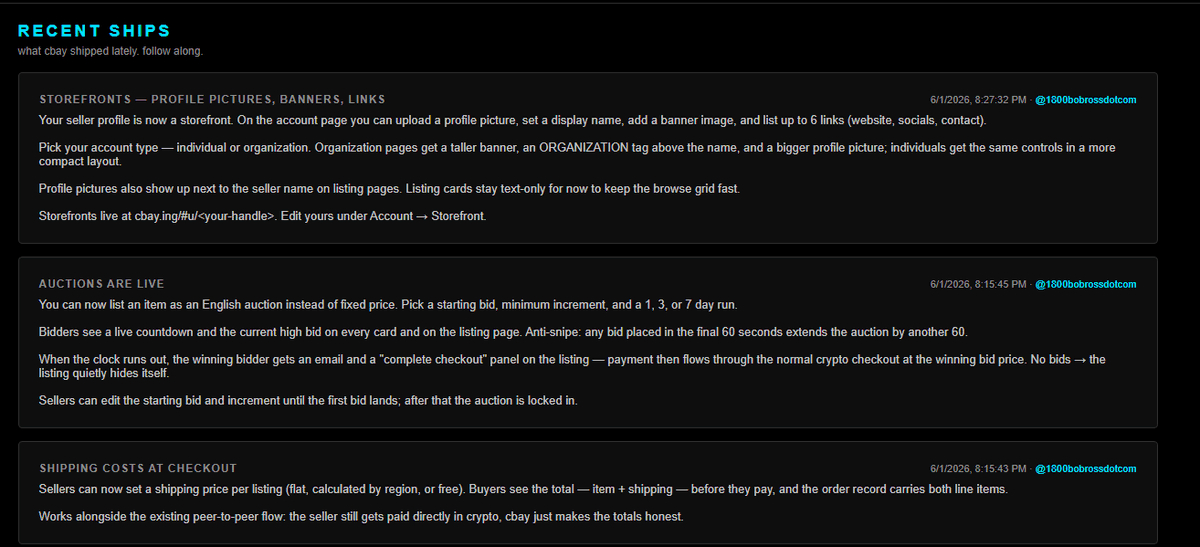
Updates section is ... updated:
Storefronts — profile pictures, banners, links
Your seller profile is now a storefront.
On the account page you can upload a profile picture, set a display name, add a banner image, and list up to 6 links (website, socials, contact).
Pick your account type — individual or organization. Organization pages get a taller banner, an ORGANIZATION tag above the name, and a bigger profile picture; individuals get the same controls in a more compact layout.
Profile pictures also show up next to the seller name on listing pages.
Listing cards stay text-only for now to keep the browse grid fast.
Storefronts live at cbay.ing/#u/<your-handle>.
Edit yours under Account → Storefront.
Auctions are live
You can now list an item as an English auction instead of fixed price.
Pick a starting bid, minimum increment, and a 1, 3, or 7 day run.
Bidders see a live countdown and the current high bid on every card and on the listing page.
Anti-snipe: any bid placed in the final 60 seconds extends the auction by another 60.
When the clock runs out, the winning bidder gets an email and a "complete checkout" panel on the listing — payment then flows through the normal crypto checkout at the winning bid price.
No bids → the listing quietly hides itself.
Sellers can edit the starting bid and increment until the first bid lands; after that the auction is locked in.
Shipping costs at checkout
Sellers can now set a shipping price per listing (flat, calculated by region, or free).
Buyers see the total — item shipping — before they pay, and the order record carries both line items.
Works alongside the existing peer-to-peer flow: the seller still gets paid directly in crypto, cbay just makes the totals honest.
cbay.ing/#updates
4
2
16
3,005
Jun 1
GM. Handmade 8-bit style stamps of my Renaissance Rare Series 1.
2
1
16
249
NAPLES retweeted
May 30
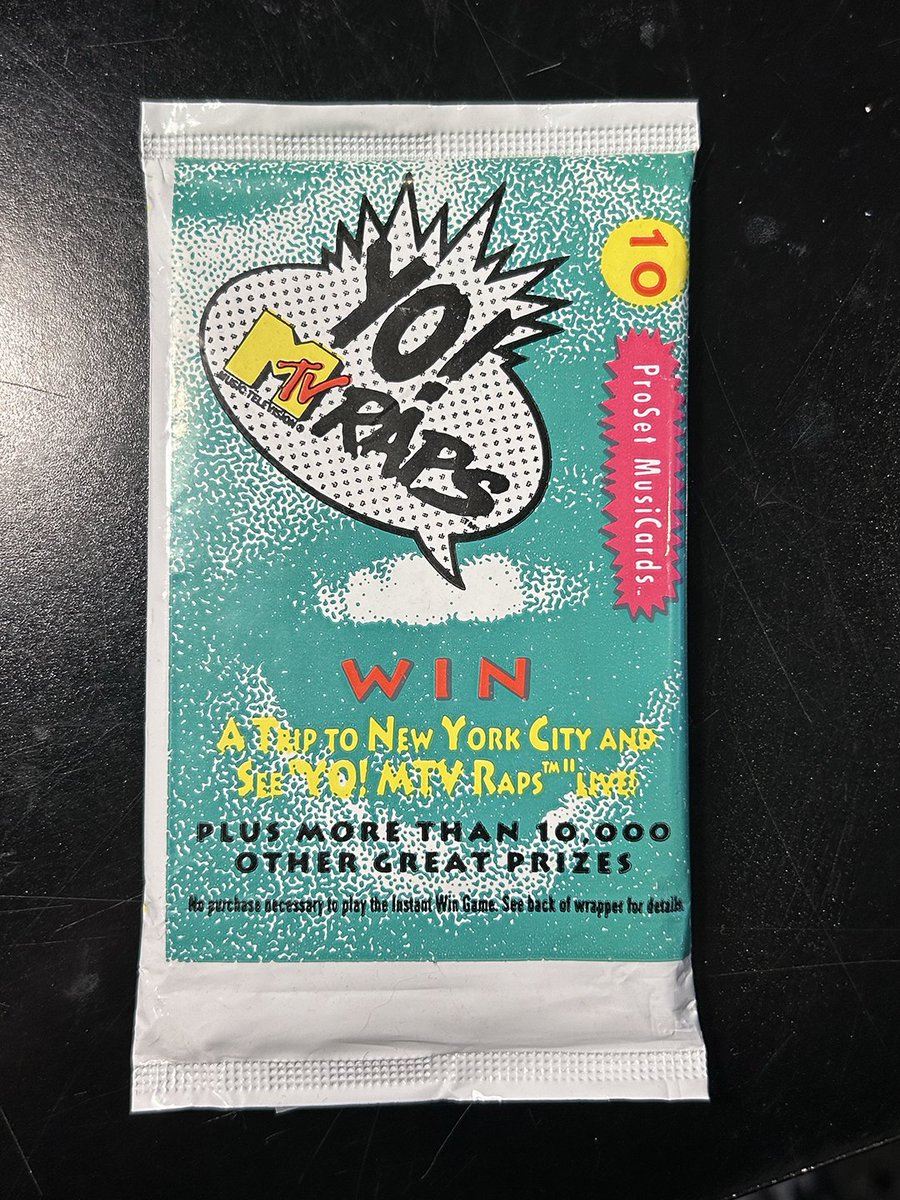
SOLD!
Yo! MTV Raps Collectible Card Pack - Unopened — $21.00 by @MichaelNaples on @cbay_cbay_cbay (pays in BTC/ETH/LTC) cbay.ing/l/lst_mpl68zcv_6f5d… via @MichaelNaples
1
4
14
465
May 30
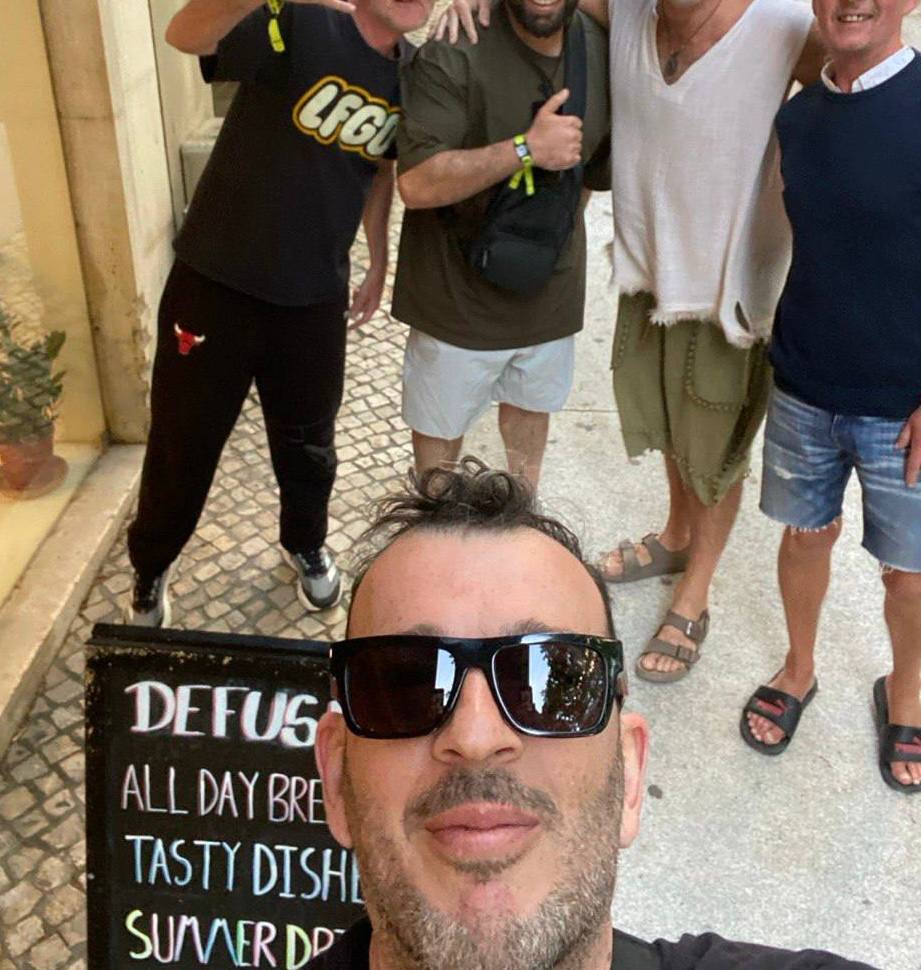
The Pepe dream team 🐸
May 30

Together, we did our best to make @PepeVault1 reality.
Without these people, none of this would have been possible.
Thank you for being part of the journey.
Pepe Vault is community. LFGO
1
2
14
260
NAPLES retweeted

May 29
Made a bunch of updates to the @PepeVault1 site today!
Lots of still unpublished secrets to be revealed tomorrow..
Get a sneak peek on the alpha NOW! 🐸🫂
pepevault.lol
2
8
23
526
May 29
Grateful for Subterranean🙌💚
May 29

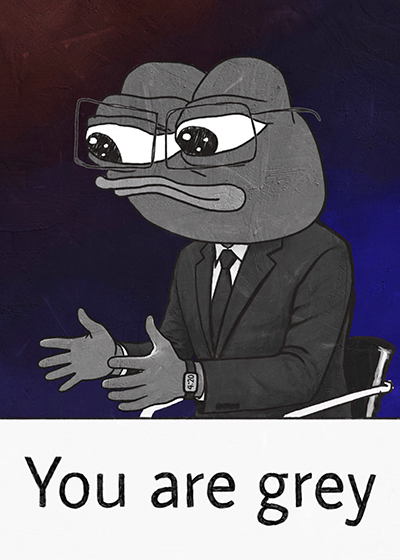
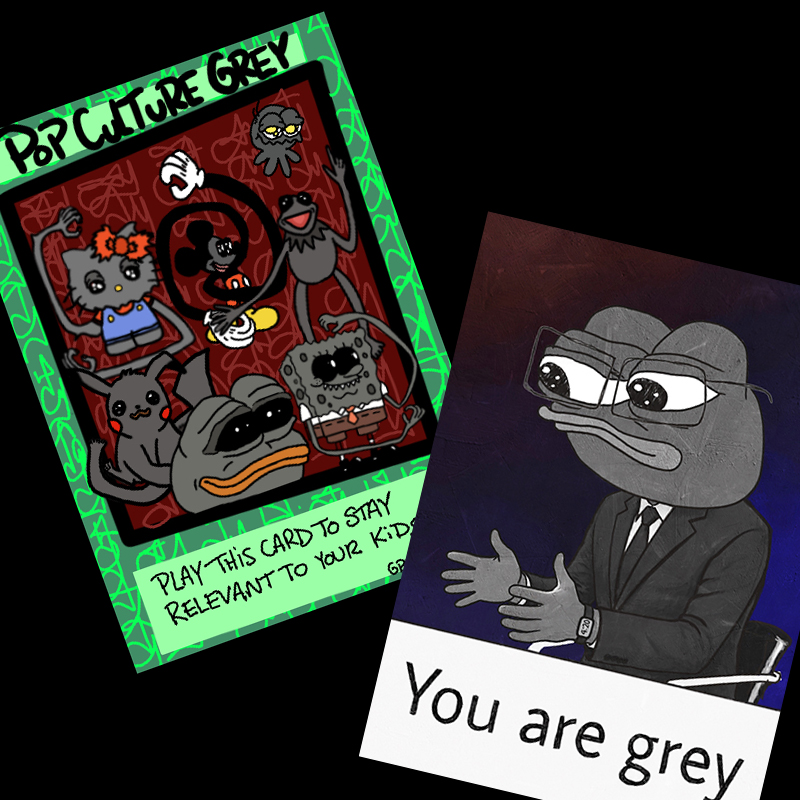
@GreyPepeProject launched yesterday. Humans have been fascinated by aliens since forever. Humans love memes. Humans love Pepe. Put that all together and you have the Grey Pepe Project.
I just picked up a @MichaelNaples and a @brain_pasta. Support your local artists. 👽🐸🖤
1
2
15
411
May 28
Maybe it's time to look in the mirror and say to yourself...YOUAREGREY. Disp link 👇 @GreyPepeProject
4
5
27
475
May 28
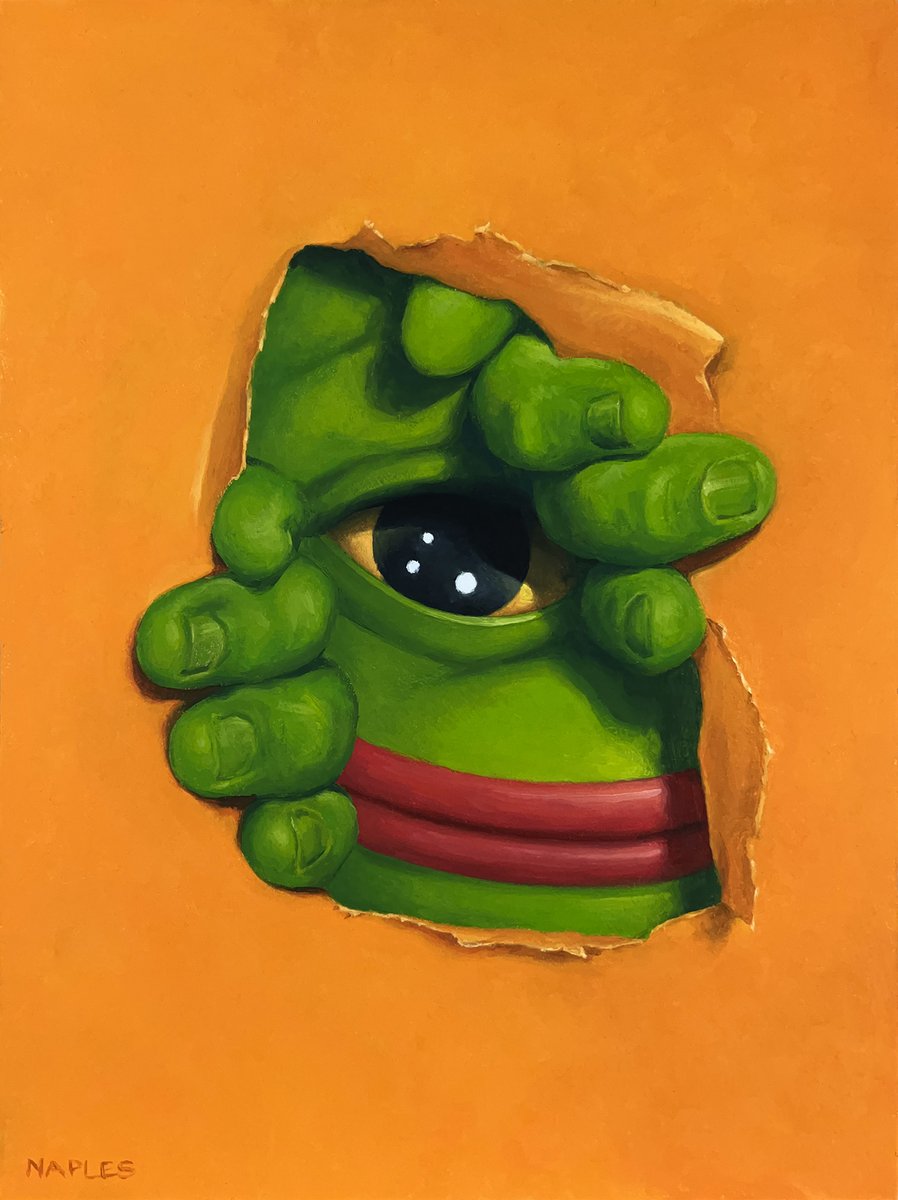
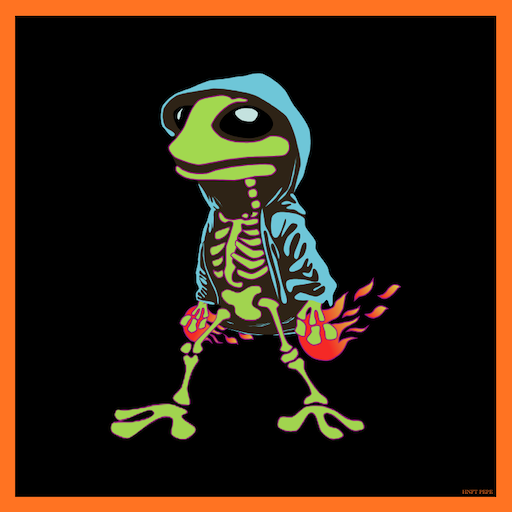
QT or share your orange art or artwork.
"EMERGINGPEPE"
Fake Rare

QT or share your orange art or artwork.
"DANKNESS IN DARKNESS"
compressionism on btc ( 21KB file size )
2
1
22
397
NAPLES retweeted

May 26
Come and find out whats going on with Pepevault -BOOKMARK IT!! 🐸🫂☕️x.com/i/spaces/1qKVmmyrlQDxB
6
17
1,206