
Chief Technology Officer (CTO) - Community Consolidated School District 21 -- #21Learns
Joined September 2016
- Tweets 1,107
- Following 2,463
- Followers 1,177
- Likes 4,543
78 Photos and videos



Mike Frantini retweeted

2 Feb 2024
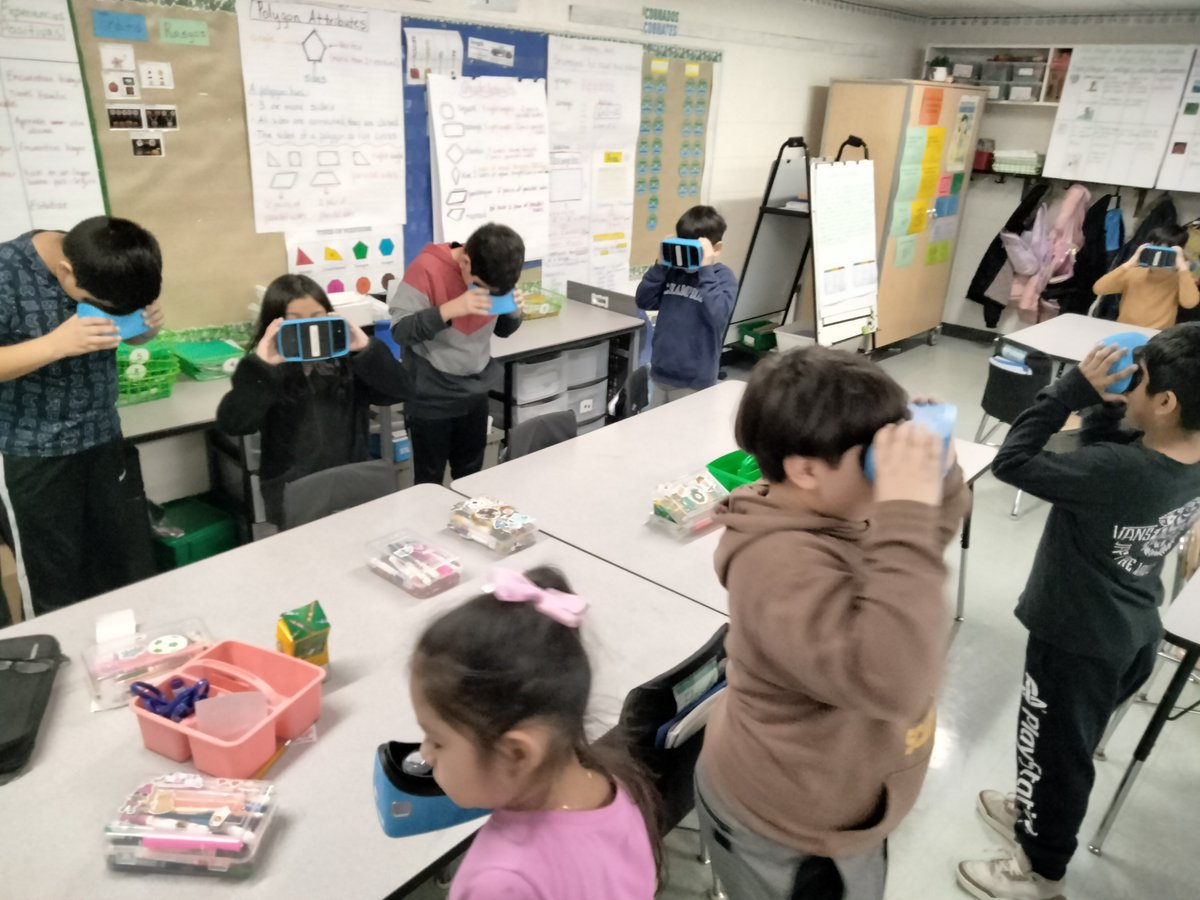
These students are dinosaur experts! 🦖
We had lots of fun learning about fossils and exploring museums with VR in Mrs. Arnold's 3rd grade dual language class at @ccsd21frost last week!

3
4
223
Mike Frantini retweeted
5 Feb 2024
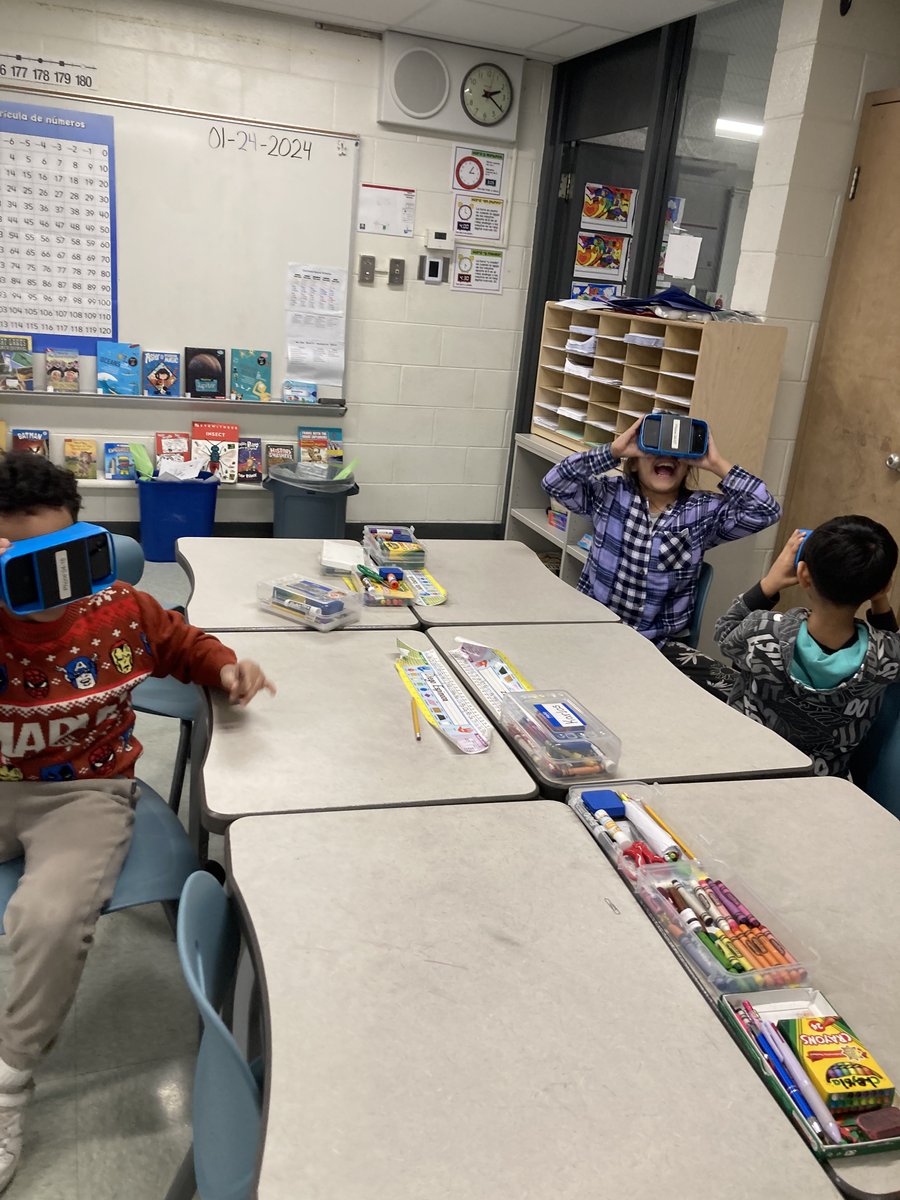
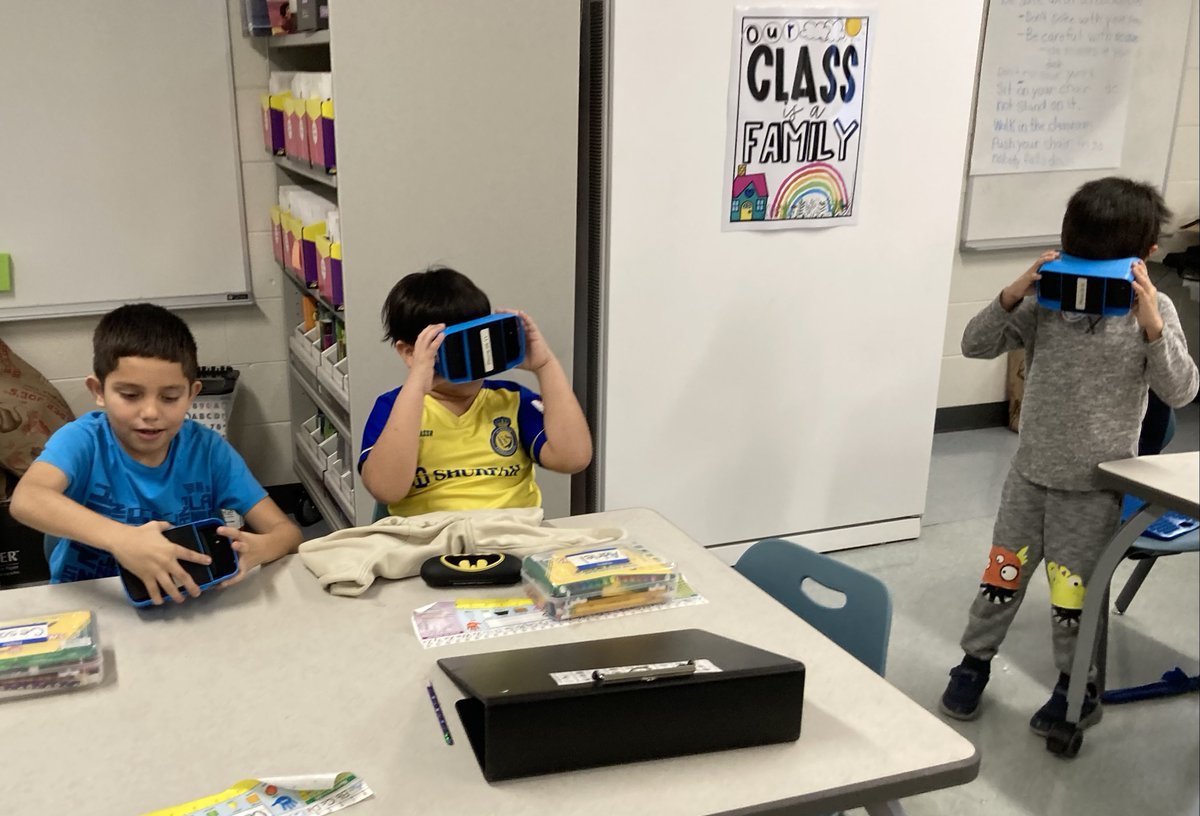
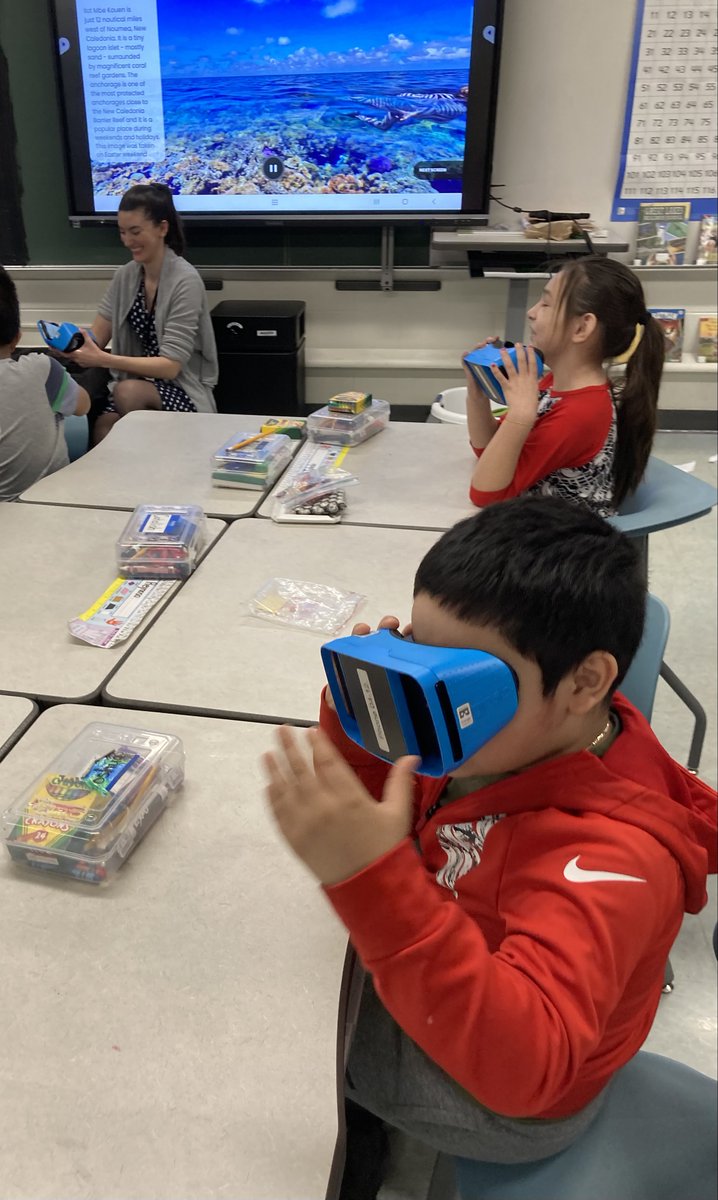
"THIS IS THE BEST DAY OF MY LIFE!"
Mrs. Rink's 2nd grade dual language class at @ccsd21frost had an absolute blast learning about rivers, the Grand Canyon, and climate change!
@ccsd21 @RobotLABedu
#21Learns
4
3
352
Mike Frantini retweeted
15 Dec 2023
Have you ever started an email that you don’t want to forget to send the next morning?
There’s a way to schedule send an email so it doesn’t get forgotten in your drafts!
Check out this GIF to see how it works! 👇
#21Learns #EdTech #teachertwitter #edchat #teachersoftwitter
1
1
95
Mike Frantini retweeted
19 Dec 2023
Google Classroom now has an interactive video feature similar to EdPuzzle and Nearpod! You can choose points in a YouTube video to display multiple choice, checkbox, or open-ended questions.
See how it works below! 👇
#21Learns #EdTech #GoogleClassroom
2
1
133
Mike Frantini retweeted
20 Dec 2023
You can access Google's entire library of fonts to get more options for Docs, Slides, Sheets, and more!
Try the steps below and let us know which fonts you choose!
#21Learns #EdTech #GoogleEdu
2
1
145
Mike Frantini retweeted
1 Dec 2023
@GiseleRaube ’s 4th grade dual language class used @mergecube to learn about the human body with augmented reality!
Try them in your own classroom! Middle schools can contact your TSS, and elementary schools can place a ticket in IIQ!
@ccsd21frost @FrostSchool_4 #21Learns
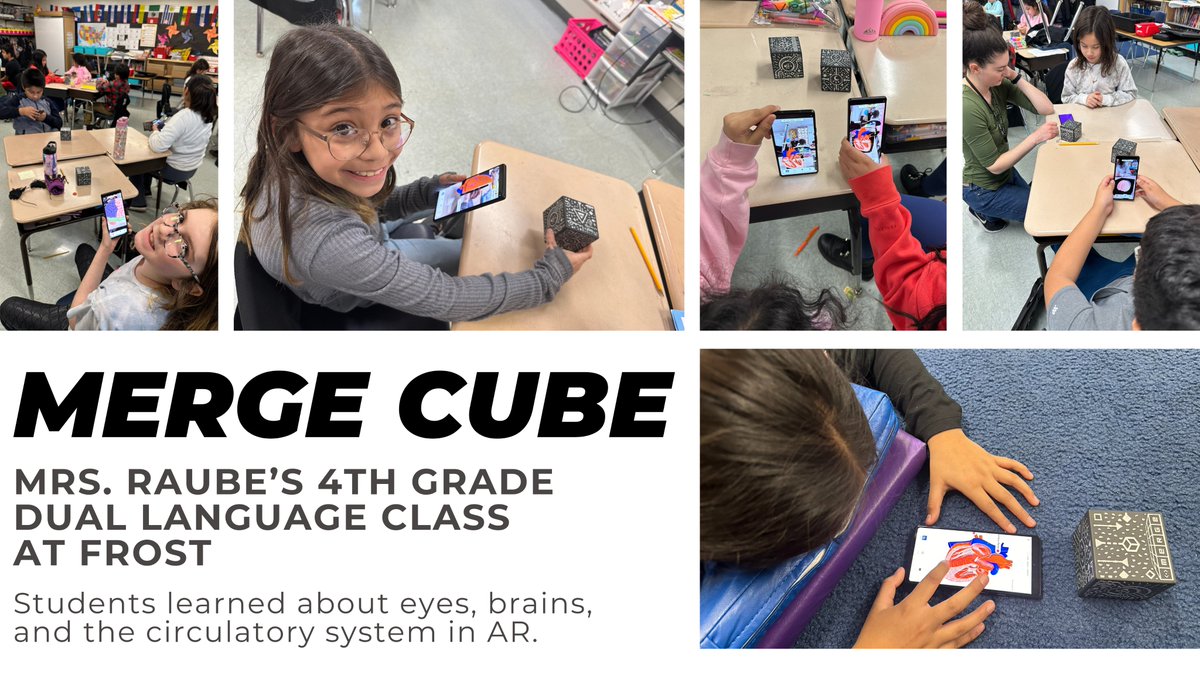
ALT Using Merge cubes to look at eyes, brains, and hearts in augmented reality!
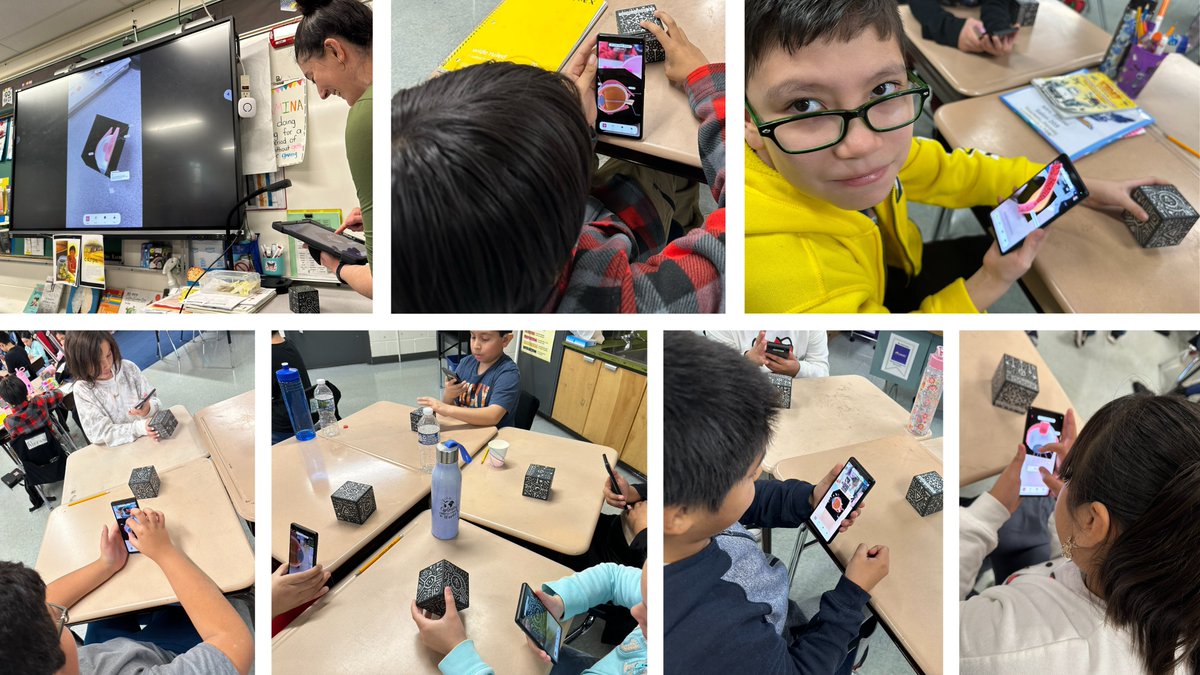
ALT Students can zoom in, zoom out, and read labels to learn more about what they're seeing!
1
1
3
225

8 Dec 2023
#21learns check it out!!
4 Dec 2023

Your ViewSonic can be so much more than just a big TV!
Whether you’re brand new or looking to level up your ViewSonic game, learn new tips and tricks from our ViewSonic 5 Minute Series on Youtube. #21Learns
youtube.com/playlist?list=PL…
108
Mike Frantini retweeted
4 Dec 2023
Your ViewSonic can be so much more than just a big TV!
Whether you’re brand new or looking to level up your ViewSonic game, learn new tips and tricks from our ViewSonic 5 Minute Series on Youtube. #21Learns
youtube.com/playlist?list=PL…
2
1
213
Mike Frantini retweeted
17 Oct 2023
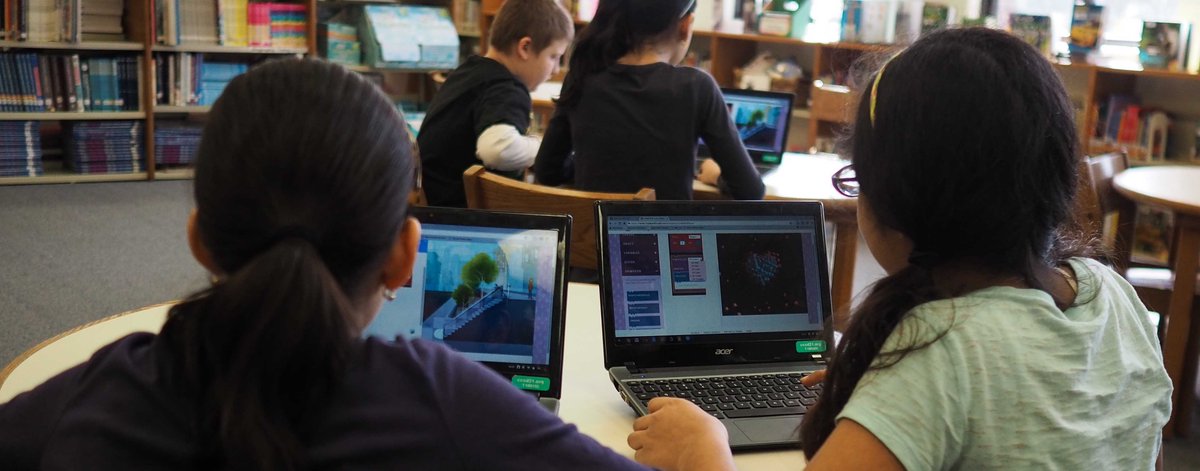
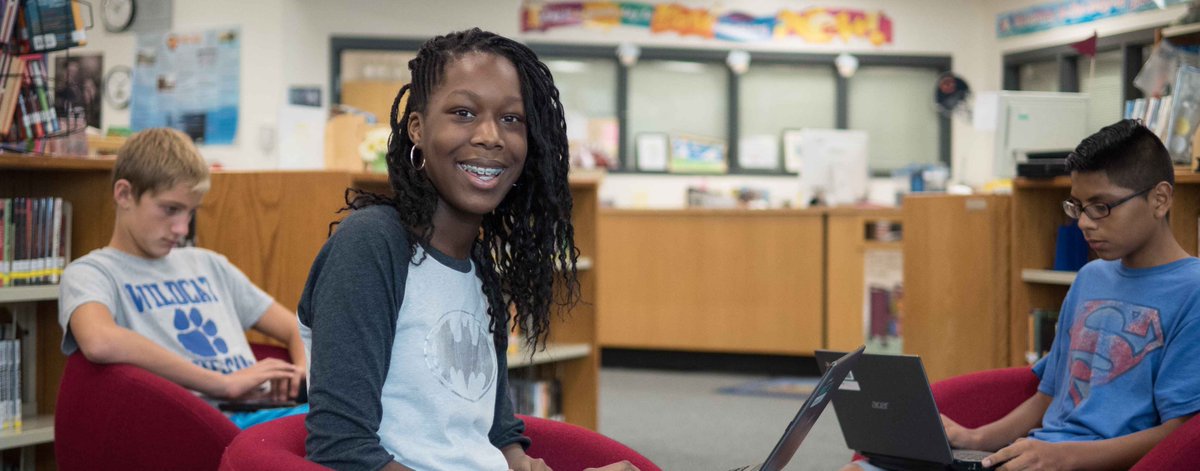
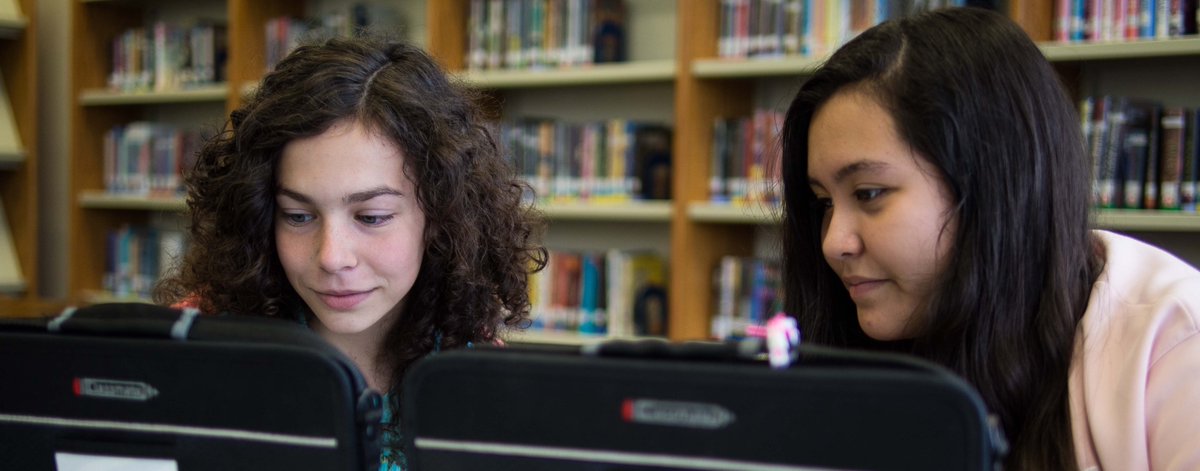
This week is the 10th anniversary of student Chromebooks in CCSD21!
What started as an ambitious initiative for middle schoolers has become a critically important tool for all students.
We can't wait to see what the next 10 years will bring!
#21Learns

2
2
253
Mike Frantini retweeted
18 Oct 2023
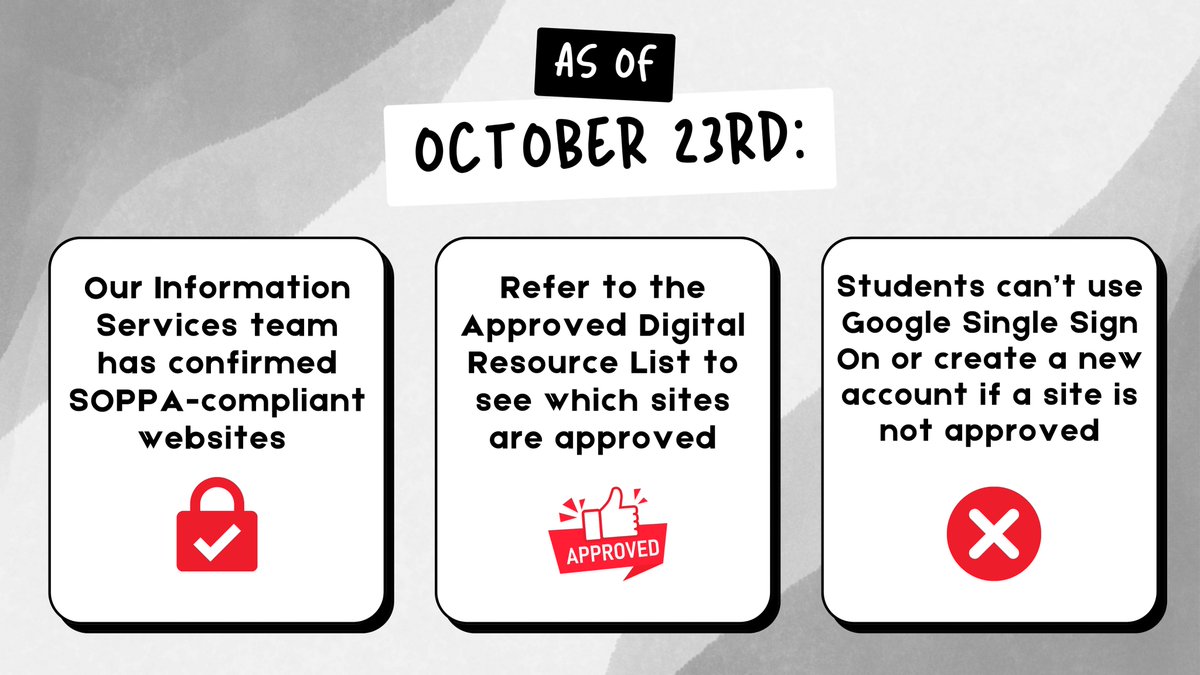
As of October 23rd, Google is restricting students under 18 from signing into any website using their Google account, unless the website is confirmed by the district. Here’s what you need to know:
Approved Digital Resource List: docs.google.com/spreadsheets…
#21Learns
2
2
174
Mike Frantini retweeted
20 Oct 2023
SeeSaw is launching a new logo and brand colors on October 27th! Your students may notice a visual change, but no worries, the features will remain the same!
#21Learns

ALT SeeSaw is getting a fresh, new look on October 27th!
2
1
185
Mike Frantini retweeted
27 Oct 2023
In case you haven’t heard, Jamboard is going away in late 2024.
Lucky for us, there are still plenty of virtual whiteboard alternatives already used in @ccsd21 that allow for unlimited brainstorming.
Watch the video below for ideas! 👇
#21Learns
youtu.be/4RFwGrg5D64?si=CPv2…
2
1
149
Mike Frantini retweeted
1 Nov 2023
Fans of PearDeck and Nearpod, you’ll want to check this out! 👀
We’ve recently approved the Lumio basic plan for use in @ccsd21.
Check out all the interactive games and activities it has to offer, and sign up here: smarttech.com/en/lumio
#21Learns @LumioSocial #edtech
3
4
374
Mike Frantini retweeted
1 Nov 2023
Information Services is now on Instagram! We’re thrilled to have another platform to share tech news and inspiration with our @ccsd21 community.
You can follow us here: instagram.com/ccsd21infoserv…
#21Learns

ALT We're @ccsd21infoserv on Instagram! Follow us for CCSD21 tech news and inspiration.
2
1
68
Mike Frantini retweeted
12 Oct 2023
Hey, middle school teachers! 👩🏫
Have you tried Merge Cubes yet? Interact with 3D simulations in the palm of your hand using augmented reality.
Watch the video to learn more and see how @tracycrowley77 used them for science.
Contact your TSS for more info!
@mergeedu #21Learns
4
6
564
Mike Frantini retweeted
12 Sep 2023
Here are three tips for students and teachers to find Google Drive files faster: 🧵 1/3
1. Use color-coding and emojis to make important folders stand out. This is especially handy for organizing old files from previous classes.
#21Learns
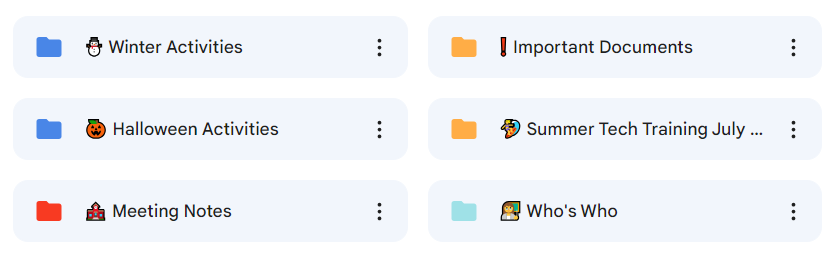
ALT Use Google Drive folders that are color-coded and have emojis in the title for easier organization.
2
3
4
863
Mike Frantini retweeted

20 Sep 2023
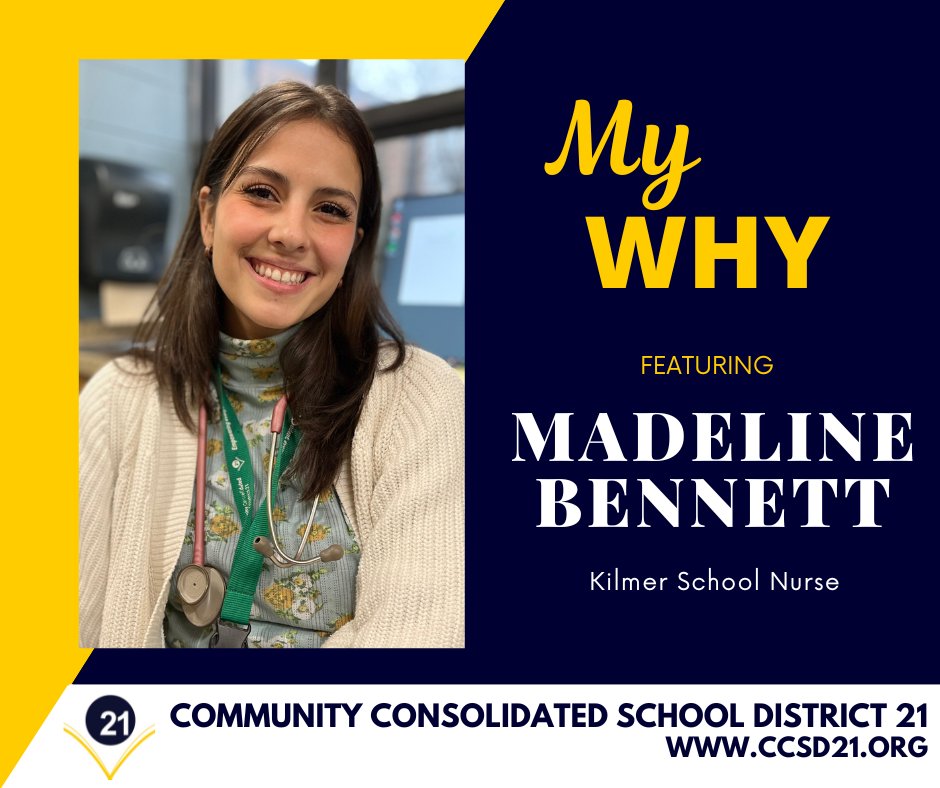
CCSD21 will be featuring a staff member each month, highlighting their background and their “Why". #21Learns
Featured this month is Madeline Bennett, @ccsd21kilmer Nurse
ccsd21.org/news/my-why-madel…
1
2
249