PC & Tech Enthusiast. Content Creator. Follow for the latest ➕ Discord 👾Server: discord.gg/gF3H5Qbu9z ✉️: Chris@chrismizo.com (business inquiries only)
Joined March 2019
- Tweets 14,355
- Following 103
- Followers 1,293
- Likes 14,027
6,077 Photos and videos








Pinned Tweet

Jun 10
🚨 AMD RDNA 5 DELAYED Until 2027? AI May Be Killing Gaming GPUs
youtu.be/pVzXhwWAUJ8
1,168
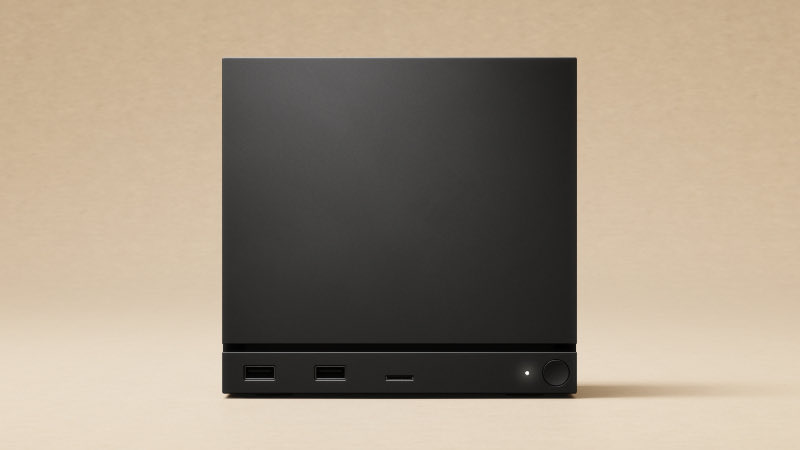
Valve is finally saying the Steam Machine is shipping this summer, but of course, they still left out the one thing everyone wants to know: the price.
• Steam Machine and Steam Frame is expected this summer
• Valve is expanding Steam Verified beyond Steam Deck
• Steam Machine will have its own Verified system
• Steam Frame standalone games will also get verification
• No exact release date yet
• No official price yet
• Price is the real concern with memory and hardware costs rising
I want the Steam Machine to do well, but Valve to watch their steps.
3
2
25
908
Now this is legendary.

Wine-Staging 11.11 Released With 289 Patches Atop Upstream
phoronix.com/news/Wine-Stagi…
4
278
AMD Software 26.6.1 adds support for Microsoft Advanced Shader Delivery in the Xbox PC app for those who care for the app.
• AMD Software: Adrenalin Edition 26.6.1 is out
• Adds support for Microsoft Advanced Shader Delivery
• Works through the Xbox PC app / Microsoft Store ecosystem
• Focus is reducing shader compilation stutter and long first-launch load times
• Microsoft says ASD can reduce load times by up to 90% by delivering precompiled shaders at download time
• Supported AMD hardware includes newer RDNA-based Radeon GPUs, with Microsoft’s preview focused on RDNA 3, RDNA 3.5, and RDNA 4 systems
• AMD’s 26.6.1 driver supports Windows 10 and Windows 11, but ASD itself is mainly tied to Windows 11/Xbox app support
• This does not automatically work for every game, every storefront, or every GPU
• Steam, Epic, and GOG support would be the real game changer if this expands beyond Xbox PC app titles
Shader stutter has been one of the most annoying parts of modern PC gaming, so I’m glad Microsoft and AMD are finally attacking it directly.
Unfortunately still tied to the Xbox PC app/Microsoft Store side, most people are not going to feel the full impact unless more games and storefronts support it.
1
25
2,221
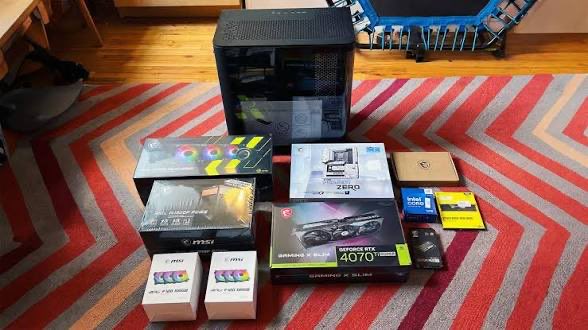
Has TODAY'S PC hardware pricing stopped you from building the PC of your dreams?
3
1
10
448
13h
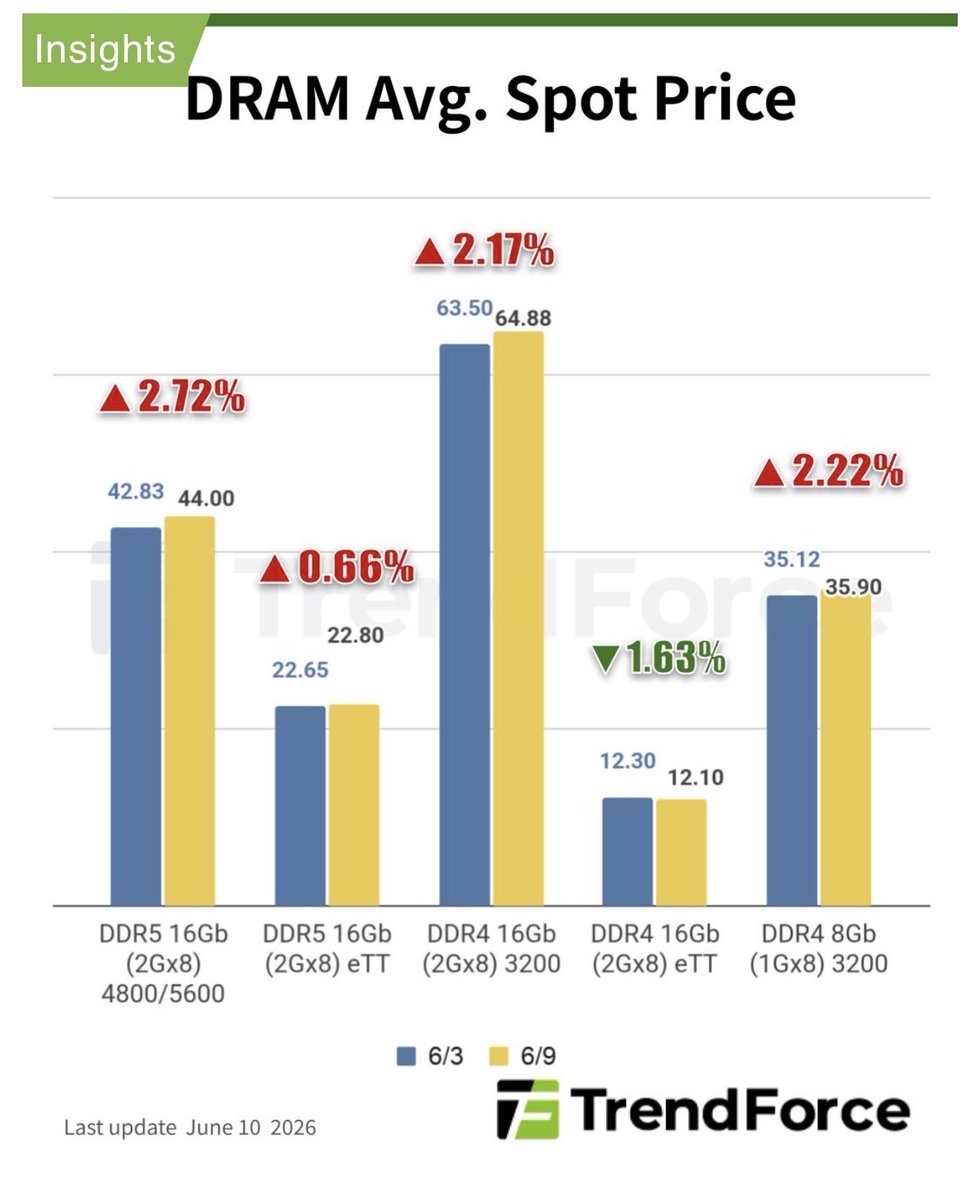
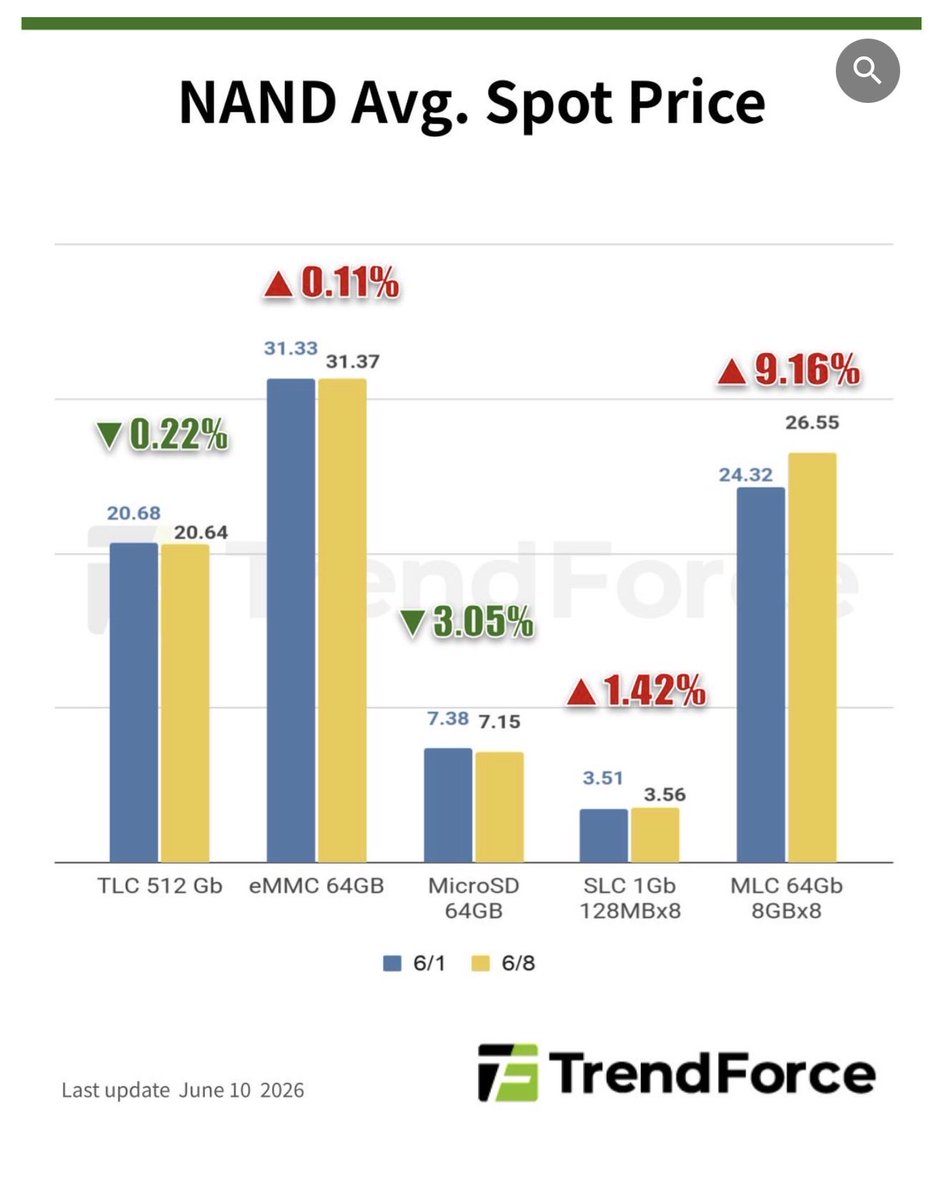
Memory prices are getting cooked, and TrendForce is now saying DDR4 tightness is even spilling over into DDR3.
• TrendForce says DRAM spot quotes are still trending upward
• DDR5 demand is especially strong
• Buyers are reportedly more willing to accept higher DDR5 pricing
• DDR4 supply is still tight, with prices staying high
• Some buyers are downgrading from DDR4 to DDR3 because DDR4 is too expensive or hard to get
• That shift is now pushing DDR3 prices higher too
• Mainstream DDR4 1Gx8 3200MT/s rose 2.22%, from $35.12 on June 3 to $35.90 on June 9
• NAND flash spot prices have stabilized after 2Q26 contract price hikes
• 512Gb TLC wafer spot prices slightly declined 0.22% to $20.638
• Bigger picture: RAM and storage pricing pressure is not going away yet
DDR5 is moving up because demand is strong, DDR4 is tight enough that buyers are falling back to DDR3, and even older memory is getting dragged into the mess.
2
214
13h
Who's ready?

1. Announcement for Hardware reservations and prices expected between Jun 22 - Jun 30
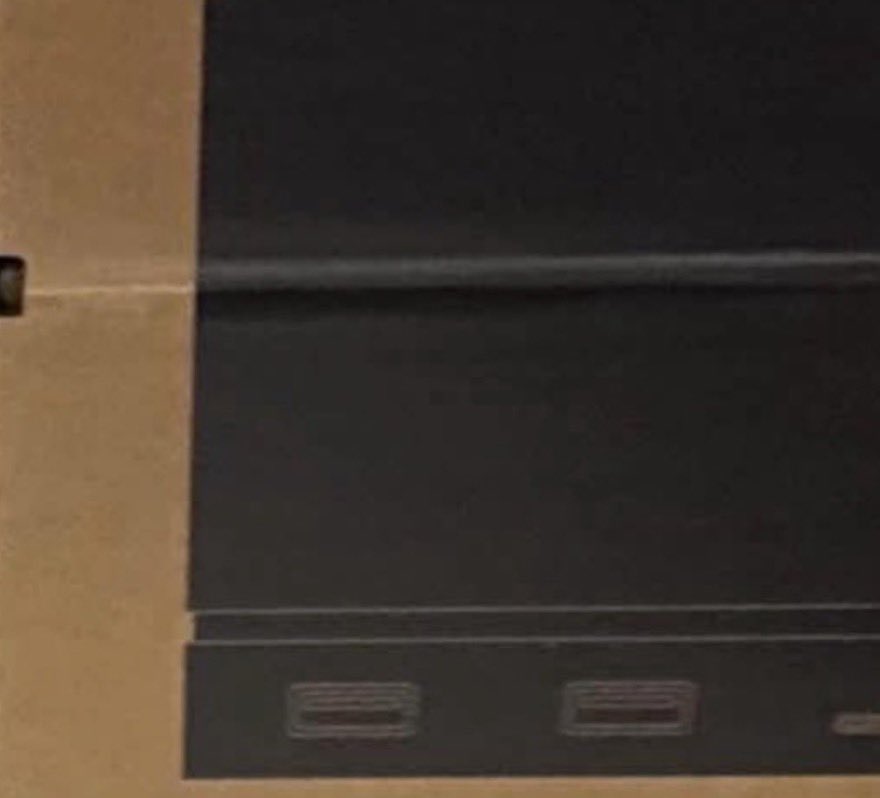
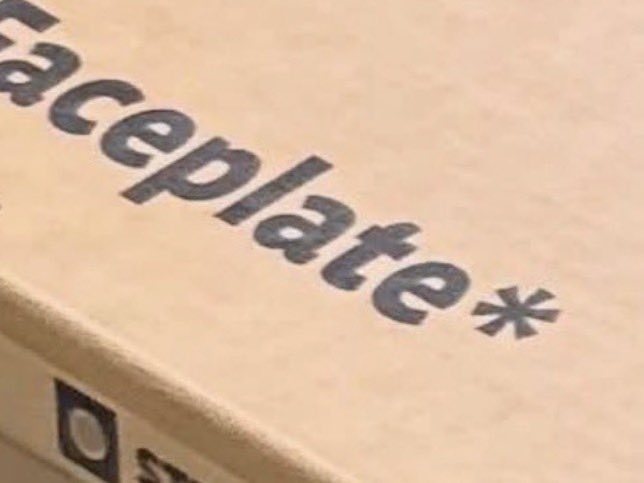
2. Reviewers are actively receiving Steam Machine and Steam Frame units (see enclosed photos)
3. Steam Machine comes with a Steam Controller, 2 mounting brackets and a Steam Machine in a box.
4. There are separate boxes for faceplates (unsure if shipping by default)
5. Creators embargo seems to be due to lift on Hardware reviews after Jun 23
6. Unclear whether Steam Machine and Frame are launching simultaneously, likely
7
655
13h
FIRE DEAL🔥
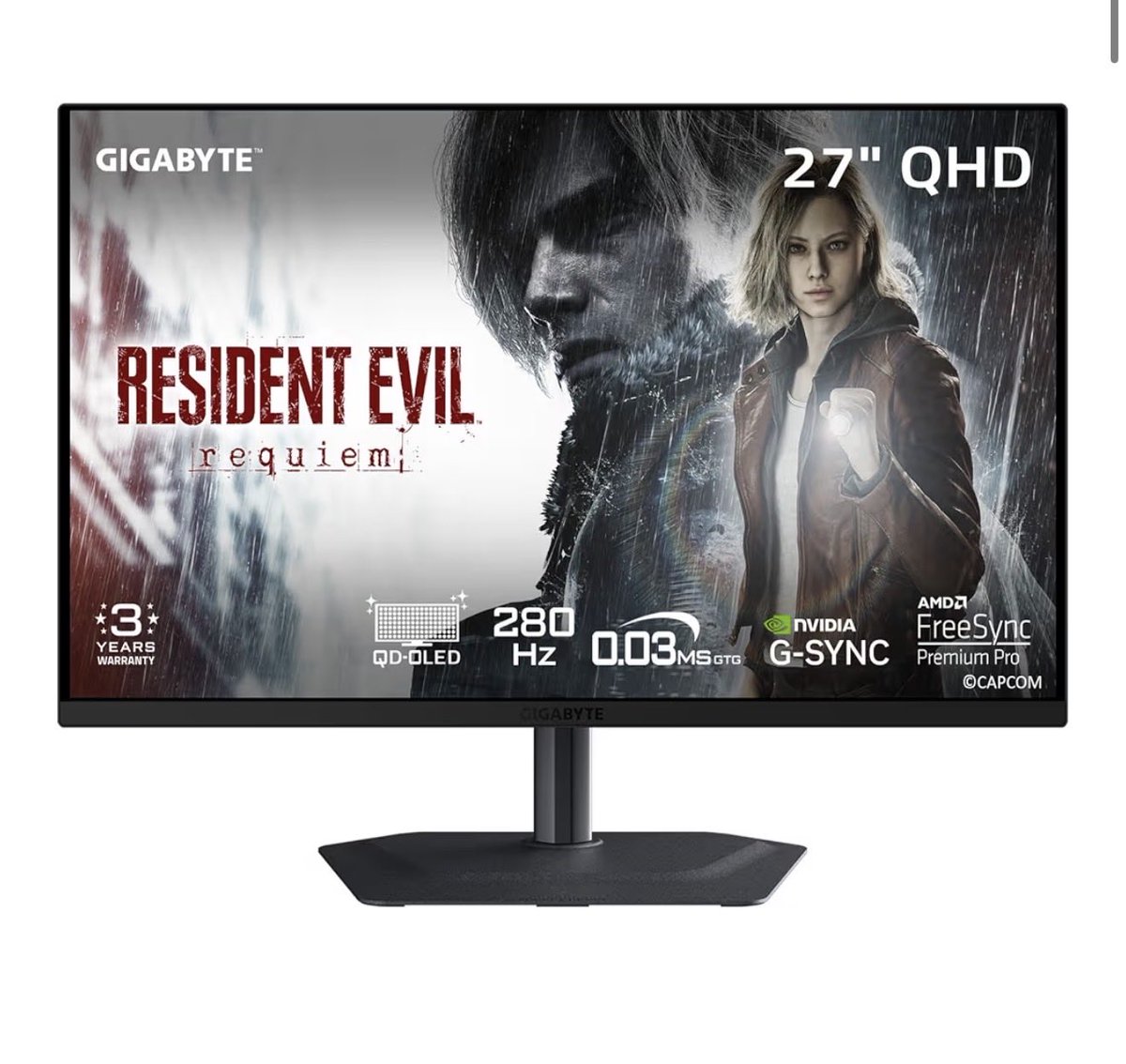
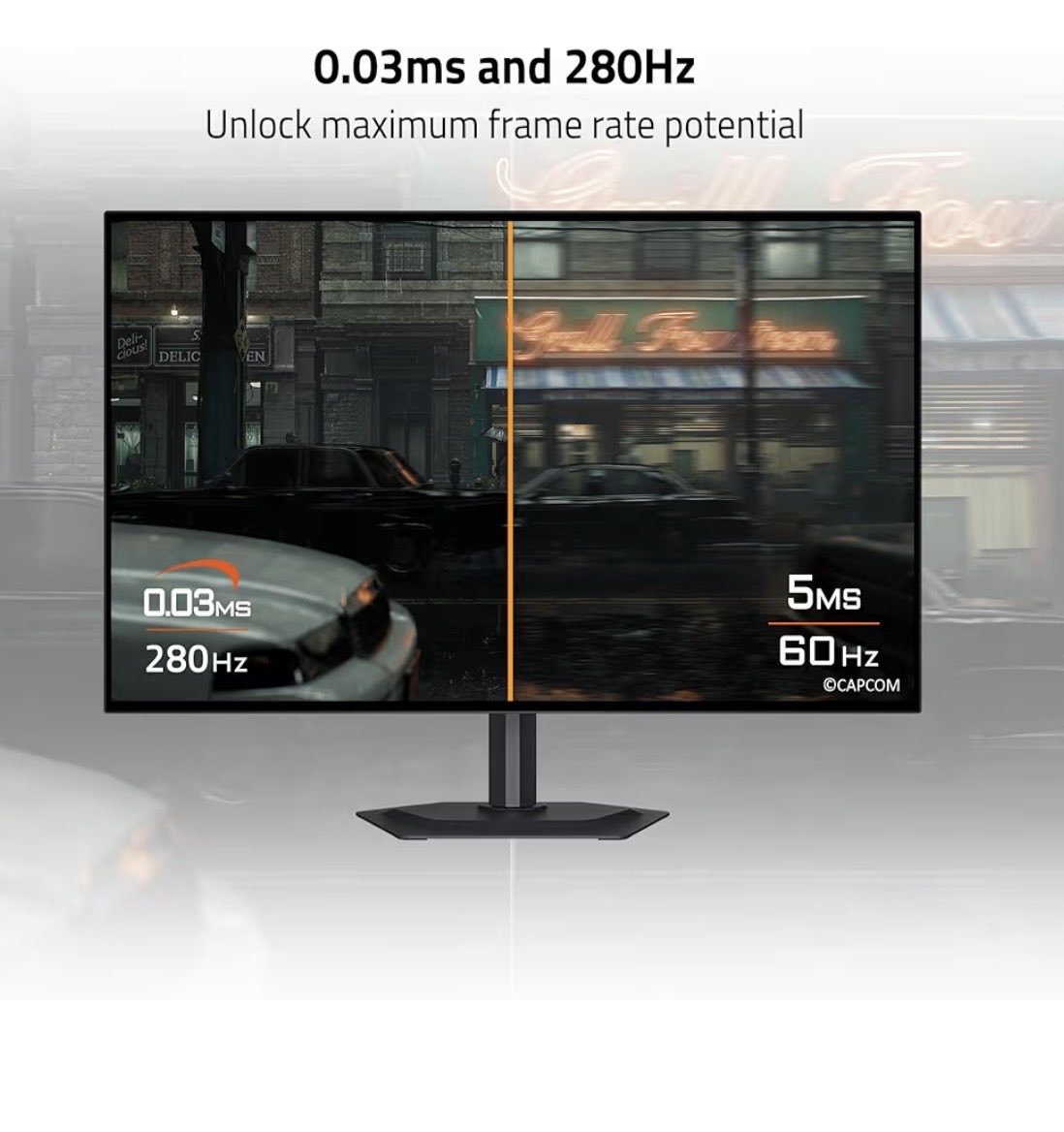
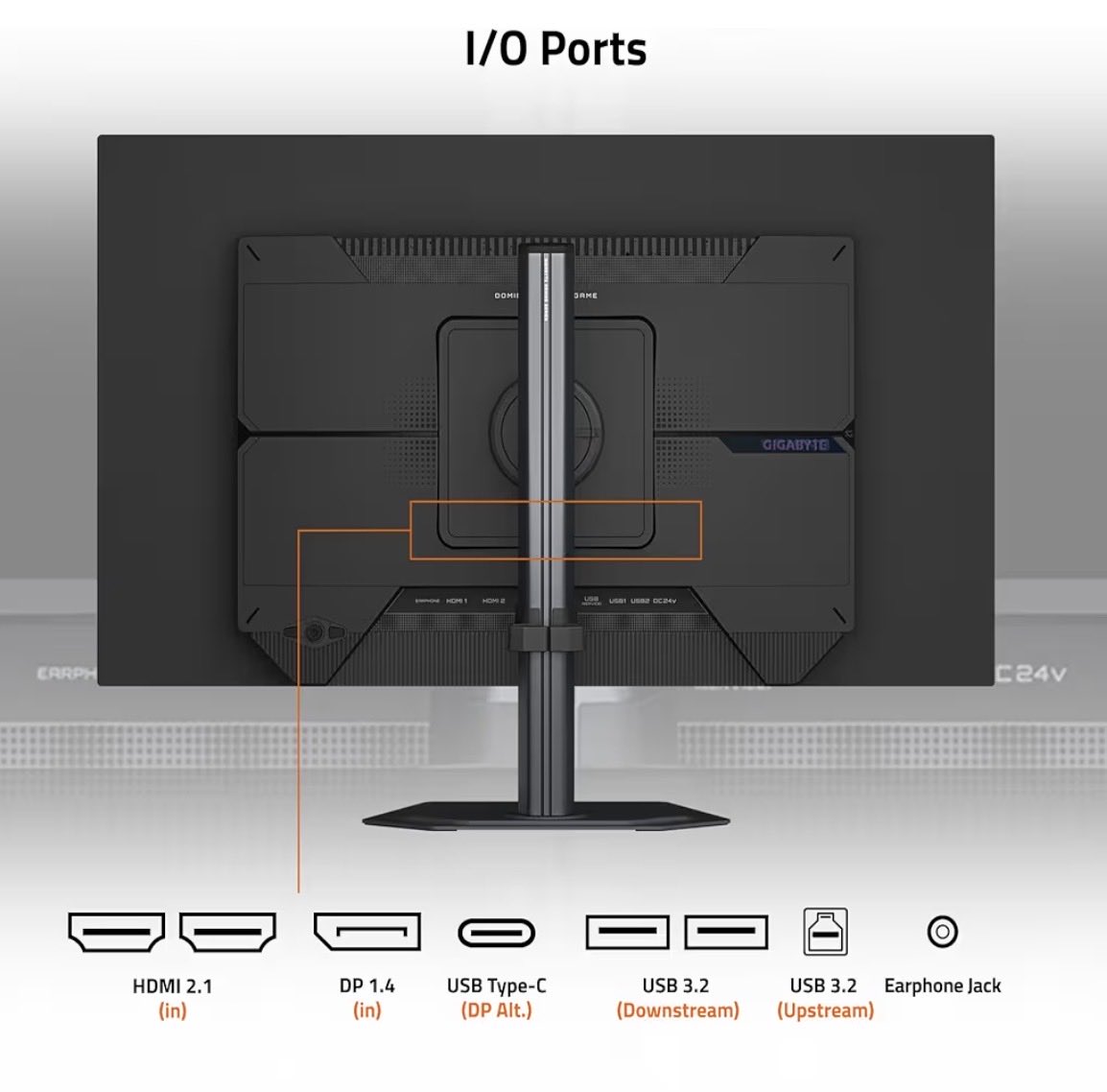
GIGABYTE’s MO27Q2A is a 27-inch 1440p QD-OLED monitor with a 280Hz refresh rate, 0.03ms GTG response time, Type-C KVM, FreeSync Premium Pro, and G-SYNC compatibility.
• GIGABYTE MO27Q2A
• 27-inch QD-OLED panel
• 2560x1440 QHD resolution
• 280Hz refresh rate
• 0.03ms GTG response time
• FreeSync Premium Pro
• G-SYNC Compatible
• USB Type-C KVM
• HDMI, DisplayPort, and Type-C
• 99% DCI-P3 color coverage
• DisplayHDR True Black 400
• Gigabyte OLED Care burn-in protection
The GIGABYTE MO27Q2A is actually a solid option if you want to jump into QD-OLED.
27-inch, 1440p, 280Hz, 0.03ms response time, Type-C KVM, FreeSync Premium Pro, G-SYNC Compatible, and OLED Care built in.
1440p high refresh OLED is still the sweet spot over chasing 4K and without needing a stronger GPU.
amzn.to/3QBfkqd
Note: This is an affiliate link, so I may earn a small commission if you buy through it at no extra cost to you.
5
4
100
23,038
13h
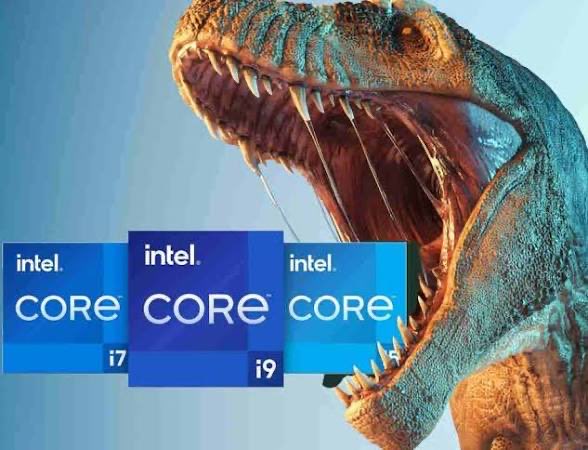
Intel possibly bringing back Raptor Lake Next on LGA 1700 with DDR4 support is honestly the most 2027 PC hardware rumor possible.
• Tom’s Hardware heard Intel may launch “Raptor Lake Next” in the first half of 2027
• It would reportedly arrive some months after Nova Lake
• Could be another extension of the Raptor Lake family
• Expected to target LGA 1700
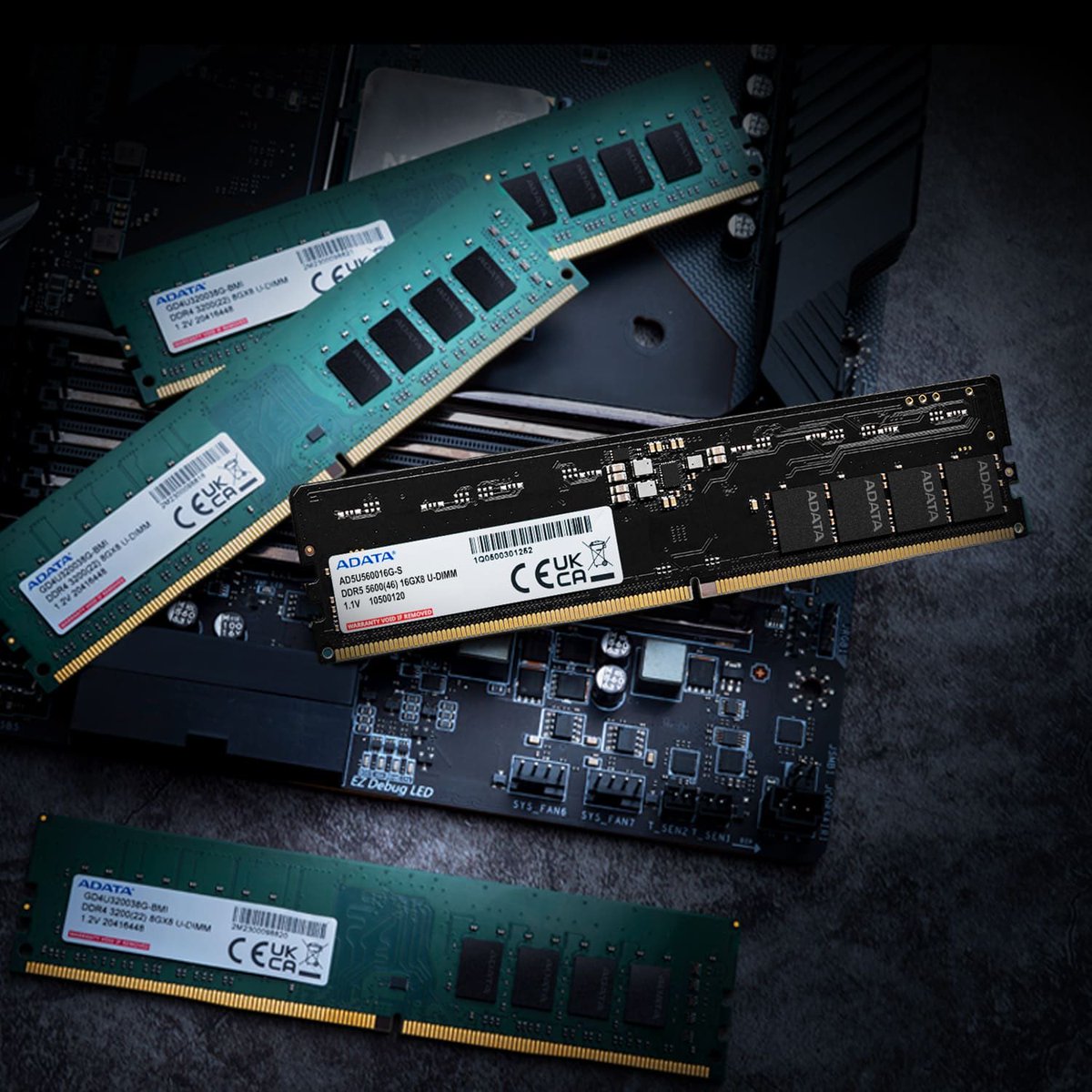
• DDR4 demand is reportedly rising again
• At least two motherboard vendors confirmed plans to increase DDR4 motherboard production for AM4 and LGA 1700
• Specs are still unknown
• Intel declined to comment
• Tom’s Hardware says plans could change, especially if memory pricing changes
• This feels similar to AMD keeping AM4 alive during high DDR5/memory pricing pressure
Intel spent all this time moving forward, and now the market may be forcing them to look back at DDR4 and LGA 1700 because those upgrading or want to transfer hardware to a new platform without spending extra cost.
1
4
32
1,072
13h
146
14h
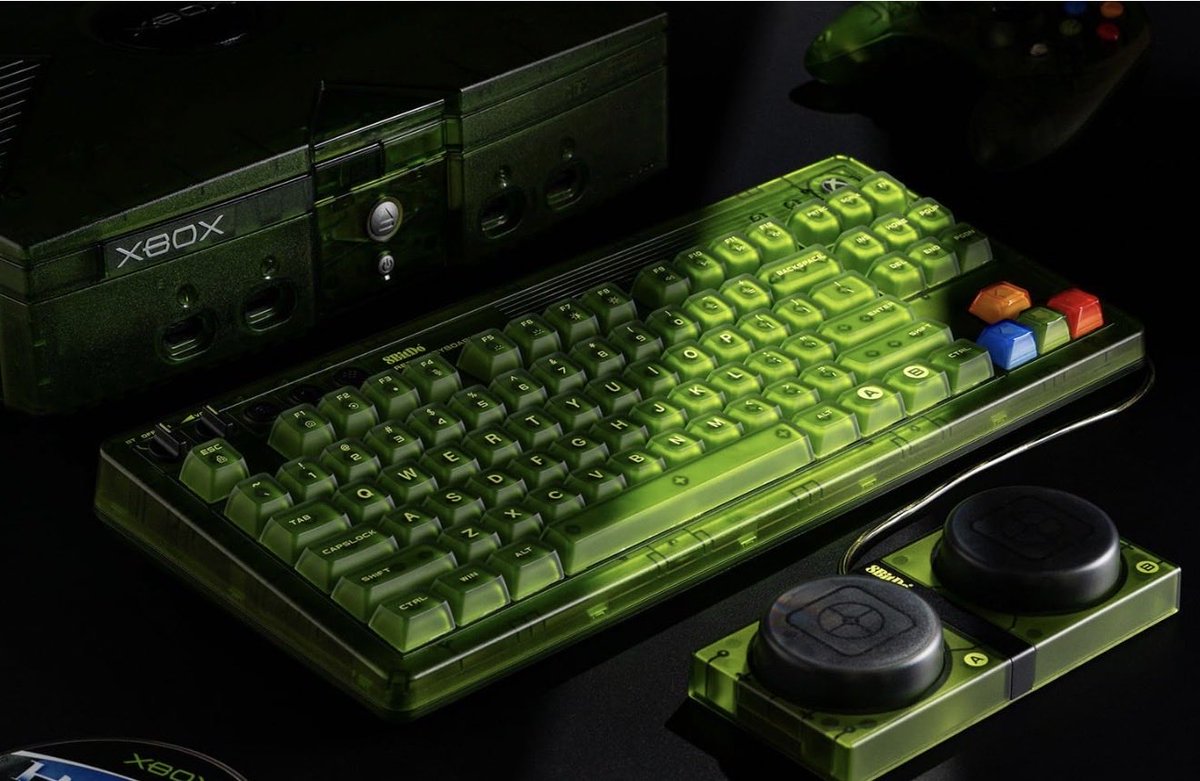
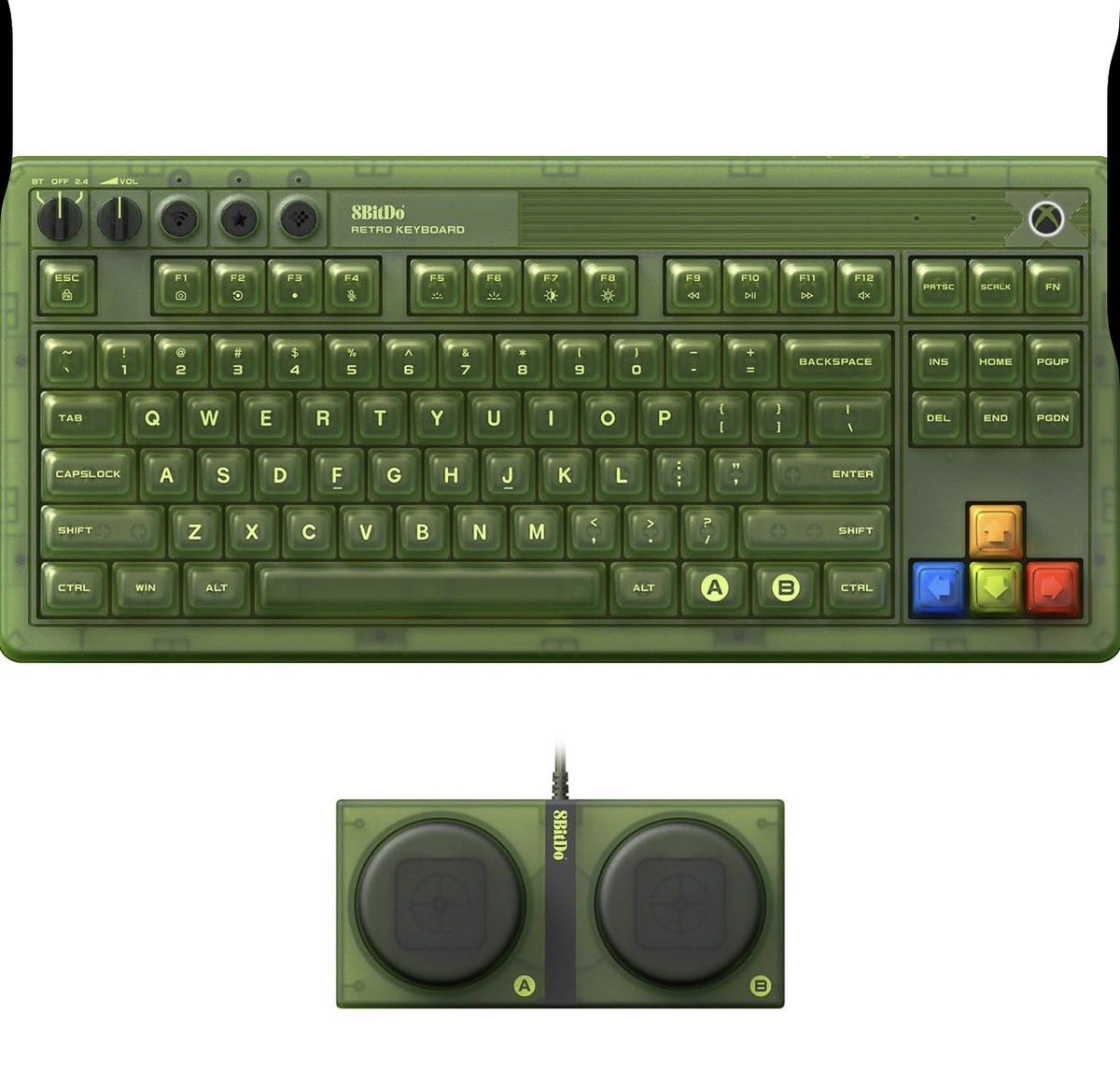
The 8BitDo Retro 87-Key Xbox Edition keyboard is a nostalgic look of a wireless mechanical keyboard if you want that Xbox translucent green appearance.
• 87-key mechanical keyboard
• Wireless / Bluetooth / wired support
• Xbox Edition design
• RGB lighting
• Hot-swappable style layout
• Works well for gaming setups, desk setups, and collectors
This one nails that retro Xbox vibe.
Would you guys use this for your setup, or are you sticking with a full-size keyboard?
amzn.to/4vajgNy
Note: This is an affiliate link, so I may earn a small commission if you buy through it at no extra cost to you.
8
370
17h
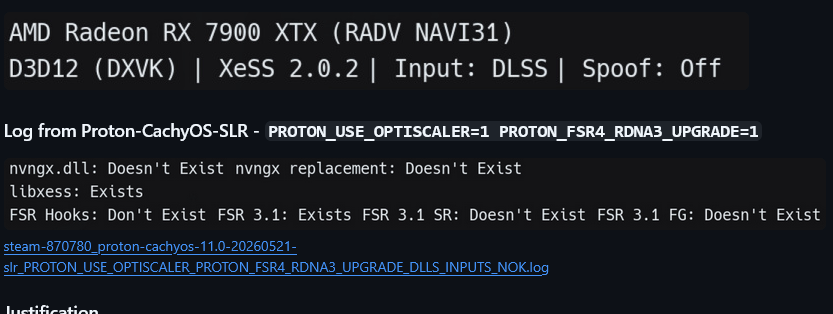
Proton-CachyOS just fixed a specific but useful OptiScaler problem for people trying to use DLSS inputs with FSR4 upgrades on Linux.
• GitHub issue #214 was a feature request for Proton-CachyOS
• Problem involved using PROTON_USE_OPTISCALER=1 with PROTON_FSR4_RDNA3_UPGRADE=1
• Some games that only expose DLSS inputs, like Control Ultimate Edition, were not creating the needed DLSS DLL files
• Missing files included nvngx_dlss.dll, nvngx_dlssd.dll, and nvngx_dlssg.dll
• Without those files, OptiScaler could not hook the DLSS input and upgrade it to FSR4
• The workaround was launching once with only PROTON_USE_OPTISCALER=1, then relaunching with the FSR4 upgrade flag
• Proton-CachyOS 11.0-20260601 changed PROTON_USE_OPTISCALER to also download DLSS DLLs by default for FSR4 input support
• The same release also added PROTON_OPTISCALER_CONFIG for editing OptiScaler config through an environment variable
• This is niche, but it matters for Linux gaming, AMD users, and people testing FSR4 upgrade paths through Proton-CachyOS
This is one of those Linux gaming updates that sounds easy to ignore to normal people, but it will making gaming much more comfortable.
Before this, if you wanted to use OptiScaler with FSR4 upgrades in a DLSS-only game, you had to do the dummy launch for a game to workaround just to generate the DLSS DLL files.
3
27
1,278
18h
“VALVE STEAM: The Gabe Newell Story”
From a small office filled with gamers, dreamers, and late-night coding sessions, one man challenged an industry dominated by giants. After leaving Gabe Newell’s comfortable career at Microsoft, he took a gamble on a new vision for gaming.
Modern day Russell Crowe plays Gabe Newell.
What do you think?

1
8
499
Jun 13
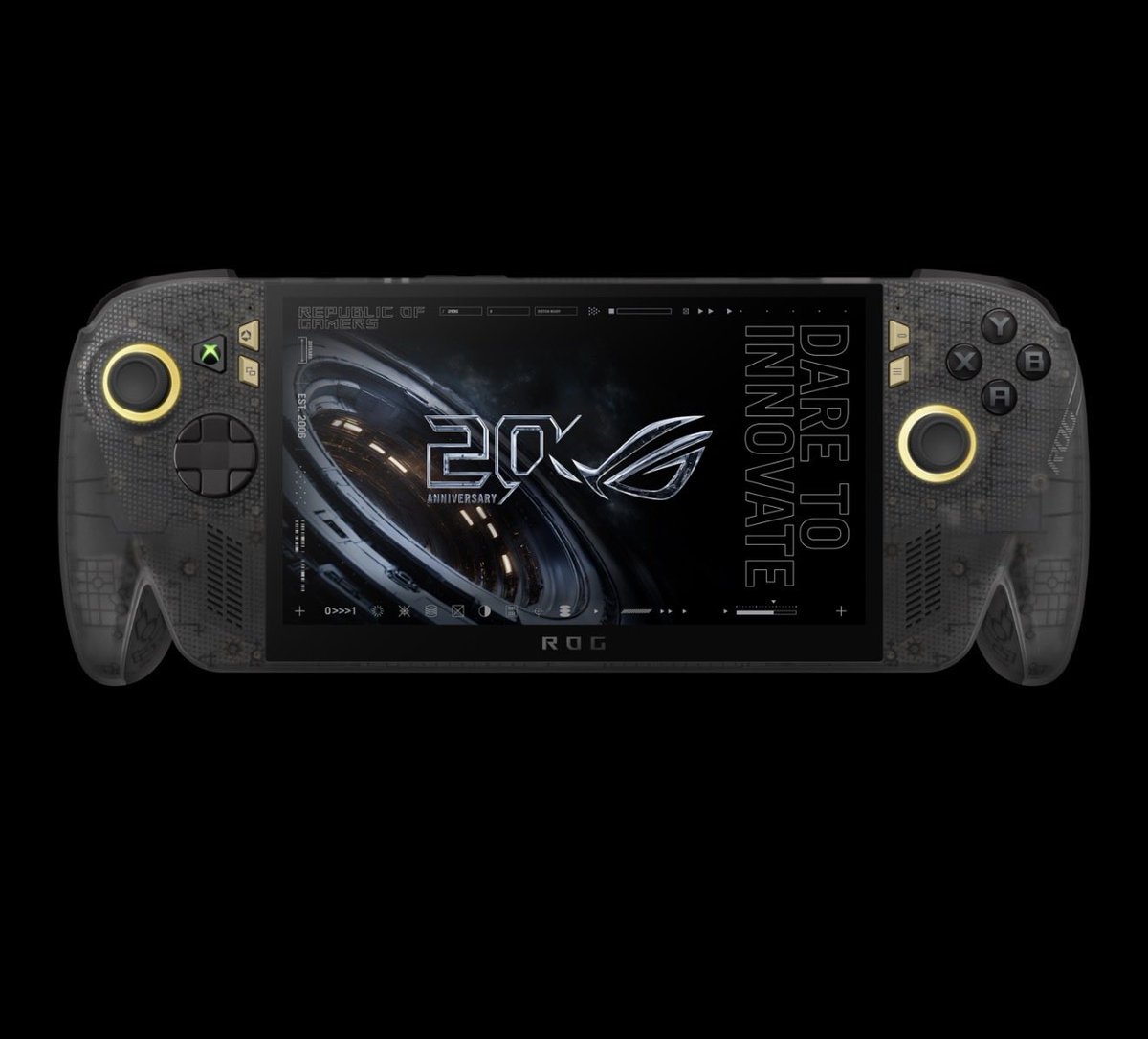
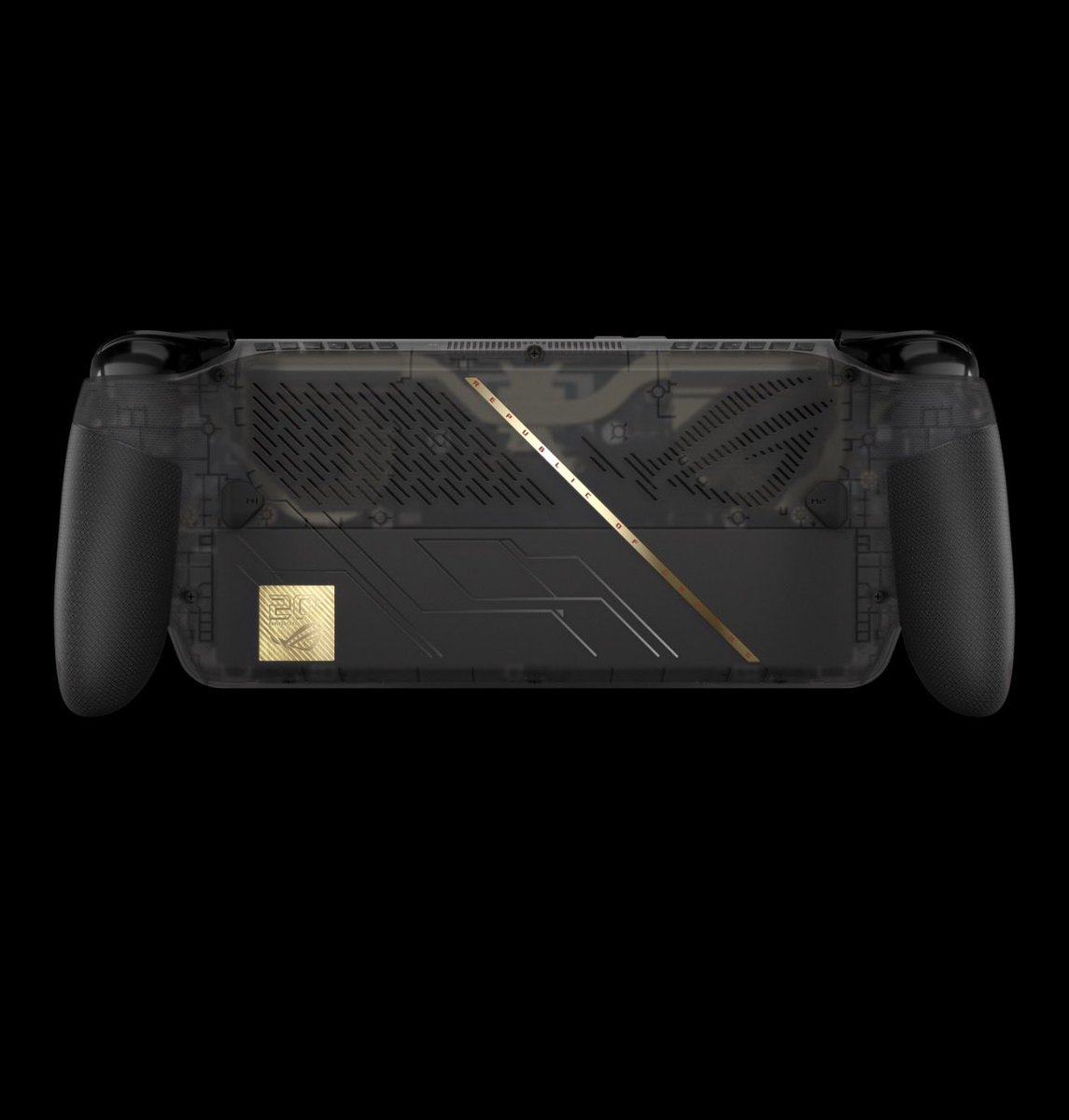
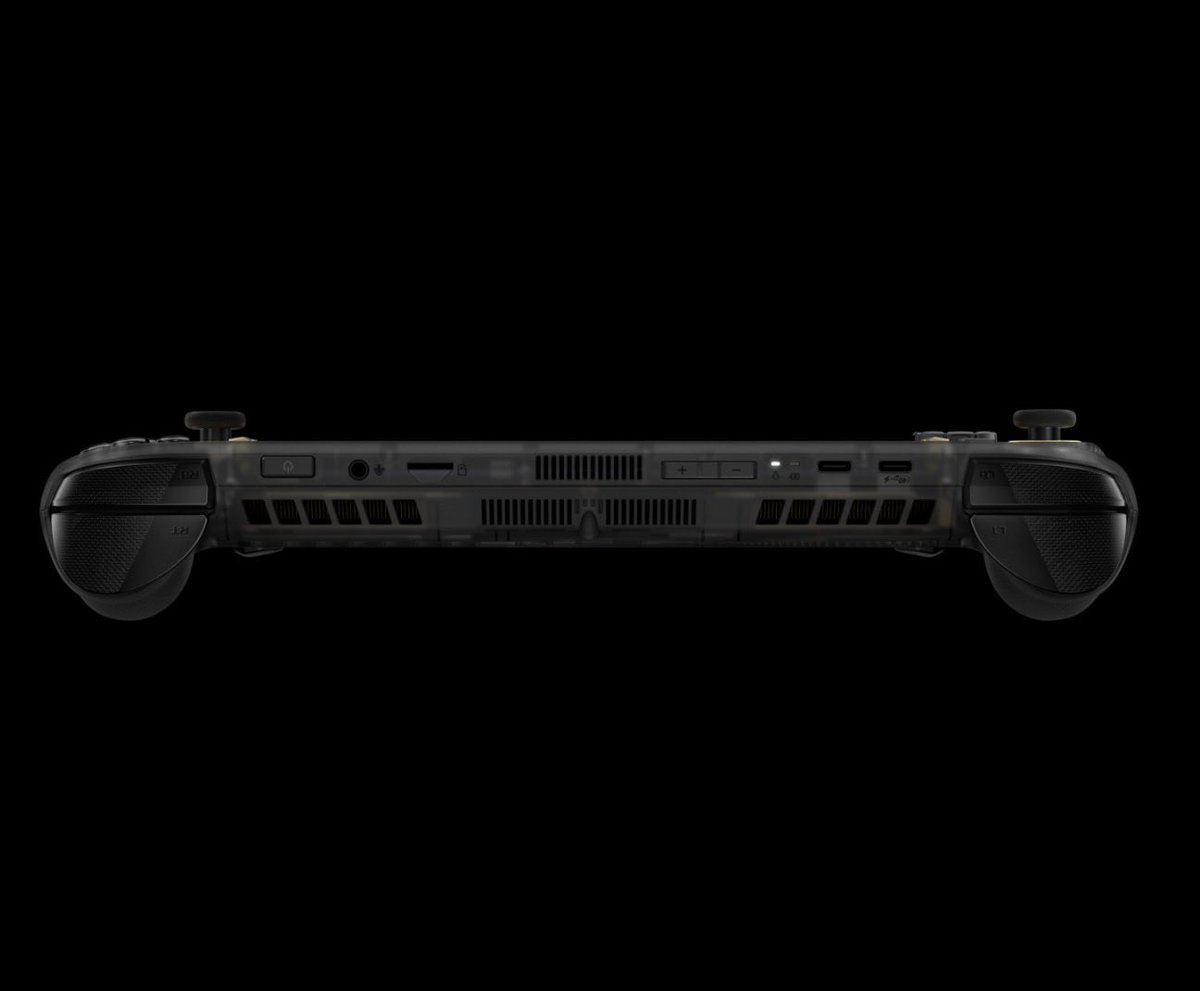
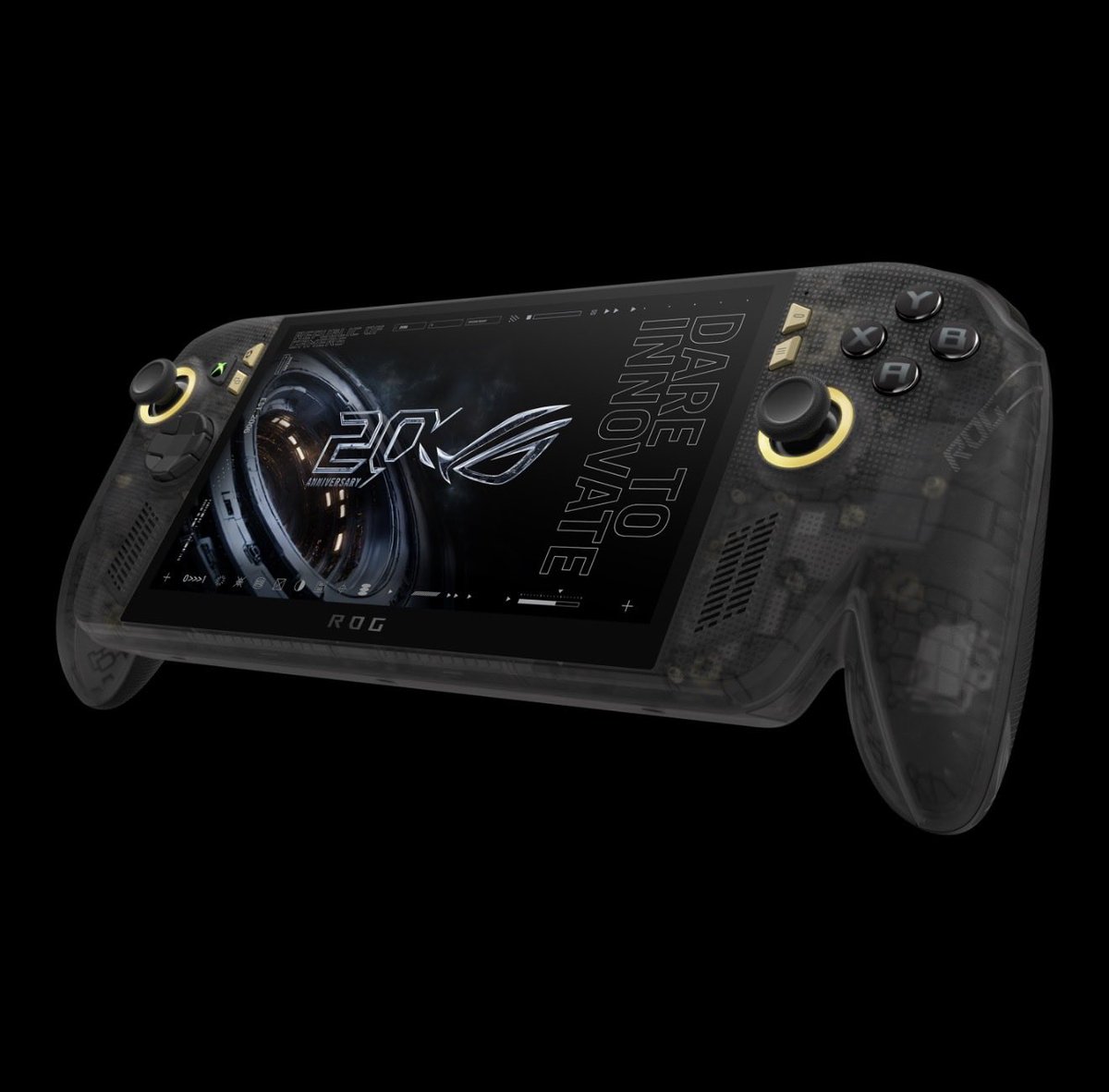
The ROG Xbox Ally X20 Bundle ASUS going OLED, Ryzen AI Z2 Extreme, and Xbox button.
• ROG Xbox Ally X20 Bundle 2026
• Windows 11 Home
• AMD Ryzen AI Z2 Extreme
• 8 cores / 16 threads
• Up to 5.0GHz boost
• AMD XDNA NPU up to 50 TOPS
• AMD Radeon graphics
• 7.4-inch 1080p OLED display
• 120Hz refresh rate
• 100% DCI-P3
• 600 nits SDR / 1400 nits HDR brightness
• Dolby Vision HDR
• FreeSync Premium Pro
• Gorilla Glass Victus Gorilla Glass DXC
• 24GB LPDDR5X memory
• 1TB PCIe 4.0 NVMe M.2 2280 SSD
• USB4 with DisplayPort 2.1 and Power Delivery
• Extra USB-C 3.2 Gen 2 port
• UHS-I microSD slot
• Hall Effect triggers
• TMR joysticks
• HD haptics
• 6-axis gyro
• Wi-Fi 6E and Bluetooth 5.4
• 80Wh battery
• 68W USB-C charger
• 756g weight
• 3 months Xbox Game Pass Premium included
• Bundled with ROG XREAL R1 Edition 20 glasses
• Still unknown on pricing and release date
The specs are stacked, A 7.4-inch OLED, 80Wh battery, 24GB of RAM, 1TB storage, USB4, Hall Effect triggers, TMR sticks.
12
14
216
18,979
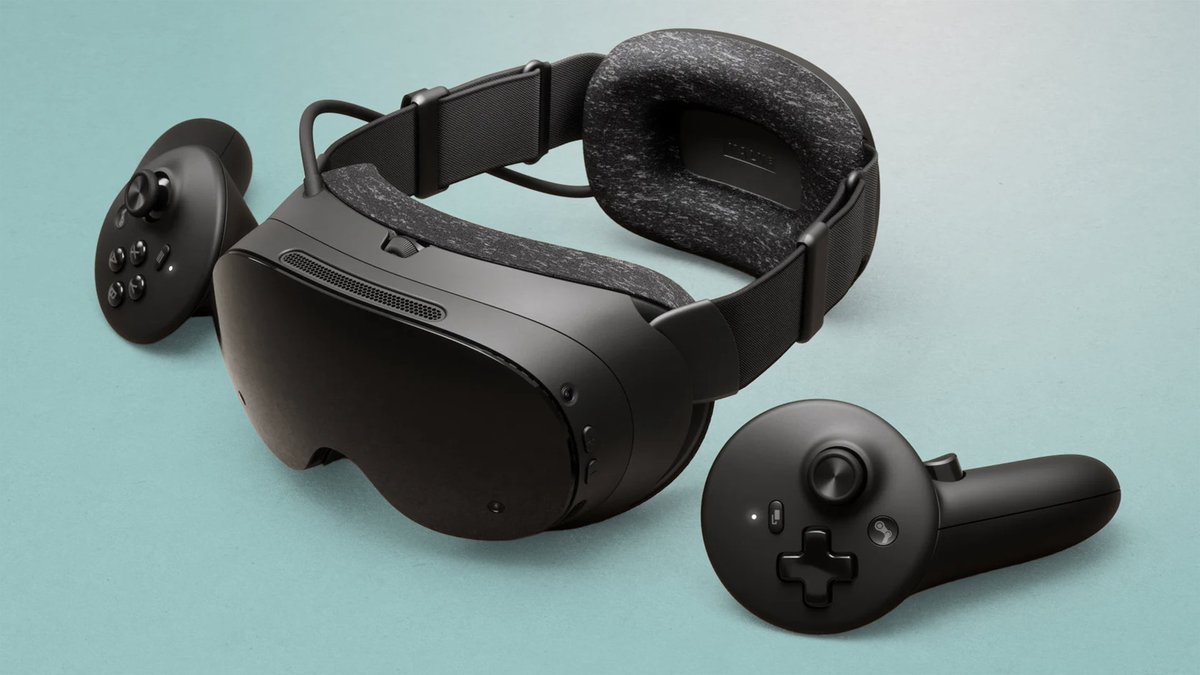
Jun 12
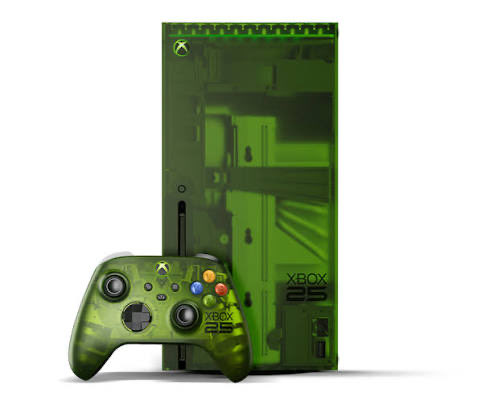
XBOX reportedly losing hundreds of dollars per Series X|S sold because of memory costs is why the console business suffering.
• First off, Wccftech labels this as a rumor/report, not confirmed fact
• Report claims Xbox is losing hundreds of dollars on each Series X|S sold
• Wholesale memory prices reportedly rose 700% since Xbox Series X|S was originally costed
• Xbox reportedly failed to secure enough fixed-price memory supply
• Xbox’s overall margin was reportedly only around 3% after costs
• Hardware sales have been declining for a while
• This may help explain why Xbox is rethinking its hardware model
• Project Helix could lean into OEM partners like ASUS or MSI if traditional console subsidies stop making sense
• The bigger issue is not just Xbox, it is memory and storage pricing wrecking hardware planning across the industry
This is why I keep saying next-gen consoles are a reflection of what consoles once were.
7
3
37
3,019
Jun 12
317
Jun 12
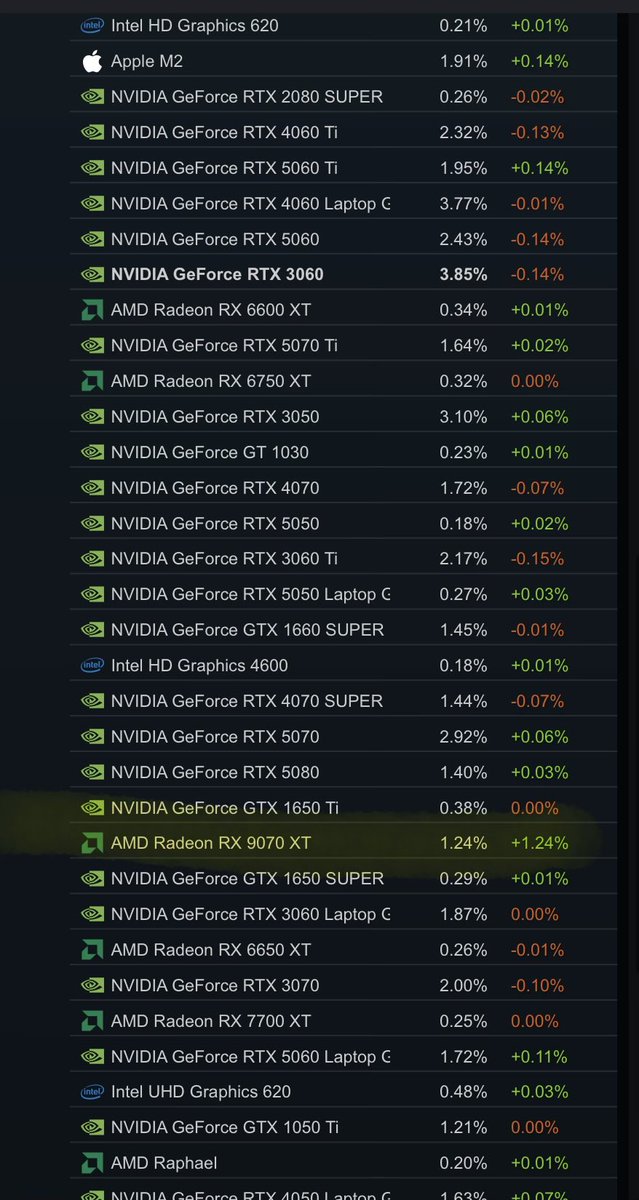
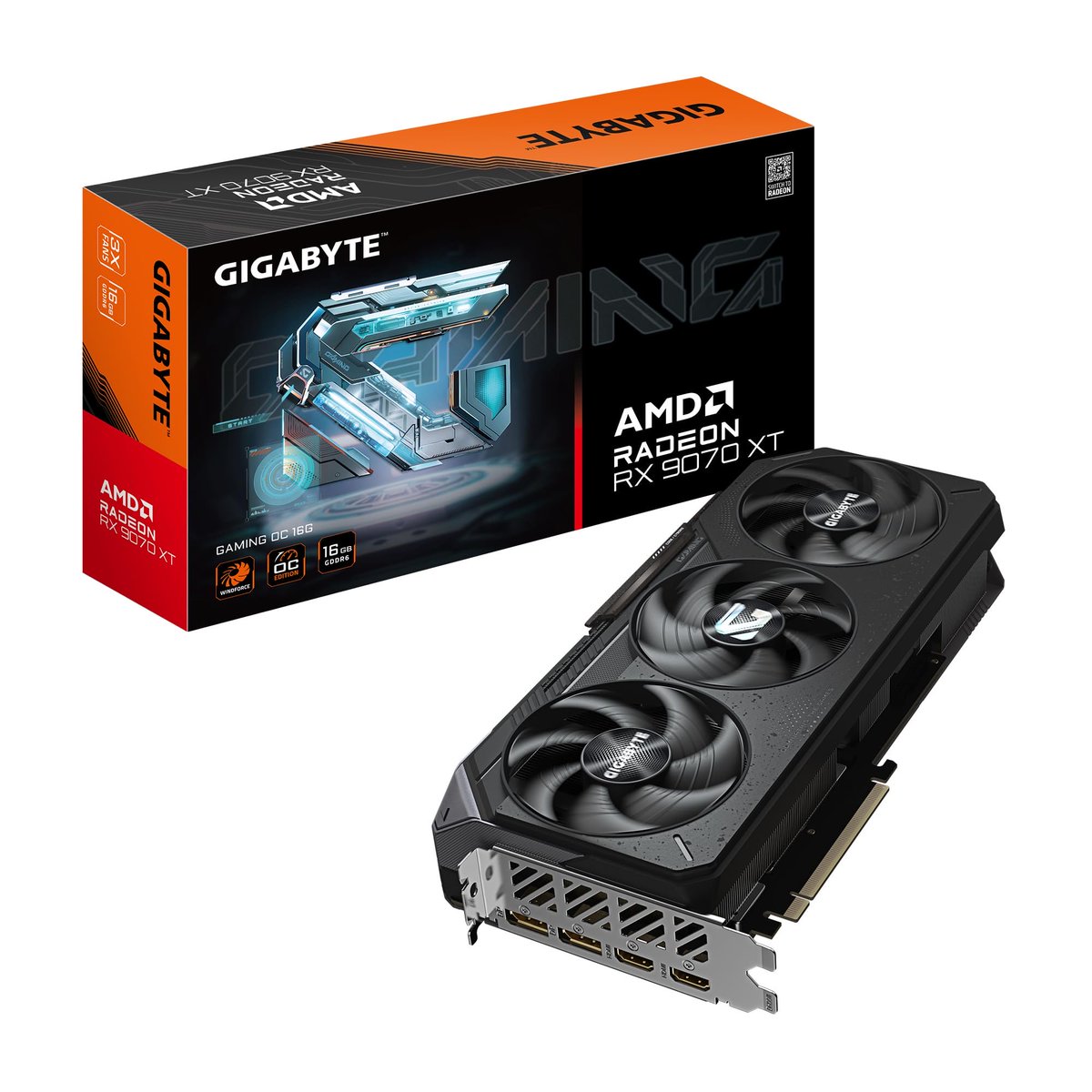
The RX 9070 XT shows up on the Steam Hardware Survey at 1.33% is a massive deal for AMD, especially after being M.I.A for so long.
• RX 9070 XT appeared on the May 2026 Steam Hardware Survey
• Listed at 1.33% share on its first real appearance
• Wccftech says RX 9000 cards were mostly missing from Steam’s survey for nearly a year
• RTX 5080 is listed at 1.47%, so the RX 9070 XT is surprisingly close
• RX 9060 XT also appeared at 0.72% share
• RTX 5070 and RTX 5060 Ti are still much higher in overall share
• AMD is still far from the top 10 GPUs on Steam
• Good sign for Radeon, but NVIDIA still dominates the bigger Steam GPU picture
In value, performance, and pricing, a lot of people have been recommending the card for months, but Steam made it look like nobody owned one.
2
1
37
1,675