
Joined December 2013
- Tweets 386
- Following 92
- Followers 194
- Likes 44
4 Photos and videos



23 Sep 2025
Interested in jump start your holidays sales? Start your holidays marketing with @MotionMailApp motionmailapp.com/ #Email #marketing
1
2
26
19 Sep 2025
Interested in jump start your holidays sales? Start your holidays marketing with @MotionMailApp motionmailapp.com/
1
2
31
27 May 2025
The website issue impacting motionmailapp.com has been resolved. Existing timers were not impacted as they use a different domain.
25
27 May 2025
There is currently an issue with the MotionMailApp website. We are actively working to resolve the issue.
Note that this does not impact your existing timers. They are still running as you can see in one of our example timers: s.mmgo.io/t/Ce_W
1
43
20 May 2024
Good Morning & Happy Monday!
Are your timers suddenly missing from your dashboard or does "save and continue" not work when saving a timer? Please logout and login again and everything will be restored.
Resolution Status: Within one week
1
107
1 May 2024
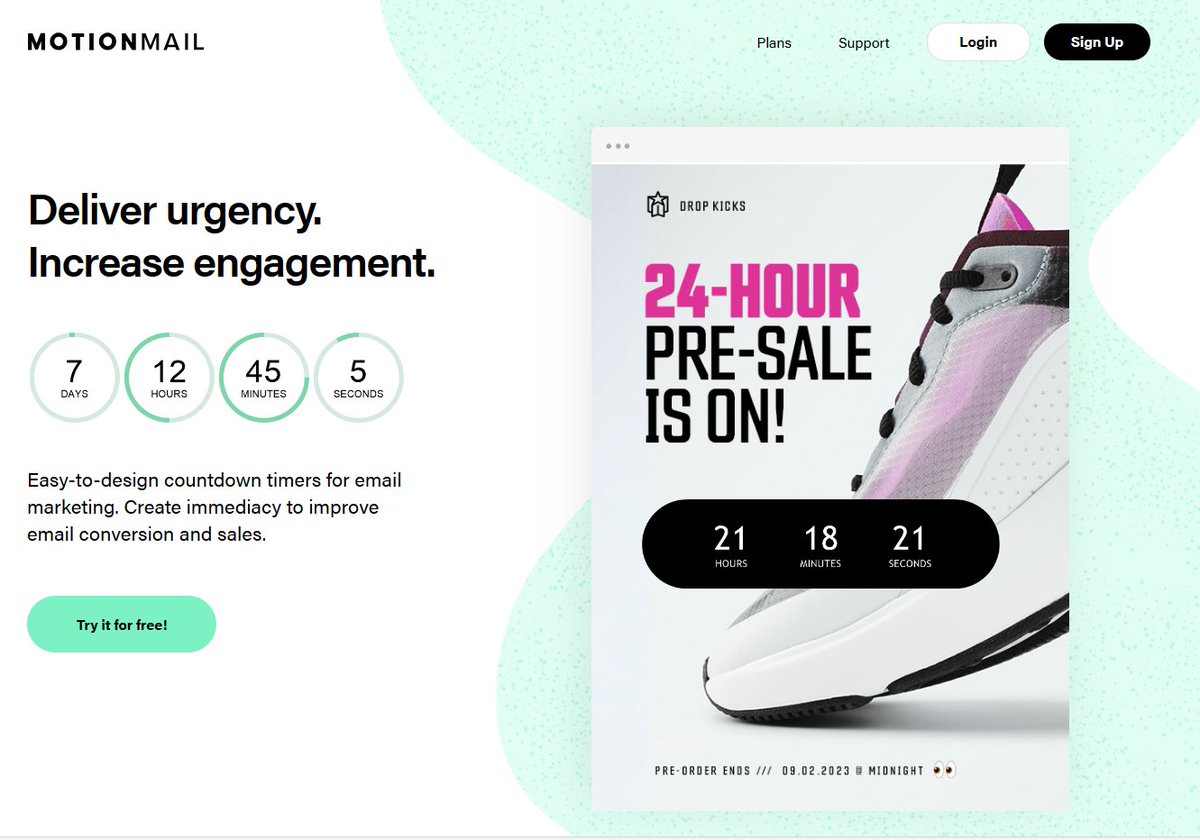
Our new website & dashboard are live! Come check out the new MotionMailApp user experience at motionmailapp.com/
ALT Deliver urgency, increase engagement. Easy to design countdown timers for email marketing. Create immediacy to improve email conversion and sales.
71
30 Apr 2024
IMPORTANT REMINDER!
The MotionMail dashboard will be unavailable from 1pm - 3pm PT TODAY. All timers will continue to work as normal, but you will not be able to edit or create new ones during this time.
1
56
30 Apr 2024
The MotionMail new user experience has been delayed until tomorrow, May 1st, 2024.
There will be no downtime during the update tomorrow!
During this period, all timers will remain active.
37
29 Apr 2024
REMINDER!!
The dashboard will be down on Tuesday, April 30th from 1:00 - 3:00 PM PT during our user experience upgrade. All timers will continue to work, you just won't be able to access our dashboard during this time.
38
26 Apr 2024
Exciting News! MotionMail is introducing a new user experience next week. As part of this upgrade our dashboard will be down on Tuesday, April 30th from 1:00 - 3:00 PM PT.
All timers will continue to work, you just won't be able to access our dashboard during this time.
24
8 Apr 2024
Status Update: The issue with HTTPS timers has been resolved. All timers should now load properly.
28
8 Apr 2024
We are currently investigating an issue with MotionMail timers that are using https. I will continue to update you on our progress here.
28
26 Jan 2023
Happy Thursday!
We have had instances of users dashboards not loading due to the impression counts that show on the dashboard. We made a change to remove the impression counts from the dashboard and now dashboards are loading in super speed. (1/2)
2
140
26 Jan 2023
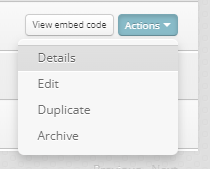
To see an individual timers impression count, click the 'Actions' dropdown and then select 'Details' The impression count shows in the lower left hand corner of the detail screen. (2/2)
105
29 Sep 2021
As of 1:45 PM PT the timers are counting down again! Thank you for your patience.
2
29 Sep 2021
Hi Everyone! We have some reports about errors that are occurring in some regions. We anticipate we will have a resolution soon and I will send out a post when everything is resolved. Thank you!
1
27 Jul 2021
We've resolved an issue with dashboards and timers not loading. Please let us know if you are still see an issue, so we can look into it straight away. Thank you!
27 Jul 2021
Some users are experiencing issues accessing their Dashboards. We are actively working to fix this issue and will keep you updated.