
5th grade teacher @finleyeagles 5️⃣ Level 1 Google Certified Educator 👩🏼🏫 Technology Coordinator 💻 IG: Lifein5th
Joined April 2009
- Tweets 177
- Following 211
- Followers 121
- Likes 530
68 Photos and videos






17 Mar 2023
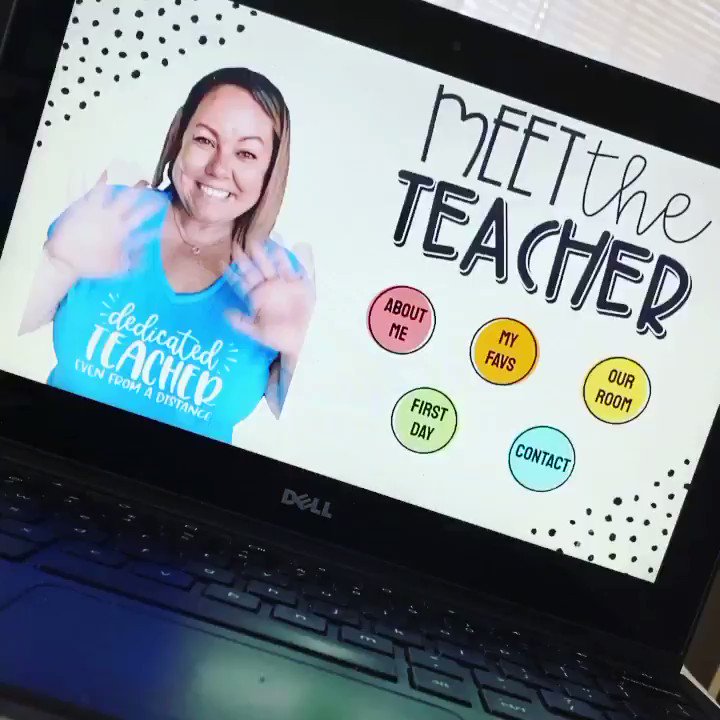
Hello #CUE family. Let me share some non-physical attributes about myself with you:
Mom, daughter, sister, friend, educator, reader, introvert
#WeAreCUE #IdentityMatters #EduErad
@DrSonal_EDU
3
150
16 Mar 2023
1
5
206
17 Sep 2022
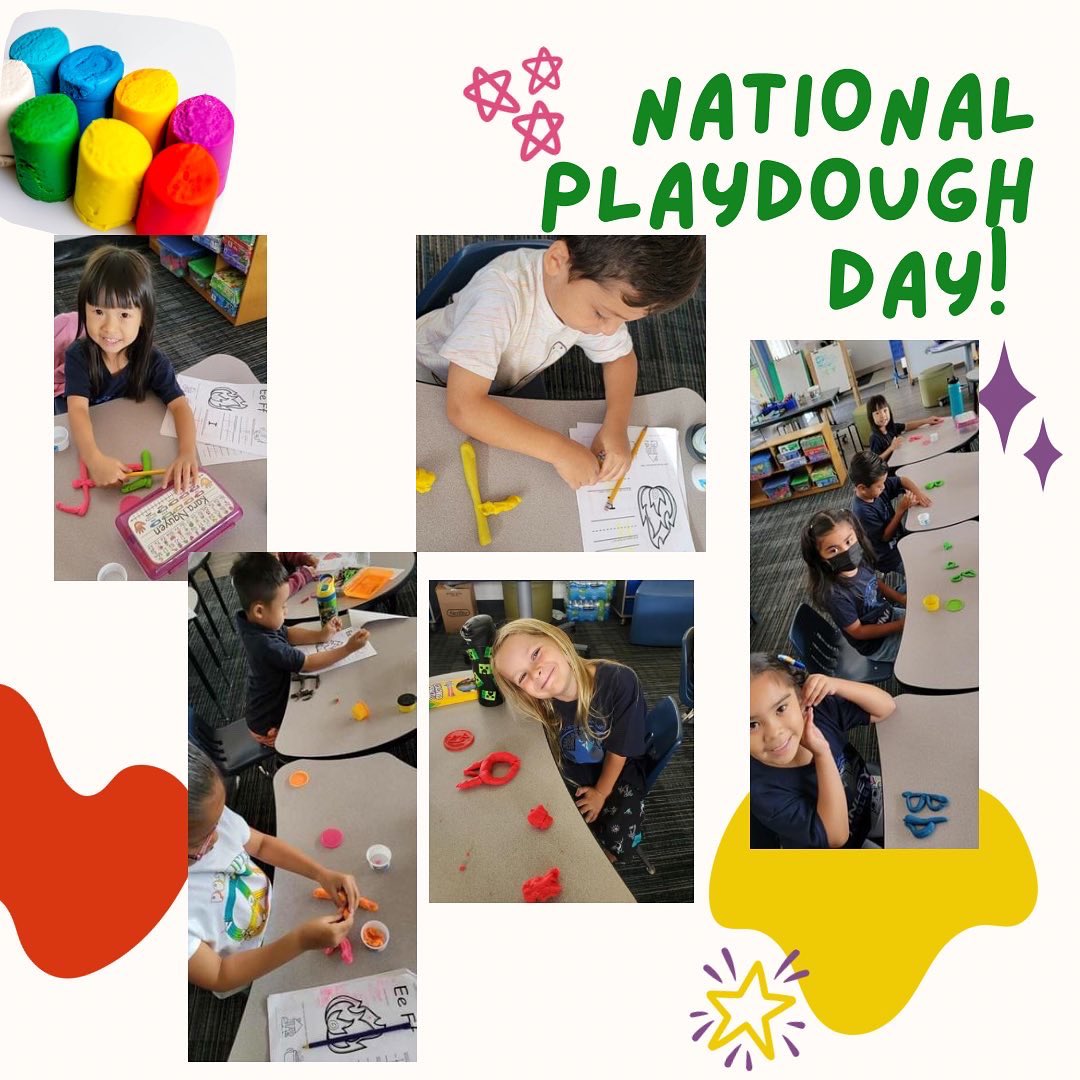
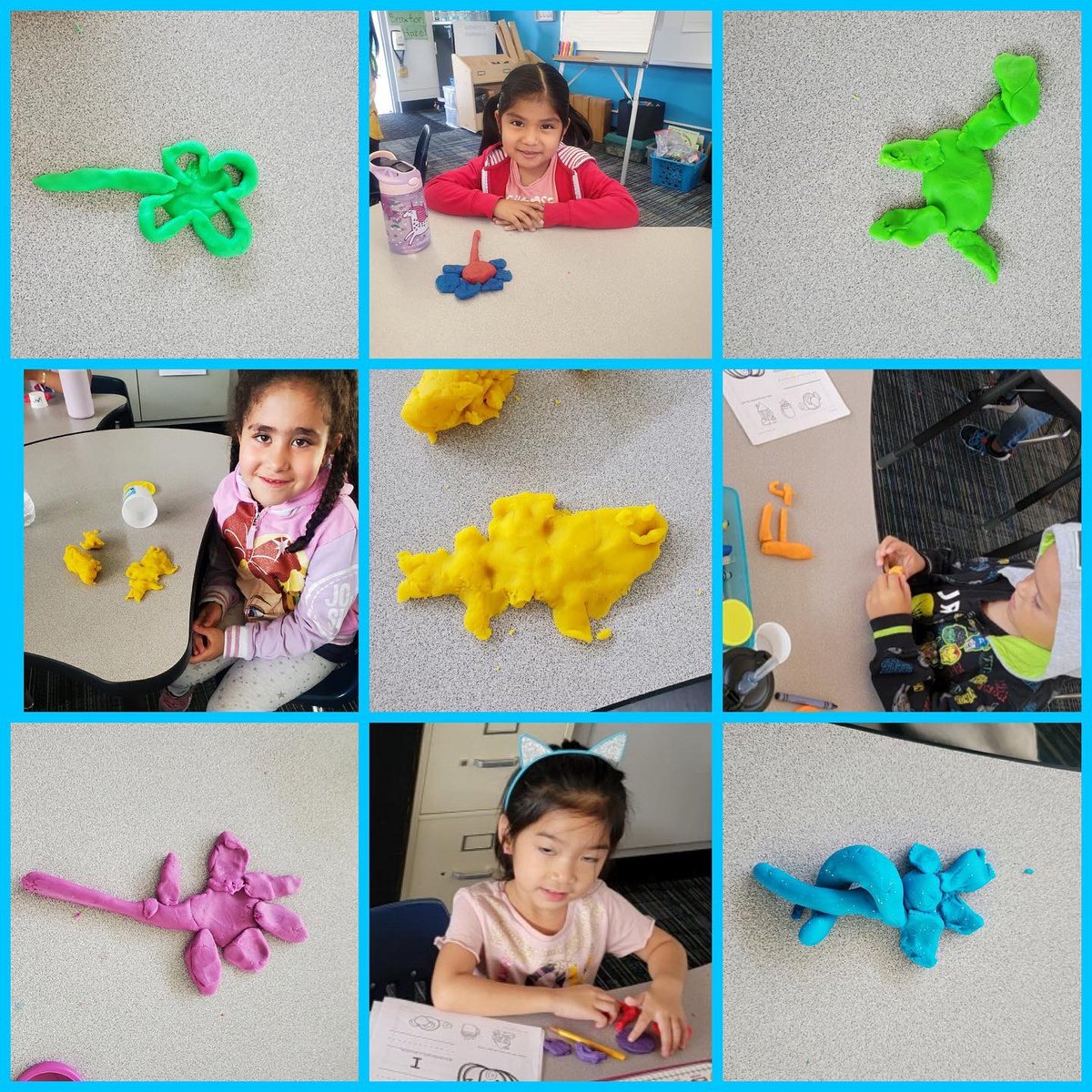
Yesterday was National Playdough Day! Our kindergarten Eagles used their creative thinking skills to shape playdough into things like a ball, snake, flower and dinosaur! The squeezing, pinching and pulling movements also help strengthen hand muscles and develop fine motor skills.
1
23 Jul 2021
This is a great addition!
22 Jul 2021

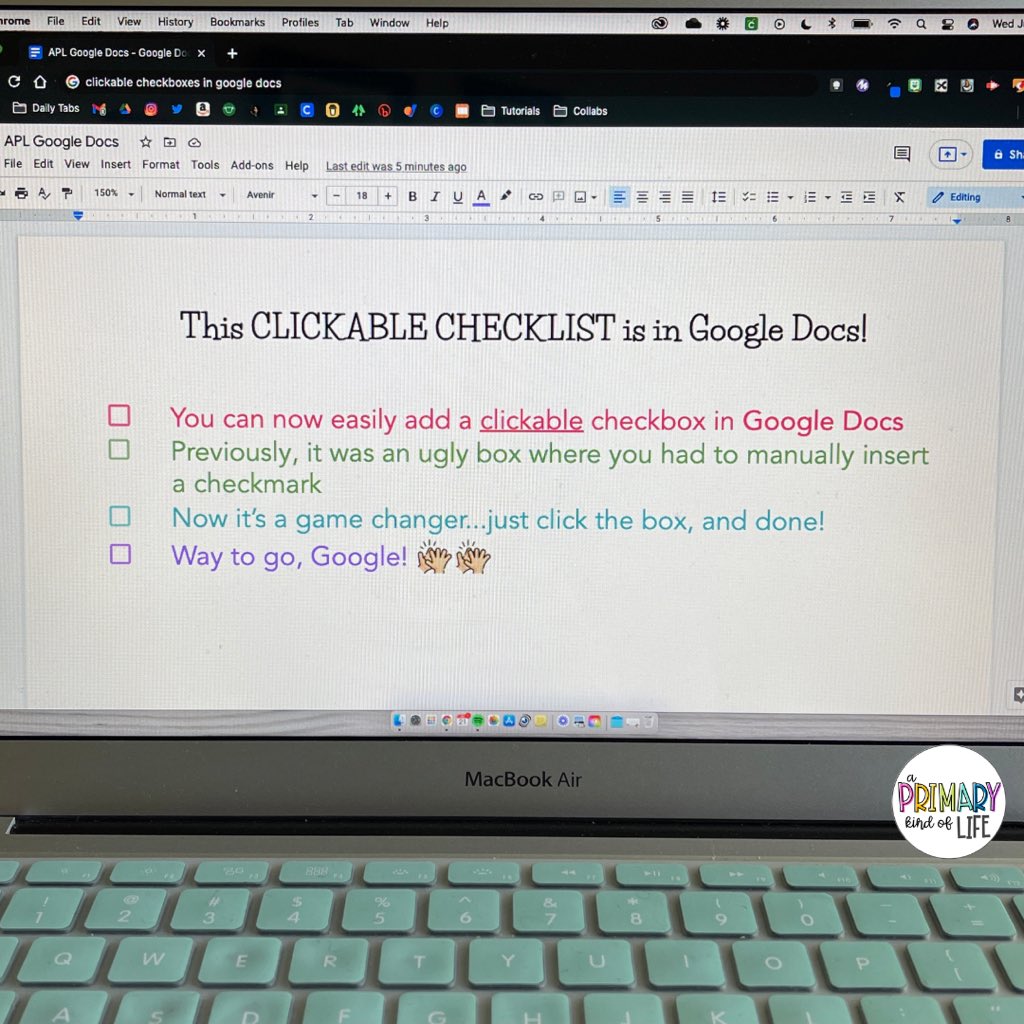
Thank you, @Google for adding clickable checkboxes to @googledocs . It’s the little things that bring us joy. ☑️🥳 instagram.com/reel/CRpTJT3H7… #edtech #Google #GoogleEdu #googleeduchat #googleET #edutwitter #googleeducatorpd @GoogleForEdu
1
Stephanie Perry retweeted

23 Jun 2021
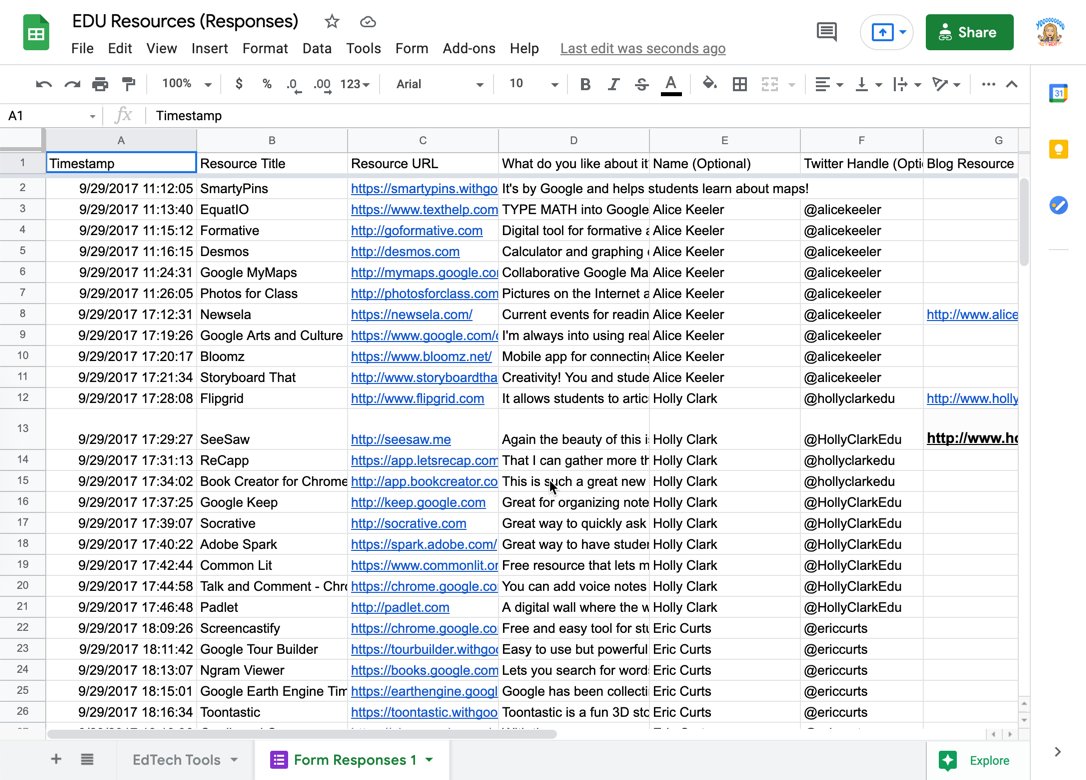
Here is a list of SOME EdTech tools that might be helpful. I've been adding to this list for years so some of the old ones might not exist anymore.
docs.google.com/spreadsheets…
16
108
359
2 Jun 2021
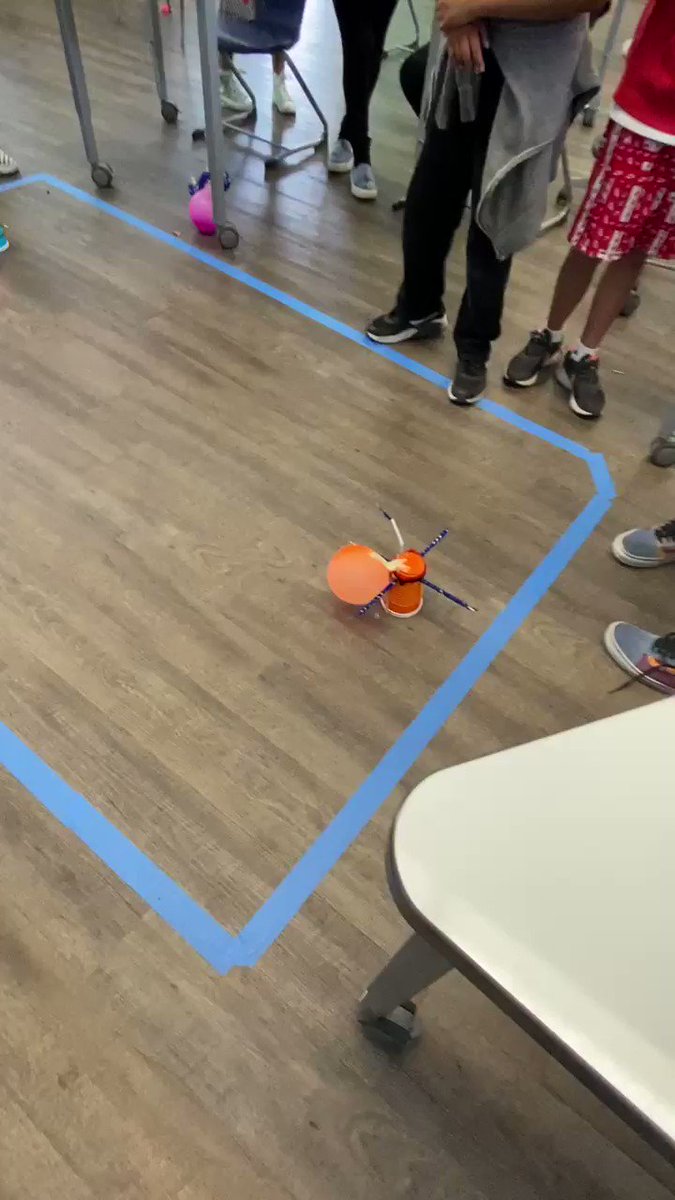
Using the engineering design process, students tested their Battle Bot designs to ensure they conform with design challenge parameters.
With the feedback from today, students will revise their design in order to be the team that can pop the most balloons. #spheros #battlebots
1
4
17 Apr 2021
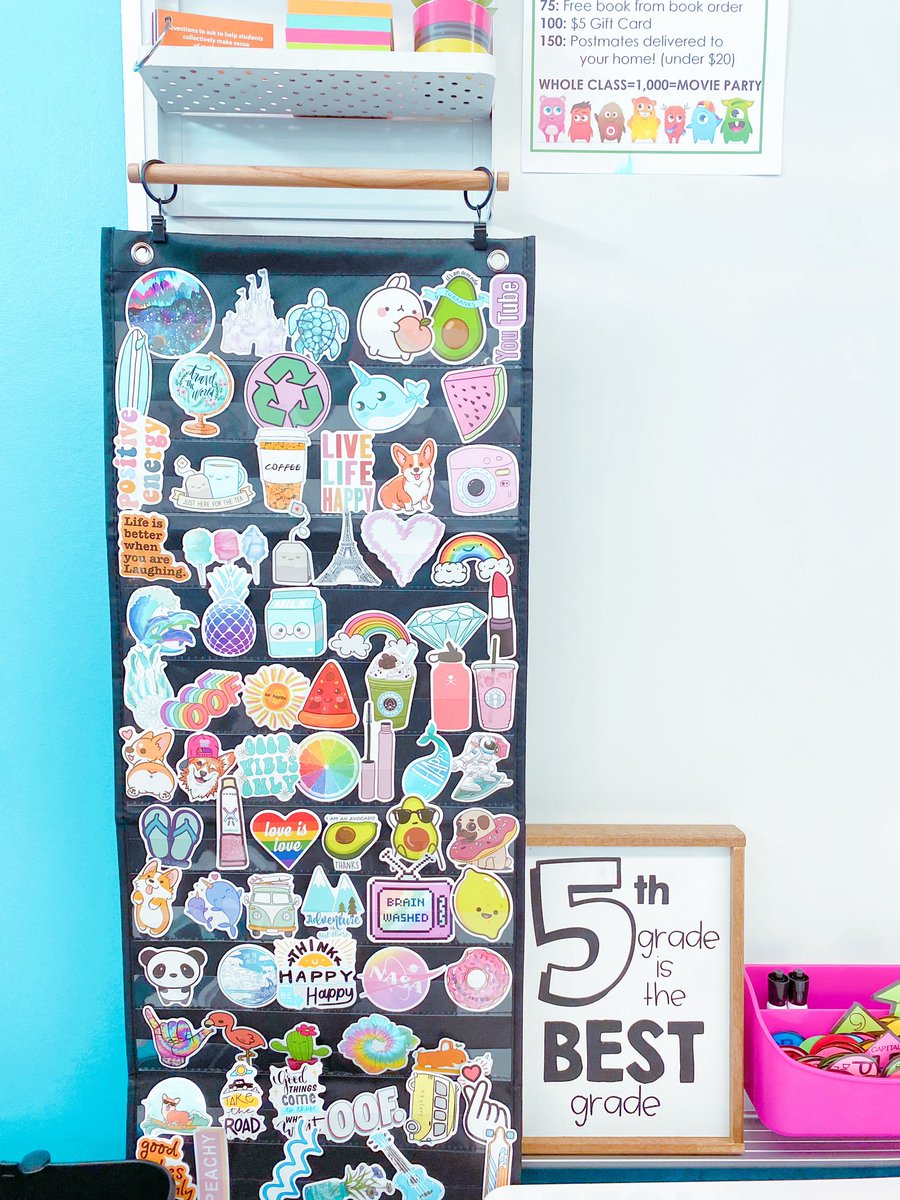
Using stickers as an incentive this year has been amazing! The students go crazy for them and they are so cheap and easy for me! Displaying them like this, students can now easily see which one they want, and I can grab it without them touching or sharing anything!
1
5
12 Mar 2021
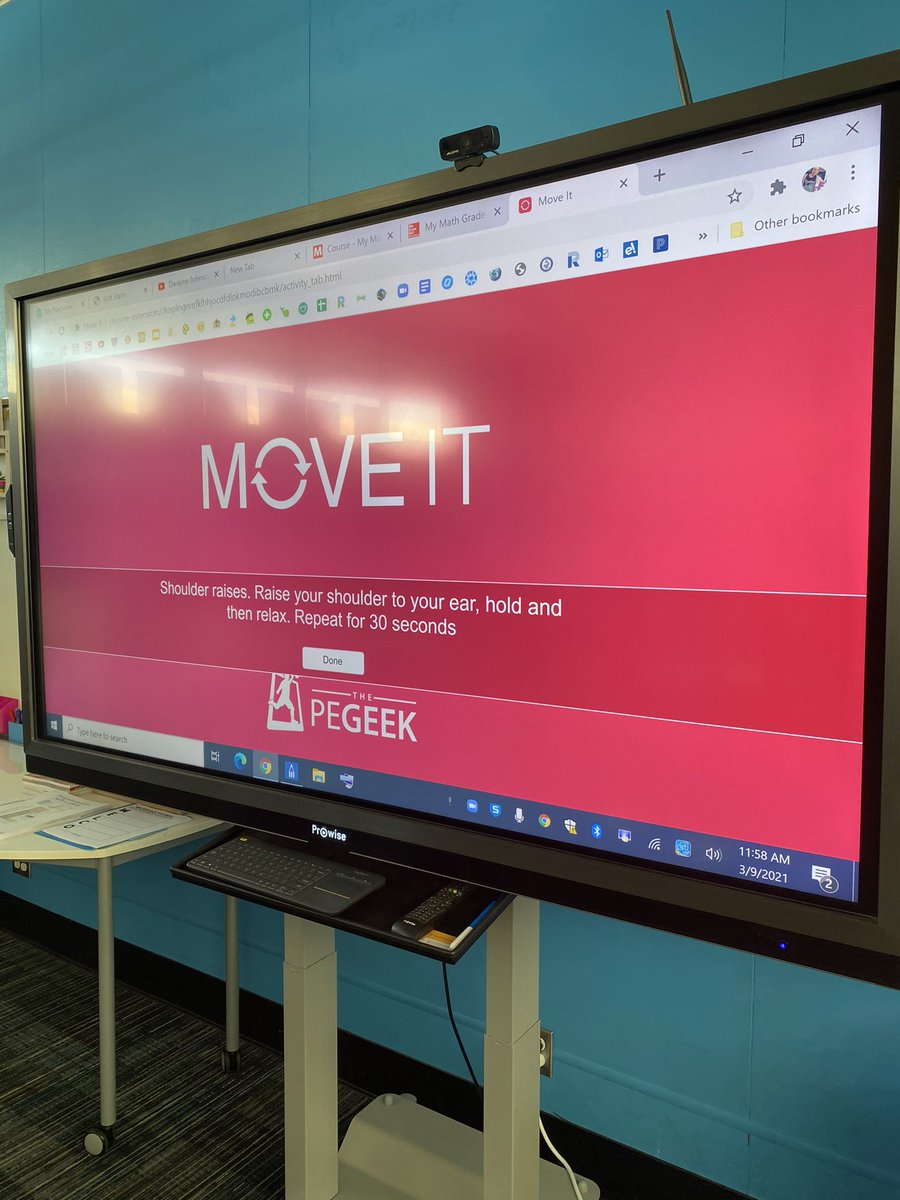
This awesome Chrome Extension called Move It is a Random Brain Break & Exercise Generator. Choose the interval at which you would like your students to have a break and Chrome will basically stop what it is going and bring up a random activity for your students to do complete!
1
1
4
5 Mar 2021
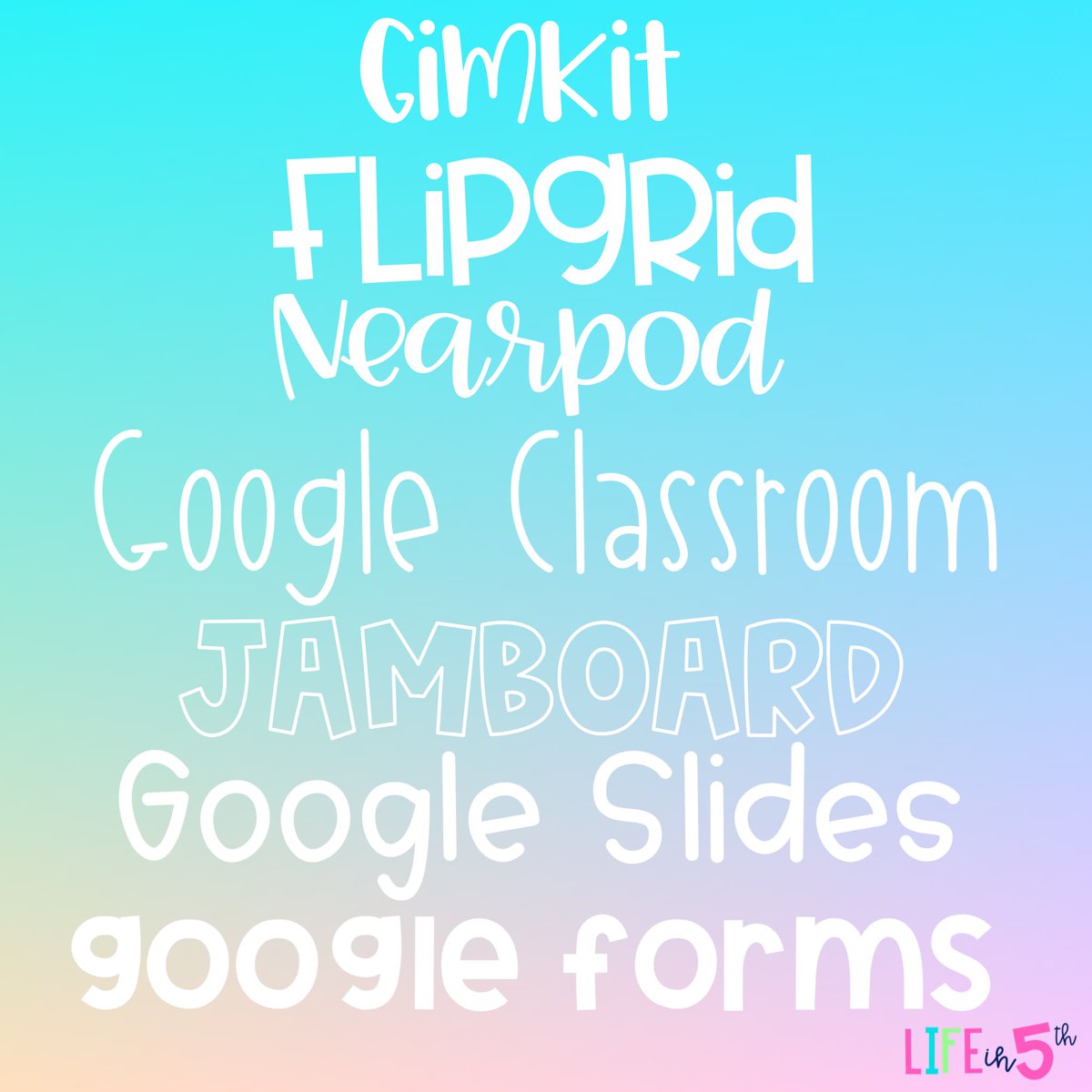
In no specific order...these are the websites and tools that have been my go-to, life-saving, must haves for distance teaching!
Honorable mention goes to: YouTube, Seesaw, Screencastify and Zoom
What would you add to this list?
1
4 Mar 2021
New month, new headers! I made these to help make our #GoogleClassroom more festive for the month of March🍀🌈
1
5
Stephanie Perry retweeted

22 Feb 2021
13 Virtual Games to Play in Your Elementary Classroom
via @edutopia
edutopia.org/article/13-virt…
35
72
12 Nov 2020
I just earned a new @Flipgrid badge: 500 Response videos! I’m a champion of student voice.
3
1 Oct 2020
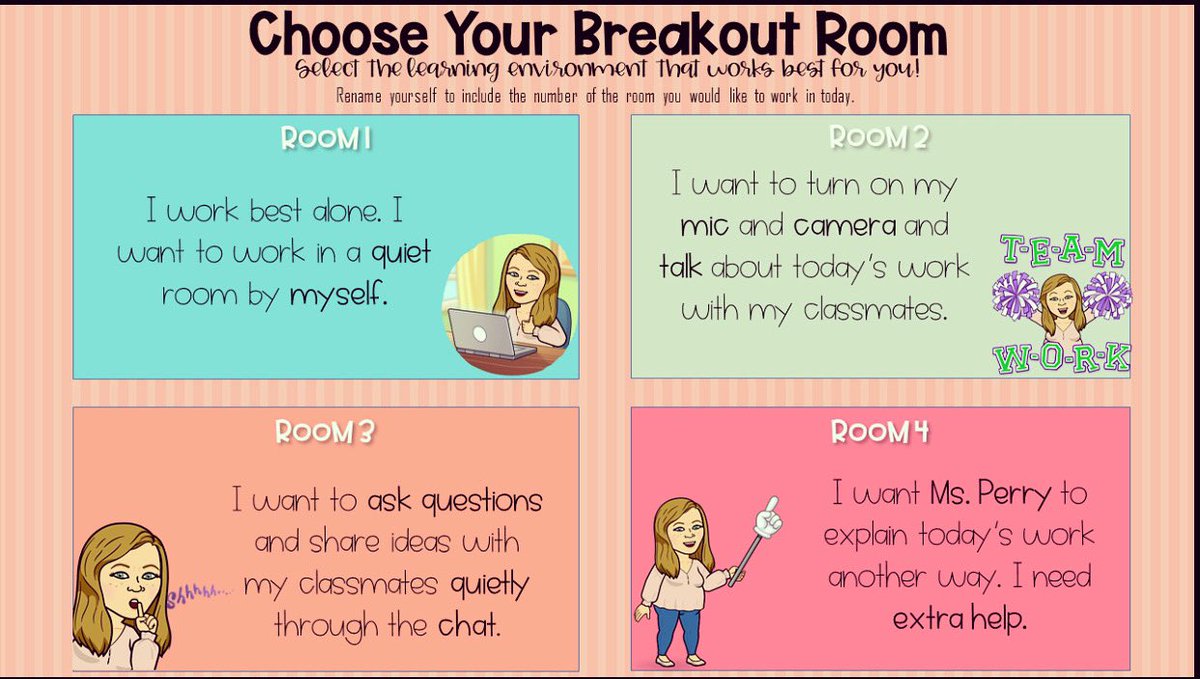
Giving students voice and choice by offering breakout room choices. Ss choose where they work, based on what they need that day and where they can do their best work.
Ss rename themselves by adding the number to their name so I can easily move them.
Inspired by @MrsParkShine
1
2
23 Sep 2020
How fun is this for virtual classroom celebrations?🎉🎊
It’s an extension called “Confetti! Confetti all over...What else?”
Trigger your confetti with:
-Windows: Ctrl B
-Chrome OS: Ctrl B
-Mac: Command B
2
5 Sep 2020
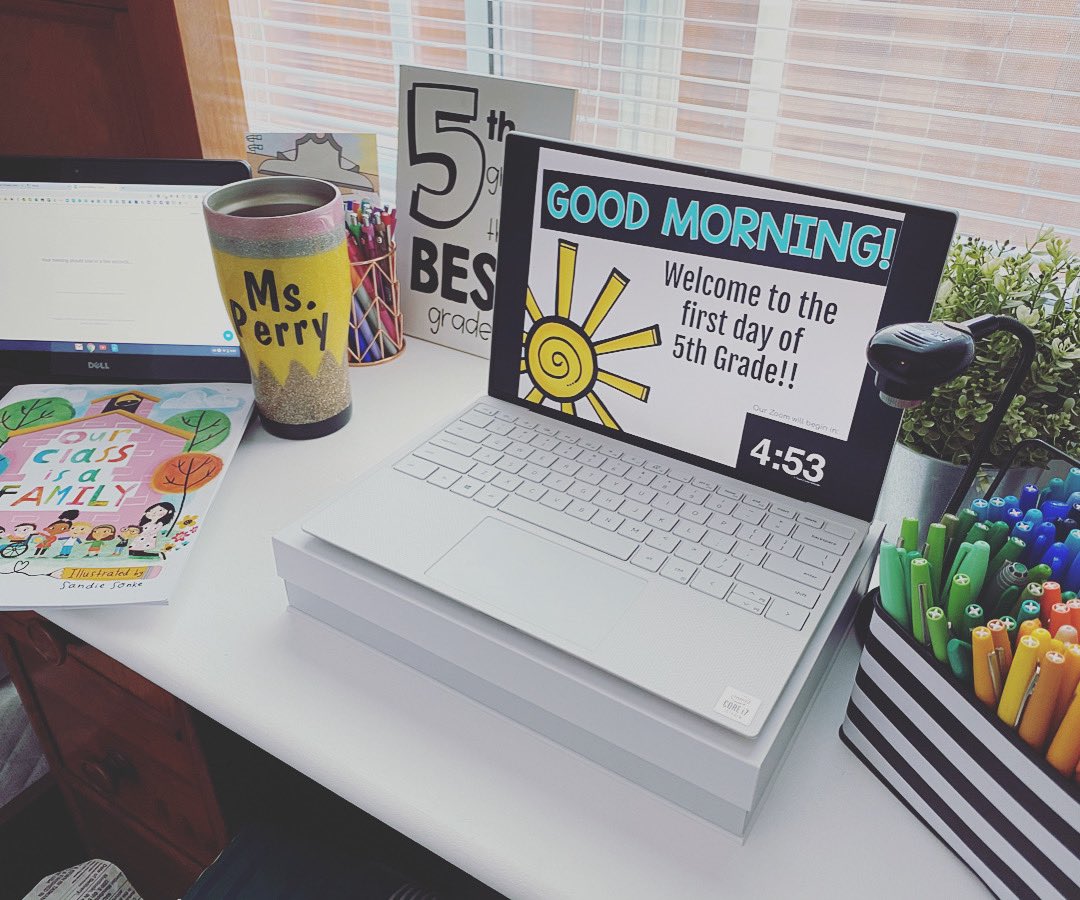
Although it was unlike any first week I’ve ever experienced, it was a tremendous success! We learned, laughed and got to know each other. I loved seeing their smiling faces on my screen. Looking forward to an amazing year! It’ll definitely be one for the history books!

1
5
1 Aug 2020
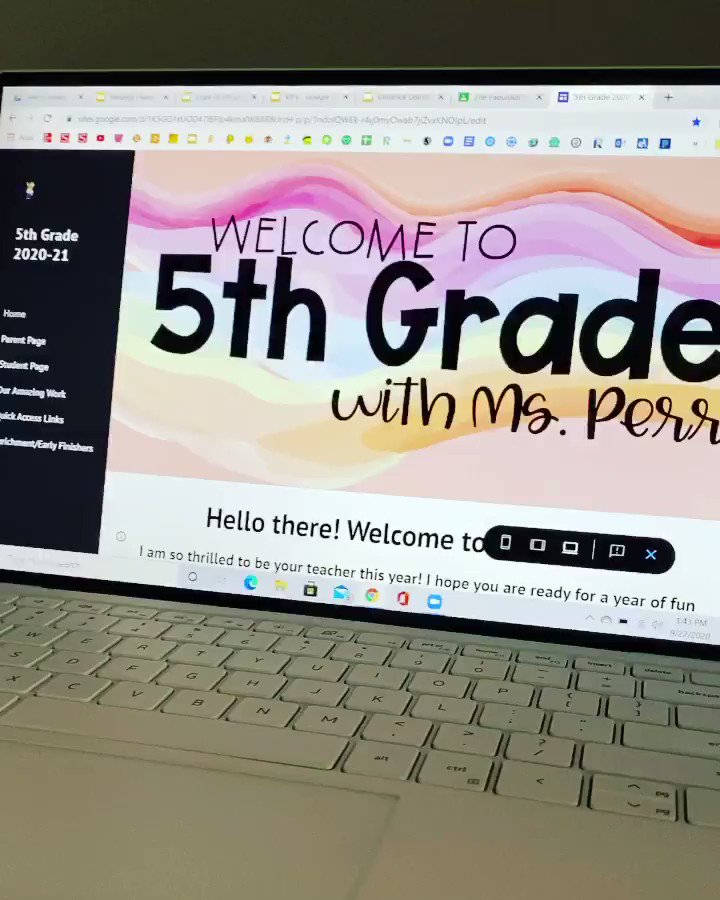
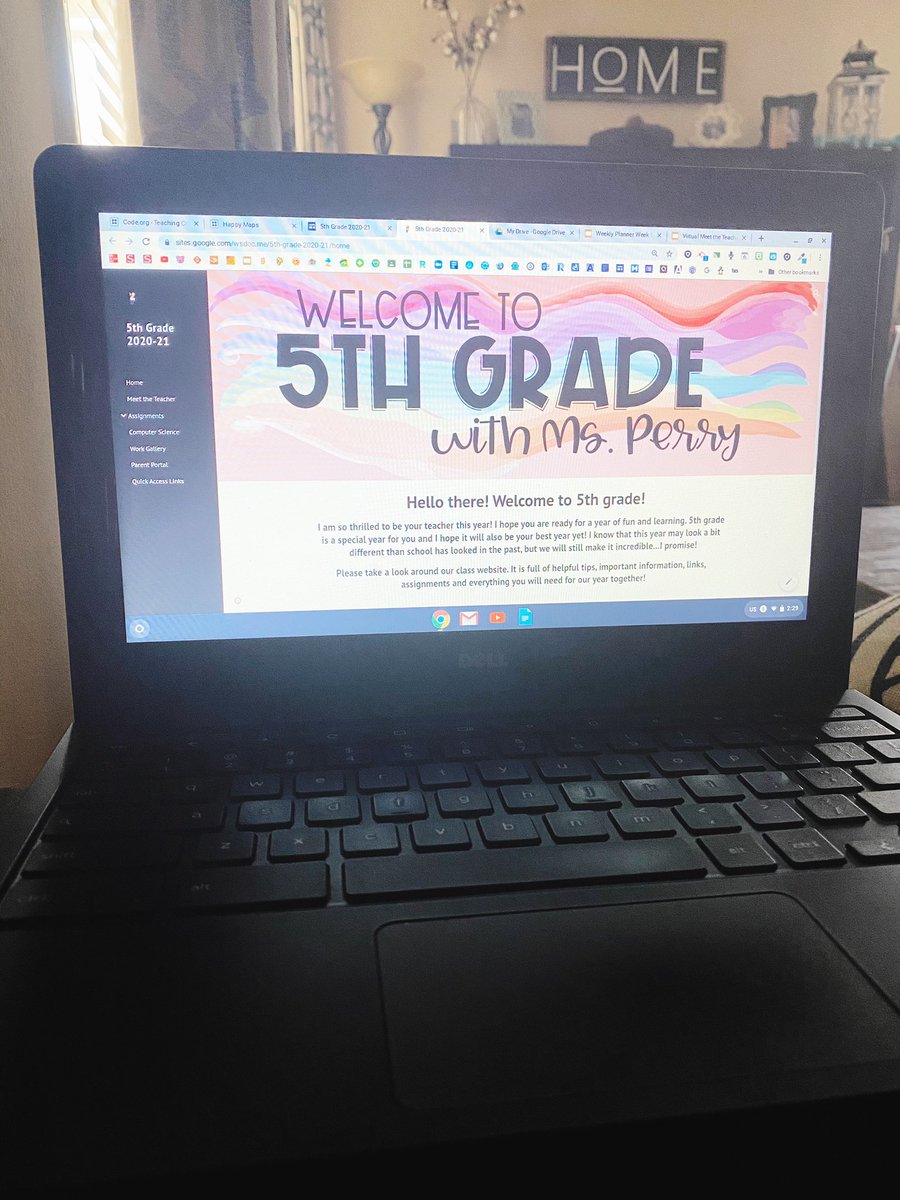
My #GoogleSite is coming along!! I am building this site to have everything in one place: a one-stop-shop, easy access to information for both students and parents, links to assignments in #GoogleClassroom and to help students build digital literacy.
1
10
30 Jul 2020
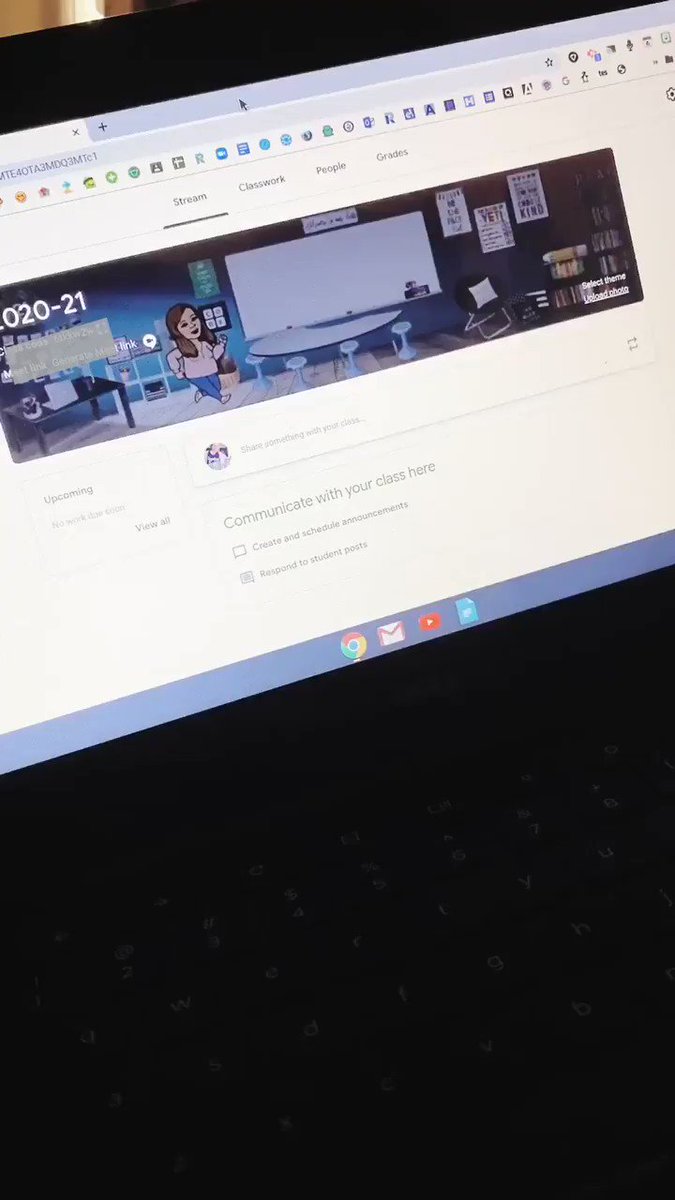
I had so much fun creating my #BitmojiClassroom and then turning it into a GIF to use as my #GoogleClassroom header!
1
8