
MyLens AI transforms all your sources (docs, files, videos) into interactive visuals & diagrams.
Joined November 2023
- Tweets 171
- Following 0
- Followers 272
- Likes 179
62 Photos and videos
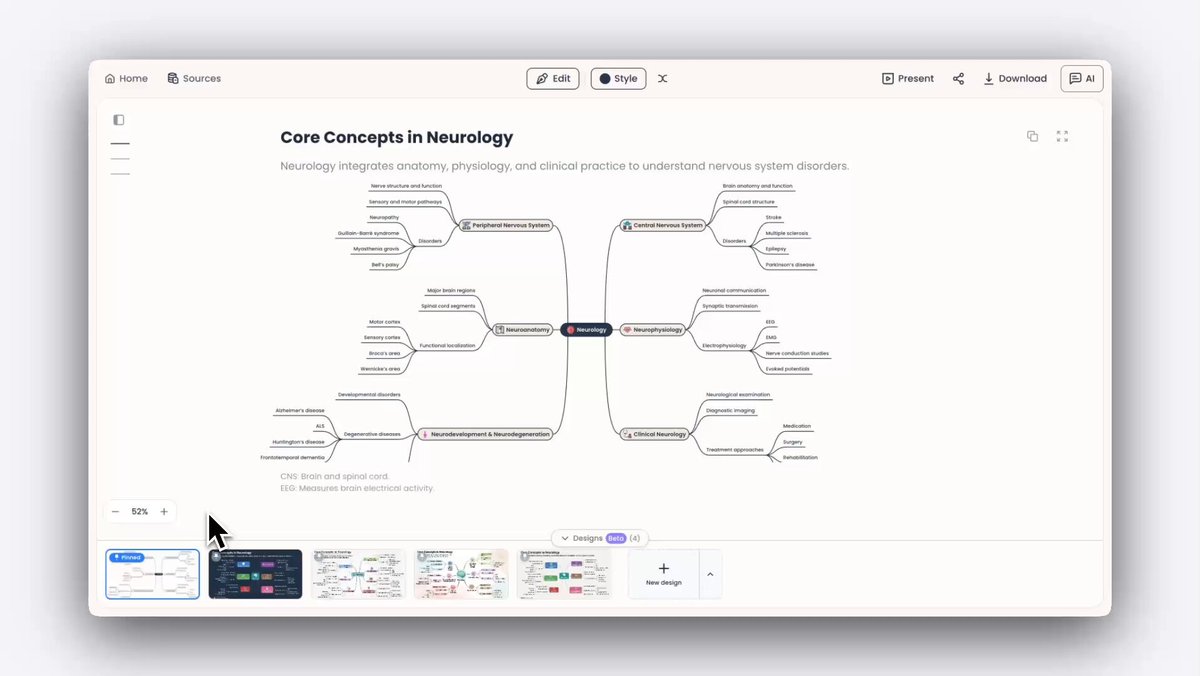
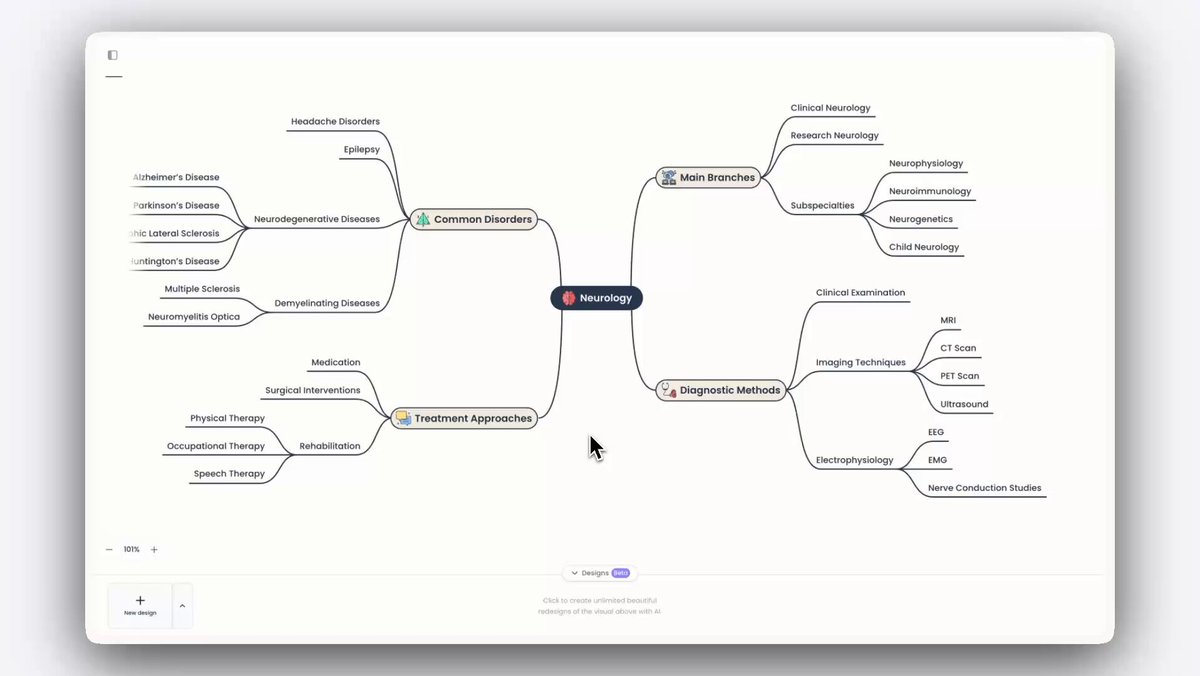
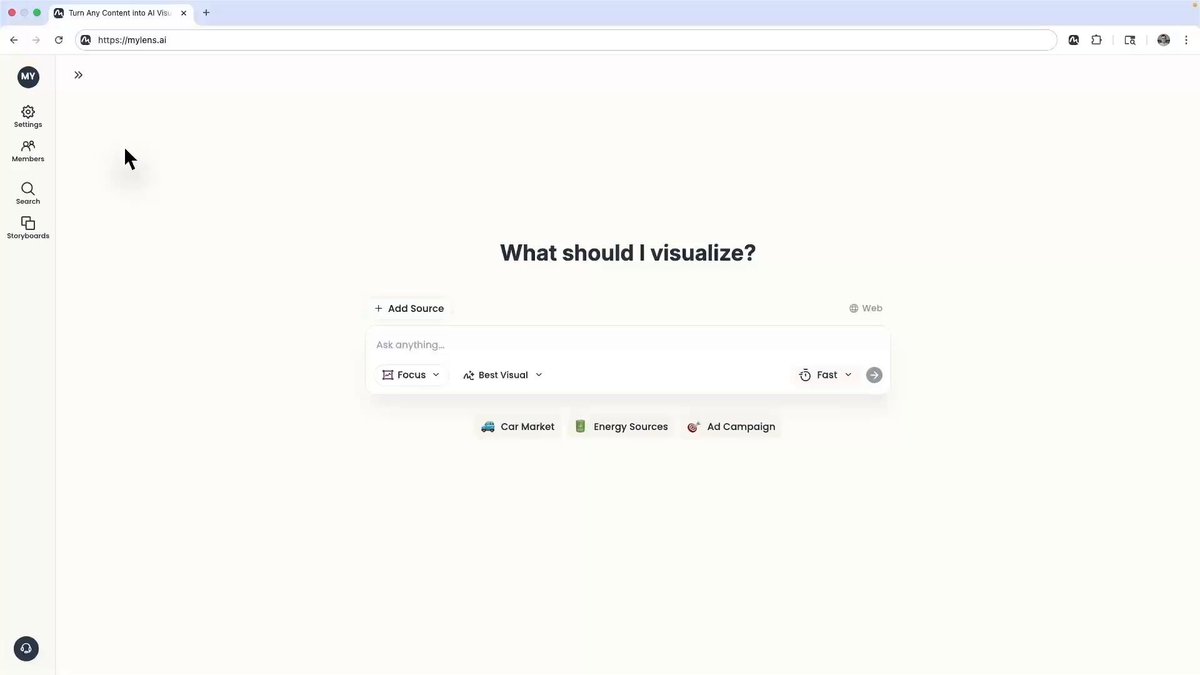
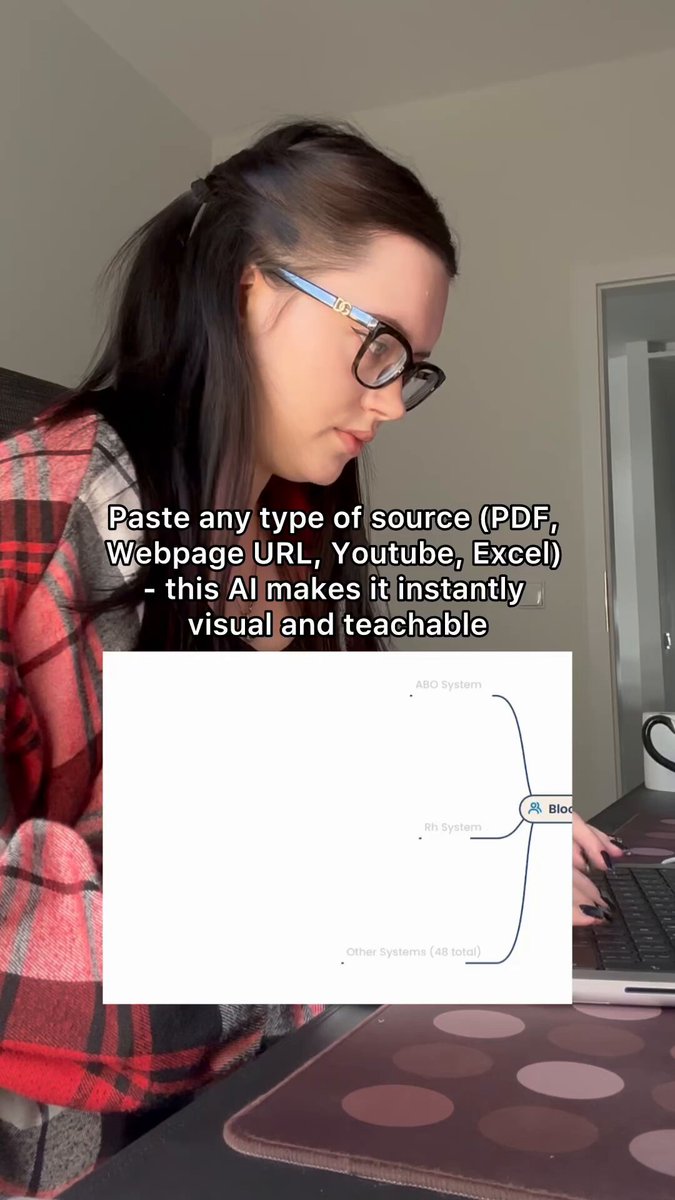

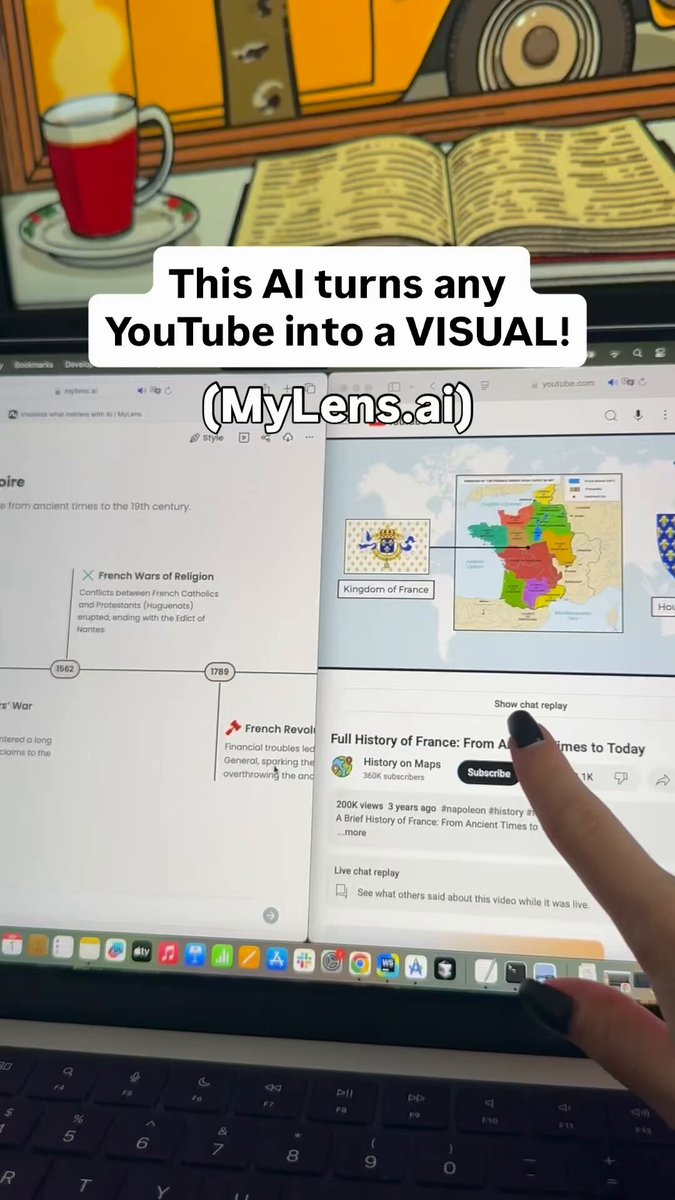
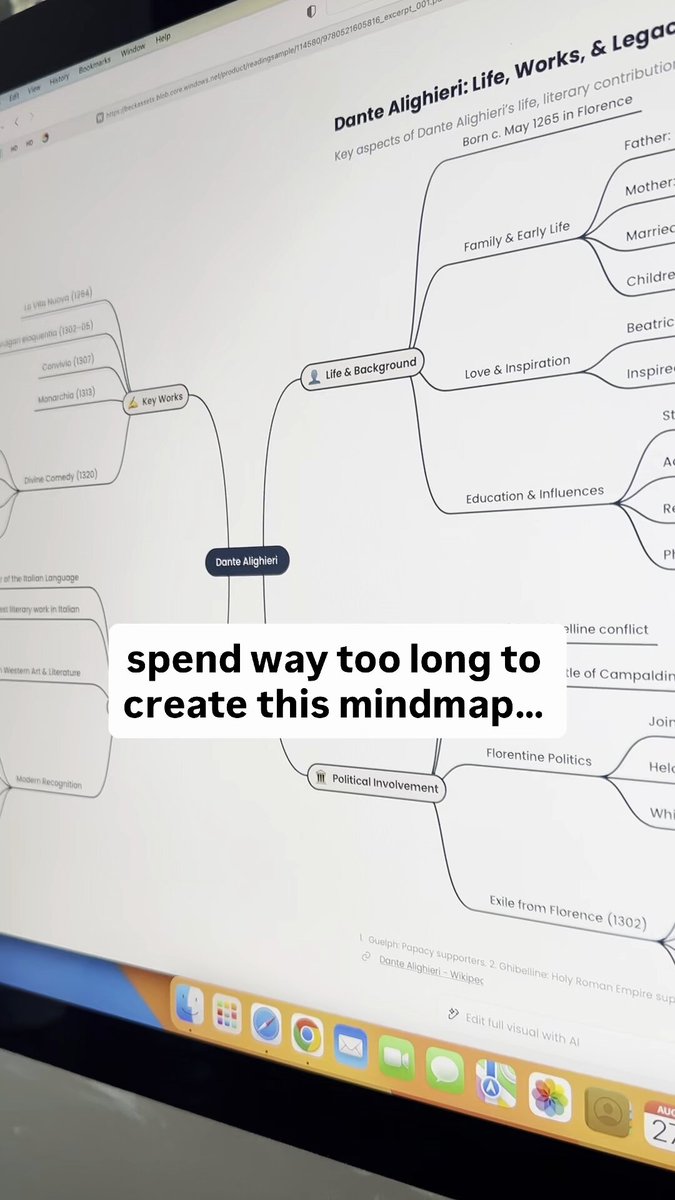
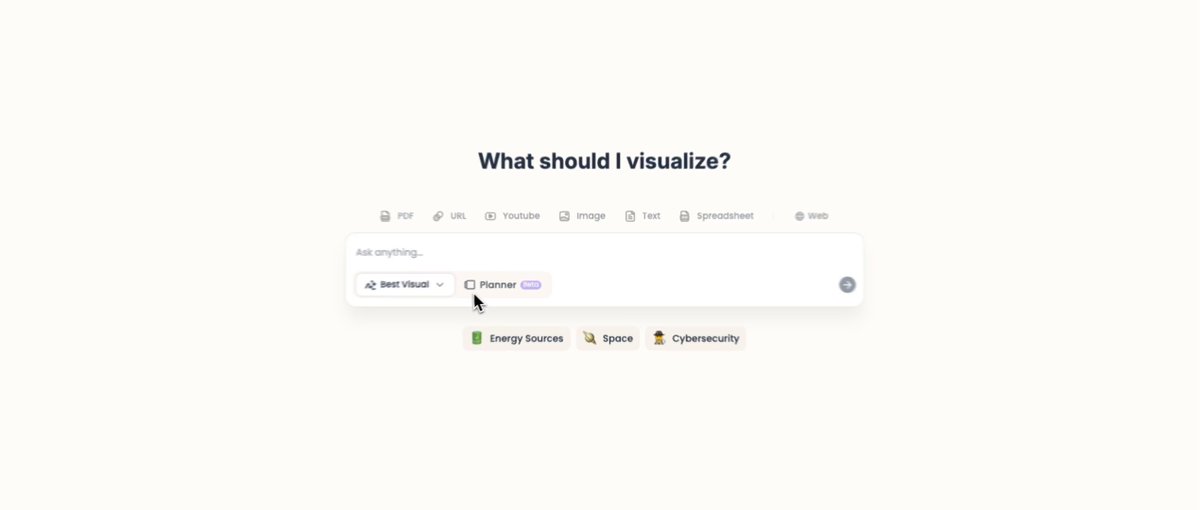
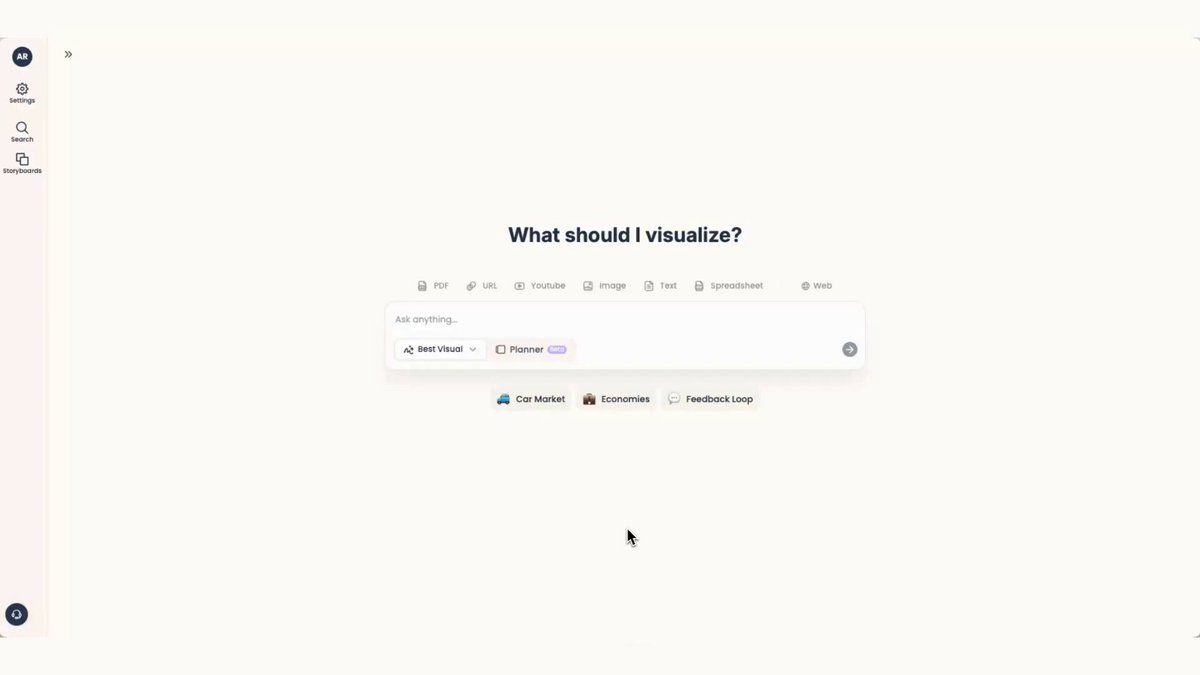
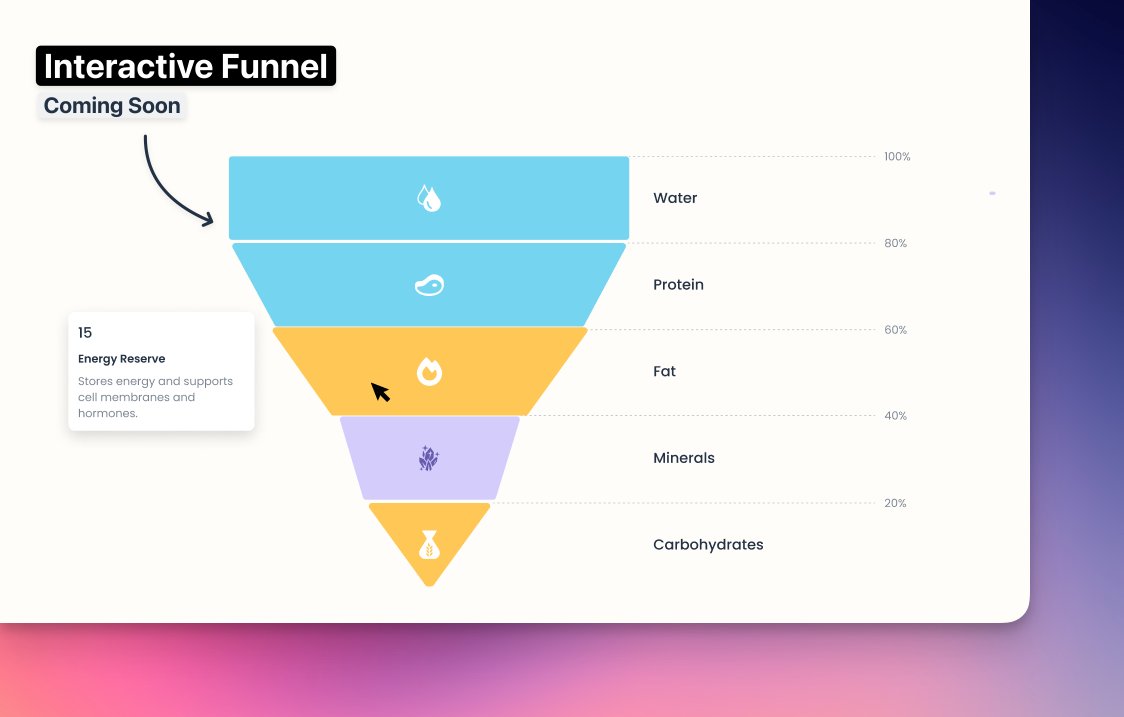
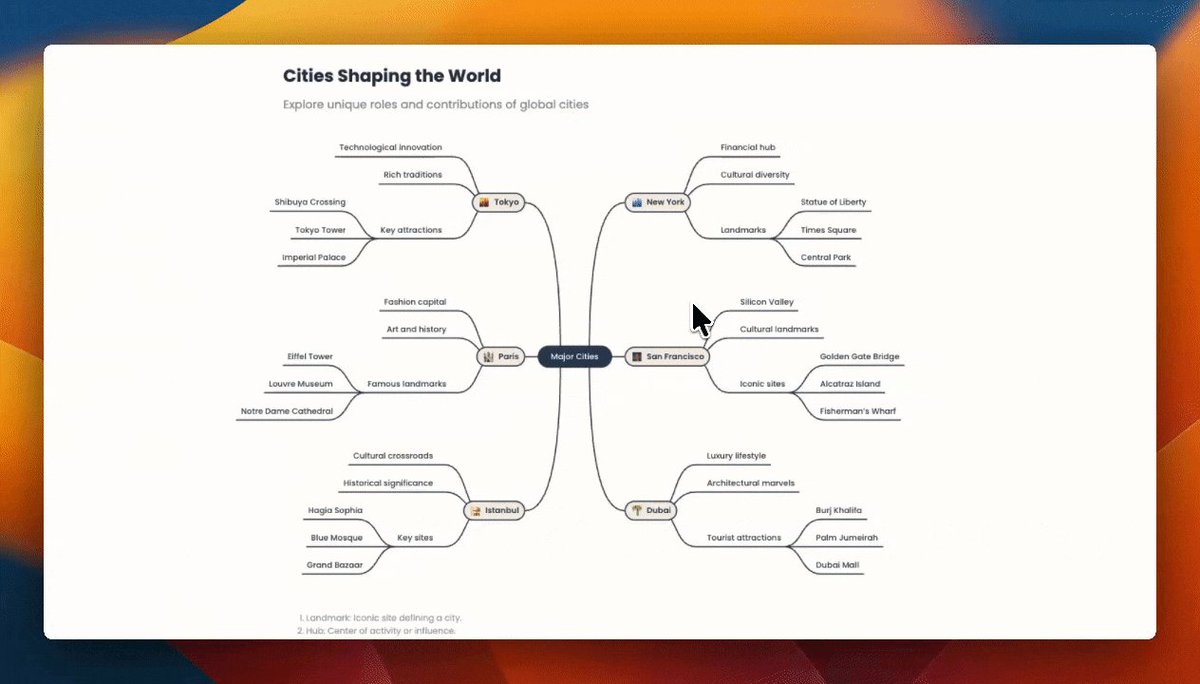
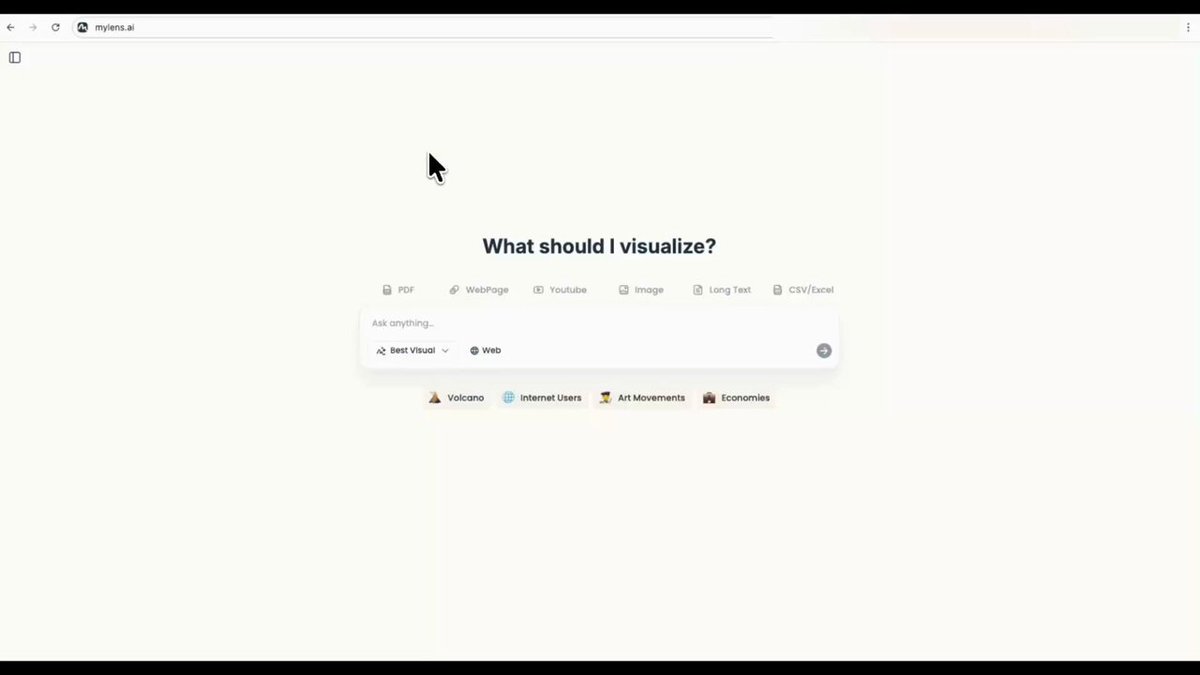

We just shipped two improvements that make MyLens feel more professional and presentation-ready end to end:
1. Pin Your Favorite Design
You can already create unlimited beautiful re-designs for every visual. Now, when you find the one you love, just pin it—and MyLens will use that design as the main visual shown in your story.
2. New Presentation Mode
Presentation Mode is now fully upgraded with a cleaner, full-screen experience—so you can demo your entire storyboard smoothly.
Give it a try: mylens.ai
30
New in MyLens: Unlimited Designs. 🎨
Many of you love the flexibility and interactivity of MyLens visuals — but for the final output, you wanted something more engaging, more colorful, and more beautiful. So we built a new AI designer right inside MyLens for you.
1. 🎯 Auto Design by AI
Once you're done with your visual, just head to the Design tab and click New Design. That’s it. AI instantly acts like a designer — reimagining your visual into unlimited presentation-ready designs in image format.
2. 🎭 Custom Design by You & AI
Want a specific look or style? Upload any image with a style you like, or simply describe it, and our AI designer will create a new image of your MyLens visual reimagined in that style — based on its colors, mood, or aesthetic.
Give it a try and share your feedback — we’re very excited about what this unlocks.
Try it now: mylens.ai
1
1
61
MyLens.ai retweeted

🚀 هل جربت تحليل البيانات بطريقة ذكية ومرئية خلال ثواني؟
تقدر تحول أي بيانات معقدة إلى مخططات ورسومات تفاعلية بسهولة — وبدون خبرة مسبقة!
📊 ارفع بياناتك
🤖 خلِ الذكاء الاصطناعي يحللها
🎯 واحصل على نتائج احترافية مجانًا
شرح الطريقة بالتفصيل في دقائق
youtu.be/FP8hsCWXrVE
5
36
1,653
MyLens.ai retweeted

Jan 4
@MyLensAI 🧠✨
أداة ذكاء اصطناعي تحوّل المحتوى المعقّد إلى ملخصات بصرية ذكية.
🔹 واجهة متجر (Dashboard) واضحة وسهلة الاستخدام
🔹 خرائط ذهنية تفاعلية لتنظيم الأفكار وربط المفاهيم
🔹 تدعم النصوص، الملفات، الروابط والفيديو
🔹 مثالية للطلاب، المحترفين، وصناع المحتوى
الخلاصة:
تفهم أسرع 👀 | تنظيم أذكى 🧩 | عرض بصري احترافي
3
1
7
347
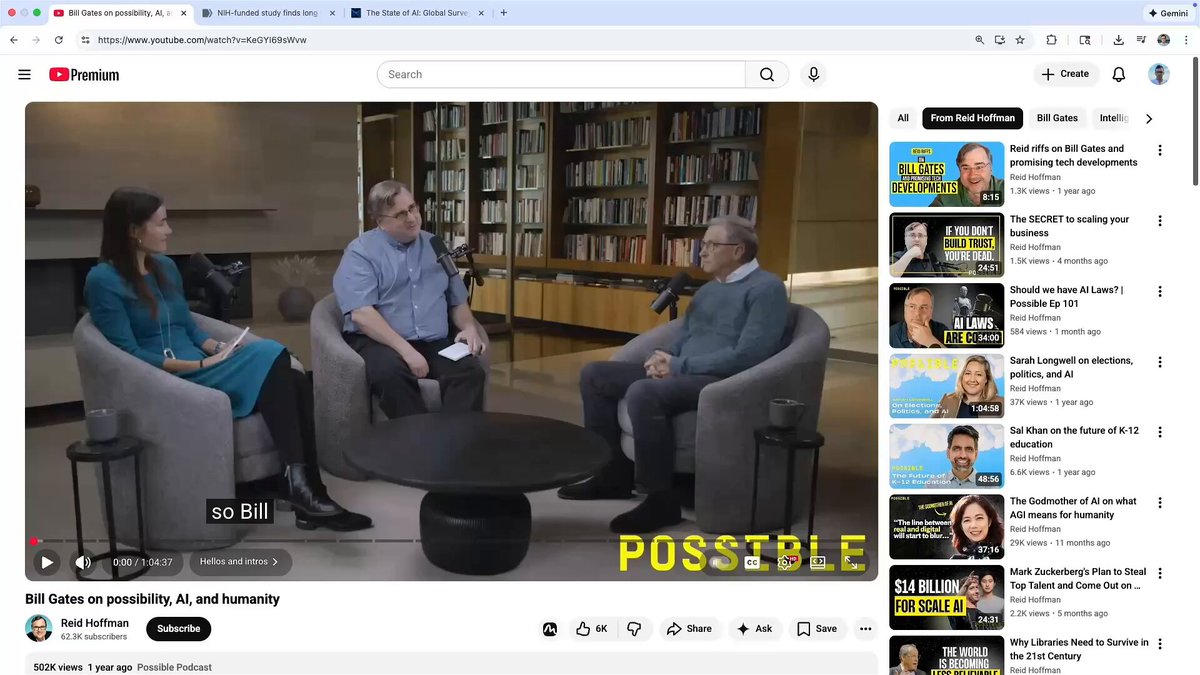
MyLens for chrome is your AI visualization partner for the entire web. Wherever you are browsing—YouTube, websites, docs, news, etc— click MyLens. it analyzes the content, pulls out the key insights and turns them into an AI visualization.
Every element is clickable and source-linked, so you can trust what you’re seeing and jump straight to the exact part you need.
Need it in another language? Just ask—MyLens supports 60 languages. If you skim a lot of content online, MyLens will save you a ton of time.
Add MyLens to Your Browser: mylnz.com/chrome
3
165
ADHD makes it hard to read long text → Drop your content into MyLens AI → Learn with interactive visuals like timelines, mindmaps & diagrams that highlight key points and let you explore in depth by clicking any part!
#adhdbrains #studytok #visuallearning #aiassistant #productivityhack #mylens #notionwho #mylensai
1
234
How Visual Learning Works (65% vs 10%) — MyLens AI
We remember about 65% of what we see, but only 10–20% of what we read or hear. That’s the power of visual learning.
👉 MyLens AI turns any complex topic or source — PDFs, webpages, spreadsheets, even YouTube videos — into clear, interactive visuals (mindmap, timeline, flowchart, graphs, and more)
With one click, you can expand, explore, and truly understand the key points quickly and effectively.
#AIForBusiness #aiforcreativesolutions #VisualStorytelling
3
218
Understand any Youtube videos with MyLens AI
Just drop the link into our AI — it instantly turns the video into a visual summary with all the key points: mind map, timeline, whatever fits best.
Perfect for lectures, deep dives, or saving hours of time. No need to watch it all.
1
1
3
207
AI Use Case - Day 1:
MyLens AI can turn any ideas or sources (text, articles, PDFs, data, even YouTube videos) into an interactive #mindmap in seconds. #aiforbusiness
1
1
2
175

Görsel Zekanın Yeni Boyutu: MyLens AI ile Karmaşık Fikirleri Sadeleştirin!
MyLens AI günlük hayatımızda karşılaştığımız karmaşık bilgileri metinlerden videolara kadar her türlü kaynağı alarak interaktif görsellere dönüştüren pratik bir araç olarak öne çıkıyor. Basit bir sorguyla veya PDF, web sayfası, YouTube videosu, resim hatta Excel dosyası yükleyerek başlayabiliyorsunuz. AI hemen ana noktaları çıkarıp mind map'ler, akış şemaları, zaman çizelgeleri veya grafiklere çeviriyor.
Daha fazla bilgi için kendi gönderimin yorumlarında devam ediyorum reklam değildir 👇

New in MyLens: Tree Visual 🌳
Some topics just need hierarchy —
✔️ org charts
✔️ decision trees
✔️ team structures
✔️ deeply nested ideas
One giant mind map can get messy fast — so we built Tree visual. A clean, structured format for anything with layers or branches. And just like all visuals in MyLens, Tree is fully interactive 🖱️ —
✨ Click any branch to drill down
✨ Expand and explore deeper
✨ Keep building as your ideas grow
Try it out here → mylens.ai
2
2
27
4,864
MyLens.ai retweeted

21 Aug 2025
ياجماعة هذي من أروع أدوات الذكاء الاصطناعي 😍
أداة MyLens AI بس تكتب اسم الموضوع، وفي ثواني تطلع لك خريطة ذهنية مرتبة
وبعد تقدر تلخص مقاطع يوتيوب أو مقالات طويلة بشكل بصري وواضح، رابط الأداة:
7
46
342
67,716
New in MyLens: Tree Visual 🌳
Some topics just need hierarchy —
✔️ org charts
✔️ decision trees
✔️ team structures
✔️ deeply nested ideas
One giant mind map can get messy fast — so we built Tree visual. A clean, structured format for anything with layers or branches. And just like all visuals in MyLens, Tree is fully interactive 🖱️ —
✨ Click any branch to drill down
✨ Expand and explore deeper
✨ Keep building as your ideas grow
Try it out here → mylens.ai
1
3
5,062
MyLens.ai retweeted

18 Aug 2025
Tools like CopyOwl MyLens show how AI is moving beyond chat into real research learning workflows.
1
2
118
MyLens.ai retweeted

19 Aug 2025
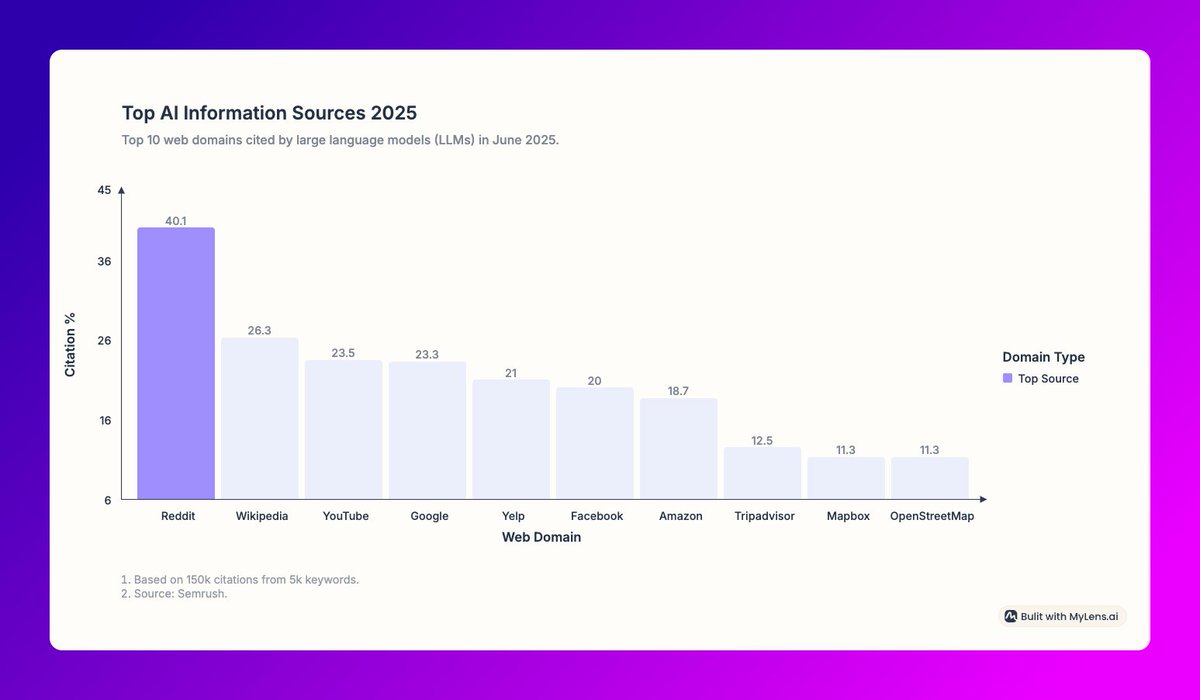
.@MyLensAI is one of my favorite under-the-radar tools.
It visualizes data from any source, or you can prompt it to do its own research.
I used it for this (alarming) look at the sources used most by AI chatbots when they search the web.
Give it a go: mylens.ai/?aff=william
1
1
426
MyLens.ai retweeted

17 Aug 2025
mylens.ai
أداة ذكاء اصطناعي لتحليل اي ملف pdf او مقطع يوتيوب.
2
28
144
8,353
MyLens.ai retweeted
17 Aug 2025
جربت أداة مختلفة اسمها @MyLensAI
أداة تعتمد على الذكاء الاصطناعي لتحويل أي محتوى إلى مرئيات تفاعلية قابلة للتعديل 🔥
📌 تدعم تحويل
النصوص ✍️
ملفات PDF 📄
الصور 🖼️
الفيديوهات 🎥
صفحات الويب 🌐
الجداول 📊
إلى أشكال مثل:
🗺️ Mindmaps | 📆 Timelines | 📊 عروض جاهزة للتقديم
تجربة فعلاً تستحق 👌
2
1
7
281
🦉 New in MyLens: Planner Mode
Sometimes a big topic, dense document, or complex process can’t be captured in just one visual. You try to fit everything into a single mind map, but end up skipping key points. That’s why we built Planner Mode.
MyLens Planner breaks your topic into key parts. Then, instead of giving you one visual, it creates a connected series of visuals — each focused on a single key detail. You can add, remove, or edit steps so everything is tailored to your needs.
Try Planner Mode: mylens.ai
2
3
509