Spreading good vibes of all things @NotionHQ
Joined March 2026
- Tweets 200
- Following 4
- Followers 265
- Likes 419
52 Photos and videos
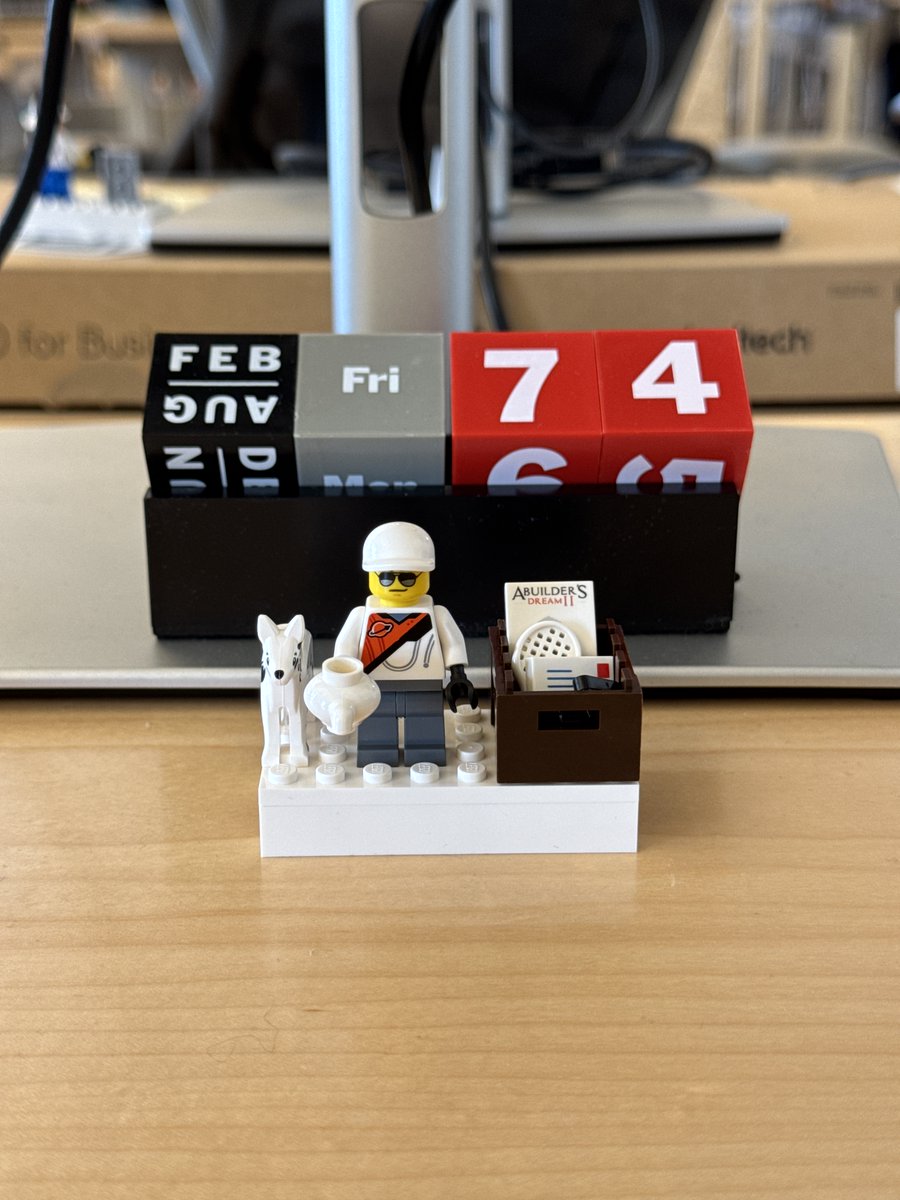











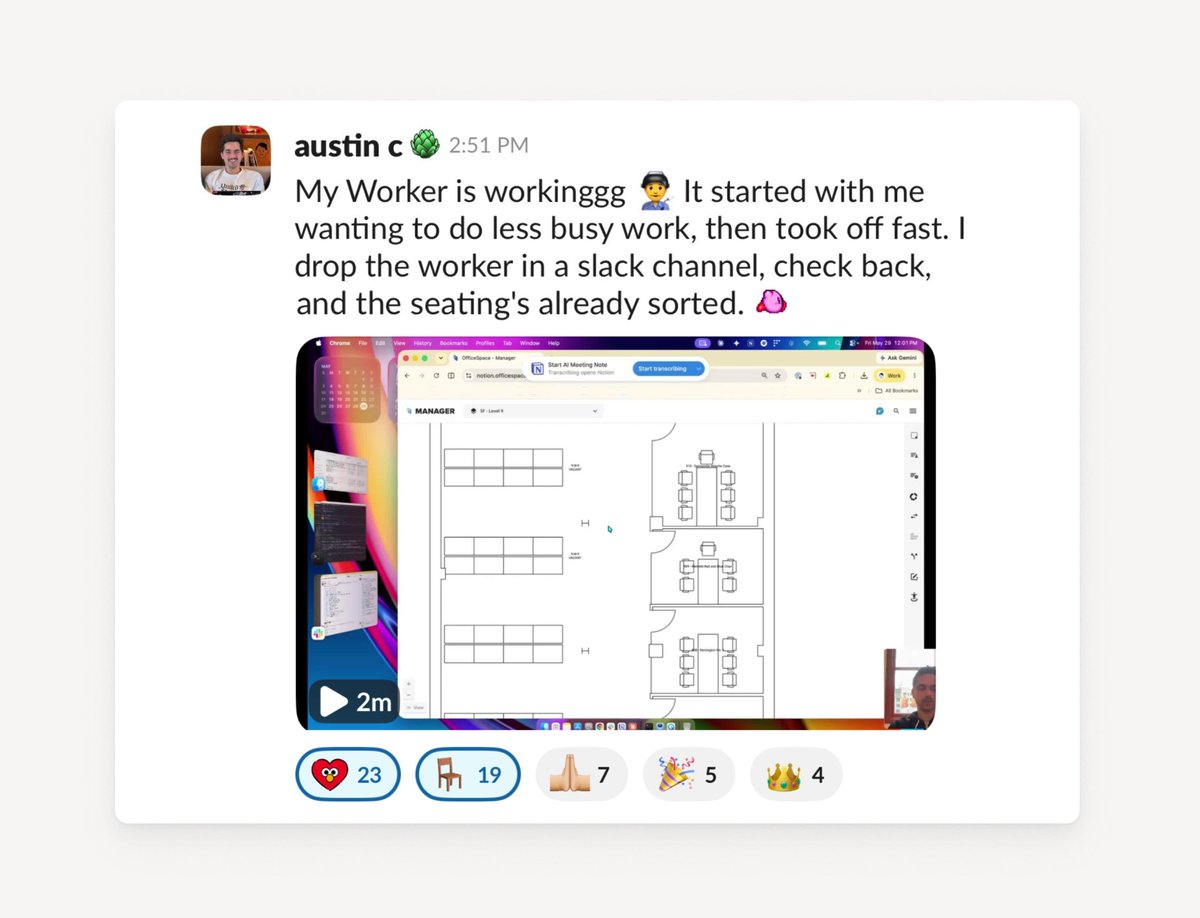
Meet Austin, Notion’s Workplace Experience Coordinator. He helps keep the SF office running smoothly and makes sure every new hire feels welcome.
One painful part of his job has always been seat assignment: shuffling Notinos and Newtinos, one by one, going back and forth with managers, and starting over every two-week onboarding cycle.
So Austin automated the entire seating shuffle end to end with custom agents and a Worker.
It’s built using Notion’s developer platform, and connects OfficeSpace and Slack to Notion.
Austin put it best: “It’s honestly super easy to set up a Notion worker… you’re just talking back and forth in plain English with Claude Code.”
He split the job into two agents:
Agent 1 watches the “New Hire” database. When a new name shows up, it posts to Slack and asks managers where to seat them.
Agent 2 reads the replies and calls OfficeSpace to assign the seats.
Now, instead of spinning up a new Slack channel every cycle and handling requests one at a time, Austin sends one message in Slack, and the agents do the rest.
Austin: “I’m no engineer… but this saves me hours every time we onboard. It definitely made my life a lot better.”
The best agents aren’t fancy, they just give you time back.
7
6
128
13,745
The Kyoto Story.
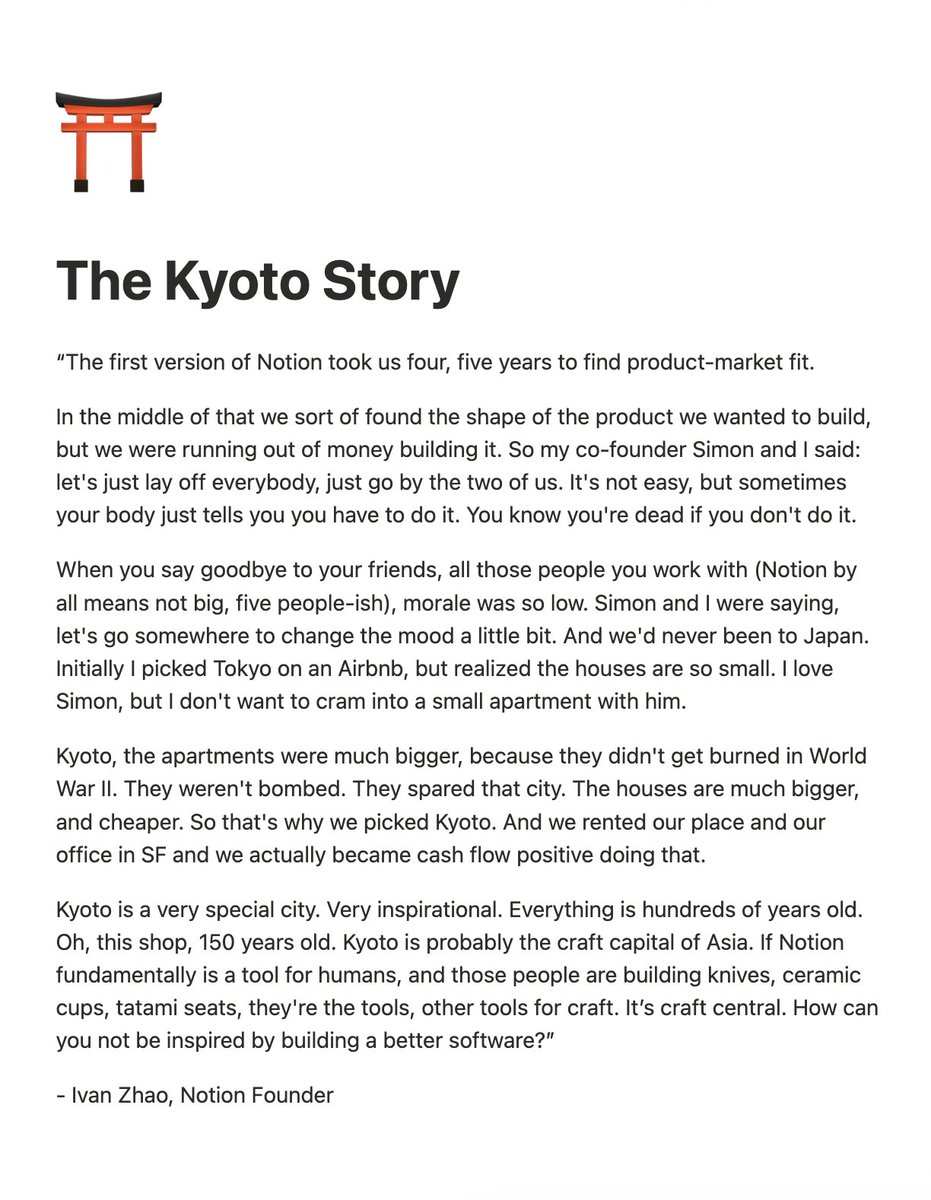

This past April, I paid a visit to Kyoto.
Being the place that marked a significant chapter in @NotionHQ's early days, it felt fitting to create a short video dedicating what Ivan calls:
"Kyoto is a very special place... a craft central."
4
19
204
36,159

This past April, I paid a visit to Kyoto.
Being the place that marked a significant chapter in @NotionHQ's early days, it felt fitting to create a short video dedicating what Ivan calls:
"Kyoto is a very special place... a craft central."
3
5
57
38,645

May 29
Fixed it.
May 29

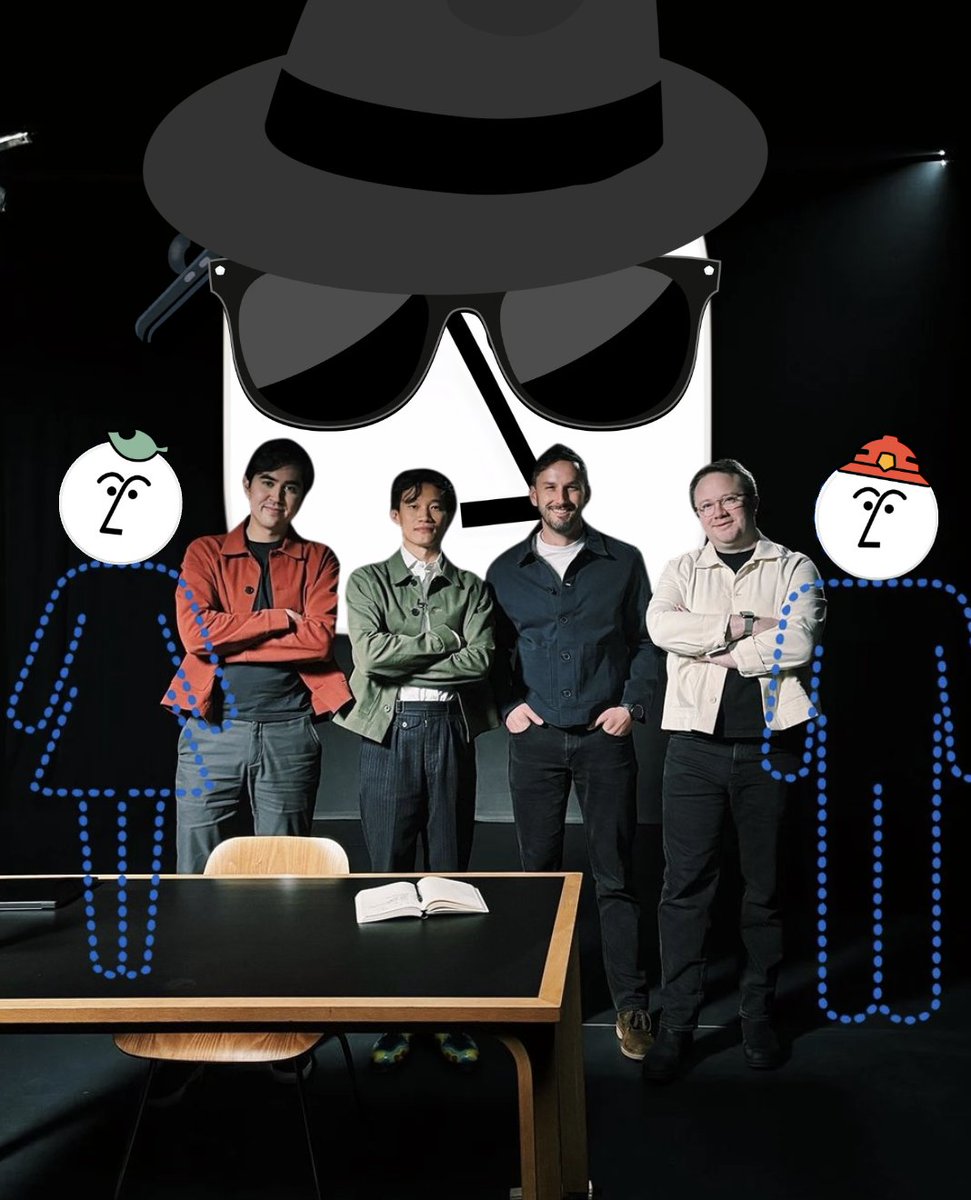
Do you see yourself, or the smartest person you know, in this photo alongside @geoffreylitt @ivanhzhao @goldmanem and @_clem? Because we're hiring a developer advocate and it's an incredible role.
You'd be building in public alongside @NotionDevs, and inspiring people around the 🌍 to create the Notion of the future.
And we have an unlimited supply of Uncrustables.
jobs.ashbyhq.com/notion/0cc3…

3
266
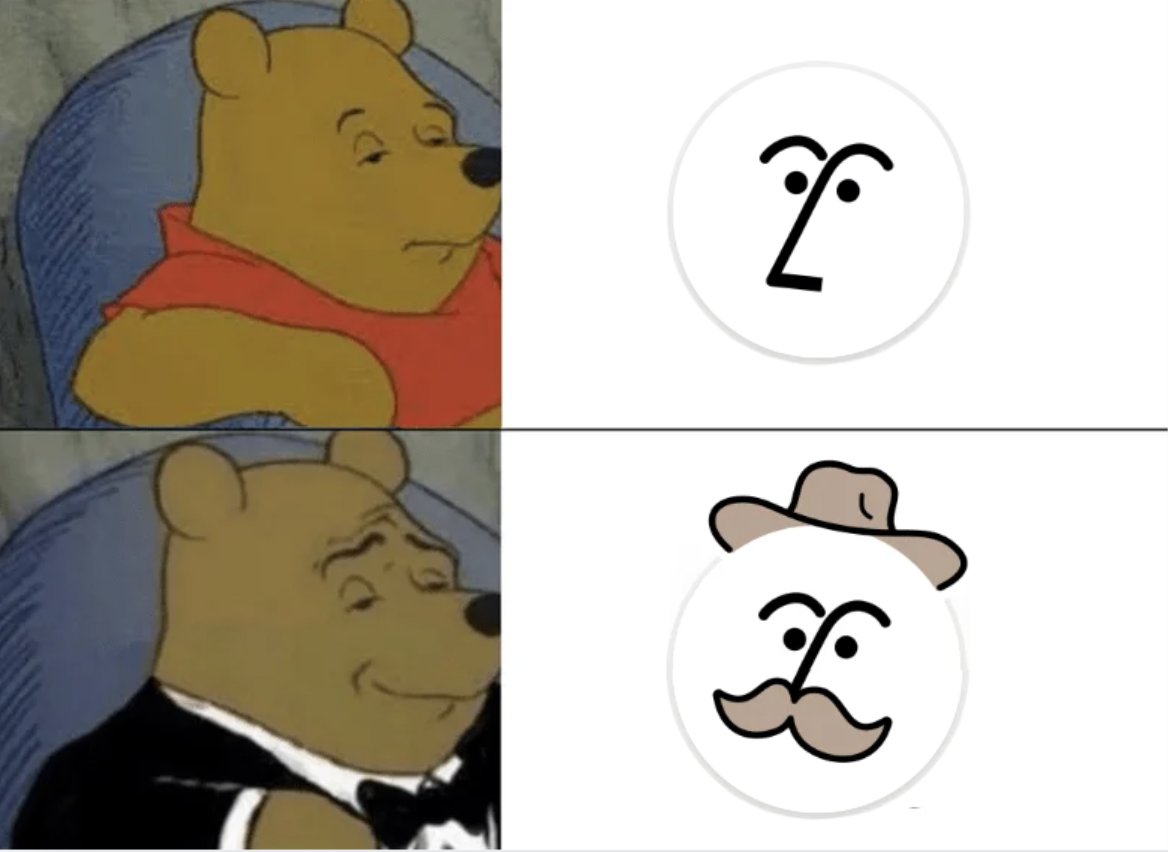
Hear me out too🕵...


41
37
712
39,717
May 22
It's all about jazz mode.





1
11
3,799



May 19
The @NotionHQ team wishes you a Happy Tuesday.
..... (🄽🄾🅃🄸🄾🄽❤️)
.......•.¸.•´
....¸.•´
... (
☻/
/▌
/ \
1
2
15
1,388
May 16
Notion in your Notion.
┏┓
┃┃╱╲
┃╱╱╲╲ Notion
╱╱╭╮╲╲ in
▔▏┗┛▕▔ your
╱▔▔▔▔▔▔▔▔▔▔╲
TERMINAL
╱╱┏┳┓╭╮┏┳┓ ╲╲
▔▏┗┻┛┃┃┗┻┛▕▔
1
14
1,672
May 13

Install ntn, the Notion CLI.
It brings the entire Notion API to your terminal, plus everything you need to build and deploy Workers. Built for humans and coding agents alike.
Install with: curl -fsSL ntn.dev | bash
7
25
462
38,232
May 14
We're just getting started.
BIG one for devs today. Introducing the Notion Developer Platform:
- Notion CLI, ntn (Notion in your terminal)
- Workers (run code on Notion's infra)
- Database sync (any data source into Notion)
- Agent tools (build any workflow)
- Webhook triggers (trigger Notion from any app)
- External Agents API (bring any agent into Notion)
- Notion Agents SDK (use Notion Agents anywhere)
- …and a bunch more API improvements
And soon, you won't need to be a developer to build on Notion. Your agent will be one for you.
3
2
15
2,287
BIG one for devs today. Introducing the Notion Developer Platform:
- Notion CLI, ntn (Notion in your terminal)
- Workers (run code on Notion's infra)
- Database sync (any data source into Notion)
- Agent tools (build any workflow)
- Webhook triggers (trigger Notion from any app)
- External Agents API (bring any agent into Notion)
- Notion Agents SDK (use Notion Agents anywhere)
- …and a bunch more API improvements
And soon, you won't need to be a developer to build on Notion. Your agent will be one for you.
May 13
Introducing: the Notion Developer Platform
New building blocks that help you (and your coding agents) sync any data source, build any tool, and orchestrate any agent.
Follow along 👇 x.com/i/broadcasts/1AJEmOArr…
92
228
1,873
969,643