
Joined May 2023
- Tweets 47,241
- Following 804
- Followers 2,593
- Likes 89,788
8,169 Photos and videos










Pinned Tweet

27 Dec 2024
NYANKO PANKOTANKO'S MOSTLY UNIVERSAL MICROPHONE CONFIGURATION GUIDE:
This is the typical baseline configuration that I recommend to new users when first setting up either dynamic or condenser mics, regardless of whether they're USB or XLR:
Put your mic on a boom arm, have it level with your mouth at a 45-degree angle from your mouth, pointing *at* your mouth, no more than 2 inches away. You should be speaking past it rather than directly into it. The closer the mic is to your face, the less gain you need, the clearer you'll sound, and the less chance of room echo getting in between you and your mic. If you have a condenser mic, you can keep it further away due to the sensitivity of the mic. Just know that condenser mics are SUPER sensitive and require highly sound-treated rooms in order to get optimal sound out of them.
In OBS, keep your mic volume channel slider at 100%, and apply the following filters. Your filter order order should be this from top to bottom: Expander -> Compressor -> Limiter. The standard setup I usually recommend for people is this:
Expander:
Threshold -40 dB
Ratio 4.00:1
Output Gain 10 dB
Compressor:
Threshold -30 dB
Output Gain 10 dB
Limiter:
Limit -1.0 dB
Any parameters that are not specifically listed above can be kept default.
Once those are set, adjust the gain on either your USB mic (knob/button or software) or your XLR-to-USB interface until the volume meter in OBS regularly hits the Limiter (-1.0 dB) during typical speaking volume. The Compressor filter will help bring the volume up during quieter speaking and keep it regulated during louder speaking.
Ignore the color coding on the OBS volume meter as you won't actually clip until you hit the top of the bar, which you won't because of the Limiter. It's okay to touch the Limiter during normal speaking, but just make sure that you're not slamming into the Limiter every time, or else your gain is up too high and your vocals are gonna sound like shit because the waveforms are being crushed by the limiter.
For more sensitive condenser microphones that require less gain, you may reduce the output gain in either the Expander/Compressor filters as you see fit. These are typically baseline parameter settings that I have found are optimal for new configurations and may be adjusted to taste accordingly.
DO NOT use a Noise Gate filter. Noise Gate typically has a hard open/close that is noticeable when speaking, especially as it will tend to cut off the first syllable of every sentence. The Expander serves this purpose instead by reducing the volume of quieter sounds further without completely cutting sound off and serves the exact opposite function of a Compressor.
A Noise Suppression filter will degrade the quality of your audio signal. When it removes the noise from your signal, it has to compensate somehow by removing whatever else that noise overlaps with. The more noise it has to filter out, the worse your audio signal will sound. There is no substitute than a properly sound-treated room, and the best thing you can do to ensure the highest-quality audio output is to ensure the highest-quality audio input.
Good Luck, and Happy Yapping~

27
72
388
21,856
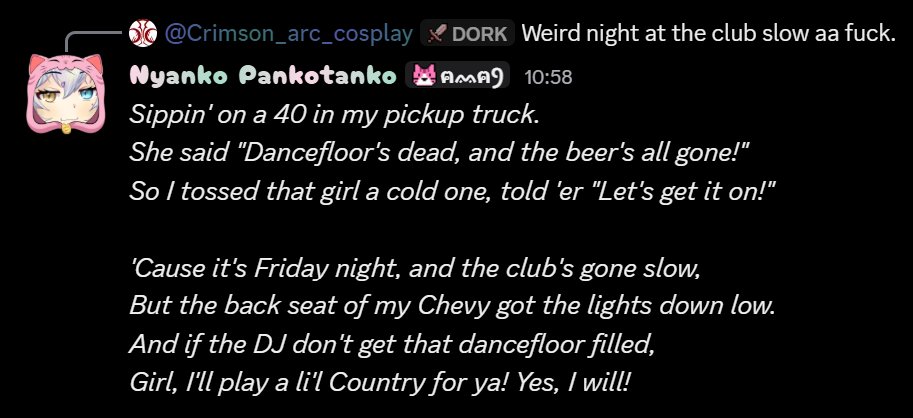
I do be writing impromptu song lyrics sometimes, allegedly...
4
31
256
Nyanko Pankotanko 🐱🍞🎀 babiyumeEN retweeted
27 Dec 2024
NYANKO PANKOTANKO'S MOSTLY UNIVERSAL MICROPHONE CONFIGURATION GUIDE:
This is the typical baseline configuration that I recommend to new users when first setting up either dynamic or condenser mics, regardless of whether they're USB or XLR:
Put your mic on a boom arm, have it level with your mouth at a 45-degree angle from your mouth, pointing *at* your mouth, no more than 2 inches away. You should be speaking past it rather than directly into it. The closer the mic is to your face, the less gain you need, the clearer you'll sound, and the less chance of room echo getting in between you and your mic. If you have a condenser mic, you can keep it further away due to the sensitivity of the mic. Just know that condenser mics are SUPER sensitive and require highly sound-treated rooms in order to get optimal sound out of them.
In OBS, keep your mic volume channel slider at 100%, and apply the following filters. Your filter order order should be this from top to bottom: Expander -> Compressor -> Limiter. The standard setup I usually recommend for people is this:
Expander:
Threshold -40 dB
Ratio 4.00:1
Output Gain 10 dB
Compressor:
Threshold -30 dB
Output Gain 10 dB
Limiter:
Limit -1.0 dB
Any parameters that are not specifically listed above can be kept default.
Once those are set, adjust the gain on either your USB mic (knob/button or software) or your XLR-to-USB interface until the volume meter in OBS regularly hits the Limiter (-1.0 dB) during typical speaking volume. The Compressor filter will help bring the volume up during quieter speaking and keep it regulated during louder speaking.
Ignore the color coding on the OBS volume meter as you won't actually clip until you hit the top of the bar, which you won't because of the Limiter. It's okay to touch the Limiter during normal speaking, but just make sure that you're not slamming into the Limiter every time, or else your gain is up too high and your vocals are gonna sound like shit because the waveforms are being crushed by the limiter.
For more sensitive condenser microphones that require less gain, you may reduce the output gain in either the Expander/Compressor filters as you see fit. These are typically baseline parameter settings that I have found are optimal for new configurations and may be adjusted to taste accordingly.
DO NOT use a Noise Gate filter. Noise Gate typically has a hard open/close that is noticeable when speaking, especially as it will tend to cut off the first syllable of every sentence. The Expander serves this purpose instead by reducing the volume of quieter sounds further without completely cutting sound off and serves the exact opposite function of a Compressor.
A Noise Suppression filter will degrade the quality of your audio signal. When it removes the noise from your signal, it has to compensate somehow by removing whatever else that noise overlaps with. The more noise it has to filter out, the worse your audio signal will sound. There is no substitute than a properly sound-treated room, and the best thing you can do to ensure the highest-quality audio output is to ensure the highest-quality audio input.
Good Luck, and Happy Yapping~
27
72
388
21,856


Nyanko Pankotanko 🐱🍞🎀 babiyumeEN retweeted

Jan 18
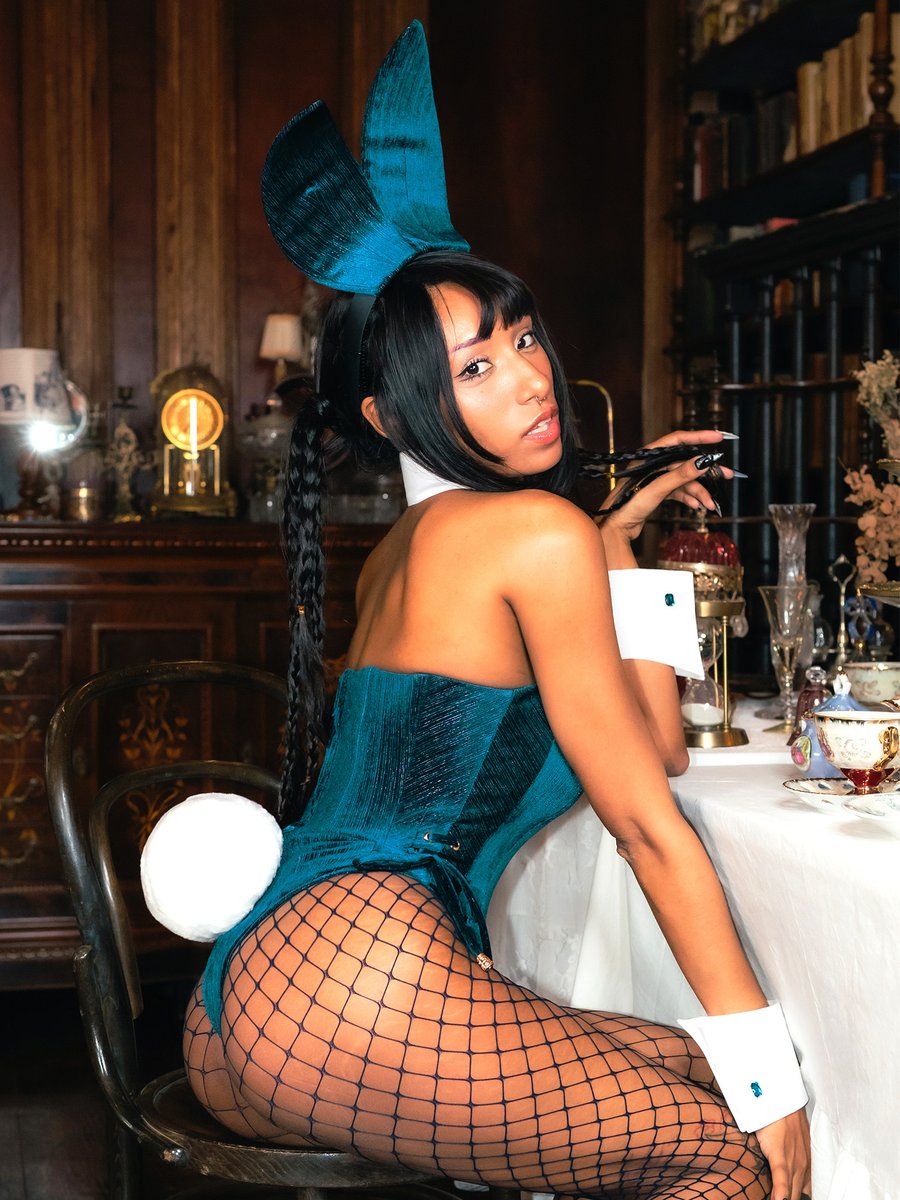
深みのあるブルー・グリーンが印象的な、上品で可愛いベロア生地のバニーガールの衣装👯♀️
しっとりなめらかな触り心地と、光を受けてやさしくきらめく質感が、特別感をぐっと高めてくれます💁
落ち着いたカラーなのに、どこか愛らしさも感じられる絶妙な色合いで、可愛さと大人っぽさを両立💙
着るだけで雰囲気がふんわり華やぎ、写真映えもばっちりな魅力的なTOKYOバニーガールの衣装です👍
#バニーガール #TOKYOバニーガール #bunnygirl
2
22
247
4,633

1
51
632
11,180
Nyanko Pankotanko 🐱🍞🎀 babiyumeEN retweeted

Jan 17
本日🐰おはようございます♡
6
48
647
8,228
3
54
637
9,706

Nyanko Pankotanko 🐱🍞🎀 babiyumeEN retweeted

149
1,460
10,043
Nyanko Pankotanko 🐱🍞🎀 babiyumeEN retweeted

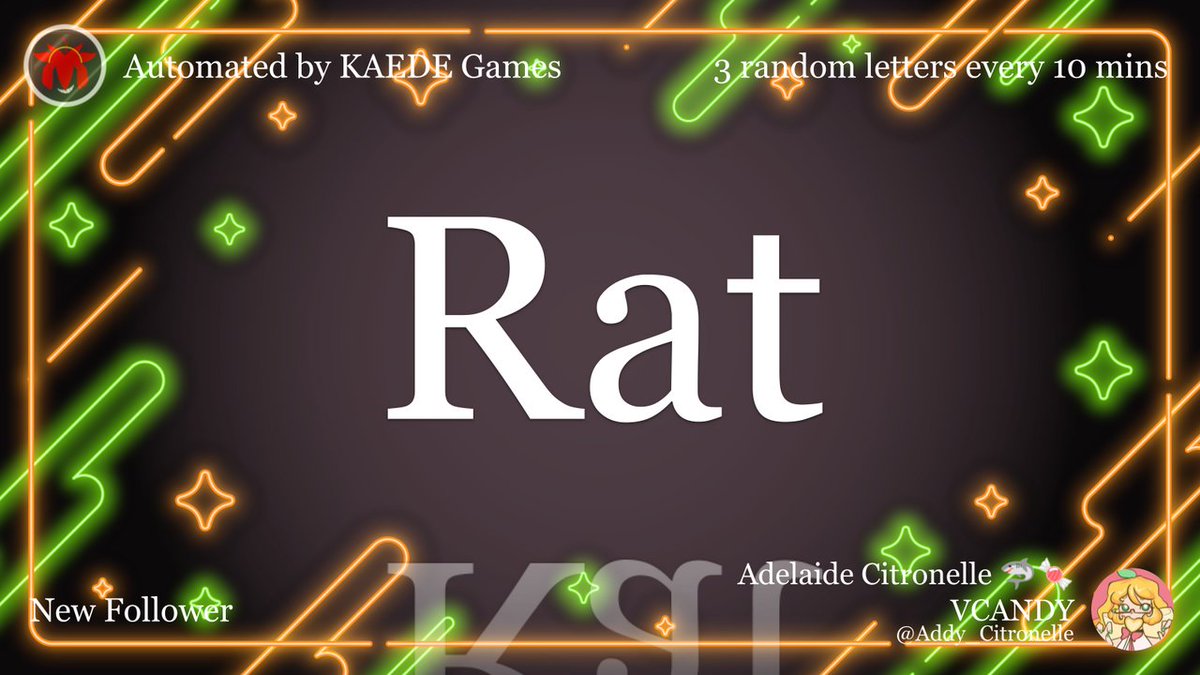
Rat
215
235
3,317
581,994
Nyanko Pankotanko 🐱🍞🎀 babiyumeEN retweeted

Jan 18
5
71
591
6,644
Nyanko Pankotanko 🐱🍞🎀 babiyumeEN retweeted

Evenin y'all!~ With everything resolved as of now, collabs will be resumed as of today. And I will be doing a stream later tonight!~ Prob gonna be doing a merch haul, and then some CoD, maybe checking out the BO7 Season 1 Reloaded update, and then a late night collab with @NyanPanVT's Sunday Squad!~ Times are TBD atm, so stay tuned real soon later tonight!
1
3
221
Nyanko Pankotanko 🐱🍞🎀 babiyumeEN retweeted

The Mattress Firm went under and in its place now stands a Sprit Halloween
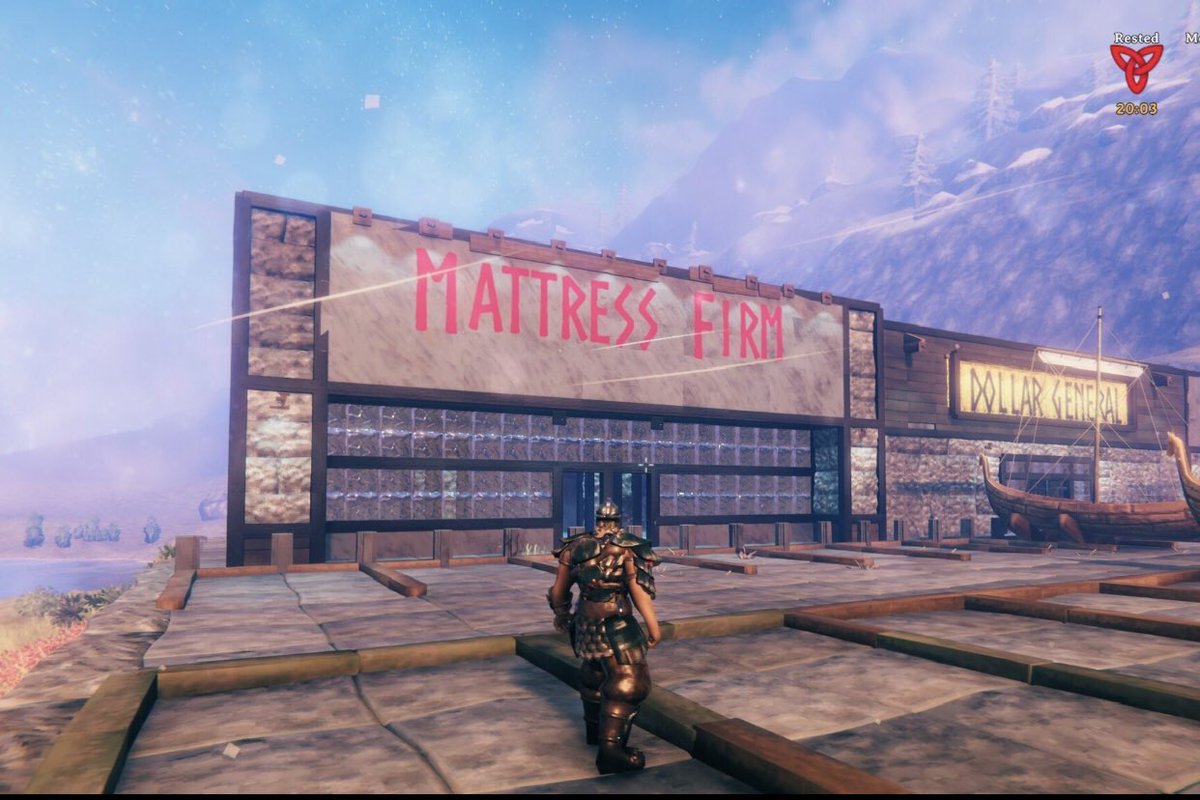
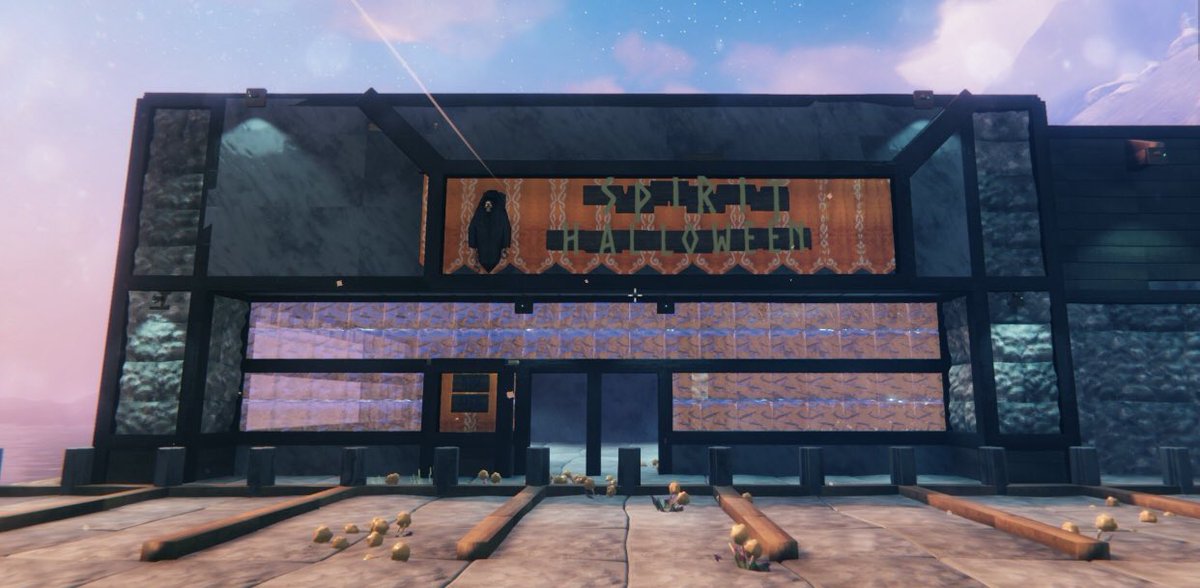

The natural beauty of this place disgusted me so I made a strip mall
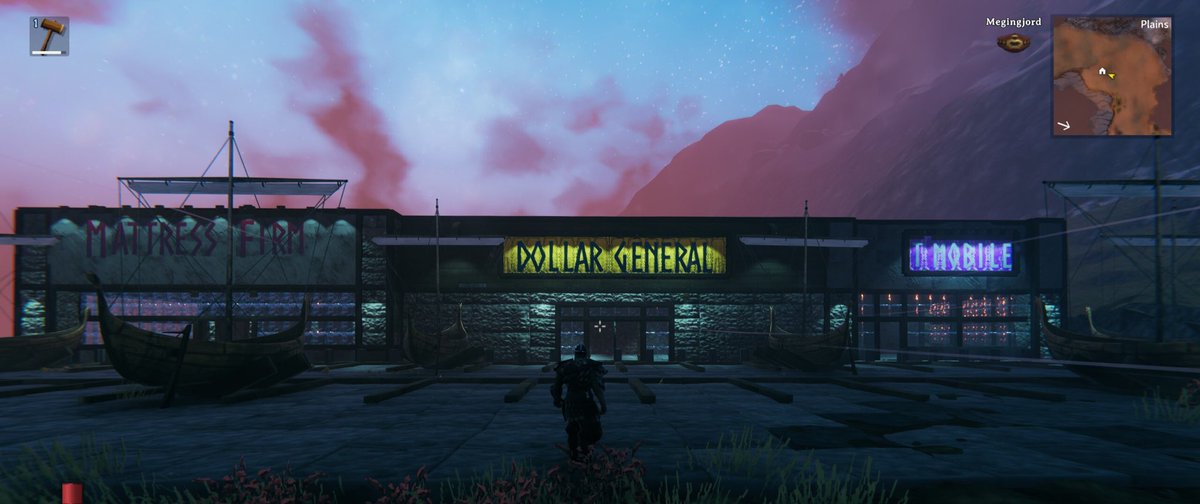
79
1,033
14,381
272,617

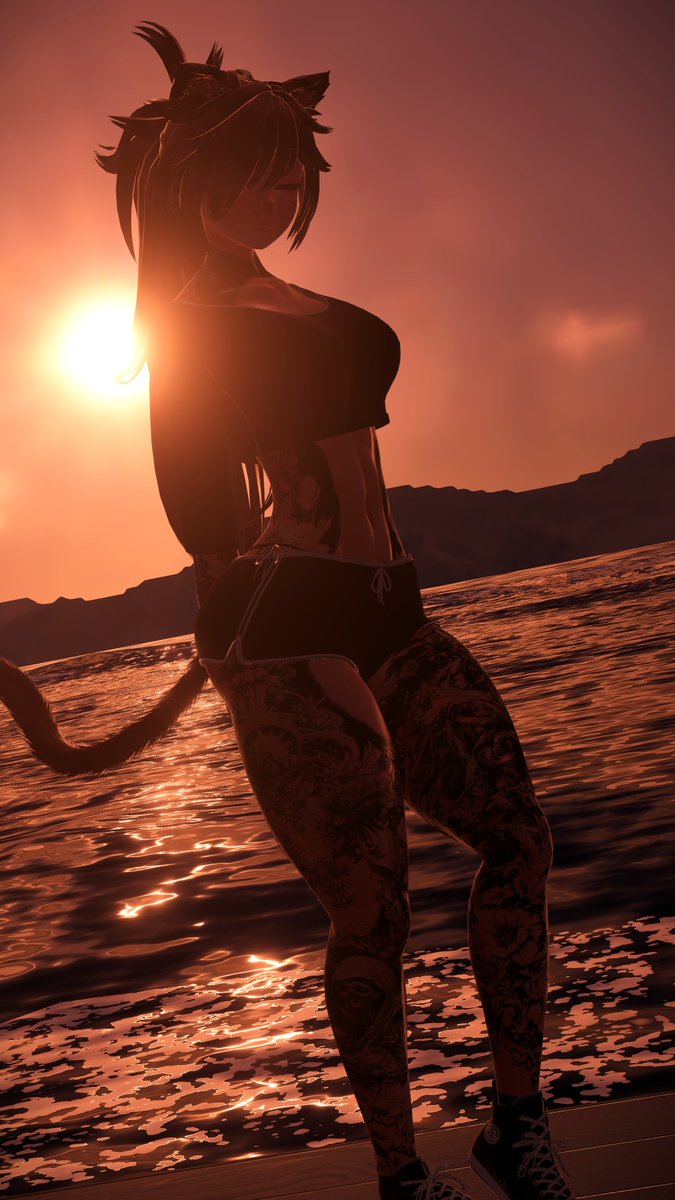
Nyanko Pankotanko 🐱🍞🎀 babiyumeEN retweeted

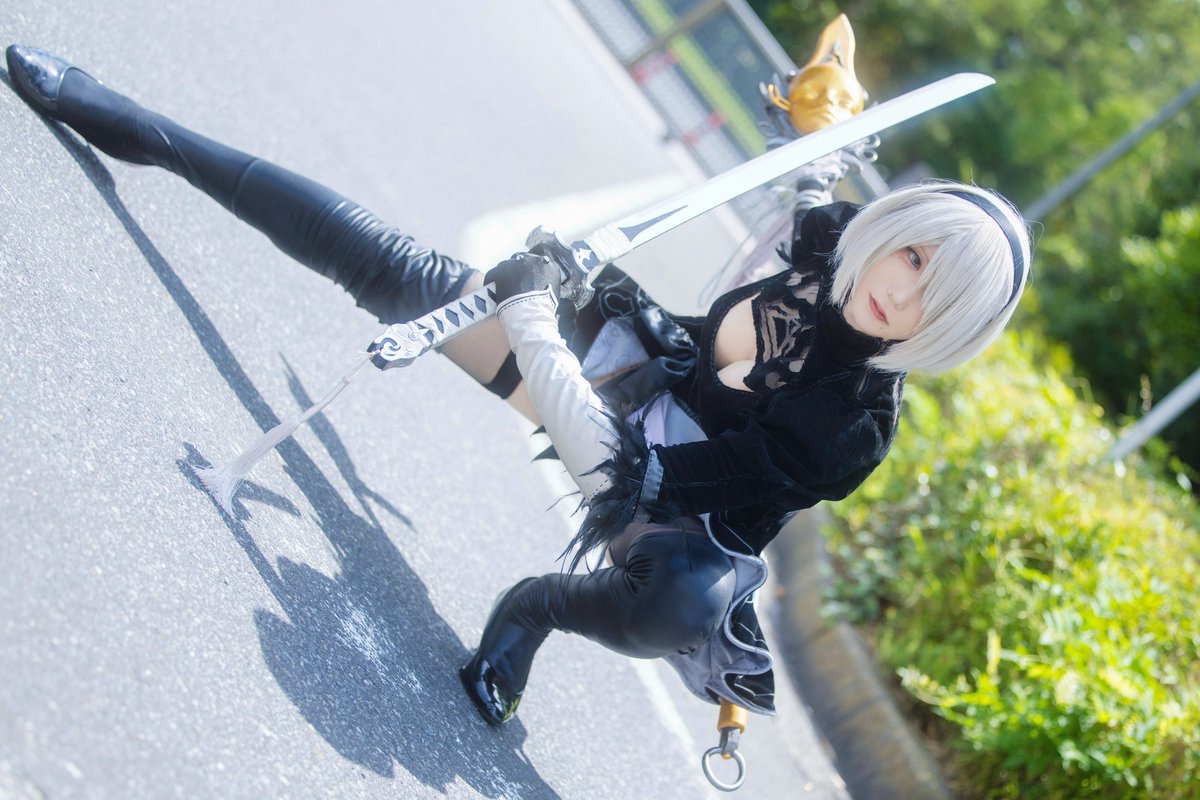
2
79
775
7,918
Nyanko Pankotanko 🐱🍞🎀 babiyumeEN retweeted

🟢AFTER STREAM REPORT🟢
Hunting bad guys with the FBI and HRT kits was a fun one this session. Had some awesome solo runs and funny rando lobbies. Look forward to more hunts like this real soon!
#TacticalVtuber #Vtuber #VR #TAVR #tacticalassaultvr

🔴LIVE NOW🔴
Get your VR kits on, fellas! We hunting bad guys in TAVR today with the FBI and HRTs
➡️twitch.tv/louie661⬅️

2
2
5
352
Nyanko Pankotanko 🐱🍞🎀 babiyumeEN retweeted

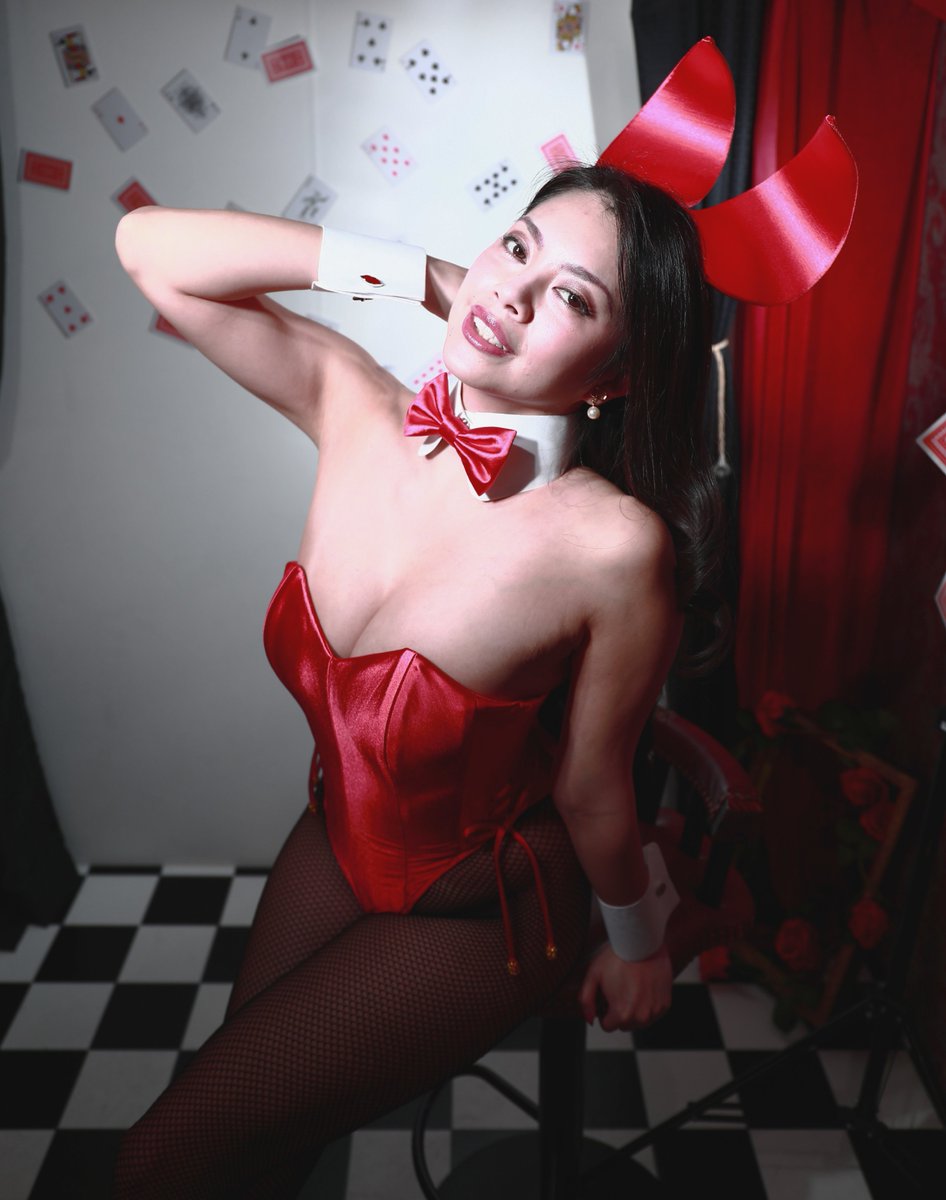
ひれ伏しなさい👠👠👠
3
15
103
2,033
Nyanko Pankotanko 🐱🍞🎀 babiyumeEN retweeted

Jan 17
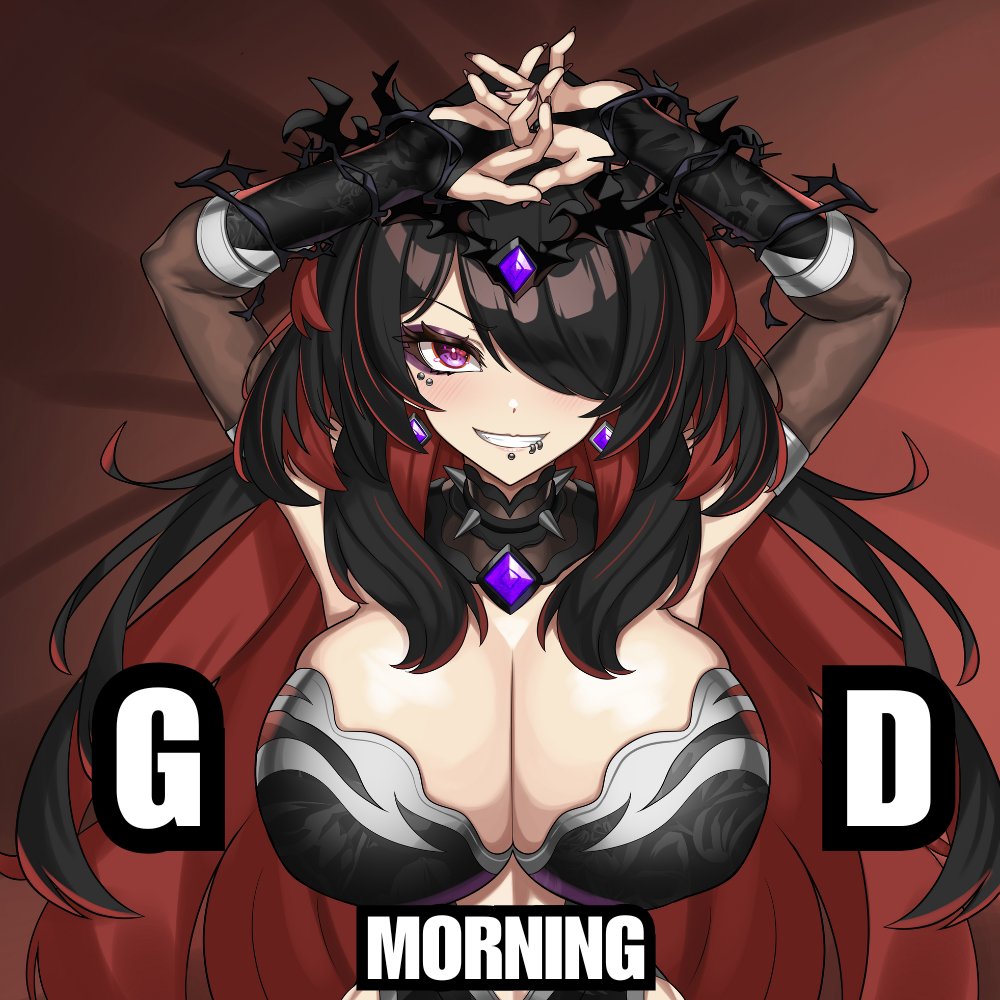
You won't say it back! 😋
91
37
614
6,139
Nyanko Pankotanko 🐱🍞🎀 babiyumeEN retweeted

Jan 16
It just keeps getting better.
72
2,098
14,198
346,338