
I design revenue generating websites & apps for startups | DM me let’s make yours the next success story. | 📩Michealodubanjo6@gmail.com
Joined February 2023
- Tweets 1,047
- Following 359
- Followers 291
- Likes 390
162 Photos and videos






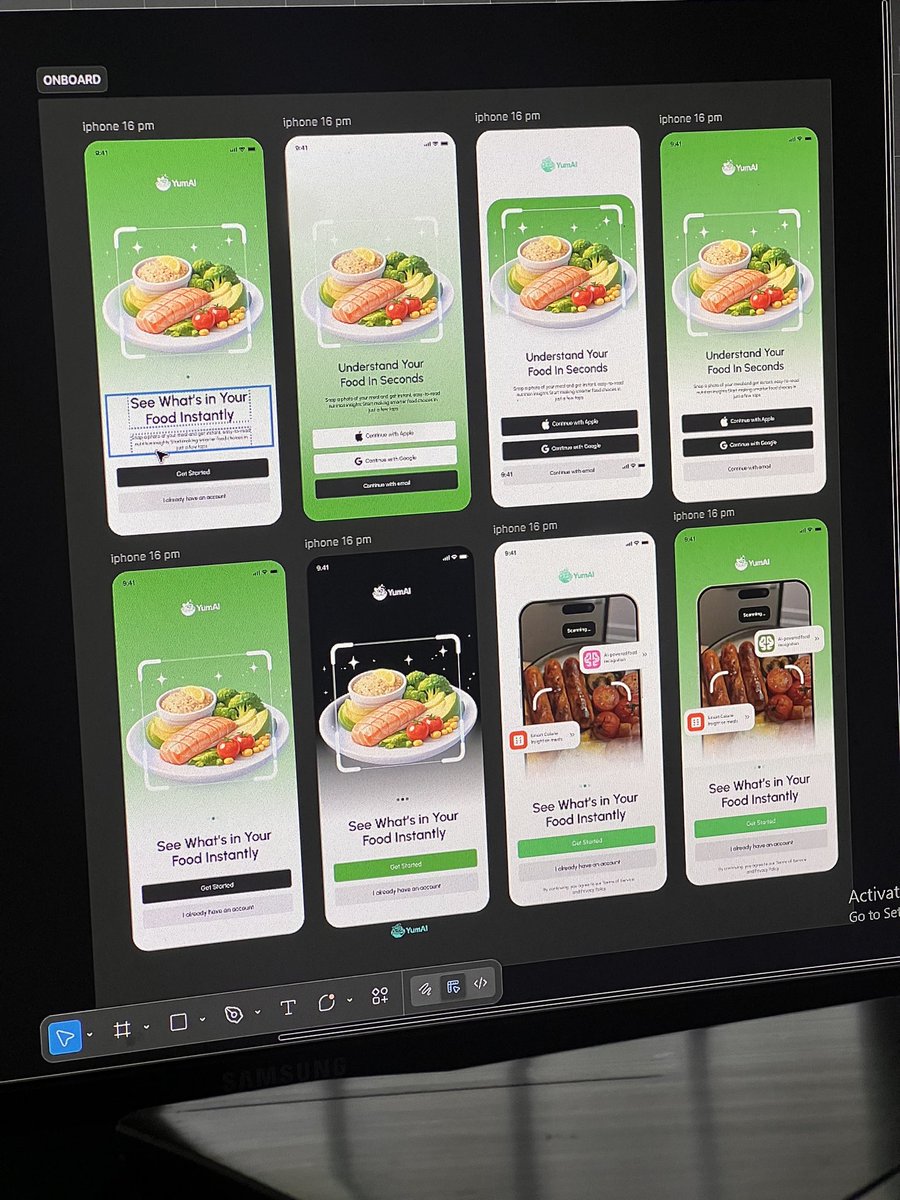
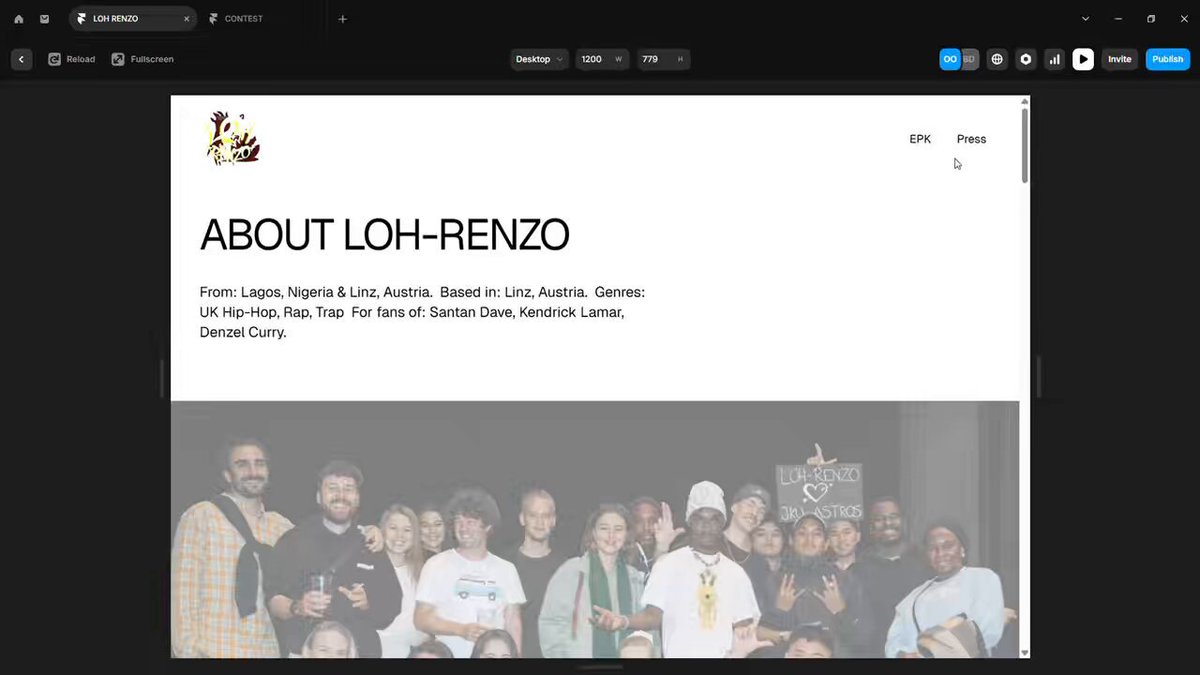
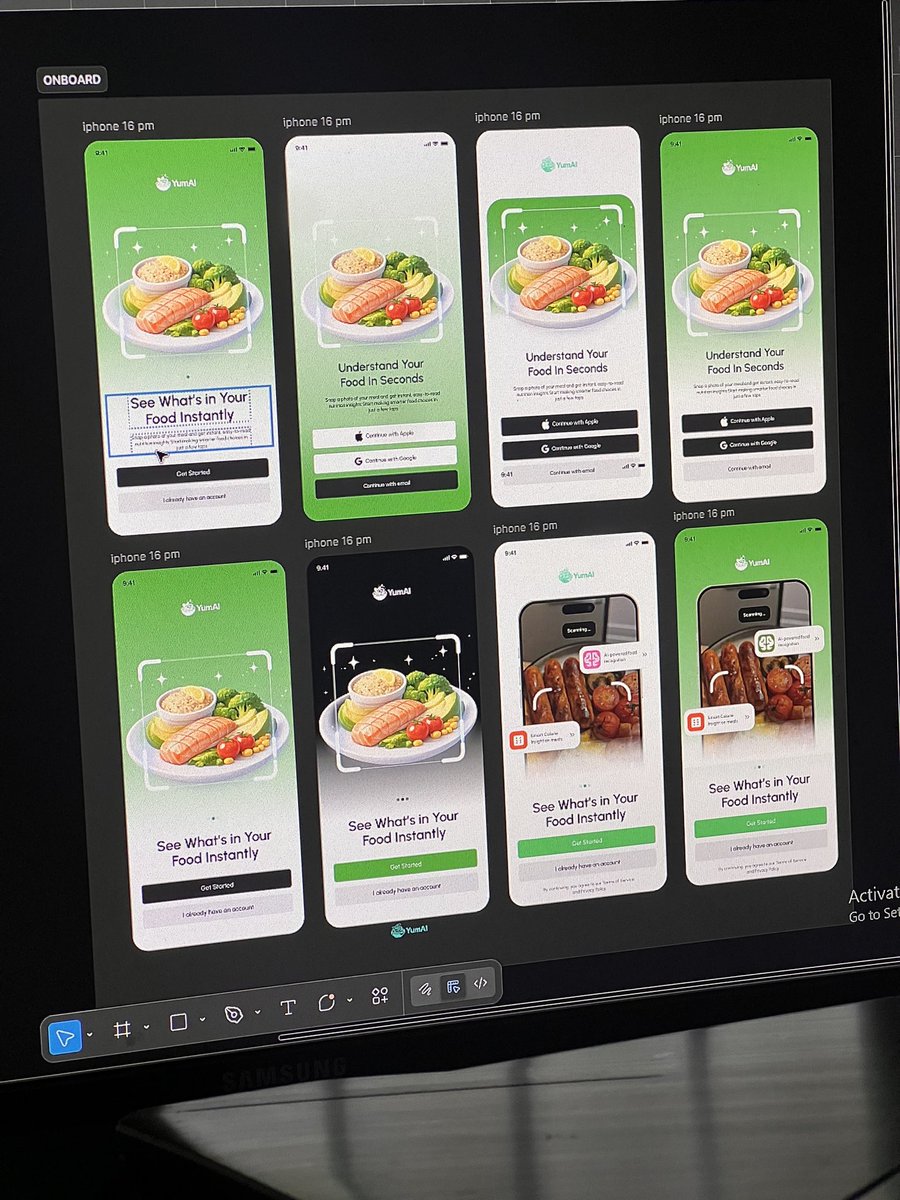


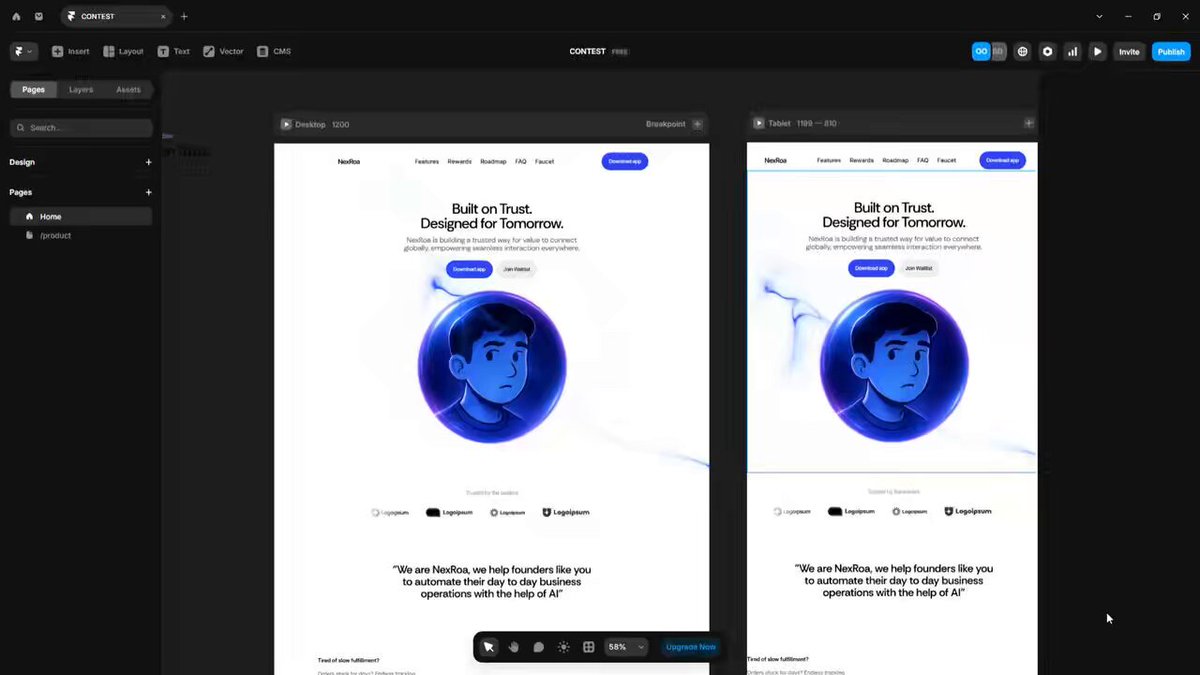
Pinned Tweet

15 Aug 2025
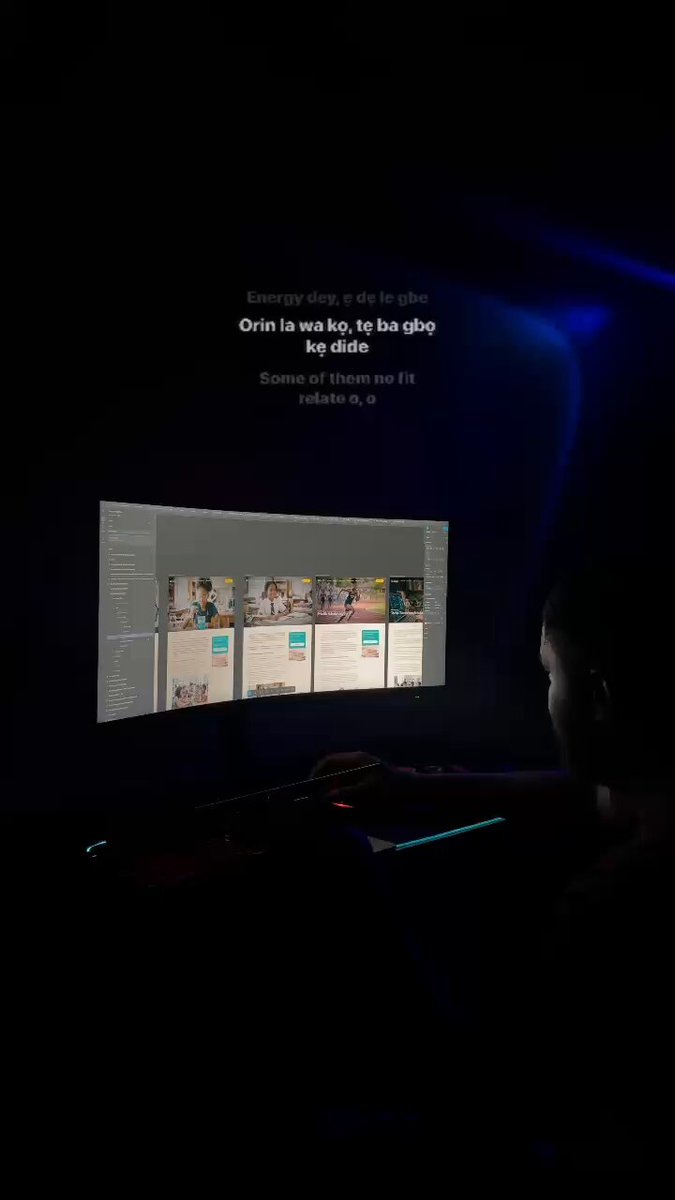
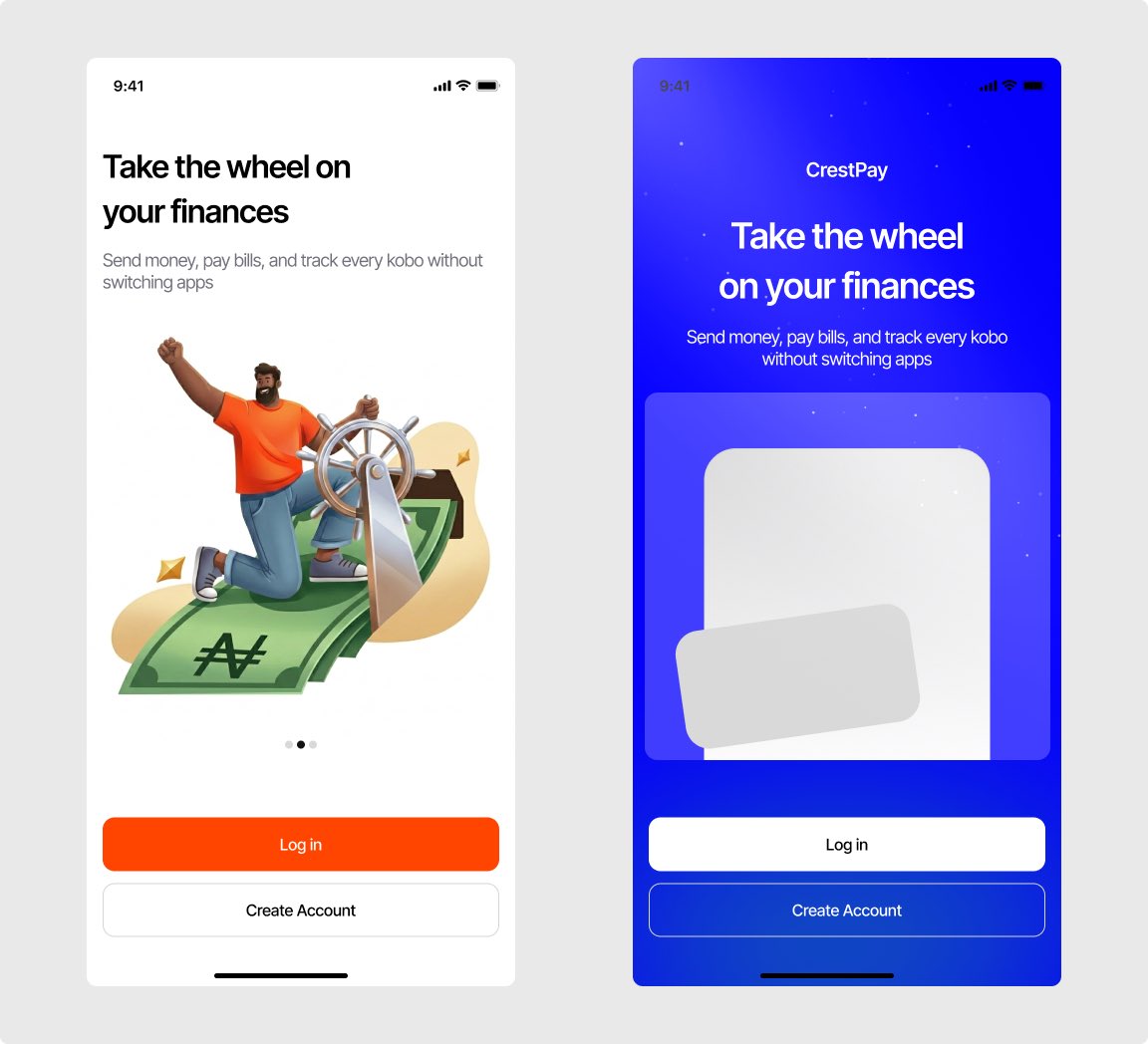
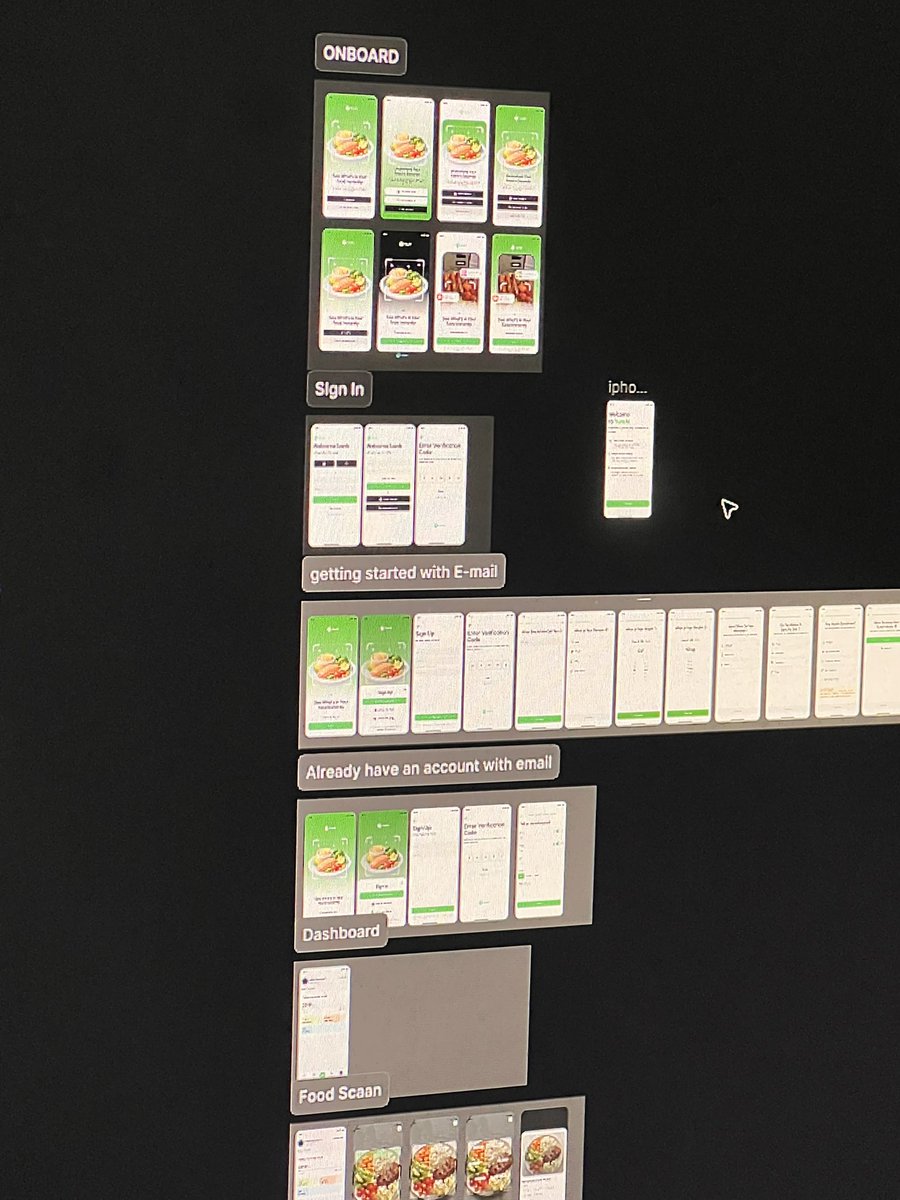
Hi, my name is Michael 👋
I’m a UI/UX designer and web developer and a creative builder in the Web3 space.
And here are some of my Works😁
Let’s connect 🤝
And work together 🤭
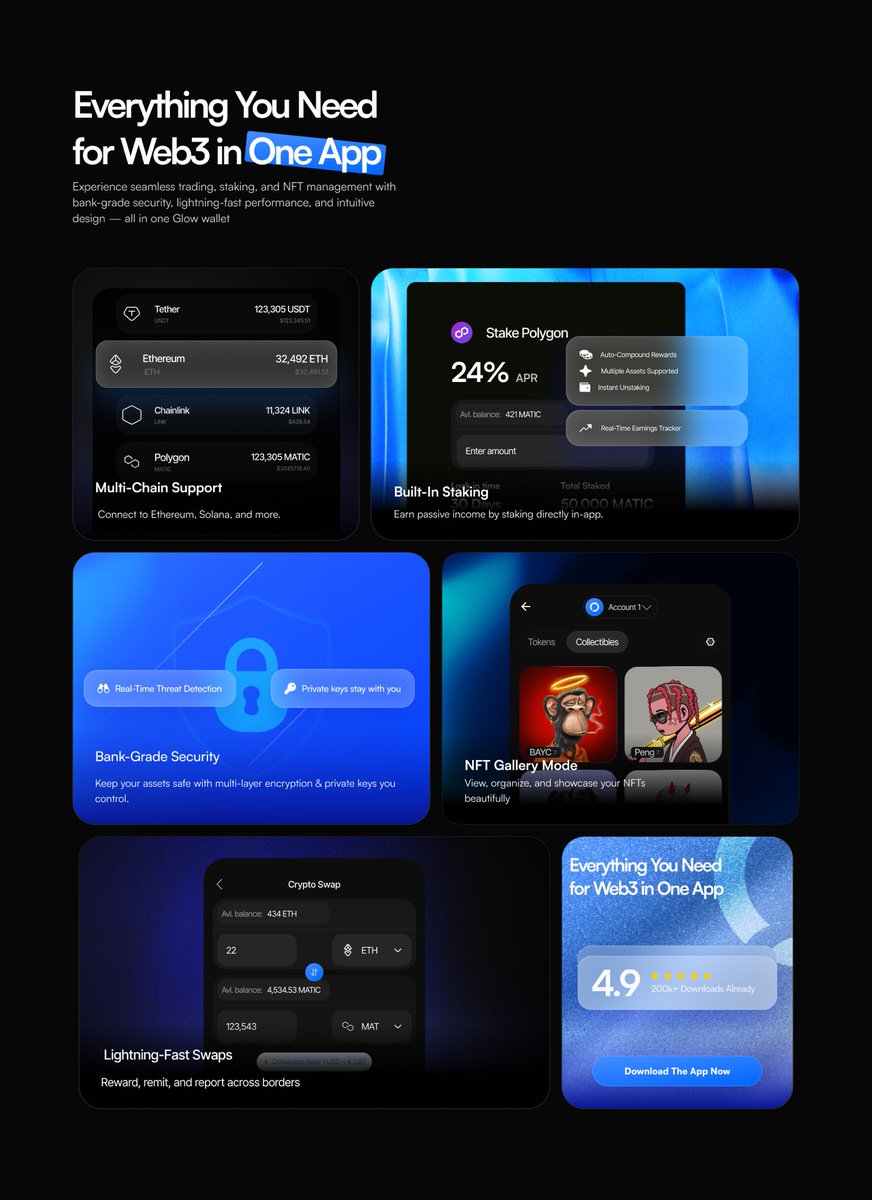
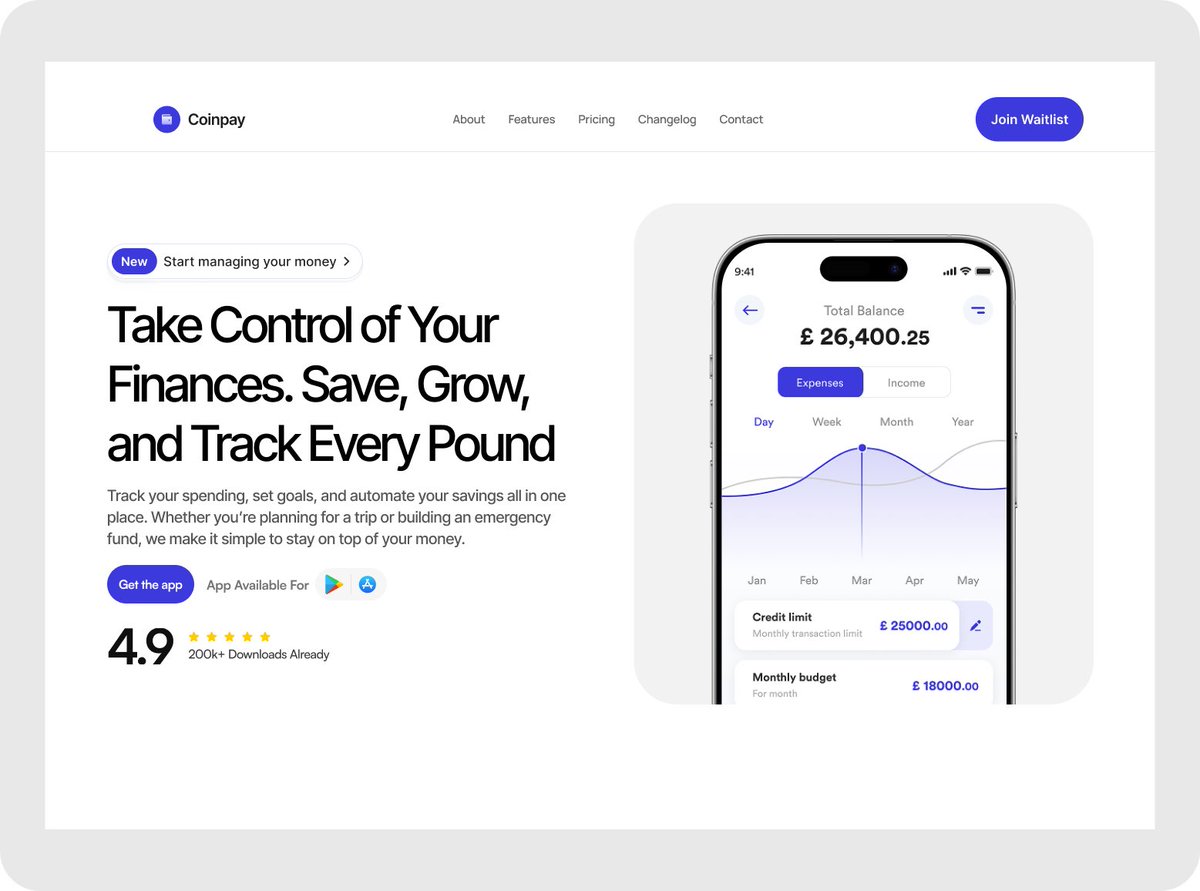
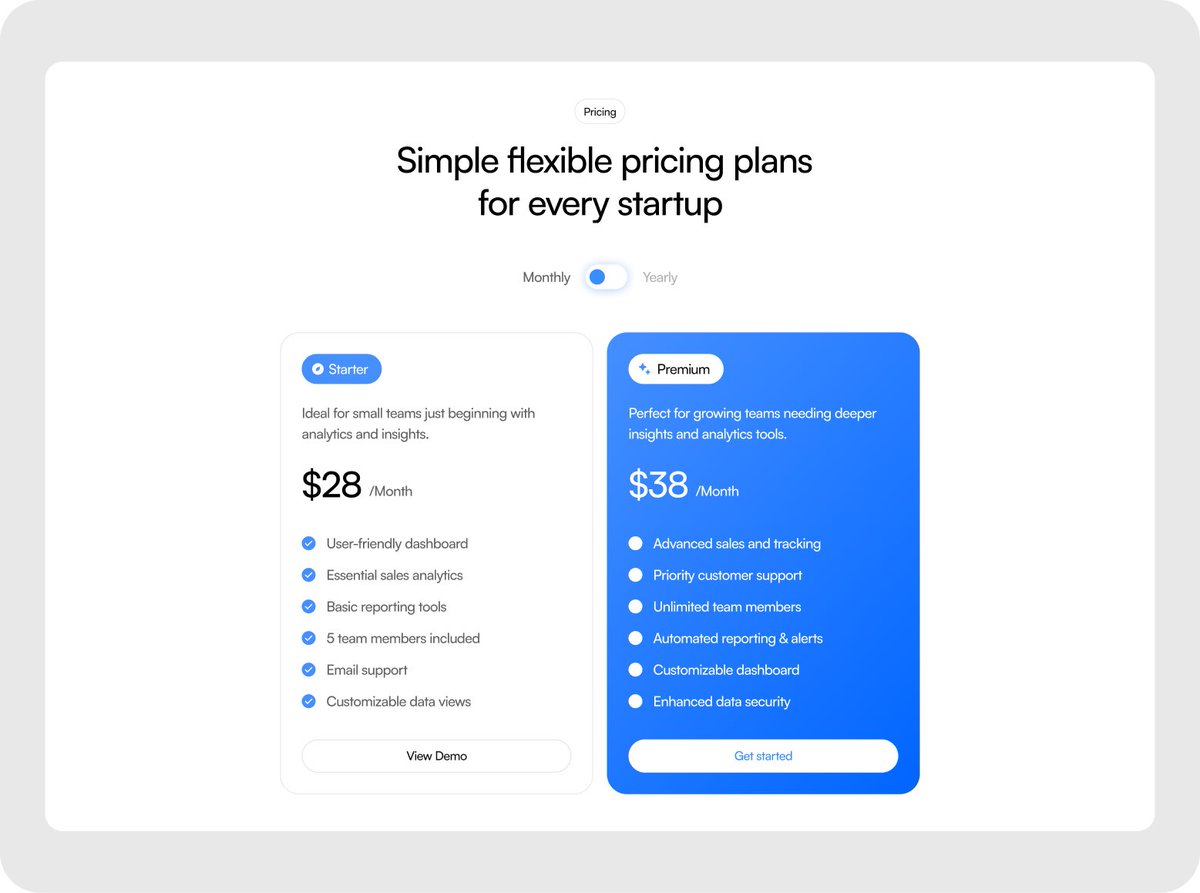
6
7
32
1,997
Oluwixel ☻ - Framer Developer retweeted

What if we built a web app for Uncle Moore Car Rentals @Gilmoorre
A functional and clean way to showcase available rides, see pricing & details as well as send a direct message to WhatsApp
Mobile responsive👍
🪄
Apr 22

WELCOME TO THE BUSINESS SIDE OF GILMORE- UNCLE MOORE🎉💰
Let’s get the car rental orders started !!!




2
3
10
1,951
Oluwixel ☻ - Framer Developer retweeted
Still testing for onboarding styles
2
2
37
You used to tell yourself you’d build your idea once they got your laptop.
then once you had more time.
then once you learned to code.
@Lovable just dropped on the App Store and now you should be out of excuses.
you type what you want. it builds it. on your phone
1
43
Oluwixel ☻ - Framer Developer retweeted

Convrt @framer template update:
Added more pages (steps), just a few left:
Pricing, FAQs, and Contact.
5
7
12
292
Oluwixel ☻ - Framer Developer retweeted
I started building Clario quietly. today I’m sharing the first real look a slideshow walking through the sections I’ve completed so far.
Clario is dropping on the @framer Marketplace soon.🚧
1
7
10
167
Oluwixel ☻ - Framer Developer retweeted

Mar 30
undercover as @orinfitzgerald, i completed 5 portfolio projects from scratch.
they helped me land $8,250 worth of client projects.
now, i'm giving them away for FREE.
comment "10K" & retweet, and i'll send you the remix links. (only for 24 hours)
613
337
640
40,505
I made an app.
Lovable built the frontend.
Supabase handled the backend.
I wrote zero code.
It’s called Date Drop.
1
2
61
Oluwixel ☻ - Framer Developer retweeted

Mar 18
Experimenting with @MagicPathAI
Tried translating a live website and it recreated the design pretty accurately.
What’s interesting is you can then generate new pages of the website in the same style.
Next, I will be experimenting with a Figma design.
#magicpath #vibecoding
5
9
40
2,536
Oluwixel ☻ - Framer Developer retweeted

Mar 17
This is a preview of the site.
My web3 founders who are obsessed with security and identity can come purchase this 😮💨✨
Coming live soon to @framer marketplace

Mar 15

I have created two templates for the framer marketplace. while the first one was rejected, i went back to the drawing board to get this done properly
i hope this one gets the approval the is much needed because i know this one has the quality 🙏🏼
🤞🏽

1
2
5
158
I understand this tweet now
21 Jul 2023

Fiberone is just useless.
26
Oluwixel ☻ - Framer Developer retweeted
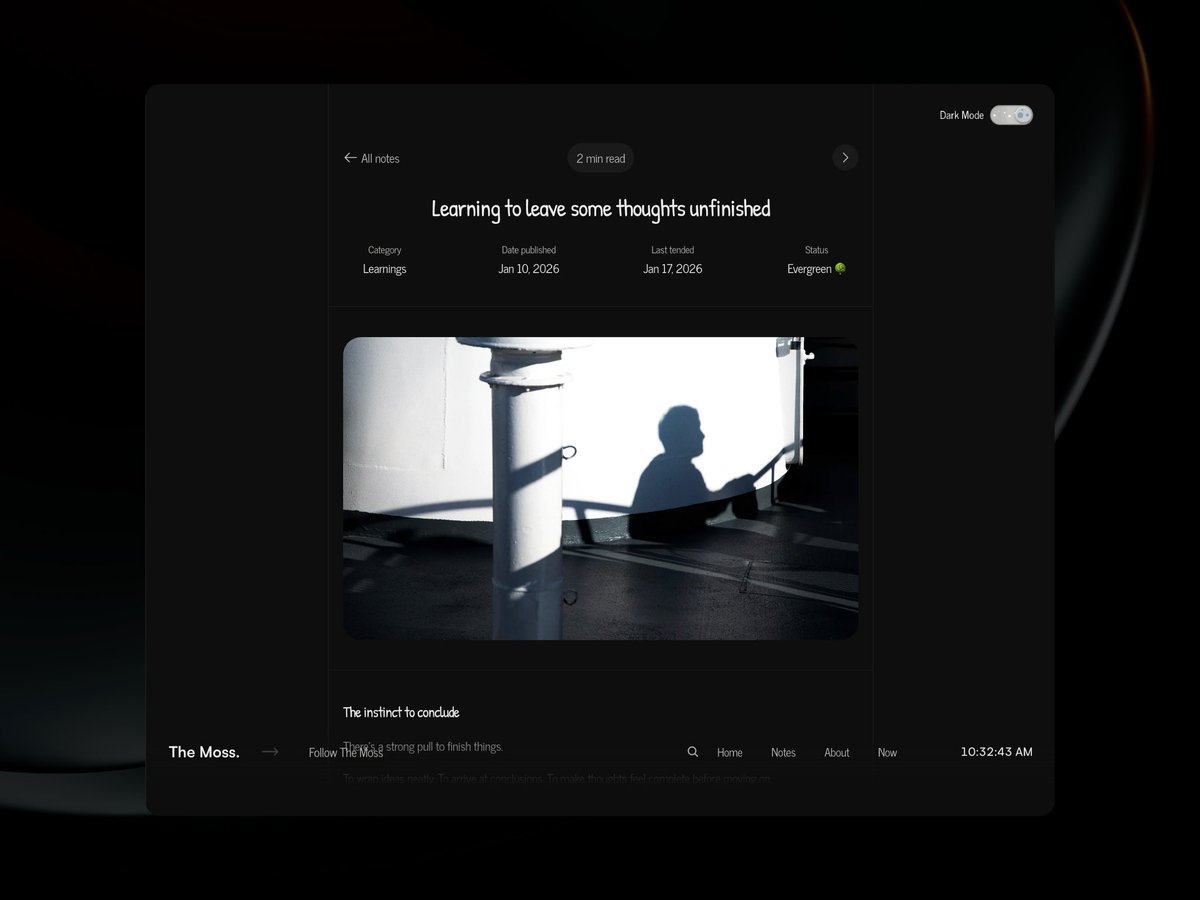
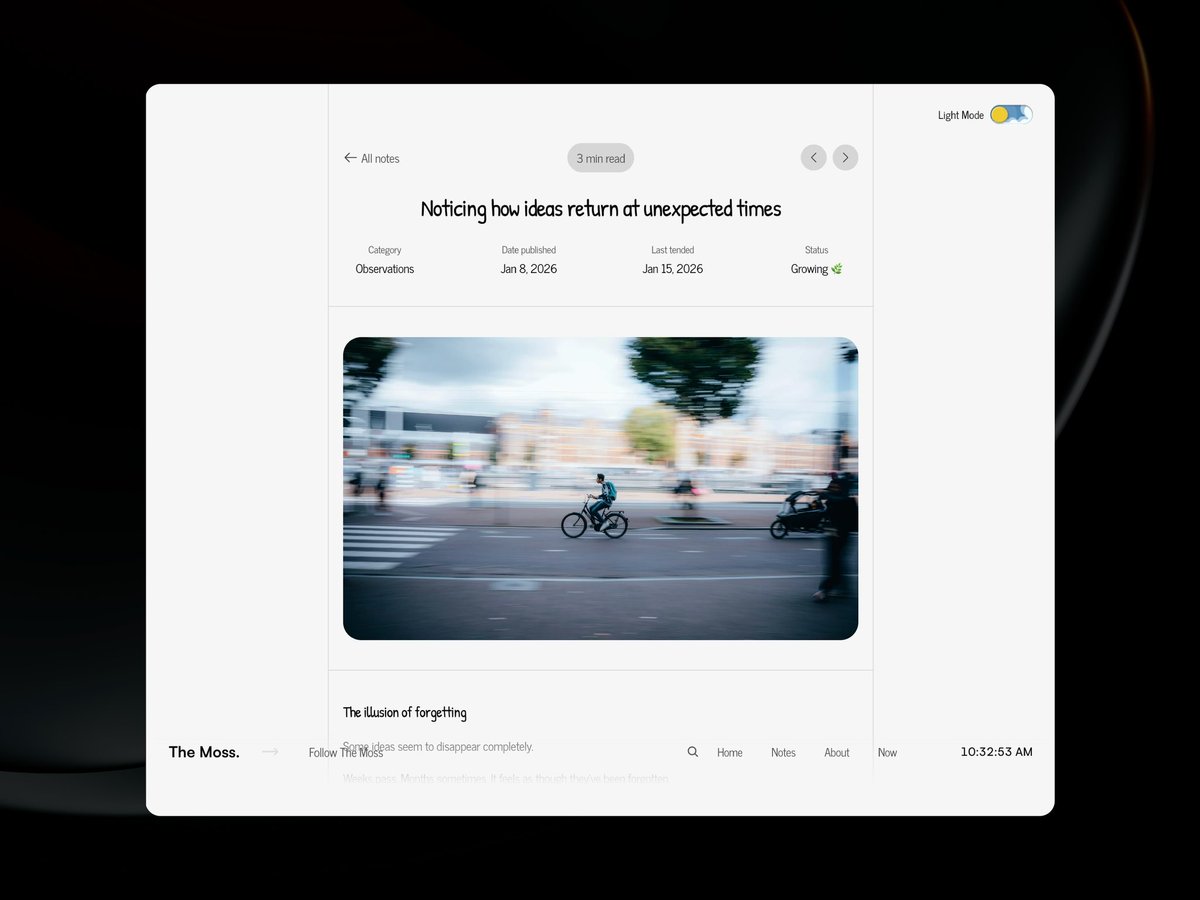
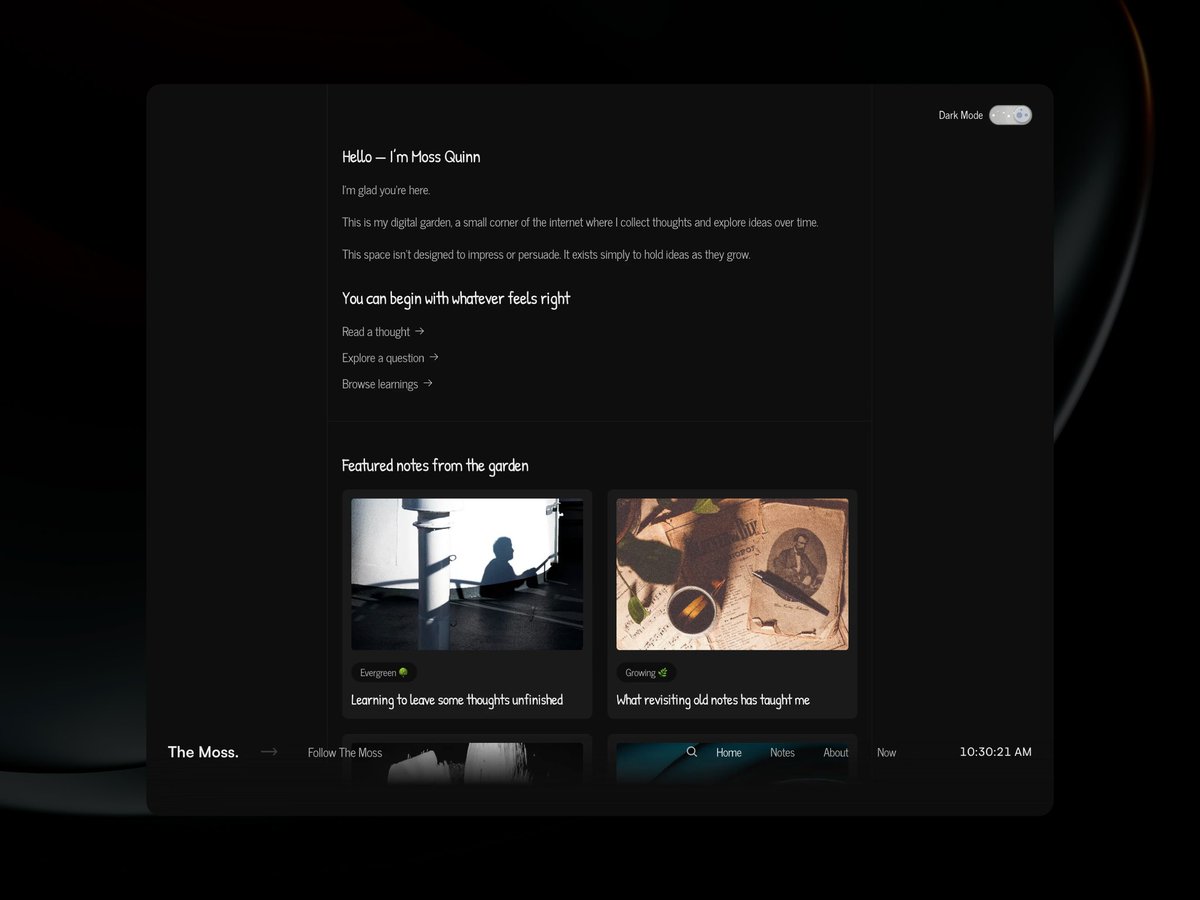
Sometimes, what we need is just a quiet place for ideas.
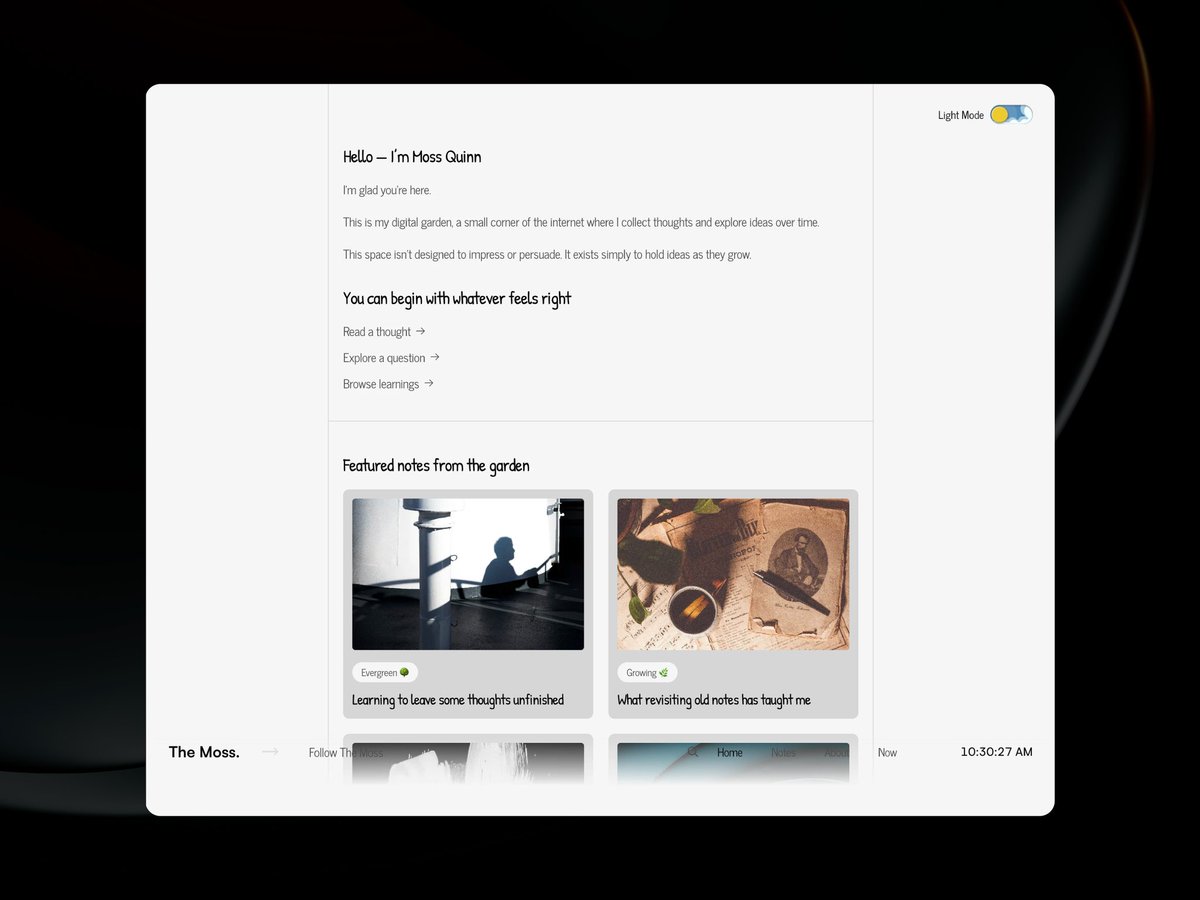
That’s why I built "The Moss" a calm digital garden template for notes, thoughts, and evolving ideas.
It’s designed for writers, designers, and thinkers who want a simple space to publish notes without turning everything into a blog or a newsletter.
If you enjoy the idea of thinking in public, you would definitely like this.
Check it out below 👇🏽
4
10
21
739
Oluwixel ☻ - Framer Developer retweeted

Just finished integrating the checkout flow in my Flutter coffee shop app ☕
Users can now:
• Review cart items
• Enter delivery address
• Apply promo codes
• See order summary
• Complete checkout
• Get a success confirmation page
Built with Flutter Riverpod Supabase.
Slowly turning this into a real production-ready app.

I’ve been working on a coffee shop e-commerce mobile app using Flutter recently and it’s been a really fun project as a mobile developer.
The goal wasn’t just to design UI screens, but to build something closer to a real production mobile app.
The stack I’m using is:
> Flutter for the mobile app
> Riverpod for state management
> Supabase for authentication and database
> Users can sign up, log in, and sign out, including authentication with Google and Facebook.
> Once a user logs in, the app loads their personal data automatically.
I built a full cart and wishlist system where users can add products, remove them, update quantity, and keep their cart saved even after closing the app.
It’s been a great project to practice building a real Flutter mobile architecture instead of just UI prototypes.
Next I’m planning to add:
Checkout flow
Order history
Search
Payments
Flutter Riverpod Supabase is honestly a really nice stack for building modern mobile apps.
8
8
36
1,098
Oluwixel ☻ - Framer Developer retweeted
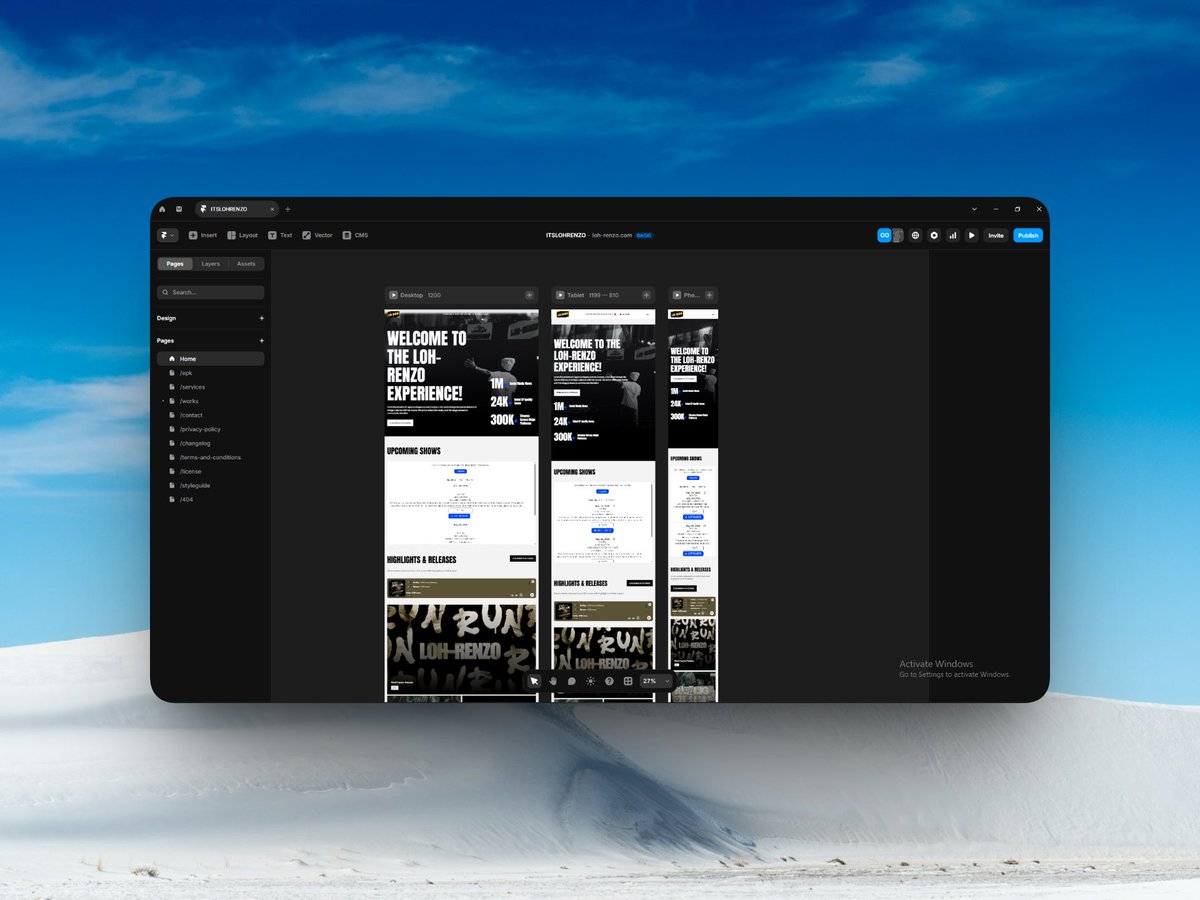
Most artist websites die in 5 seconds.
You land.
You look.
You leave.
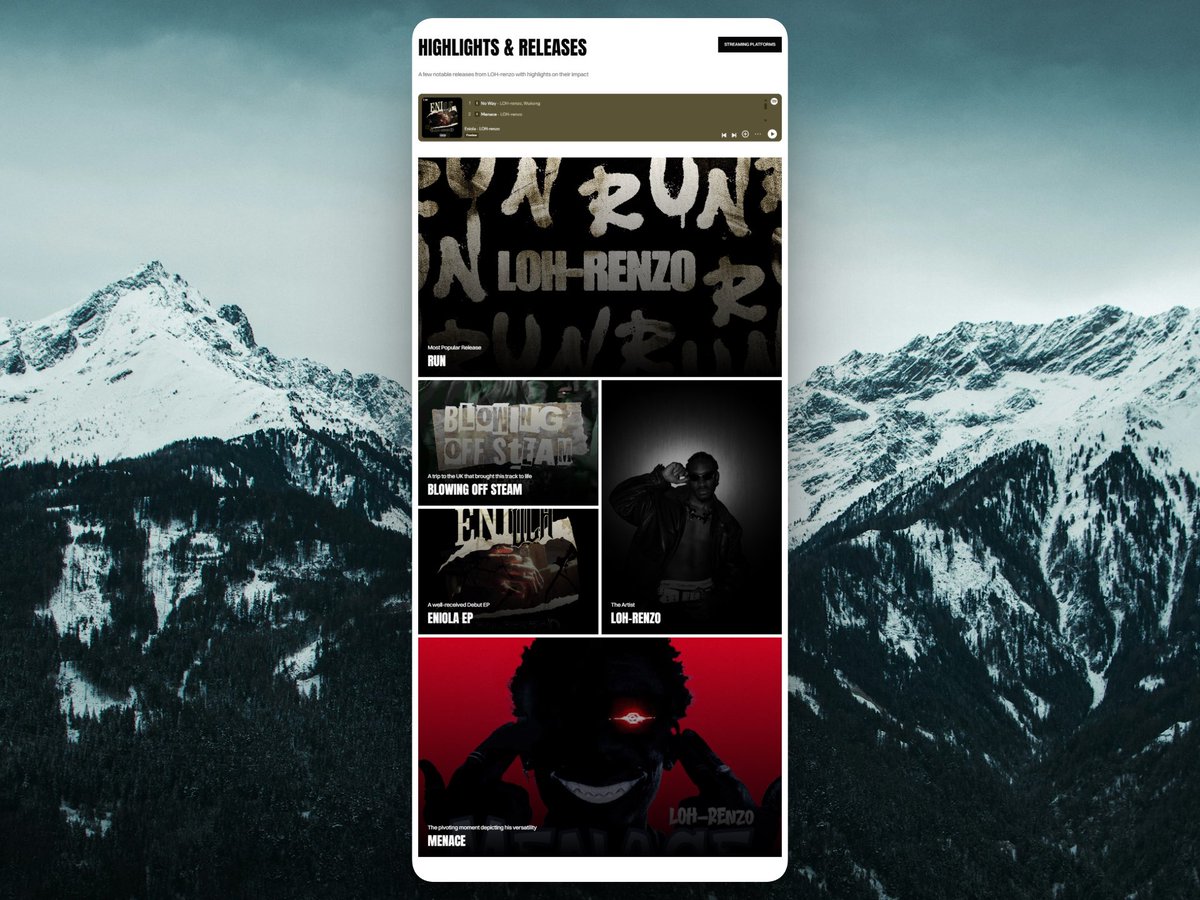
Built LOH-renzo’s site to feel like a digital stage — not a poster.
Direct streaming.
Live ticket embed integrated.
Mobile-first.
Music moves. The website should too.
loh-renzo.com
1
2
46