
Joined January 2026
- Tweets 184
- Following 23
- Followers 2,125
- Likes 160
43 Photos and videos











Pinned Tweet

Mar 16
Ocean Network Beta is officially ON ⚡️
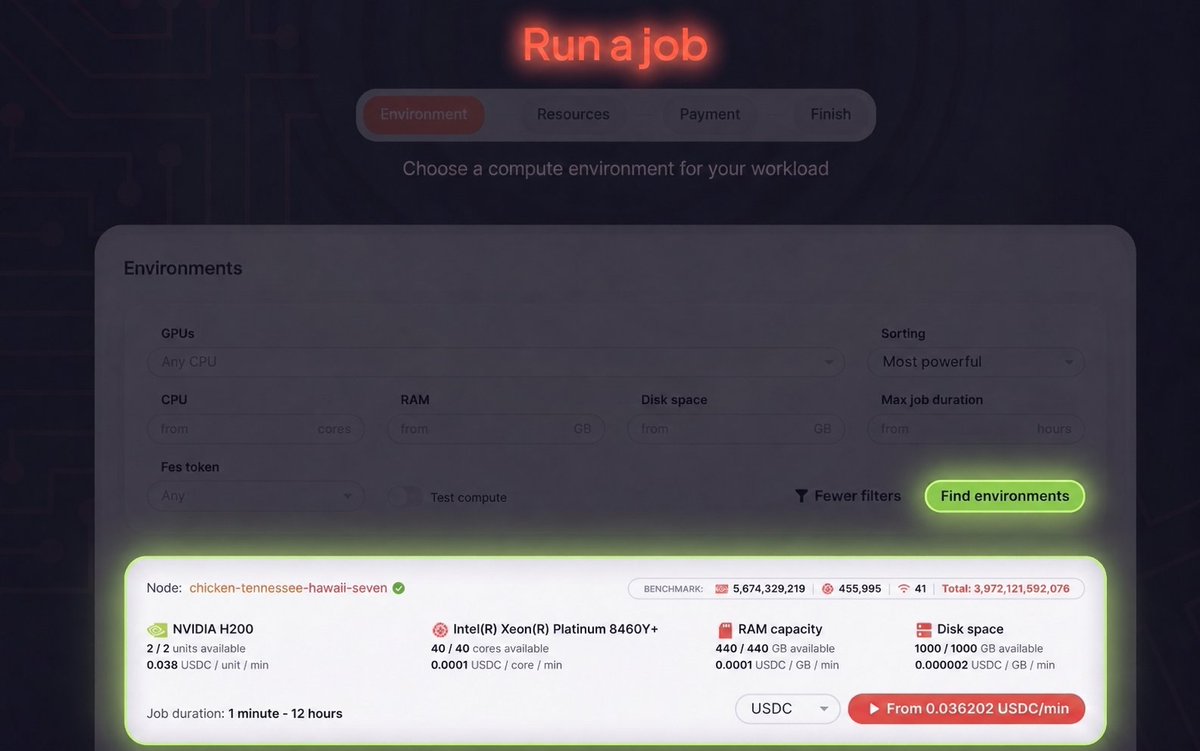
This is the moment we've been building toward: Run AI workloads on pay-per-use NVIDIA H200s as low as $2.16/GPU hour, straight from your IDE with a one-click code-to-node workflow.
Head on to oncompute.ai/ to claim your $100 complimentary credits in Beta and turn your first job ON!
(1/8)
238
1,719
1,931
39,994
Jun 12
An AI agent without memory isn't autonomous. It's a very expensive goldfish.
Persistent storage on Ocean Network gives agents a memory that lasts. An agent stores what it learns once in a bucket you own and control, and any future job picks up exactly where the last one left off.
It gets stronger when agents work together. Share a bucket through an on-chain access list, and many agents can read and write the same memory. One plans, others execute, and results come back to one place.
That's the missing layer for an agent economy. Agents that remember can specialize. Agents that share memory can coordinate. And the memory is yours, on your terms.
Run it on the most affordable NVIDIA H200 anywhere, $2.16/hr on the Ocean Network Dashboard: dashboard.oncompute.ai/run-j…
2
5
204
Jun 10
Nvidia sold you a supercomputer, and you let it sit idle most of the time
There is an entire market of people who need GPU compute and cannot get enough of it. You are sitting on the supply side and earning nothing from it.
Ocean Network connects the two. List your GPU as a node, jobs route to it and you get paid. The hardware you already bought becomes the asset you forgot you owned.
Claim your spot in the fleet: dashboard.oncompute.ai/run-n…
2
1
6
258
Jun 9
The fastest path from git clone to a running H200 is your editor.
You're writing code locally. The model is too large, the dataset is too big, or the workload demands more compute than your machine can provide.
Instead of provisioning infrastructure, spin up an H200 from the Ocean Network dashboard and launch it directly from your IDE with Ocean Orchestrator.
Your code runs inside isolated GPU containers orchestrated by Ocean Network, while the results are returned to your chosen local folder as if the compute were running beside you.
From local development to H200-scale compute in just a few clicks: docs.oncompute.ai/ocean-orch…
1
6
204
Jun 8
$2.16/hr for an H200. The asterisk just says "that's the price."
Funny thing about that asterisk. Everywhere else, it hides a minimum, a contract, a waitlist. Here it's just pay-per-use, and then you get on with your day.
Launch your first job: dashboard.oncompute.ai/run-j…
1
2
8
2,733
Jun 4
Poll: Is Ocean Network part of your AI stack yet?
Ocean Network turns global GPU capacity into an on-demand utility for AI developers. It lets developers access high-performance compute in minutes, pay only for usage, and scale without infrastructure headaches.
100%
Yes, it's in my stack
0%
Not yet, but I'm curious
0%
First time hearing about
0%
Not sure it fits my stack
2 votes • Final results
2
17
368
Jun 3
Agentic AI changes what matters in GPU infrastructure. It's not just FLOPs anymore.
Long-context reasoning, large KV caches, retrieval pipelines, and concurrent tool calls make memory capacity a first-class constraint.
The NVIDIA H200 was built for workloads like these. Ocean Network provides on-demand H200 access from $2.16/hr on a pay-per-use basis.
Run agents on infrastructure built for them: dashboard.oncompute.ai/run-j…
1
3
16
438
Jun 2
Bring the idea. We'll handle the universe it runs on.
Browse on-demand GPUs from the Ocean Network Dashboard. Select the hardware your workload needs. Pull that environment directly into your IDE with Ocean Orchestrator.
Run inference, fine-tuning, embeddings, or agent workloads without provisioning infrastructure or managing servers. Containerized compute jobs execute on a remote chosen node and return results directly to your workflow.
The dashboard finds the compute. Ocean Orchestrator puts it to work.
So, what will you build? docs.oncompute.ai/ocean-orch…
2
16
530
Jun 1
The AI model you used today probably ran on an H200.
Frontier labs quietly standardized on them for inference, and now the same chips are sitting on Ocean Network for $2.16/hr.
Tap into a peer-to-peer compute network of strictly benchmarked GPUs, pay only for the compute you use, with every payment secured by escrow, all from a single dashboard.
Find an H200, launch it, build: dashboard.oncompute.ai/run-j…
27
35
471
1,543
May 29
$2.16 won’t buy you a latte.
$2.16 won’t get you a parking spot downtown.
But $2.16 will get you an NVIDIA H200 on Ocean Network for 1 hour.
In 10 hours, you could fine-tune an open model, run large-scale inference workloads, process massive embedding pipelines, or train experiments back to back without dealing with infrastructure overhead.
With 141GB of HBM3e memory and 4.8TB/s bandwidth, the H200 handles workloads that are still inaccessible to most developers, and 10 hours would cost roughly $21.60.
Most people still assume this class of compute is reserved for hyperscalers and well-funded AI labs.
Access it here:
dashboard.oncompute.ai/run-j…
3
2
15
758
May 27
Quiet tip: a single H200 can make full fine-tuning of Mistral Small 24B practical.
Most teams never discover this because they rarely get access to that class of hardware. Ocean Network gives developers on-demand access to NVIDIA H200 GPUs on a pay-per-use basis.
What does that unlock?
For workloads where full-parameter training makes sense, you can train the model itself on your domain knowledge. Fine-tune on internal documentation, support conversations, function-calling workflows, and industry-specific datasets.
The H200's 141GB of HBM3e memory enables training configurations that are difficult or impossible on smaller accelerators.
The result is a model that understands your product, your terminology, and your workflows.
Access H200 compute from $2.16/hr on Ocean Network: dashboard.oncompute.ai/run-j…
15
26
554
4,184
May 26
Most developers still leave their editor to provision GPU infrastructure.
Ocean Orchestrator lets you launch distributed GPU compute directly from VS Code, Cursor, Windsurf, and Antigravity.
Select your hardware in the Ocean Network Dashboard and start your compute job from the IDE-native GPU extension.
Run inference, embeddings, fine-tuning, RAG pipelines, or batch processing without managing servers.
Your workload executes inside an isolated container on Ocean Network, and results are returned directly to your project folder.
Learn more: docs.oncompute.ai/ocean-orch…
4
11
948
May 25
Most AI teams obsess over model quality while ignoring the biggest cost in the stack: compute utilization.
An NVIDIA H200 is $2.16 per hour on Ocean Network. The same compute can cost several times more on traditional cloud infrastructure, depending on the provider and availability.
One unit of H200 compute is enough to:
Fine-tune a model with QLoRA
Generate synthetic training data
Run large-scale inference
Plus, Ocean Network charges you only for what you use, with no vendor lock-in, and payments are made through escrow.
Explore available environments: dashboard.oncompute.ai/run-j…
2
1
16
1,386
May 24
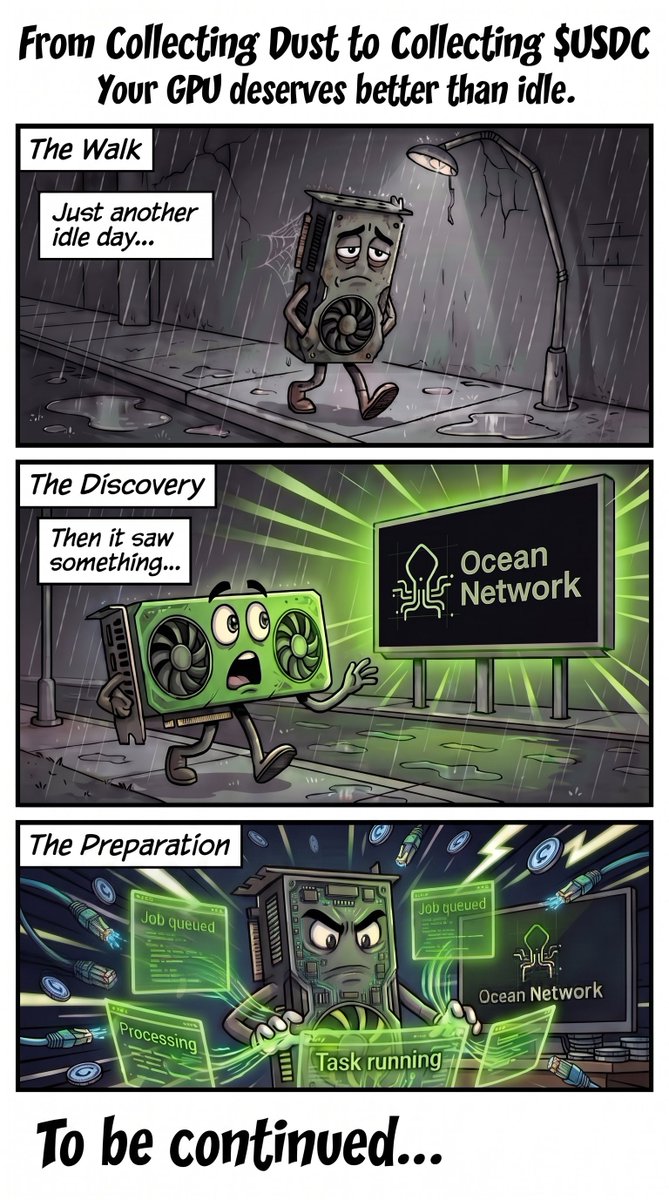
Somewhere out there, GPUs are folding proteins, training neural nets, and running climate simulations.
Yours is collecting dust.
Complete the eligibility checks and make your GPU what it deserves to be.
Start here: dashboard.oncompute.ai/run-n…
2
3
26
1,467
May 22
The enterprise GPU-buying craze has major "2020 empty supermarket aisles" energy 👀
What got wiped out first?
Drop your answer below. $100 in complimentary compute tokens if you get it right.
20
22
698
1,329
May 21
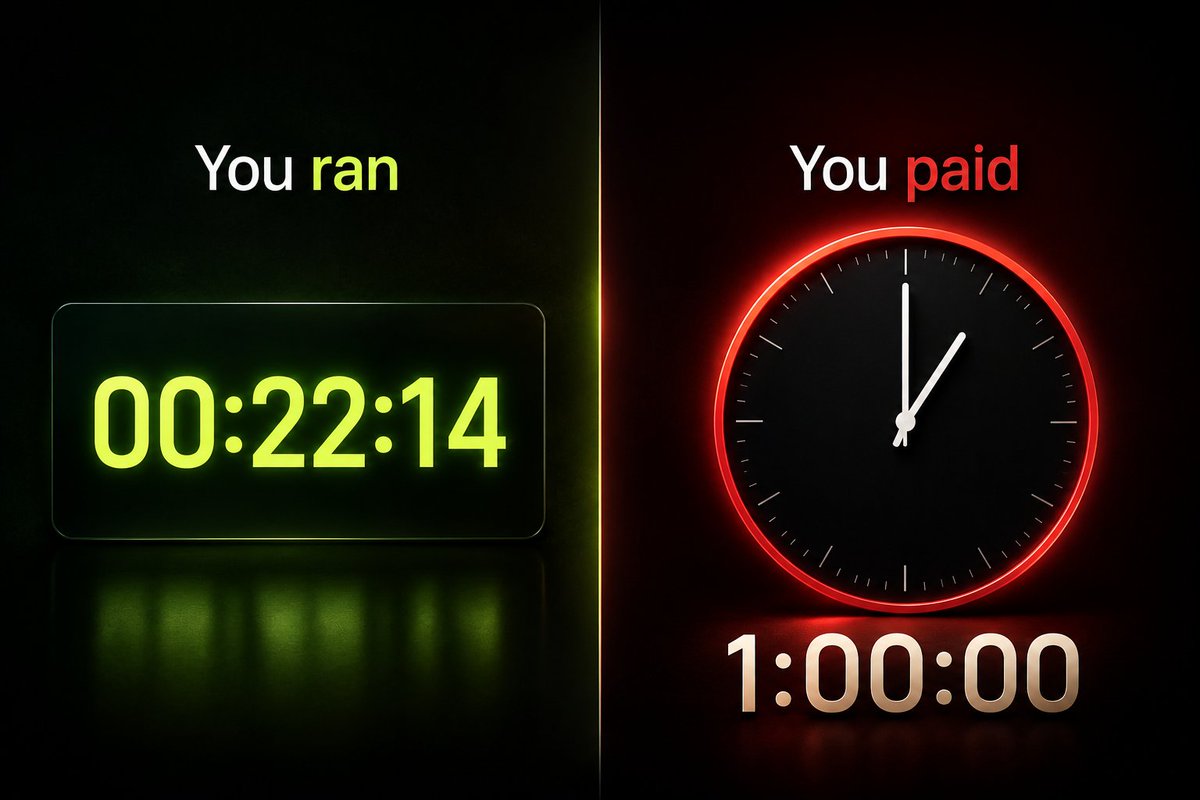
Many compute providers bill by the hour. Your workloads don't run by the hour.
With Ocean Network, you pay for execution time and not a cent more, even on the NVIDIA H200.
Access some of the most affordable GPUs on the market, configured exactly to what your experiment needs: GPU, CPU, RAM, disk space, and runtime.
Run a 22-minute fine-tune and pay for 22 minutes.
That's it: dashboard.oncompute.ai
6
9
635
1,003
May 20
The majority of LoRA, QLoRA, and fine-tuning practitioners are wasting time switching between their IDE and cloud consoles just to provision a GPU.
Ocean Orchestrator brings IDE-native GPU compute orchestration into VS Code, Cursor, Antigravity, and Windsurf. Select your exact specs on the Ocean Network Dashboard, including NVIDIA H200 on-demand access at a fraction of hyperscaler rates, and bring that instance into your IDE on a pay-per-use basis.
Your logs, outputs, and results land directly in your workspace. You never leave the IDE.
Install the Ocean Orchestrator extension and start your next fine-tune in minutes: open-vsx.org/extension/Ocean…
2
13
847
May 19
If your AI automations are slowing down as you scale, it's probably not your code.
Most teams hit a compute ceiling before they hit a logic one, where inference at scale turns into an infra problem.
There's a more efficient way to scale, and it starts at $2.16/hr for an NVIDIA H200 👇
May 19

If you're building multi-agent systems, you've probably already noticed how fast orchestration overhead compounds. KV cache grows, inference concurrency spikes, and suddenly GPU memory and bandwidth become a problem.
Why does that happen? Running planner, retrieval, memory, and reasoning agents in parallel puts real pressure on infrastructure. This is where multi-agent orchestration becomes a serious compute workload. One slowdown in throughput and the entire pipeline slows down.
The NVIDIA H200 Tensor Core GPU was built for workloads like this. 141GB HBM3e VRAM and massive memory bandwidth, designed for long-context, memory-intensive AI systems operating at scale.
The best part? H200 GPUs are available on demand at $2.16/hr on Ocean Network: dashboard.oncompute.ai/
30
31
668
1,589
May 15
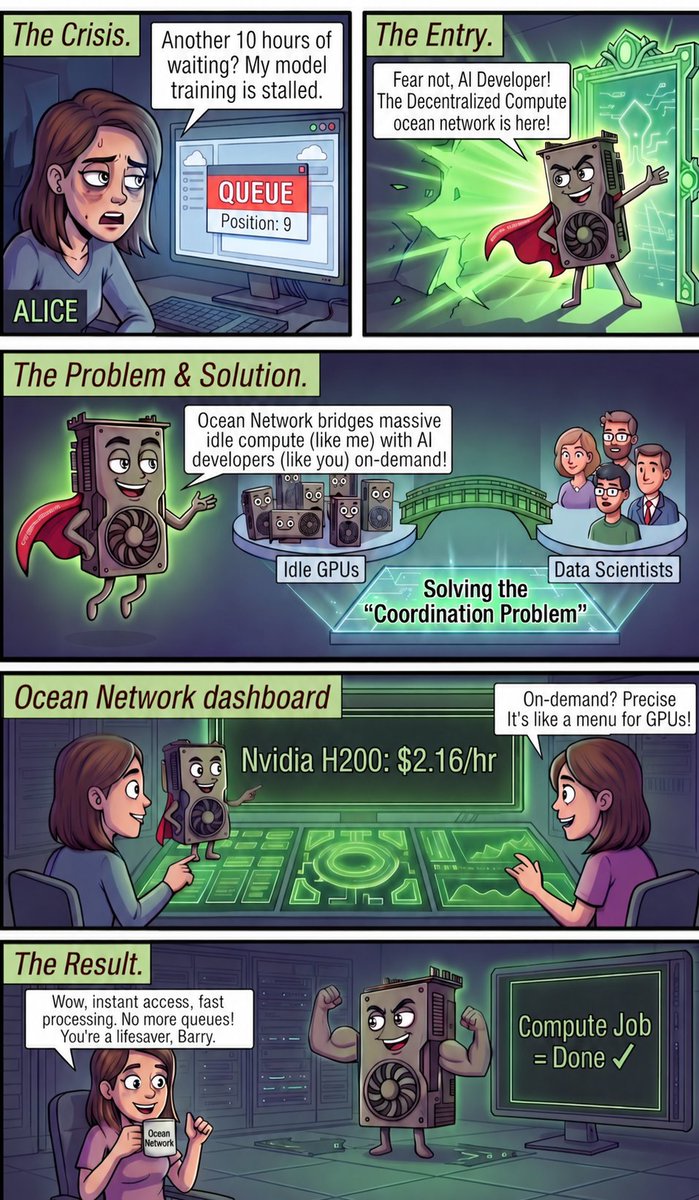
GPU queues are a relic of a world that didn't know better. We fixed it.
Fine-tune 70B models, run inference, and process large-scale embeddings on demand on @nvidia H200s through Ocean Network at ~$2.16/hr.
The compute you need, the moment you need it: dashboard.oncompute.ai/
3
53
712
1,966
May 13
Embeddings at scale are mostly a solved problem. Waiting around for GPU infrastructure setup so you can run them is not.
You're generating embeddings on a 50k-document dataset. Locally, it ties up your machine for hours. A cloud instance adds another 30 minutes of setup before the job even starts.
With the Ocean Orchestrator extension, you pick a compute environment from the Ocean Network Dashboard, bring it into your editor, write the script, and hit Start Compute Job. Logs stream into your Output console as it runs. When it finishes, outputs land in your local results folder.
Install the extension and run containerized pay-per-use compute jobs: open-vsx.org/extension/Ocean…
30
37
702
3,796
May 11
Your GPU was always infrastructure. Now there's a second place to point it, one that pays you based on what your hardware can actually do.
AI compute is where the next decade of demand is going, and the network for it already exists.
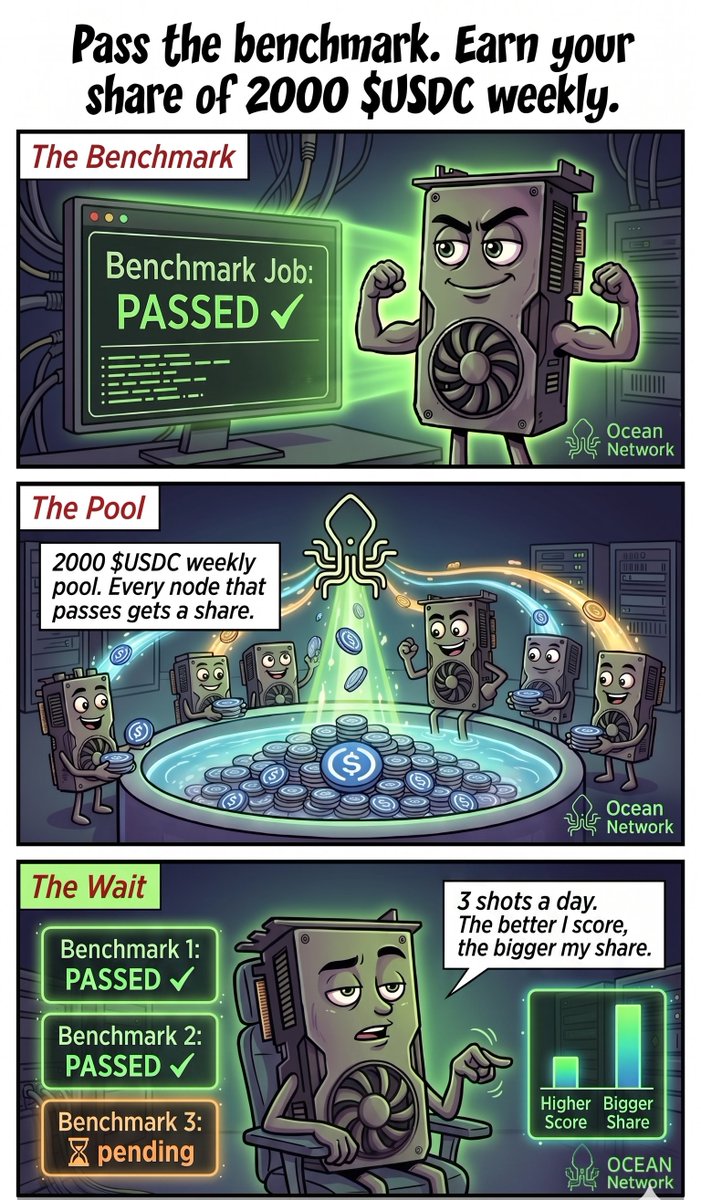
Run a node on Ocean Network. Your hardware gets benchmarked weekly across GPU, CPU, and bandwidth, and your score determines your share of a 2,000 $USDC weekly pool.
You didn't buy a GPU to sit on the sideline of the biggest infrastructure shift in AI: dashboard.oncompute.ai/run-n…
51
43
752
2,196