
Open-source .NET UI framework for web apps with C#/VB/F#. Brings WPF & Silverlight to the Web via HTML & WebAssembly. Try it online, zero setup: XAML.io
Joined March 2020
- Tweets 682
- Following 4,587
- Followers 1,798
- Likes 1,891
106 Photos and videos








Pinned Tweet

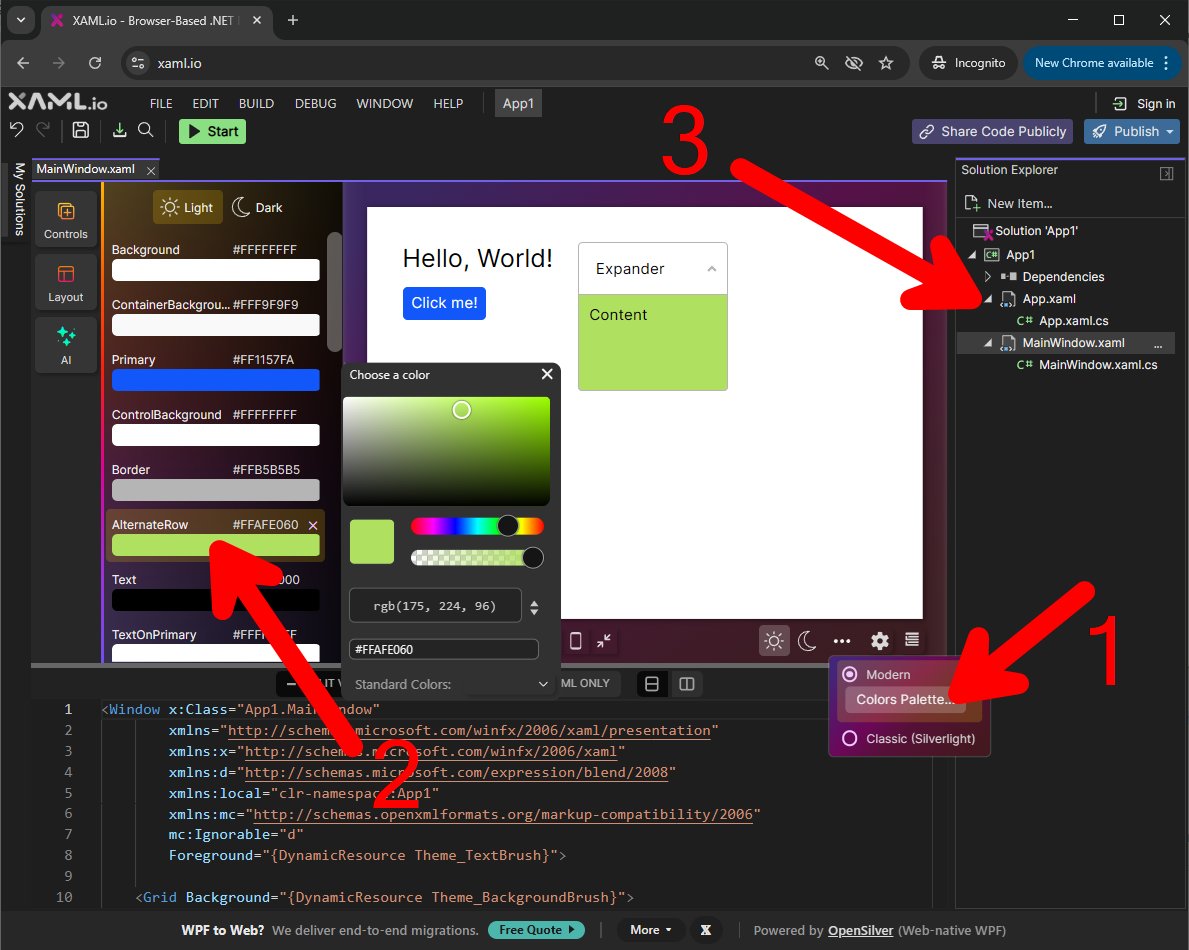
Our browser-based .NET IDE (@xaml_io) now has code sharing and NuGet packages
10
58
4,282
WPF… in the browser?
Here's a fun 2048 number puzzle game, ported from WPF to OpenSilver (web-native WPF) in less than 30 minutes, without using AI.
Live demo with code: xaml.io/s/github/xblad/2048-…
Original project: github.com/xblad/2048-wpf
1
3
19
704
Note: not responsive or touch-friendly yet. Desktop browser recommended to play this game.
2
116
OpenSilver - Web-native WPF retweeted

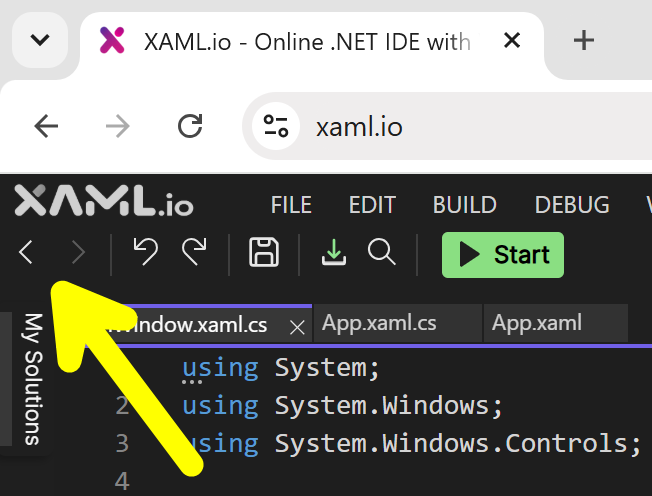
Today’s update to the online .NET IDE adds “Navigate Backward” and “Navigate Forward” commands to the toolbar.
1
7
148
OpenSilver - Web-native WPF retweeted
Big update to xaml.io today:
Your app now compiles to a static site you can host anywhere. 📦
Build, run, and deploy .NET (C# XAML) all in the browser. Visual designer, WebAssembly, no backend.
Sounds fake. That's why it's free to try.
No install. No signup.

2
9
214
OpenSilver - Web-native WPF retweeted
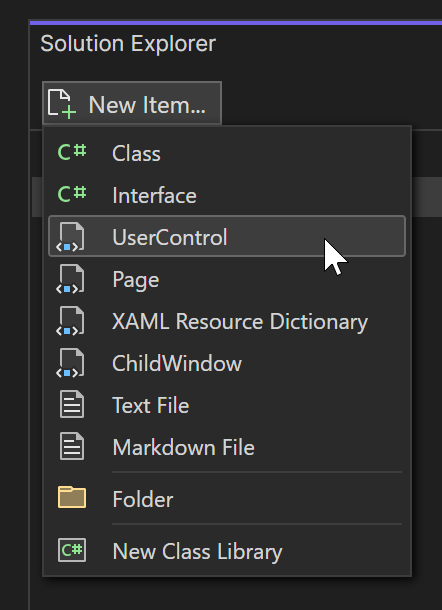
UserControls are one of the best ideas in XAML.
Today, XAML.io makes them one-click:
create UserControls and other items instantly, then design them visually in the browser.
Free. No signup. No install.
2
11
232
OpenSilver - Web-native WPF retweeted
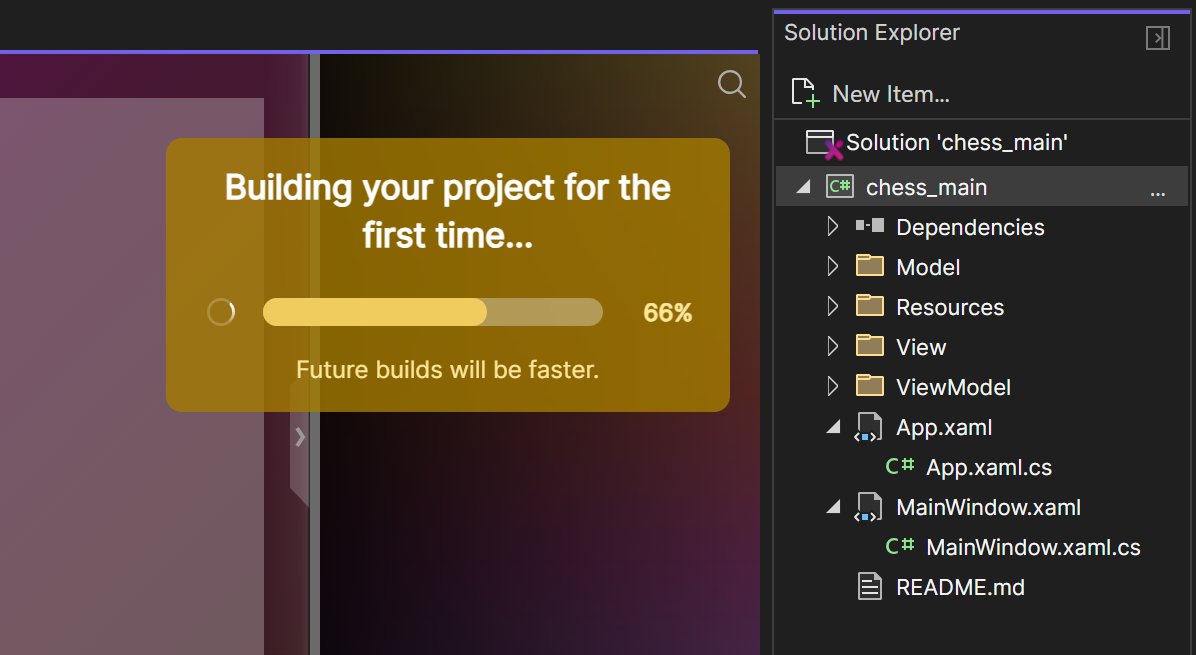
.NET UI dev in the browser
just got a lot FASTER
INCREMENTAL COMPILATION
just shipped on XAML.io,
the browser IDE for C# XAML
A first in .NET:
one project becomes multiple
WebAssembly assemblies,
making small edits up to
20x faster
Free. No install. No signup
1
2
11
270
OpenSilver - Web-native WPF retweeted
Thanks to @techday_uk for covering the launch of XAML.io 0.7.
This release introduces browser-based publishing for native desktop apps on Windows, macOS, and Linux, directly from our free, web-based .NET IDE.
itbrief.co.uk/story/xaml-io-…
1
6
202
OpenSilver - Web-native WPF retweeted
Many thanks to @Iprogrammerinfo for covering the launch of XAML.io v0.7!
Link to the article: i-programmer.info/news/89-ne…
2
6
184
OpenSilver - Web-native WPF retweeted

May 28
I got the controls sample and it's nice because I could just load it and run from visual studio.
Love the controls!!
It's got more than Maui out of the box, that's really great.
I think there's no "alert dialog" included but well I'll just use child windows.
Kudos!

Thanks a lot. Implementing XAML hot reload and improving the documentation are definitely two of our top priorities.
1
1
3
349
OpenSilver - Web-native WPF retweeted
Thank you, @SDTimes, for covering our 0.7 release!
sdtimes.com/softwaredev/xaml…
2
8
196
OpenSilver - Web-native WPF retweeted
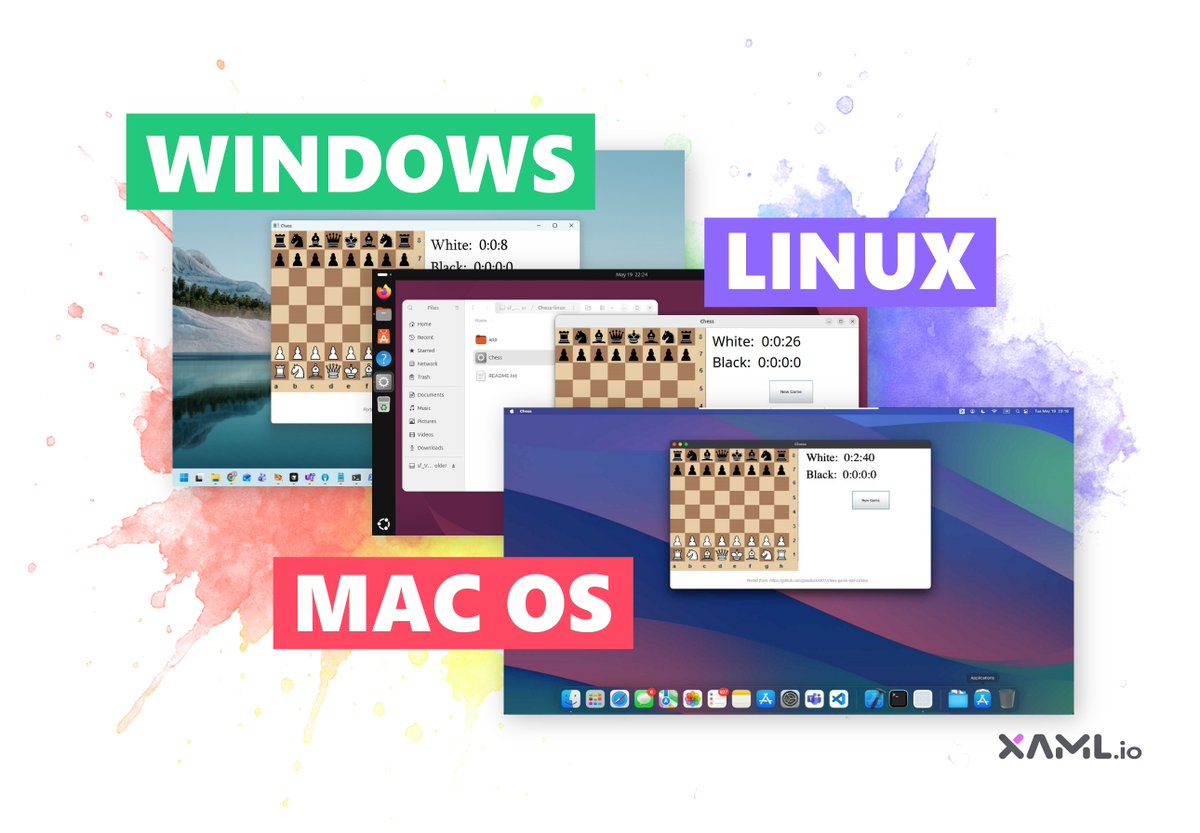
It turns out you can ad-hoc sign a macOS .app from inside Chrome on Windows.
XAML.io v0.7 publishes native C# XAML desktop apps for Windows, macOS and Linux. All packaging and signing run in WebAssembly, in your browser.
Free, no signup:
blog.xaml.io/post/publish-na…
3
10
425
WPF… in the browser?
We just implemented full CombinedGeometry support! (OpenSilver 3.4-Preview).
Live demo with code: xaml.io/s/Samples/CombinedGe…
2
3
49
3,016
OpenSilver - Web-native WPF retweeted
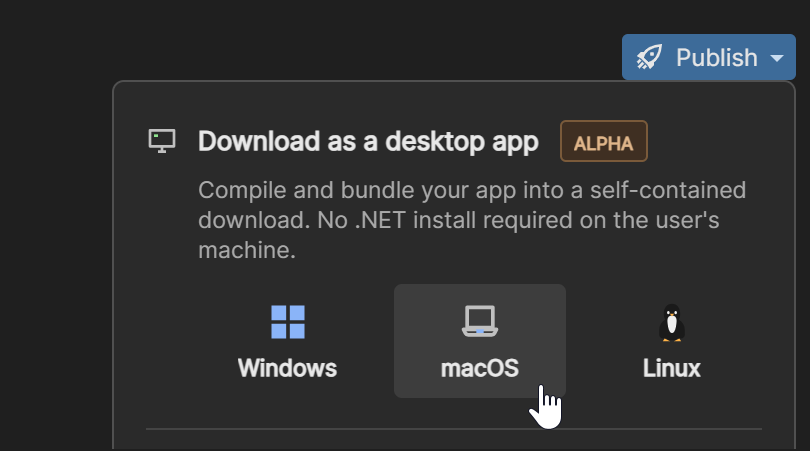
NEW:
Build .NET desktop apps for Windows, macOS, and Linux. From your browser. Under 30 seconds.
No install. No sign-in. Free.
Everything runs in WebAssembly. Your code never leaves your machine.
Yes, even the macOS ad-hoc code-signing.
🔗 xaml.io
3
15
410
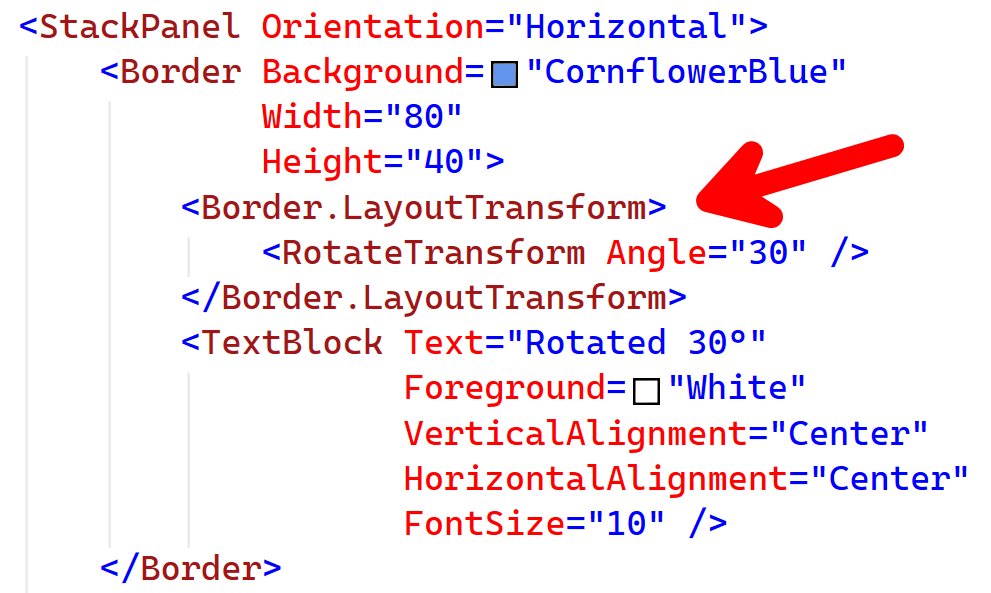
Most UI frameworks are still trying to catch up
to what WPF got right 20 years ago.
Today we added support for
FrameworkElement.LayoutTransform
to the OpenSilver develop branch,
as we continue bringing the power of WPF
to the native web.
1
26
1,206
Congrats to Microsoft for releasing .NET 11 Preview 4 today!
devblogs.microsoft.com/dotne…
1
18
592
OpenSilver - Web-native WPF retweeted
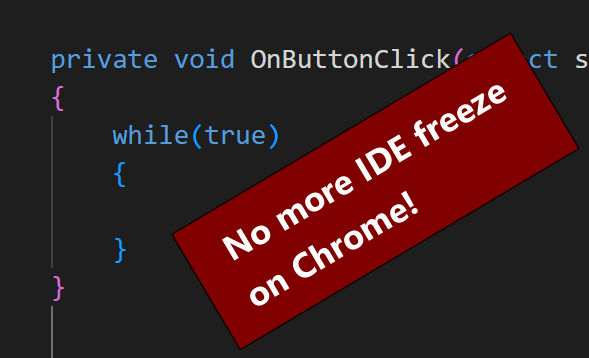
We improved in-browser App Preview isolation on Chrome
so infinite loops in your app no longer freeze the IDE.
Just close the App Preview tab to stop your app.
Firefox can still freeze the IDE, but after a few seconds you’ll see a prompt to stop the preview.
1
7
383
OpenSilver - Web-native WPF retweeted
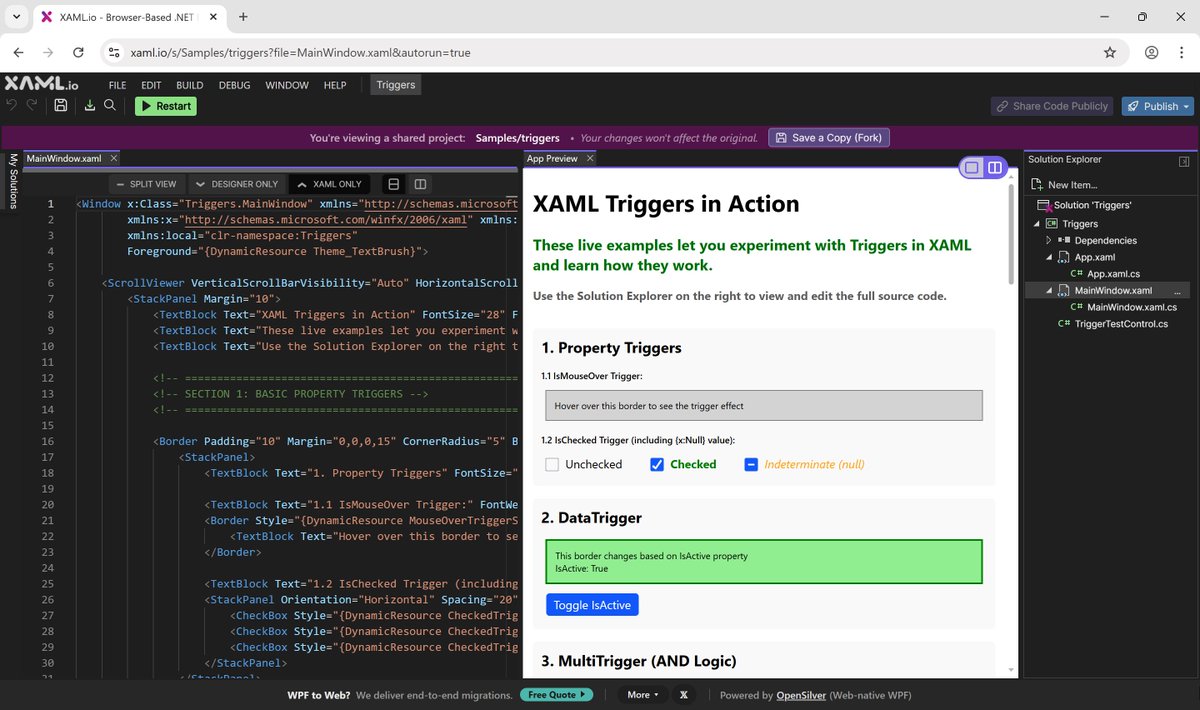
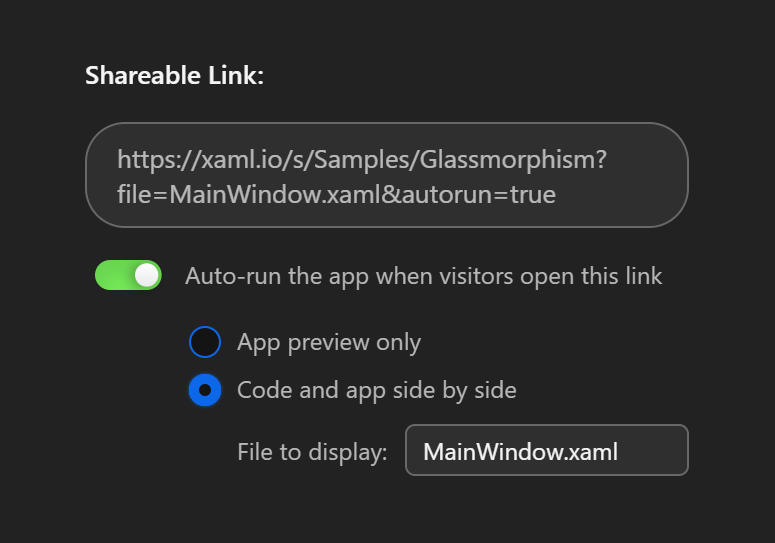
New on XAML.io: shared codebases can now open exactly how you want.
Choose the starting experience for the person opening your link:
• auto-run the app
• show code preview side by side
• open to a specific file
Great for snippets, demos, and .NET tutorials.
1
6
206
Nice!
May 10

WPF (デスクトップ) と OpenSilver (ブラウザー) の実行結果。
ブラウザー上のアプリで簡単にリキッドレイアウトにできるのが素晴らしい。
4
325
👀
4
204
OpenSilver - Web-native WPF retweeted
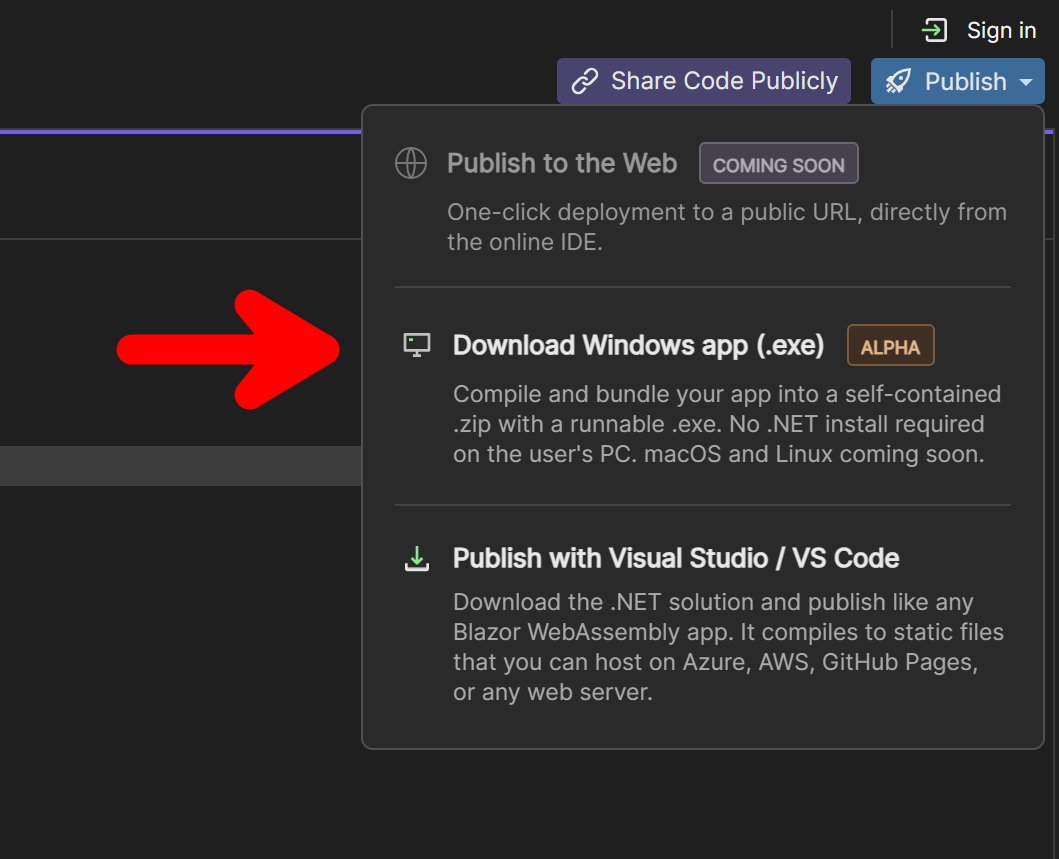
You can now export your .NET app as a native Windows .EXE — straight from the browser.
No install. No signup. No backend. Pure WebAssembly. Free.
Try it: xaml.io
Building the best place to design, build, and run C# XAML cross-platform in 2026. 🛠️
1
1
8
308