
Joined April 2017
- Tweets 6,553
- Following 189
- Followers 24,979
- Likes 2,876
2,798 Photos and videos






[UPDATE UMLAZI KIOSK]
Kindly note that the Umlazi Kiosk is operational, and slots are available.
To be able to secure a booking clients must take note of the following:
Certificate Collection Only
1. Log into your profile.
2. Click Service Request.
3. Click Certificate Request.
4. Select Print Ink Certificate.
5. Pay the certificate collection fee of R75.
6. Upon successful payment, the system will redirect you to the Bookings page.
7. Umlazi Kiosk will be available as a booking location in the office selection list.
Certificate Renewal and Collection
1. Log into your profile.
2. Click Service Request.
3. Click Certificate Request.
4. Select Certificate Renewal and Print Ink Certificate.
5. Pay R75 for certificate renewal.
6. Pay an additional R75 for certificate collection.
7. Upon successful payment, the system will redirect you to the Bookings page.
8. Umlazi Kiosk will be available as a booking location in the office selection list.
Important Information
•If a Security Officer leaves, exits, or abandons the booking process after successfully making payment but before confirming a booking at the Umlazi Kiosk, the payment will remain valid.
•Once the booking process is exited, the option to book an appointment at the Umlazi Kiosk will no longer be available.
•The Security Officer will be required to continue with the standard booking process, which only allows appointments to be booked at PSiRA offices.
•The Umlazi Kiosk is not available as a booking location through the standard booking process.
•The Umlazi Kiosk is intended solely as a convenient certificate collection point and does not provide the full range of services available at PSiRA offices.
182

Jun 14
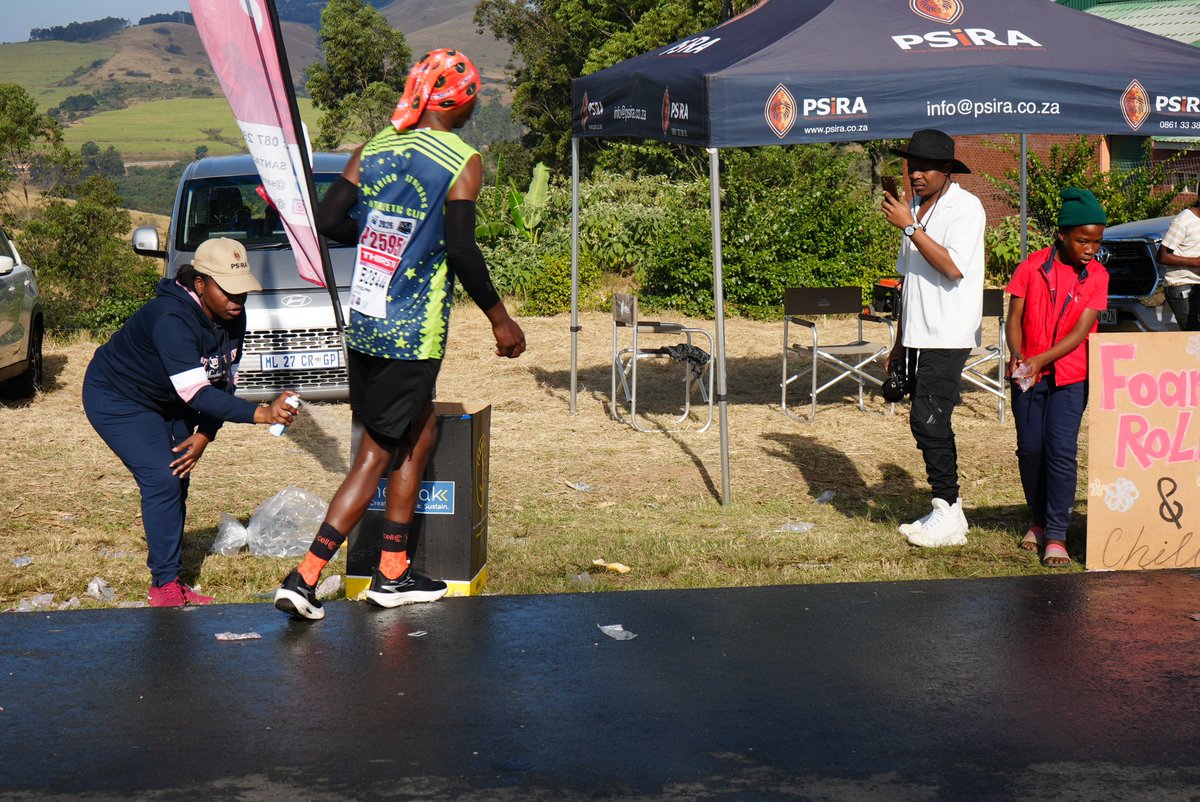
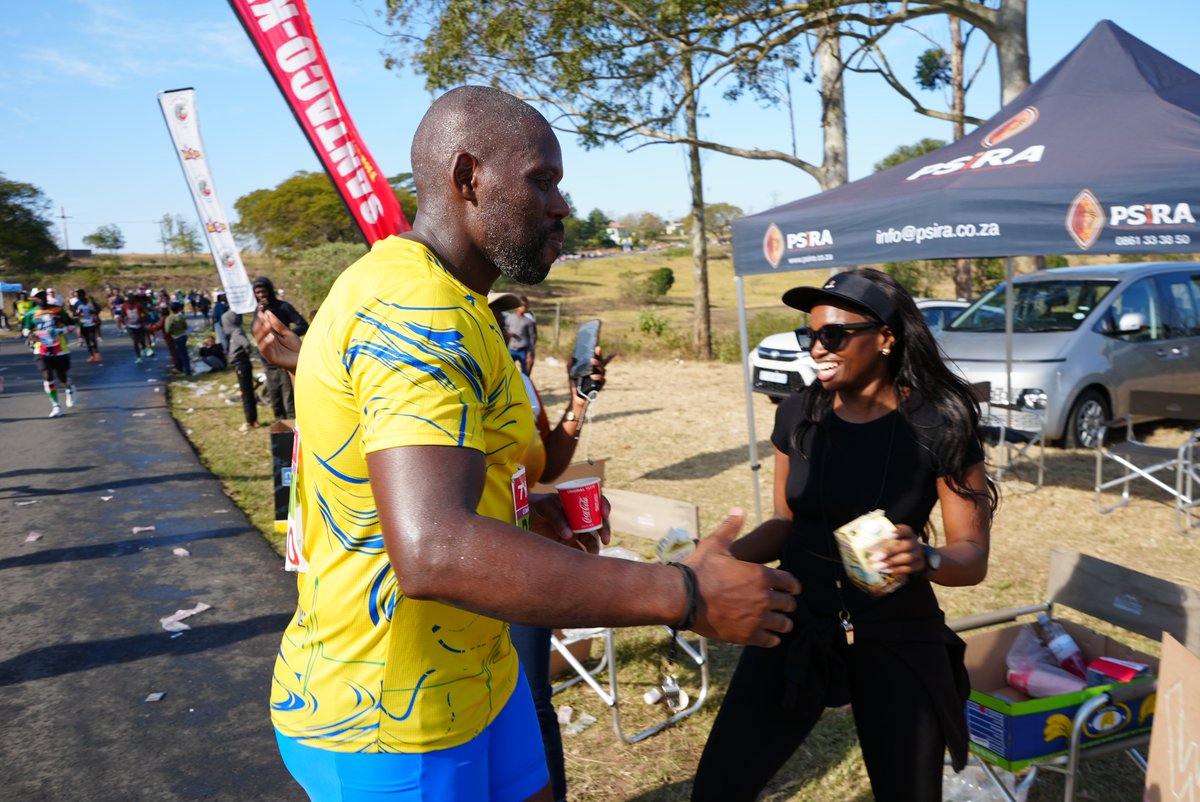
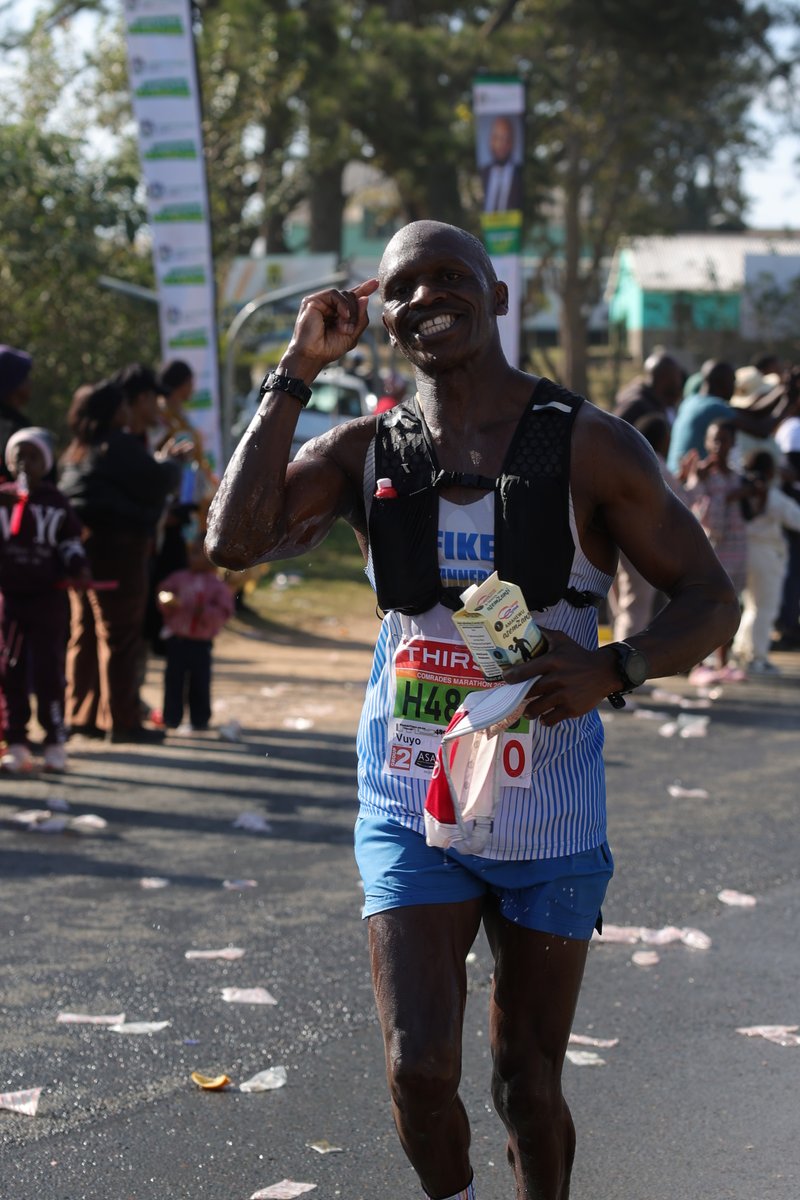
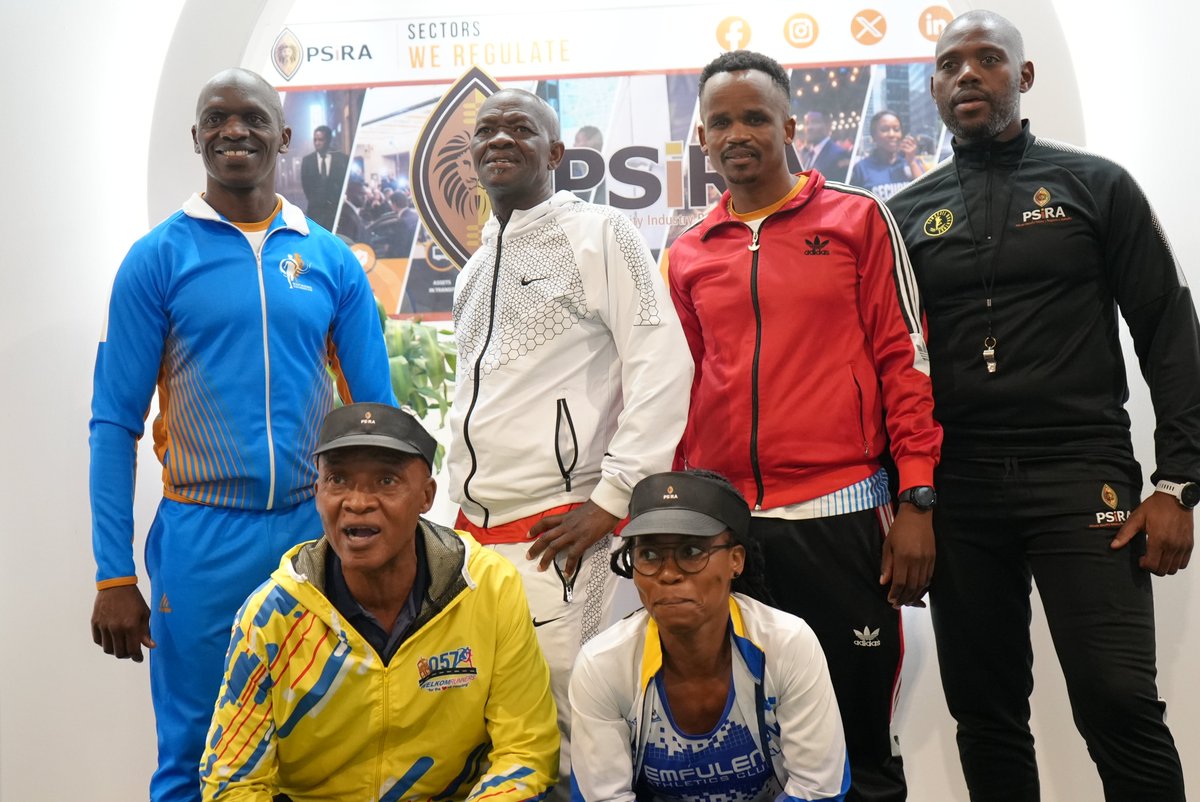
Due to the growing number of participants from the private security industry in the Comrades Marathon, the Authority introduced a sponsorship programme aimed at supporting Security Officers who take part in this prestigious annual race. The programme seeks to encourage greater participation within the industry while promoting health, wellness, and an active lifestyle.
This year, PSiRA proudly sponsored five Security Officers and one staff member to participate in the 2026 Comrades Marathon.
#ComradesMarathon #Security #PSiRALive #Comrades #ComradesMarathon2026
9
441

Jun 13
PSiRA Comrades Marathon Sponsorship beneficiaries from the security industry
#Security #PSiRALive #ComradesMarathon
1
4
338
Jun 13
PSiRA Comrades Marathon Sponsorship Beneficiaries from the security industry
#PSiRALive #Security #ComradesMarathon
1
1
299
Jun 13
One of the beneficiaries of the PSiRA Comrades Marathon Sponsorship Programme shared a few words with us ahead of the race.
1
1
234
Jun 13
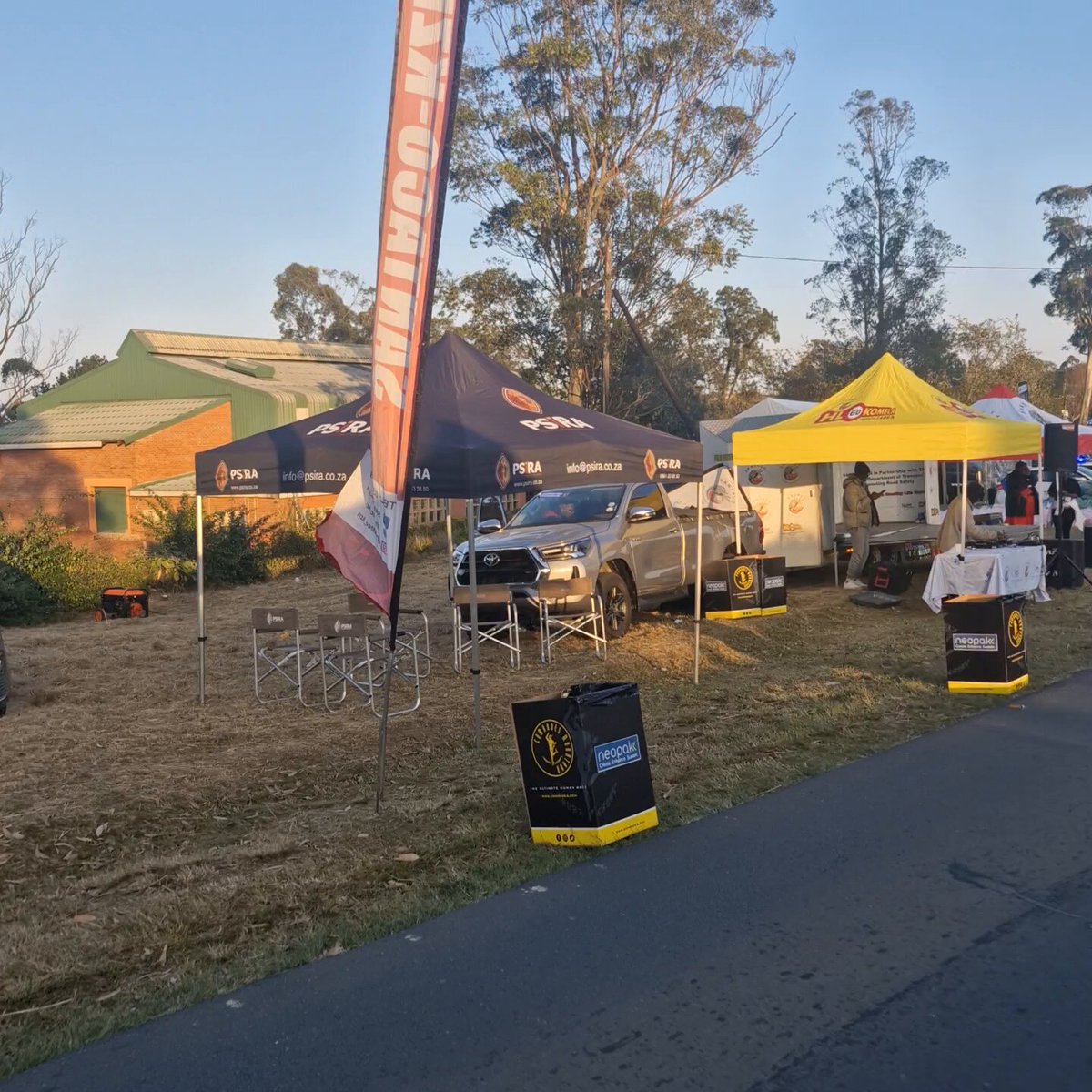
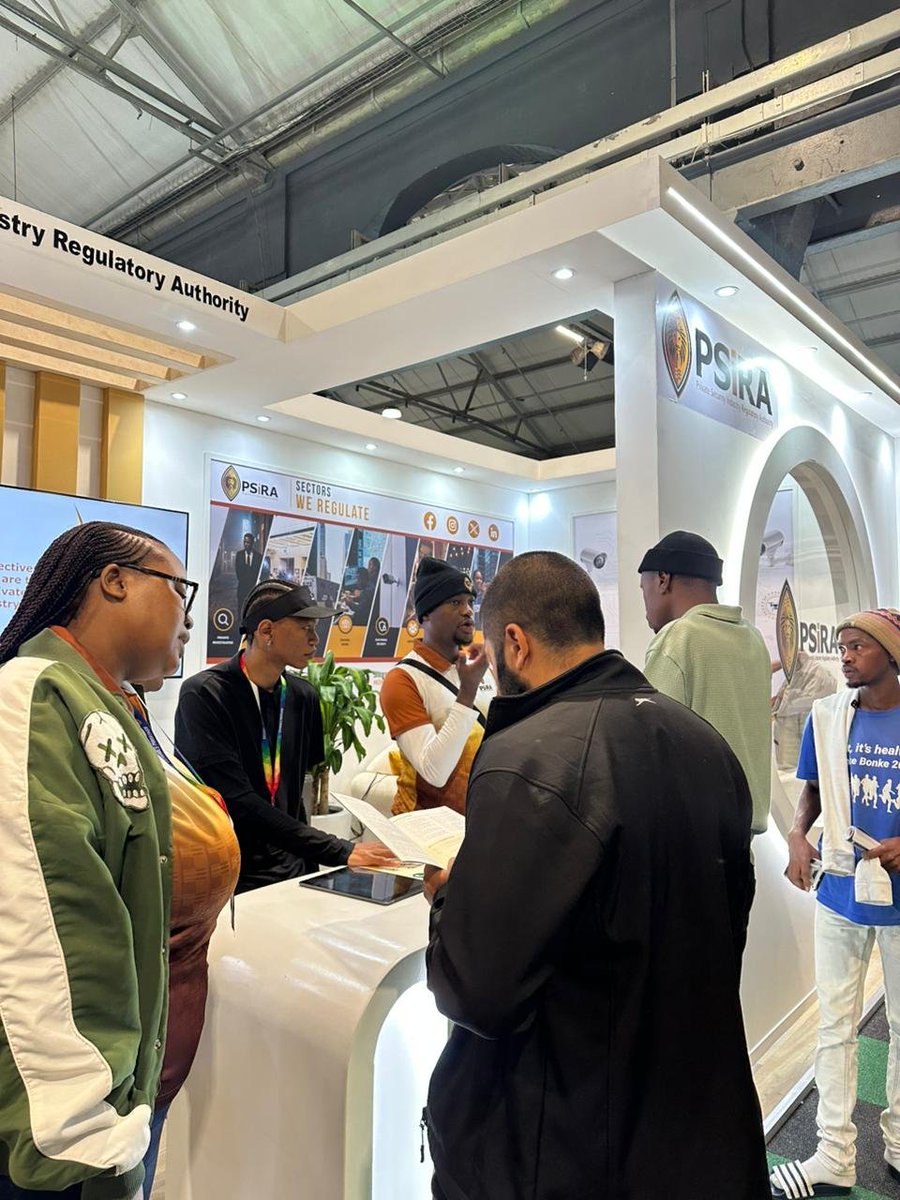
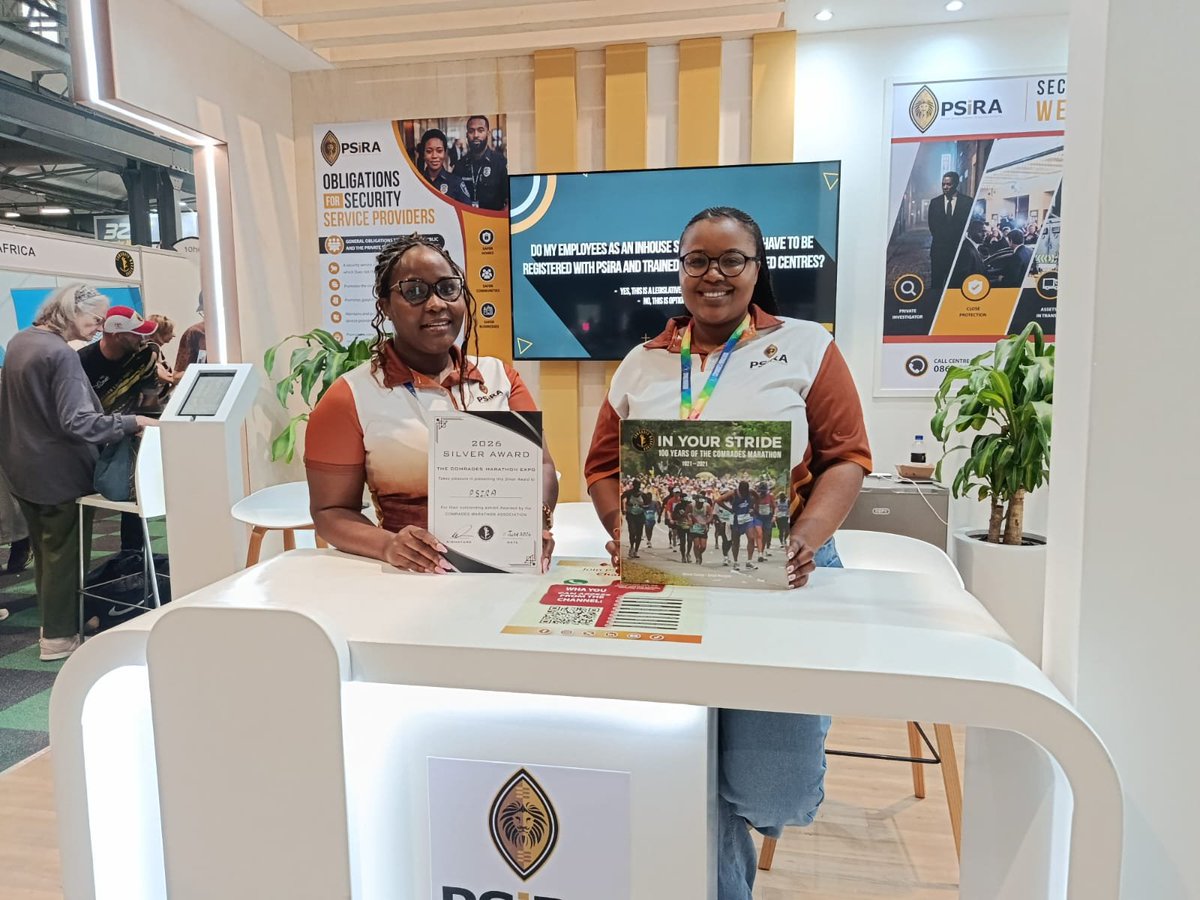
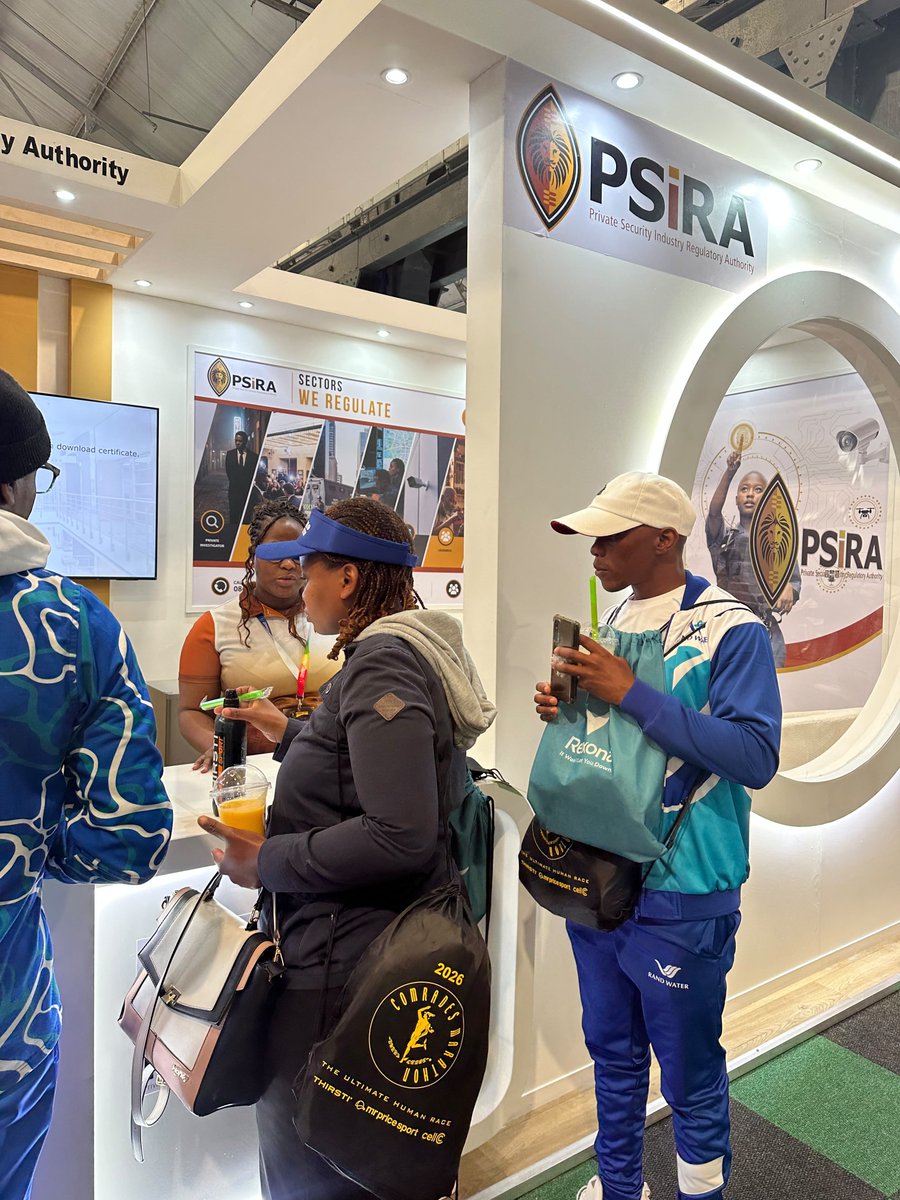
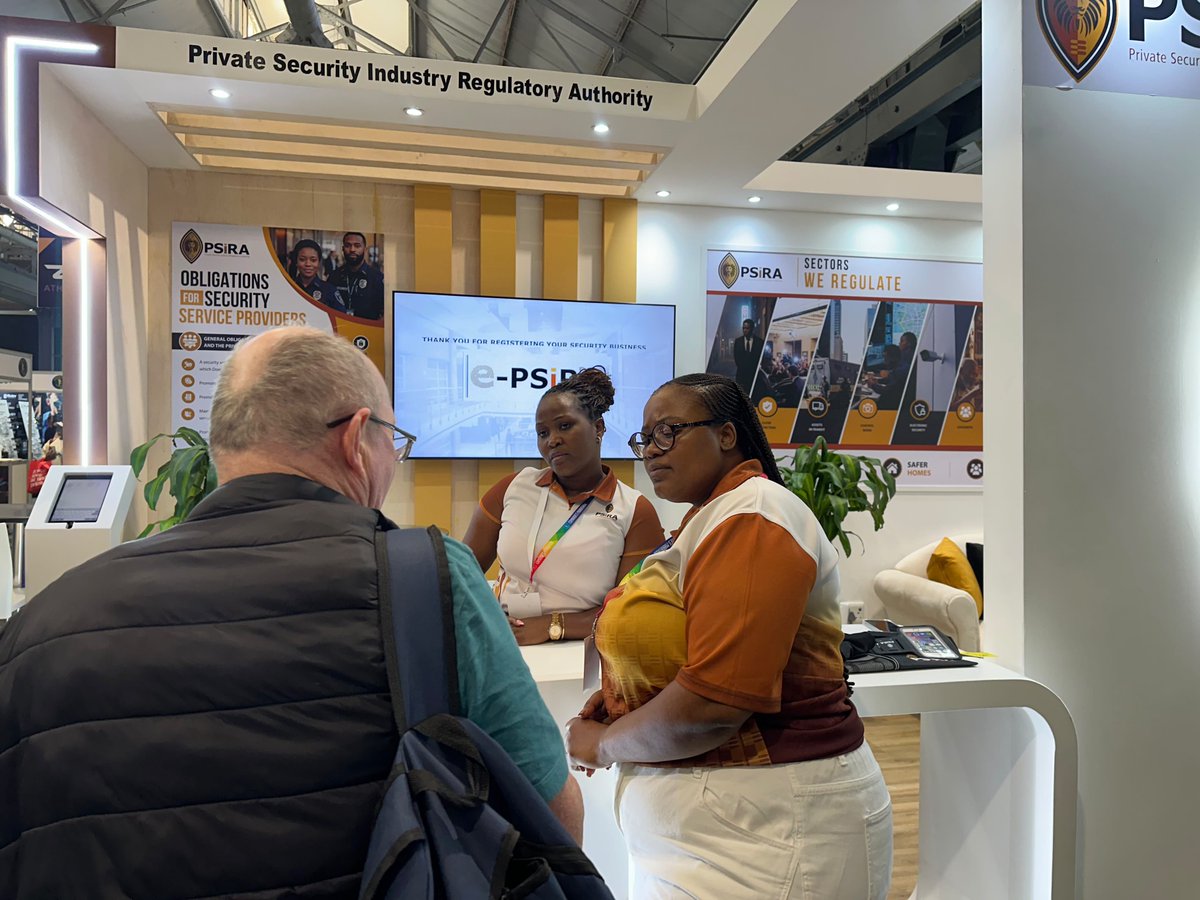
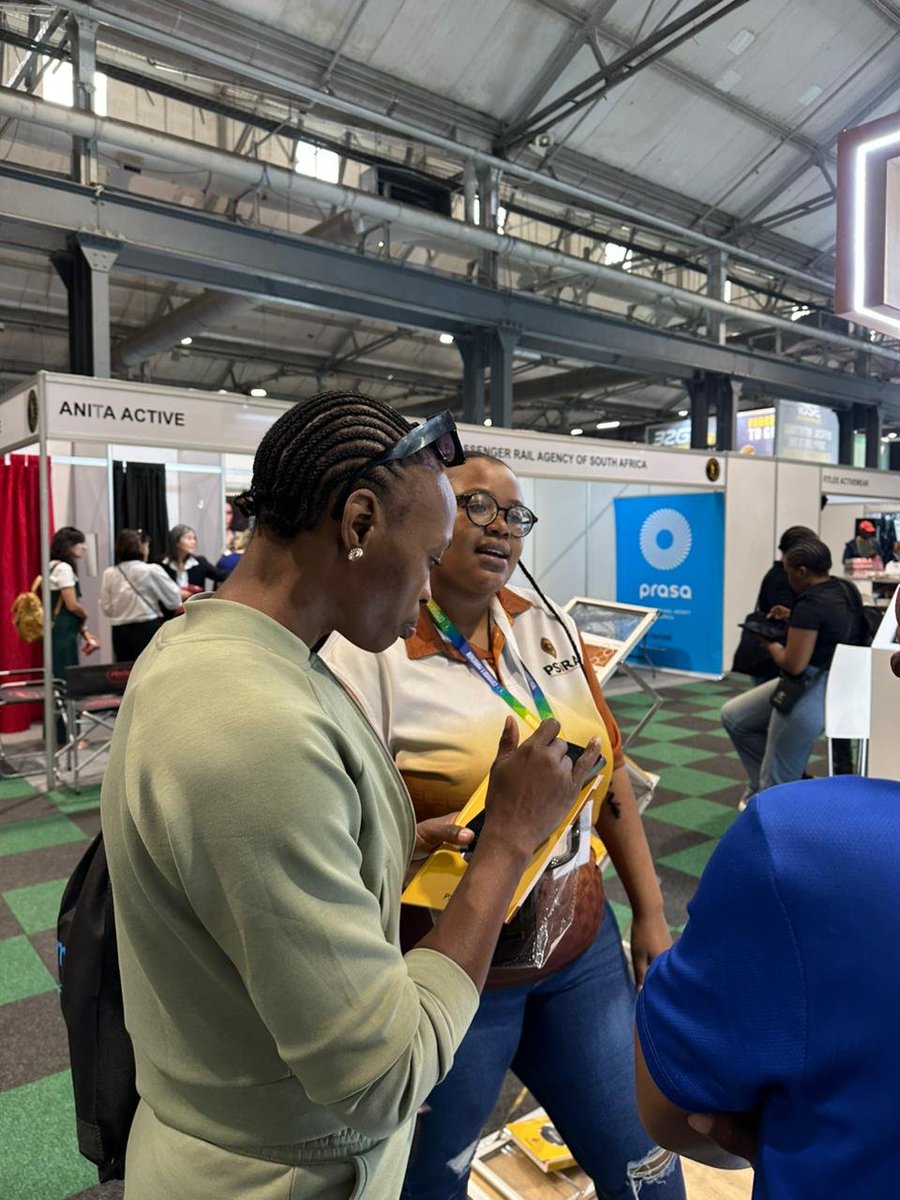
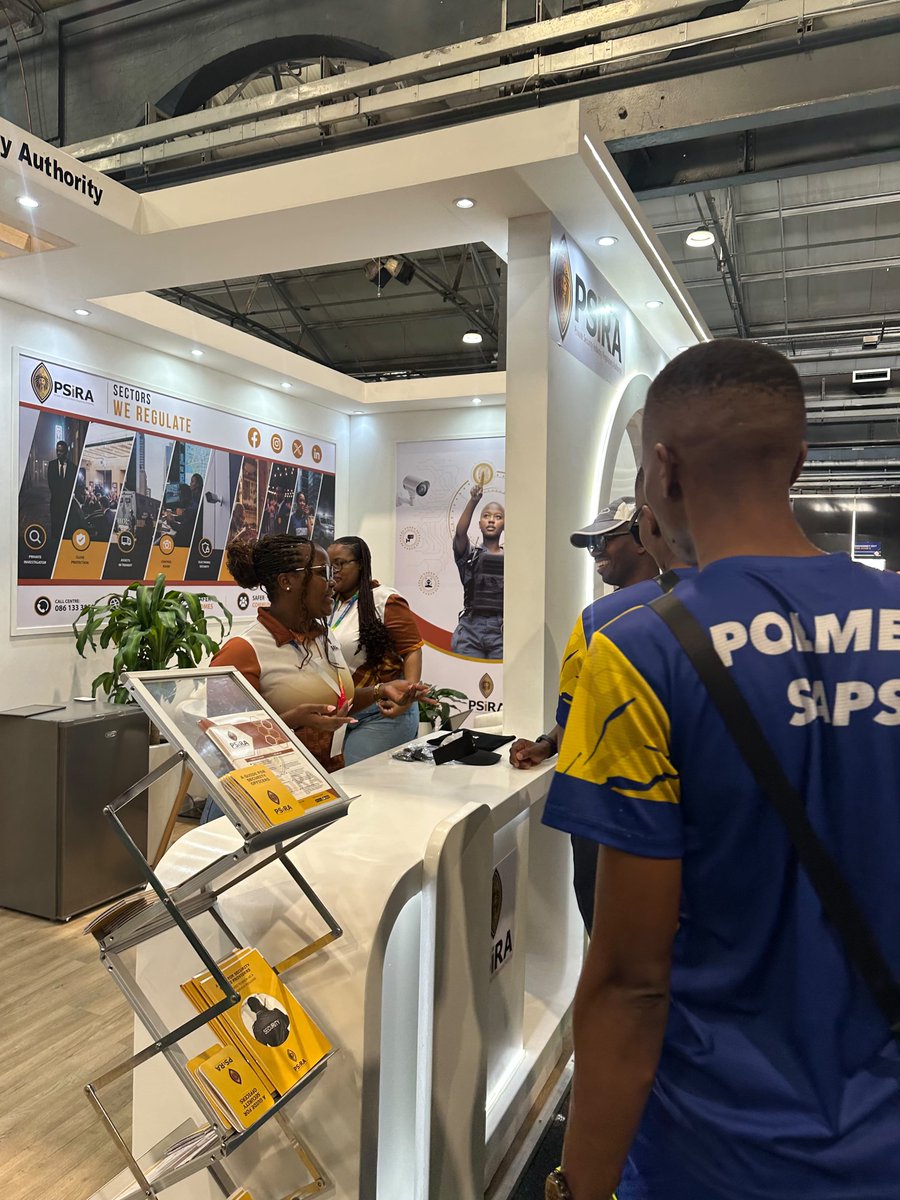
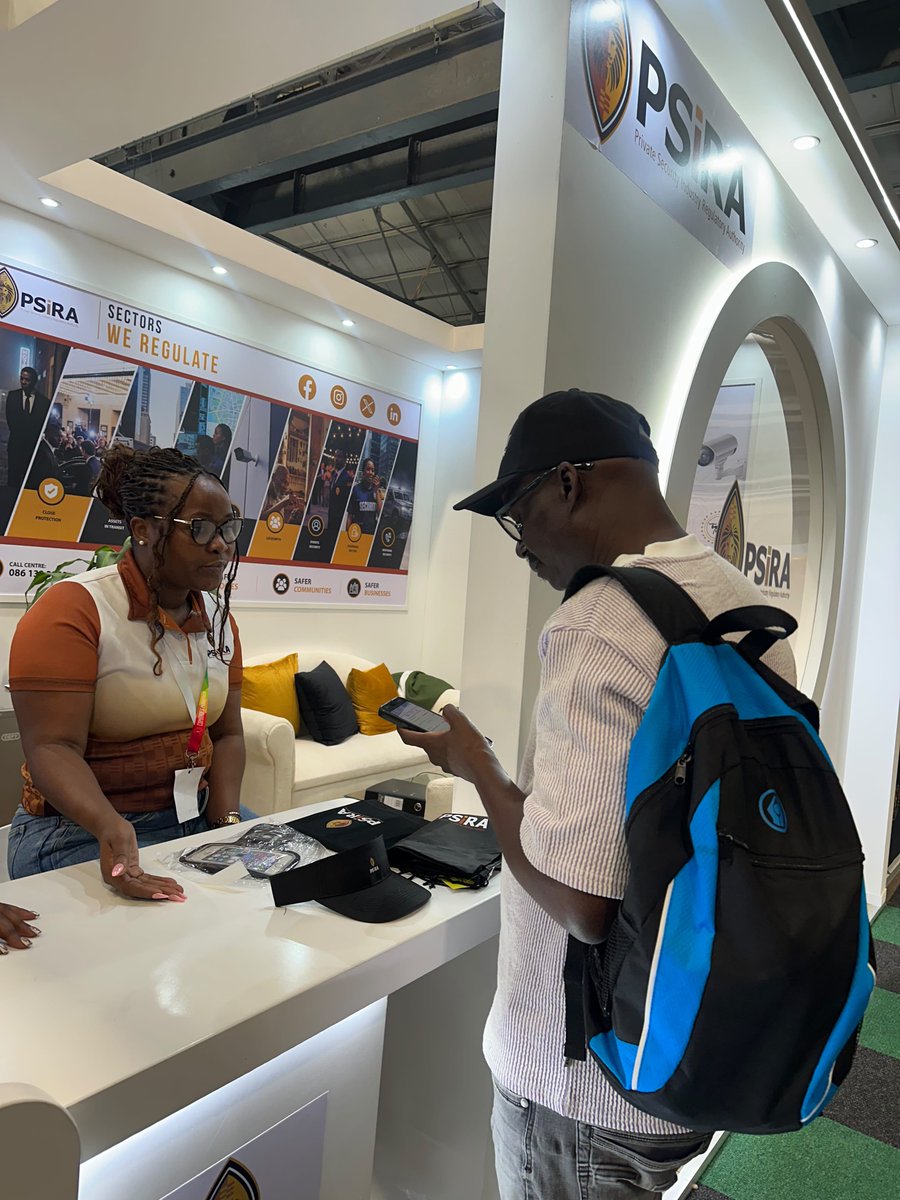
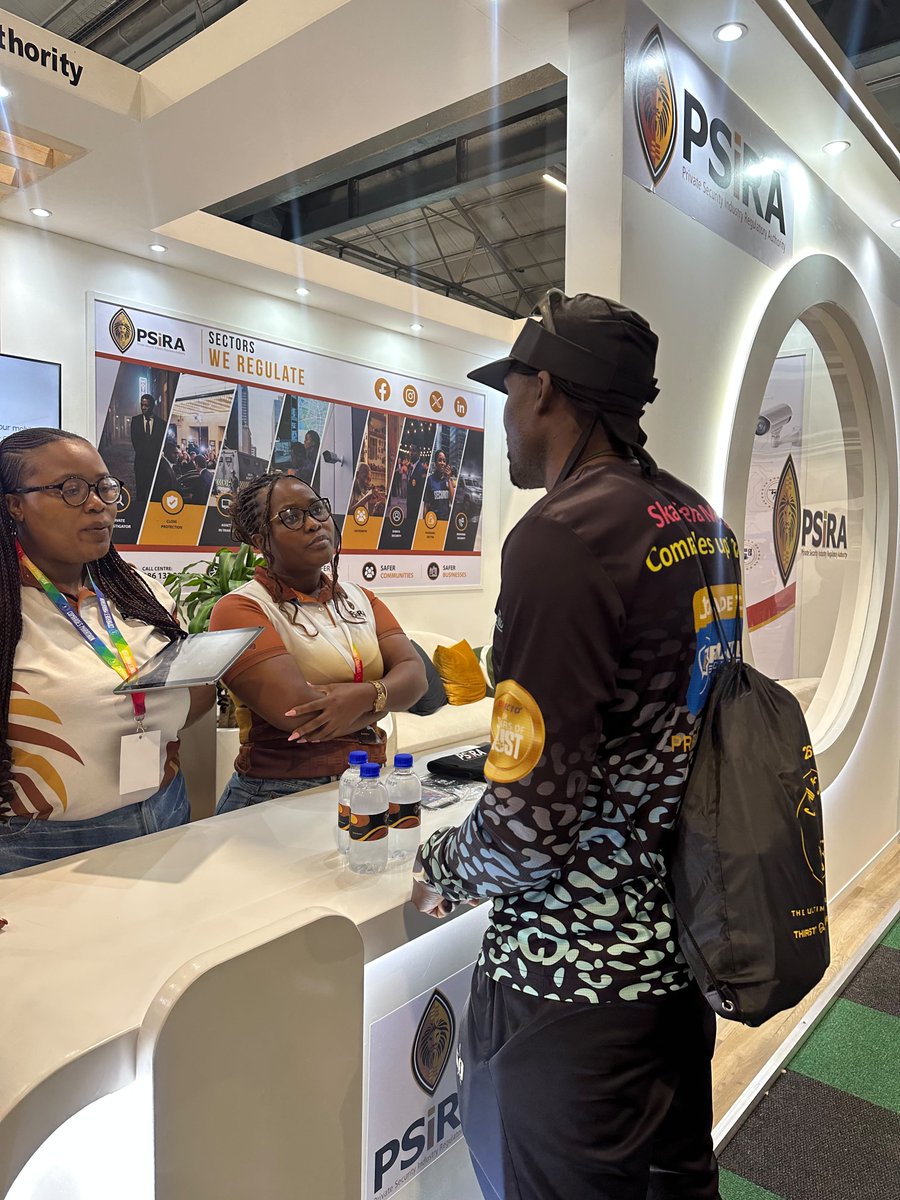
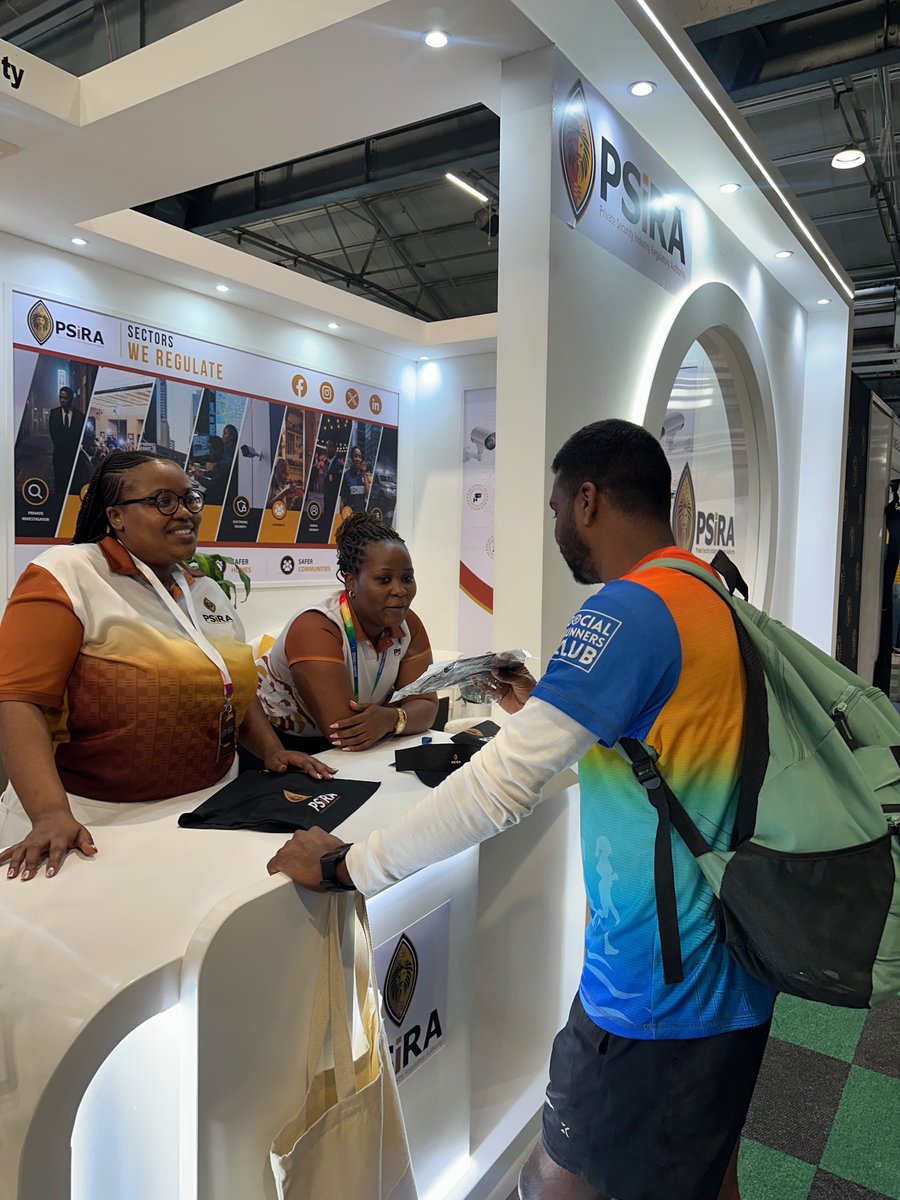
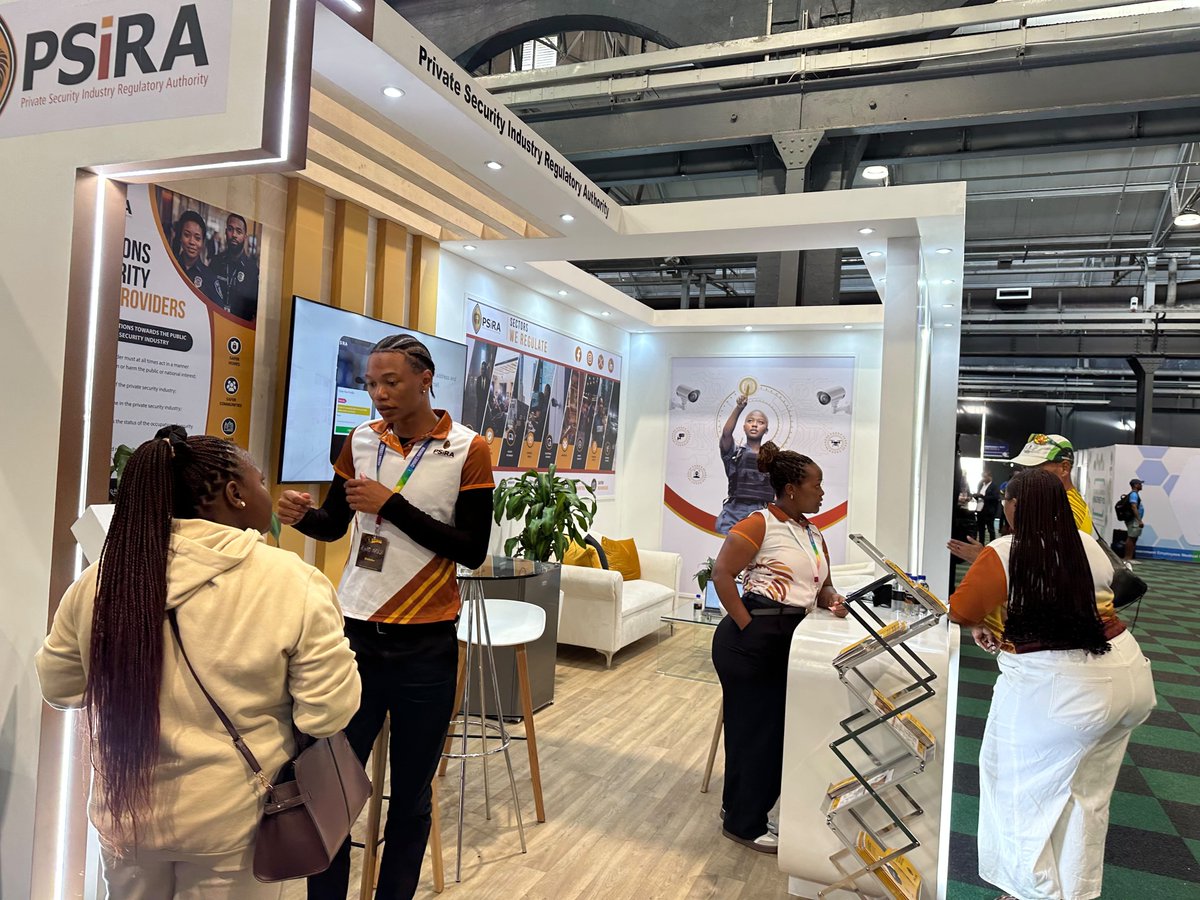
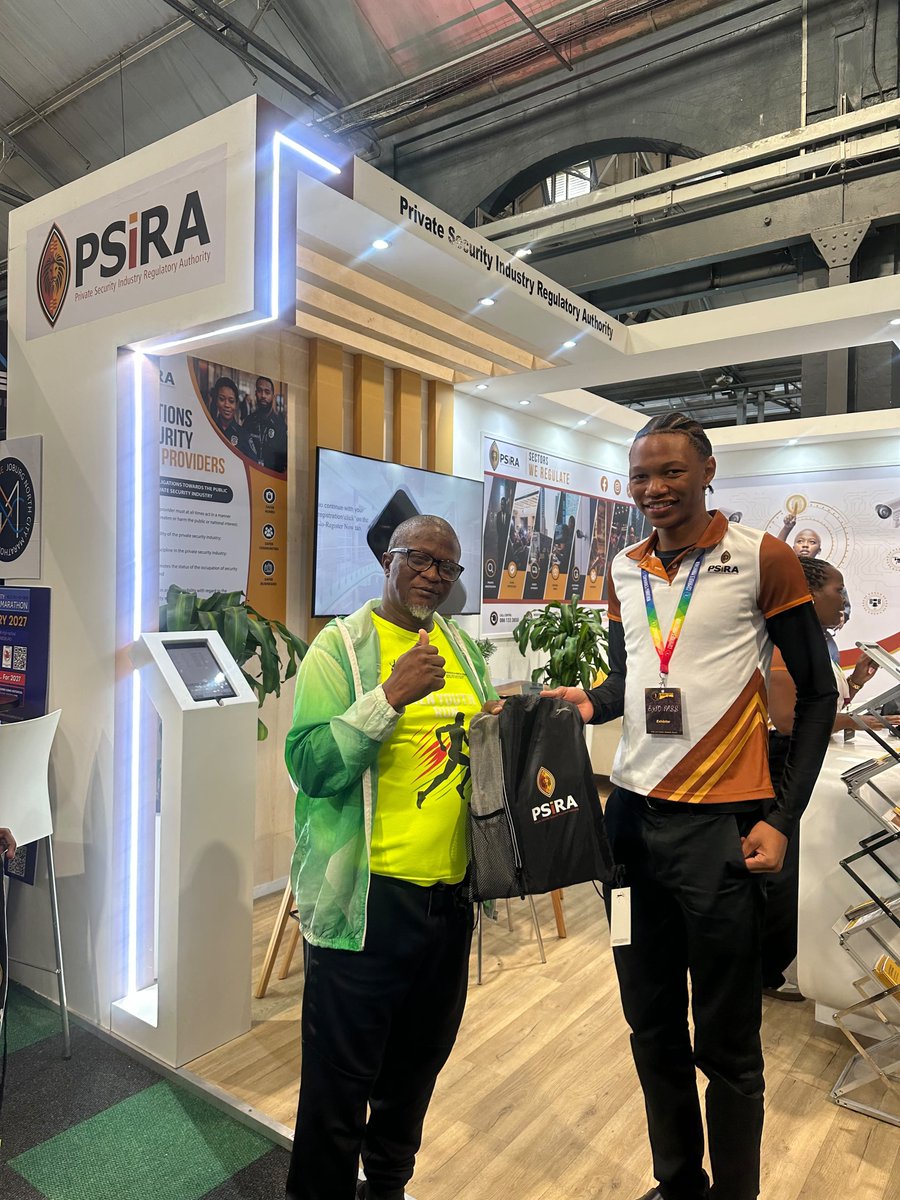
Come visit our award winning exhibition stand at the Comrades Marathon Expo.
Services includes:
How to Register
Check Training Centres
Renewals
Annual Fees
Application Status
Payments
General Queries
#Security #PSIRALive
1
190
Jun 13
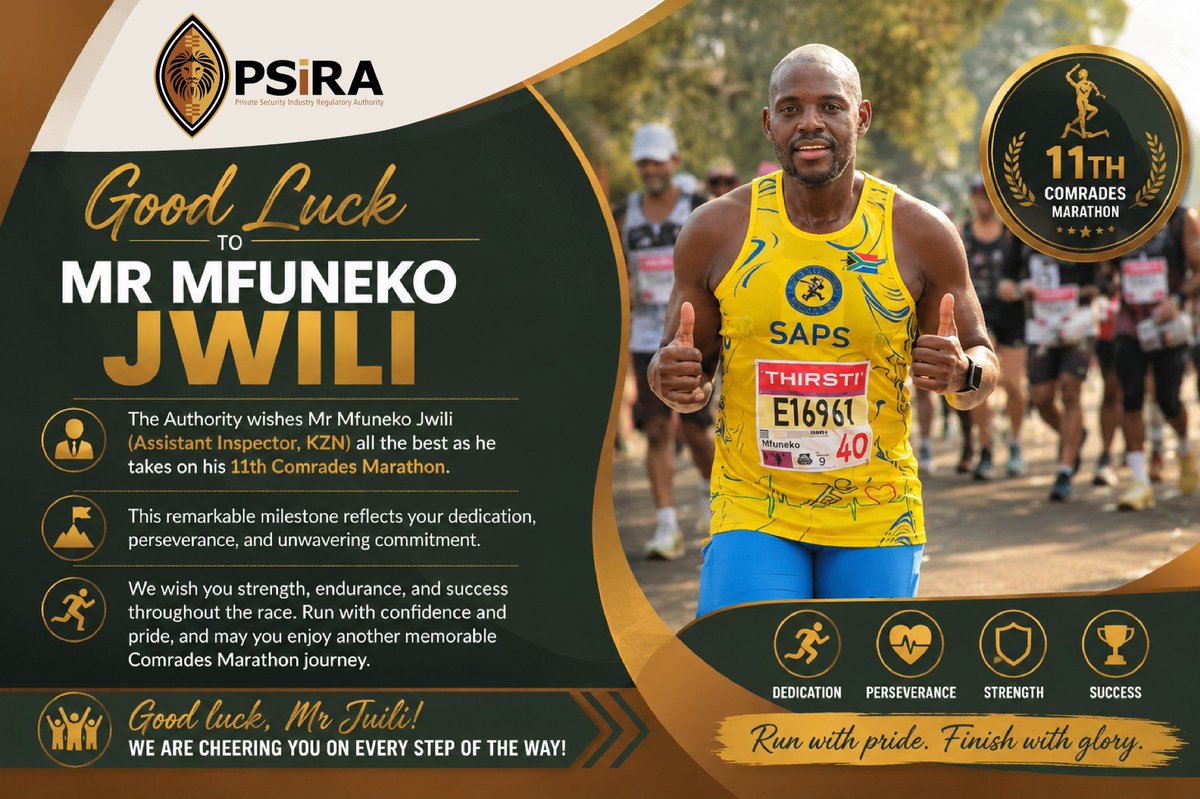
The Authority wishes one of our own, Mr Jwili, an Assistant Inspector based in KwaZulu-Natal, all the very best as he takes on the 2026 Comrades Marathon.
#PSiRALive #ComradesMarathon #Comrades
1
1
3
258
Jun 12
PSiRA awarded silver certificate for outstanding exhibition at the 2026 Comrades Marathon Expo
#PSiRALive #ComradesMarathon #Comrades
1
4
352
Jun 12
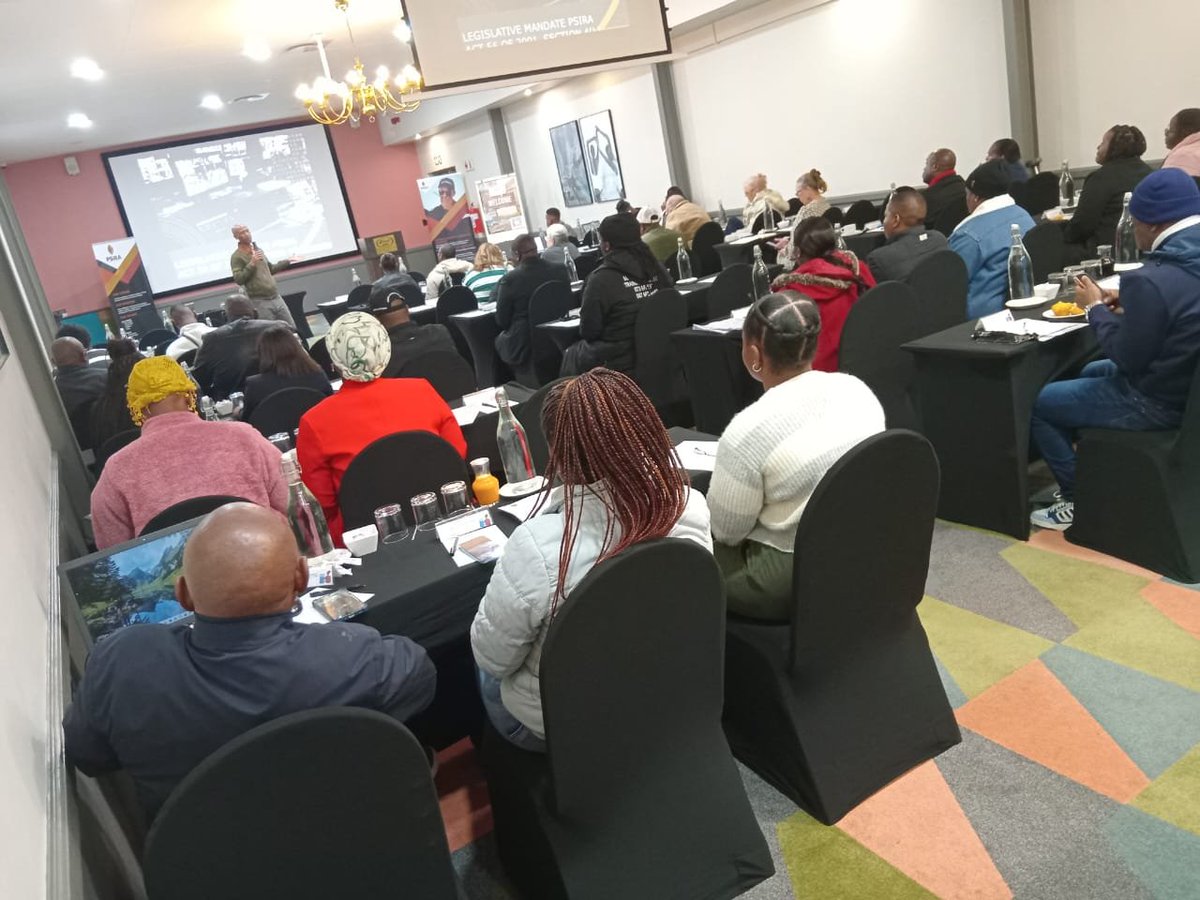
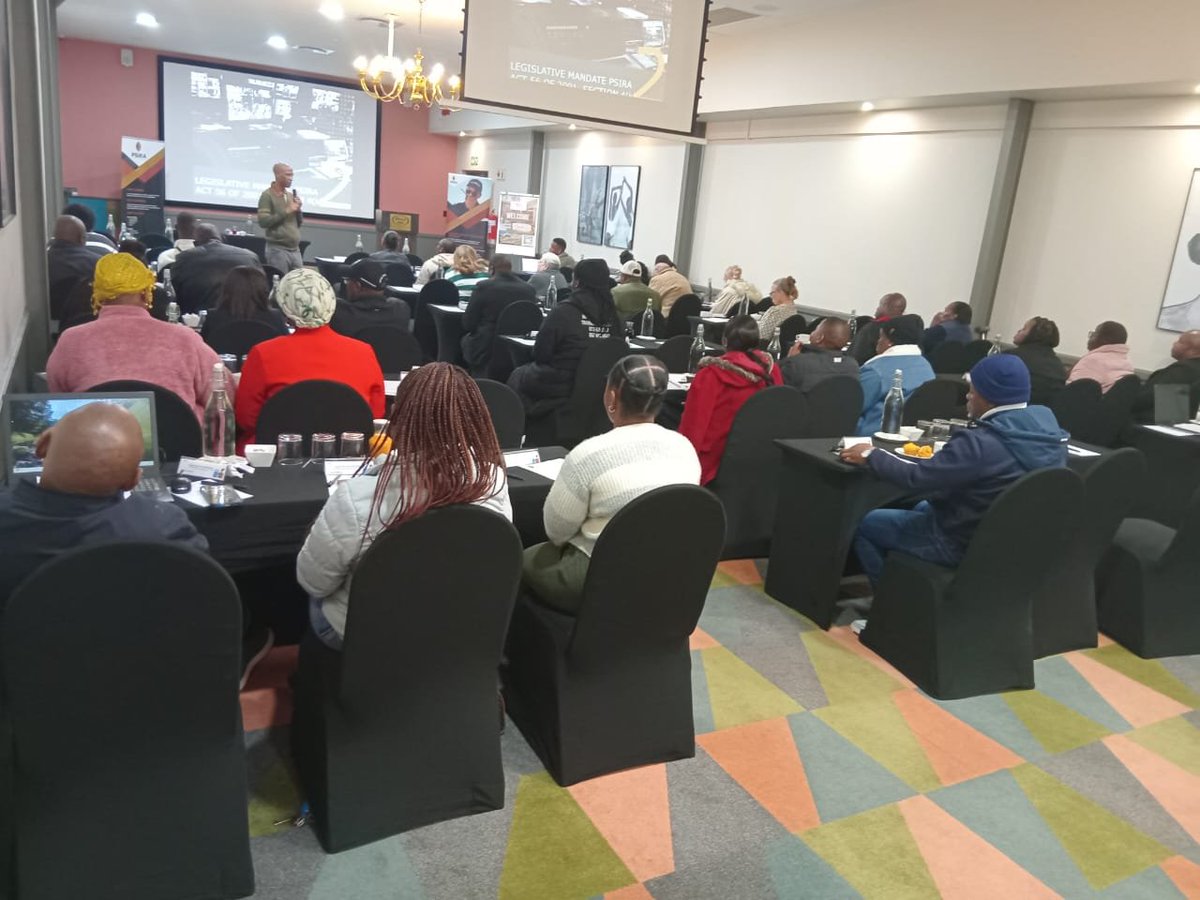
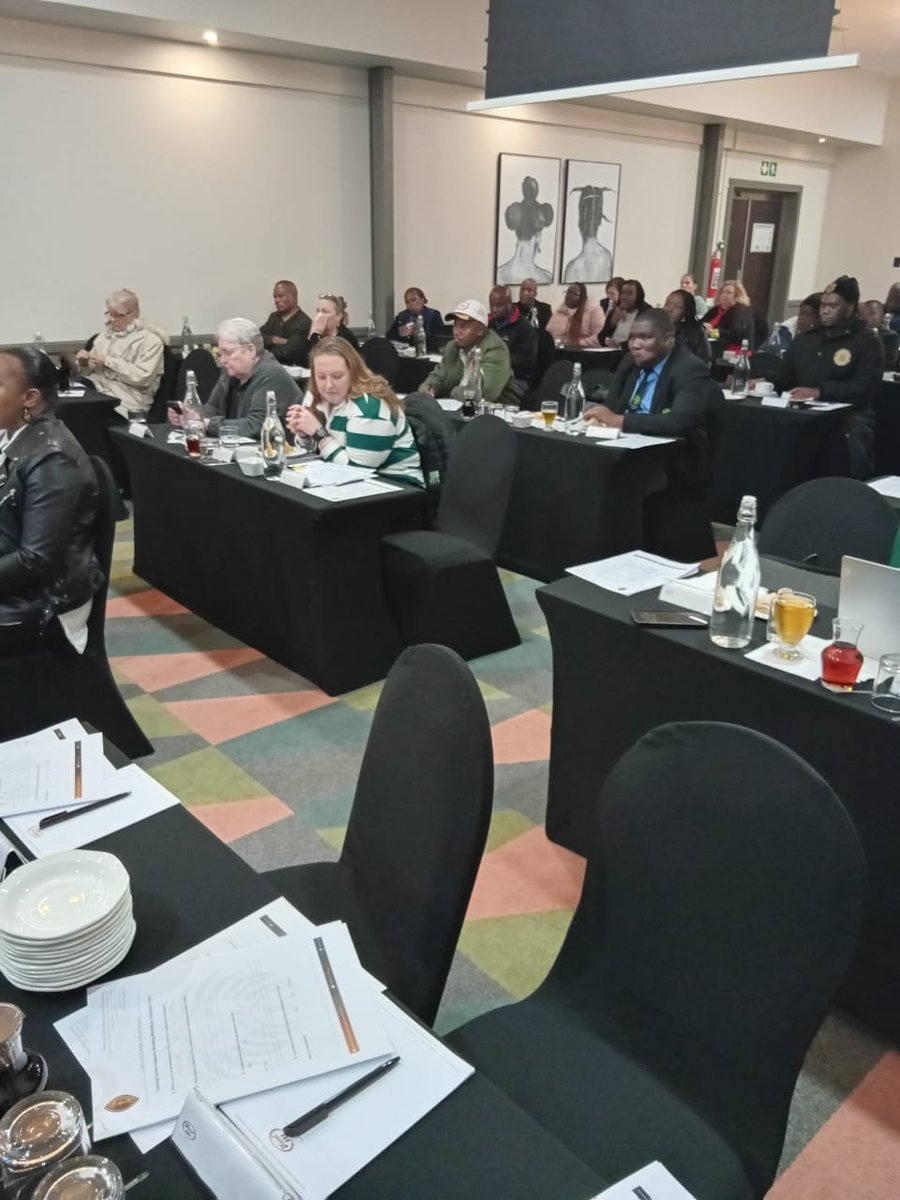
Capacity building workshop for newly accredited Training Centres in Pretoria
1
3
218
Jun 12
Day 2
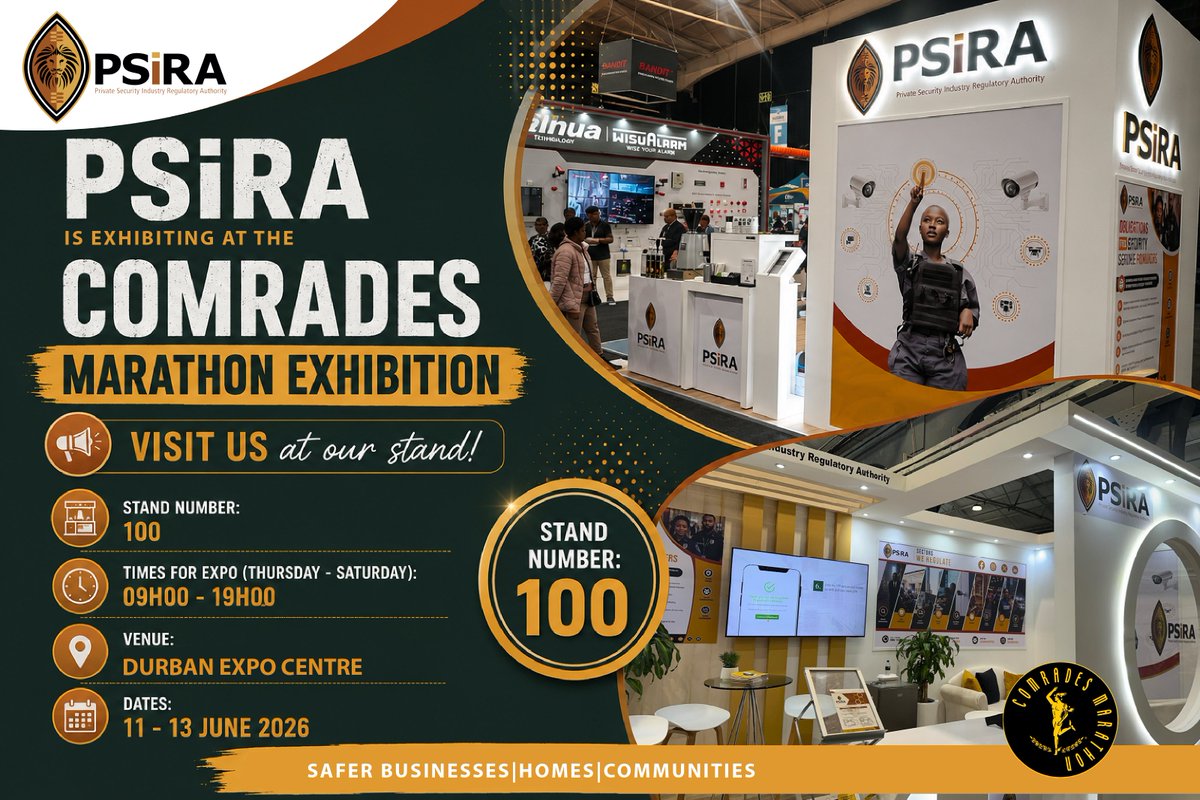
Comrades Marathon Exhibtion at the Durban Exhibition Centre
Come access our services at Stand 100
#PSiRALive #ComradesMarathon
1
2
249
Jun 12
Valid PSiRA certificates can only be printed at a PSiRA office or roadshow not an an internet Cafe.
Jun 11

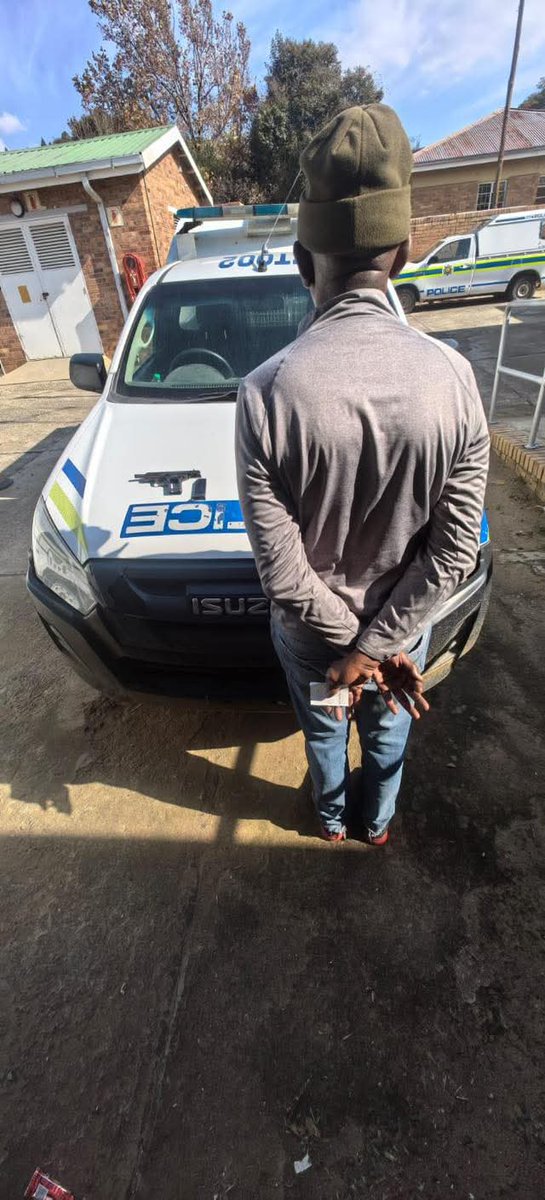
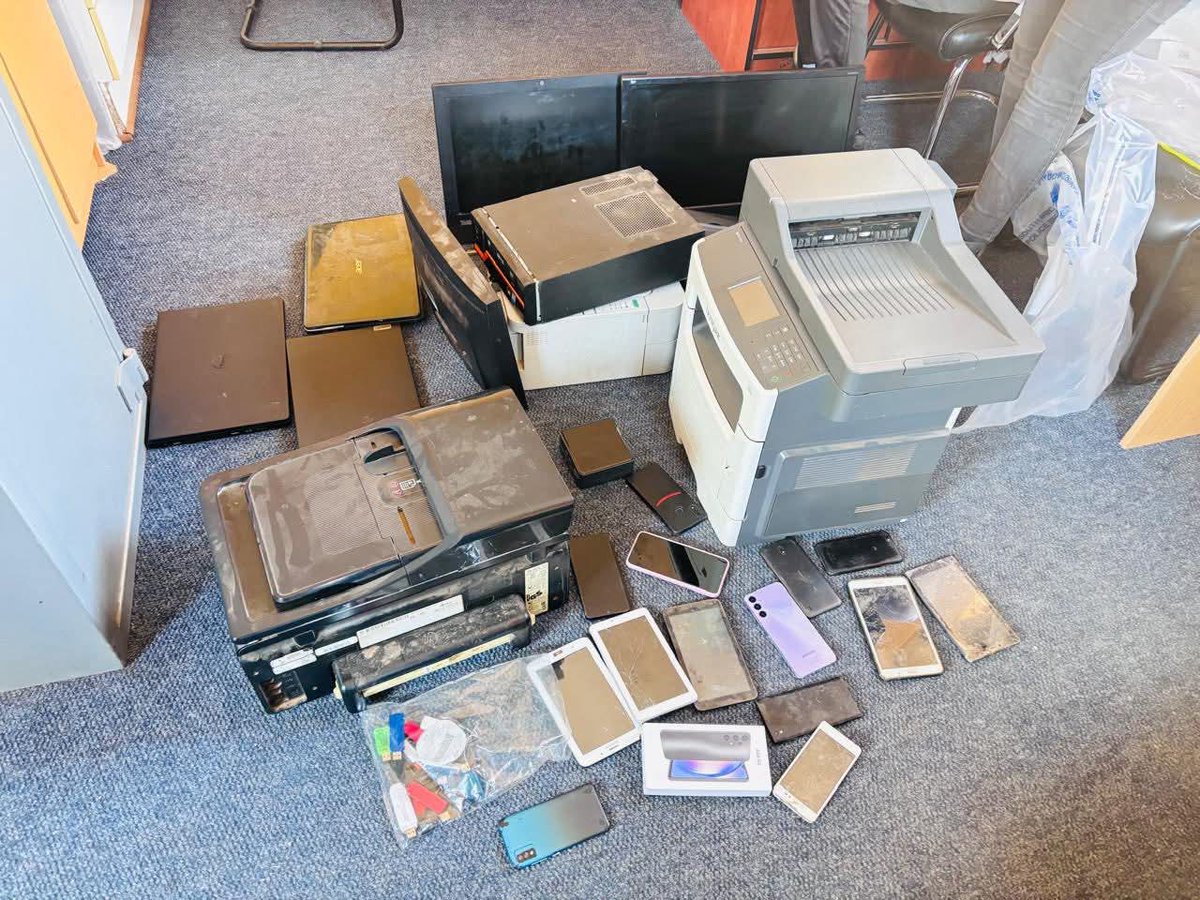
NEWS: A man has been arrested in Meqheleng, Ficksburg for illegally manufacturing fraudulent documents, which included Private Security Industry Regulatory Authority (PSIRA) certificates, South African Police Service (SAPS) clearance certificates, Motor vehicle roadworthy discs, Birth certificates, Immigration and border-crossing documents - KZN Tonight Podcast
📸 SAPS
3
13
21
1,787
Jun 11
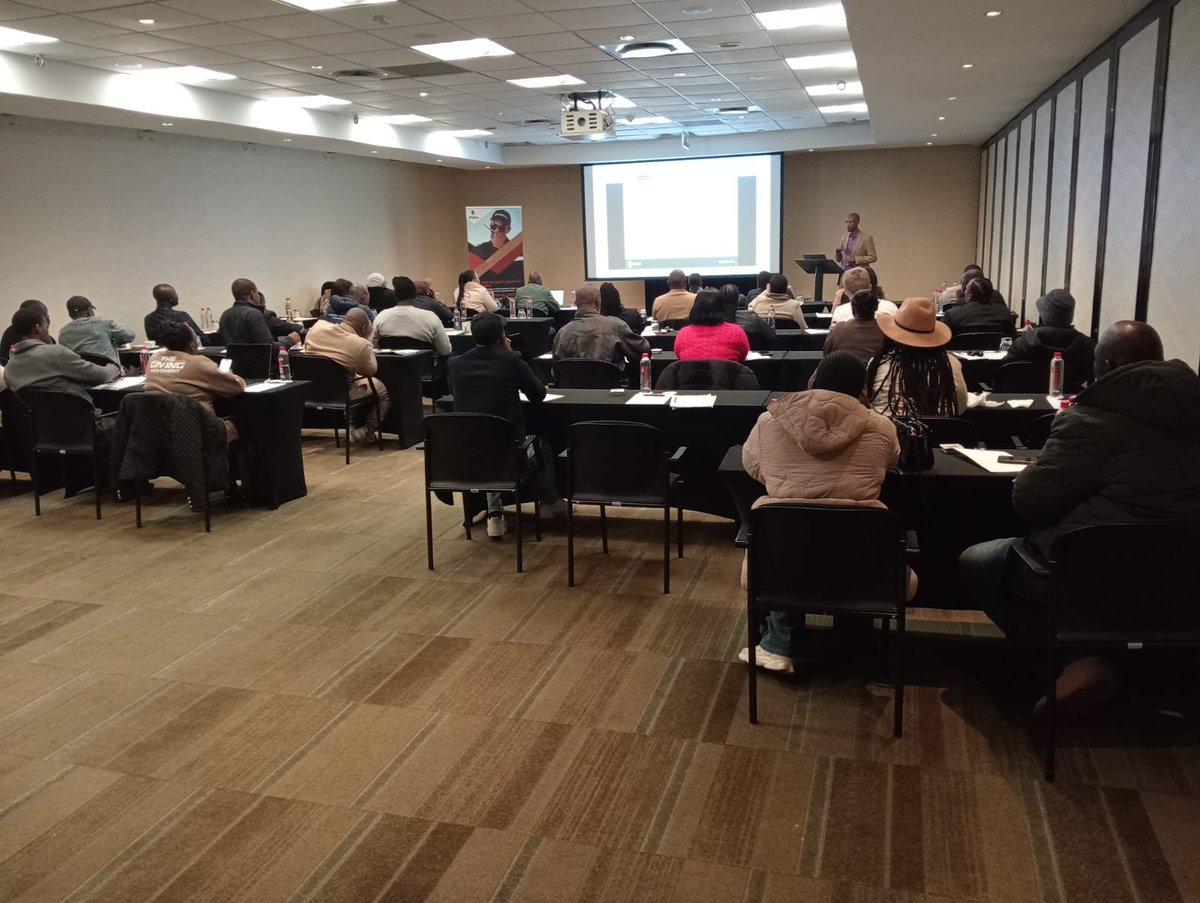
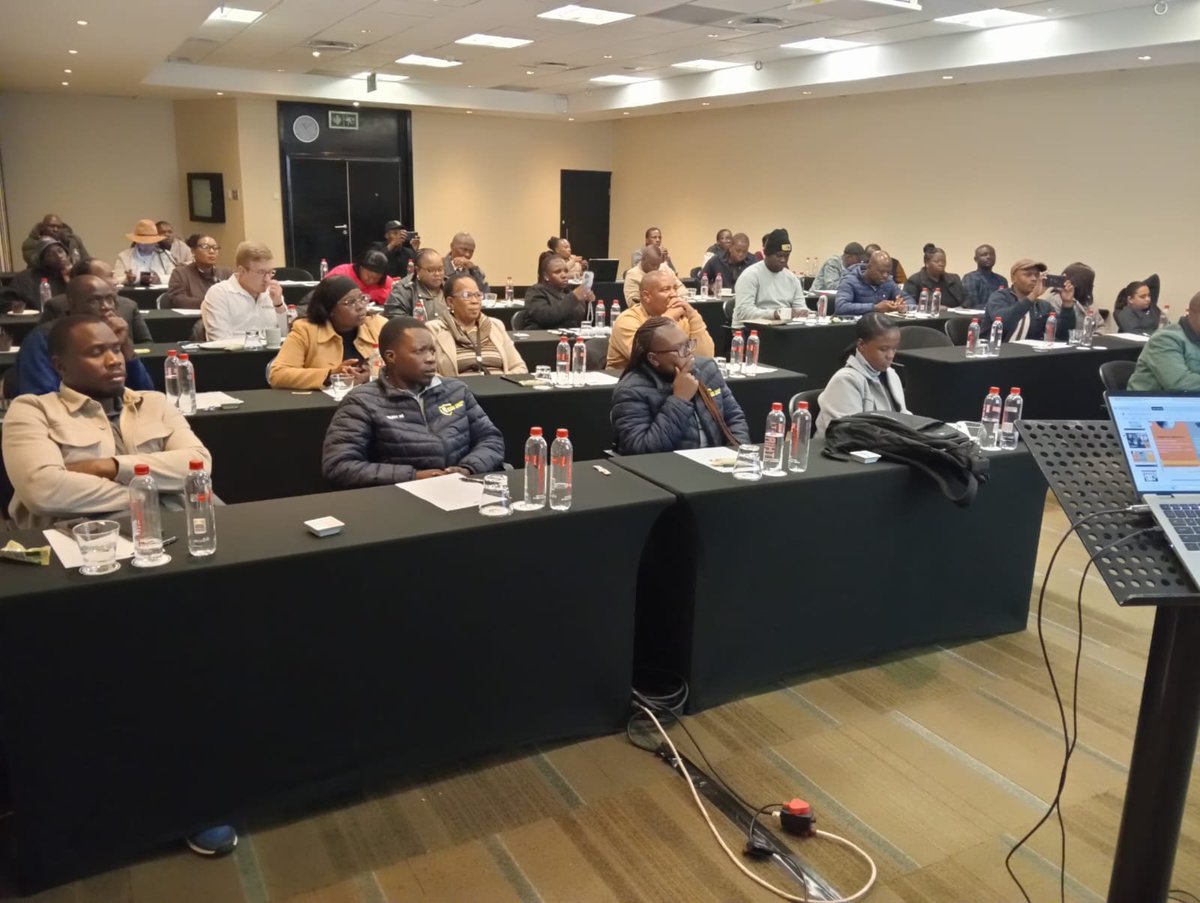
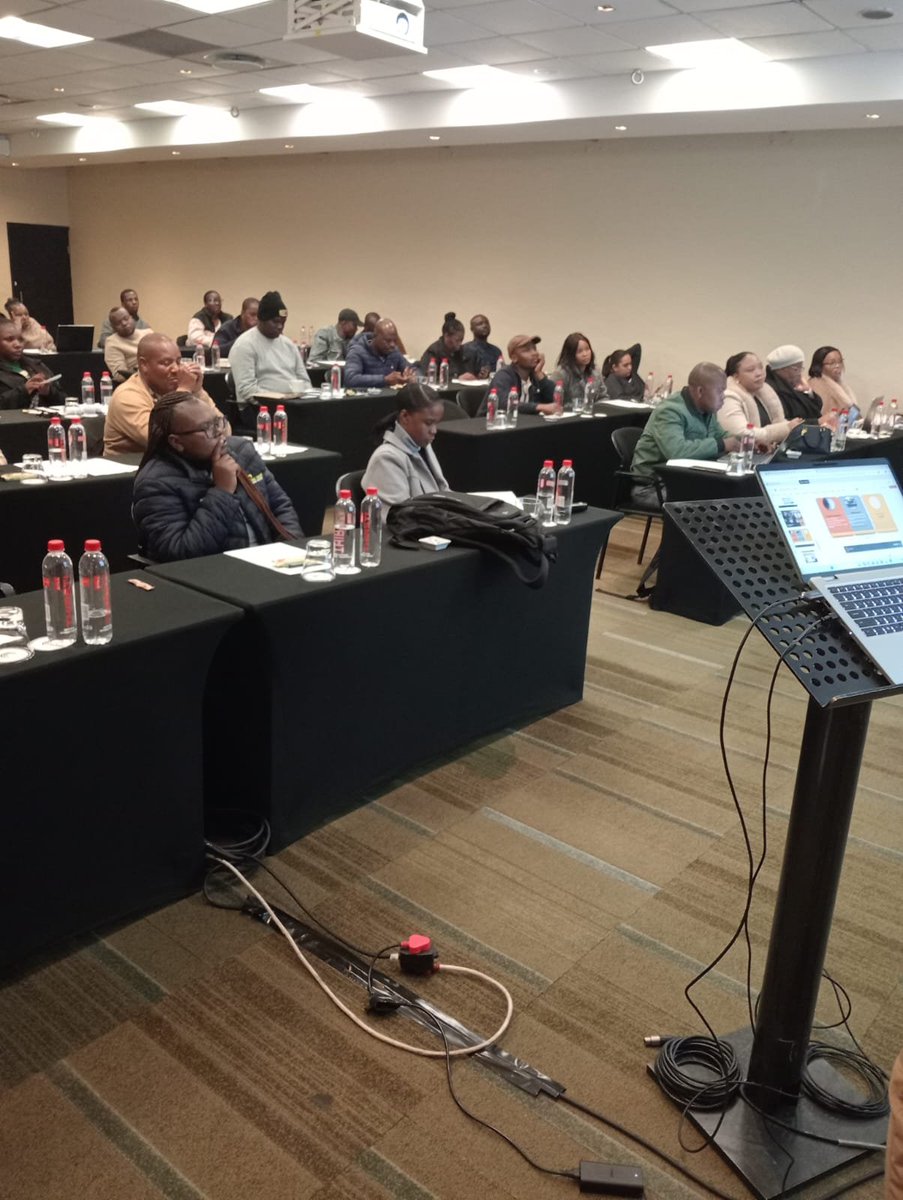
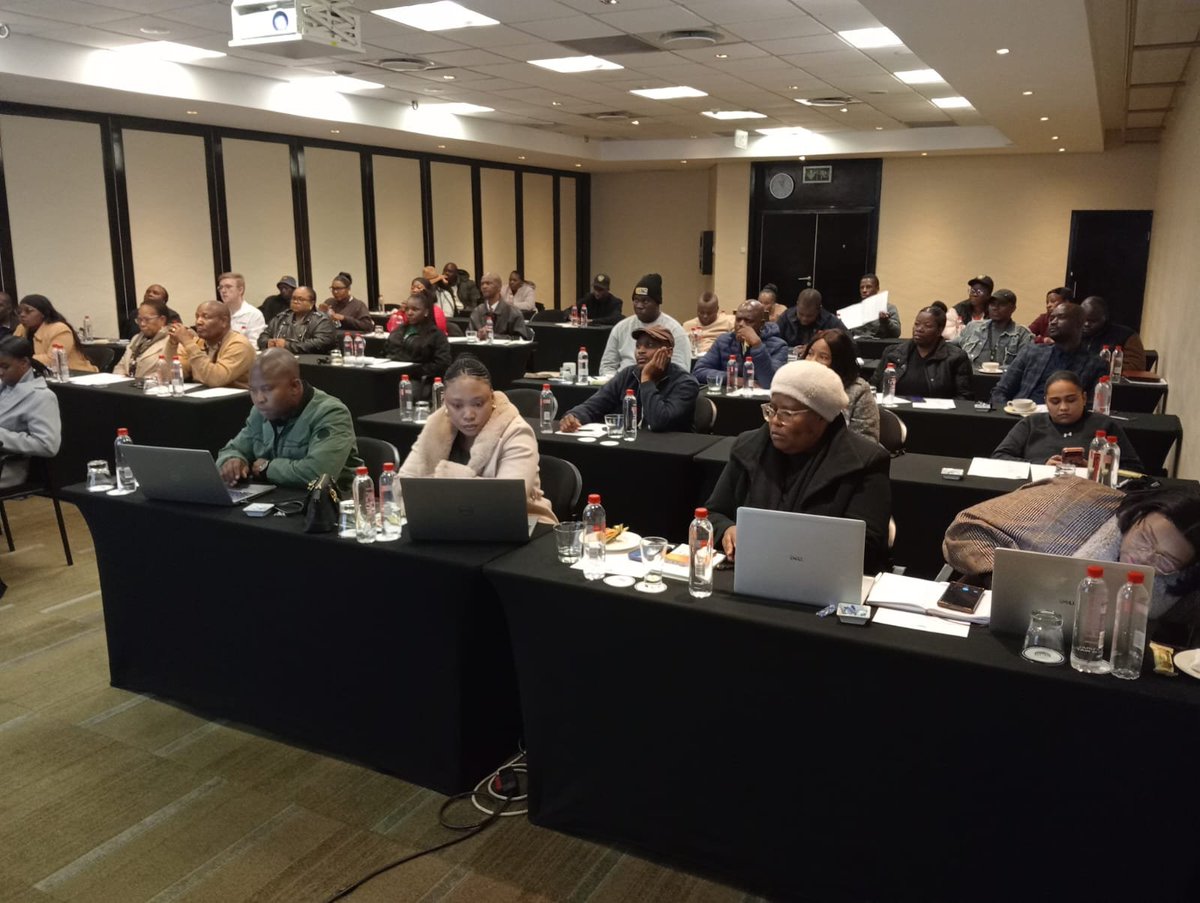
Capacity Building Workshop in Ekurhuleni. These workshop serve as an information sharing platform for newly accredited Training Centres to assit them with their operations and PSiRA related services.
#PSiRALive #Security
1
1
224
Jun 11
PSiRA proudly sponsors five active security officers and one employee participating in the 2026 Comrades Marathon.
This initiative forms part of PSiRA's Social Responsibility Programme, which is aimed at empowering and uplifting members of the private security industry.
Through such initiatives, PSiRA continues to promote wellness, personal development, and active participation among industry stakeholders.
#PSiRALive #ComradesMarathon #Comrades
1
1
152