Black Friday sale! 🔥
Get Premium in Runestone for 30% off the regular price. The offer is valid today only. Premium gives you access to all of Runestone’s features and settings.
All funds will go toward a new chair for my office. I need it. Badly 🪑🥺
apps.apple.com/dk/app/runest…
ALT Runestone’s app icon is shown in the top center with a badge on saying “MEGA SALE. 30% OFF”. Below is a text saying “Runestone’s Black Friday Sale also known as the “Simon needs a new office chair”-sale 🥺”. The text proceeds to describe that Premium can now be bought for just $6.99. That’s 30% off the regular price 🤯
In the lower left corner is a badge saying “TODAY ONLY”.
In the upper right corner is a photo of my worn-out office chair. There’s a circle around a large spot on the chair where the yellow foam is visible. An arrow is pointing at the circle. On top of the image is the weeping emoji.
In the three other corners are photos of me wearing a Runestone shirt and pointing at the different elements in the graphic: I’m pointing at the badge on the app icon, the text saying “Runestone’s Black Friday Sale”, and on the badge saying that the discount is valid today only.
Ever needed to clean up the status bar of your iPhone or iPad simulator for screenshots? MuStatusBar makes that a breeze!
MuStatusBar is a menu bar app that automatically keeps the status bar of your simulators tidy ✨
Get the app here 👇
apps.apple.com/app/mustatusb…
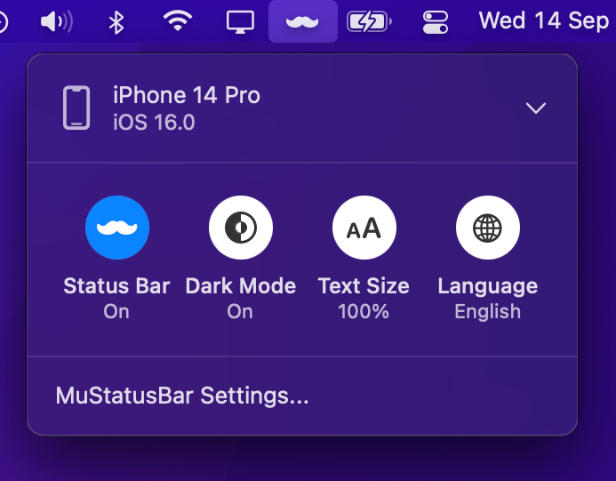
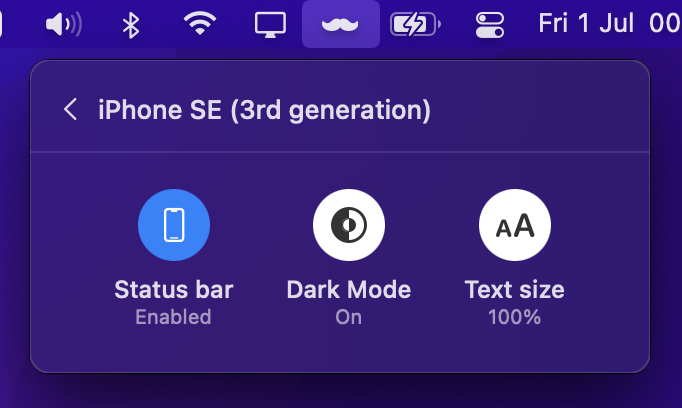
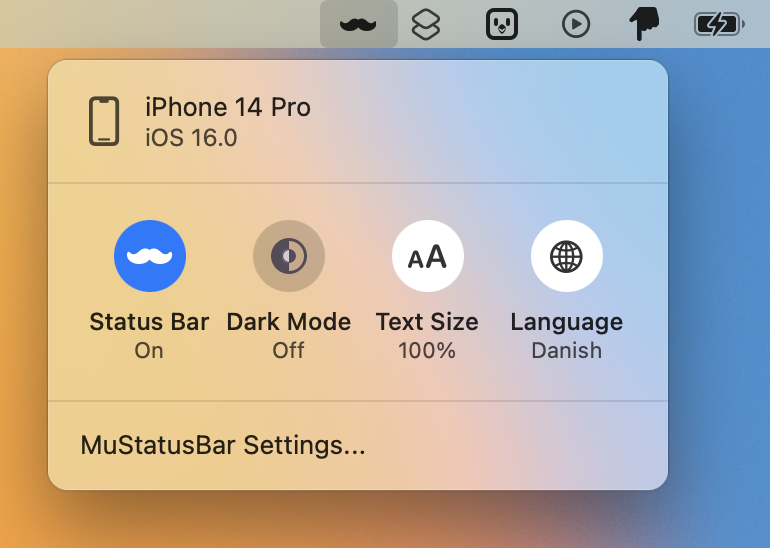
ALT Screenshot of MuStatusBar running as a menu bar app. It shows the user has a single iPhone open.
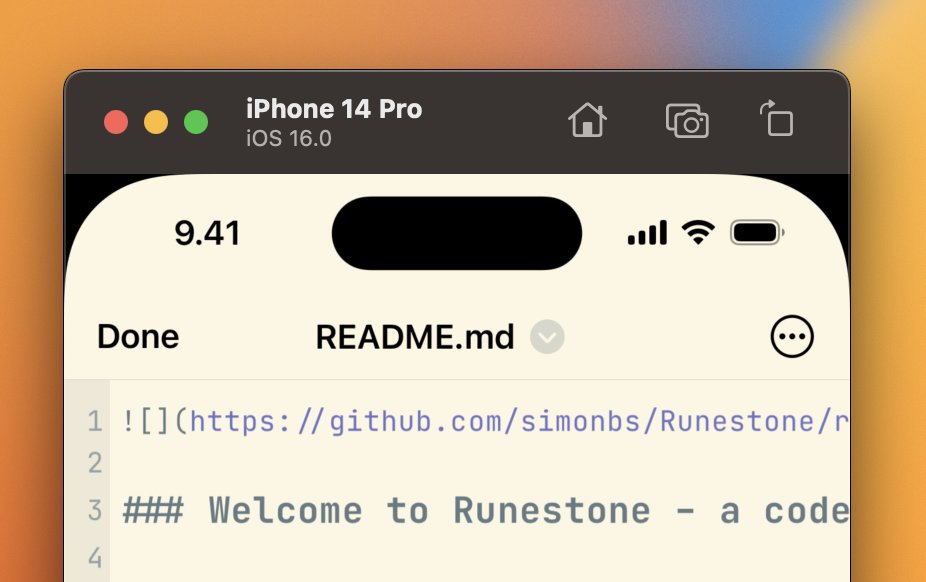
MuStatusBar is now live on the Mac App Store. Groom your iOS Simulator with this neat Menu bar app which ensures that simulator status bars always look pretty and provide handy control centre like settings to quickly adjust simulators to your needs. apps.apple.com/app/mustatusb…
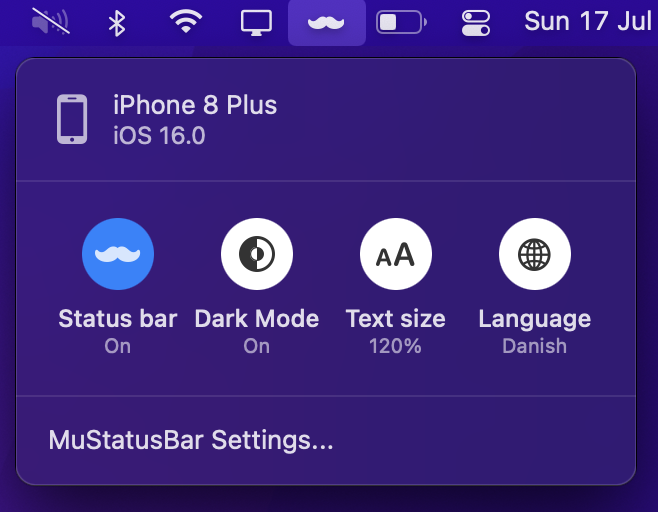
With MuStatusBar the time, wifi connection and battery will always be set to values that provide a professional look. On top of that there is quick access to adjust the appearance, text size and language of the simulator.
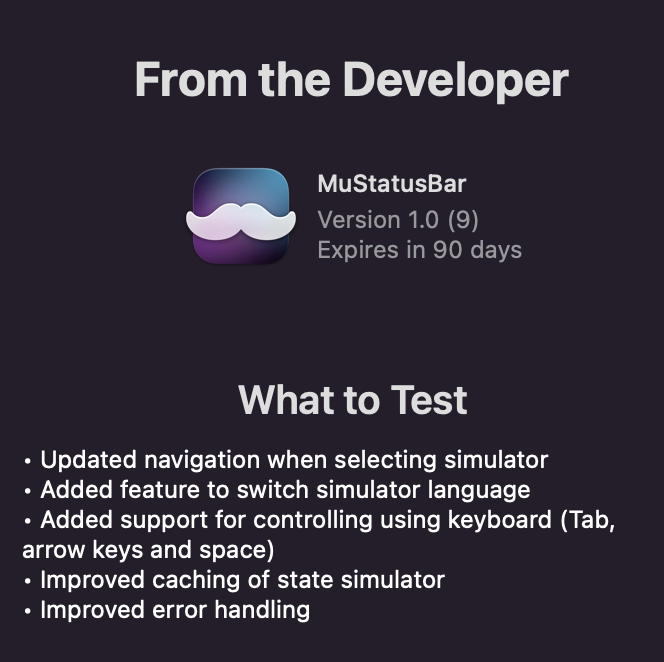
Big thanks to all the TestFlight testers over the last months. The latest build will be available to use until it expires. I might open for up for TestFlight again in the future as I make improvements to the app.
Put a new build of MuStatusBar on TestFlight with new features and fixes. Added some more TestFlight spots since it had filled up. First release will probably look something like that but hoping to iron out issues before. testflight.apple.com/join/yP…
New build of MuStatusBar on TestFlight that makes it possible to switch appearance and text size in an iOS Simulator directly from the menu bar. Any feedback is welcome. testflight.apple.com/join/yP…
Playing around with some more functionality for my MenuBar app MuStatusBar. Besides making the iOS Simulator status bar pretty I’m considering adding some basic controls that are often handy. Hoping to put it on TestFlight soon. Still a few spots left. testflight.apple.com/join/yP…
I’ve been running the beta of MuStatusBar for the past few weeks and it has worked perfectly 👌
I’ve used it for screenshots and video recordings I’ve shared on Twitter, on Slack, and even for the screenshots I took of Runestone 1.1.
My good friend @PeterGam is will soon release a new app!
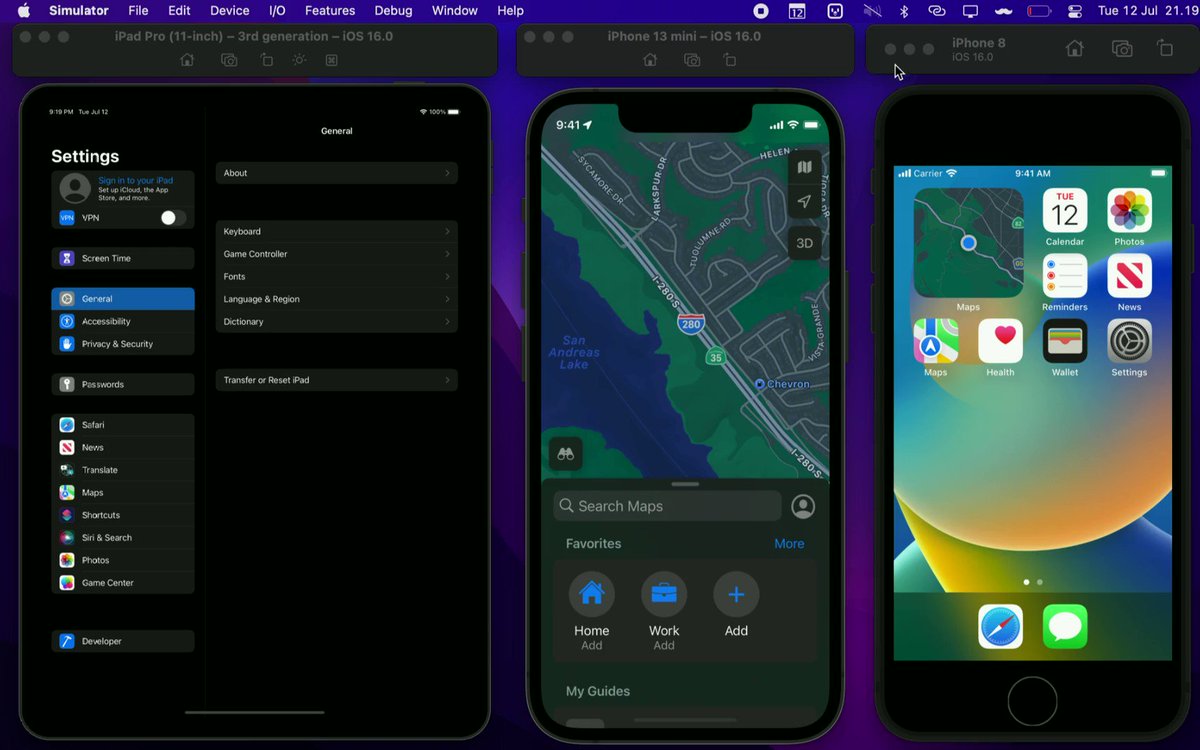
MuStatusBar runs in the background and keeps the status bars of your iPhone and iPad simulators pretty ✨📱
A must-have if you often take screenshots or recordings of the simulator.
Join the beta: testflight.apple.com/join/yP…
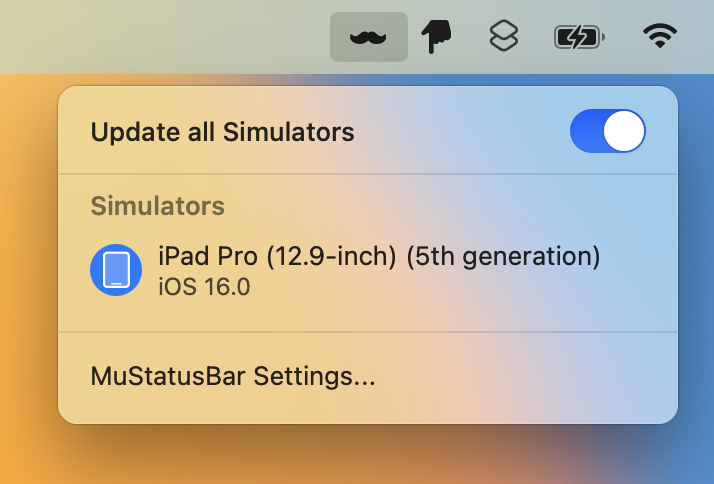
ALT Screenshot of MuStatusBar showing the list of simulators that it’s monitoring and updating the status bar of.
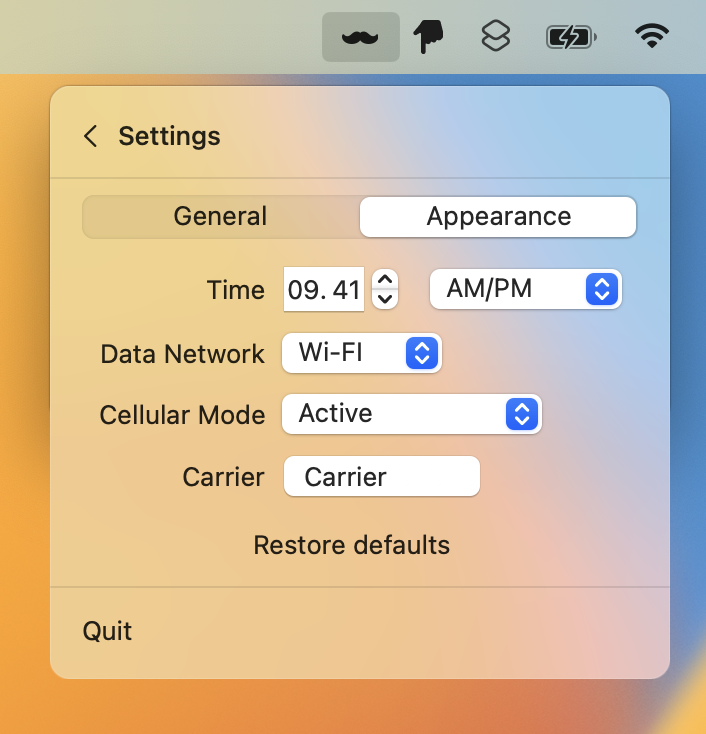
ALT Screenshot of MuStatusBar showing it’s settings. Users can customize the time, network condition, battery level, and carrier name to be shown in the simulator.
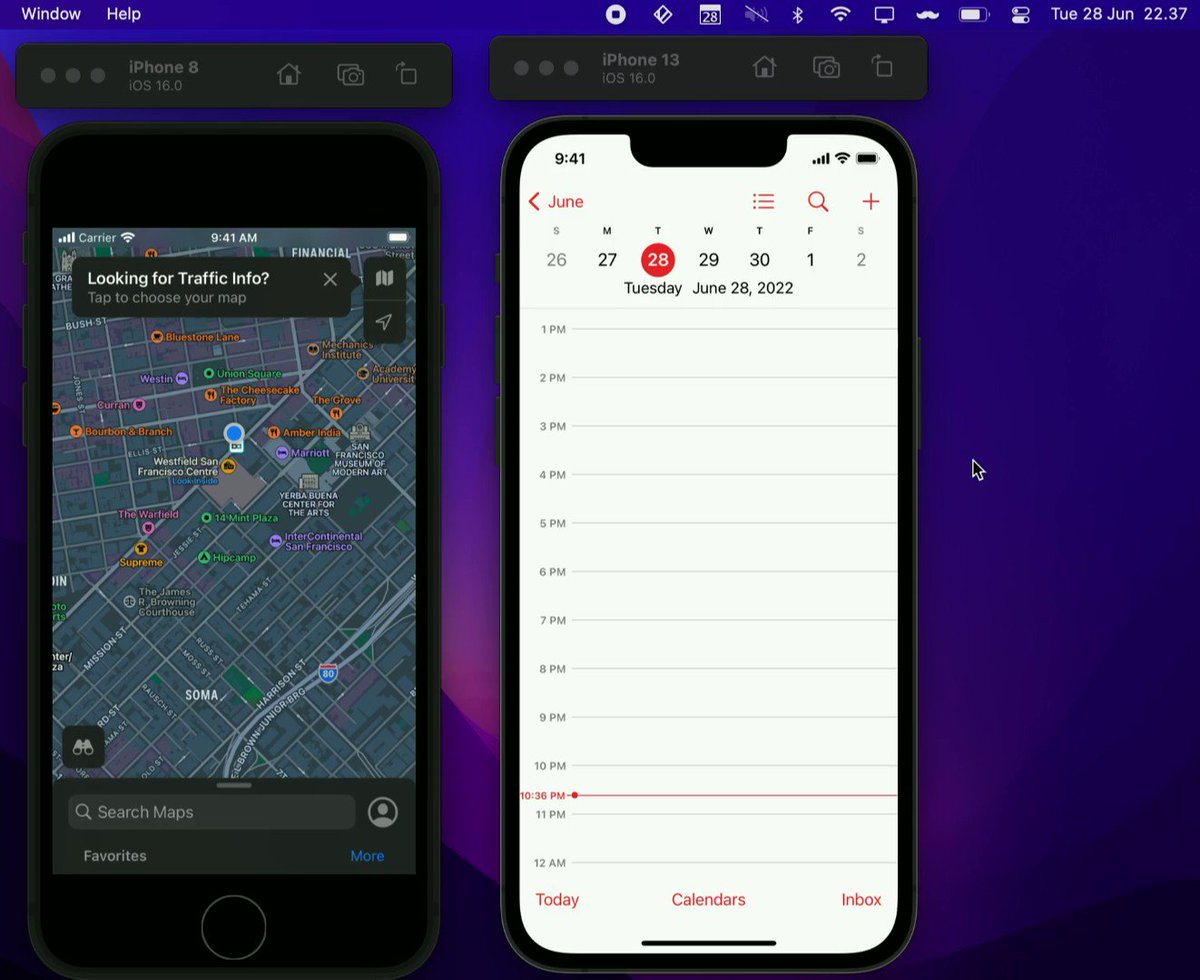
Working on a little macOS menubar app to keep the status bars in iOS simulators pretty automatically using Apple style (9.41) or your own preference. Useful if you often take screenshots of simulators. Join the TestFlight if you want to help make it better testflight.apple.com/join/yP…
Happy to announce our next React Meetup hosted by @Workday ❤️
We are still looking for speakers for this and the upcoming meetup. So please do reach out if you have anything to share with the rest of the community! 😊
meetup.com/Copenhagen-React-…#ReactJS#Meetup
We're looking for a Junior iOS Engineer to join our product team!
⭐ Do you have an interest in the field of iOS development?
⭐ Do you enjoy experimenting to find innovative solutions?
If we have piqued your interest, apply here: bit.ly/33GeQ6k#Joboftheweek
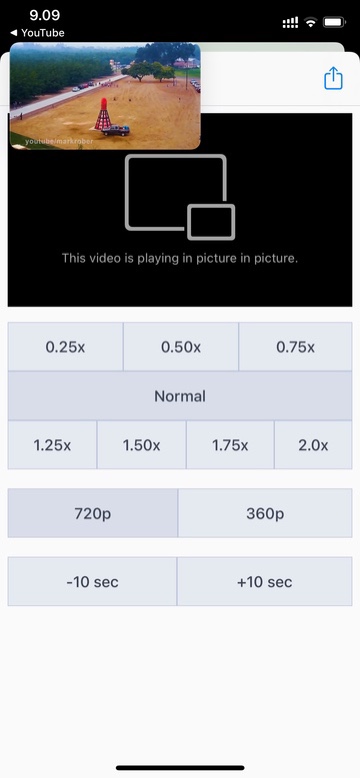
Version 4 of my @scriptableapp powered YouTube PiP Shortcut is out! It now supports playing music videos, skip buttons and a new light appearance. routinehub.co/shortcut/6622
My new @scriptableapp widget shows items from a given YouTube playlist which can be defined in the widget settings. Upon selection it plays the video using #ios14 picture-in-picture mode (thanks to a script developed by @PeterGam).
TIL when using kCTFontVariationAttribute with a variable font in iOS14 the keys in the dictionary should be the identifier of the variable axes instead of the name (which worked in iOS13). Was not able to find any documentation about this.