
Chrome extensions for power users who don't trust the cloud. Local-first, no account, no server. Unfollow, export, download, BYOK AI. Privacy teardowns weekly.
Joined March 2025
- Tweets 687
- Following 210
- Followers 52
- Likes 1,803
10 Photos and videos




Pinned Tweet

A Chrome extension's star rating tells you almost nothing. Three things on the store page tell you more.
Last updated. Quiet for a year usually means abandoned, and abandoned breaks on the next Chrome update.
How many other extensions the same dev ships. One sharp tool reads as a builder. A dozen unrelated ones read as a portfolio waiting to get sold.
What it asks for against what it does. A color picker that wants access to every site you visit is telling on itself.
Reviews tell you it worked once. The store page tells you if it still does.
126
Chrome 150 ships end of June. The last way to run the old uBlock Origin goes with it.
A blocker used to watch each request and kill trackers live. MV3 ends that. It hands Chrome a fixed rule list, Chrome matches.
A new tracker gets through till the list updates.
23
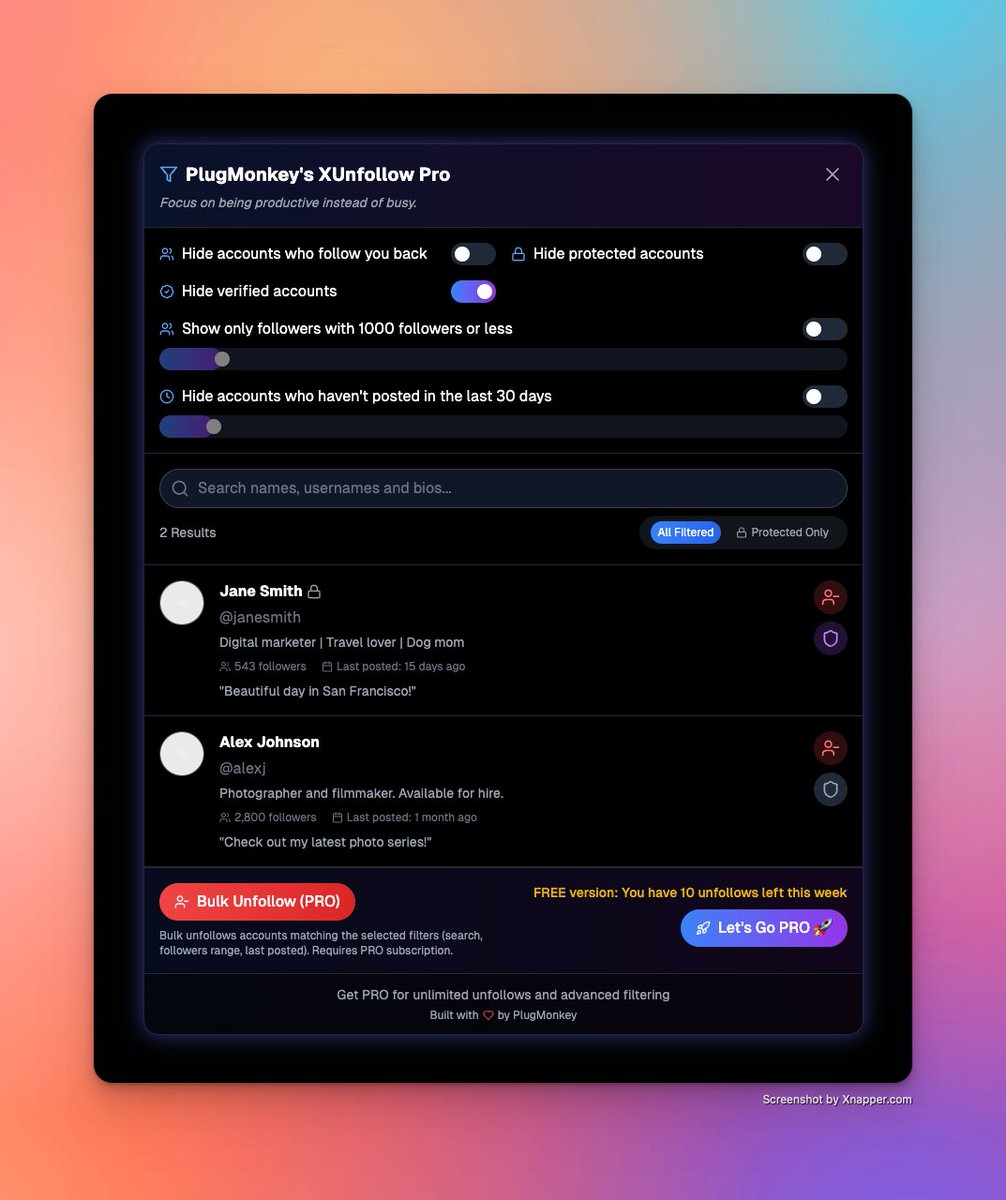
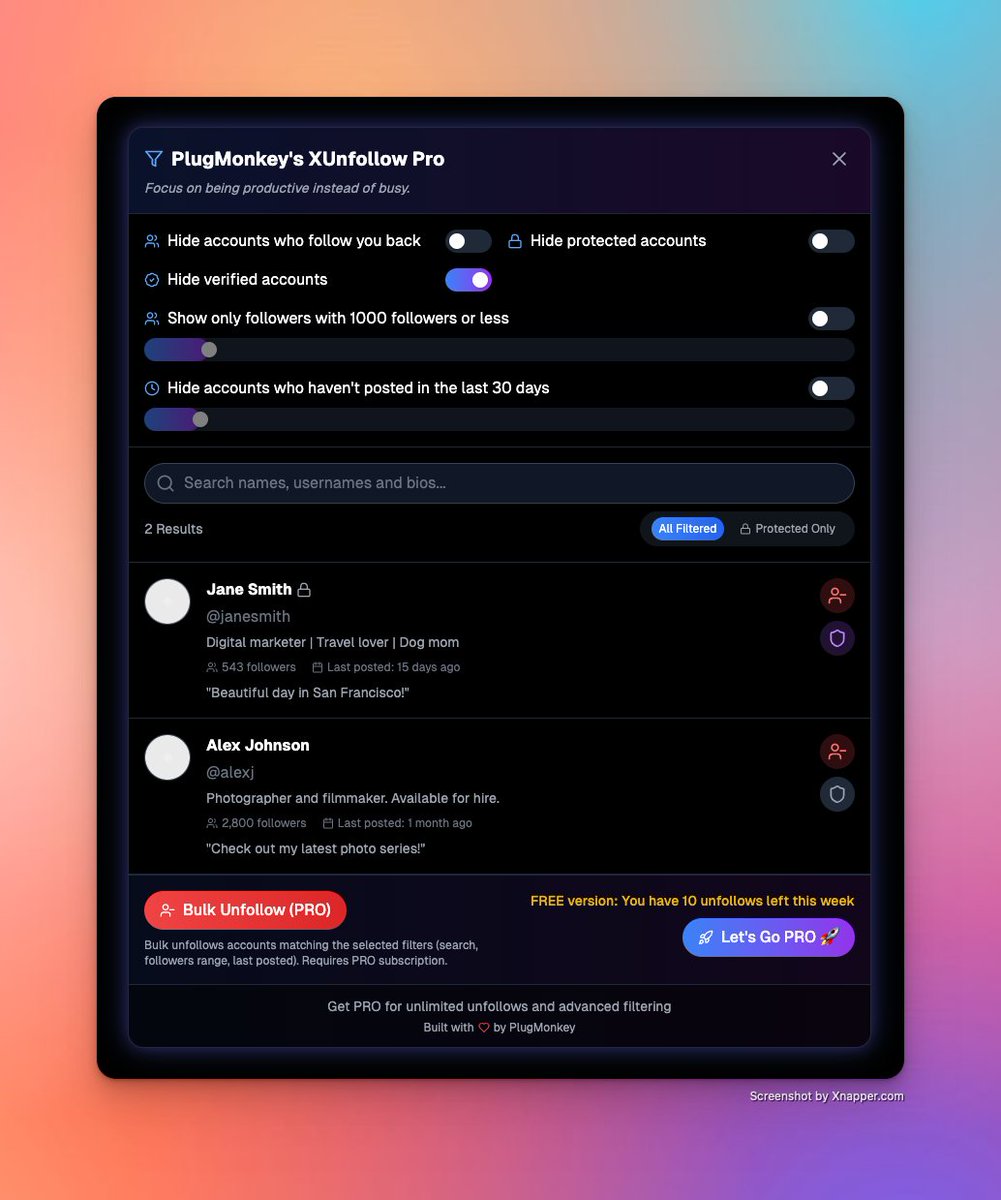
X gives you no way to sort your following by who went quiet.
So the list grows. Hundreds of follows, half of them dead accounts.
You don't need a tool that wants your password. Sort the session you're in by last-active, unfollow in batches.
Cleared in an afternoon.
25
Somewhere in our license code is the line that decides what happens when the license server is unreachable. For pay-once licenses it fails open: the extension keeps working. You bought the tool, the doubt goes to you. A lot of software quietly fails the other way.
1
41
Most of the code in a shipped browser extension has nothing to do with the feature.
A class name changes and the selector breaks. Infinite scroll unmounts the node you held.
The feature took a weekend. Keeping it alive on a page you don't own takes the other 11 months.
44
PlugMonkey | Browser Tools That Work retweeted

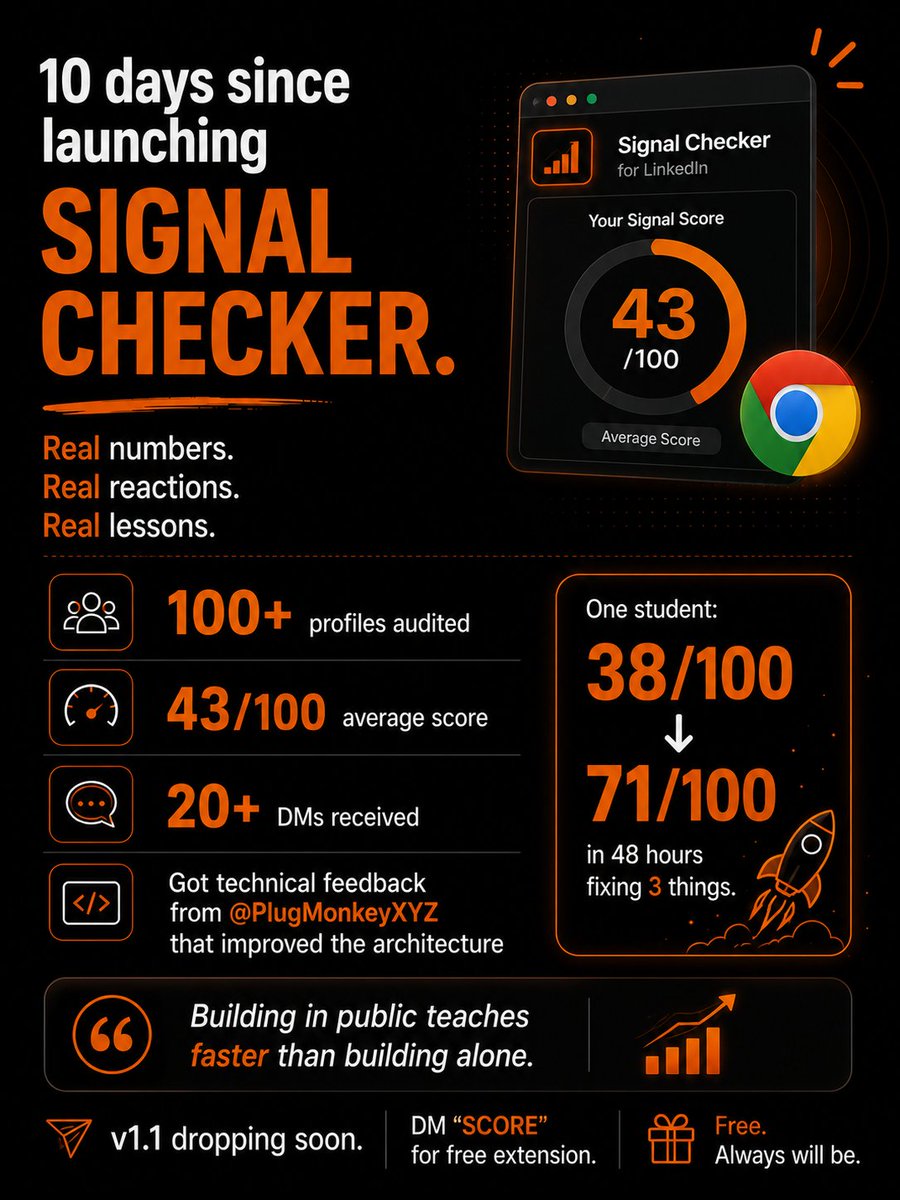
10 days of Signal Checker.
100 profiles audited.
Avg score: 43/100.
One student: 38 → 71/100 in 48 hours. 3 fixes.
Got architecture feedback from @PlugMonkeyXYZ that
improved v1.1.
Building in public teaches faster than building alone.
DM "SCORE" for free extension.
1
1
2
58
Extension Teardown #1: catch any extension phoning home
"Local, no server" is a claim on a store page. You can check it yourself in two minutes.
1. Open chrome://extensions, turn on Developer mode.
2. Find the extension, click its "service worker" link. That opens its own DevTools.
3. Network tab, then use the extension like normal.
4. Watch where it talks. A real local tool stays quiet, or only hits the API it needs. One pinging an analytics host on every click was never local.
Can't see the source. Can see the traffic.
1
31
Part 2, the lazy version: turn your wifi off and use it. A real local tool keeps working. If it dies offline, it needed a server for something. Worth knowing what.
21
Most Chrome extensions ask to read and change your data on every site you visit.
Most only work on one.
Open chrome://extensions, hit Details, set Site access to "on click." If it still works, it never needed the rest.
That access was for the dev's convenience, not yours.
30
You have hundreds of X bookmarks. There is no export button.
Posts you flagged to read later, sitting in a list you can't get a copy of. One feature change and the whole thing is gone.
If you can't pull it out as a file, it was never yours. You were renting the view.
39
Half the extensions I installed when I started building in 2023 are gone now. One got sold. One got pulled. Most just quietly stopped updating. The few still here never needed an account. Nothing to log into, nothing to lose when the company walks away.
35
Your account gets locked on a Tuesday. No warning, no human to email. The 4,000 people who followed you over three years? Gone. The only copy of that list lived inside the platform.
Export them to CSV while the account's healthy. Boring file, cheapest insurance you'll keep.
1
1
27
That's why we've built X Followers Exporter, a chrome browser extension, that allows you to export your X following and followers lists off the platform. We also have one for Instagram.
20
"Bring your own key" sounds private. Then the extension routes your key and prompts through its own server.
Now your key sits on the maker's box, and every prompt passes through it.
Open the network tab. If the request doesn't go straight to the provider, BYOK is just a word.
1
16
"Read and change all your data on all the websites you visit."
That's the most honest spec sheet most extensions ship with. It doesn't make a tool shady. The real question is narrower: does your data leave the machine, or only get read on it? One you verify. One you trust.
18
Everyone reads the reviews before installing a Chrome extension.
Nobody checks what happens after.
Extensions auto-update. The 5-star tool you vetted in March can get sold by June, and the new owner ships code you never agreed to. Same name, same icon, different extension.
1
47
Most Chrome extensions ask to "read and change all your data on all websites." We click Add anyway.
Before you trust one, ask:
What runs locally?
What leaves the browser?
What happens to your data if the company dies?
If the answer's vague, uninstall.
1
56
Most AI extensions are just data harvesters with a wrapper. If it requires an account and a server to summarize a local page, you are the product. Run your prompts locally. Keep your keys. Stop leaking your workflow data for a free summary.
40
Stop handing your social data to random SaaS tools.
If you want to export your follower list or clean up inactive accounts, use a browser extension that runs 100% locally.
Your data stays in your browser. No external servers. No accounts required.
The way it should be.
38
X is training its new 'Imagine' AI on user data. It's a stark reminder: if you don't export your data, you don't own it. X Followers Exporter Pro lets you own your audience data. Export followers, analyze, keep it yours.
1
1
45
Data export is the only way to truly own your social capital. Having that metadata in a CSV or JSON makes building on other platforms so much easier.
24