
Joined December 2020
- Tweets 678
- Following 680
- Followers 2,466
- Likes 2,125
91 Photos and videos





Pinned Tweet

11 Mar 2025
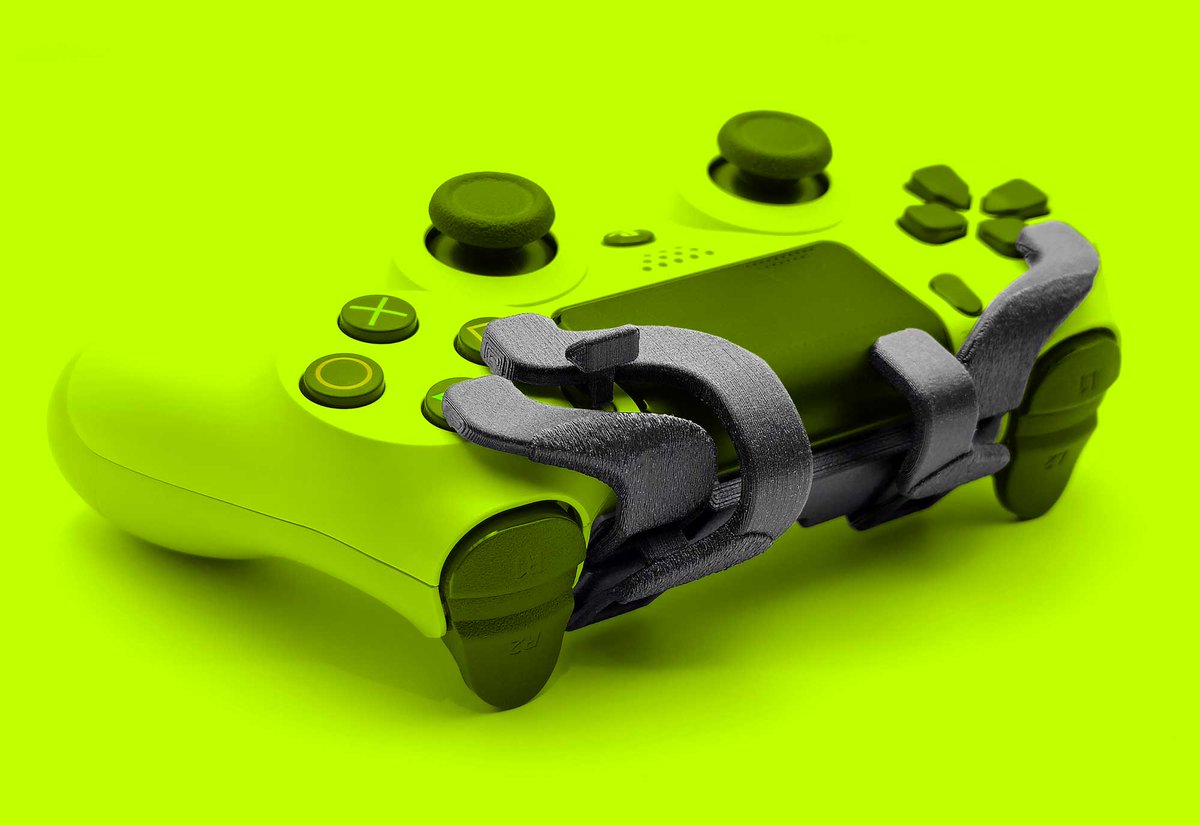
We are so back! Fortnite has fixed the bug and the ProScroller is working perfectly again as usual! Thanks to everyone who helped! And I want to let you know that I'm working on something big, I hope to be able to present it this year🔥
21 Feb 2025

Hi @Fortnite @FortniteStatus looks like there's a bug with scrollwheel reset. When you use a scroll wheel the input switches from controller to kbm, which it hasn't done for the last 6 years. Can you fix this or at least let us know if this is intentional? Thanks!
17
5
42
5,517

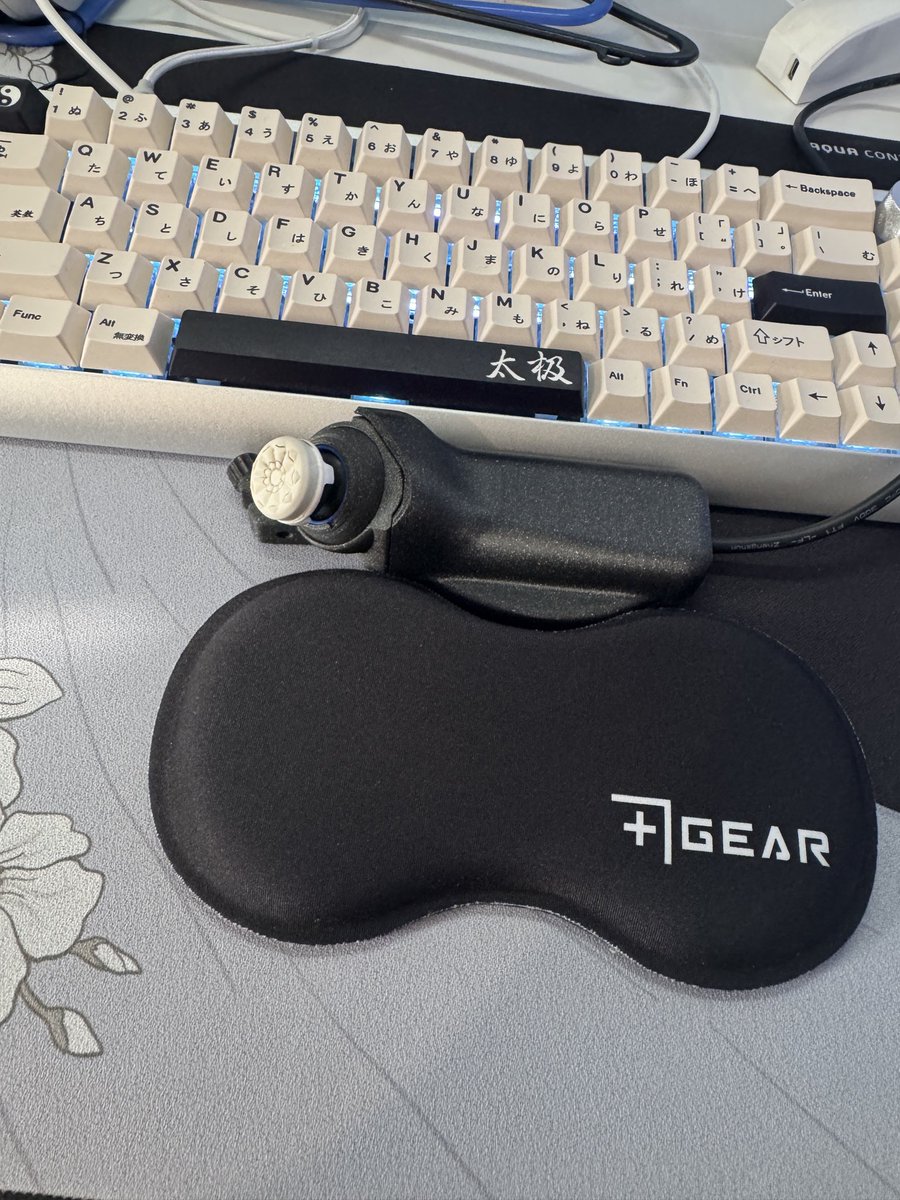
plusgear.ch retweeted

4 Mar 2025
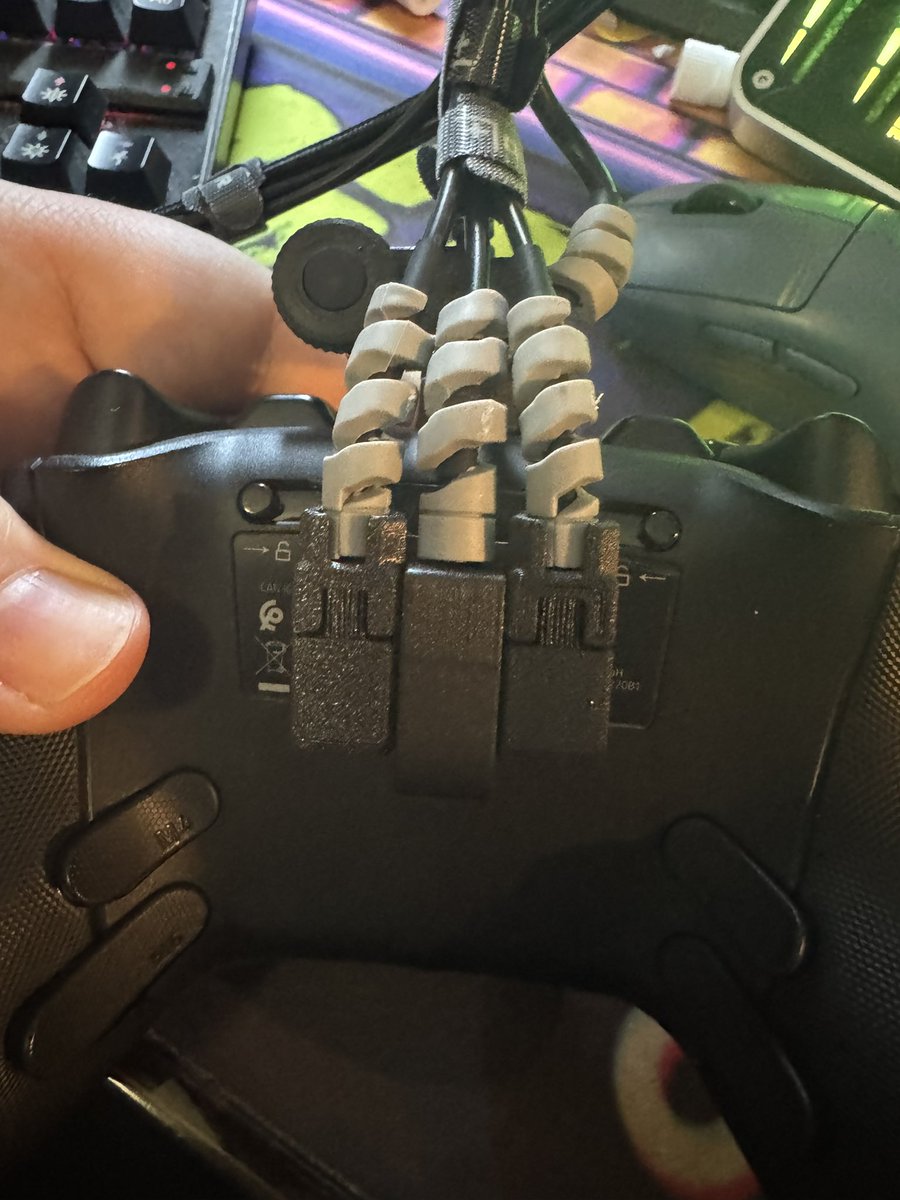
Hope they get this fixed soon. I finally have the three mouse buttons plus the scroll wheel all setup
2
1
2
1,510
1 Mar 2025
We got another confirmation. Now we just have to wait a little bit.
1 Mar 2025

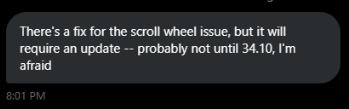
Fix should hopefully be in the next update (34.10)
6
11
2,974
27 Feb 2025
Looks like the bug with the input change when using the ProScroller will be fixed in a future update!
Screenshot from @CreepWtff thanks for your help!
8
11
2,832
27 Feb 2025
.@FortniteStatus Can we have an approximate time frame? Or maybe even @HYPEX @ShiinaBR could help us out here?
2
4
1,248
24 Feb 2025
Issue acknowledged from fortnite. ✅️ Now waiting for a fix! :)
24 Feb 2025

We're investigating an issue that impacts aiming and movement when making small adjustments with some controller types and keyboard mouse settings. We'll follow up with updates as soon as we have a fix ready.
8
1
26
3,965
plusgear.ch retweeted
21 Feb 2025
Hi @Fortnite @FortniteStatus looks like there's a bug with scrollwheel reset. When you use a scroll wheel the input switches from controller to kbm, which it hasn't done for the last 6 years. Can you fix this or at least let us know if this is intentional? Thanks!
43
12
84
24,206
21 Feb 2025
Hi @Fortnite @FortniteStatus looks like there's a bug with scrollwheel reset. When you use a scroll wheel the input switches from controller to kbm, which it hasn't done for the last 6 years. Can you fix this or at least let us know if this is intentional? Thanks!
43
12
84
24,206
21 Feb 2025
Interim solution here:
x.com/Plusgear_ch/status/189…
21 Feb 2025
I have found a kind of acceptable solution for the meantime. I'll make a video about it tomorrow. It's not perfect but it's the best I can offer at the moment.
Here are the instructions:
1. Go to the settings tab MOUSE AND KEYBOARD
2. Switch Lock Input Method as Mouse to ON
3. Go to the tab KEYBOARD CONTROLS
4. Assign the extra button that comes with the ProScroller to Place Building
5. Make sure that this button is not bound anywhere else.
Now you can use the ProScroller as usual without lag. This is because the input is now always on mouse and keyboard and does not always switch back and forth between controller and KBM.
Your aim assist will continue to work normally and everything else will be as before, EXCEPT FOR ONE THING:
If you now want to place a build, you have to press the extra button so that your build will actually place. In fact, all mouse and keyboard players play like this.
But there is also an advantage to using this setting that KBM players have always had against controller players. You can now take out a build without it being placed immediately. This helps you, for example, to place a cone in a box or over a wall. You now see the blueprint of the cone before you place it. This prevents you from placing the cone directly in front of you instead of in your opponent's box.
I'm sorry that I don't have a better solution at the moment. I'm working on finding something better.
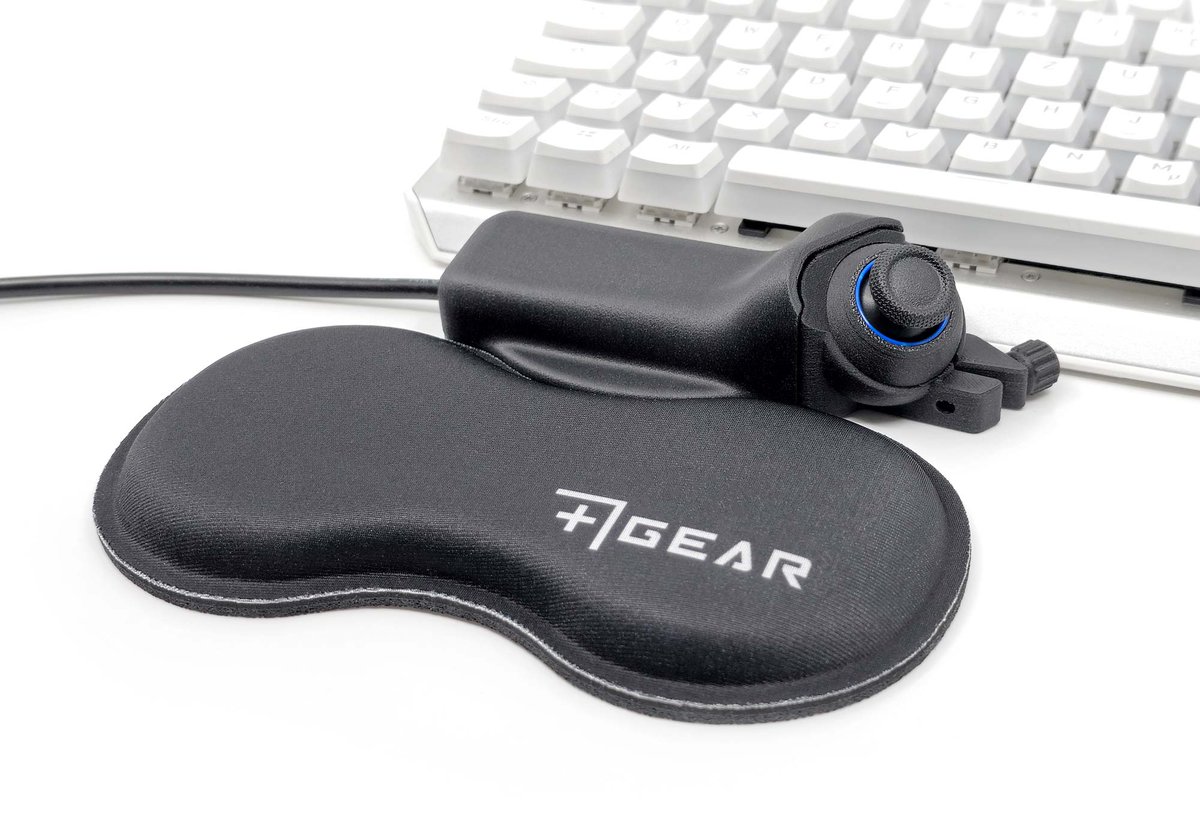
Btw, if you're already using the extra button for something else, you can connect additional buttons. In the black box with the logo is the PCB, where you can see that there are additional slots for more buttons.
1
2
2,860
21 Feb 2025
I have found a kind of acceptable solution for the meantime. I'll make a video about it tomorrow. It's not perfect but it's the best I can offer at the moment.
Here are the instructions:
1. Go to the settings tab MOUSE AND KEYBOARD
2. Switch Lock Input Method as Mouse to ON
3. Go to the tab KEYBOARD CONTROLS
4. Assign the extra button that comes with the ProScroller to Place Building
5. Make sure that this button is not bound anywhere else.
Now you can use the ProScroller as usual without lag. This is because the input is now always on mouse and keyboard and does not always switch back and forth between controller and KBM.
Your aim assist will continue to work normally and everything else will be as before, EXCEPT FOR ONE THING:
If you now want to place a build, you have to press the extra button so that your build will actually place. In fact, all mouse and keyboard players play like this.
But there is also an advantage to using this setting that KBM players have always had against controller players. You can now take out a build without it being placed immediately. This helps you, for example, to place a cone in a box or over a wall. You now see the blueprint of the cone before you place it. This prevents you from placing the cone directly in front of you instead of in your opponent's box.
I'm sorry that I don't have a better solution at the moment. I'm working on finding something better.
Btw, if you're already using the extra button for something else, you can connect additional buttons. In the black box with the logo is the PCB, where you can see that there are additional slots for more buttons.
12
1
10
6,625
21 Feb 2025
I'm working on finding a solution. In the meantime, every repost or interaction is appreciated so we can get epics attention to it.
21 Feb 2025
Hi @Fortnite @FortniteStatus looks like there's a bug with scrollwheel reset. When you use a scroll wheel the input switches from controller to kbm, which it hasn't done for the last 6 years. Can you fix this or at least let us know if this is intentional? Thanks!
1
1
19
1,691
plusgear.ch retweeted

17 Dec 2024
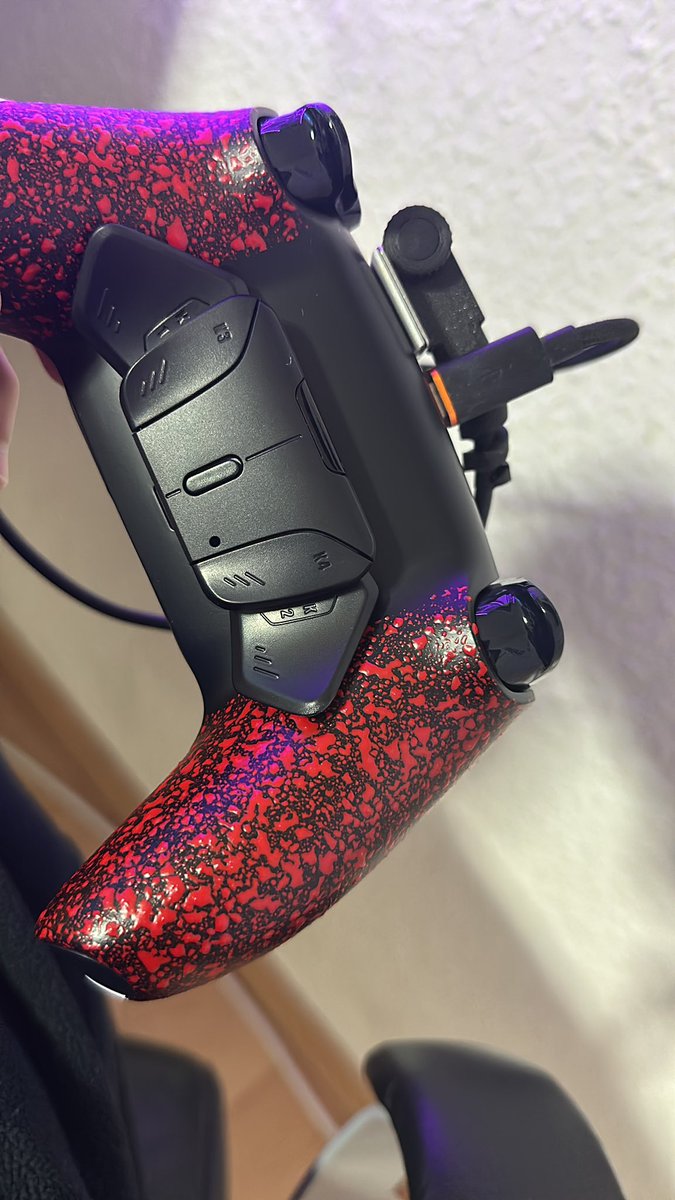
New Controller looks 🔥 .
Also Thanks to @Plusgear_ch for the Scroll Wheel
1
1
5
1,580
3 Dec 2024
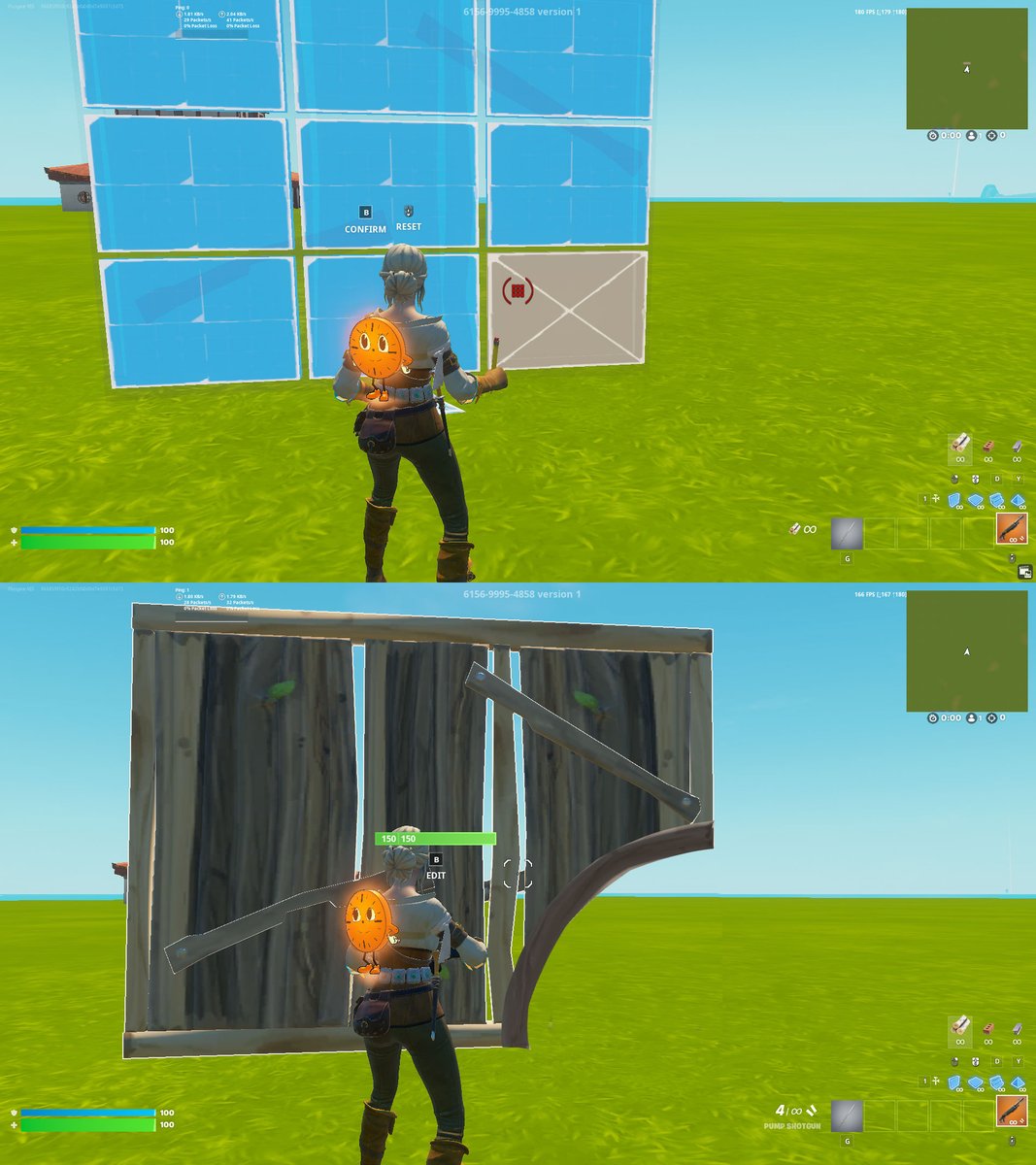
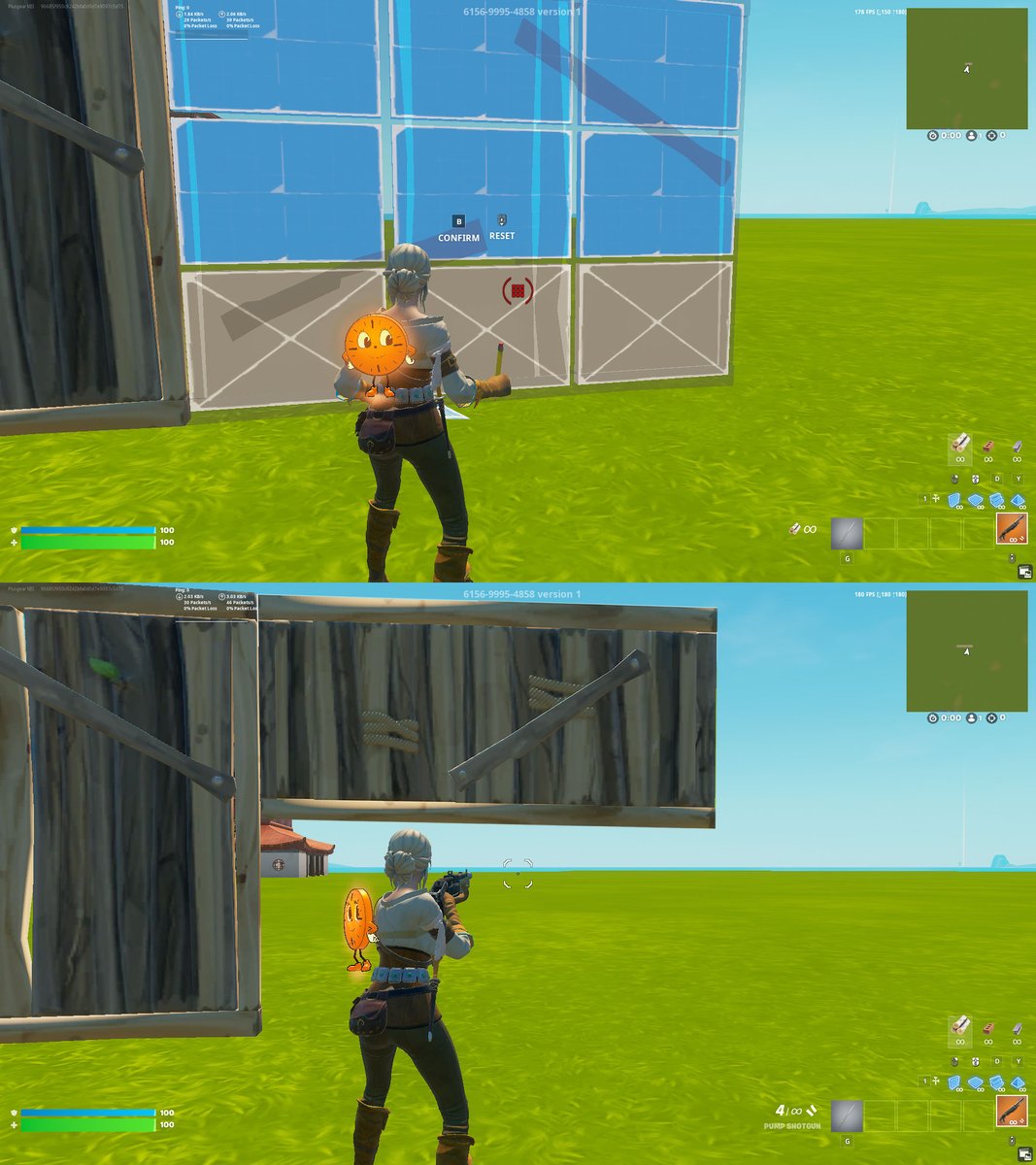
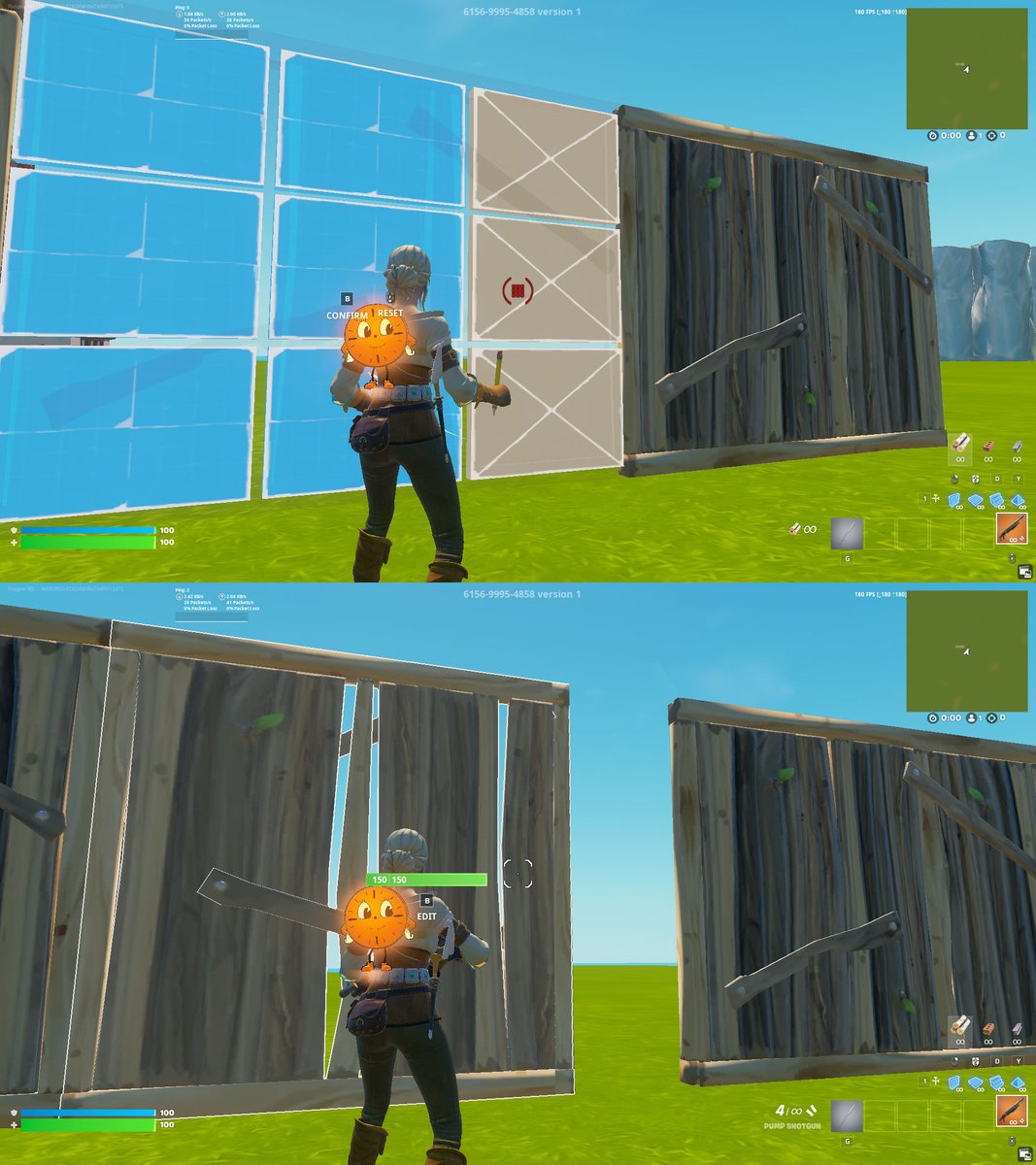
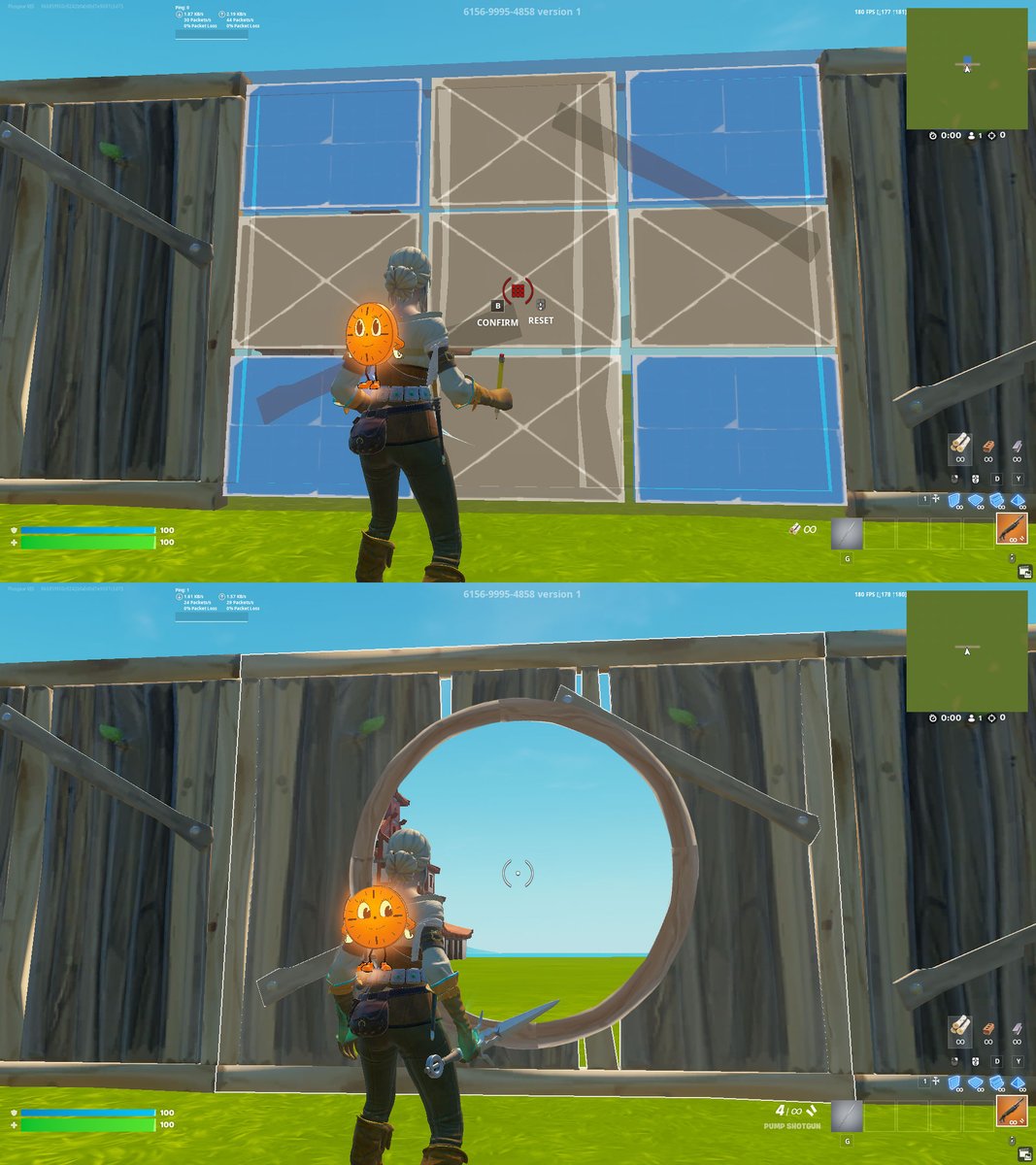
Now that we have simple edits in Fortnite, would adding more advanced edits give experienced players an edge? (Images are just examples—there are surely better, more practical ones than these!)
3
6
3,749

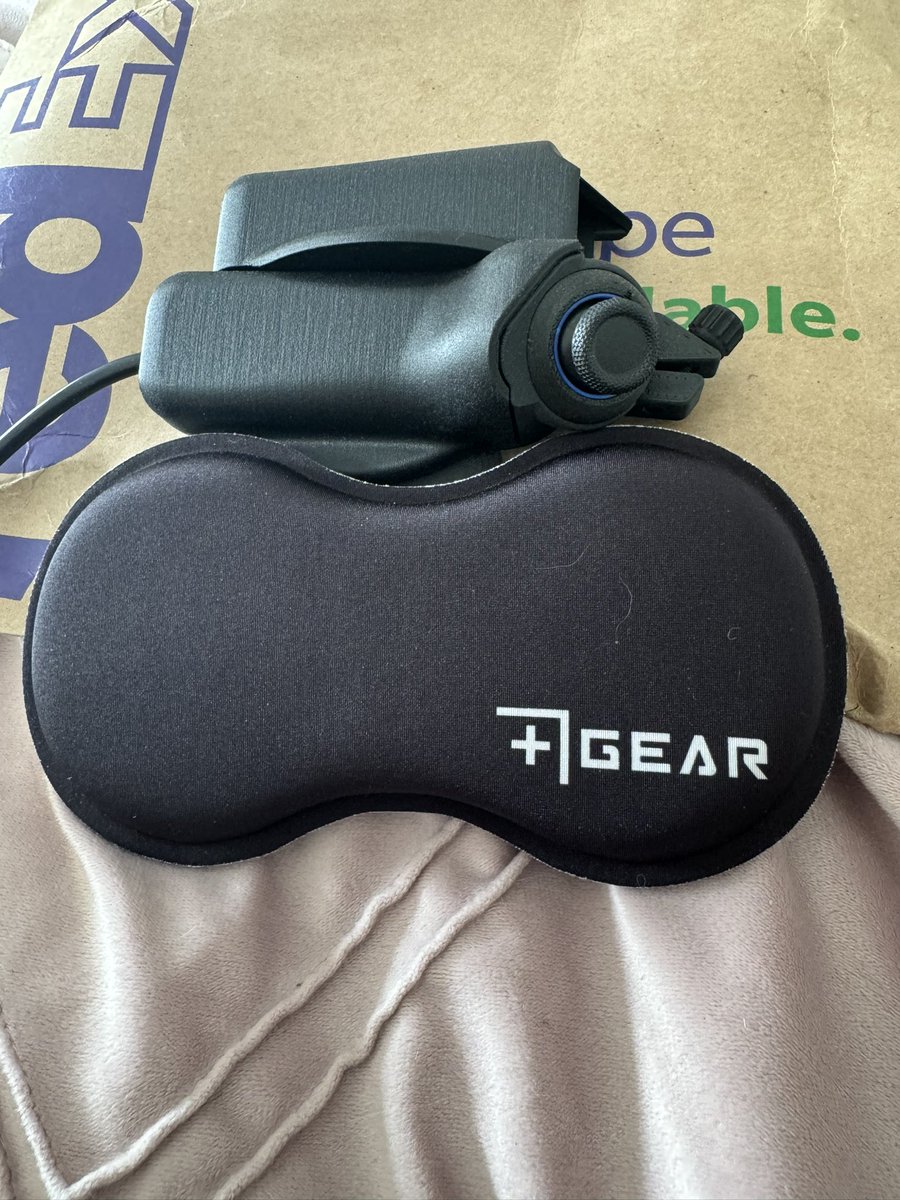
Big thanks to @Plusgear_ch for sending me their thumb stick! Excited to try it out as I learn mouse and keyboard. This isn’t sponsored, just genuinely excited! If you want me to review this product as a complete beginner, let me know in the comments. #Gaming #Tech #Grateful
1
4
1,005
plusgear.ch retweeted
14 Jun 2024
If you don't have a free button on your controller left for this, check 1st comment.
2
2
6
3,208
14 Jun 2024
If you don't have a free button on your controller left for this, check 1st comment.
2
2
6
3,208
14 Jun 2024
The ExoPad V2 gives you access to up to 4 more buttons without taking your thumb off the joystick: plusgear.ch/produkt-kategori…
1
649
plusgear.ch retweeted

13 May 2024
Appreciation tweet to @Plusgear_ch, they are the best idk how controller players can play without the scroll wheel
2
1
4
3,434