
Technical Artist and a game developer currently obsessed with fantasy open-world games and worldbuilding, hoping and working to create one someday.
Joined May 2013
- Tweets 71
- Following 866
- Followers 516
- Likes 2,869
59 Photos and videos
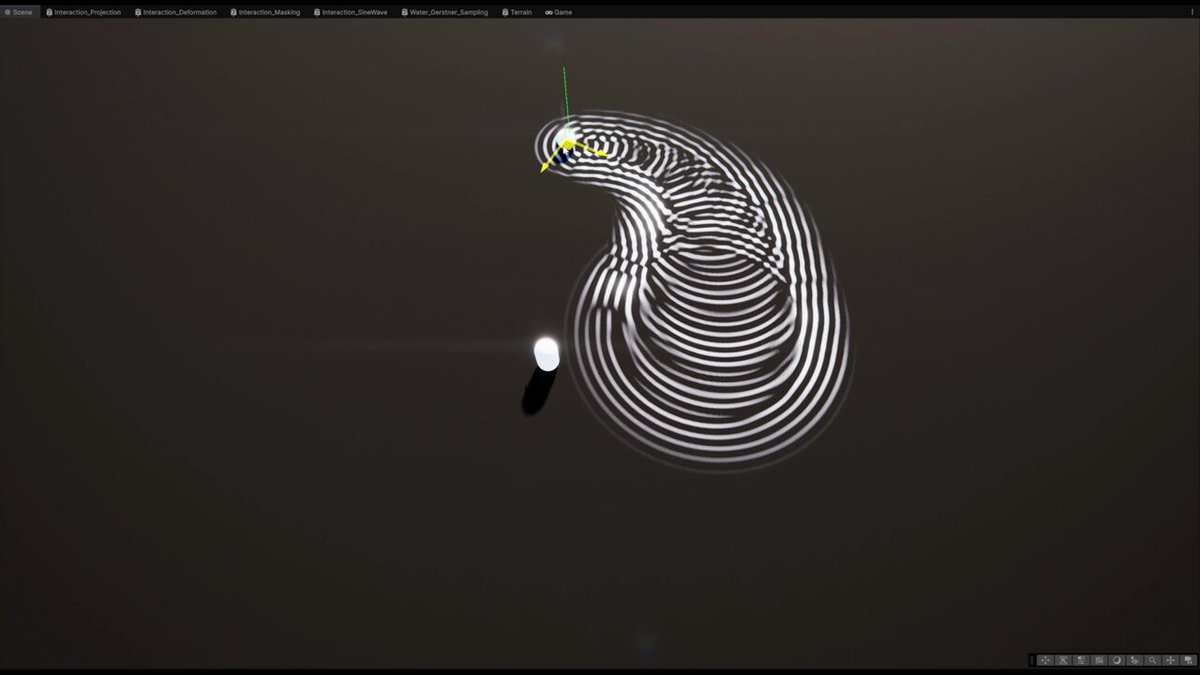
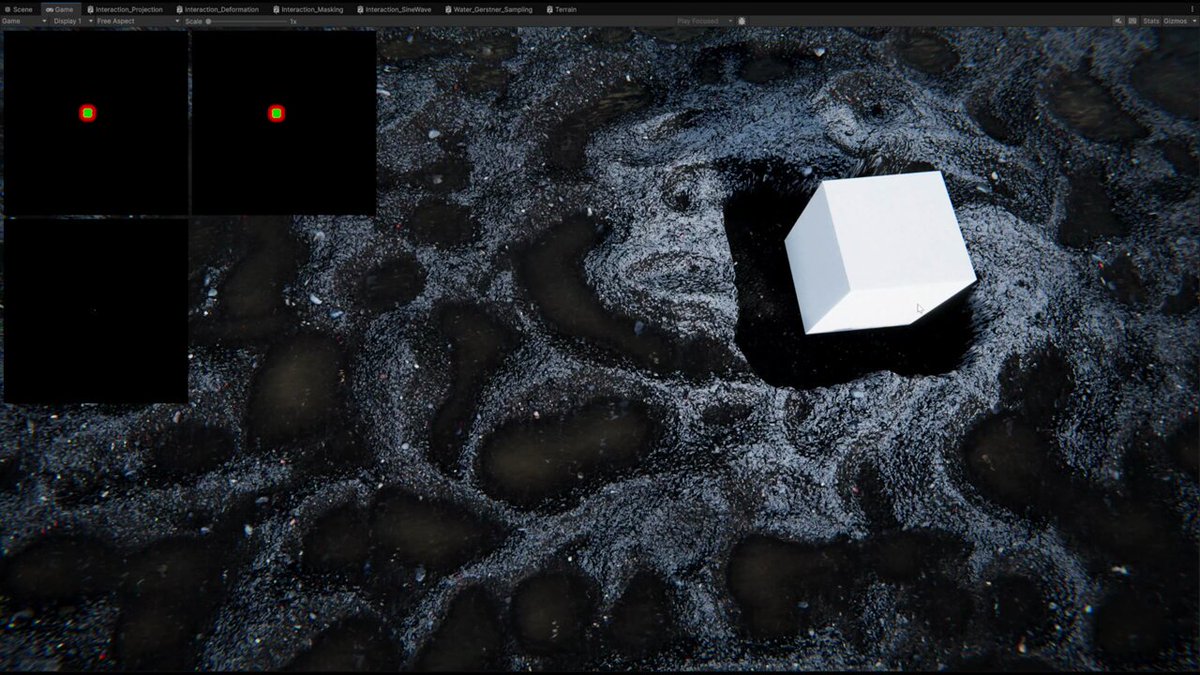
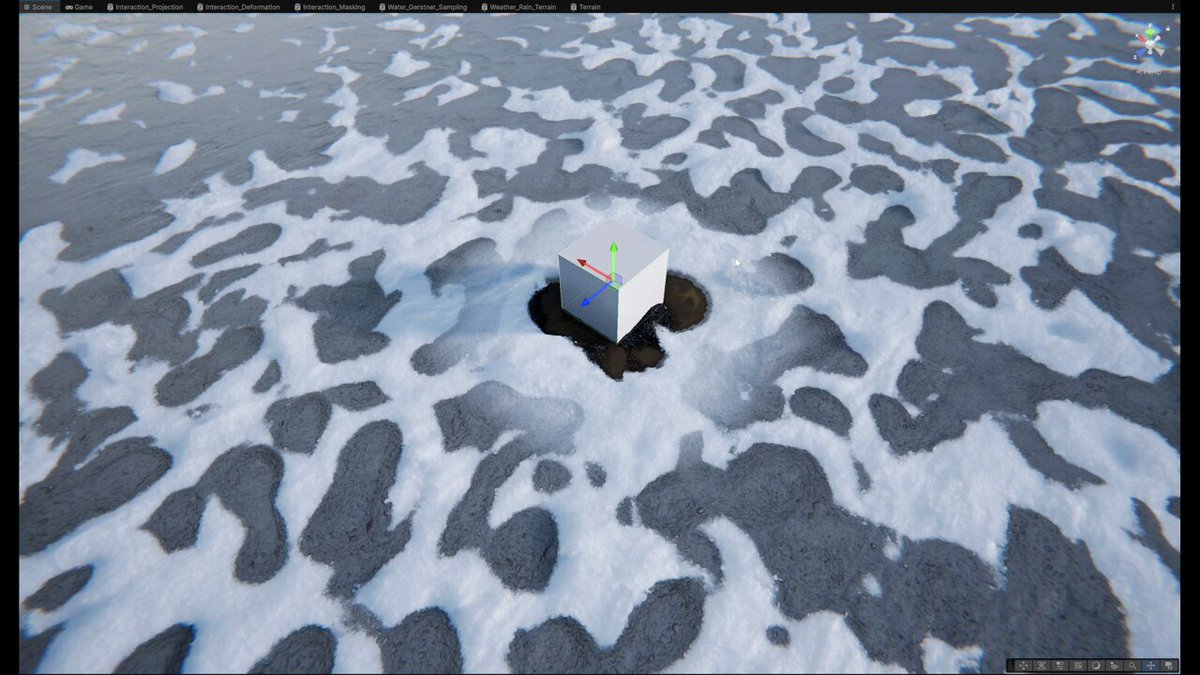
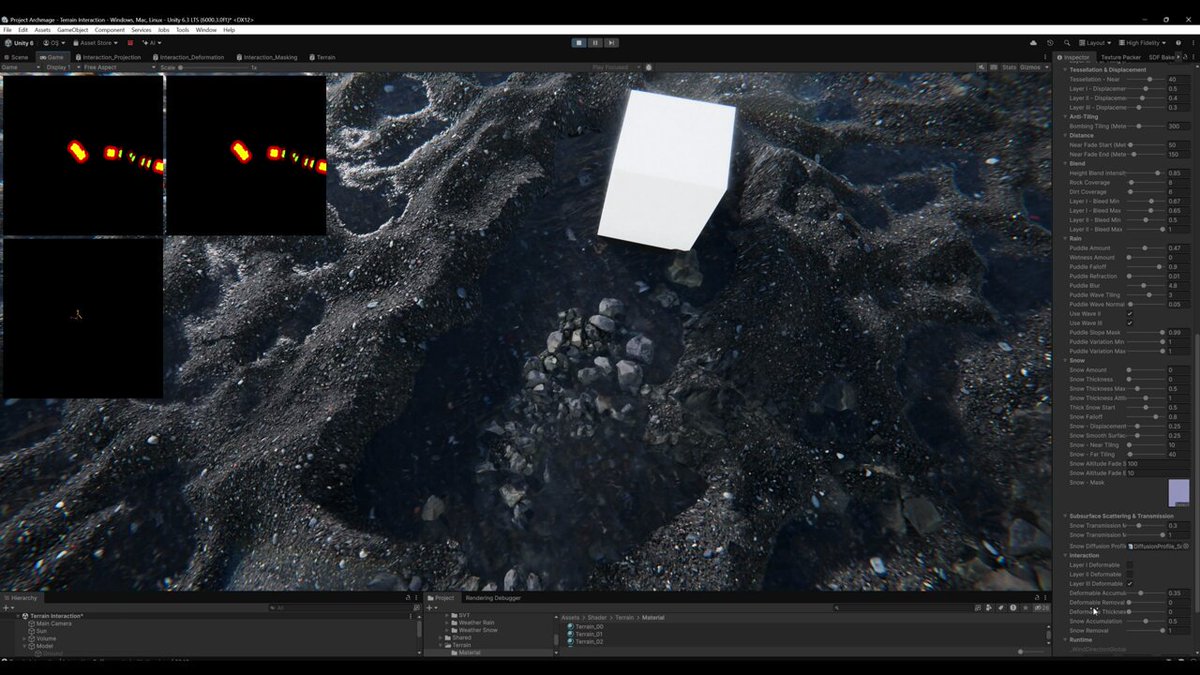
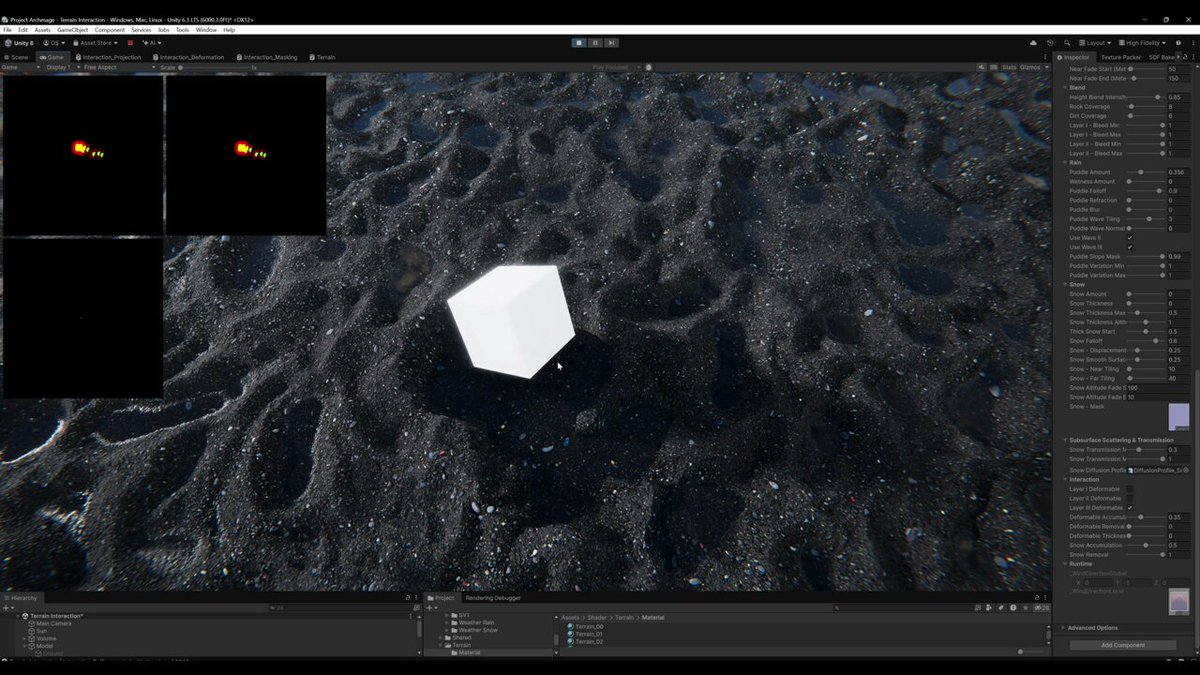
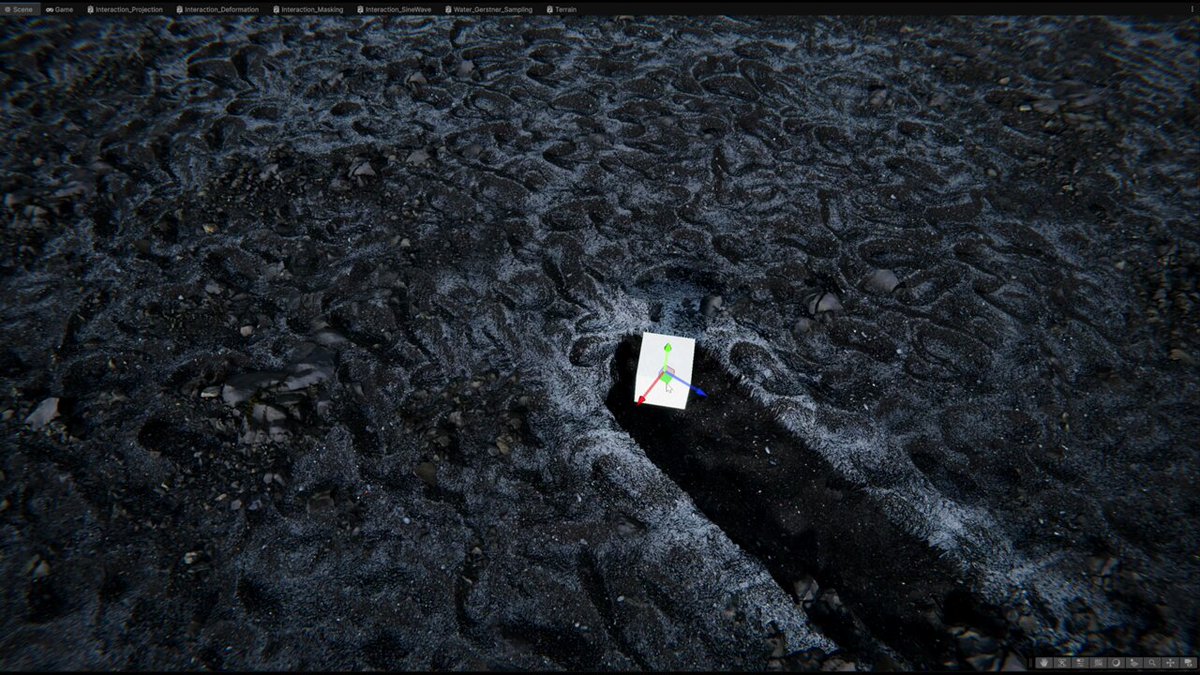
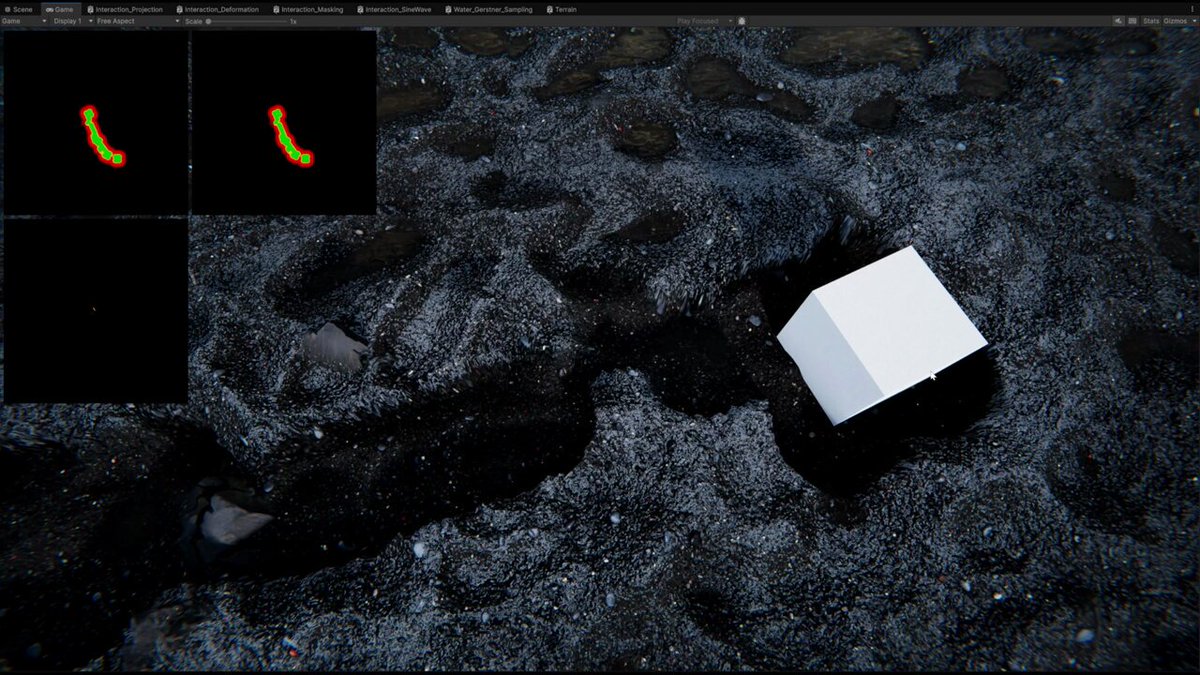
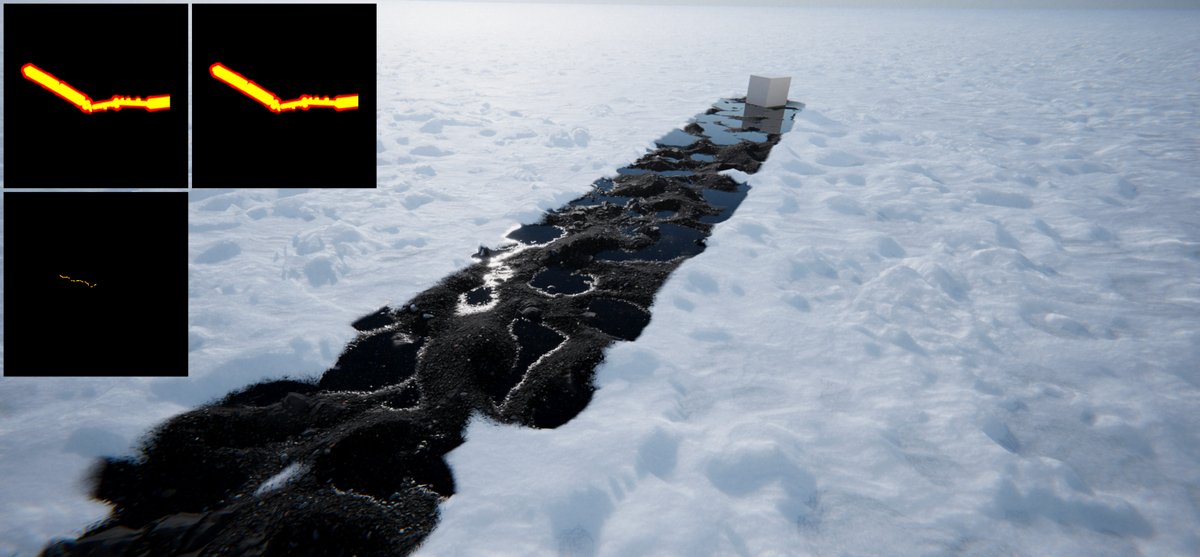
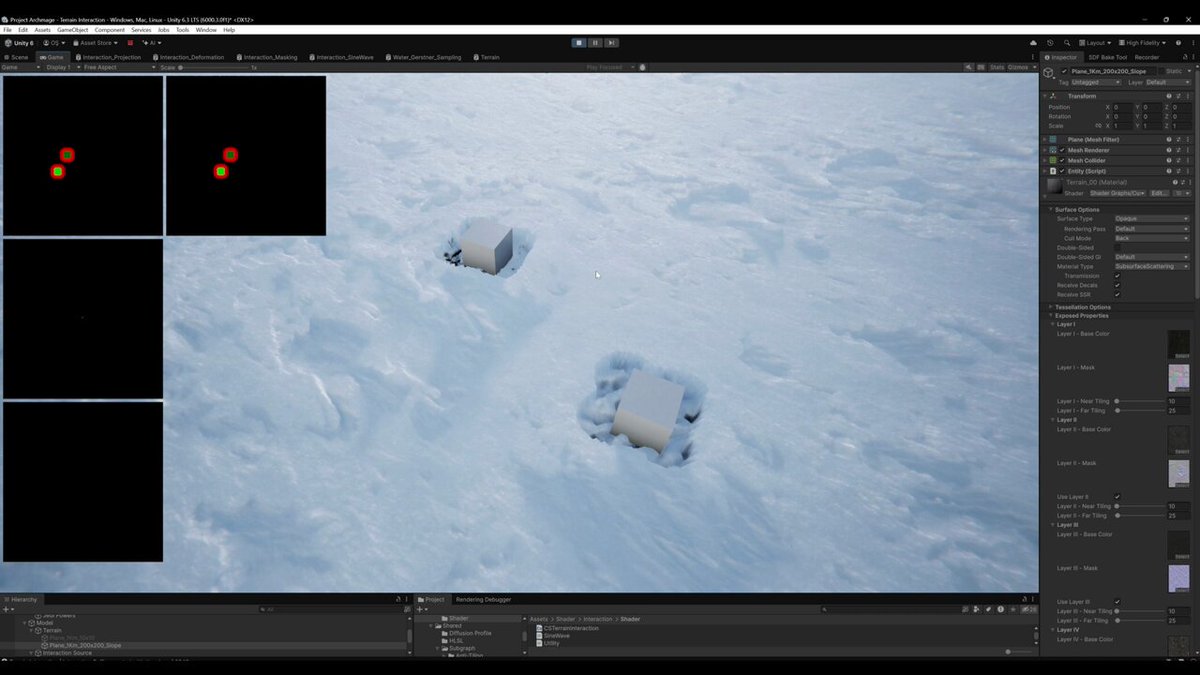
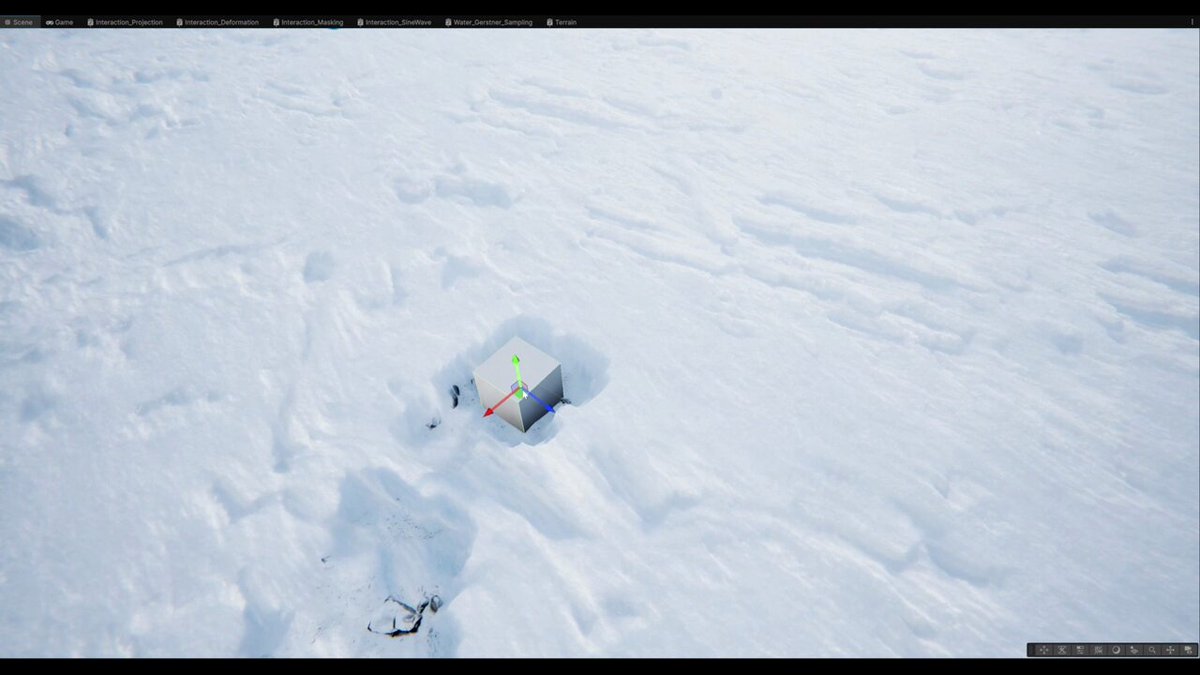
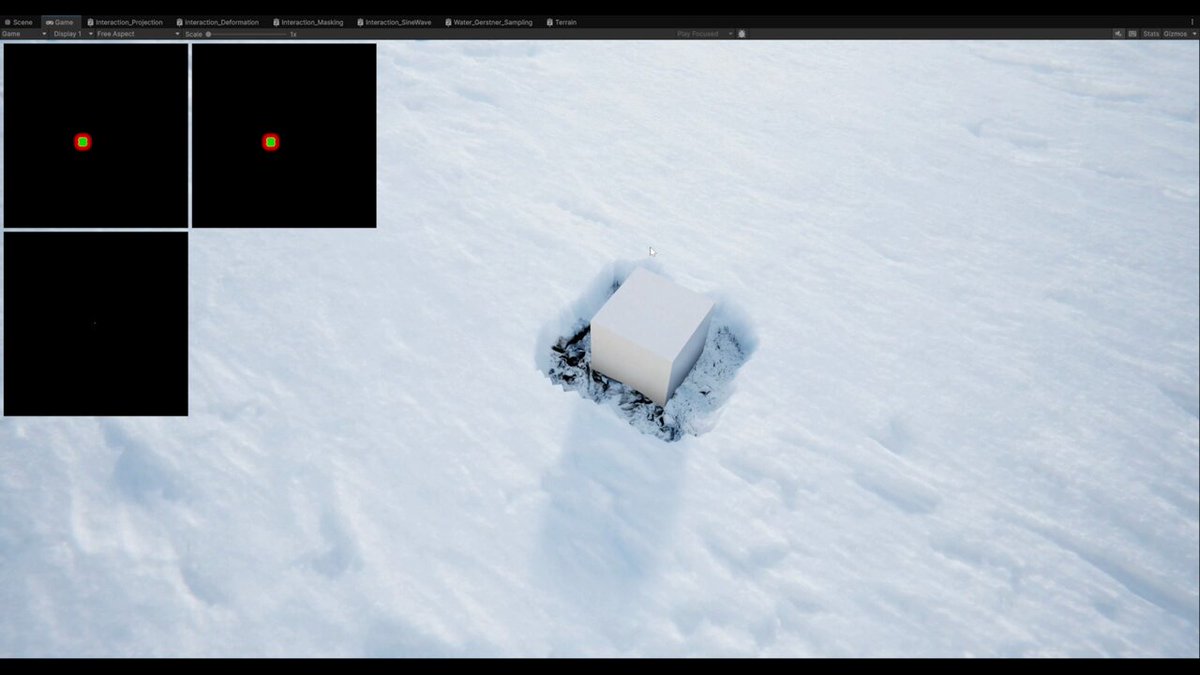
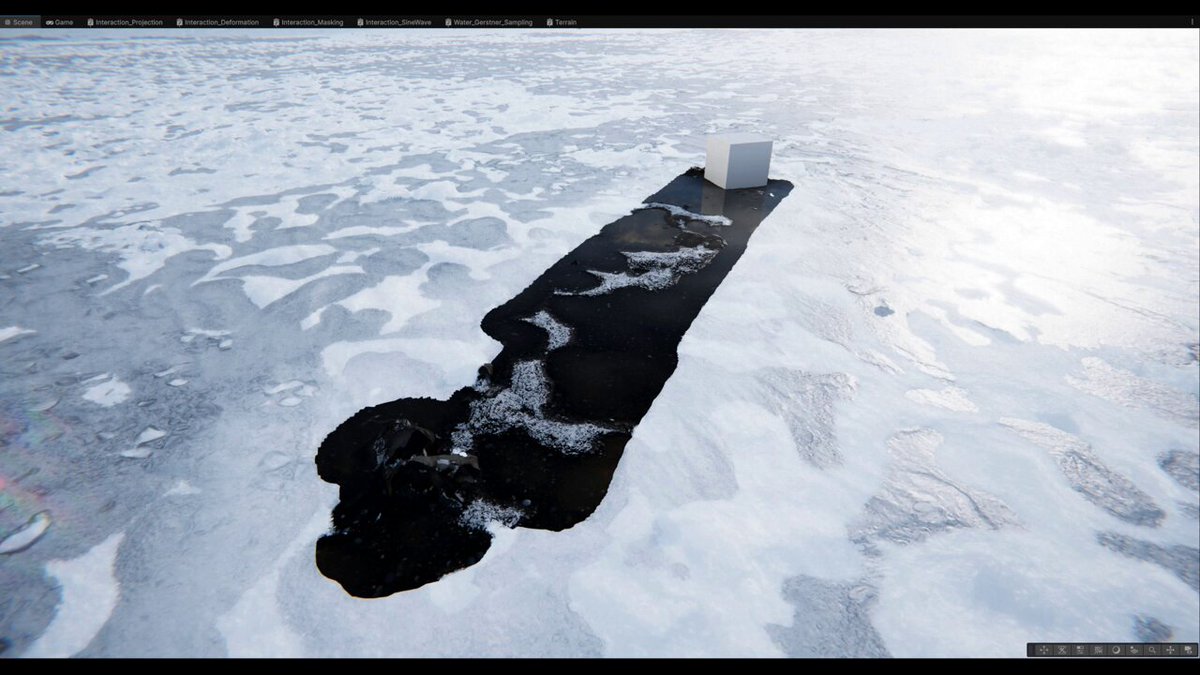
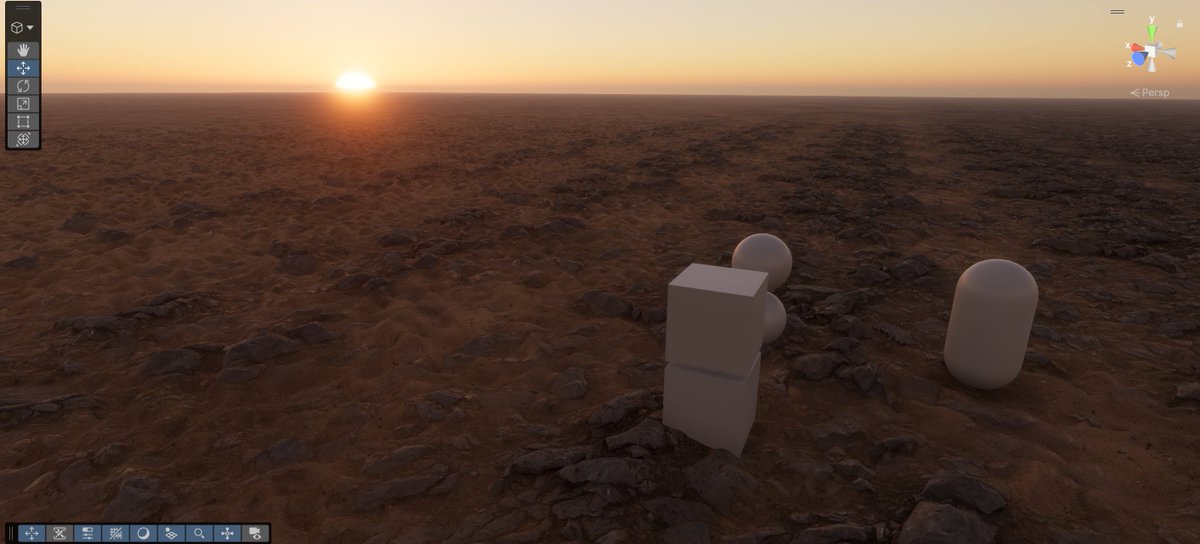
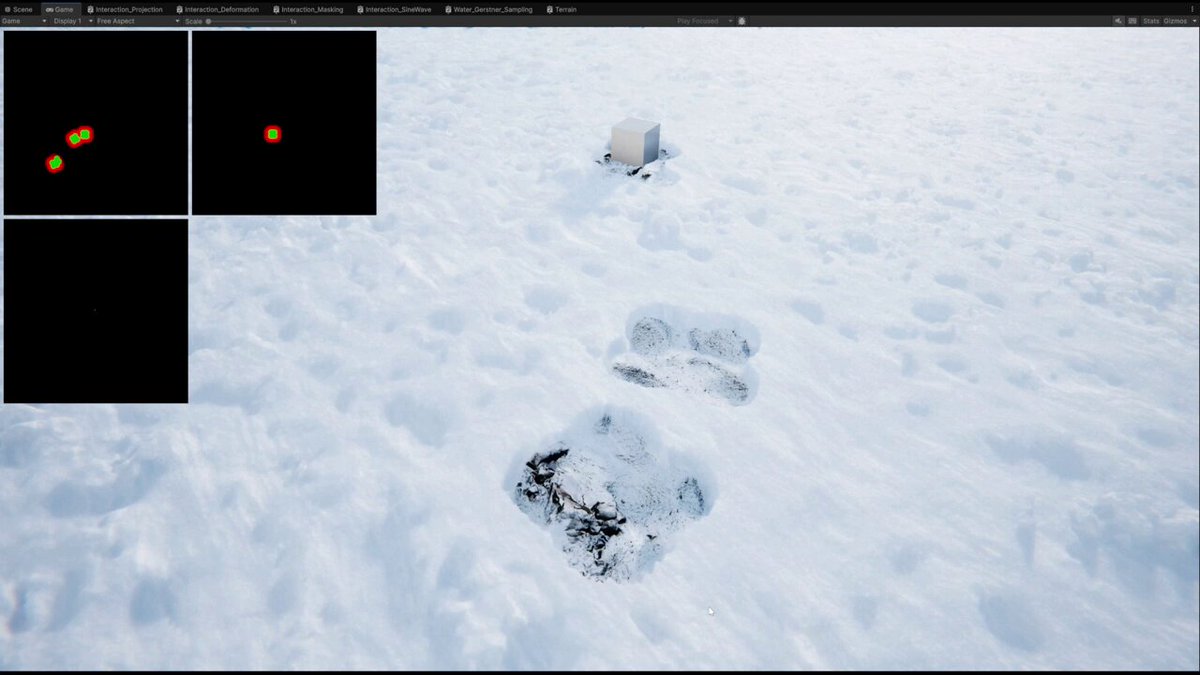
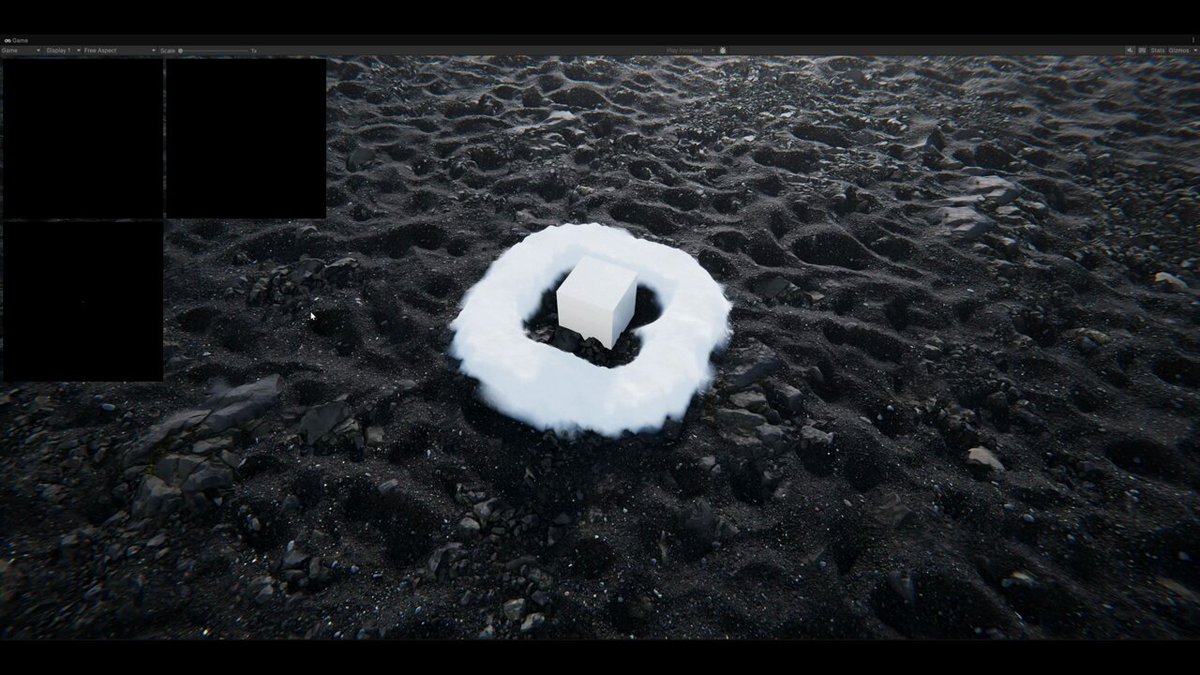
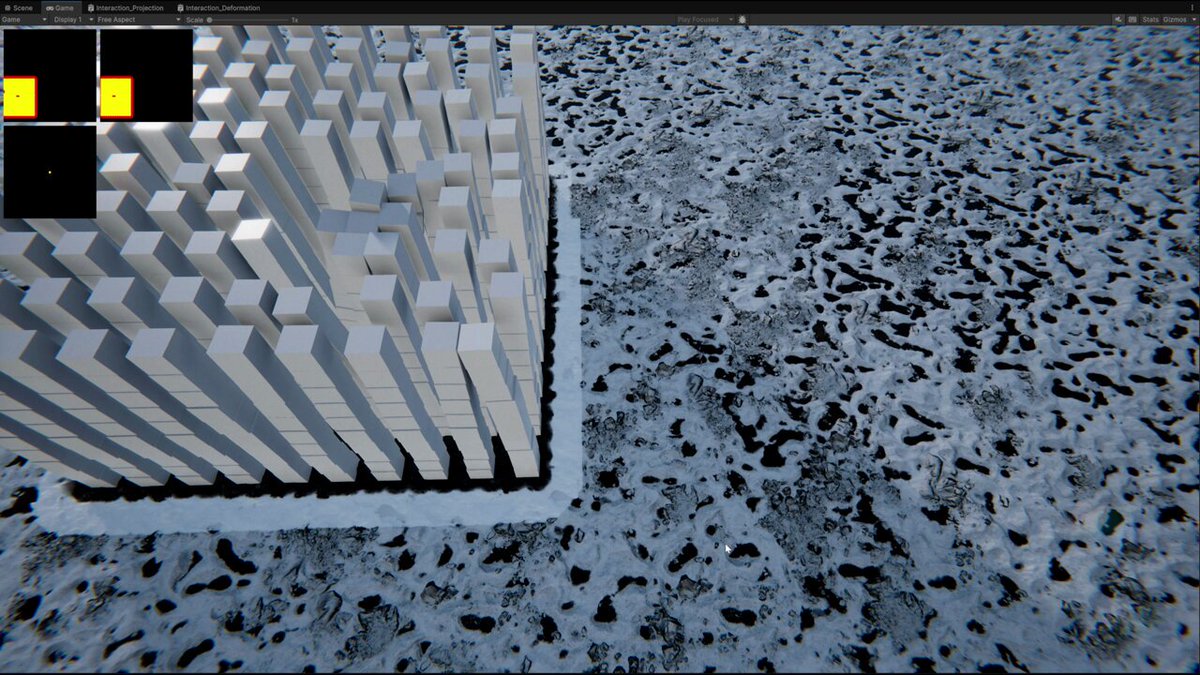

Finally, it's time to add interaction to our procedural terrain puddles. Tried sine waves with a bit of custom masking. Guess what? I ended up scrapping it. But since I wasted most of this week on this little experiment and have no other footage, you're going to see more of it anyway.
#MadeWithUnity #TechnicalArt #Shader #EnvironmentArt #GameDev #Gaming
1
6
Playing around with terrain deformation and weather. There are still some issues but I'll call it good for now and move on to water interaction which will also affect our rain puddles.
#MadeWithUnity #TechnicalArt #Shader #EnvironmentArt #GameDev #Gaming
40
An update from the future. Everything started to come together for our weather and interaction system. Procedural rain puddles are now interactable as promised. The same interaction data will also be used for actual water bodies like ponds, lakes, etc.
This method actually allows ripples to be reflected as well, but I haven't been able to feed the necessary data yet. Once that is in place, it will also ensure that ripples are only generated at actual points of contact with the water, preventing them from appearing or spreading in unrelated areas.
Besides the ripple normals, I also tried to create a sense of depth by feeding the displacement data into the puddle amount parameter, which drives puddle height.
As a quick recap:
We got snow and rain as our weather types (I'm considering ash too for volcanic areas by reusing the snow logic), and they respond to each other to some extent. If there are puddles prior to snowfall, for example, they might freeze during the process and then be revealed when the player or any other object interacts with them.
Rain comes in the form of wetness and puddles based on the textures' height. In this clip they're mostly opaque, but they actually have refraction and blur, which are also affected by interaction ripples.
Snow goes from thin coverage to the desired thickness and is deformable.
This is still a WIP, and it will receive a lot of polish, such as ripple sizes, speed, etc.
You might be wondering why all this work is going into these systems. My intended end goal for these features, apart from their own contribution, is to boost other gameplay aspects and create a certain feeling for the player. For example, if the player shoots a magic projectile, it will melt the snow and even create ripples on its way to the target.
Another benefit is allowing players to experience the same events, quests, etc. under different atmospheric conditions. And honestly, these systems are just really fun to work on. :D
#MadeWithUnity #TechnicalArt #Shader #EnvironmentArt #GameDev #Gaming
1
38
Terrain interaction & weather test part II.
#MadeWithUnity #TechnicalArt #Shader #EnvironmentArt #GameDev #Gaming
1
33
Terrain interaction & weather test. This is an old one. I tried different things for handling holes and puddles. In this one, hole displacement completely flattened and puddles fill it uniformly.
#MadeWithUnity #TechnicalArt #Shader #EnvironmentArt #GameDev #Gaming
1
29
Terrain interaction test part II. System can be enabled per terrain layer. Since we're leaking base layers into the upper ones this also allows us to avoid deforming the wrong layers. For example our sand layer isn't pure because rock and cliff layers leak into it. With this approach we avoid deforming rocks on the sand layer so only the chosen soft layers are affected by deformation. (Btw you might notice some artifacts.)
This also adds flexibility. For example we can support special cases with multiple deformable layers, a single deformable layer with different layer counts. It simply works by enabling deformation on the desired layer. Also we're not generating any normals for now.
#MadeWithUnity #TechnicalArt #Shader #EnvironmentArt #GameDev #Gaming
1
39
Terrain interaction test. I'm trying to create a fully interactable terrain with everything from small to large scale deformations, interactable procedural puddles, snow and more.
#MadeWithUnity #TechnicalArt #Shader #EnvironmentArt #GameDev #Gaming
1
49
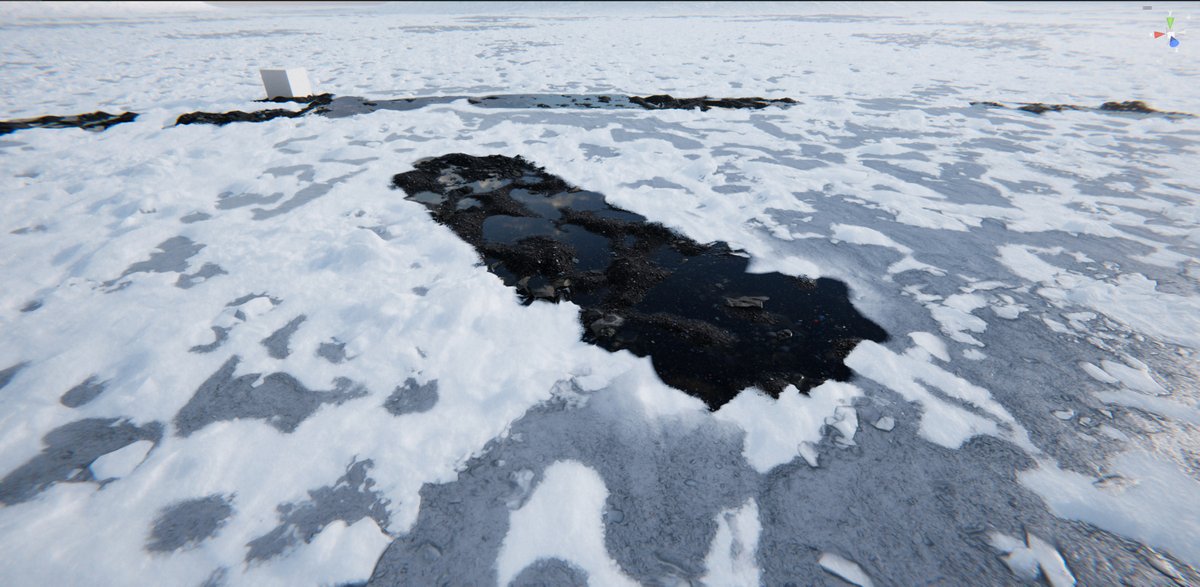
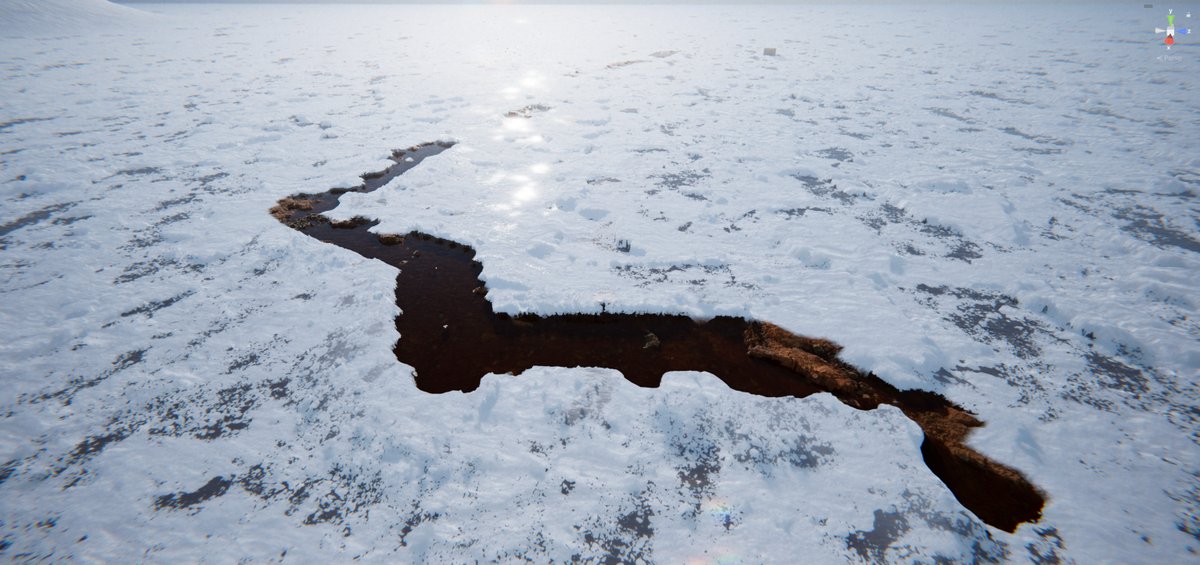
Some shots from snow interaction tests.
#MadeWithUnity #TechnicalArt #Shader #EnvironmentArt #GameDev #Gaming
1
76
Another snow interaction test. Different sources now leave different trails. For example, spells can completely melt the snow while humanoids can leave footprints to fake crowded areas.
#MadeWithUnity #TechnicalArt #Shader #EnvironmentArt #GameDev #Gaming
2
126
A little snow interaction test part II.
#MadeWithUnity #TechnicalArt #Shader #EnvironmentArt #GameDev #Gaming
1
51
A little snow interaction test.
#MadeWithUnity #TechnicalArt #Shader #EnvironmentArt #GameDev #Gaming
1
52
Snow interaction & procedural puddles.
Some of the current features:
> Effects are permanent.
> Works with the existing procedural puddles system.
> Snow accumulates along borders.
> Accumulation is based on the total amount of snow.
> Interior snow amount can be adjusted.
On later updates, interior snow will be driven by an ID mask. This way, for example humanoids can leave crunched snow textures to fake crowd movement, spells can almost or completely melt the snow and vehicles can leave dirty snow trails.
#MadeWithUnity #TechnicalArt #Shader #EnvironmentArt #GameDev #Gaming
1
53
This is an old one but just wanted to share it since I love the vibe :D I was trying to implement height blend with displacement here but it seems there is no anti-tiling.
#MadeWithUnity #Unreal #TechnicalArt #Shader #EnvironmentArt #GameDev #Gaming
71
Hi everyone! We're finally getting there with snow interaction. Thickness added. Accumulation is bassed on total snow amount and a couple more subtle adjustments. Also, effects are permanent.
#MadeWithUnity #Unreal #TechnicalArt #Shader #EnvironmentArt #GameDev #Gaming
1
1
126
This dude thinks he is the new Bethesda Game Studios.
Just kidding. One of my main inspirations is The Elder Scrolls, the reckless ambition of Arena and Daggerfall, the worldbuilding and lore of Morrowind, and the immersion of Oblivion and Skyrim.
#MadeWithUnity #Unreal #TechnicalArt #Shader #EnvironmentArt #GameDev #Gaming
45
Hi everyone! Another snow interaction test. This time with border accumulation. I want the borders to be a little bit thicker to give the illusion that all the scraped snow has accumulated there. Later, this accumulation will be based on how much snow exists and it will also work for thick snow. Also we'll apply the same principle and same mask for soft terrain layers like sand & mud.
I'm dropping some context info here from previous posts:
"This is a 1 km area the same size as the terrain chunk I was using in my previous posts. I want deformations to be permanent when it makes sense so the player can feel more immersed by turning back and seeing the marks they left behind or even gather information about the environment by seeing the interactions of other lifeforms. With the system I'm planning they can also separate different sources since lifeforms and other objects will leave different textures on the snow for example.
There are two RTs. One of them is centered around the player or camera. It covers the close range around the player, moves with them and allows high resolution details to be captured. The other one is static and will hold both the near data stamped onto it to make it permanent and also interactions that fall outside the near one so they can still be captured up to a certain culling distance. There is currently one static RT that covers 1 km. I will need to turn this into chunk based streaming later but I will call this good for now."
Thank you for your time!
#MadeWithUnity #Unreal #TechnicalArt #Shader #EnvironmentArt #GameDev #Gaming
27
Hi everyone! Another basic snow removal test for terrain interaction system. Slowly getting there. :D
I'm dropping some context info here from previous posts:
"This is a 1 km area the same size as the terrain chunk I was using in my previous posts. I want deformations to be permanent when it makes sense so the player can feel more immersed by turning back and seeing the marks they left behind or even gather information about the environment by seeing the interactions of other lifeforms. With the system I'm planning they can also separate different sources since lifeforms and other objects will leave different textures on the snow for example.
There are two RTs. One of them is centered around the player or camera. It covers the close range around the player, moves with them and allows high resolution details to be captured. The other one is static and will hold both the near data stamped onto it to make it permanent and also interactions that fall outside the near one so they can still be captured up to a certain culling distance. There is currently one static RT that covers 1 km. I will need to turn this into chunk based streaming later but I will call this good for now."
Thank you for your time!
#MadeWithUnity #Unreal #TechnicalArt #Shader #EnvironmentArt #GameDev #Gaming
22
Hi everyone! Basic snow removal test as a start.
I'm dropping some context info here from previous posts:
"This is a 1 km area the same size as the terrain chunk I was using in my previous posts. I want deformations to be permanent when it makes sense so the player can feel more immersed by turning back and seeing the marks they left behind or even gather information about the environment by seeing the interactions of other lifeforms. With the system I'm planning they can also separate different sources since lifeforms and other objects will leave different textures on the snow for example.
There are two RTs. One of them is centered around the player or camera. It covers the close range around the player, moves with them and allows high resolution details to be captured. The other one is static and will hold both the near data stamped onto it to make it permanent and also interactions that fall outside the near one so they can still be captured up to a certain culling distance. There is currently one static RT that covers 1 km. I will need to turn this into chunk based streaming later but I will call this good for now."
Thank you for your time!
#MadeWithUnity #Unreal #TechnicalArt #Shader #EnvironmentArt #GameDev #Gaming
20
Hi everyone! This is how we use the captured interaction data for terrain like snow and sand deformation.
At the top left you can see what is being captured. The area indicated with UV colors is the render texture centered around the player. In this case the player is the camera. I also added movement support so the camera can move now. That is why in the previous posts the player position was static.
Based on its bounds the data is masked and projected from top. This means any object that samples these textures can use the same data for its own logic. For example, imagine a snowy biome with static environment props like large rocks that are also covered with snow. These objects can sample the texture and use it to remove snow as the player or other objects move over them. The same idea can apply to surfaces like roofs etc.
There are some cases that need to be handled. Since this is a projection based approach it comes with typical projection artifacts such as smearing on steep angles and affecting everything within the same vertical slice.
I'm also putting a small context info here from previous posts:
"This is a 1 km area the same size as the terrain chunk I was using in my previous posts. I want deformations to be permanent when it makes sense so the player can feel more immersed by turning back and seeing the marks they left behind or even gather information about the environment by seeing the interactions of other lifeforms. With the system I'm planning they can also separate different sources since lifeforms and other objects will leave different textures on the snow for example.
There are two RTs. One of them is centered around the player or camera. It covers the close range around the player, moves with them and allows high resolution details to be captured. The other one is static and will hold both the near data stamped onto it to make it permanent and also interactions that fall outside the near one so they can still be captured up to a certain culling distance. There is currently one static RT that covers 1 km. I will need to turn this into chunk based streaming later but I will call this good for now."
Thak you for your time!
#MadeWithUnity #TechnicalArt #Shader #EnvironmentArt #GameDev #Gaming
35
Hi everyone! I wanted to share another trick that I happened upon by chance too. This one is about leveling up Gerstner waves.
Gerstner waves are generally considered a midground between more advanced techniques like FFT and simpler ones. One of the main problems with them is that they tend to create waves with soft tops as the wave count increases, even if you max out the steepness parameter to 1. The trick used here to get sharper waves is applying a multiplier to the world space position (or any uv) and then adjusting the steepness value to avoid overlapping tops.
One thing that needs to be taken care of with this method is that, if I’m not wrong, it tiles the waves. So if your maximum wavelength is, let’s say, 120 and you use a world space multiplier of 6, your maximum wavelength in the scene becomes 20. That means waves will tile every 20 engine units instead of 120. To avoid that, the wavelength parameter can be multiplied by the same world space multiplier before passing it into the Gerstner calculations.
Another option might be increasing the steepness parameter above 1 while adjusting the speed to a plausible state via a custom speed parameter.
#MadeWithUnity #TechnicalArt #Shader #EnvironmentArt #GameDev #Gaming
35