We're still in the final rounds of feedback, before launching Oak IQ's new brand and website.
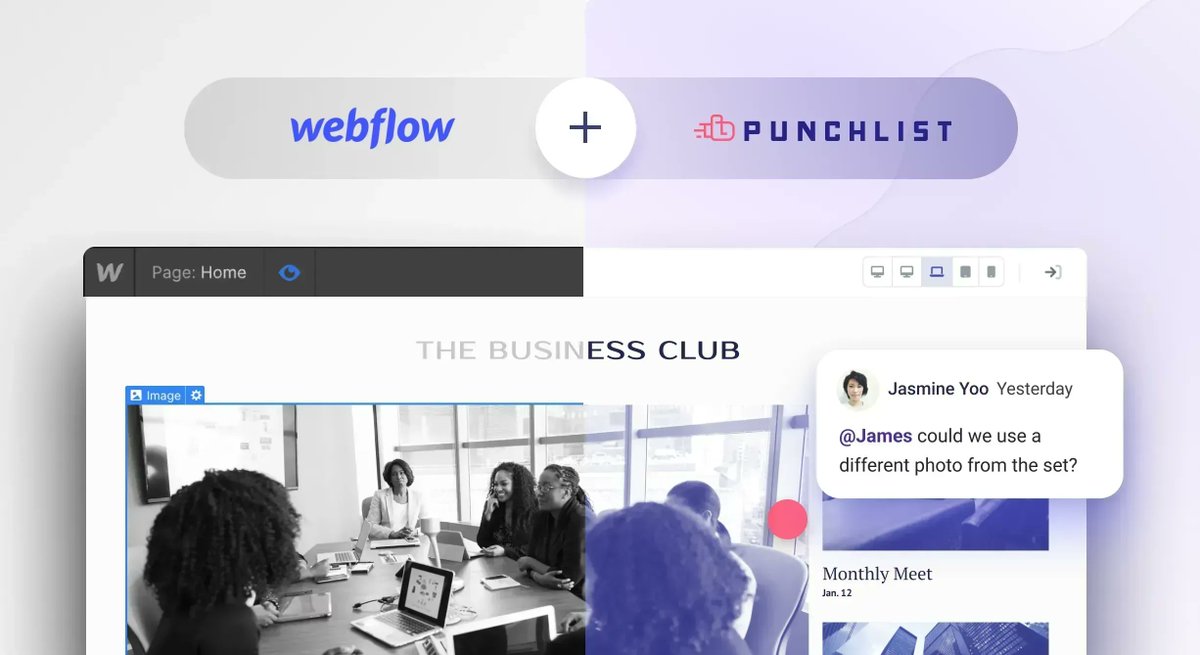
Our best friend, during this phase, has been @Punchlist. We're planning to move Design comments to PL as well. This way our clients won't need to learn more platforms than they need.
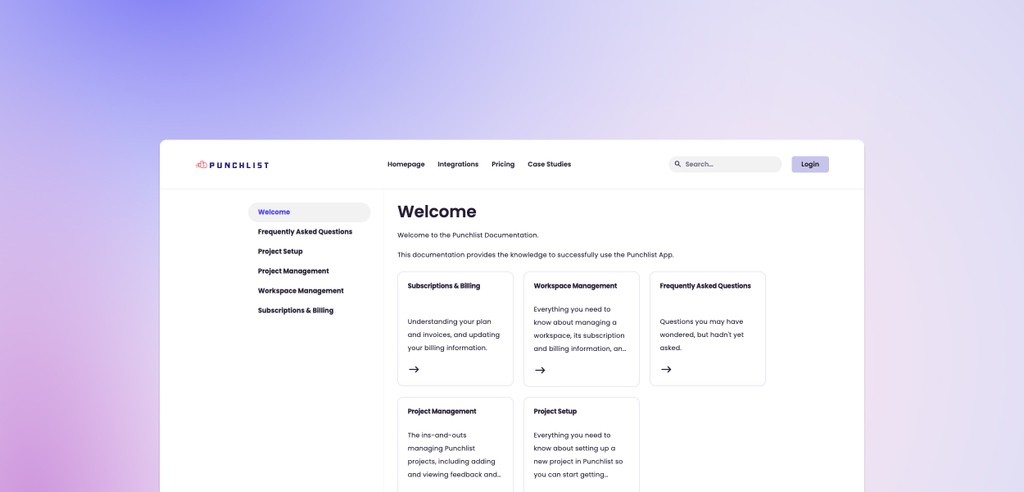
We collaborated with our good friends @punchlist to bring you a free Knowledge Base cloneable!
We had a lot of fun building this feature, and we wanted to share it with the world.
We also wrote guide on how you can integrate and customize the cloneable: tinyurl.com/52r6up5e
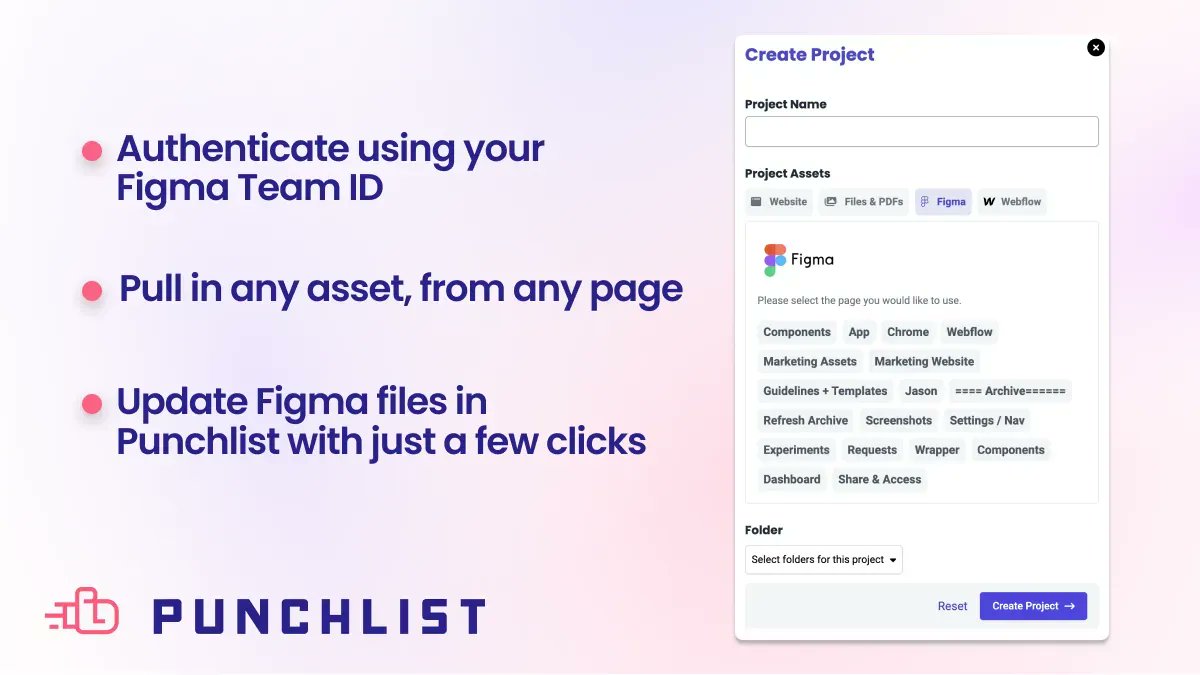
Not too keen on inviting clients or stakeholders into your Figma file? We get it. That's why we built a Figma integration for Punchlist. Quickly create a project using Figma assets and keep designing while capturing and organizing feedback in Punchlist.
We’re launching one of the first projects today out of Webflow Labs: a Figma to Webflow plugin!
It’s early, but in the spirit of moving quickly we’re excited to get your feedback on it.
Check it out on PH!
producthunt.com/posts/figma-…
Let founder @petebernardo walk you through our new Figma integration. You can get set up and start organizing design feedback in Punchlist in under 3 minutes. youtube.com/watch?v=RMRNlTLI…
It's here!! Use our new @figma integration to move your design reviews into Punchlist. With assignments, statuses, screenshots, and integrations with top project management tools, it's easier than ever to collect and organize creative feedback.
ALT An image with soft, pink and purple gradient background, and dark text on the left that says "Announcement: Introducing our Figma Integration". On the right there is the Figma logo on a black square with rounded corners.
ICYMI we made some big updates to folders last week! 📂
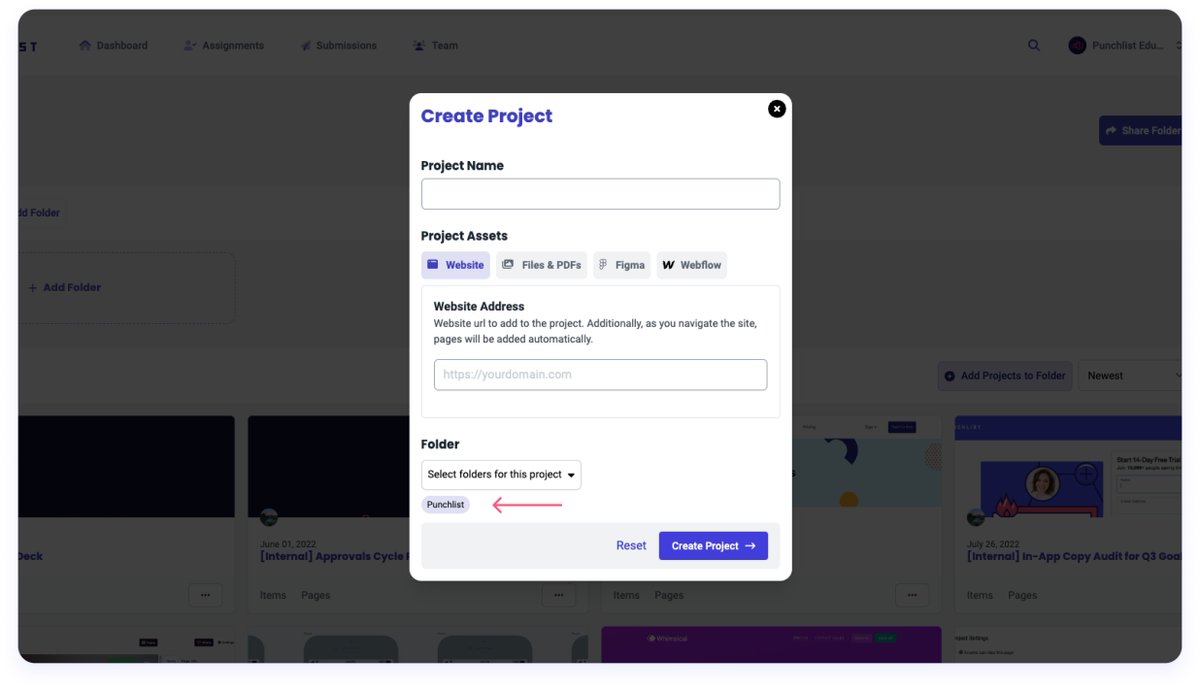
First up, the big one: If you create a project while inside a folder, we automatically add that project to the folder.
ALT A modal with the title Create Project and the fields Project Name, Project Assets, and Folder. All fields are blank. There is a pink arrow pointing to a folder named Punchlist, showing that we have automatically selected the folder you're in when you opened this modal.
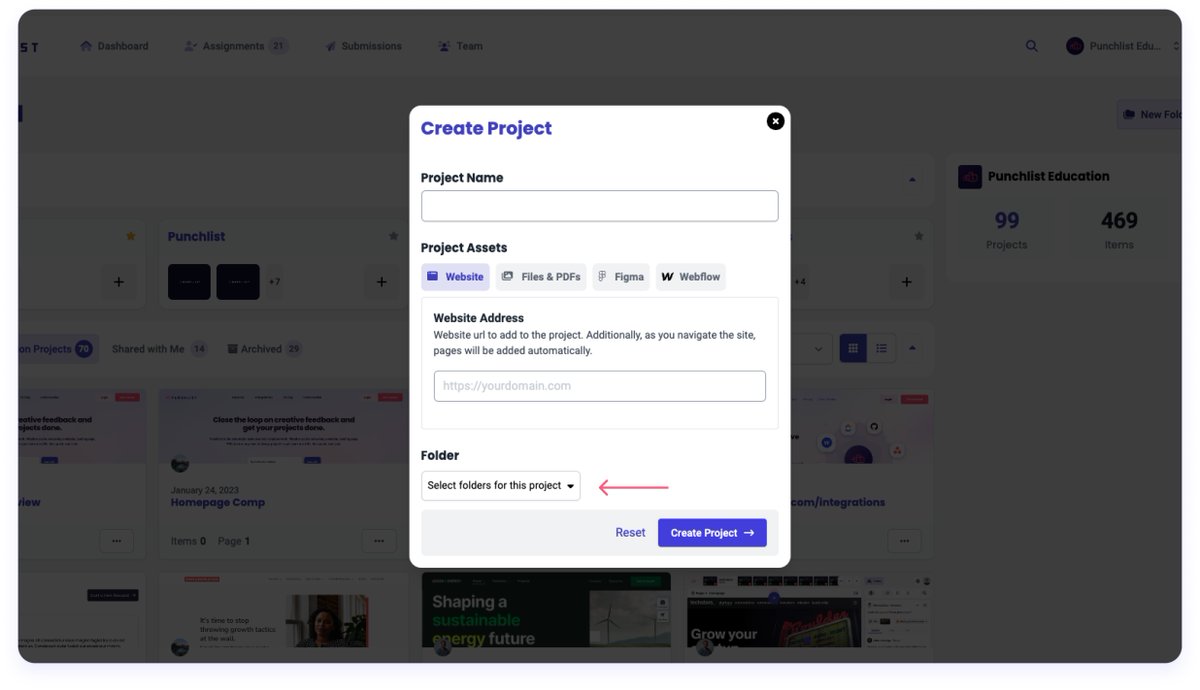
Next: You can select a folder when creating a project (rather than moving it after the fact).
ALT A modal with the title Create Project and the fields Project Name, Project Assets, and Folder. All fields are blank. There is a pink arrow pointing to the Folder dropdown showing that you can select a folder before clicking Create Project.
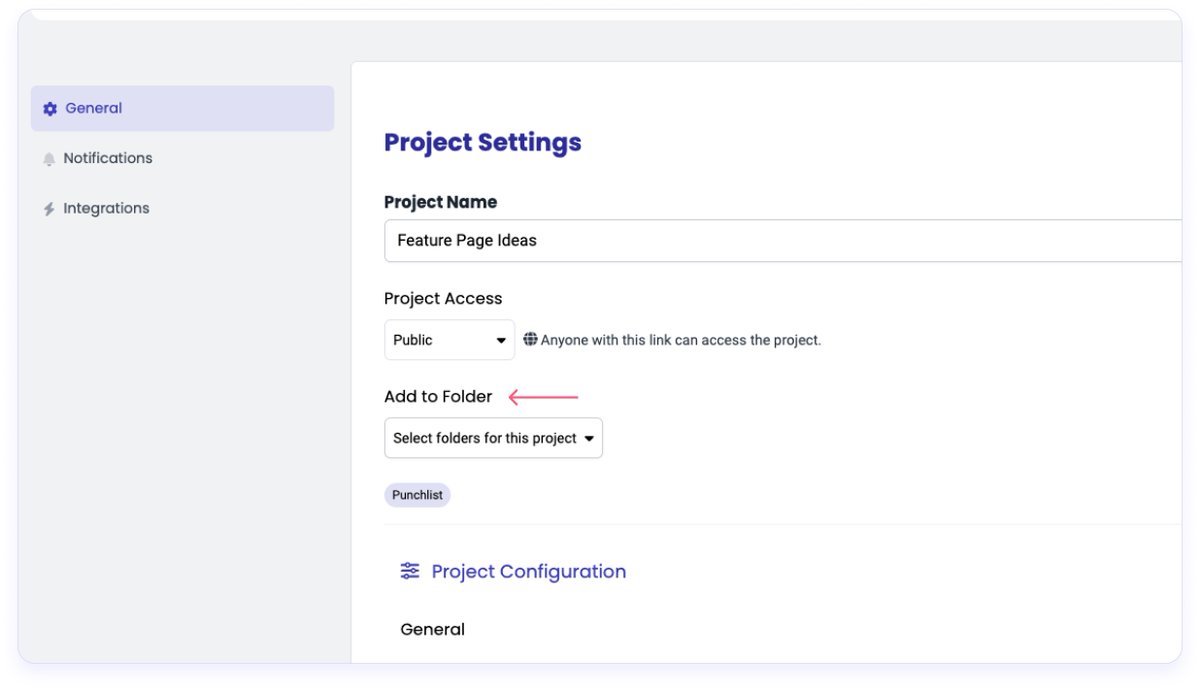
And finally, you can add a project to a folder from the project's general settings page.
ALT A screenshot of a project's General Settings page. In the Project Settings section, under Project Name and Project Access, there is a new Add to Folder Header with an arrow pointing to it, illustrating that users can now add a project to a folder from the settings page.
If you all have not tried @Punchlist get on it! An essential tool that listens to their users and adapts quickly!
A lean team of 4, they take advantage of their agility for sure!
Introducing a whole new way to manage feedback in Punchlist!
Now you can see feedback in a Kanban view and easily manage statuses for you entire project on one screen.
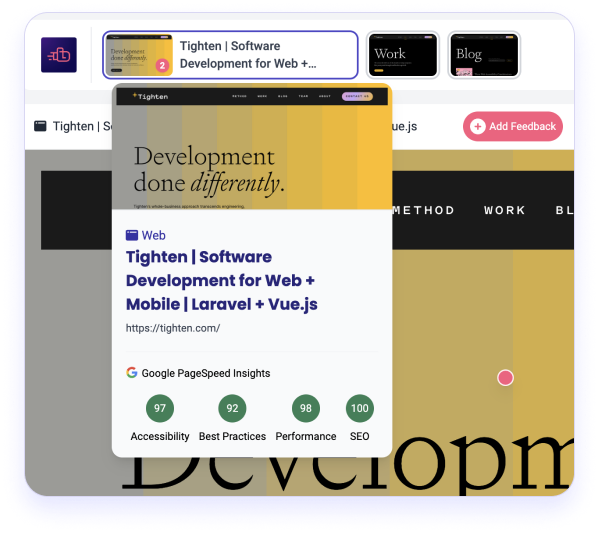
Feature 1️⃣ : Google PageSpeed Insights. Quickly view scores for #a11y, best practices, #SEO and performance for each page of your web project, right from the Punchlist interface.
ALT Punchlist project interface for the website tighten.com. The mouse is hovering over the thumbnail of the Tighten homepage. A modal displays a screenshot of the homepage, the page title, page URL, and Google PageSpeed Insights for the page. There are four circles in the bottom of the modal, one each for Accessibility, Best Practices, Performance, and SEO. The page score for each insight is displayed inside the circle. Scores are out of 100 possible points.
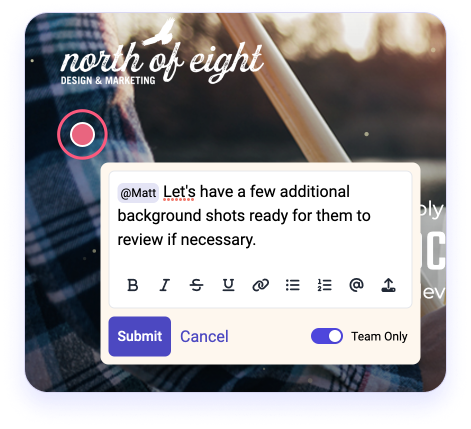
Feature 2️⃣ : Team-only / Private comments (one of our most-requested features!). Toggle feedback items to indicate whether they should be visible to all guests or just your team. Keep track of all conversations related to the project right in Punchlist.
ALT Pink marker on Punchlist site with feedback text box open. Text says "Matt, let's have a few additional background shots ready for them to review if necessary." The toggle in bottom left is switched to "team only" and frame around text box is light yellow instead of white. This indicates that once submitted, only team members will be able to see the comment.
At @viget, Stephanie is known for her beautiful and detailed documentation. See how she leverages this talent for smooth client handoffs and successful projects launches.