
#Retouch4me is the latest in artificial intelligence for automatic photo retouching. The plugins delicately process photos while preserving the natural texture.
Joined September 2021
- Tweets 626
- Following 93
- Followers 325
- Likes 710
487 Photos and videos

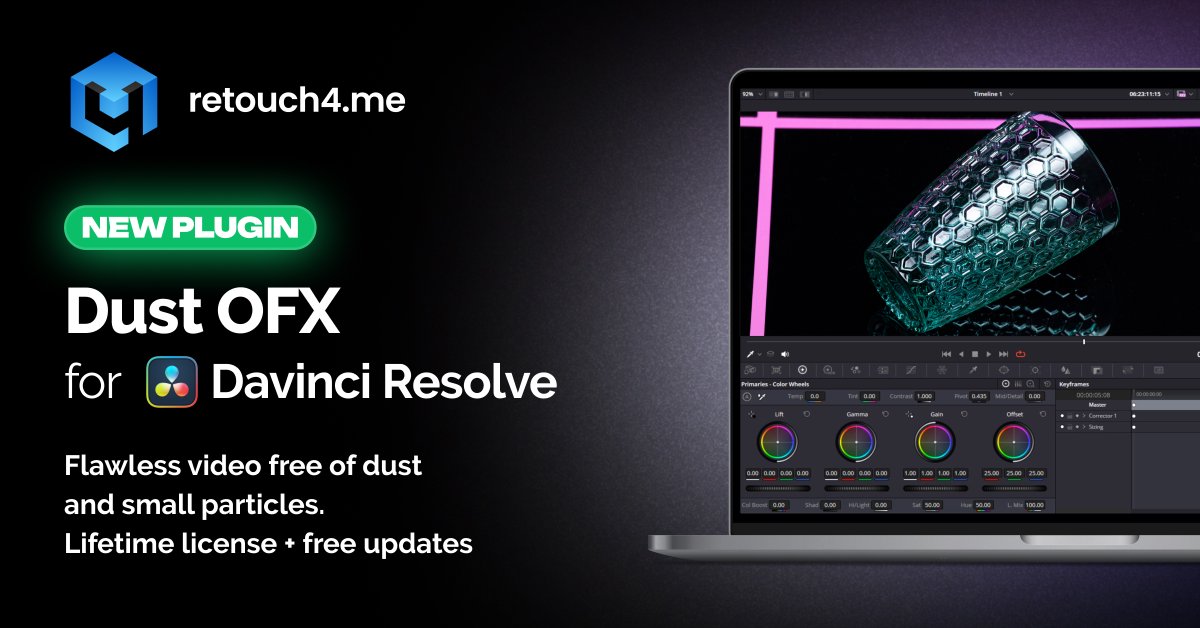


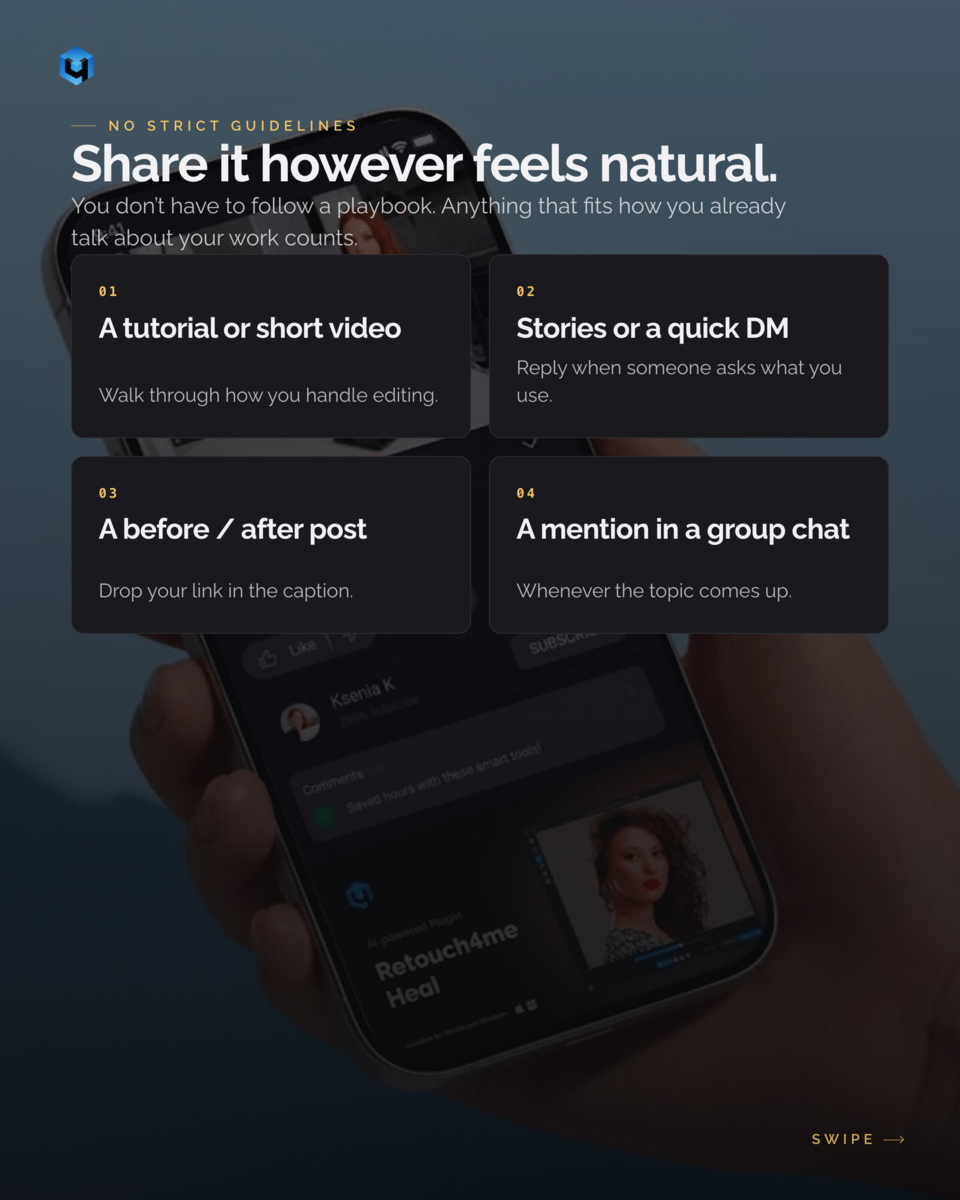
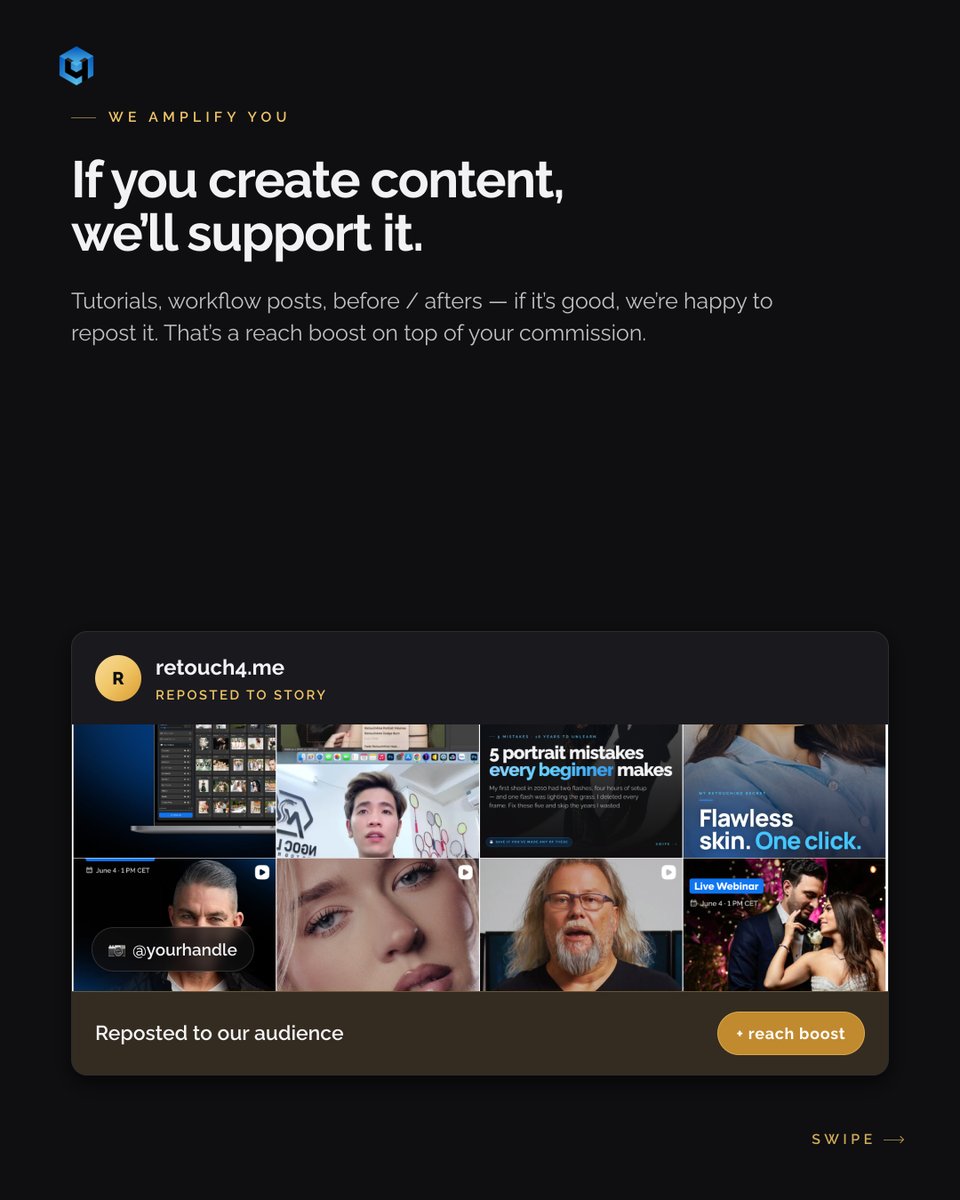
Already recommending Retouch4me?
Join the Partner Program:
✓ 20% discount for your audience
✓ Commission on every purchase
Learn more: retouch4.me/link/tuiqs4kd

16
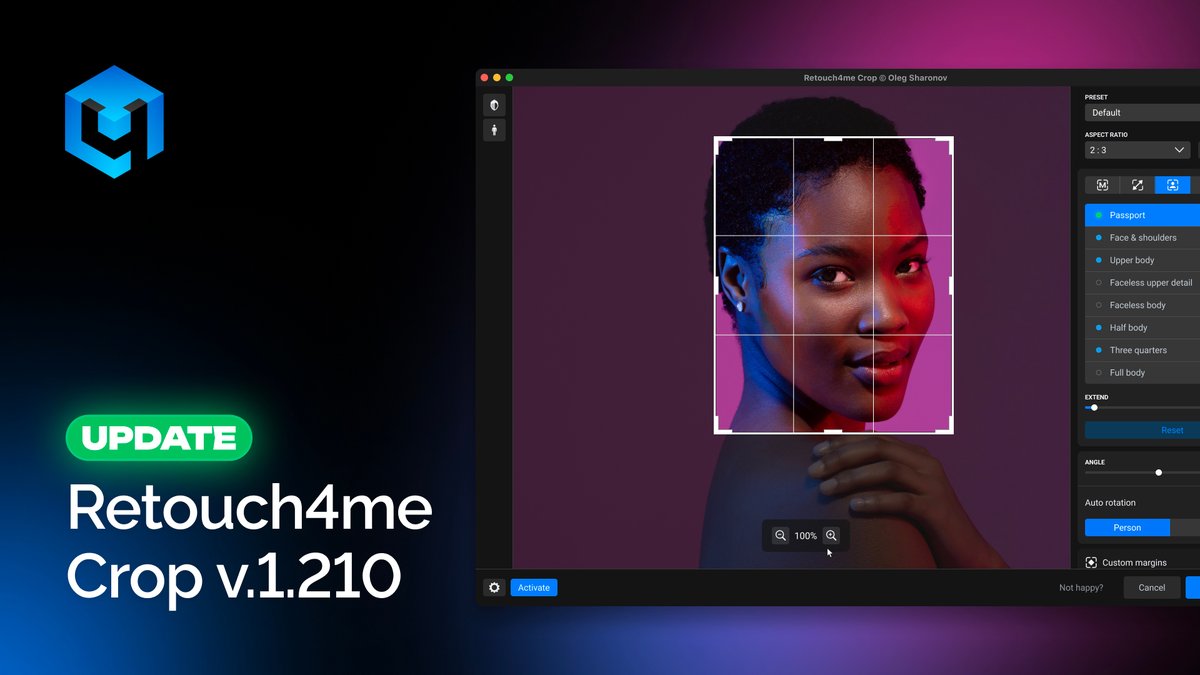
Smarter cropping. More control. Less manual adjustment.
The latest Retouch4me Crop update introduces smarter AI Auto Rotation, new cropping modes, presets, and more flexible composition tools.
What’s new:
• AI Auto Rotation now works with the entire image, not just people
• New Object mode automatically detects and crops around the main subject
• New Maximum mode helps preserve the largest possible crop area
• Horizontal face centering added for Fixed and Auto modes
• Presets for faster repetitive workflows
• New «Crop Outside Image Boundaries» option for more flexible results
The update also includes bug fixes and stability improvements.
Update Retouch4me Crop to v1.210 and try the new features in your workflow.
retouch4.me/link/4ibe7ed7
23
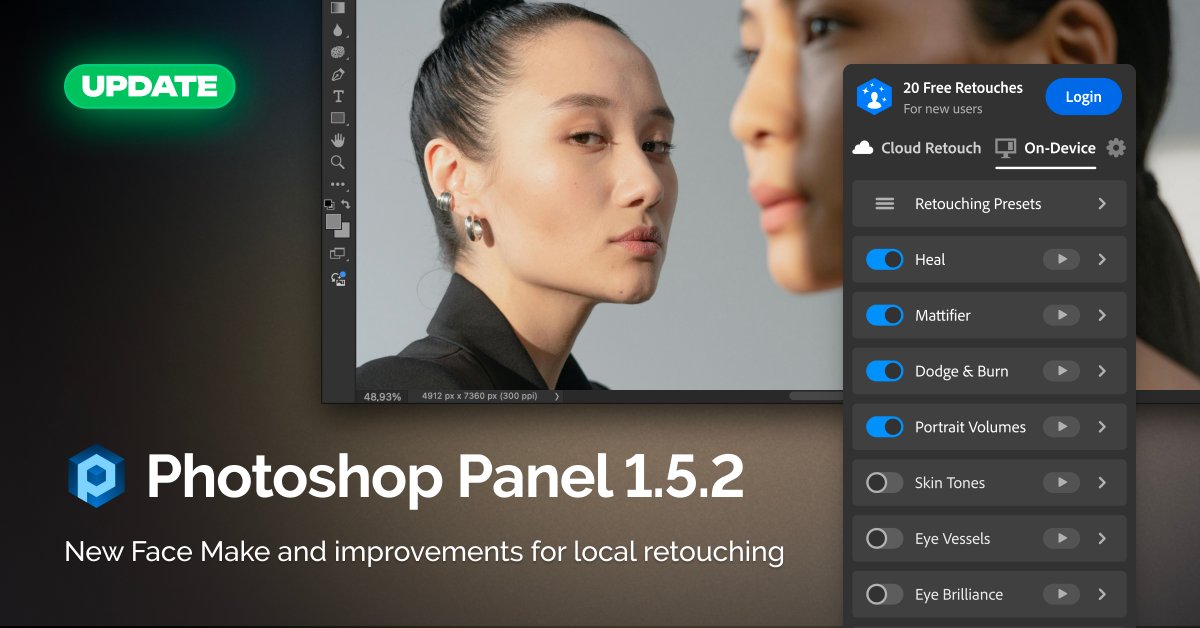
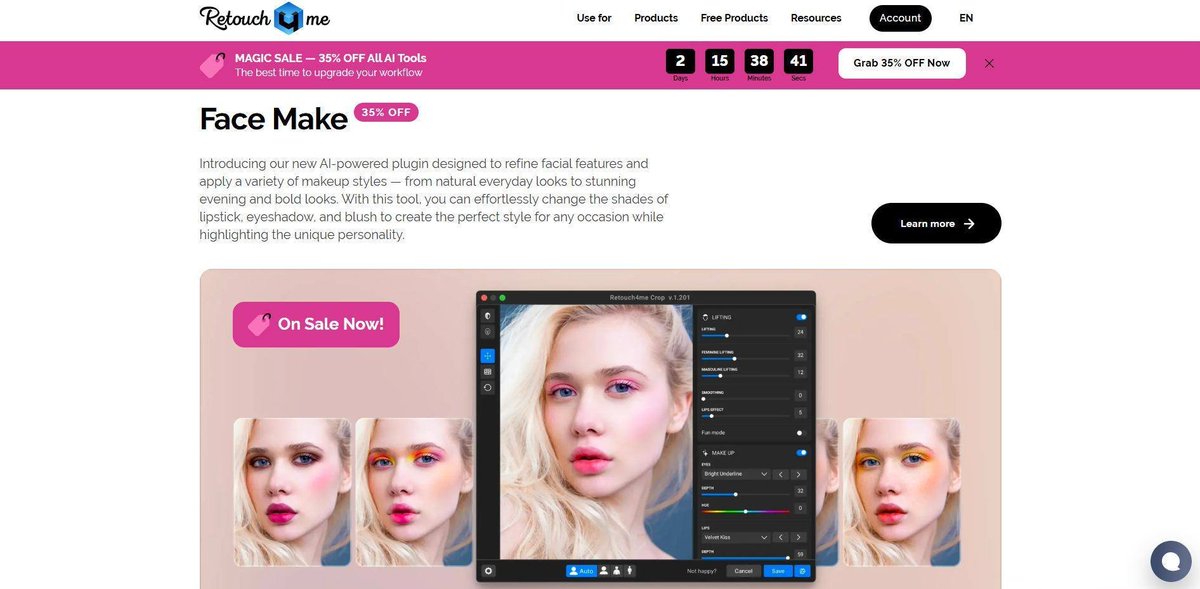
Retouch4me Photoshop Panel v1.52 is here.
This update introduces Face Make along with workflow improvements designed to make local retouching smoother and more convenient.
What’s new:
• New Face Make tool
• Improved local retouching workflow
• Better layer organization for layered processing
• Optimized local tool behavior
• Helpful guidance for Actions history-related issues
• Stability improvements
We’ve also continued preparing the foundation for upcoming features and future workflow enhancements.
Update your panel and try the latest version 👉 retouch4.me/link/29bsgq8b
23
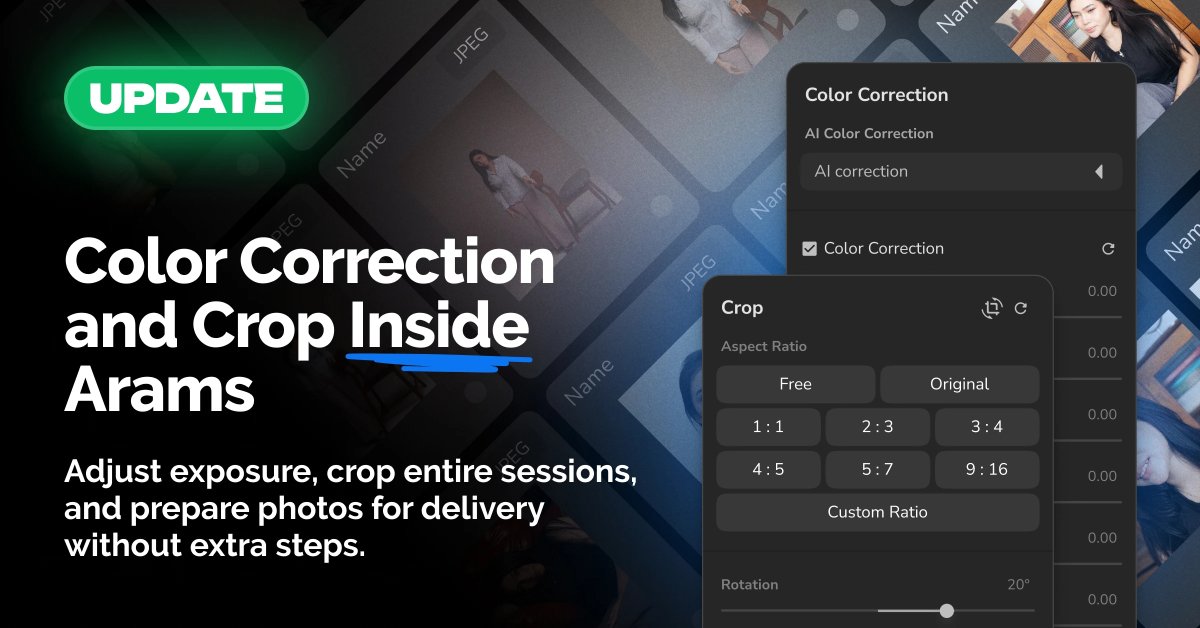
Arams v1.9.1 is here with updates designed to make your workflow faster and smoother.
What's new:
• AI Color Correction during batch processing
AI analyzes every photo individually and applies custom adjustments based on lighting and white balance. Choose the level of correction that fits your workflow: exposure only, exposure white balance, or full correction.
• Basic Crop for everyone
Crop manually, choose aspect ratios, and rotate images directly inside Arams.
• Direct export to MyShot
Send selected and prepared photos straight from Arams into a new or existing MyShot album and move from selection to client delivery in a single workflow.
AI adapts each image individually while your presets keep the entire shoot visually consistent.
Update Arams and try it today.
retouch4.me/arams
26
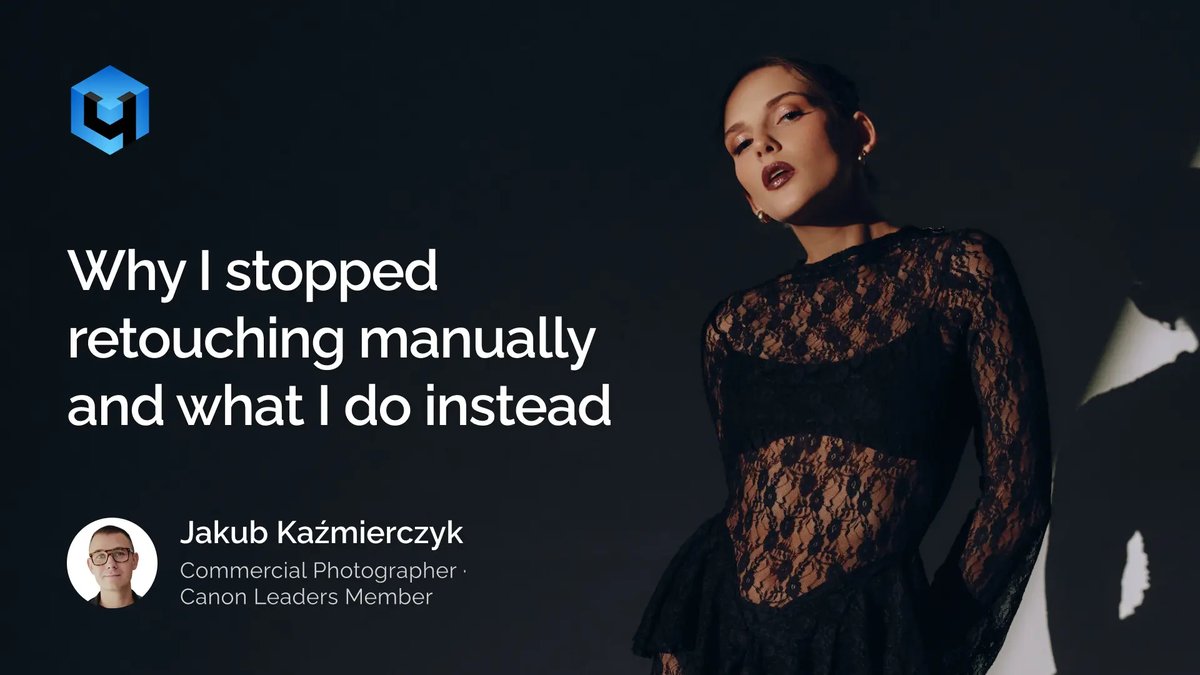
«Can I save hours on retouching and still keep full control over the final result?»
That’s one of the questions photographer and educator Jakub Kaźmierczyk explores in our latest article.
We talked about real workflows, practical time-saving decisions, and how reducing retouching time from 8 hours to around 2 can change the way photographers work.
Read the full story: retouch4.me/link/tdbofskx
15
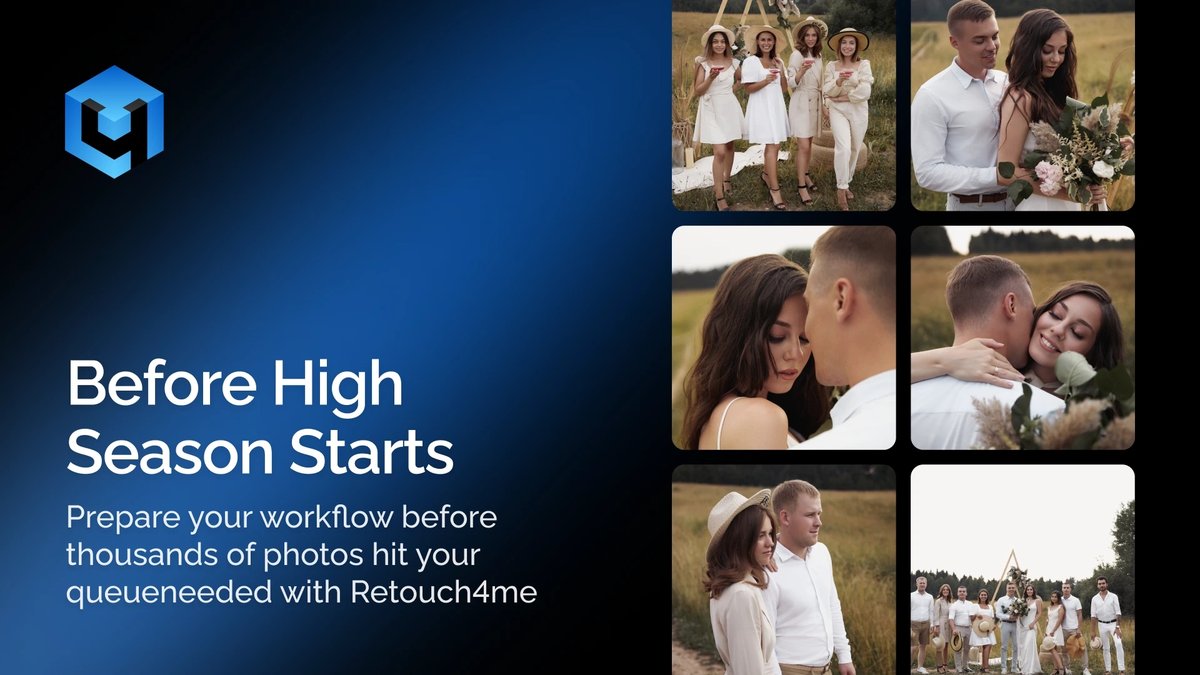
🚀 High season is just around the corner: How to survive and avoid burnout?
Sound familiar? At first, your calendar fills up with amazing bookings, but just a few weeks later, you find yourself sitting in front of your monitor at 3 AM, drowning in thousands of raw shots. Shoots are pure joy, but the routine culling and endless editing can turn your dream job into a total grind.
Decision fatigue (like choosing the best frame out of five identical ones) kicks in much faster than you think. To make sure this peak season brings you profit and satisfaction rather than burnout, you need to prep your workflow right now.
In our latest article, we break down:
🔹 How to optimize your photo culling and stop wasting entire days on it.
🔹 Why automating the routine (with smart systems like Arams) saves your time and sanity.
🔹 A checklist for photographers before the high season officially kicks off.
Click the link to get your workflow ready the right way: 👉 retouch4.me/link/vix1okak
28
How to stay relevant, stay booked, and stop spending your nights in Photoshop?
We're running a live session on June 4 for wedding and portrait photographers who are great at their craft but struggling with everything that happens after the shoot.
Here's what we will cover:
✔️ How to structure post-production so high-volume seasons don't break you
✔️ How to use AI retouching inside Photoshop without it flattening your style
✔️ How to position your work so AI tools are part of your advantage
✔️ Lifehacks: batch editing that keeps results consistent across hundreds of images
➡️ Send us WEBINAR in direct messages for the link or use the link in bio!
1
27
Not sure which AI tools fit your workflow?
Share your genre (portrait, beauty, weddings, editorial) and we’ll recommend the best setup.
1
2
166
📷 Black Friday is getting close…
We’re finalizing something special for our community and we’d love to know:
Which Retouch4me AI tool or video plugin has been sitting in your wishlist?
Your answer might age very well very soon 📷
1
172
Webinar starts in 2 hours. Don’t miss your free spot. Learn to retouch 1000 photos in minutes. First 100 attendees get bonus credits. Save your spot: retouch4.me/link/twyivjez
1
174
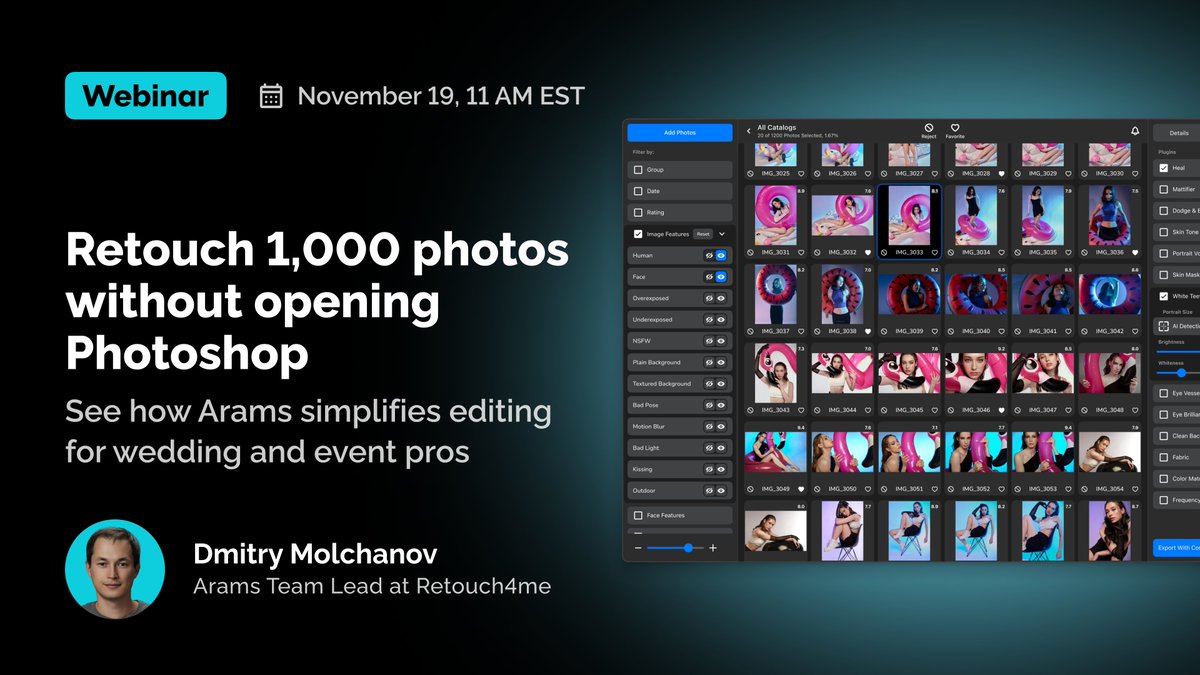
Photographers are already taking the last free seats. Don’t be the one who misses out.
Free webinar: «Arams: Retouch 1,000 Photos Without Losing Your Mind».
How to cull, retouch and export full shoots in minutes.
November 19, 11 AM EST (New York time)
First 100 attendees get 500 culling credits 100 retouching credits.
Save your spot: retouch4.me/link/twyivjez
2
217
2 days remaining! Don’t miss out.
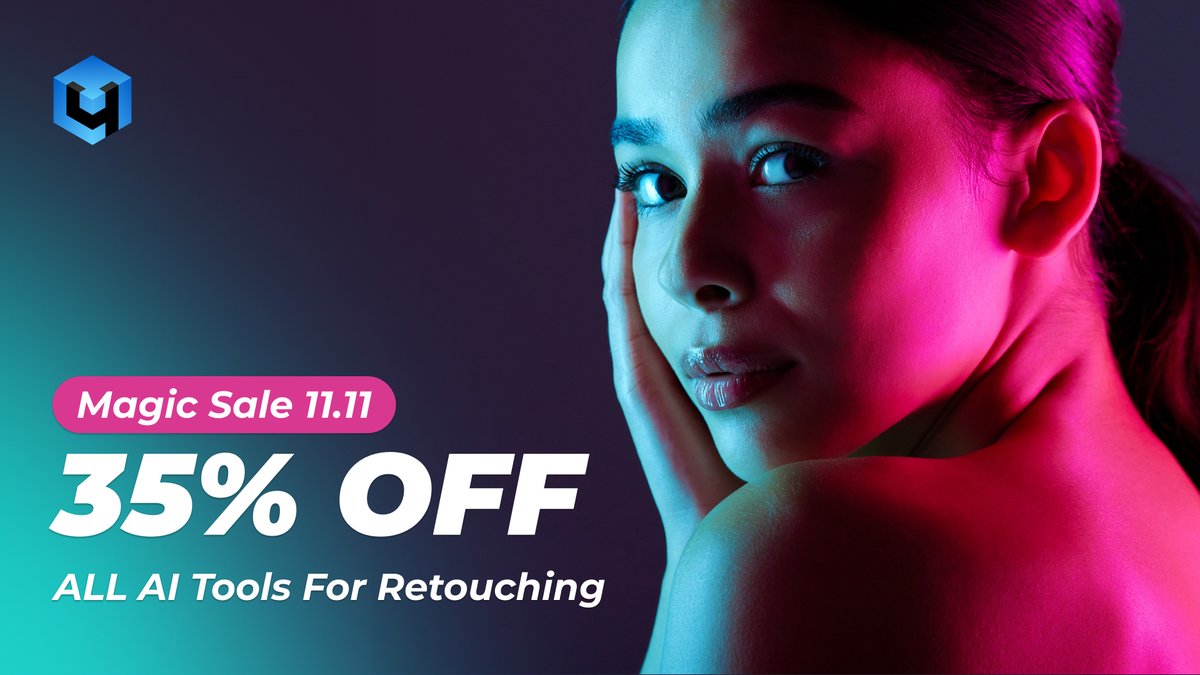
Take 35% OFF every Retouch4me tool - from photo AI to video plugins.
Hurry, this annual offer ends soon!
📷 Claim your discount (link in comments)
2
1
154
Grab your 35% OFF here: retouch4.me/link/sggejddc
1
94
Stop wasting hours on retouching.
Join our FREE webinar: “Arams: Retouch 1,000 Photos Without Losing Your Mind”
Learn AI culling, one-click full retouch, and faster RAW → JPEG export.
Nov 19, 11 AM EST. First 100 get bonus credits.
retouch4.me/link/12rl0vpa
1
199
Tired of slow edits & plastic skin results? 😩
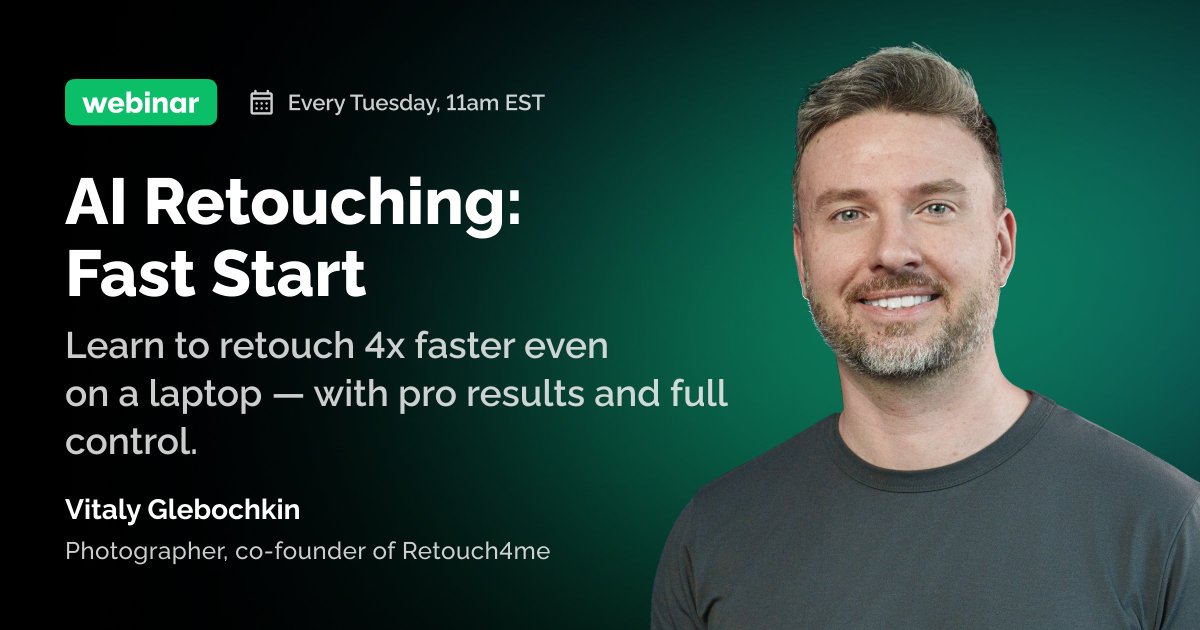
FREE Retouch4me webinar today at 11 AM EST (New York time). Learn AI hacks for faster, pro-quality edits!
Every Tuesday 💡 Grab your spot:
retouch4.me/link/g7iphlvx
ALT https://retouch4.me/link/g7iphlvx
1
95
PSA: Your edits just slid into my DMs… they’re begging for 35% OFF all Retouch4me tools
11.11-17 only. Don’t ghost this deal: retouch4.me/link/8thjfpaa
2
117
Ever wondered how pros get high-end portraits without hours in Photoshop?
This image was retouched with Retouch4me Panel Cloud Retouch using AI tools: Heal, Mattifier, Dodge&Burn, Portrait Volumes, Skin Tone & Eye Bundle.
Fast. Consistent. No over-editing.
Check the links in the replies for more details:
1
2
123
Curious about Cloud Retouch?
Join our “Fast Start: Cloud Retouching with Apex & PS” automated webinar (Every Tuesday)
Learn the basics and see how cloud retouching works
More details: retouch4.me/link/mrydfwyy
1
1
60
Want to try this workflow in Photoshop?
Explore the Retouch4me Panel Cloud Retouch tools used here: Heal, Mattifier, Dodge&Burn, Portrait Volumes, Skin Tone & Eye Bundle
Find out more: retouch4.me/link/89tewdbf
1
46