
LEGO Fortnite Content Creator | EPIC Partner | Solo Expert World Gameplay, Gamebreaking tutorials, First 100% Expert World Trickshot on the Storm King
Joined February 2025
- Tweets 591
- Following 22
- Followers 34
- Likes 809
366 Photos and videos


You can now earn VBUCKS on my Discord!!
Join here: discord.gg/aYAMaAAnE
1
48
🚀NEW LEVELING SYSTEM IS HERE!🚀
The RiftedLF Discord Server is getting a new leveling system! 🎉
From now on, the more active you are in the server, the more levels you can earn. Chat, join conversations, participate in events, and help grow the community to level up! 🔥
🏆LEVEL REWARDS:
⚡️Level 3 — Active Role
You’re becoming a regular member of the community!
🔥Level 6 — Grinder Role
You’re putting in the effort and standing out!
👑 Level 12 — Elite Role
You’re one of the most dedicated members of the server!
💬The more you talk, participate, and stay active, the faster you level up!
📽 Being active can also give you more chances to:
- Get noticed for YouTube videos
- Participate in events
- Earn rewards like V-Bucks 👀
More levels come out soon.
Start grinding and see how high you can climb!
1
42
🧱 RIFTEDLF’S FIRST EVER COMMUNITY EVENT 🔥
The first RiftedLF Discord event is officially here.
Challenge:
Build your best LEGO Fortnite creation and show everyone what you can make!
It can be:
- 🏰 A huge base
- ⚔️ A cool build
- 🌏 A creative idea
- 🔥 Anything you think deserves to win!
📆 Deadline: 7 days from now
Submit your build in:
#🔥│submissions , just take some screenshots or a short video and submit it in the discord server.
Join the Discord Server here: discord.gg/aYAMaAAnE
Everyone can join — you all have a chance too win something big.
Good luck builders!!
2
7
146
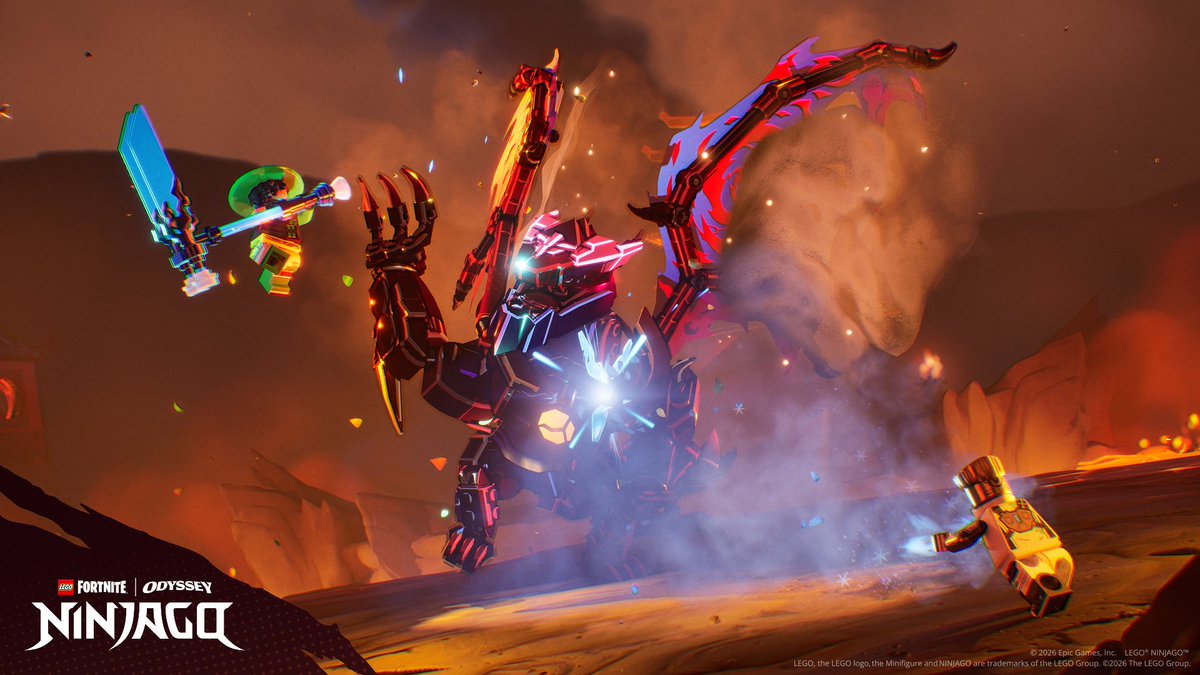
Honestly these shots are amazing @LEGOFortnite
Something would be good for LEGO Fortnite Odyssey is a replay mode so that you can look around your world so that Content Creators can get these shots as well.
I do not know how hard that would be though, just a idea.
1
10
2,596
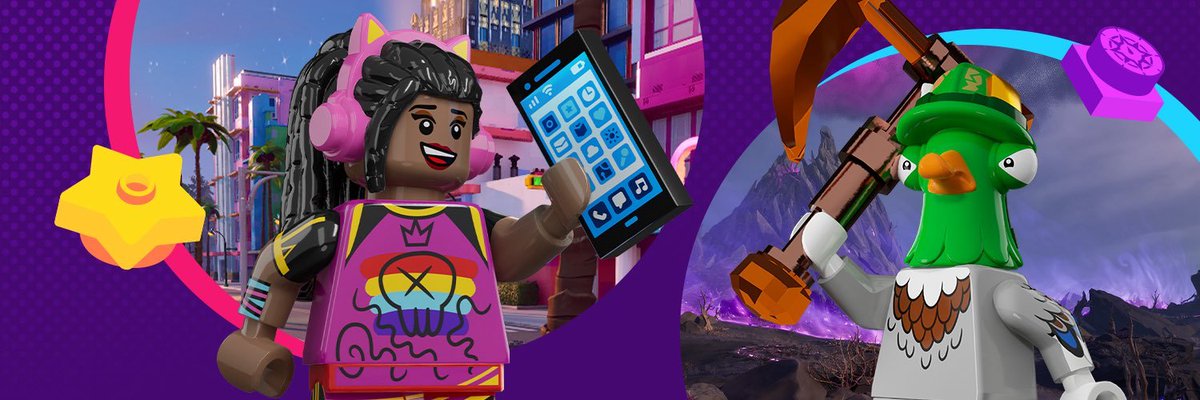
LEGO Fortnite's June 6th Update Patch Notes:
The Star Wars enemies have packed up and left the Main Island - but they haven't gone far they are now on STAR WARS Island.
Customize Your Channel Icons
Crack open the Toys Customization Menu with the wrench tool and personalize your channels! Assign icons to any channel, set a cannon icon to channel 4, and it'll stick on both your HUD and your vehicle every time you edit it. Every vehicle can have its own unique icon setup.
Smarter Vehicle HUD
Your HUD just got cleaner. Only the channels you're actively using will show up while driving a vehicle. No more cluttered screens or guessing which key fires what.
Buoyant Balloons Now Customizable
Balloon pilots, rejoice! Buoyant Balloons now support channel rebinding for both UP and DOWN states using the wrench tool.
Lightsaber Handles Now Matter
The materials you craft your Lightsaber handle from will now affect its stats, boosting durability or even unlocking extra rune slots.
Smarter Building: Walls & Roofs Just Got Easier!
We've completely reworked how snap points work for Walls and Roofs. Building should now feel way more intuitive, especially if you're still learning the ropes. Here's what's new:
Walls and Roofs will automatically line up with whatever piece you're building on top of. No more fiddling to get things straight!
Instead of a long row of snap points along the top and bottom, you'll now see just three clear options: Left, Center, and Right. Want a piece aligned to one side or perfectly centered? Just pick the snap point you want - it's that easy.
Curved Walls, Curved Floors, and Curved Roofs now automatically align to each other. In some Build Sets, Curved Stairs even snap neatly inside Curved Walls, perfect for that grand spiral entrance you've been planning.
Wall Corners now snap to the corners of Floors, making it way easier to plan and lay out rooms before you build.
Interior Walls now snap perpendicularly to the inside face of Exterior Walls, so building rooms inside your structures is a breeze.
Since Interior Walls are one Floor shorter than Exterior Walls, we've given them their own dedicated section in the Build Menu, so you won't accidentally mix them up. Interior Pillars got their own section too, no more digging around.
All the major roof types now snap together seamlessly:
Gable Roofs auto-align with Wall Corners and with other Gable Roofs
Hip Roofs auto-align with Wall Corners and other Hip Roofs
Roof Ridge pieces snap automatically to Roofs
Roof Ridge End pieces snap automatically to any Gable Roof
Roofs now snap directly to Floors (and vice versa) - perfect for cleanly sealing an attic space
✅ LEGO® Fortnite Bug Fixes & Improvements
Mos Eisley buildsets are no longer blocked and are now completable and can snap
Fixed an issue where Bears could get stuck in front of specific structures
Villages are now more resilient and cannot be destroyed by Titans
Golden Sheep can now leave the barn
Seliels' crafting chest can be interacted with after completing certain Quests
Fixed an issue where enemies fail to drop Chaos Embers when defeated by a following NPC
Fixed an issue where Bus Travel caused the Quests menu to increasingly lose functionality
Oni Tyrants are spawning more than before
Tracked quests now show up correctly in-game
Ice Dragon is now spawning after closing Chaos Portals
The T4 Kyber Crystals now have the correct rarity
The weather is now correctly changing on the NINJAGO Island
Fixed an issue where players couldn’t select Bus Stations
Resolved an issue where players were unable to interact with a vehicle after it had been built
Fixed an issue where players could move freely after re-entering the fly mode
After teleporting to NINJAGO Island, players can now interact with Work Stations.
2
10
758
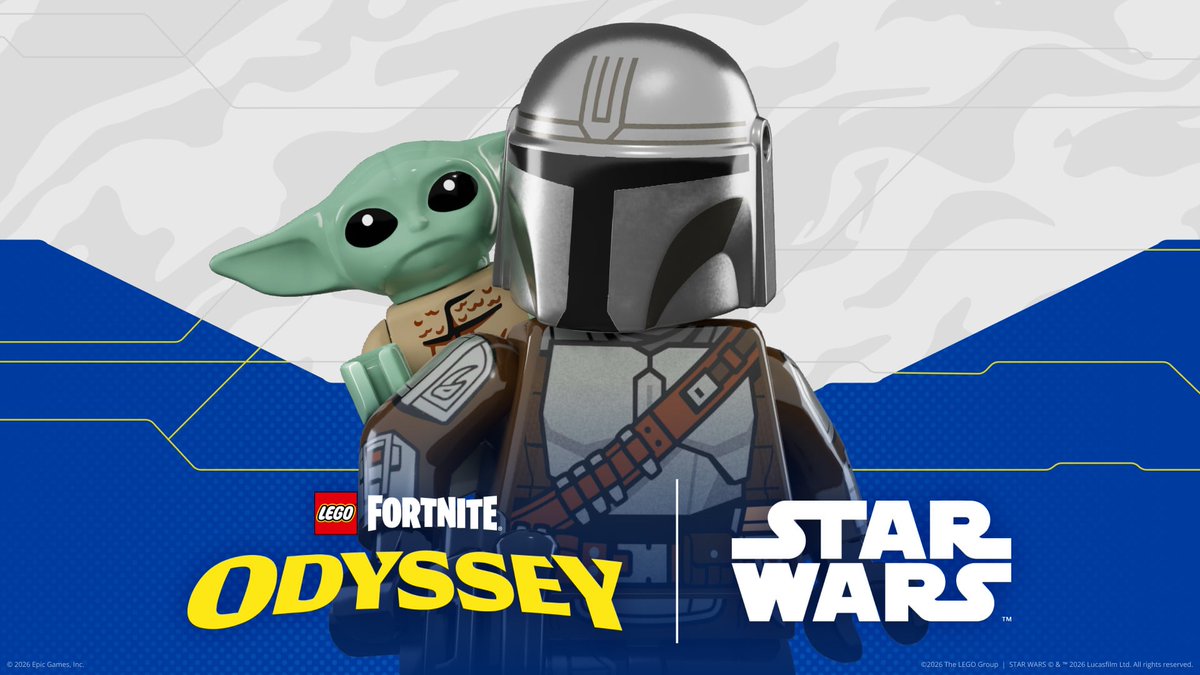
Grogu's POV in LEGO Fortnite Odyssey!!
Really nice video @LEGOFortnite and @LEGO_Group. Keep up all of the teasers that you post.
1
1
11
2,571
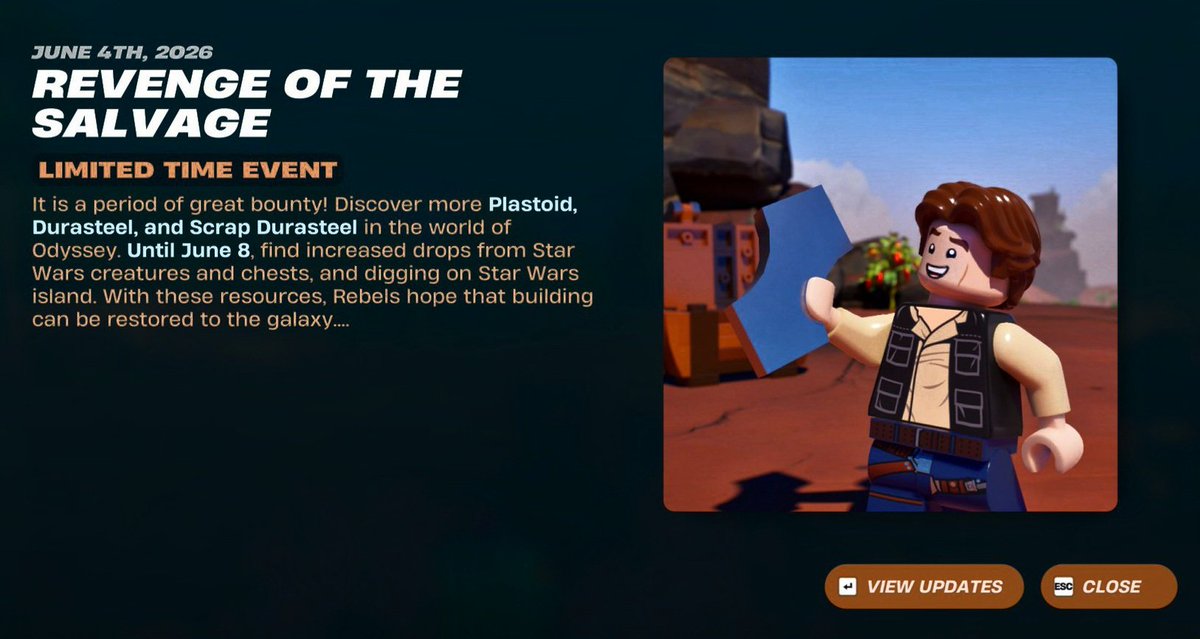
NEW Weekly LTD Events!!
Today's events are:
- Our Visitor is Fish Thicc who will give us an item.
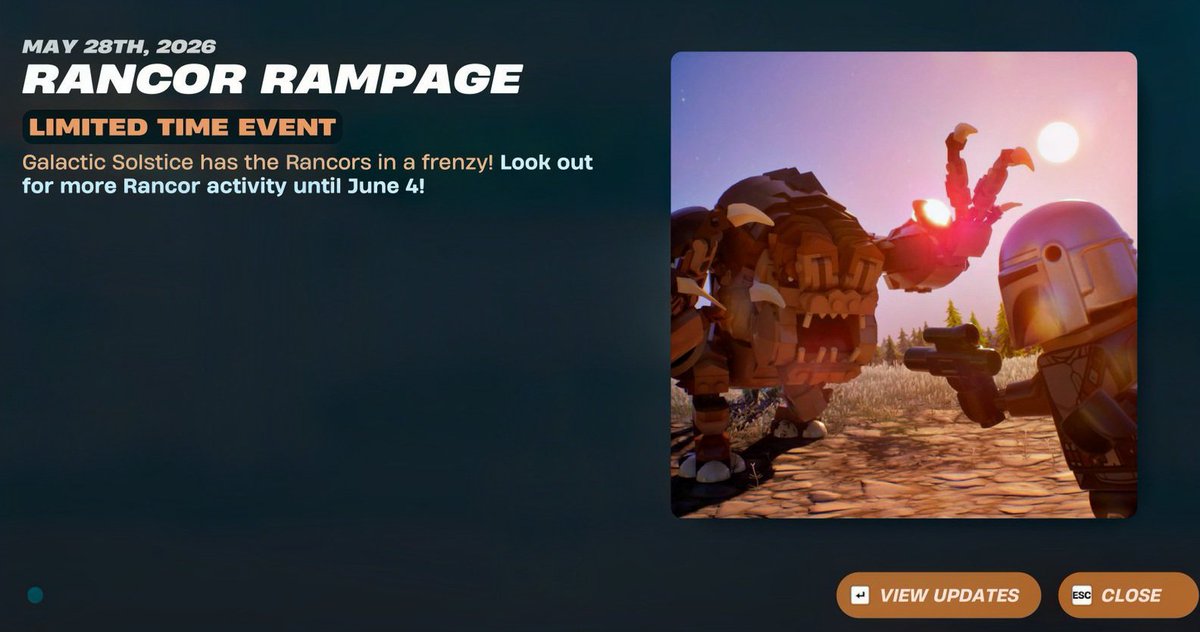
- The Rancor Rampage which increases the spawn rate of the Rancor Enemies.
If you want Kyber Crystals like me then this Event is OP. As the Rancor drops Kyber Crystals often.
1
7
23
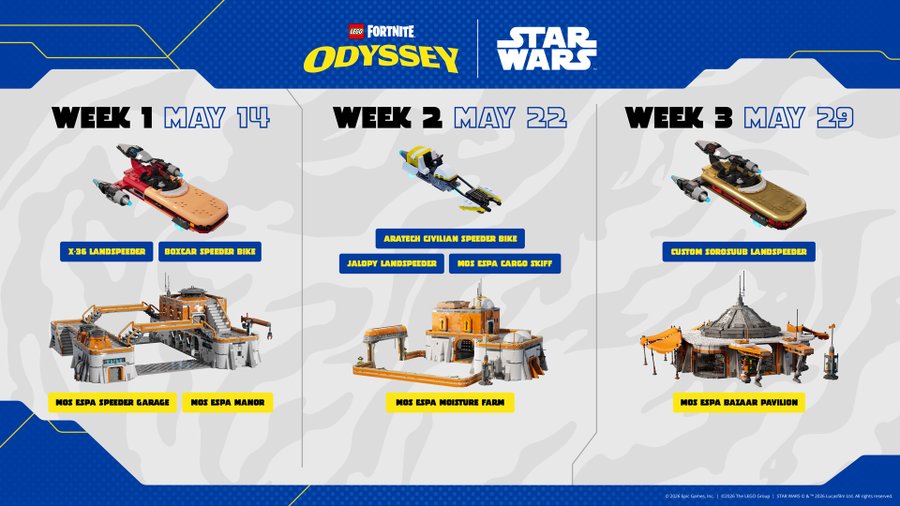
Brand NEW Hovercrafts and Built Kits are Coming to LEGO Fortnite Odyssey!!
We will get:
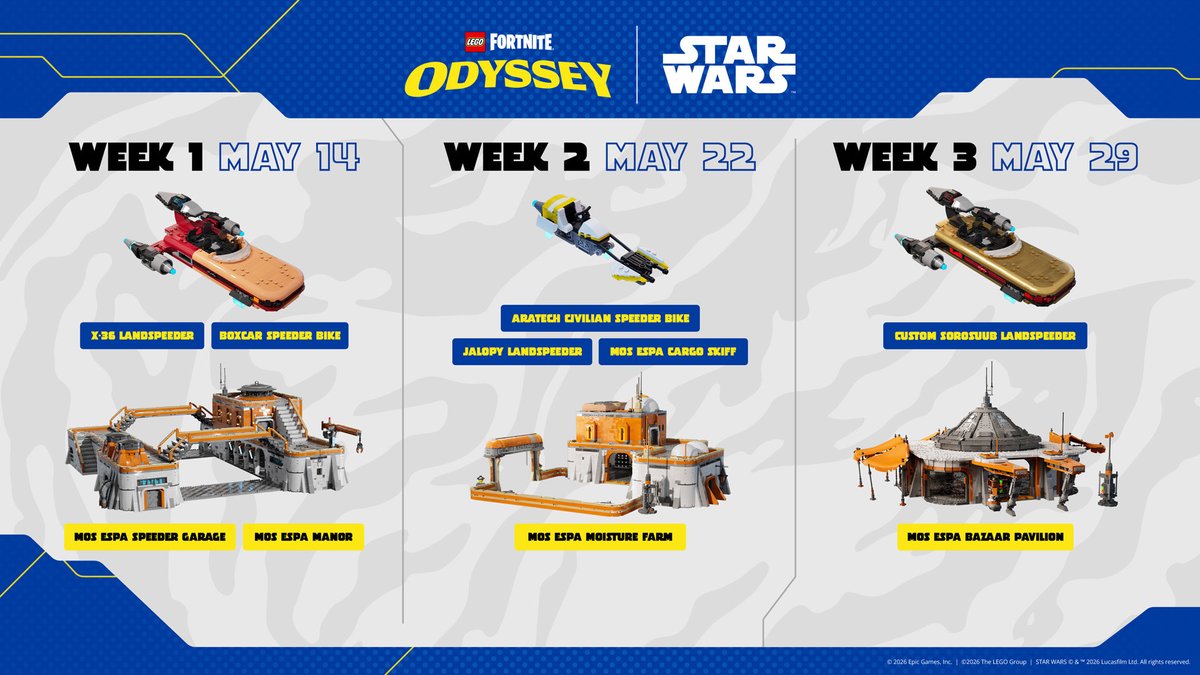
- Week 2, May 22nd: Aratech Civilian Speeder bike, a Jalopy Speeder and a Mos Espa Moisture Farm build.
- Week 3, May 29th: A Custom Sorosuub Land Speeder and a Mos Espa Bazaar Pavilion build.
These next two weeks are going to be insane. We are getting all of these builds and the Shatter Spawn ending. I cannot wait!
1
7
1,349
RiftedLF retweeted

May 6
Put your hand up if you're the proud owner of one of these 🙋
66
40
541
26,311