
docs & extensions & more
Joined August 2012
- Tweets 102
- Following 1
- Followers 905
- Likes 3
22 Photos and videos

RoboFontCanThis retweeted

19 Oct 2022
RoboFont 4.3 also updates the internal GNFUL list and removes the local FDK support.
Detailed release notes can be found here: robofont.com/version-history…
1
3
RoboFontCanThis retweeted
29 Apr 2022
RoboFont is opening a public Slack workspace. It is going to be the place to:
💬 discuss RF future development
🏗 get access to beta versions
🐞 ask questions and report bugs
🙋 get in touch with other RF users
Check the forum announcement:
forum.robofont.com/topic/103…
6
17

4 Feb 2022
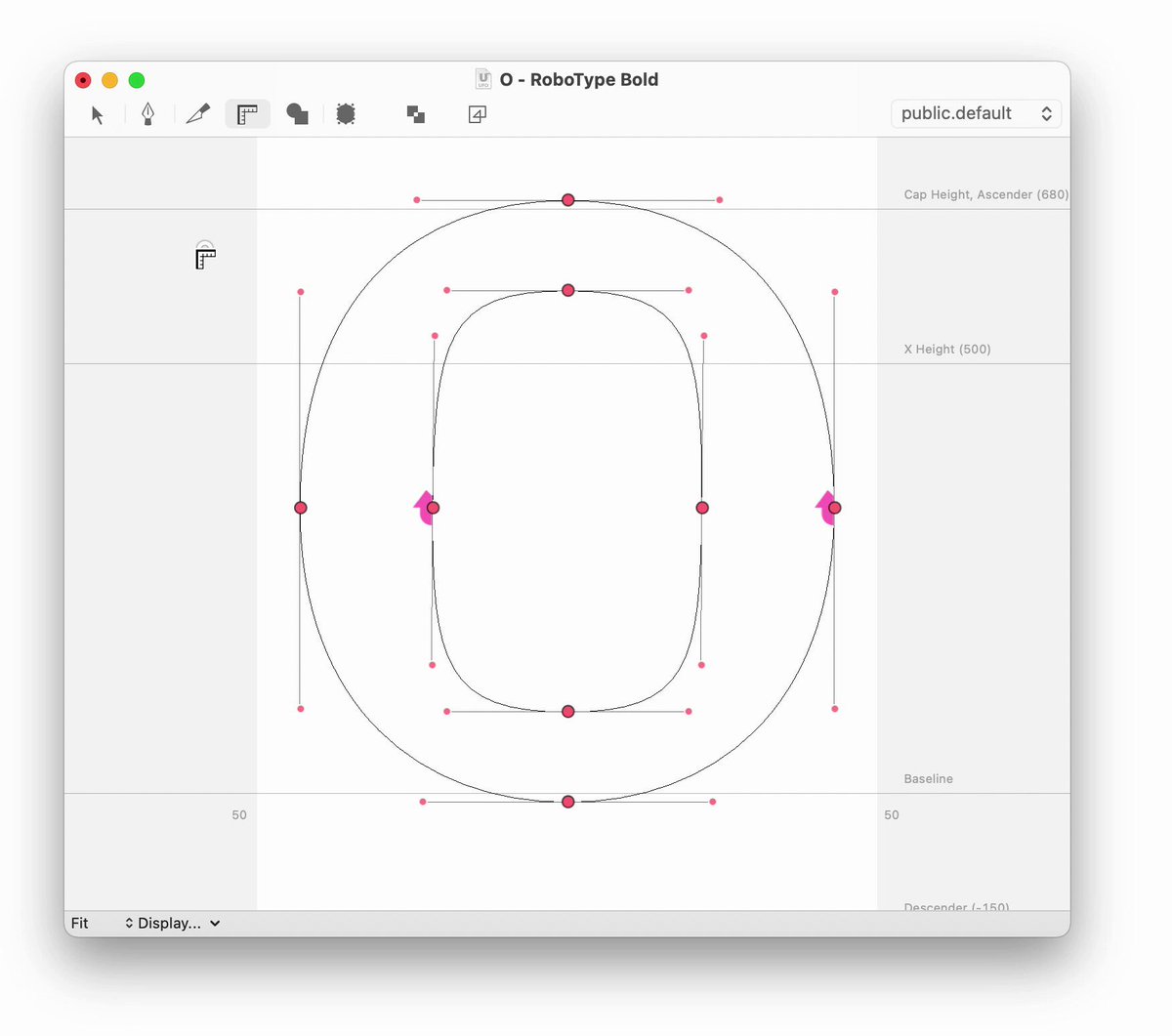
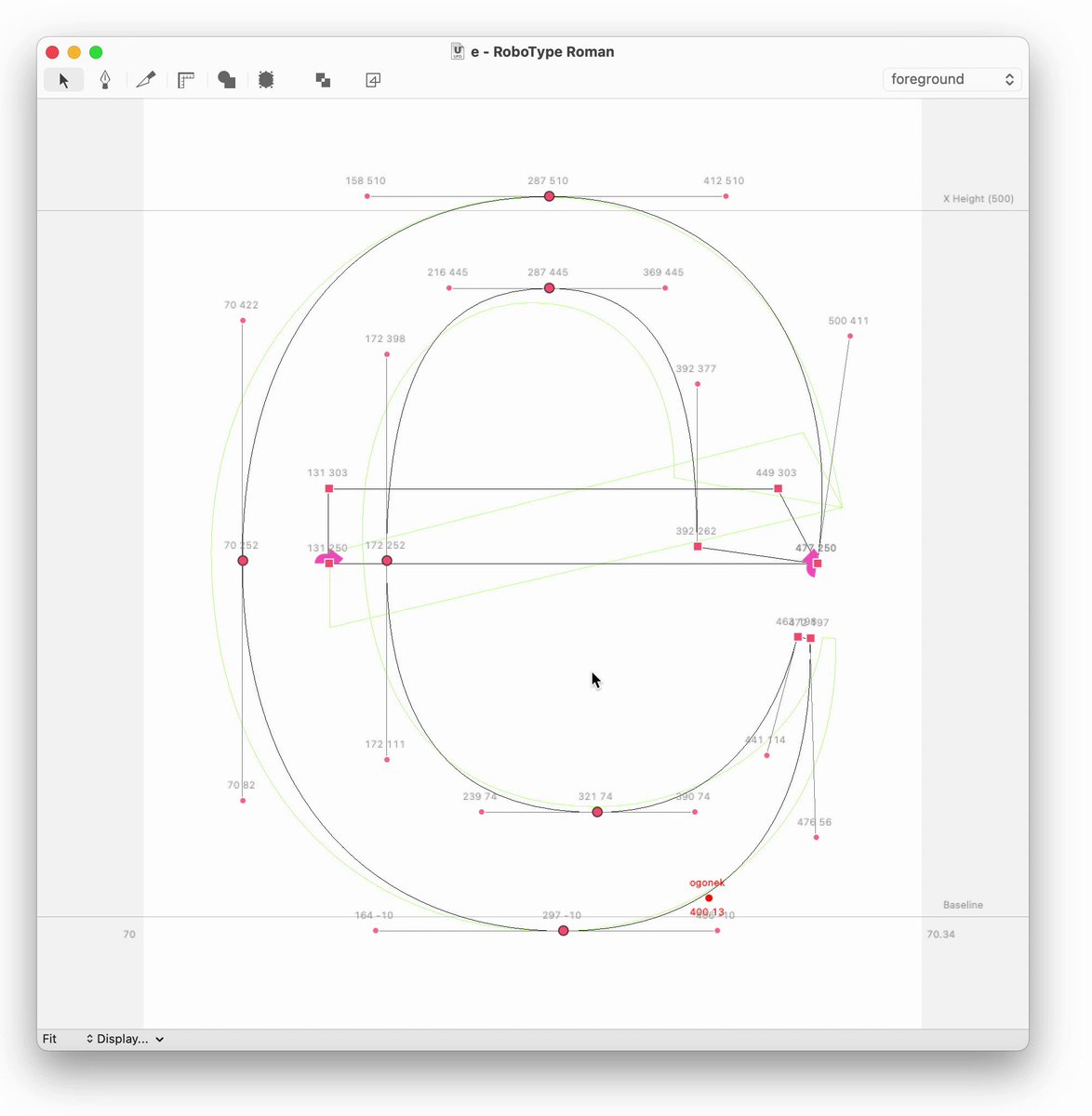
Using the Measurement Tool, you can set multiple measurement lines by pressing alt ⌥.
The lines will stay on screen while using other tools, like the Editing Tool, and update their values accordingly.
robofont.com/documentation/r…
1
23
3 Feb 2022
In a Font Overview, you can copy objects in a specific layer using ^ctrl ⌘cmd c.
Then you can paste the content of the clipboard to a specific layer using ^ctrl ⌘cmd v.
robofont.com/documentation/r…
2
7
26 Jan 2022
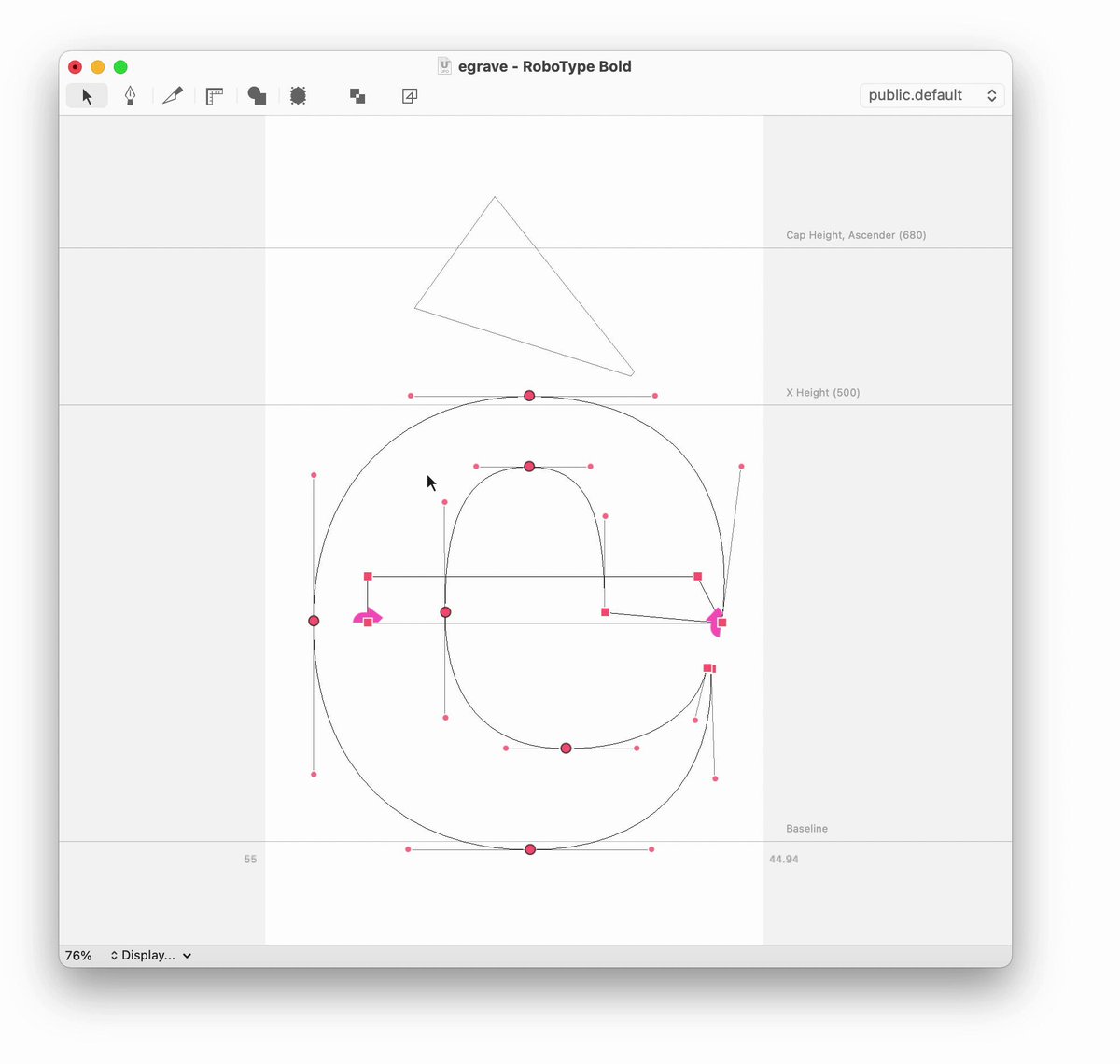
You can copy an outline or a component and drag it to a different location on the canvas
1. select the object
2. keep the mouse click pressed (you should see the crosshair cursors)
3. press ctrl ⌃
4. drag the new object where you prefer
robofont.com/documentation/r…
1
2
15
19 Jan 2022
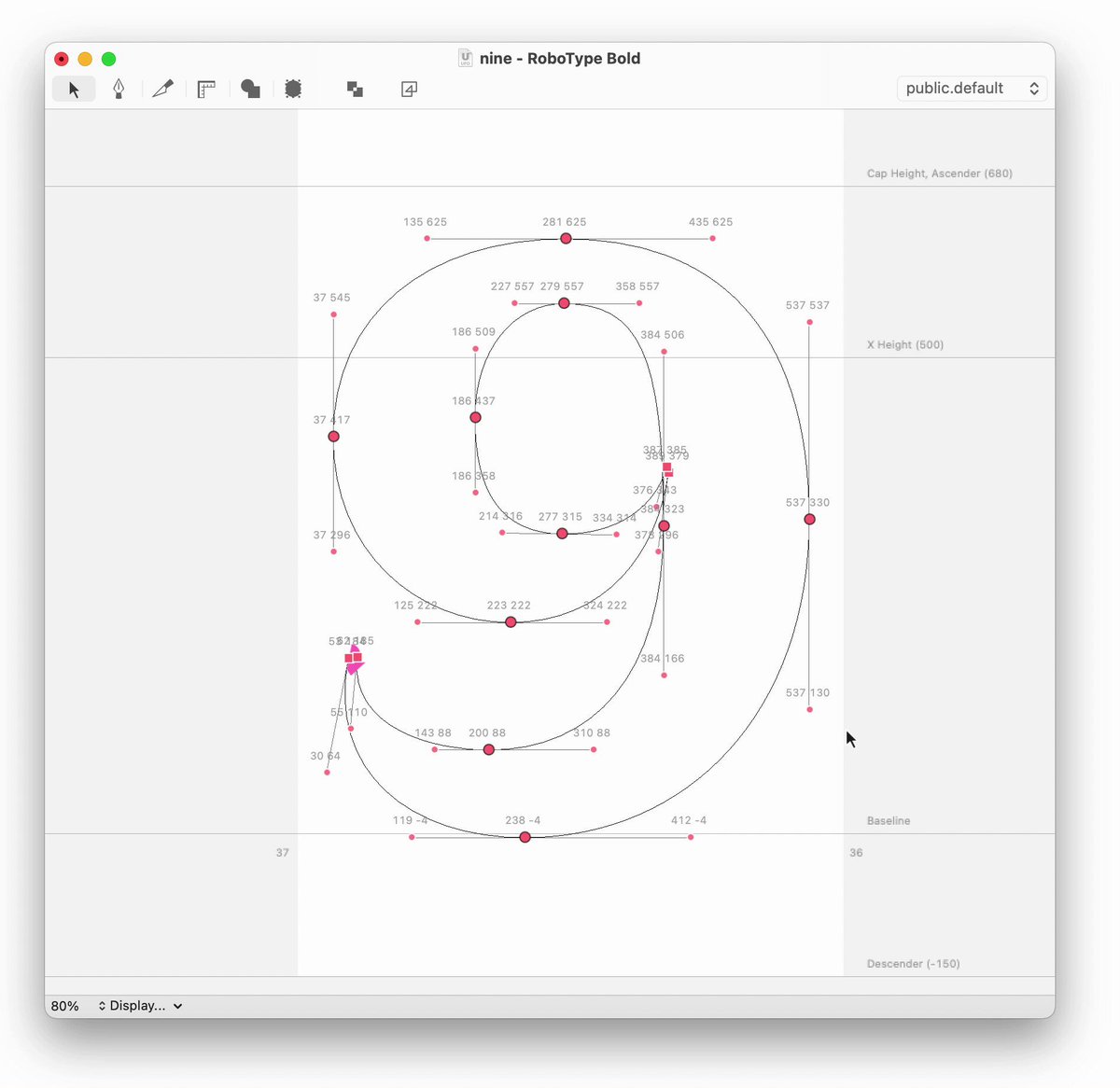
RoboFont supports 3 different kinds of marquee selection:
• marquee selection: select on-curve points and off-curve points
• marquee selection while pressing ⌥: select off-curve points
• marquee selection while pressing ⌥ and ⌘: select anchors
robofont.com/documentation/r…
1
4
8
17 Jan 2022
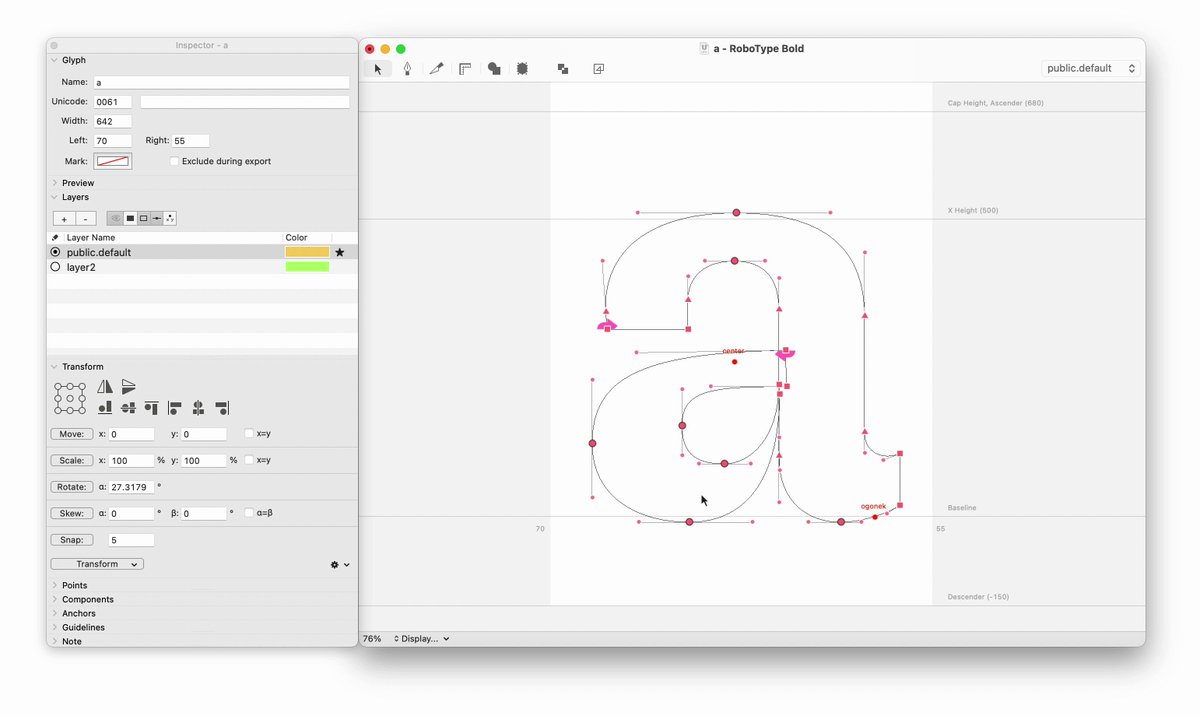
In the layers section of the inspector panel, you can define the display options for each layer in the font when it's not active:
- visibility
- fill
- stroke
- points
- coordinates
robofont.com/documentation/r…
1
2
14 Jan 2022
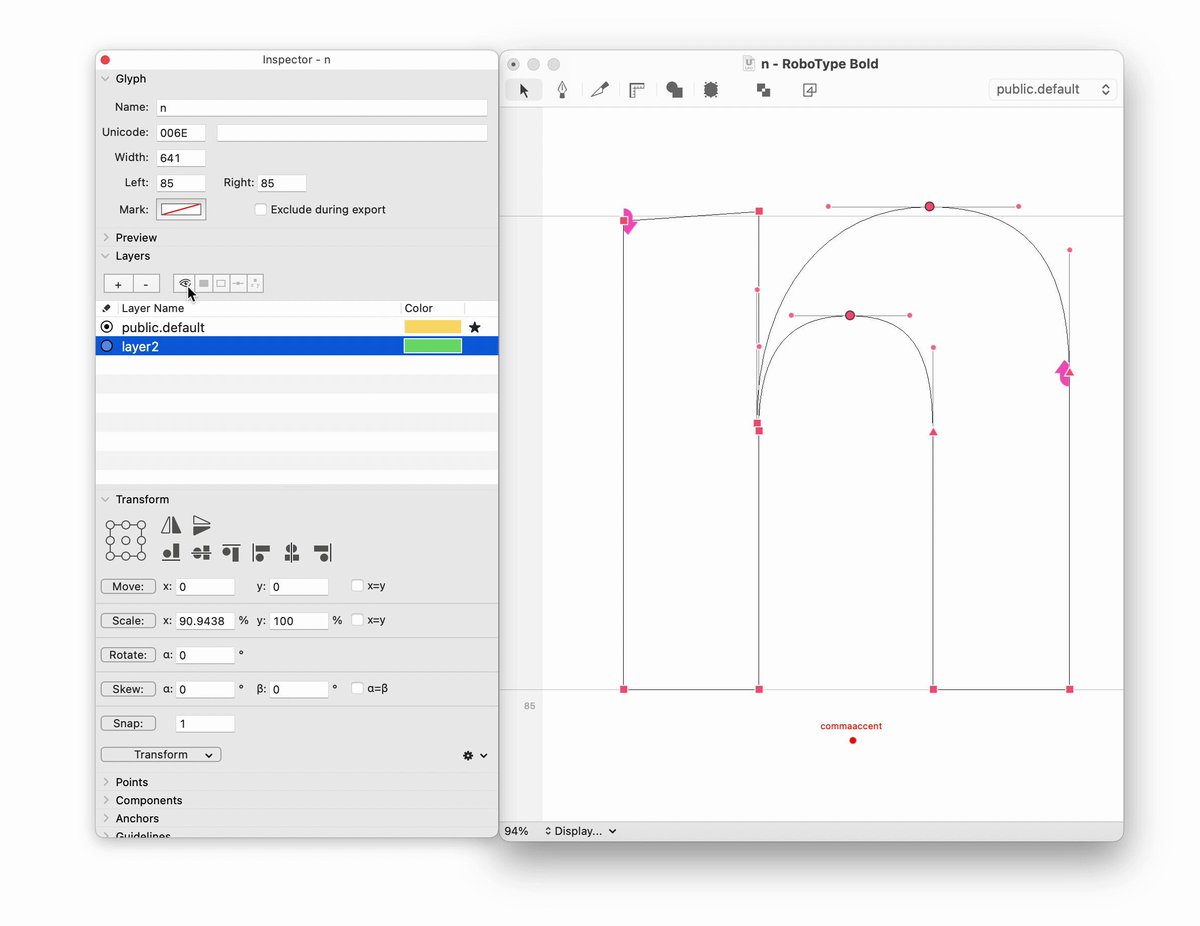
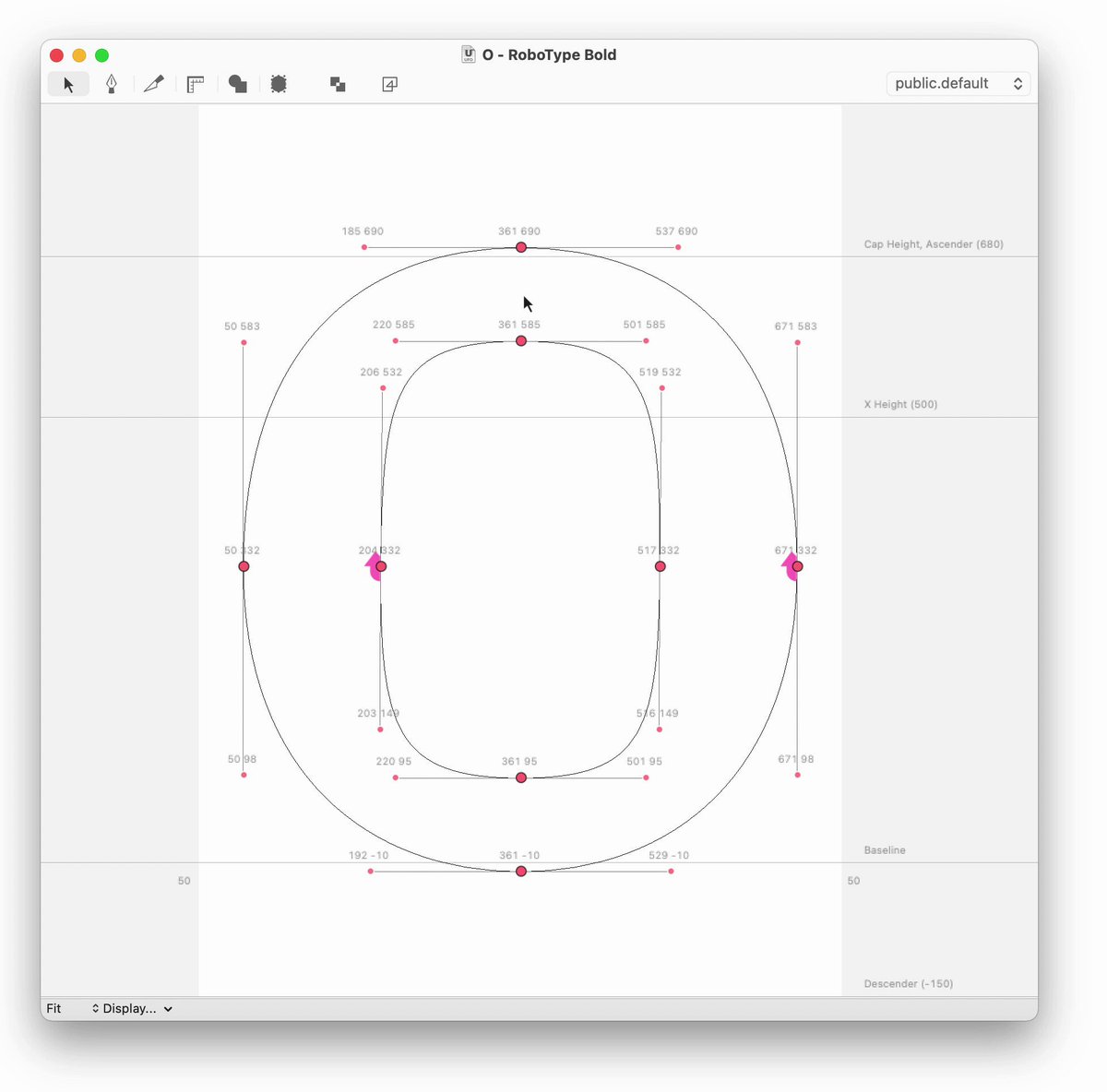
If you keep the inspector open while using the Transform Mode, the transformation values are stored in real-time into the inspector. Then you can jump to another glyph and apply the same transformation.
robofont.com/documentation/r…
1
15
3 Jan 2022
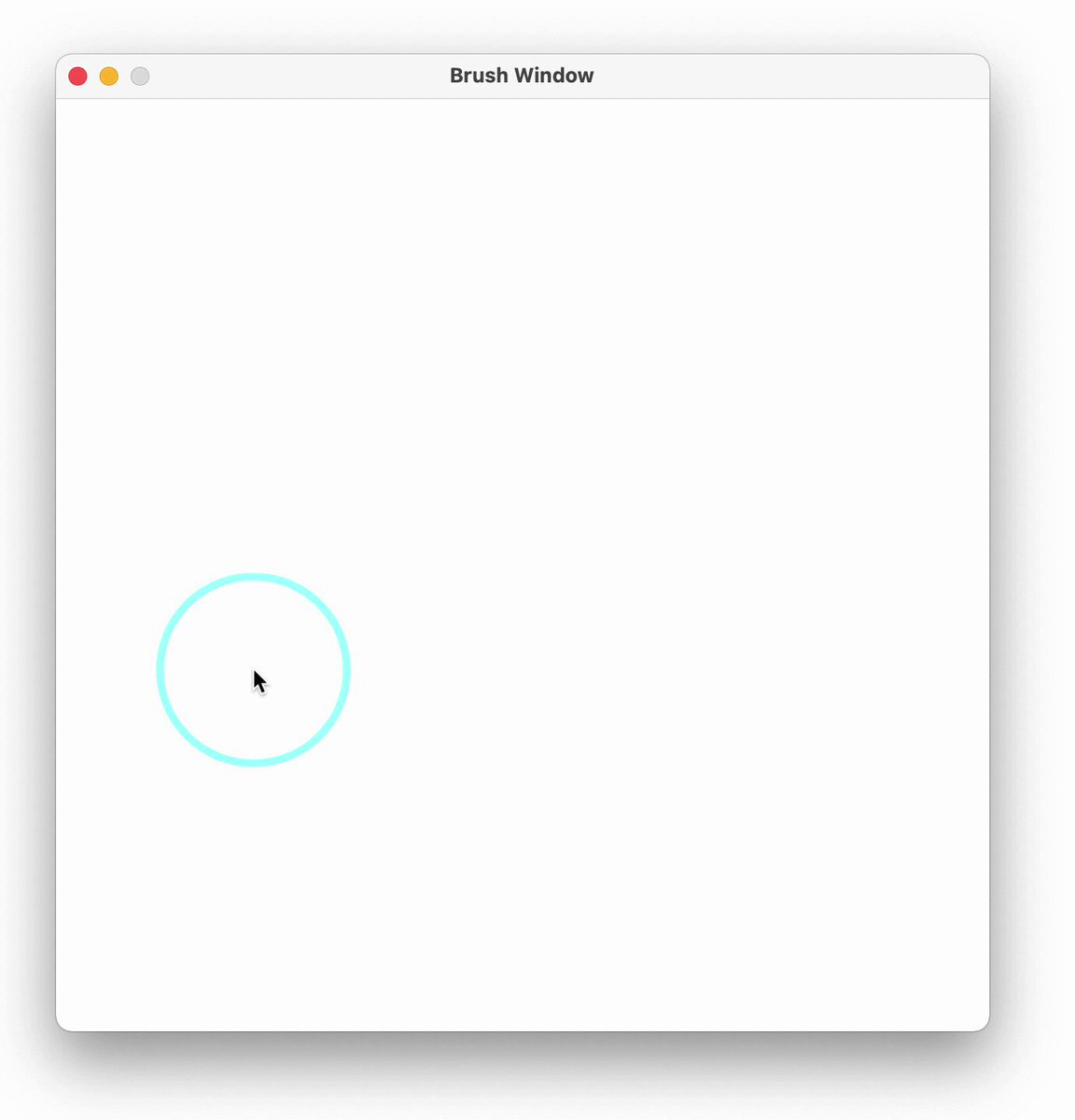
A MerzView owned by a vanilla.Window can easily accept mouse events. Just remember to:
- set a delegate
- ask your tool to become a first responder with the acceptsFirstResponder method
- define the mouse callbacks you want
Check a working example here:
robofont.com/RF4.2/documenta…
1
1
7
20 Dec 2021
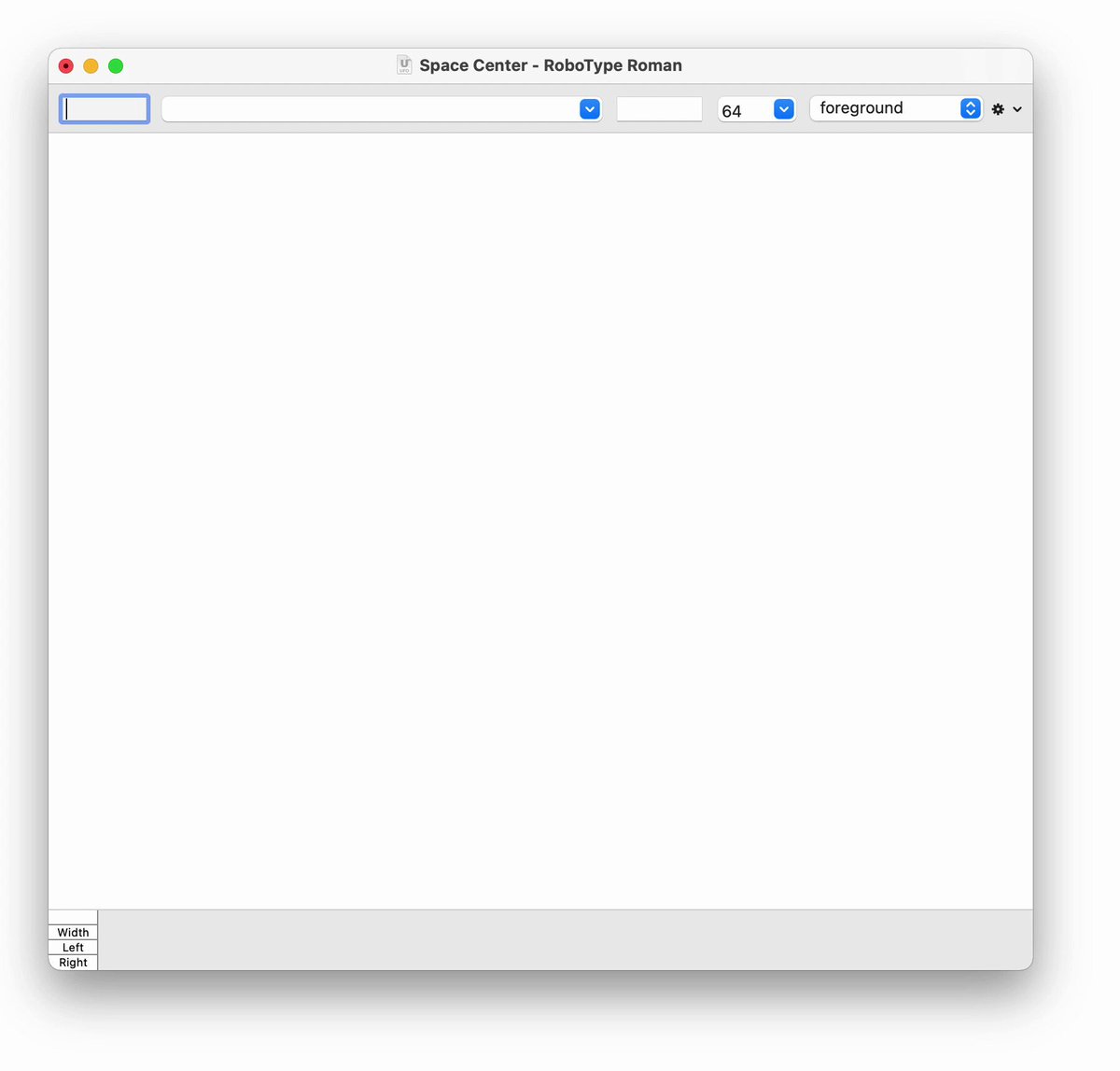
You can display all glyphs from a group in the space center using the /:groupName input format
robofont.com/documentation/r…
2
16
17 Dec 2021
To quickly switch between layers, you can double click on a layer outline
robofont.com/documentation/t…
2
6
15 Dec 2021
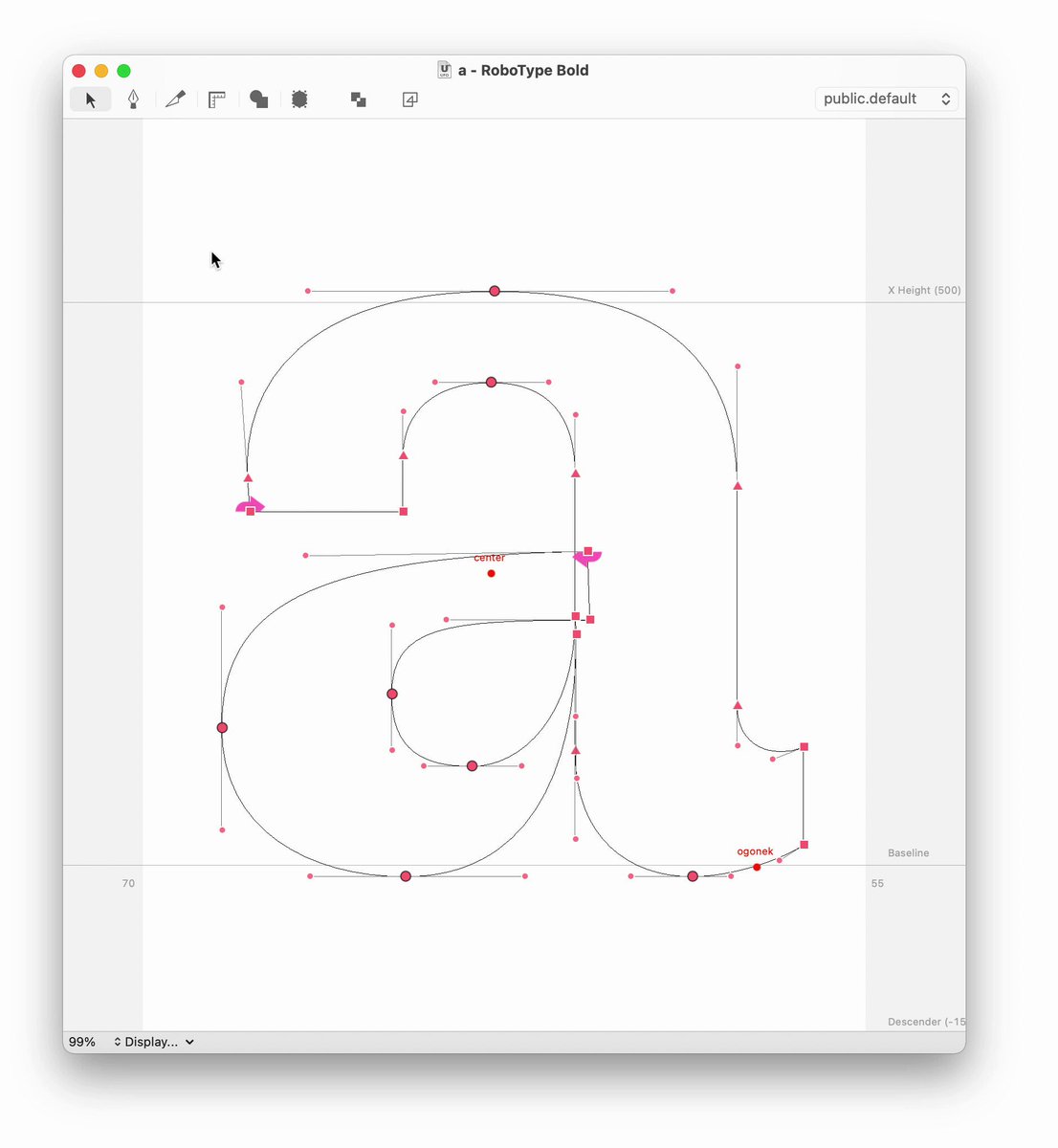
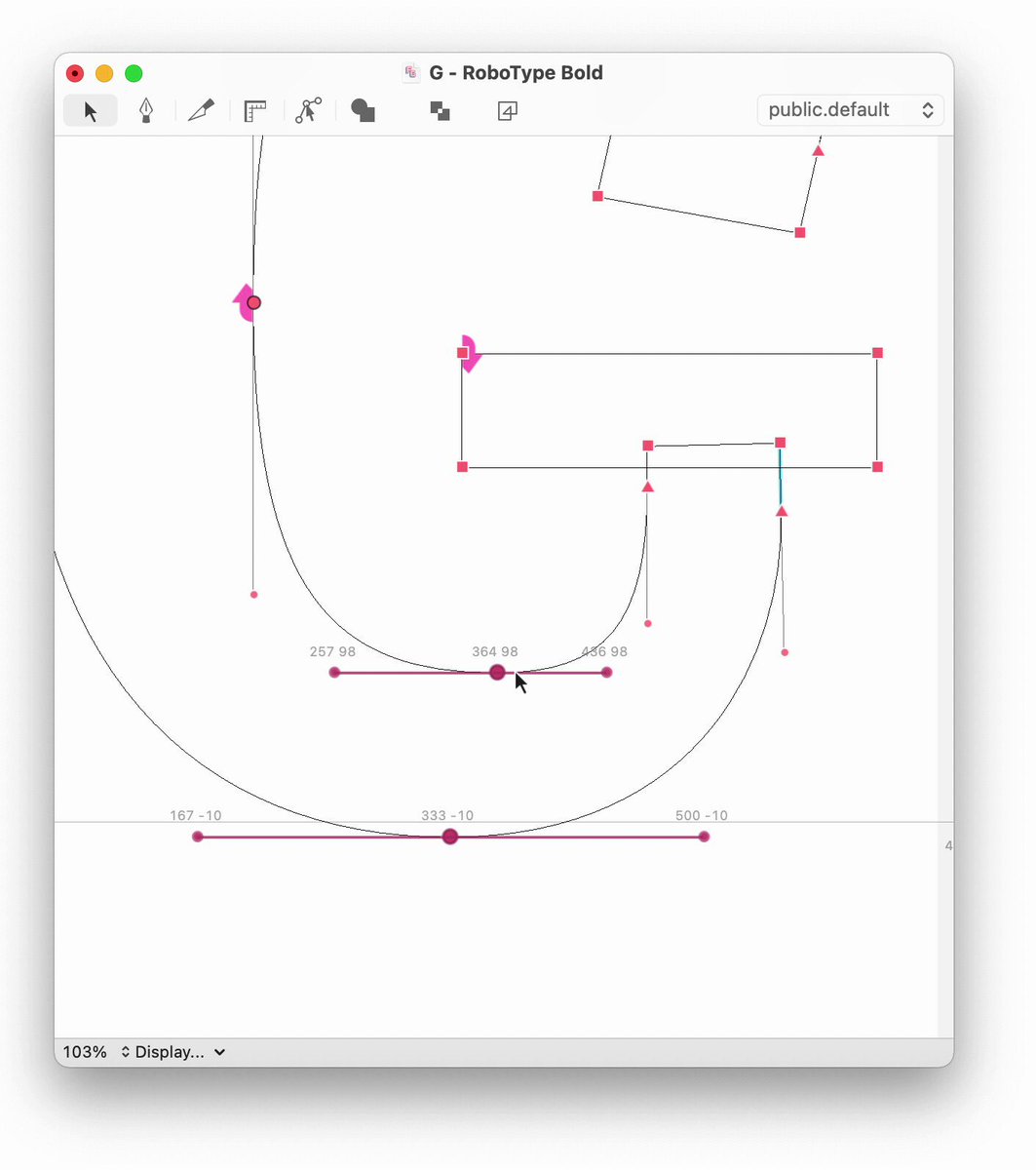
If you move an on-curve point while pressing ⌥ option and ⌘ command, the connected off-curve points will stay where they are
robofont.com/documentation/r…
2
4
13 Dec 2021
In this example from the docs, you can easily instruct a subscriber object to visualize on the glyph editor the distances between selected points
robofont.com/documentation/h…
1
3
17
9 Dec 2021
If you drag a glyph margin while pressing ⌘, you'll move simultaneously both margins
6
33
7 Dec 2021
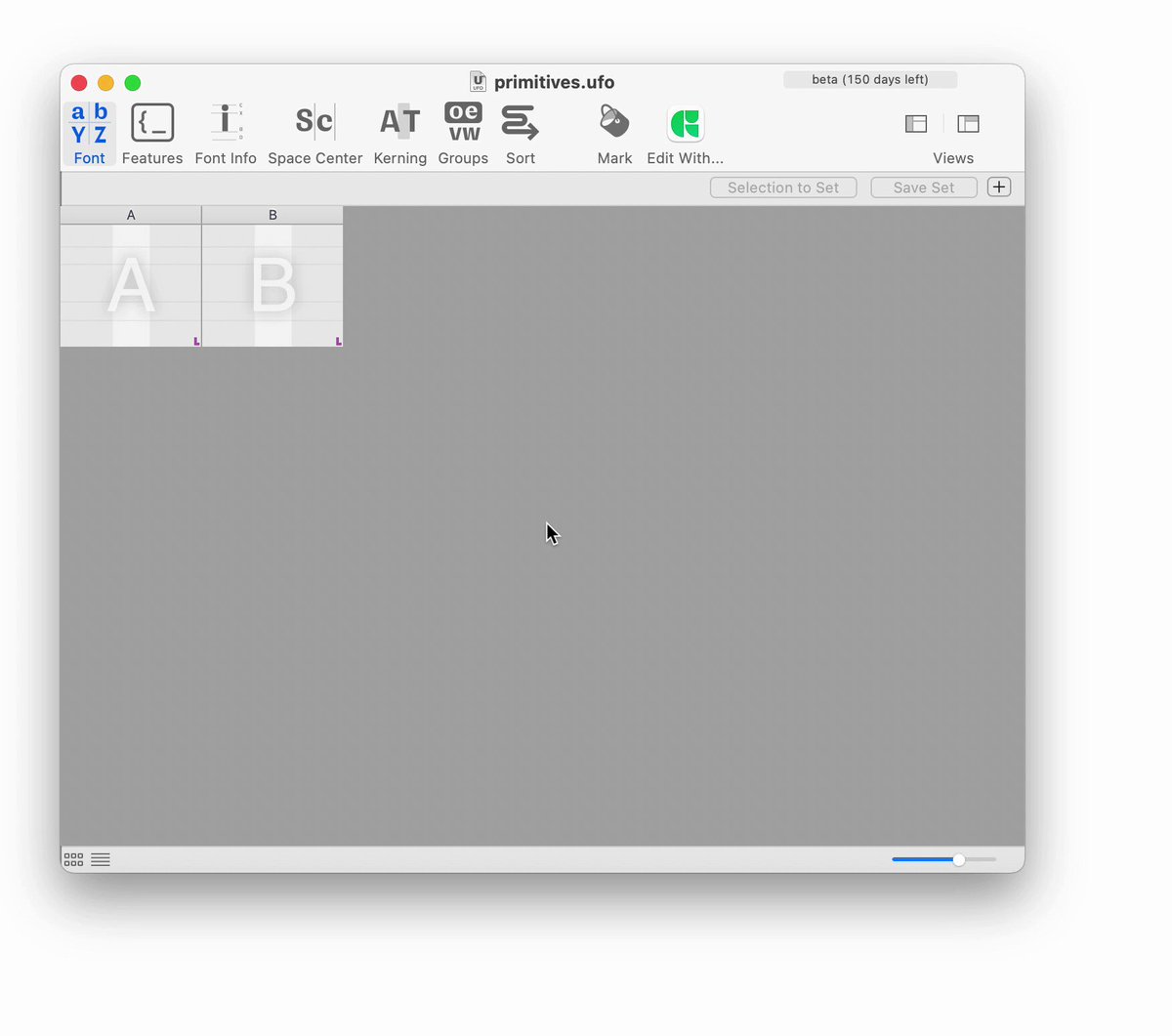
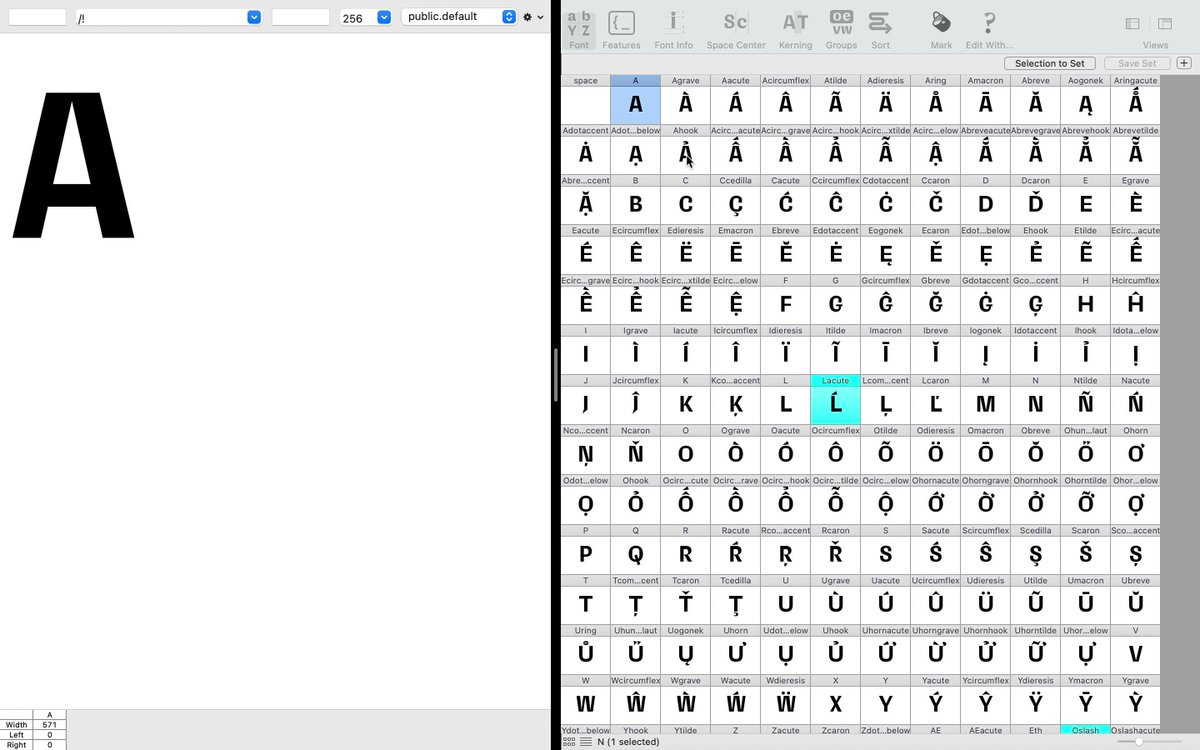
Using the /! shortcut you can display the font overview selection in the space center
doc.robofont.com/documentati…
1
21
RoboFontCanThis retweeted

18 Nov 2020
🛠 The latest developments of RoboCJK are back on the original repository main branch. github.com/BlackFoundryCom/r…
2
1
20 May 2020
how to make a mermaid from a woman and a fish, and other examples of object-oriented programming in Python robofont.com/documentation/b… 🧜♀️
#Python
1
3
RoboFontCanThis retweeted
23 Dec 2019
🎅🎄 RoboFont 3.4 Beta for Xmas🎄🎅
forum.robofont.com/topic/775…
4
23
RoboFontCanThis retweeted
6 Nov 2019
🎉 ROBOFONT THREE POINT THREE 🤯
forum.robofont.com/topic/725…
robofont.com/downloads/
14
43