
Crafting apps with sleek UX & powerful functionality. Founded by a tech enthusiast @felixycc. Join the journey! #IndieDev #TechStartup #AppDesign
Joined February 2020
- Tweets 719
- Following 7
- Followers 248
- Likes 249
222 Photos and videos
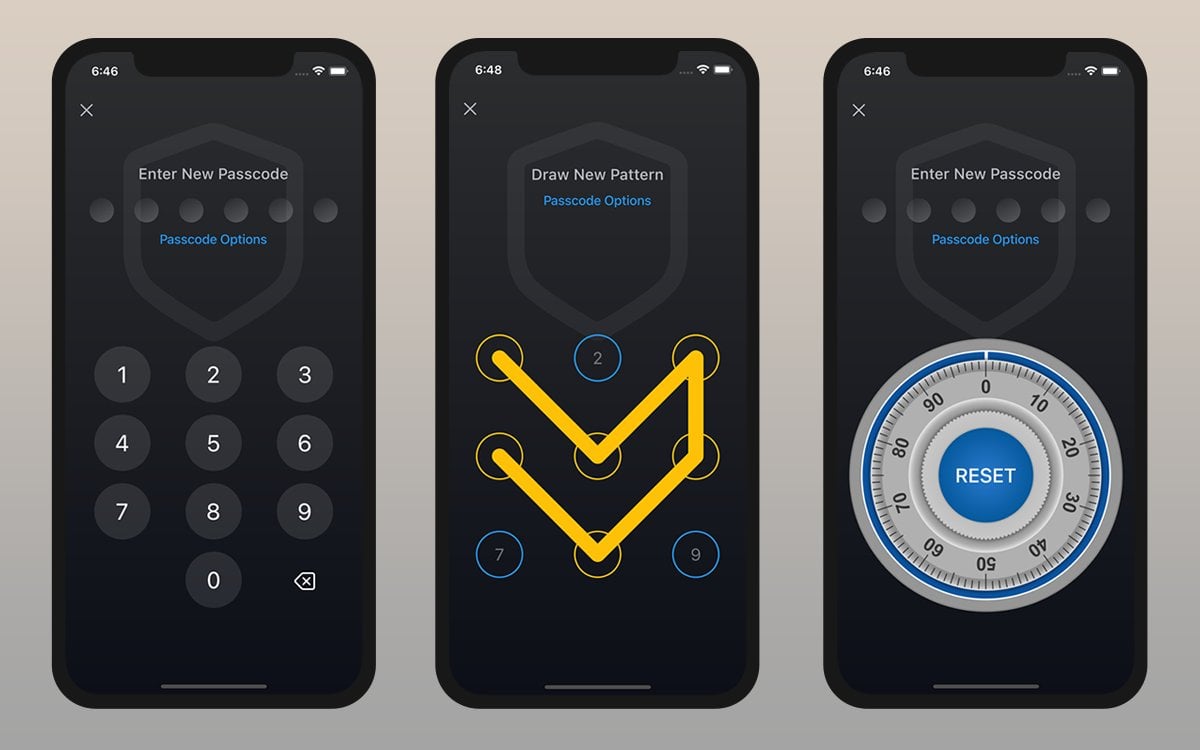
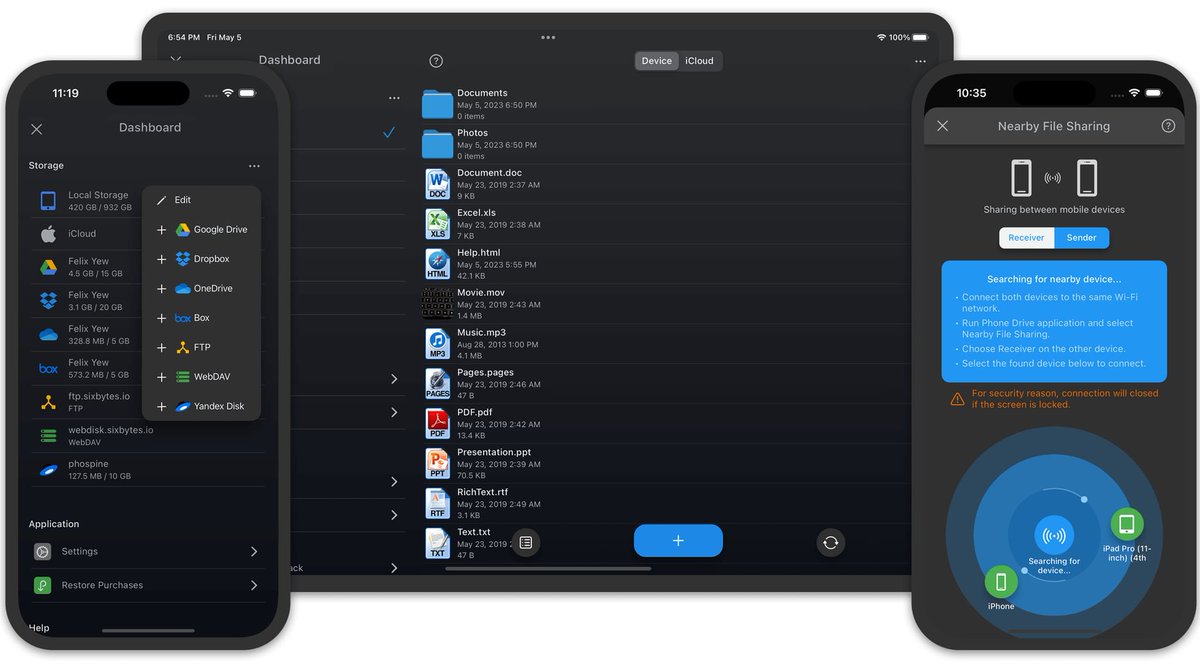
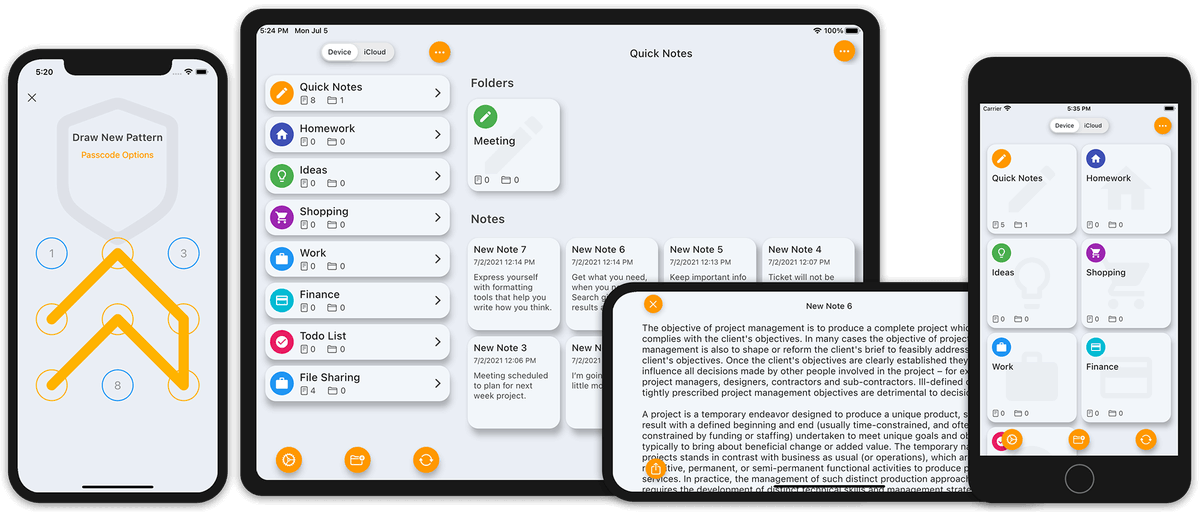
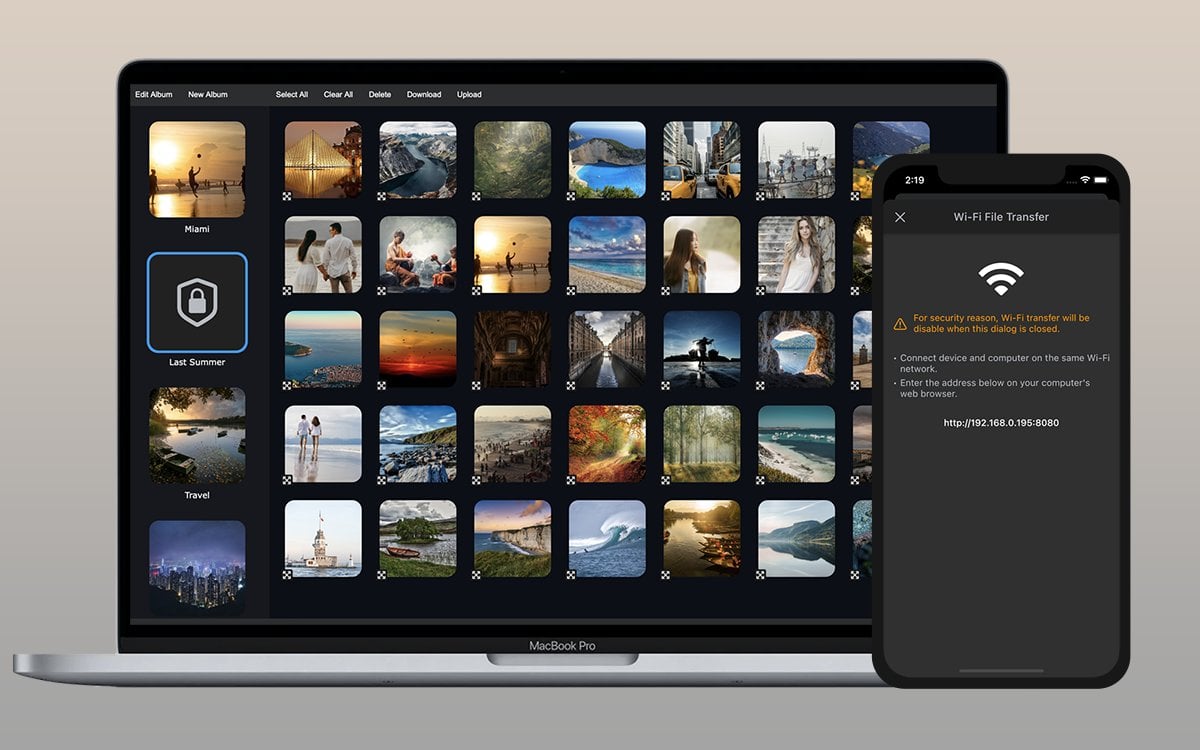
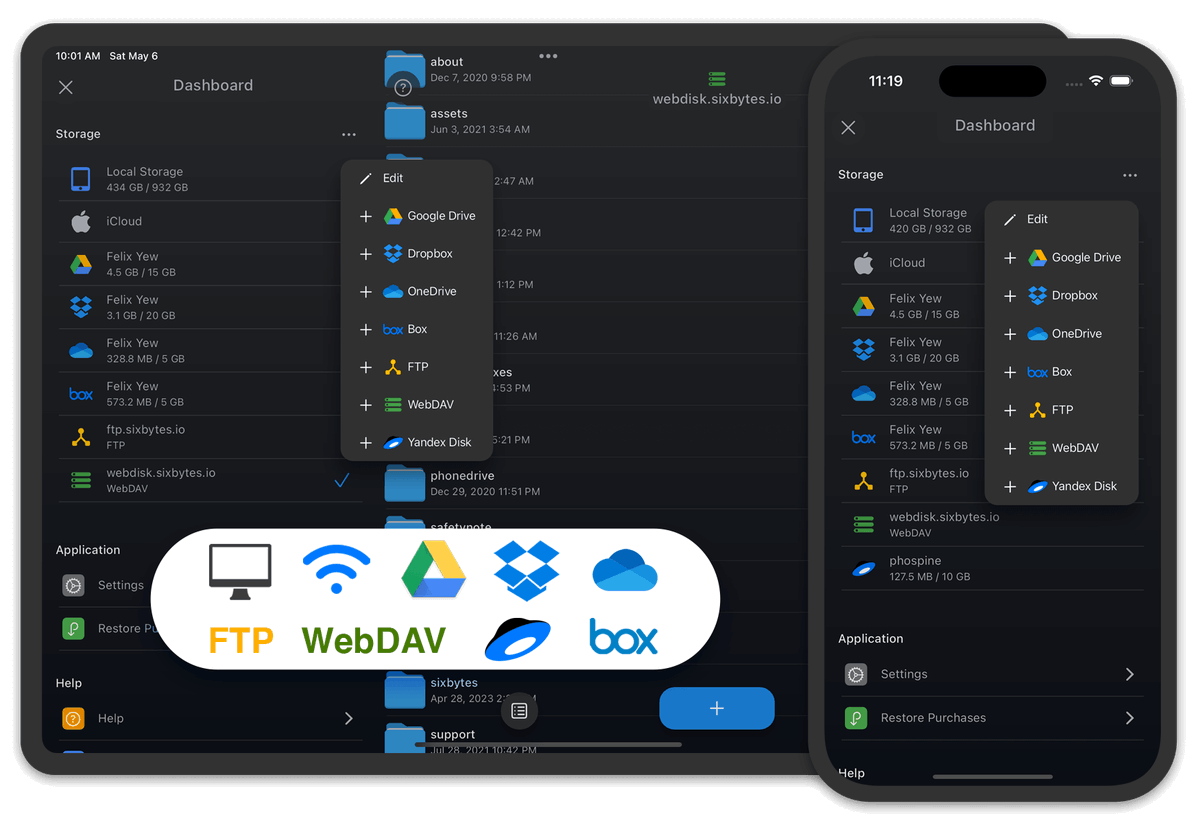
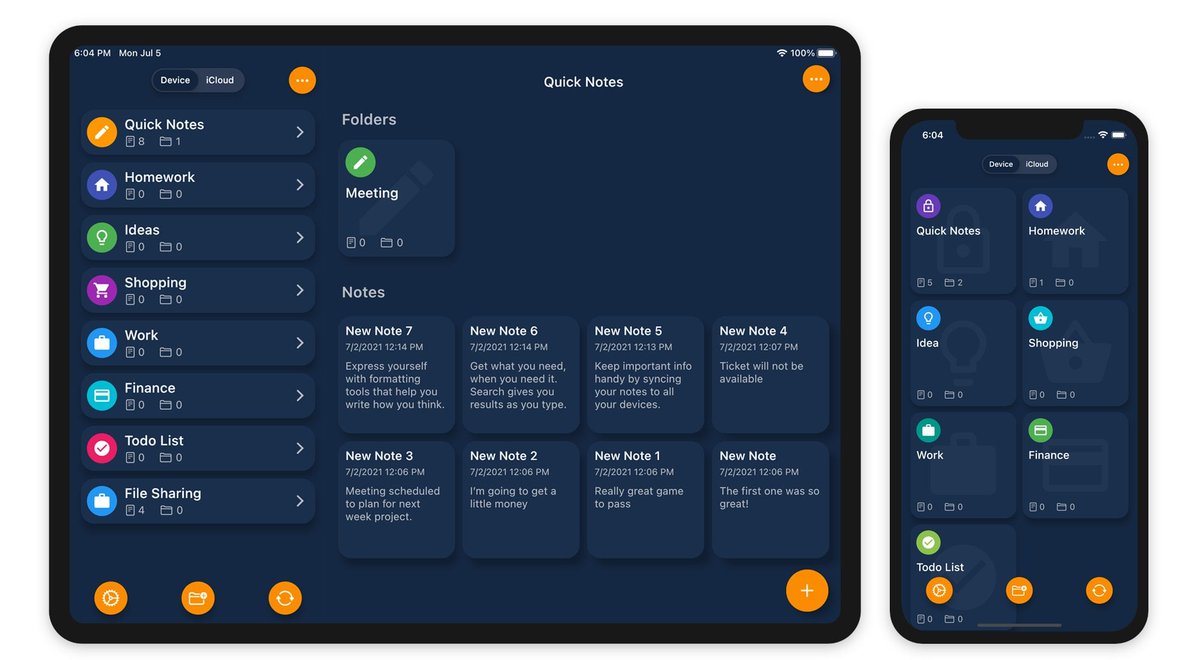
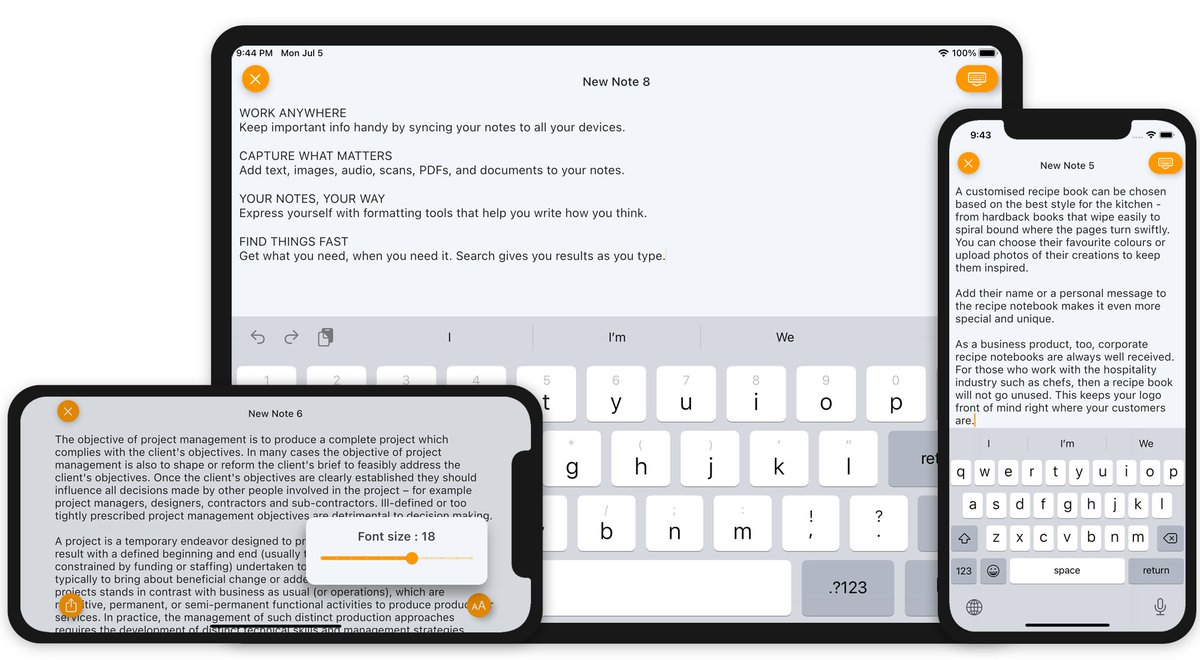
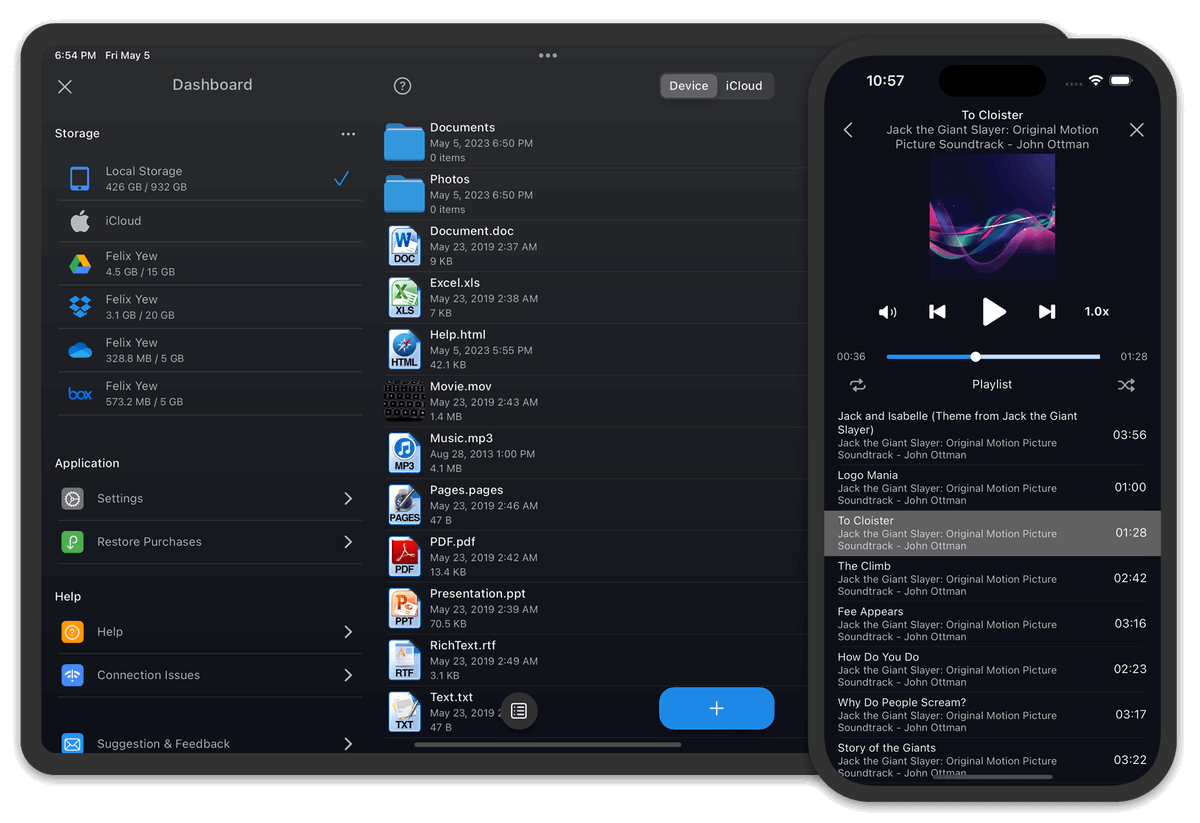
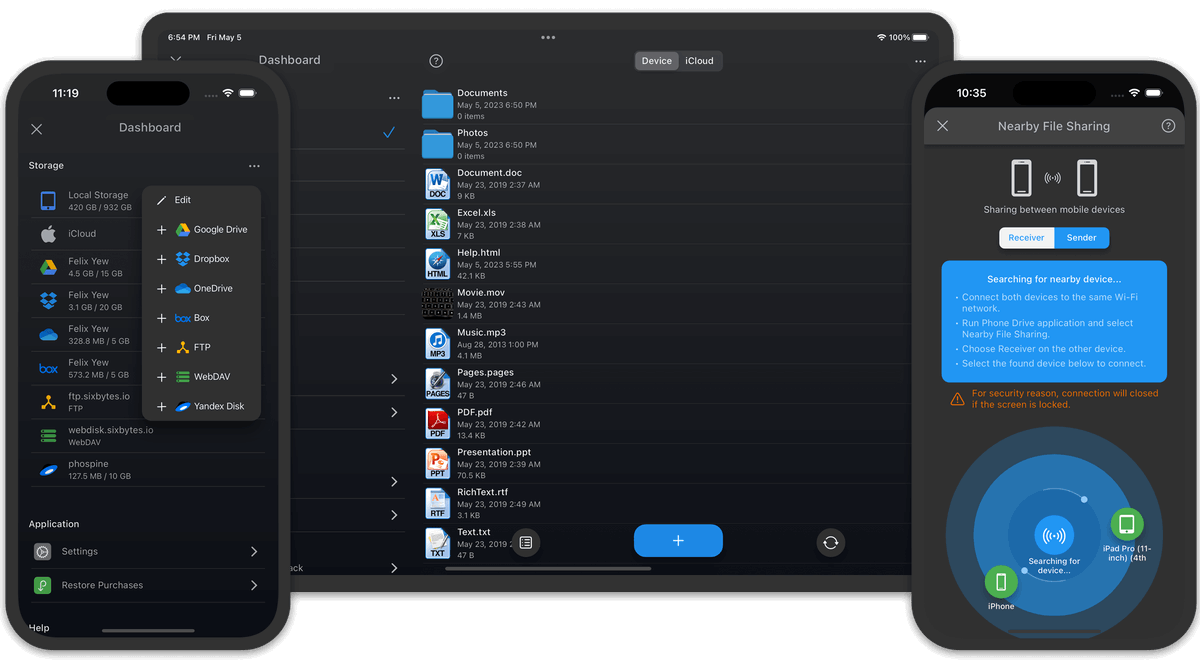
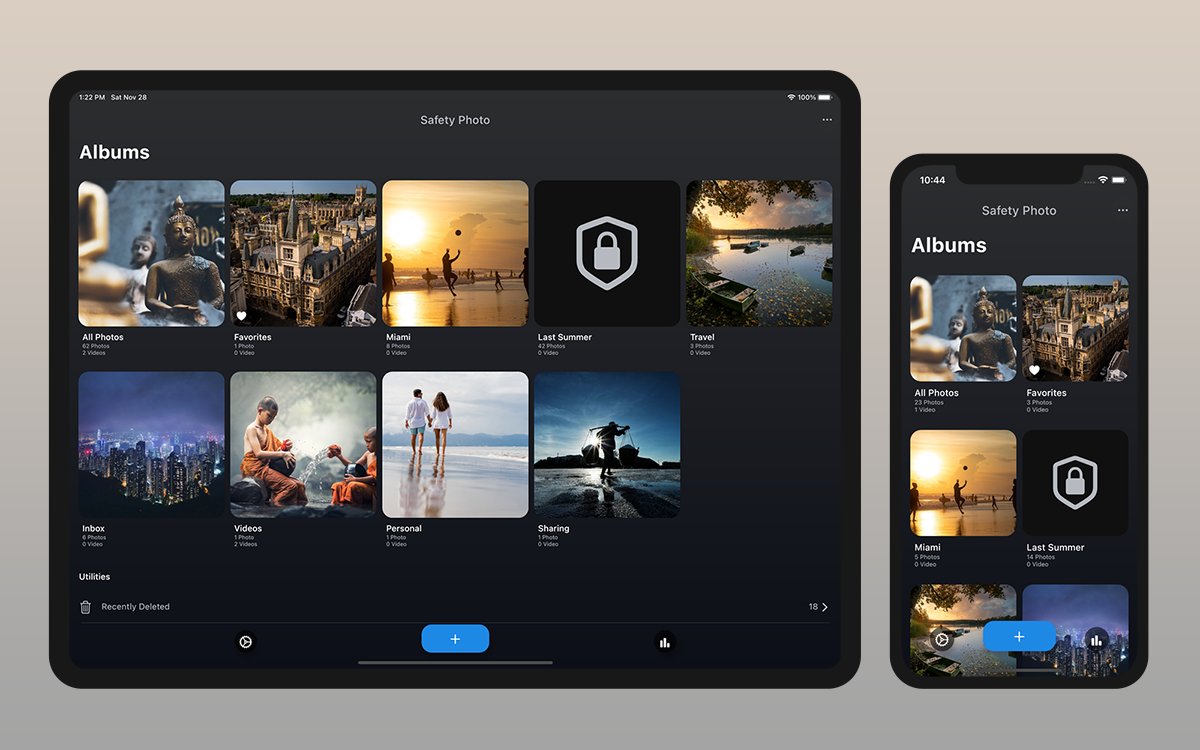
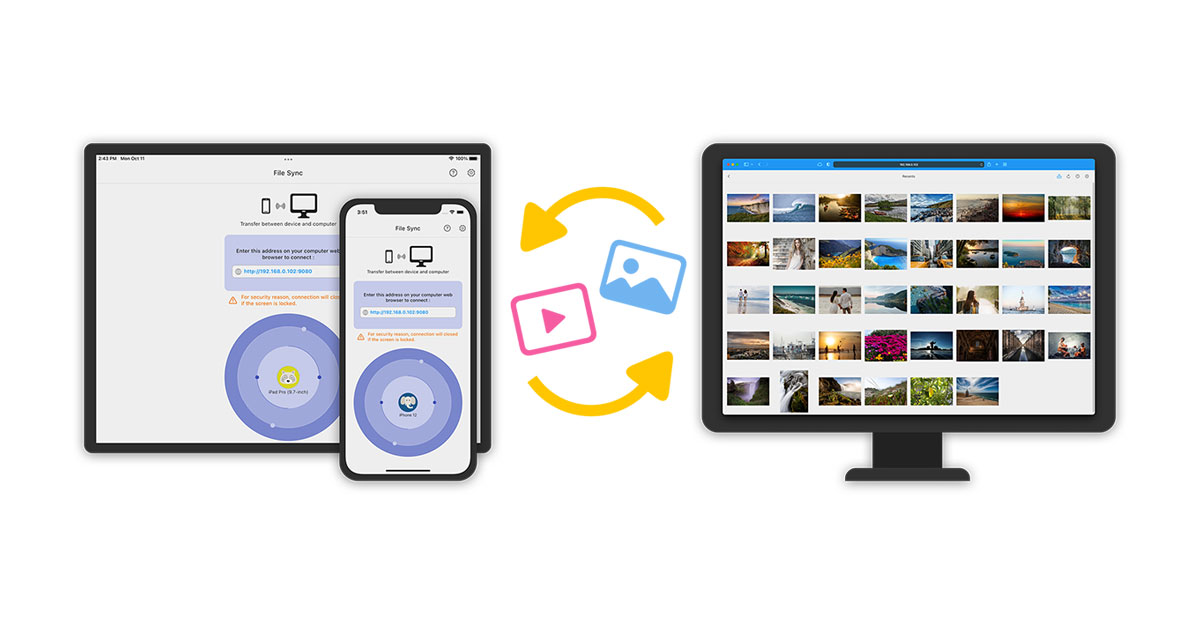
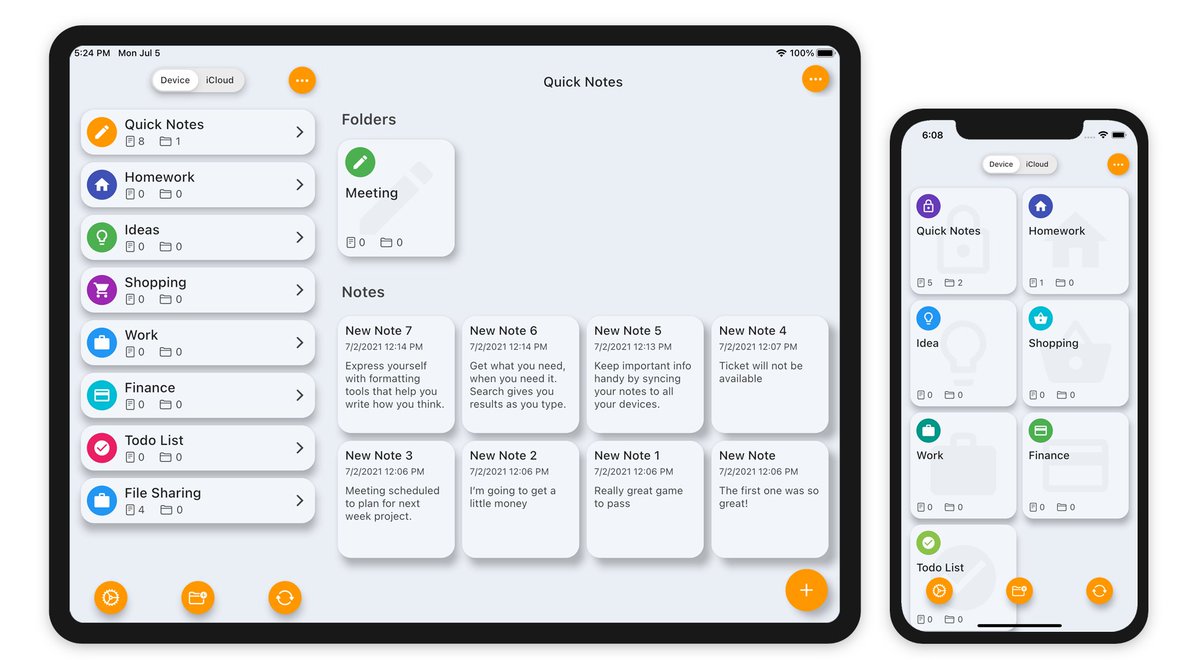
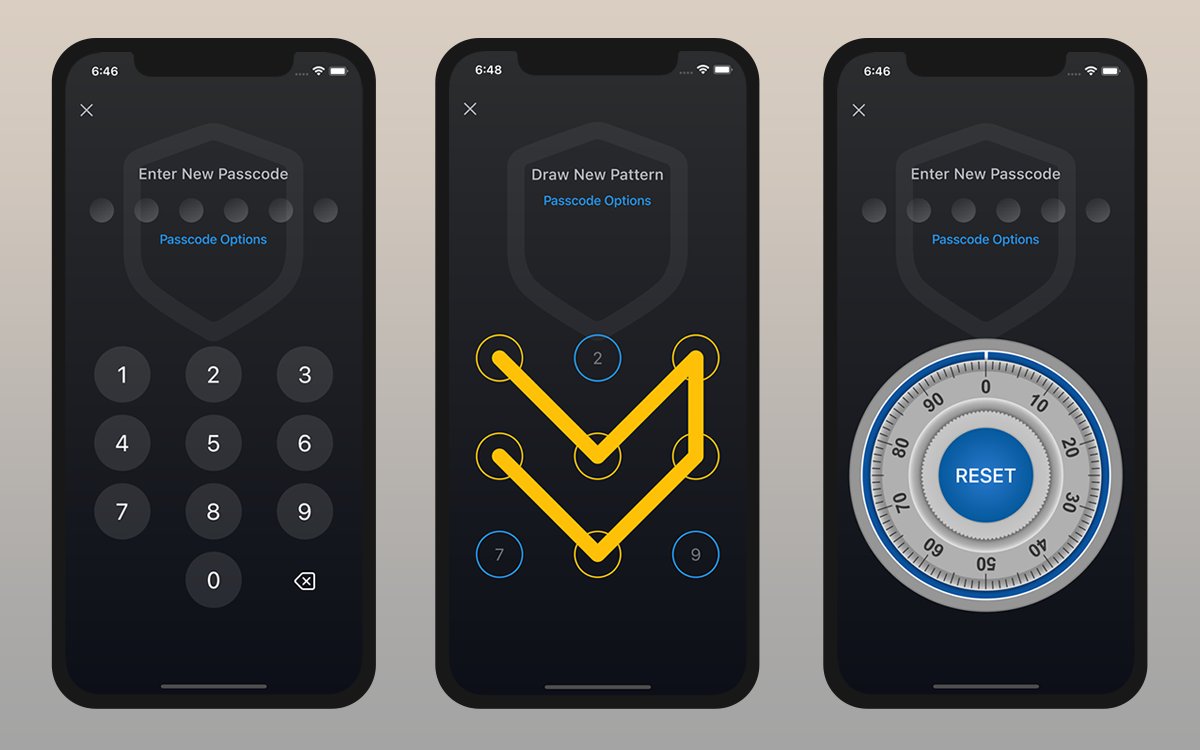
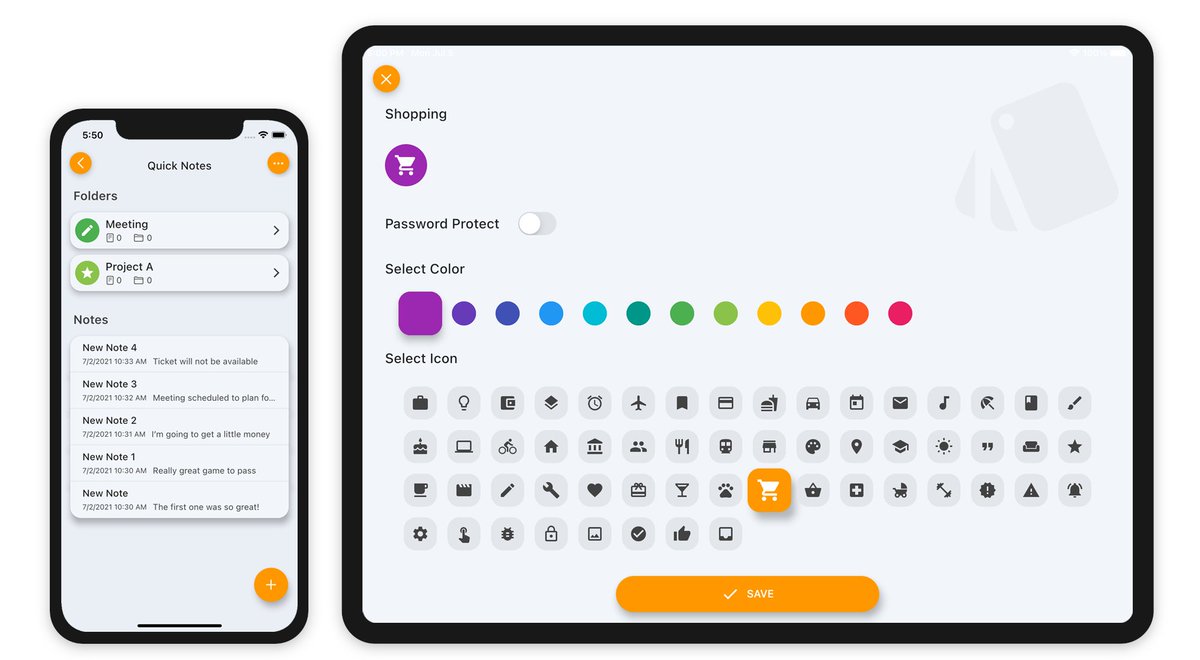
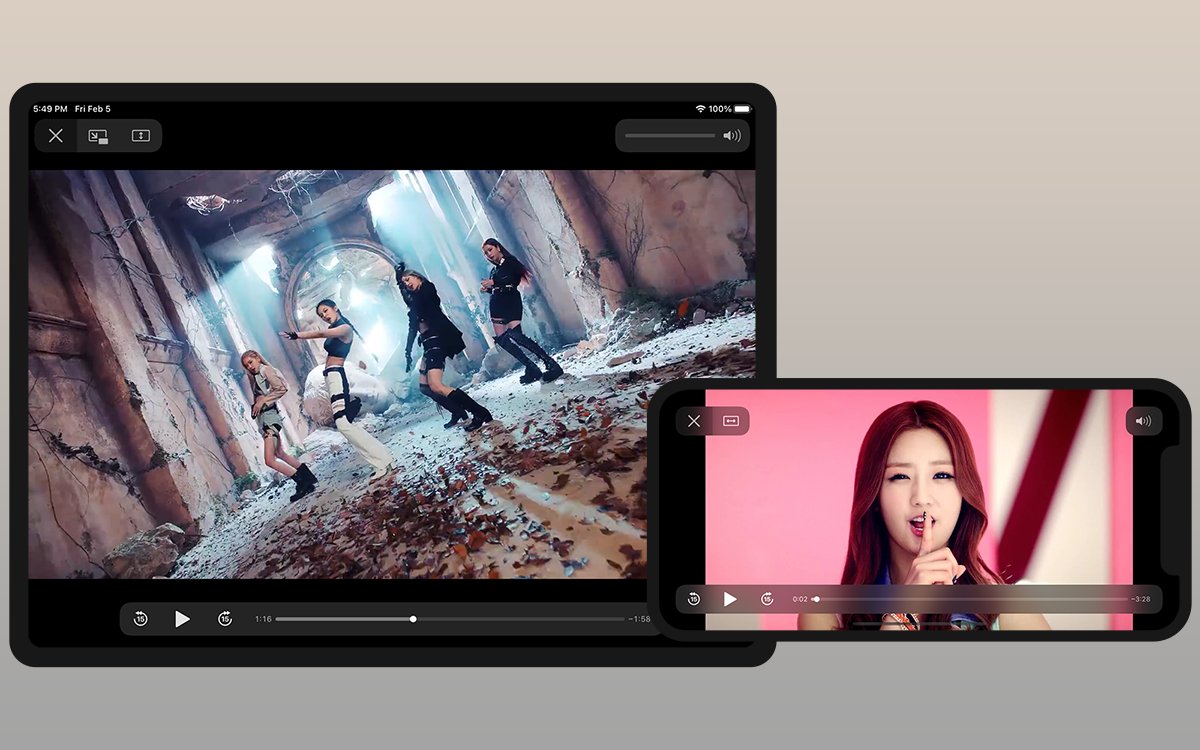
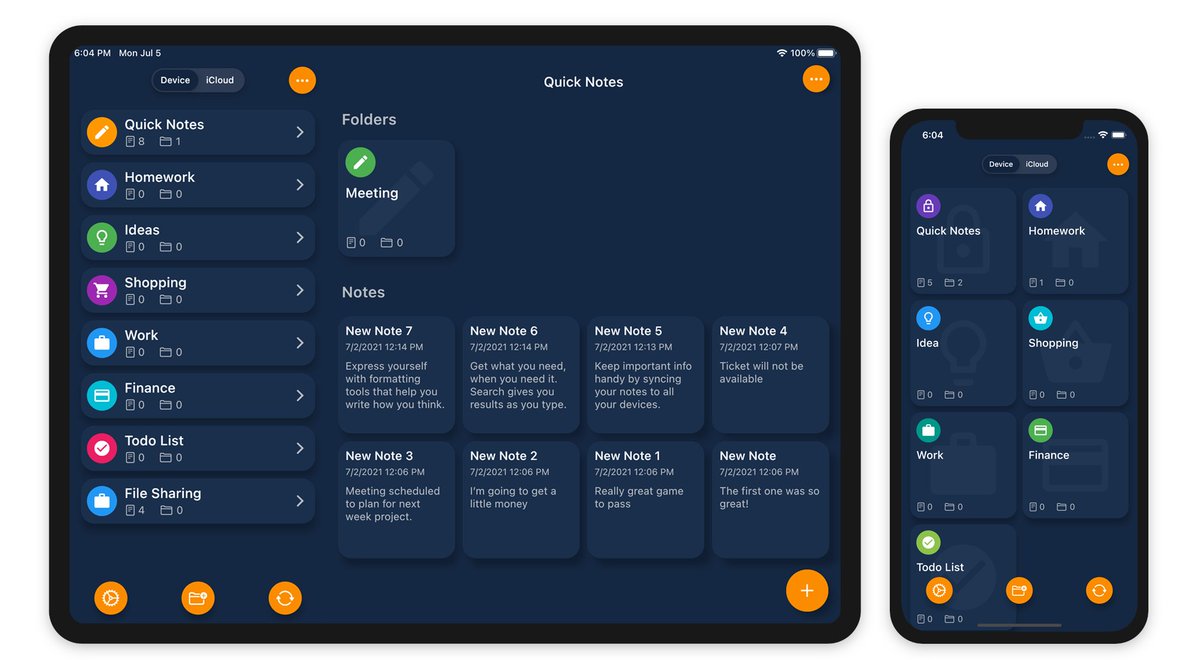
🌱 Better systems create calmer lives.
🔐 Safety Photo → protect privacy
📅 HibiDo → stay focused
📁 Phone Drive → organize files
📝 Safety Note → clear your mind
Explore → sixbytes.io
#Sixbytes #ProductivityTools
5

Jun 13
🔒 Weekend Reminder:
Privacy isn’t paranoia.
It’s good digital hygiene.
Protect what matters with Safety Photo .
🛡️ safetyphoto.app
#PrivacyMatters #DigitalLife
9
Jun 12
📸 Friday Privacy Audit:
Search your Photos app for:
“passport”
“bank”
“receipt”
If anything sensitive appears… you know what to do 👀
👉 safetyphoto.app
#PrivacyAudit #iPhoneTips
12
Jun 11
📝 Thinking Tip:
The fastest way to reduce stress?
Stop trying to remember everything.
Capture ideas privately in Safety Note.
🧠 sixbytes.io/safetynote
#MindfulTech #Productivity
11
Jun 10
📁 Smart Organization Tip:
Create folders like:
• Personal
• Work
• Travel
• Important Docs
inside Phone Drive.
⚡ sixbytes.io/phonedrive
#FileManagement #Organization
21
Jun 9
📸 Real Scenario:
Someone asks to borrow your phone for a quick call…
Would you feel safe handing it over unlocked?
Protect private photos with Safety Photo .
🔐 safetyphoto.app
#PrivacyFirst #DigitalSafety
34
Jun 8
🎯 Monday Focus Tip:
Don’t start your day reacting to notifications.
Start with your priorities in HibiDo.
📅 sixbytes.io/hibido
#Focus #DeepWork
10
Jun 7
🌿 Sunday Reset:
Clean your downloads folder.
Delete junk screenshots.
Protect important memories.
Simple digital habits matter.
🔐 safetyphoto.app
#SundayReset #DigitalWellbeing
12
Jun 6
📅 Weekend Planning Habit:
Take 10 minutes to organize next week in HibiDo.
Less stress. More clarity.
📲 sixbytes.io/hibido
#Planning #Productivity
15
Jun 5
📸 Privacy Check:
Could someone scrolling your gallery accidentally see something sensitive?
If yes → time for Safety Photo .
👉 safetyphoto.app
#PrivacyMatters #SecureGallery
21
Jun 4
📝 Mental Clarity Rule:
Write things down before they become mental clutter.
Keep thoughts secure with Safety Note.
🧠 sixbytes.io/safetynote
#MentalClarity #PrivateNotes
13
Jun 3
📁 Midweek Efficiency Tip:
Store frequently used files offline in Phone Drive.
Fast access. No internet needed.
⚡ sixbytes.io/phonedrive
#Productivity #OfflineAccess
22
Jun 2
📸 Common Habit = Big Risk:
Saving IDs, bank screenshots, or private photos in the default gallery.
Move them into Safety Photo instead.
🔐 safetyphoto.app
#PrivacyAwareness #MobileSecurity
24
Jun 1
🔐 New Month Reminder:
Your phone stores your memories, documents, and personal life.
Treat it like a vault — not a junk drawer.
Start with Safety Photo .
👉 safetyphoto.app
#PrivacyFirst #DigitalLife
19
May 31
🌱 Better digital habits create calmer lives.
🔐 Protect privacy
📁 Stay organized
📅 Plan intentionally
📝 Think clearly
Explore all apps → sixbytes.io
#Sixbytes #DigitalLife
21
May 30
🔒 Weekend Security Habit:
Before sharing your phone, check your gallery first 😅
Better yet: keep private content locked in Safety Photo .
🛡️ safetyphoto.app
#DigitalSafety #SecureGallery
24
May 29
📸 Hidden Problem:
Many people forget screenshots stay in the gallery forever.
Clean them regularly — or secure them with Safety Photo .
👉 safetyphoto.app
#PrivacyAwareness #iPhonePrivacy
27
May 28
📝 Private thoughts deserve private space.
Use Safety Note for journaling, ideas, and reflections — securely.
🧠 sixbytes.io/safetynote
#MindfulTech #PrivateJournal
21
May 27
📁 Productivity Tip:
Create folders by project in Phone Drive.
Less searching.
More doing.
⚡ sixbytes.io/phonedrive
#FileManagement #WorkSmart
19
May 26
📸 Real-Life Use Case:
Travel documents.
Medical records.
Personal screenshots.
Store them safely in Safety Photo instead of your gallery.
🔐 safetyphoto.app
#TravelSmart #PrivacyFirst
31