
No more boring Presentations! ➡️Live Polls, Q&A and slide sharing for your PowerPoint-Presentations, Trainings & Meetings. #letspimpppt
Joined November 2017
- Tweets 190
- Following 386
- Followers 215
- Likes 961
177 Photos and videos










Pinned Tweet

20 May 2019
🚫Stop the annoying switching between your PowerPoint and a polling tool!
SlideLizard seamlessly integrates in PowerPoint for live audience interaction. Ideal for:
📊 Live Polling
❓ Q&A
⭐ Attendee Feedback
📧 Audience Analytics
👀 Live Slide Sharing
📑 Document sharing
2
19
59
24 Dec 2022
Ein erfolgreiches Jahr neigt sich langsam dem Ende zu und so ist es an der Zeit »Danke« zu sagen. Wir bedanken uns bei unseren Mitarbeiter:innen und Kund:innen und wünschen erholsame Feiertage und alles Gute im neuen Jahr. 🎄
#froheweihnachten #merrychristmas #danke #thankyou
88
4 Nov 2022
Have you ever tried using arrows in PowerPoint? ↪️ Read our blogpost and find out how to create curved arrows in PowerPoint ↩️
slidelizard.com/en/blog/powe…
28 Oct 2022
Unsere SlideLizard Kudo Cards sind angekommen! Wir feiern nicht nur berufliche, sondern auch private Erfolge unserer Lizards. Mit unseren Kudo Cards macht »Danke« sagen gleich noch viel mehr Freude. 🥳
#kudocards #corporatehappiness #slidelizard #danke #erfolg
25 Oct 2022
Did you know you can make images transparent in Powerpoint? 😮 Read this blog post to find out how to create eye-catching slide designs. 🙌
slidelizard.com/en/blog/powe…
#SlideLizard #PowerPoint #tutorial #transparent #images #blog
2 Mar 2022
Das Team von #SlideLizard hat sich zum Ziel gesetzt, #Erfolg durch Präsentationen zu garantieren. Unsere Softwarelösungen ermöglichen intelligente Präsentationen zu erstellen, interaktive Elemente wie Live-Umfragen zu integrieren und detaillierte Analysen zu generieren.
1
1
3 Feb 2022
🎉 We are happy to announce, that we are among the first Austrian companies to be accepted into the Microsoft for Startups program @msft4startups! 🔝
Read more at: slidelizard.com/blog/slideli…
#MSFT4Startups @msft4startupsEU #slidelizard
1
4 Jan 2022
Designing a great presentation and then finding it ruined because another computer couldn't read the fonts has happened to most of us... 😩 This is how you can prevent from happening!
youtube.com/watch?v=mcyYsw8L…
#SlideLizard #tutorial #embedfonts #PowerPoint
31 Dec 2021
As we look back upon the past year, we would like to say THANK YOU to all of you who support SlideLizard. 😊 Thanks for a great year, stay healthy and safe. 🙌
Do you already have resolutions for 2022? If not, how about reorganizing your PowerPoints slides? 😉 #HappyNewYear
1
30 Dec 2021
Do you want to create eye-catching social media graphics in PowerPoint? 😮 Read this blog post to find out how. 🙌
slidelizard.com/en/blog/powe…
#SlideLizard #socialmedia #letspimpppt #PowerPoint #presentation #blog #template
28 Dec 2021
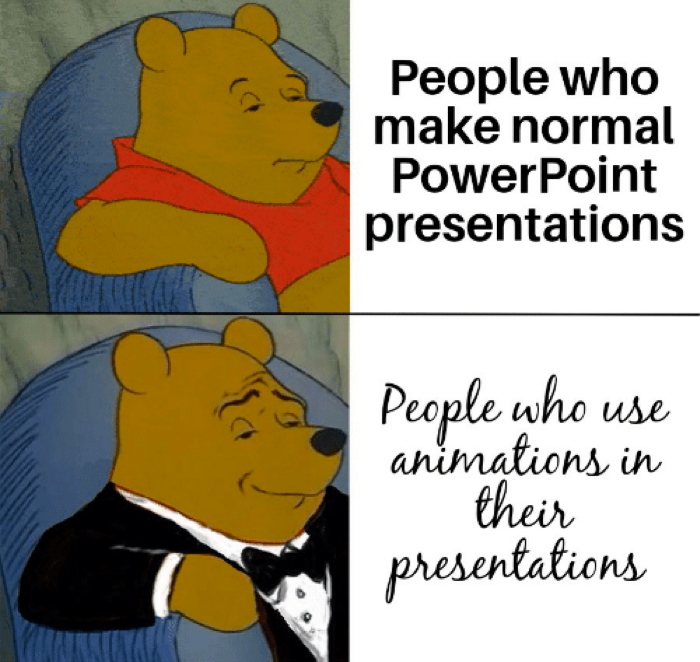
How to make your presentation look professional: use animations 😎✅
#animations #PowerPoint #successthroughpresentations
2
24 Dec 2021
The SlideLizard Team wishes Merry Christmas! 🎄✨ Have a wonderful time with your loved ones. 😊🎁
#MerryChristmas #SlideLizard #successthroughpresentations
23 Dec 2021
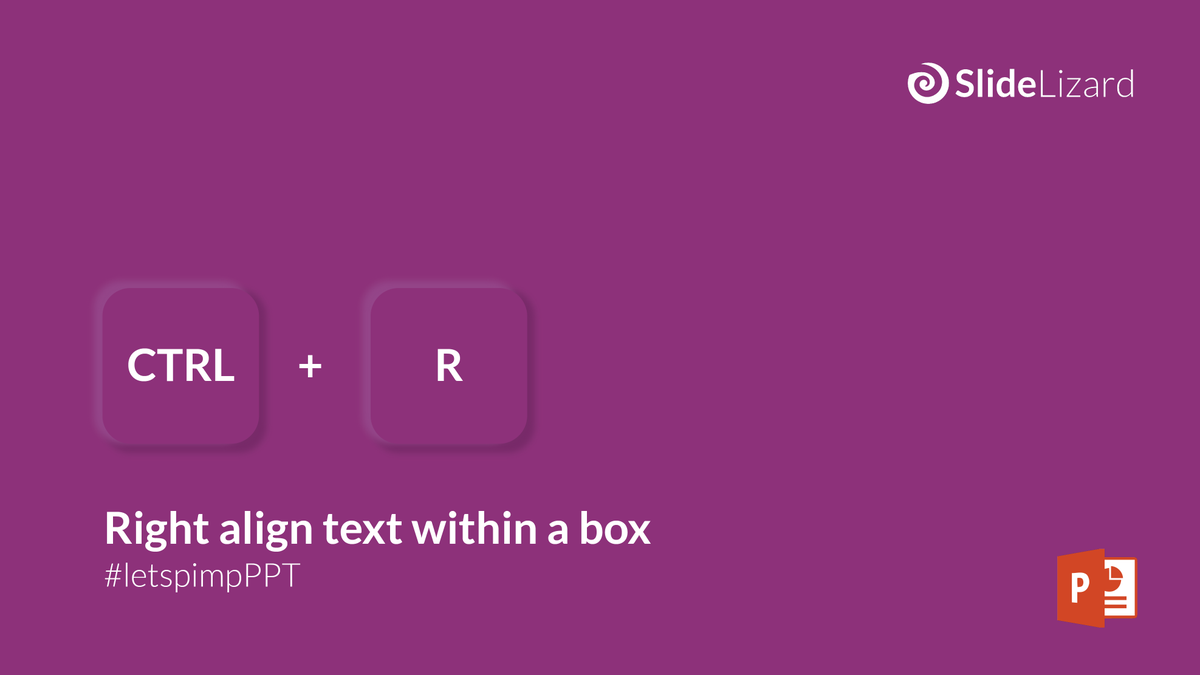
Our shortcut of the day:
CTRL R 🤓
#PowerPoint #shortcutoftheday #letspimpppt #SlideLizard #presentation #shortcut
1
21 Dec 2021
Christmas is just around the corner again and that means Christmas parties with colleagues, friends or family. 😍 In our blog post, we present 15 creative ideas on how to make your Online Christmas party a success. 🎄
slidelizard.com/en/blog/onli…
#MerryChristmas #SlideLizard #blog
16 Dec 2021
Creating and giving a good presentation is actually not that difficult. 😊 If you avoid these common mistakes, you will surely present successfully. 🚫
slidelizard.com/en/blog/bad-…
#SlideLizard #successthroughpresentations #PowerPoint #presentation #blog
1
14 Dec 2021
9 Dec 2021
Nervous before presenting in front of a big group? Try Power Posing next time! 💪
#SlideLizard #presentationtips #PowerPoint #powerposing
1
7 Dec 2021
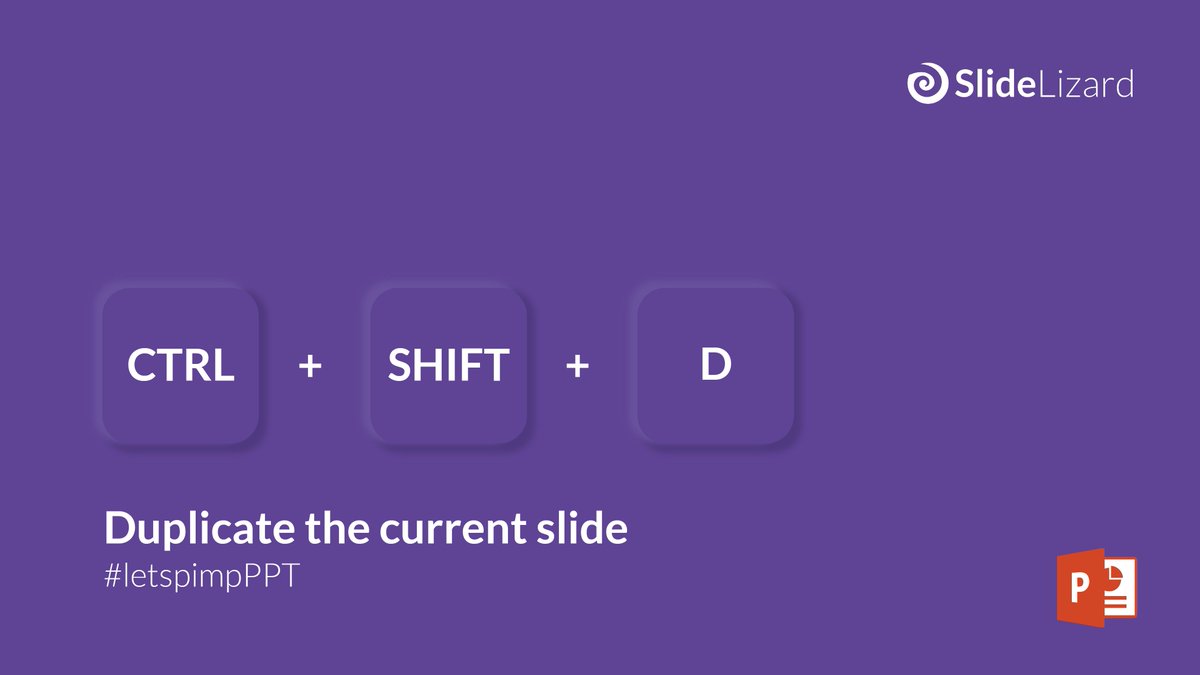
Our shortcut of the day:
CTRL SHIFT D 🤓
#PowerPoint #shortcutoftheday #letspimpppt #SlideLizard #presentation #shortcut
30 Nov 2021
Did you know, that of all the slides in a PowerPoint presentation, the closing slide is one of the most important? Check out our blog post to download a template with thank you slides. 🙌
slidelizard.com/en/blog/powe…
#SlideLizard #thankyouslide #PowerPoint #blog #template

1
25 Nov 2021
Always find the right slides without even leaving PowerPoint. Try out our SlideLizard Creator! 😉
#SlideLizard #Creator #slidelibrary #PowerPoint
#successthroughpresentations

1