
Joined January 2025
- Tweets 970
- Following 187
- Followers 185
- Likes 2,282
134 Photos and videos



蛇ト音@『退職代行』開発中 retweeted

Jun 5
『バイオハザード コード:ベロニカ』リメイク決定。2027年リリースへ
news.denfaminicogamer.jp/new…
ラクーンシティの消滅から3ヶ月後、兄クリスを探すためにアンブレラのパリ研究所ビルに潜入するクレアを描く。Steam、PS5、Xbox Series X|S、Nintendo Switchで発売予定 #SummerGameFest




127
4,523
9,680
798,669

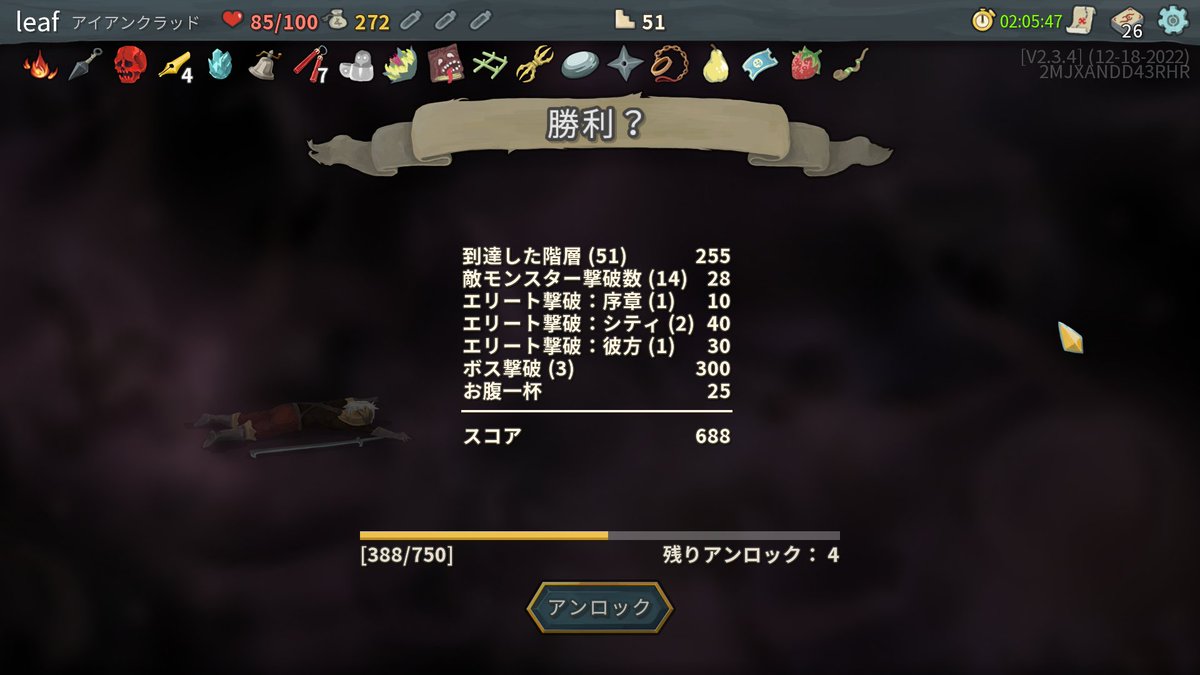
Slay the Spireはフルタイム開発者2人 x 2.5年だから、開発費は数千万のオーダーでがかかってそうな気がする

スレスパもヴァンサバもマイクラ初期も、3億どころか50万もかけずに作ってそうで、インディってそういうものだよなあと思う。
アイデアとかゲーム構造の秀逸さって費用対効果が1000倍以上になるからすごいのであって、3億に値するリッチさとはまた別の話なんですよね。
1か月で作りました!みたいなのが爆発ヒットするのをどう見極めるかの問題でもある気がするし、そういうのを金かかってなさそうってことで審査に受け入れられない雰囲気もどうするのか、という問題もある。
75
422
106,722
蛇ト音@『退職代行』開発中 retweeted

May 14
巡怪警備 The Cursed Security
本日発売です
ホラゲー苦手でも遊べるくらいの怖さなので
お気軽にどうぞ
16~17時くらいには発売してるはず…
まぁ、夜になっても発売されてなかったら
手動でリリースします
store.steampowered.com/app/4…
1
96
371
16,283
蛇ト音@『退職代行』開発中 retweeted

4
55
753

May 4
どうやらずっと私は一人でデカい工房を使っていたらしい
May 3

Visual Studio Code (the blue one) is a lightweight code editor. It’s fast, minimal, and built for flexibility. You open it, install a few extensions, and you’re writing code in seconds. It doesn’t try to do everything it lets you decide what features you need.
The purple one, Microsoft Visual Studio, is a full-blown IDE (Integrated Development Environment). This isn’t just an editor it’s an entire development ecosystem. It comes with built-in compilers, debuggers, designers, testing tools, and deep integration for languages like C#, .NET, and enterprise-level applications.
So what is the “purple one” actually used for?
It’s what developers reach for when they’re building large, complex, production-grade software; think enterprise apps, desktop applications, game development (especially with Unity), and systems where debugging, profiling, and tight integration really matter.
In simple terms:
VS Code = quick, flexible, lightweight
Visual Studio = heavy-duty, structured, all-in-one
One is like a high-performance motorcycle.
The other is a fully equipped workshop.
Both are powerful but they’re built for completely different kinds of work.
101
蛇ト音@『退職代行』開発中 retweeted

Apr 25
【動画投稿】
昨年遊んだめちゃくちゃ面白かった料理ゲームの動画をYouTubeに投稿したよ!
2
6
12
965
Apr 24
ブラックマジシャンガールと呼ぶには長いからブラマジと言いたくなるんだけど、ブラマジはブラックマジシャンを指すので結局ブラマジガールと言うしか無く、でもこれでもまだちょっと長いよなっていつも思ってる
208
蛇ト音@『退職代行』開発中 retweeted

Apr 21
現在制作中の8番ライクxホラー謎解き脱出ゲームの"The Otherworld Laboratory"のPVをストアページにて公開いたしました🎊🎊
ウィッシュリストのご登録よろしくお願いいたします!!
※音でます。音量注意。
#ゲーム制作
#unity
#IndieGameDev
store.steampowered.com/app/3…
4
20
490
Apr 19
つまり『潔癖!完璧!クッキング!』はノンフィクションだった訳ですね
Apr 19

私も元々潔癖症の気があったんですが
あまりにも生きる上でストレスがありすぎるので、自分に「生死に関わるか?」と問いかけて大丈夫そうなら基本受け入れられるようにはやりましたね。
ちなみにパスタとソースは同時に茹でられません。
4
169
Apr 19
私も元々潔癖症の気があったんですが
あまりにも生きる上でストレスがありすぎるので、自分に「生死に関わるか?」と問いかけて大丈夫そうなら基本受け入れられるようにはやりましたね。
ちなみにパスタとソースは同時に茹でられません。
Apr 19

一度潔癖の道を進めば、食材内部にいる虫や微生物まで除去しなきゃいけないわけで、キリがないし、日々の飯も不味く感じる。
だから俺は全てを受け入れる道を選んだ。
身の危険を感じる以外の不潔は『粋』で通してる。
1
36
8,114
蛇ト音@『退職代行』開発中 retweeted
Apr 18
巡怪警備 無事リリースの承認受けました
5月14日発売予定です
store.steampowered.com/app/4…
1
36
193
5,732
Apr 17
よく青バッジの人がやってる
あえてツイートを途中で切って続きが気になるようにさせるやつ、モヤっとする。見てる人にツイートを表示させたいという下心が透けて見えるよね。途中までいい感じなんだからもうちょっと工夫すればいいのに。俺だったらもっと上手くやる。それはどんな工夫かというと
2
91
Apr 16
Unityでめちゃくちゃツクール製に見えるゲーム作って、ラストバトルだけどうやってもツクールじゃ無理だろみたいな実装するのはどうでしょう
3
102
蛇ト音@『退職代行』開発中 retweeted

Apr 11
デッキ構築型ローグライクFPS "Card Eater"を制作中です。
レリックを刷新したり、新しいカードを追加したりしてました。
#スーパーゲ制デー
1
17
97
7,132