
Joined September 2020
- Tweets 130
- Following 1
- Followers 160
- Likes 30
30 Photos and videos

Sticky Widgets retweeted

26 Sep 2022
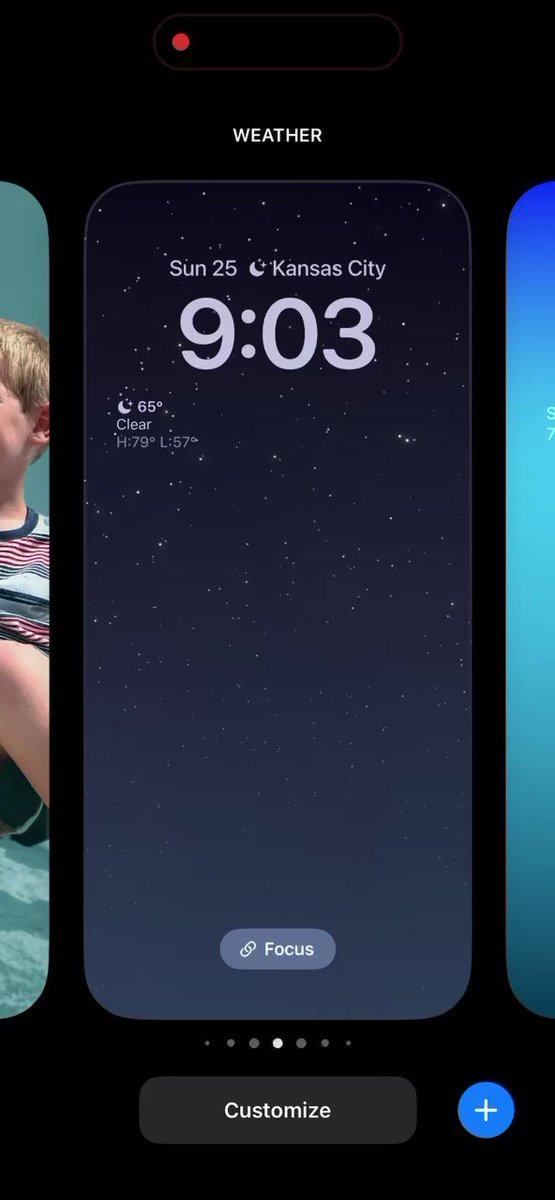
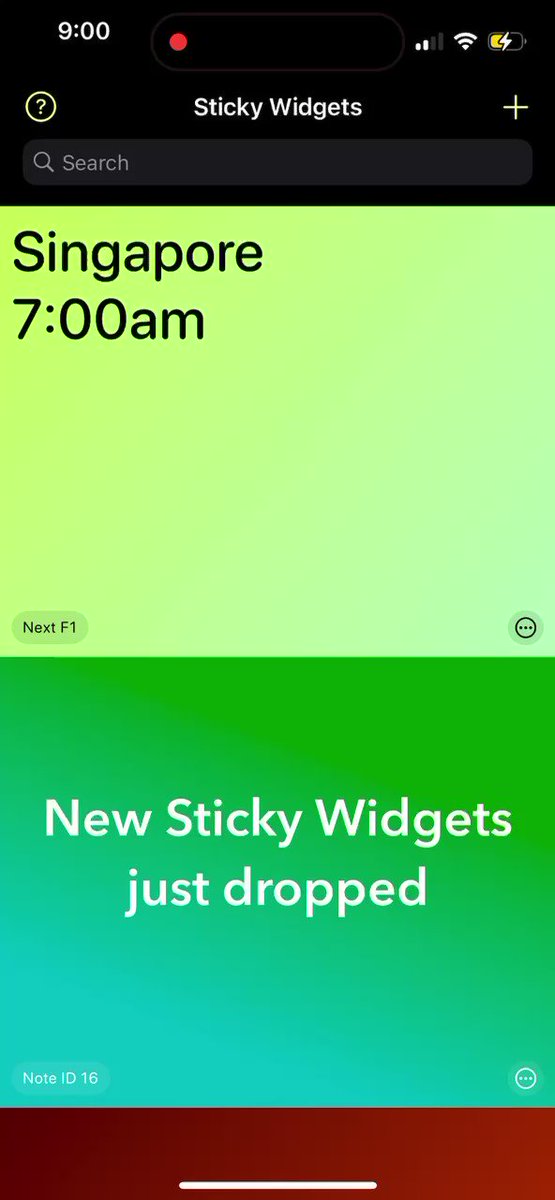
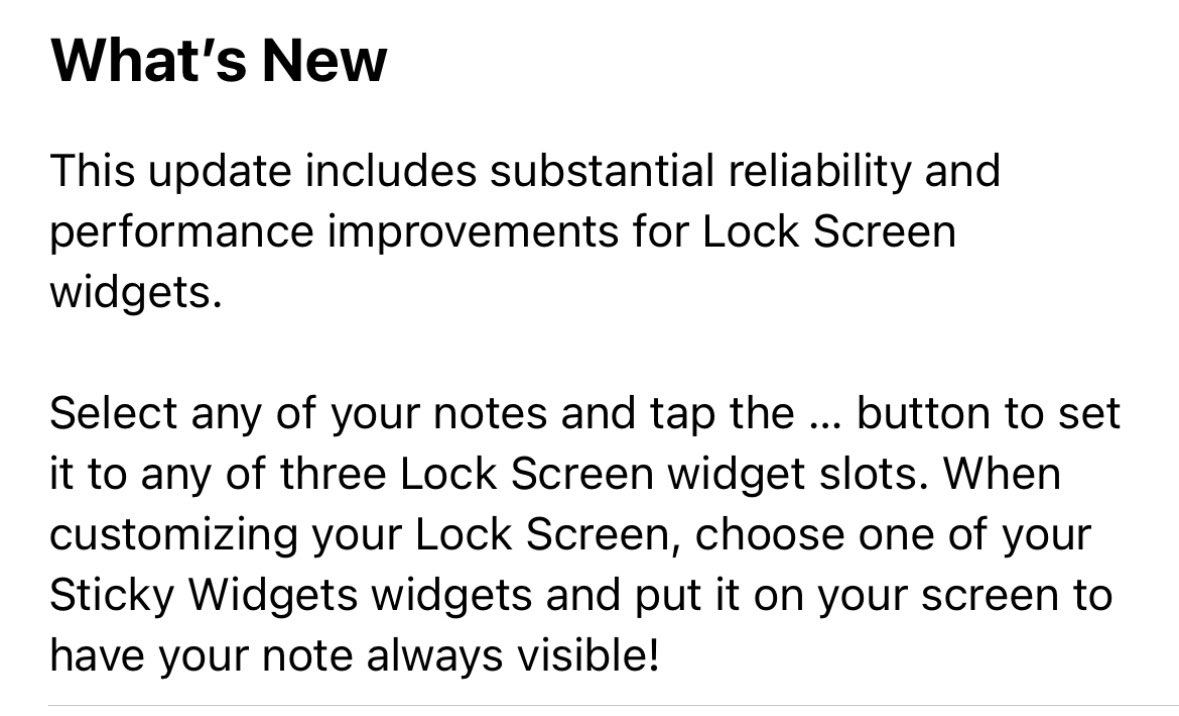
Sticky Widgets version 3.2.1 rolled out earlier today, with improvements to Lock Screen widgets. Here are the notes, with demo videos to follow.
7
1
26 Sep 2022
Sticky Widgets version 3.2.1 rolled out earlier today, with improvements to Lock Screen widgets. Here are the notes, with demo videos to follow.
7
1
26 Sep 2022
Then, customize your Lock Screen by long-holding on the middle of it, tap Customize, then choose a widget location. From the widget picker, choose one of your Sticky Widgets slots and drag it into place. After saving, tap it to launch directly into the note for editing!
1
1
26 Sep 2022
And that’s it! Your top reminders, affirmations, and high-priority notes are visible even when your phone is locked (and very much so with an iPhone 14 Pro’s always-on screen). More Sticky Widgets improvements are coming soon.
Download Sticky Widgets: apps.apple.com/us/app/sticky…
2
12 Sep 2022
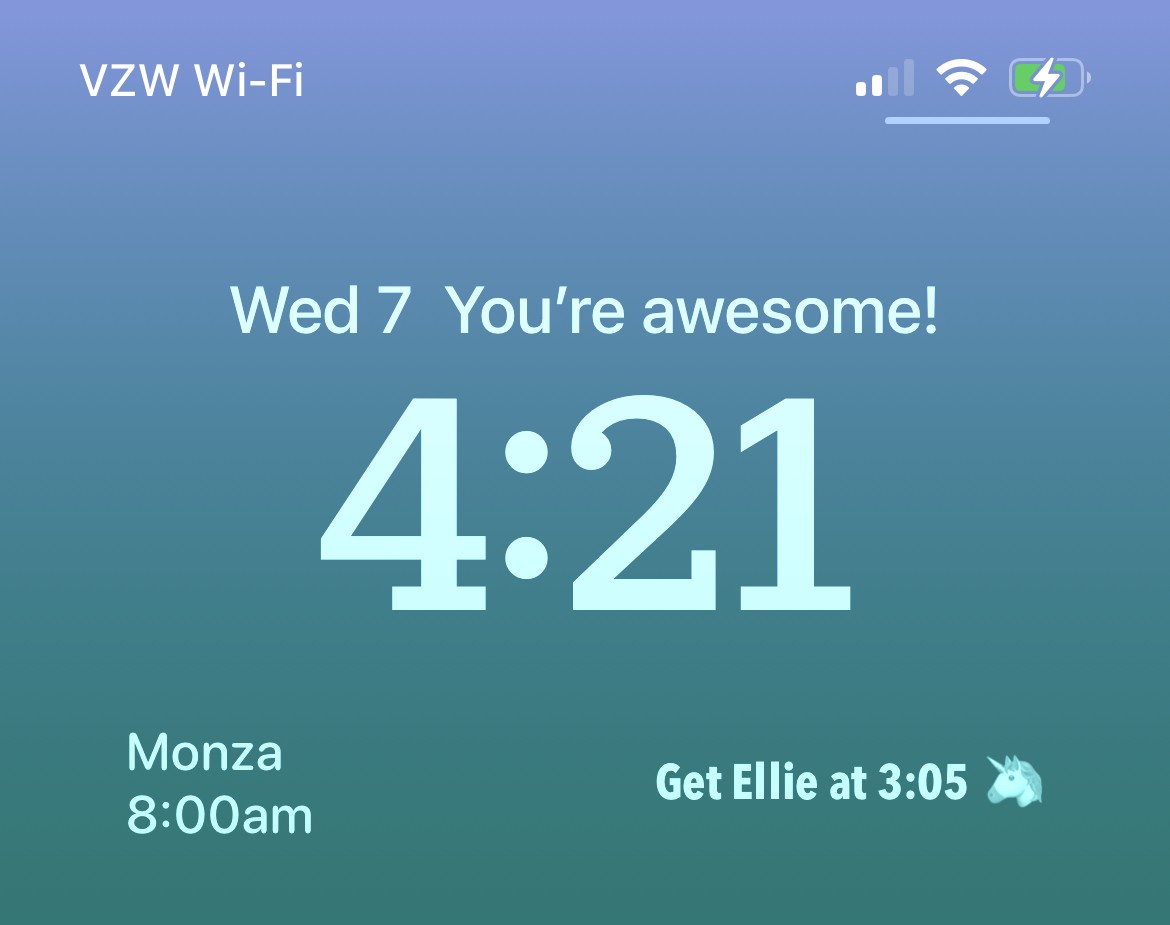
Happy iOS 16 day! When Apple drops the new update later today, Sticky Widgets 3.2 will be released as well. This updates adds the ability to display your widgets on your Lock Screen!
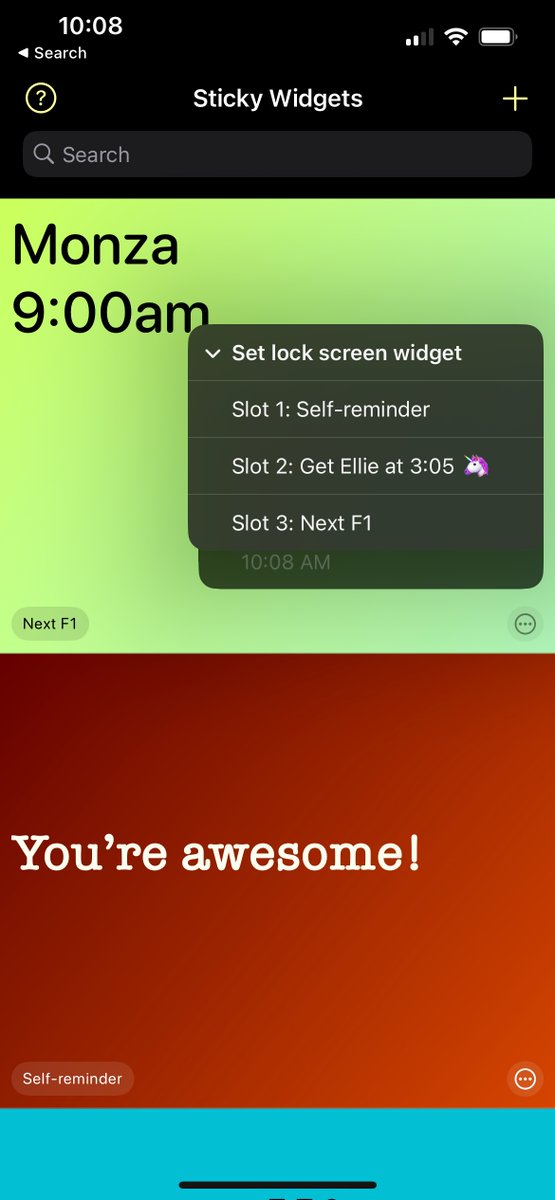
2
2
6
25 Nov 2021
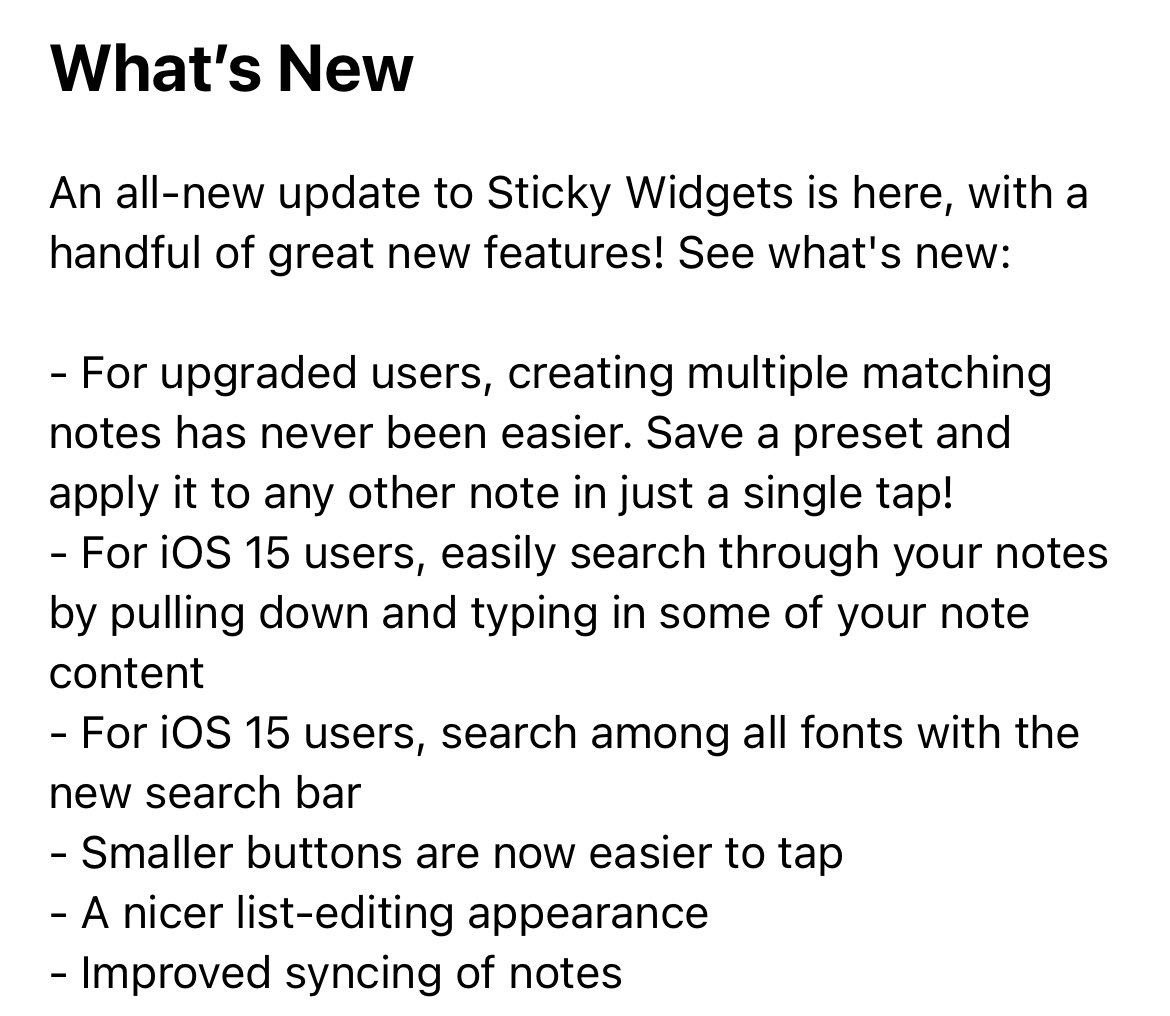
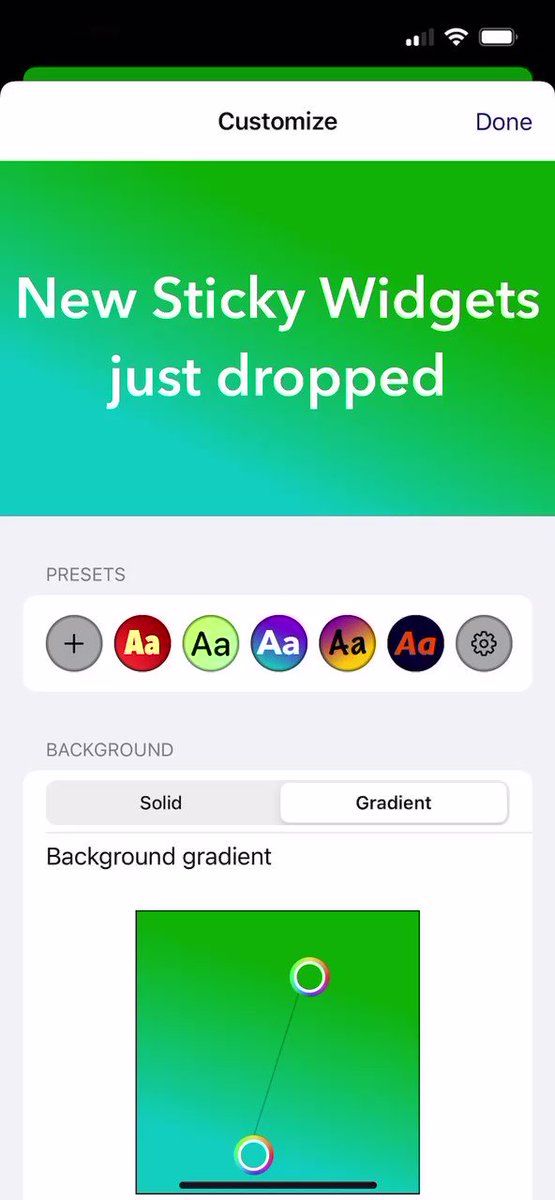
Happy Thanksgiving! Sticky Widgets 3.1 is out this morning with a few new features. This version introduces note presets! Easily save your note configurations and apply them in one tap. Everyone can save one and upgraded users get unlimited presets. Check it out!
4
2
4
25 Nov 2021
Full release notes are here. Additional features include note search and font search, some UI polish, and additional syncing improvements. Download Sticky Widgets for free here: apps.apple.com/us/app/sticky…
5
1
1
Sticky Widgets retweeted

16 Oct 2021
New Video!
New and Updated Apps for iOS/iPadOS 15
youtu.be/V7GF6d6u0Go
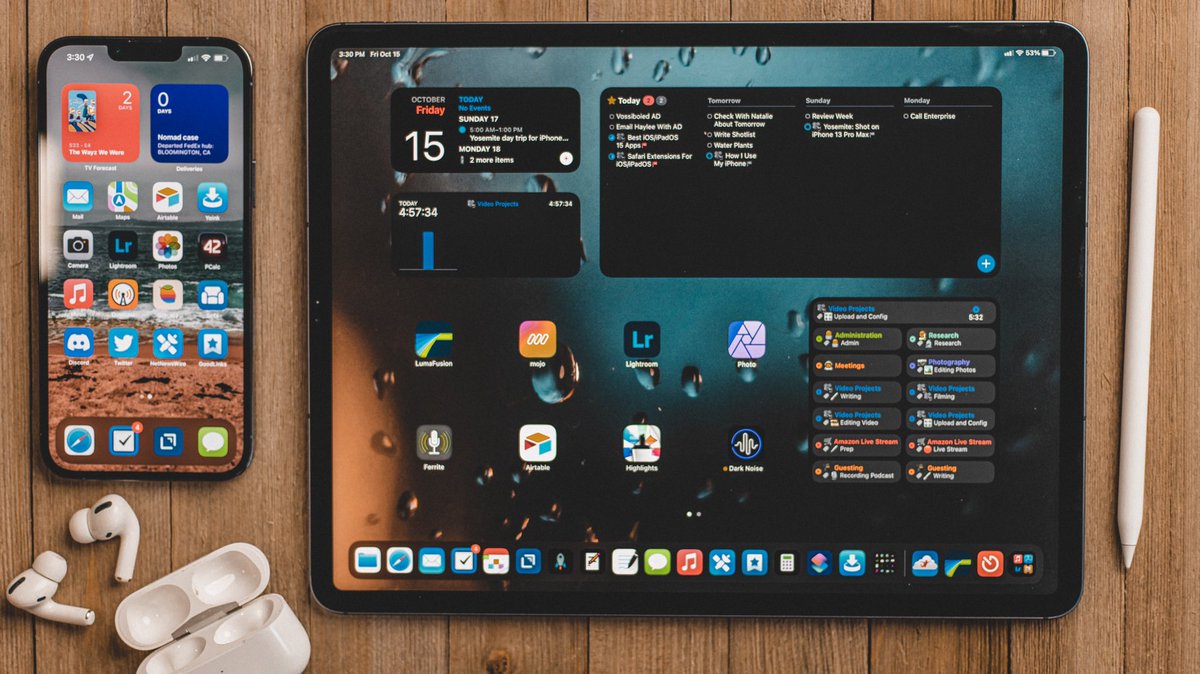
This is the first video I ever DM a developer and asked if it's ok if I talk about a feature. Watch the video to figure out why.
7
48
29 Sep 2021
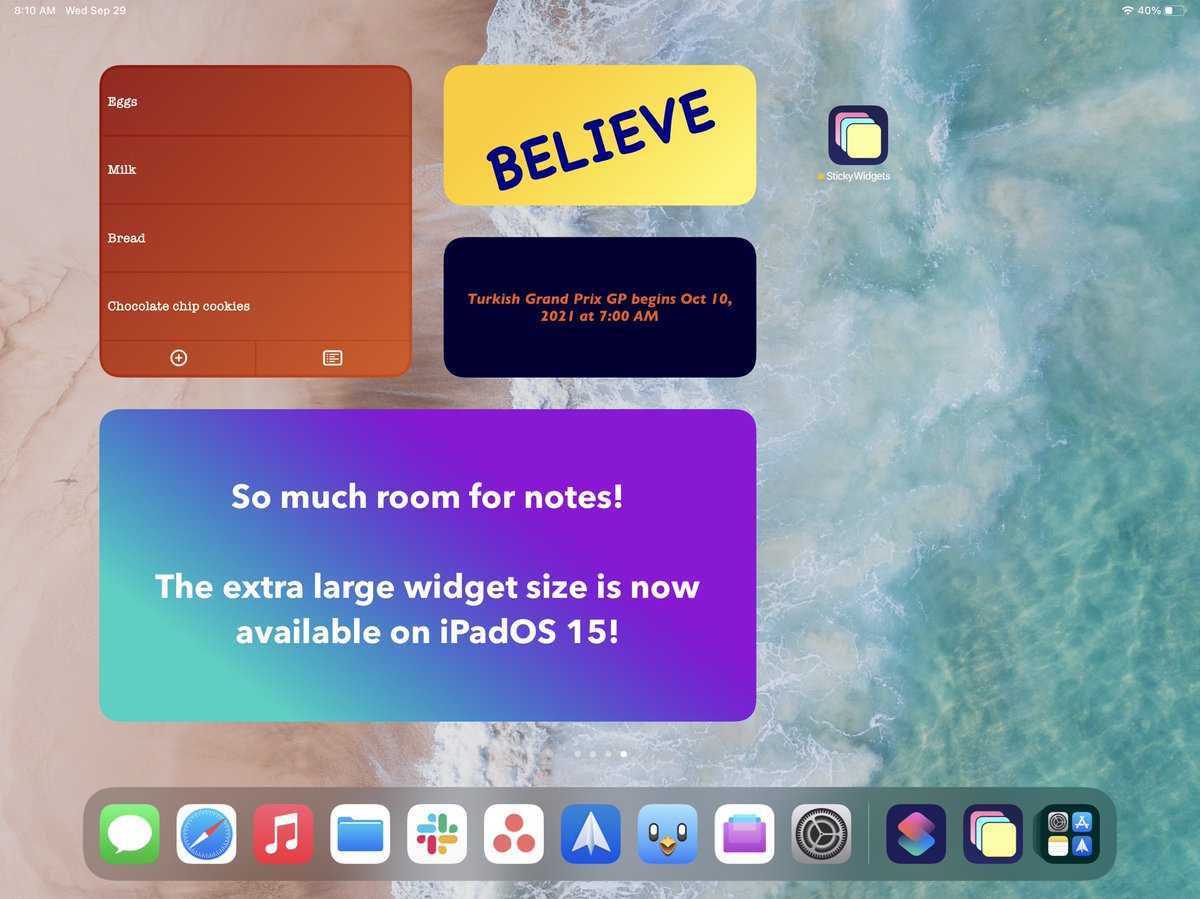
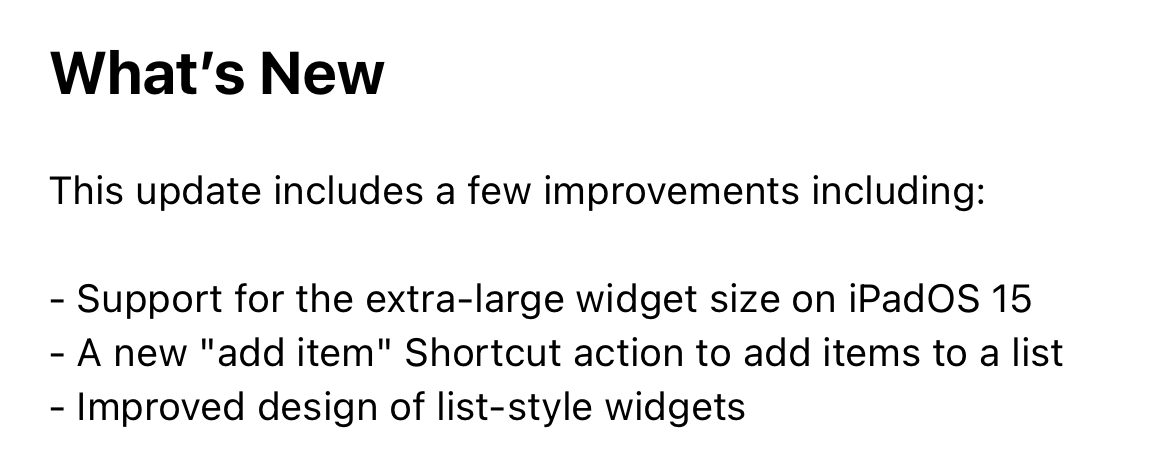
Sticky Widgets version 3.0.1 is rolling out this morning with a few improvements, including the new extra-large widget size on iPadOS 15 and a new “add item” Shortcut action for list-style notes.
2
2
1
29 Sep 2021
The extra large widget size looks like this and gives you a lot of room for notes!
2
2
Sticky Widgets retweeted

10 Sep 2021
A packed issue of Weekly for all members this week:
- @johnvoorhees on his favorite cross-OS features
- The Home Screen of @scottaw
- The desk setup of @mmaaaacc
- A @whatsmyeta giveaway
- App debuts
- Lots of cool things from the Club Discord
- All kinds of interesting links
10 Sep 2021

MacStories Weekly, Issue 289 is out for Club members.
Read it on the web here: club.macstories.net/posts/ma…
1
2
9
Sticky Widgets retweeted

10 Sep 2021
What's new in Shortcuts this week:
🛌 How to log naps in Health
⭐️ My Slide Over technique
🦠 Storing & showing your vaccination card
🗂 @ClubMacStories' first Automation Academy
📲 Even more apps supporting Shortcuts
Read the full issue: getrevue.co/profile/matthewc…
1
3
11
Sticky Widgets retweeted

7 Sep 2021
An update to @StickyWidgets brings great features like lists, note names, and support for Shortcuts. macobserver.com/cool-stuff-f…
1
2
5

Sticky Widgets 3.0 is a huge update with new lists, Shortcuts support, more imore.com/sticky-widgets-30-…
1
7
15
7 Sep 2021
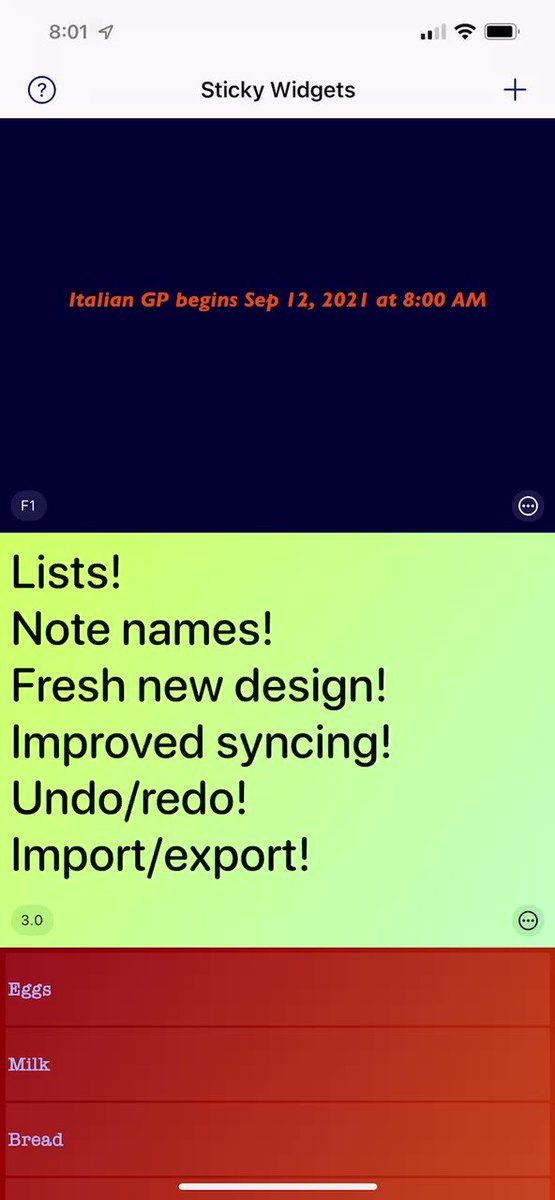
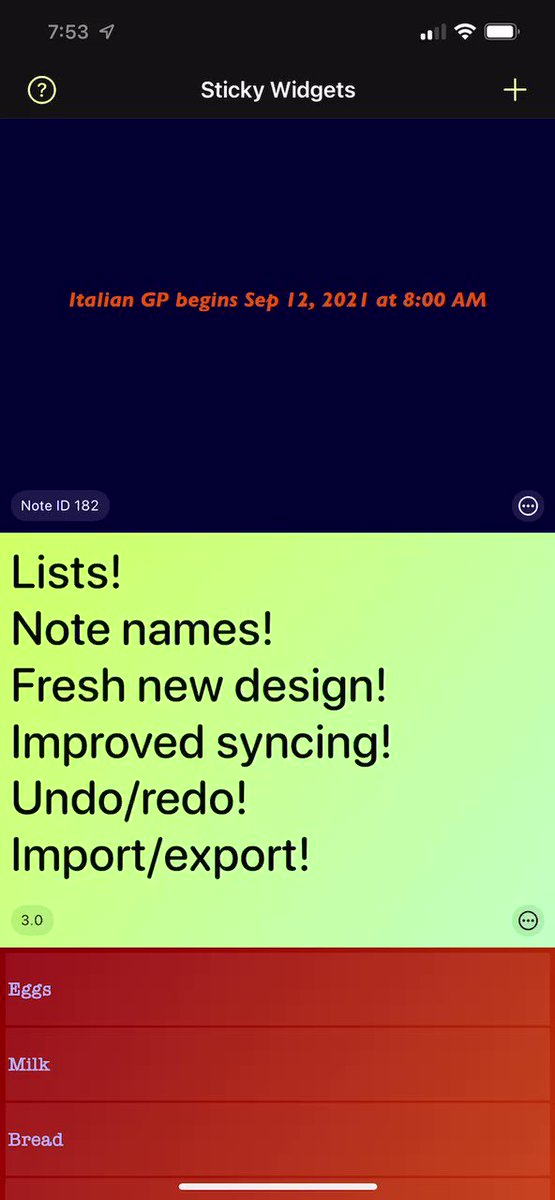
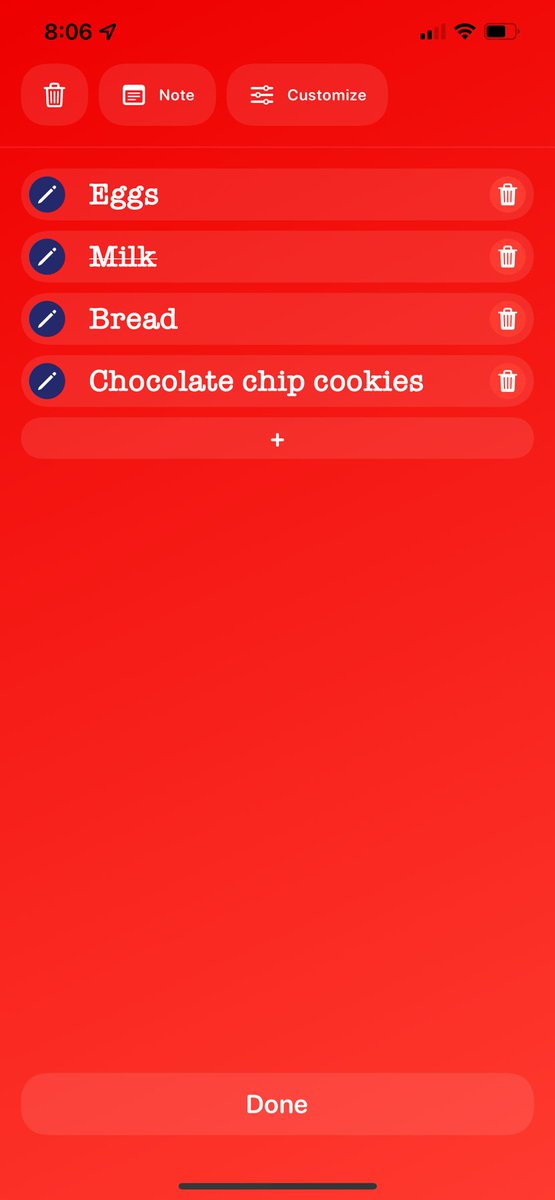
It’s Sticky Widgets 3.0 day! Today’s update includes a lot of new things that make the app nicer and more user-friendly. Here’s a quick list.
Just want to download it? It’s available here. apps.apple.com/us/app/sticky…
2
3
8
7 Sep 2021
There are other niceties like: adding a note from the main screen, improved (and not-as-prominent) How To screen, and a new edge-to-edge note editor design. You can see some of those here.
3
2
7 Sep 2021
So that’s what’s new in Sticky Widgets 3.0. All is still available at the same great price (free! with one-time upgrade for more customization options).
Download it here: apps.apple.com/us/app/sticky…
1