
Joined November 2023
- Tweets 101
- Following 1
- Followers 116
- Likes 65
42 Photos and videos



May 31
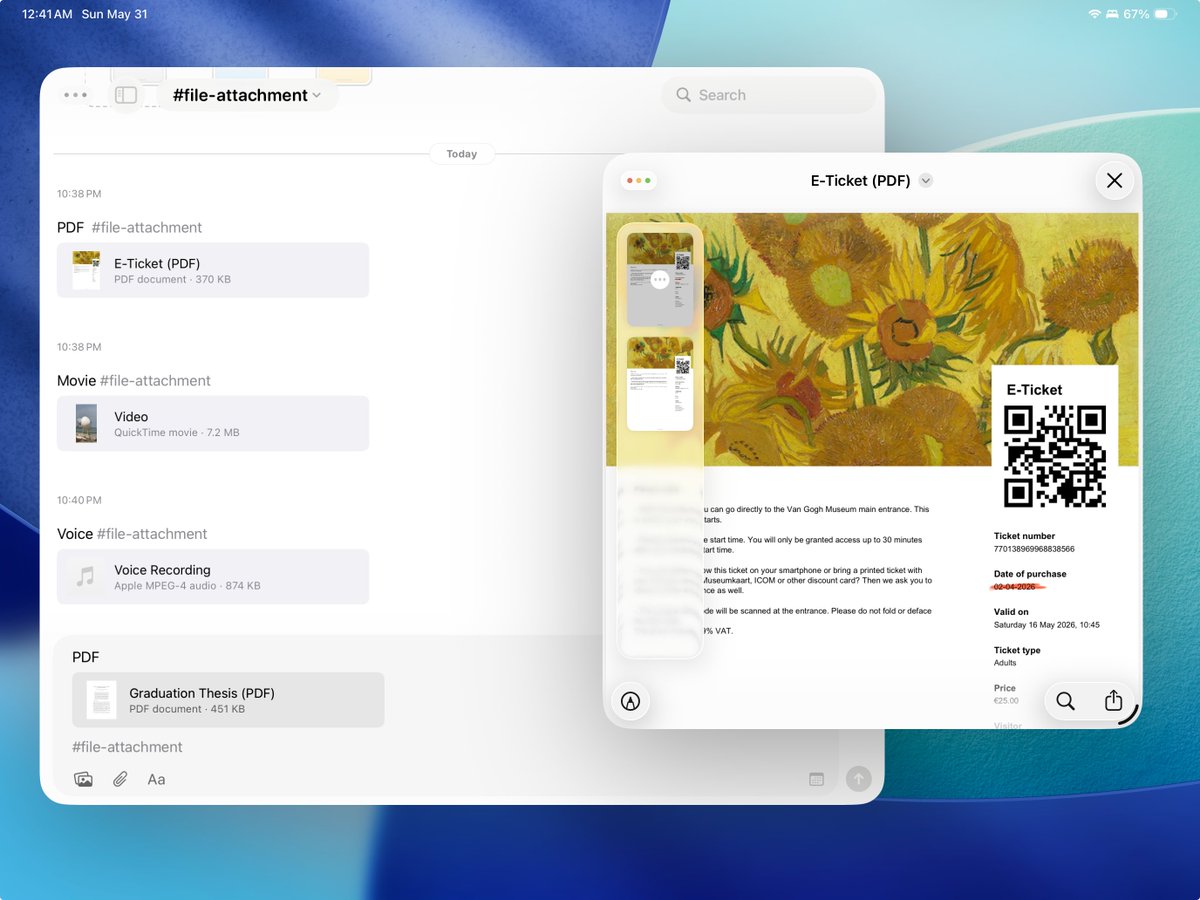
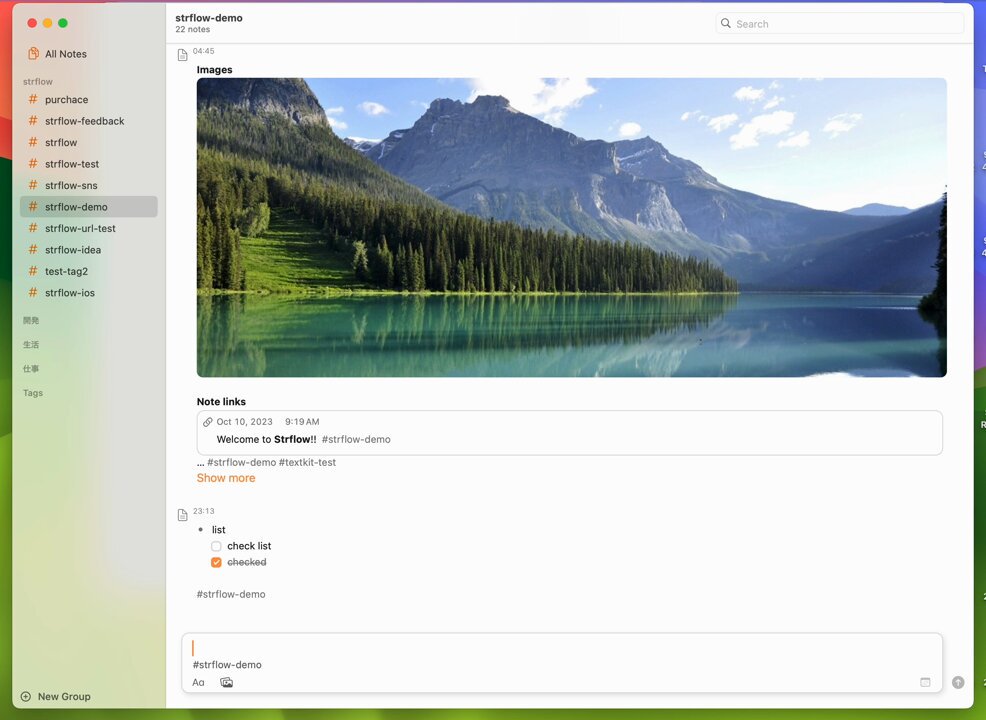
You can now attach files to Strflow! 📎
PDFs, documents, audio, videos, and more. Add them inside the app, or copy & paste, drag & drop, or use the share sheet.
3
108
Apr 29
Welcome aboard, excellent taste 😎

「こういうのが良いんだよ」を体現したようなアプリ
「Appleが時系列特化のジャーナルを、新たにリリースしました」って言っても、信じさせられるくらいのクオリティ。
久しぶりに掘り出し物見つけた気分☺️
是非、みんなに知ってほしい。
2
290
Apr 28
We’ve added a Lifetime plan for Strflow Plus after requests from users who prefer a one-time payment over a subscription✨
It’s currently $37.99, or $27.99 if you’ve previously purchased a yearly subscription.
2
4
276
Apr 28
For existing subscribers who’d like to switch to the Lifetime plan:
iOS: Settings → Strflow Plus
macOS: Menu bar → Strflow → Strflow Plus
1
172
Apr 15
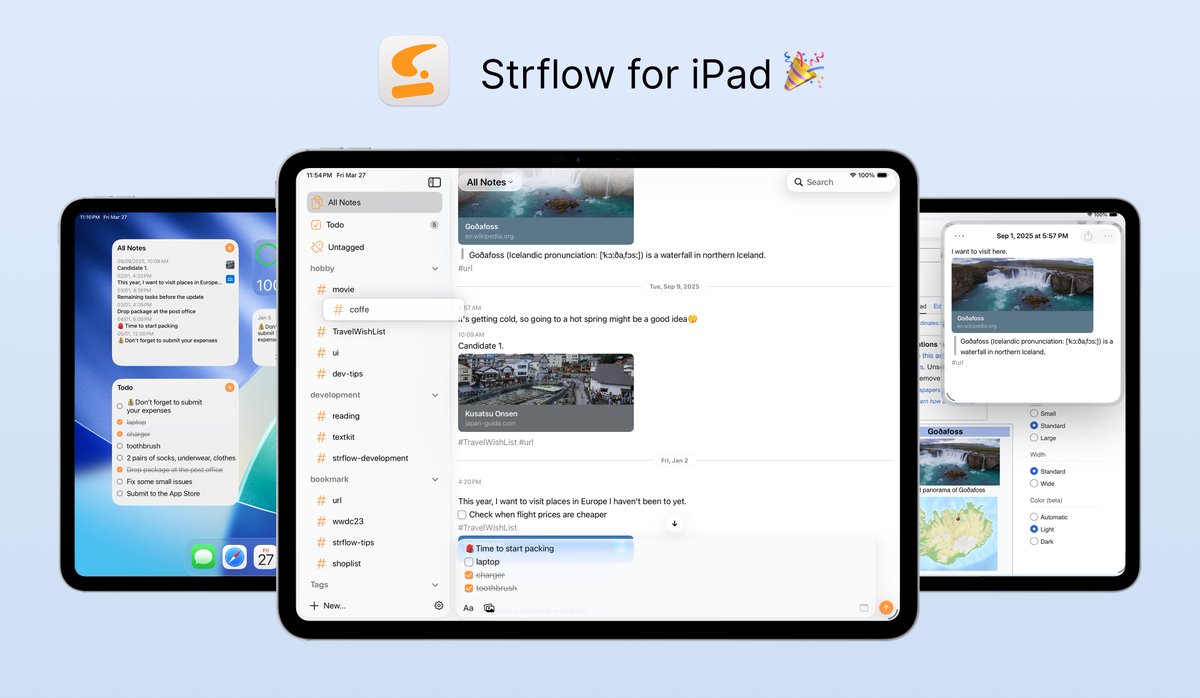
Excited to announce that Strflow now fully supports iPad 🎉
Enjoy a larger view, multiwindow support, keyboard shortcuts, and quick image annotation.
Designed to feel familiar from the start, while being as powerful as our Mac app.💻
3
9
255
Mar 24
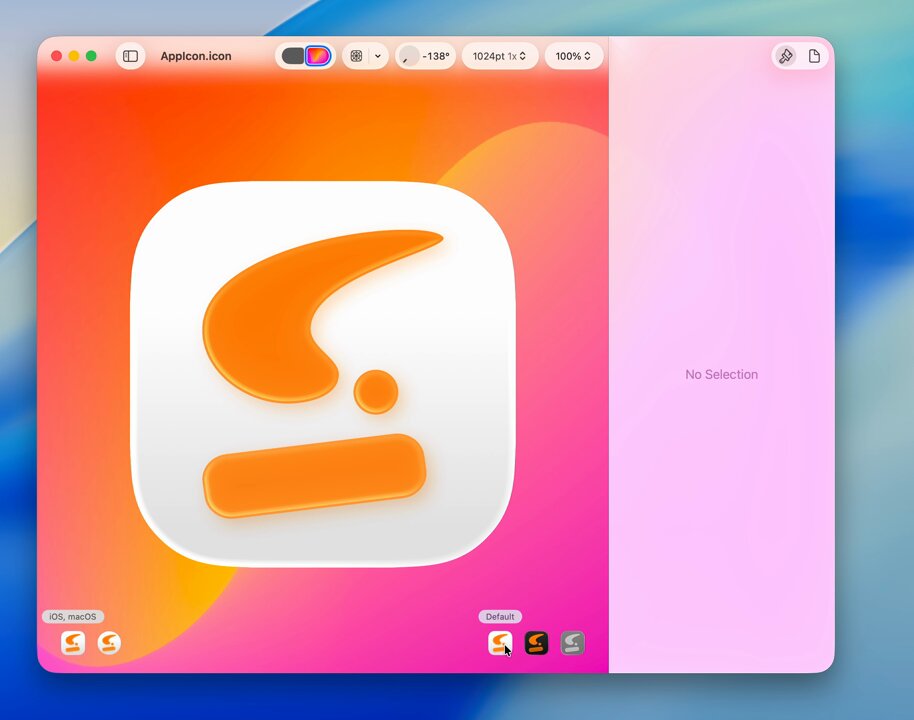
Refreshed the app icon with a liquid glass style.
Light / dark tints a clear option on iOS and macOS.
Update the app and see how it feels.🧐
#iOS26
3
236
Mar 23
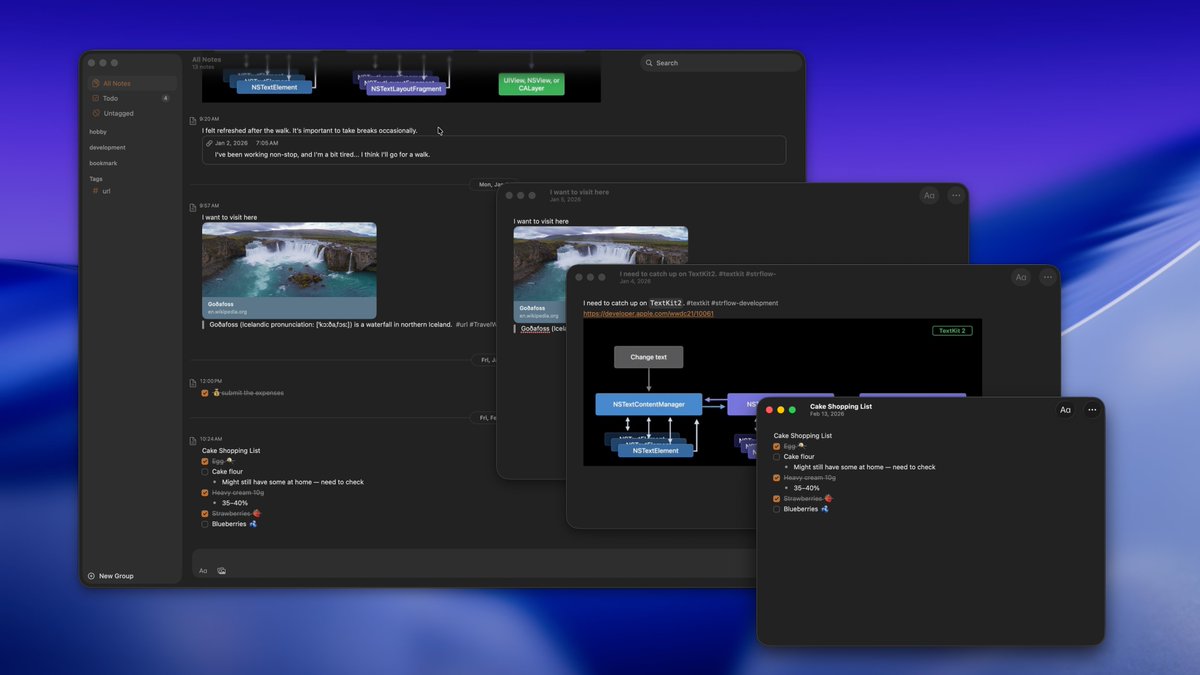
You can now open notes in a separate window on Mac.
Give your most important notes their own space.✨
1
4
158
Feb 18
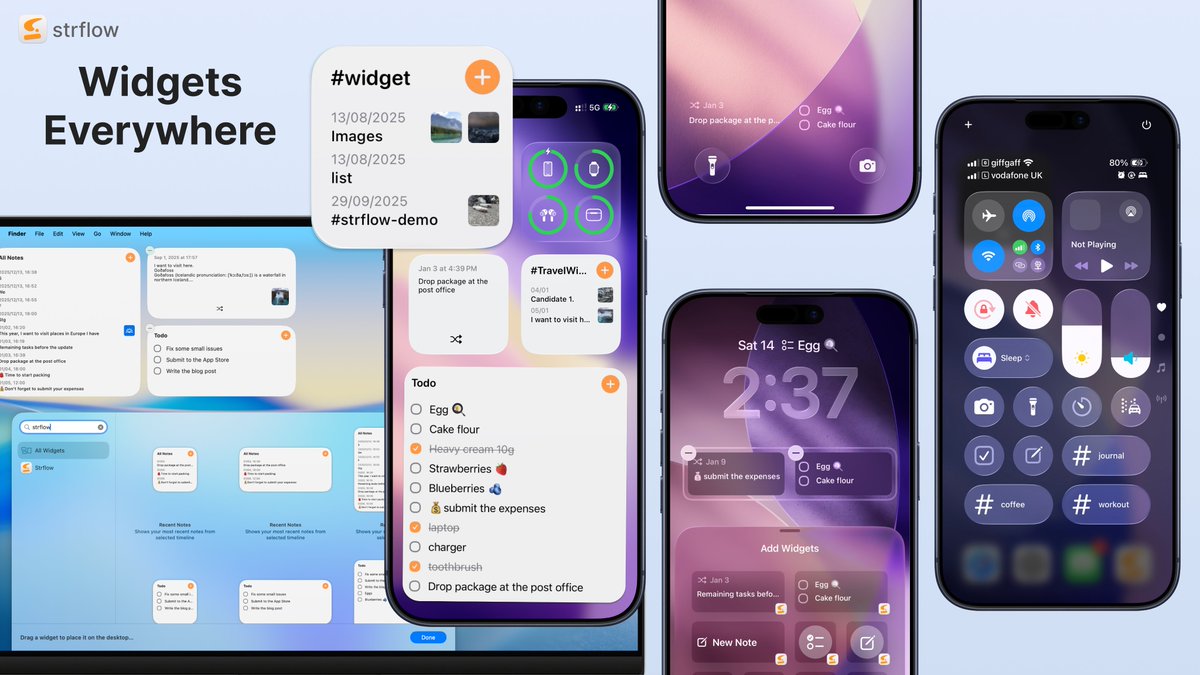
Widgets are here for Strflow✨
See recent notes, toggle todos, and shuffle past notes — interact with your notes without opening the app.
Available wherever widgets can live: Home Screen, Lock Screen, Control Center, and macOS.
Update and try it out!
5
438
Jan 7
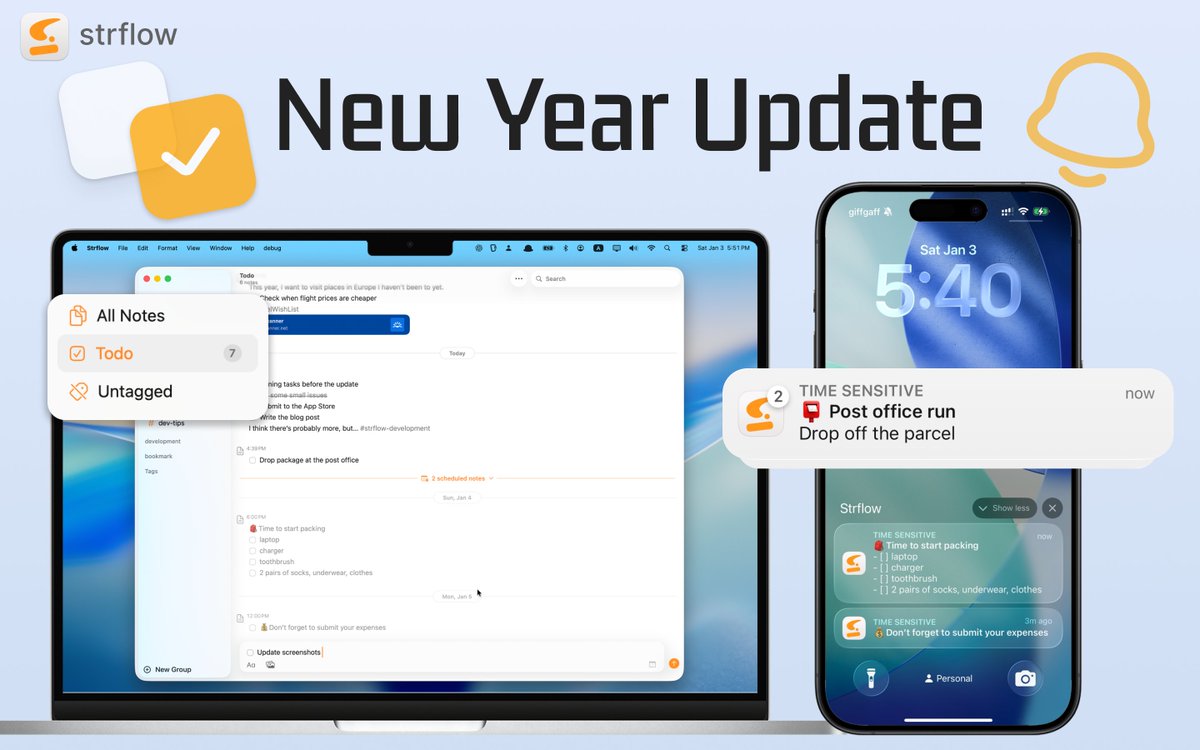
Happy New Year!
Strflow now supports TODOs & Reminders in your timeline, plus an untagged timeline.
Capture unstructured thoughts like you text yourself. ✅🔔
2
3
8
702
24 Oct 2025
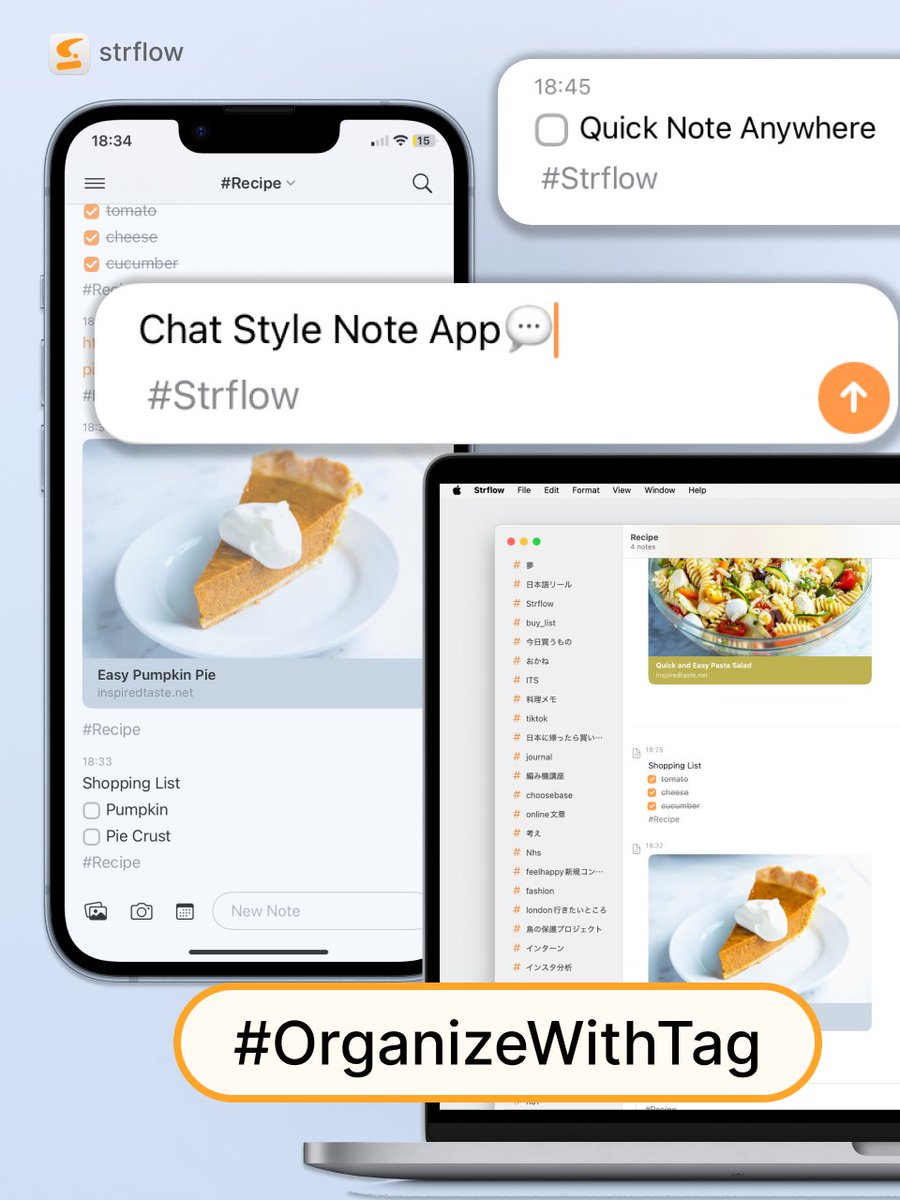
Just share any contents with Strflow!
Quickly save any link and organize with tags🐈✨
#notetakingapp
4
372
Strflow retweeted

23 Oct 2025
Started using @StrflowApp this month on iPhone Mac → love its clean, simple design for journaling, lifelogging, or quick notes. The tag system (and grouped tags!) makes it even better. Check it out: strflow.app/
1
1
1
270
23 Oct 2025
Quickly save any link and organize with tags💫 Perfect for keeping your inspirations in one place!
1
2
277
22 Oct 2025
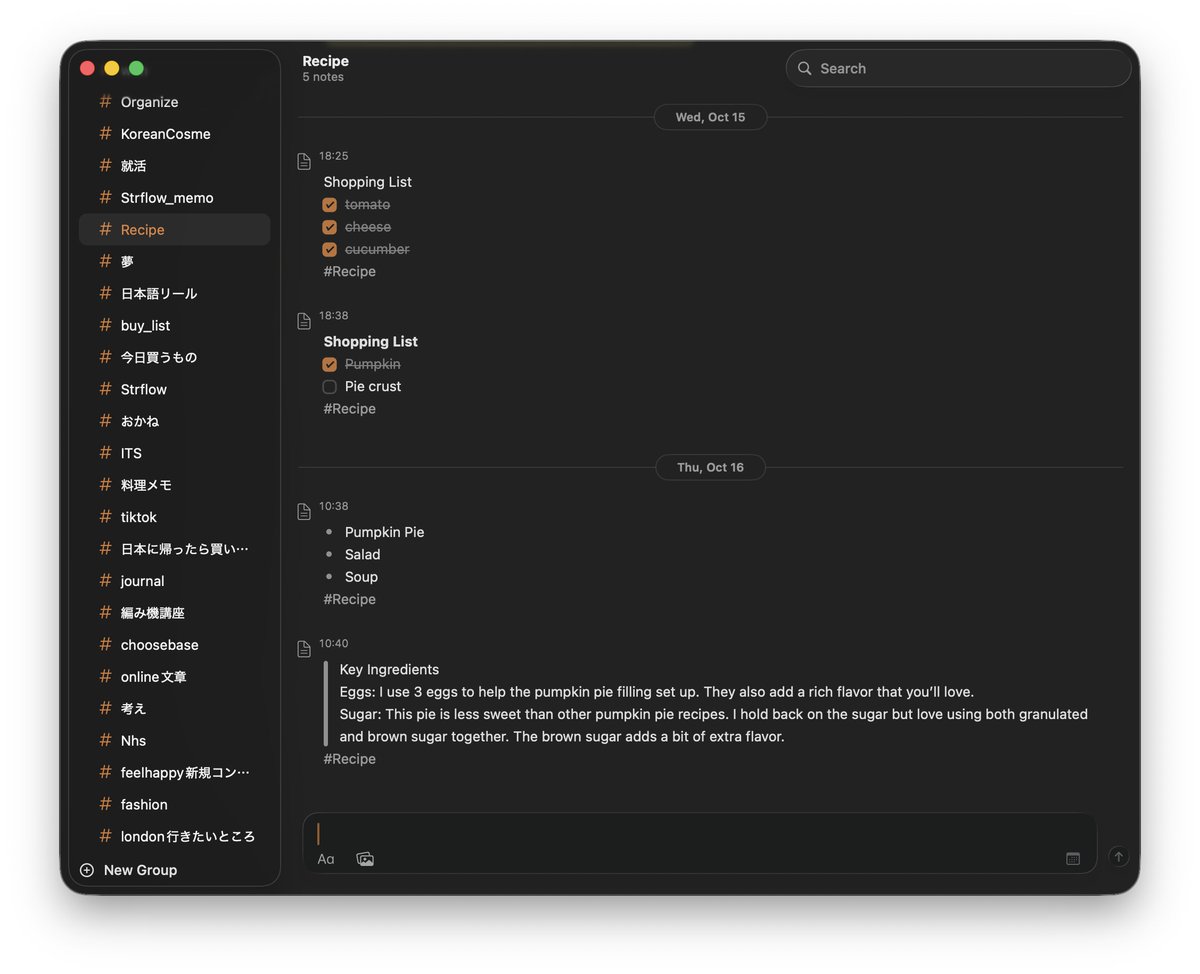
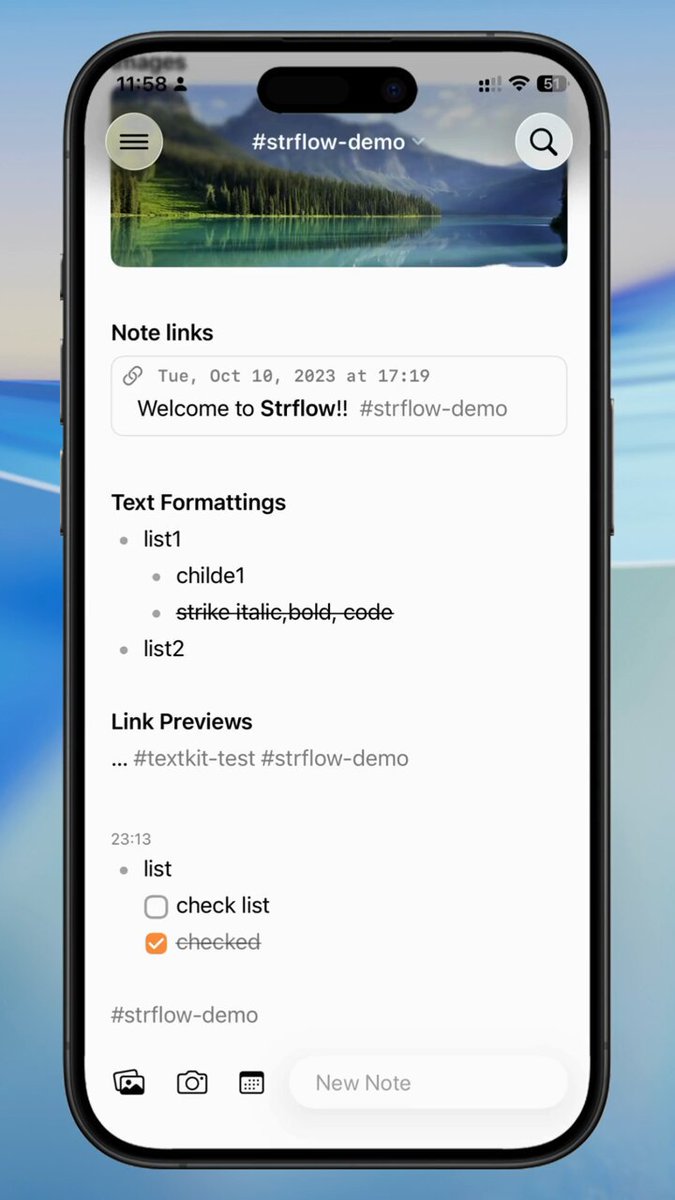
Checkbox feature in Strflow ✅
You can add quick to-dos or track small tasks — right inside your notes.
A simple way to stay organized while jotting ✨
1
5
216
Strflow retweeted

19 Oct 2025
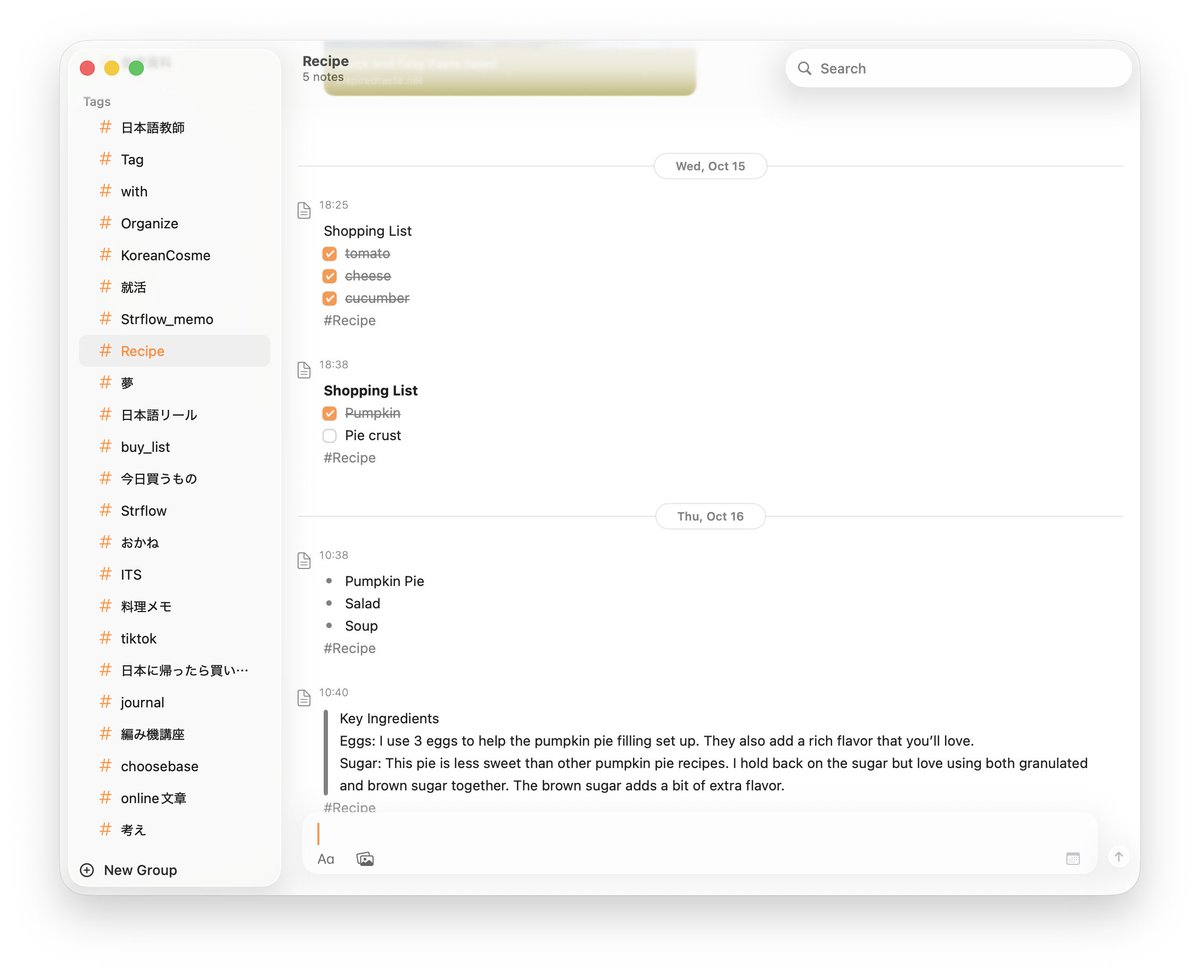
My favourite app on iOS and Mac. Use it literally every day! Love that it’s clean and minimal. It also has no AI, which seems to be a “feature” now as so many apps are littered with AI, unfortunately.

1
1
2
322
19 Oct 2025
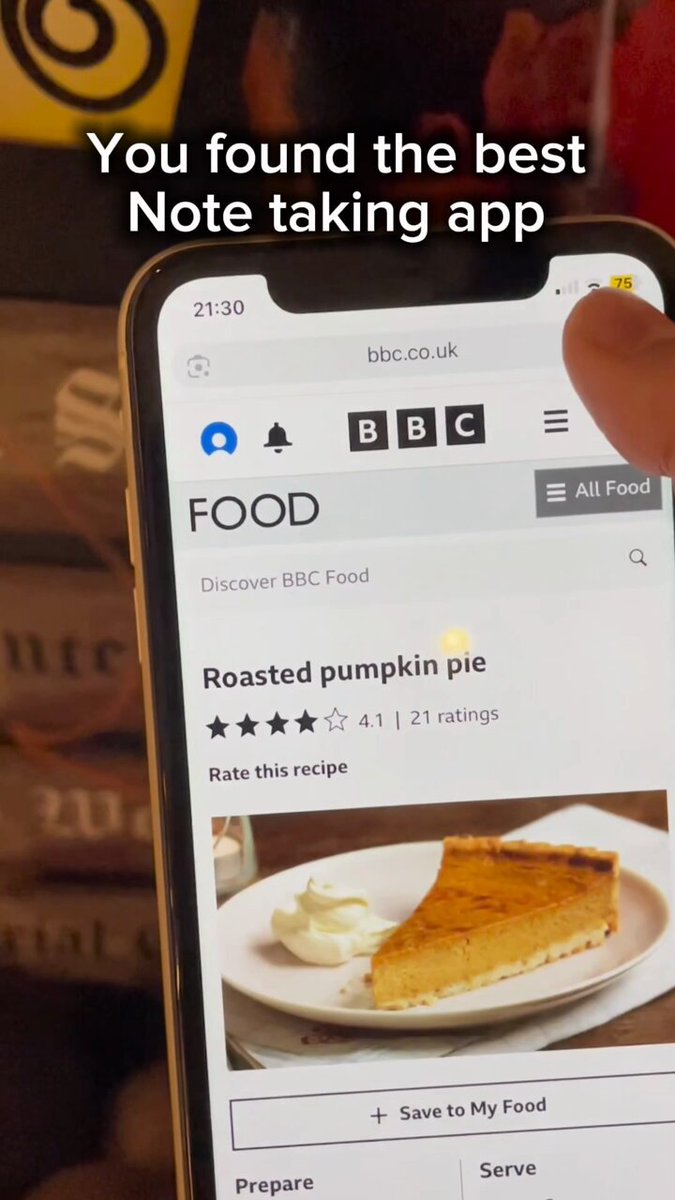
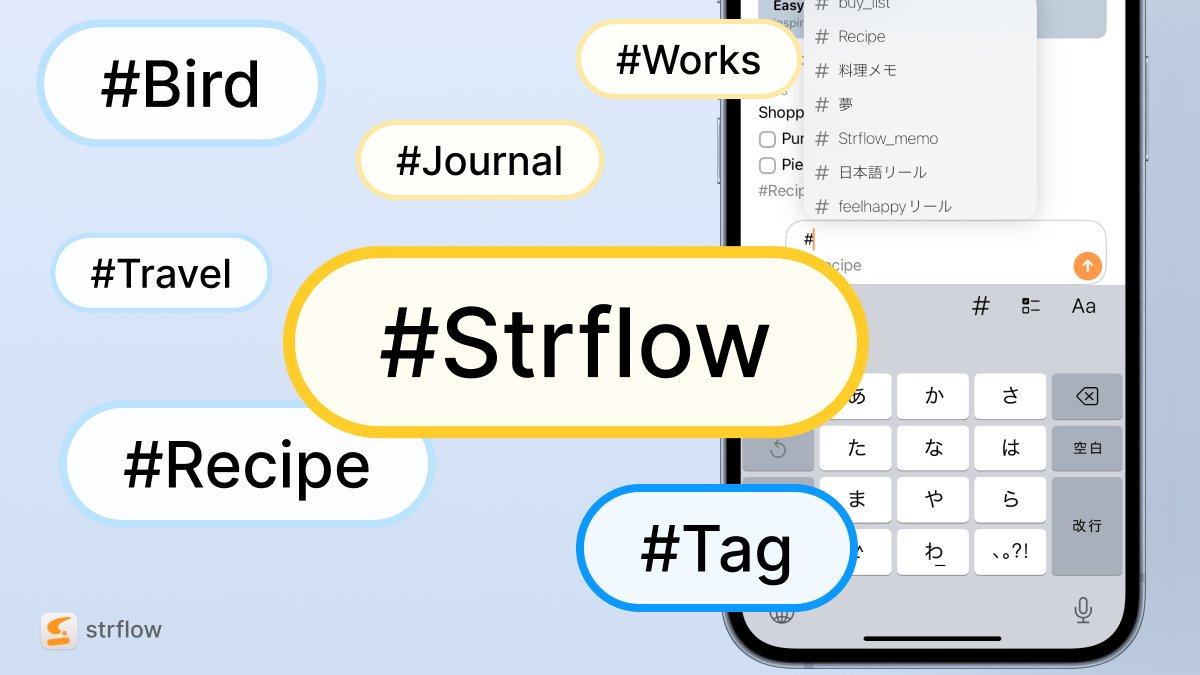
If you keep texting yourself, here’s a note-taking app for you

1
3
9
837
27 Sep 2025
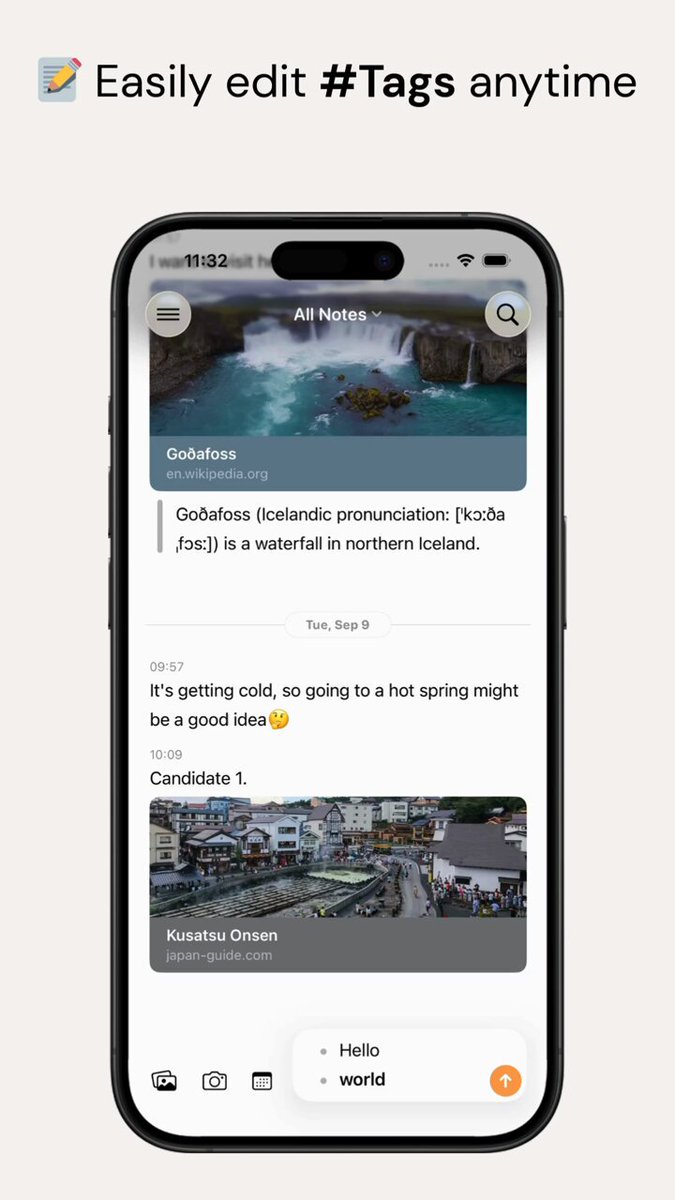
✨A little quality-of-life update on iOS to make note-taking even smoother.
🏷️ Easy tag editing
📝 Refined formatting menu
Happy note-taking!
1
5
226
15 Sep 2025
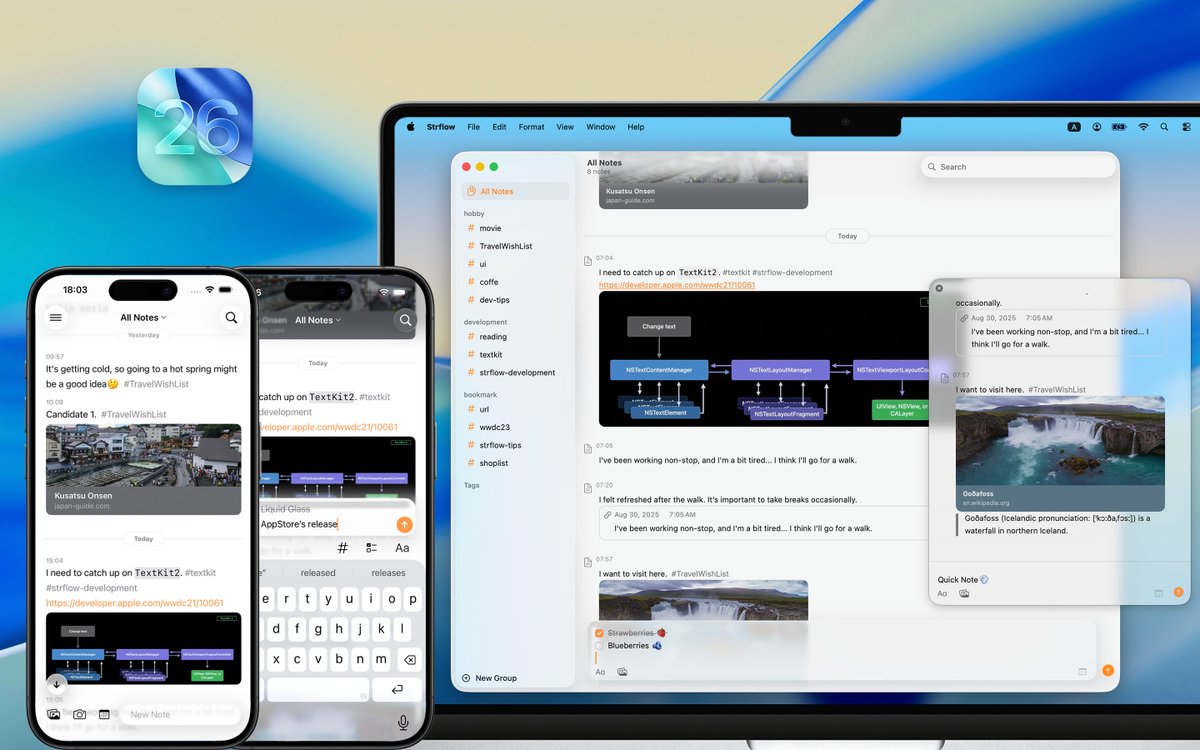
iOS26 and macOS Tahoe just dropped 🌊
Strflow is already adapted to the new Liquid Glass design on both iOS and macOS.
Day-one updaters — experience the refreshed look and see what you think✨ #iOS26
1
8
1,213