
Tableau Tips and Tricks. Daily tweets on how to better use Tableau desktop for developers. #Tableau #TinyTableauTips #DataFam #Data #Analytics #Dashboards
Joined May 2023
- Tweets 23
- Following 308
- Followers 62
- Likes 10
18 Photos and videos

8 Jun 2023
🚨#TinyTableauTips 22 - Remove HTML Tags
Have a field with a bunch of HTML tags and you want to display this field in Tableau without those tags?
Easy!
Create a new calculated field:
REGEXP_REPLACE([Your Field Here], '<.*?>', "")
#Tableau #DataFam #Data #Analytics #Dashboards
1
299
6 Jun 2023
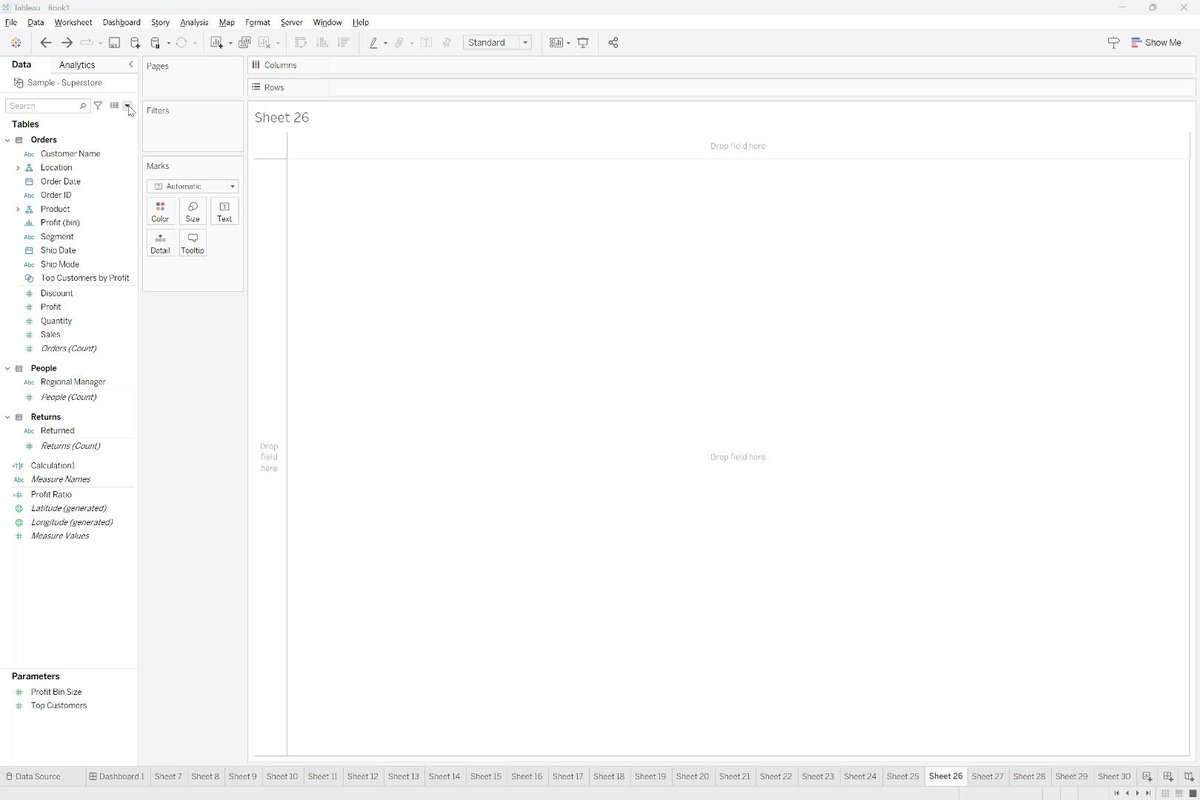
🚨#TinyTableauTips 21 - Hide Unused Fields
Once you are done developing, if you are using an extract:
1) Click the down arrow in the data menu
2) Select hide unused fields
3) Refresh extract
The fields will be gone, and your dashboard faster
#Tableau #DataFam #Data #Analytics
1
1
337
5 Jun 2023
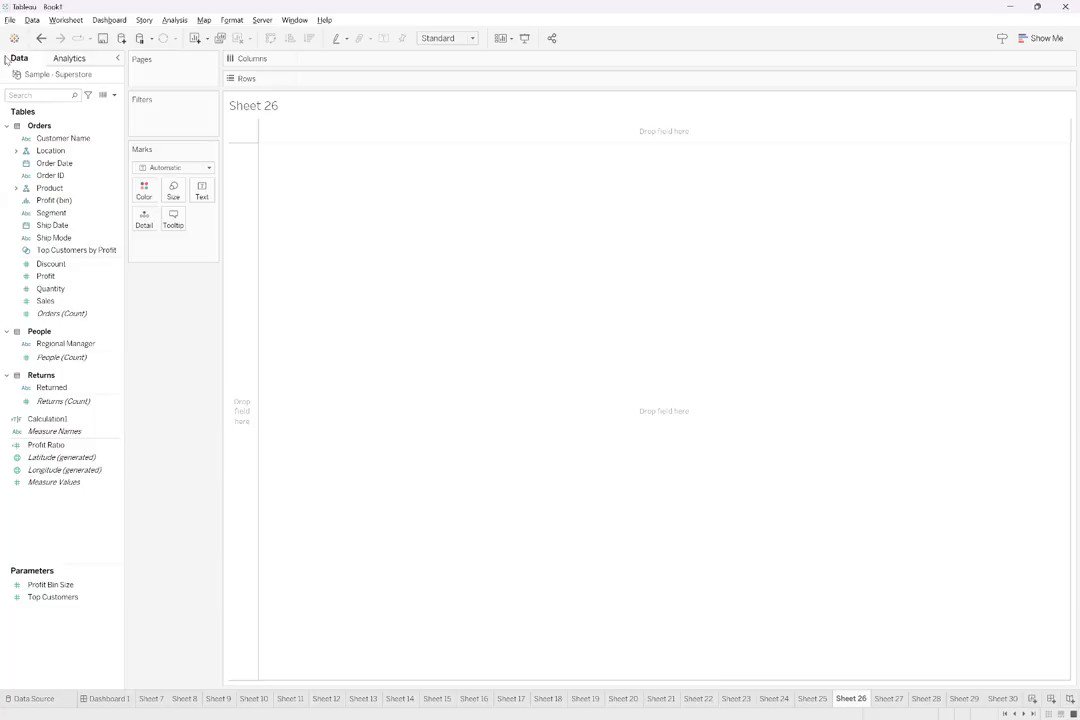
🚨#TinyTableauTips 20 - Tableau Desktop Open Faster
If work PC with network drive default
1) Go to File> Repository Location
2) Go up one level, copy the folder "My Tableau Repository"
3) Paste directly to C drive
4) Click the new folder>pick "select folder"
#Tableau #DataFam
281
4 Jun 2023
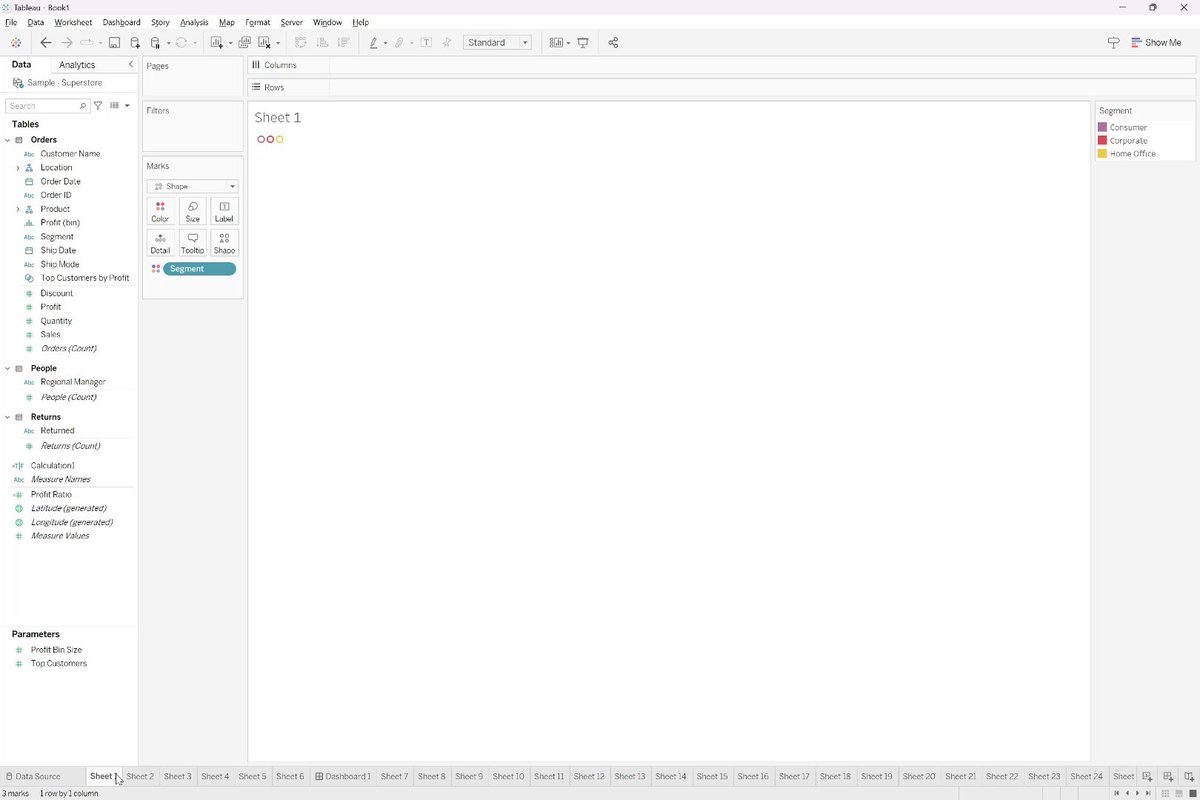
🚨#TinyTableauTips 19 - Navigating Sheets
Sheet!!! That's a lot of sheets....
To cycle through the sheet(s) faster:
1) Use your arrow left or right to move 1 sheet at a time
2) Use page up or page down to move 10 sheets at a time
#Tableau #DataFam #Data #Analytics #Dashboards
1
2
313
3 Jun 2023
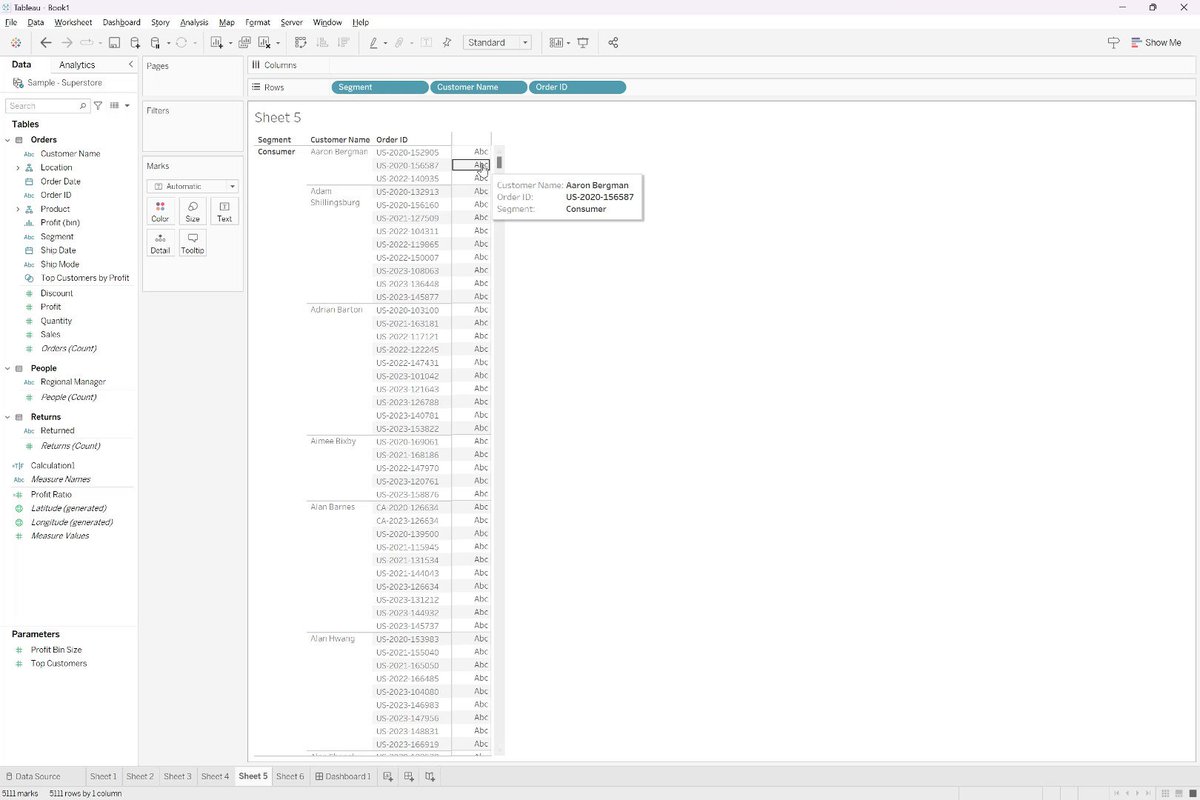
🚨#TinyTableauTips 18 - Reset Tooltip
Made a bunch of changes to a tooltip and just want to revert back to the original? This is often overlooked
1) Open the tooltip
2) Click "reset tooltip"
#Tableau #DataFam #Data #Analytics #Dashboards
1
226
2 Jun 2023
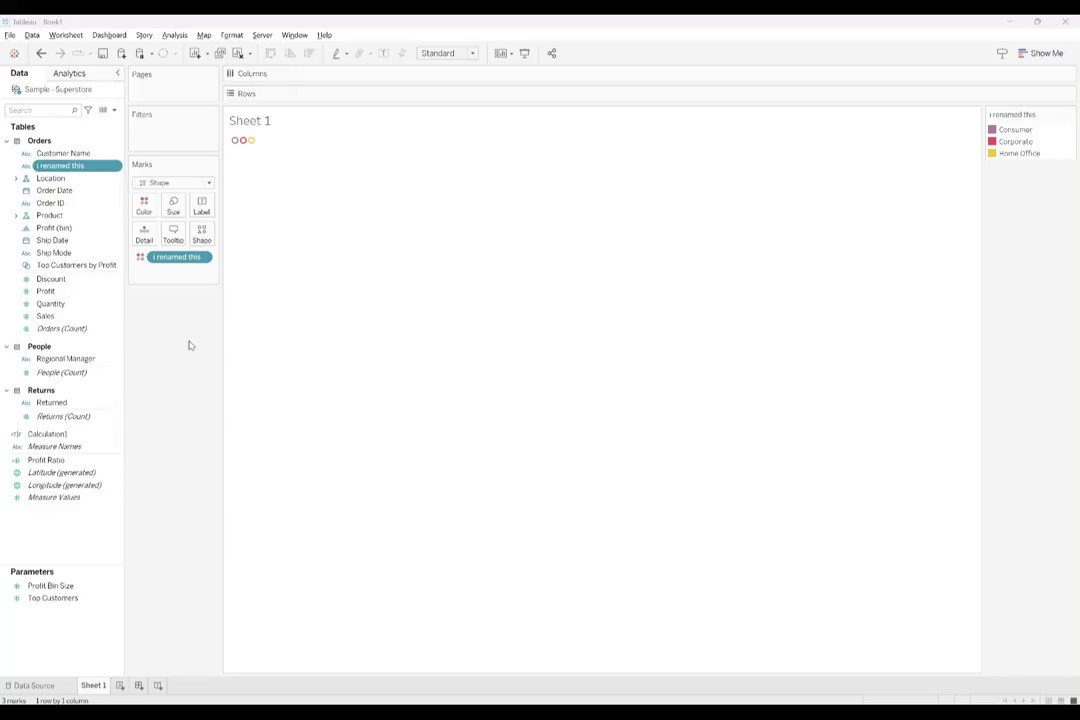
🚨#TinyTableauTips 17 - Rename column without changing dimension name
Sometimes you want to change the column name, without changing the dimension name
1) Edit the pill
2) Type "//new name of field"
3) Hit shift enter
4) Click out
#Tableau #DataFam #Data #Analytics #Dashboards
2
188
1 Jun 2023
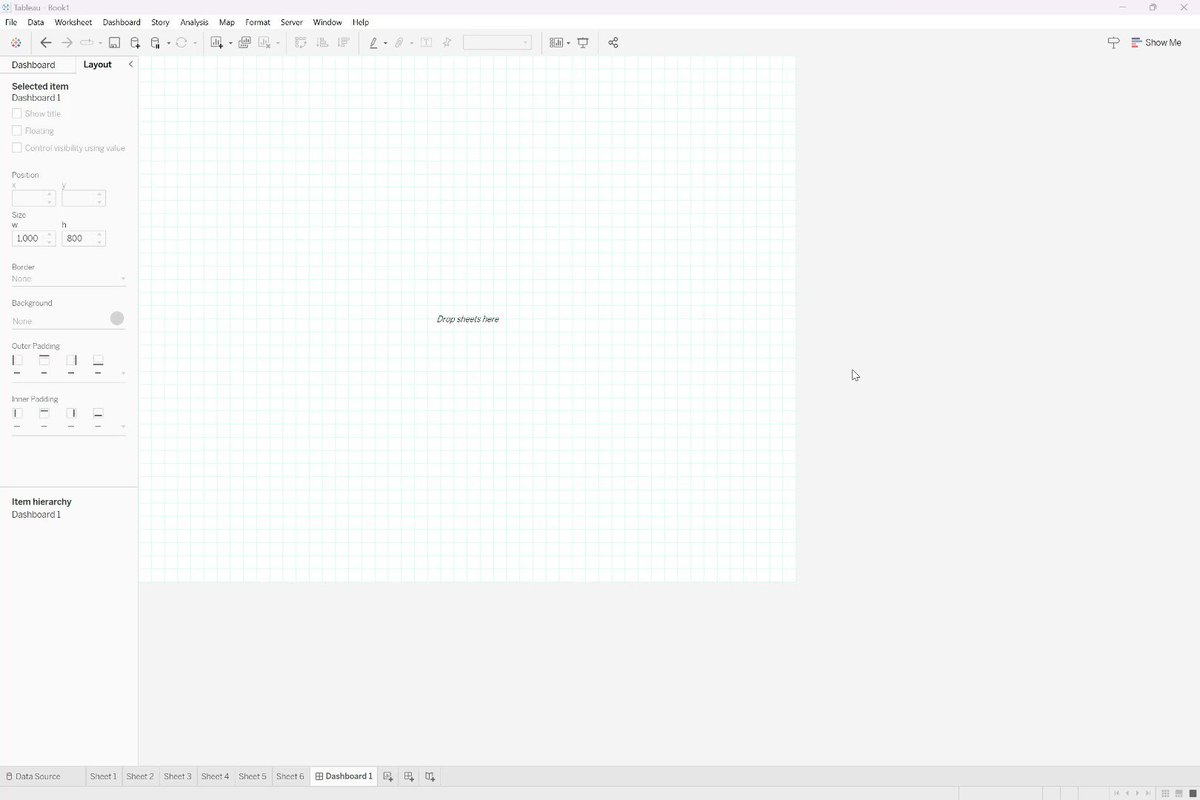
🚨#TinyTableauTips 16 - Dashboard Grid View
Are you a formatting perfectionist?
Sometimes aligning visuals can be tough (without using the layout tab)
Solution: When on a dashboard, click "g" and a grid will show up to easily align
#Tableau #DataFam #Data #Analytics #Dashboards
1
209
31 May 2023
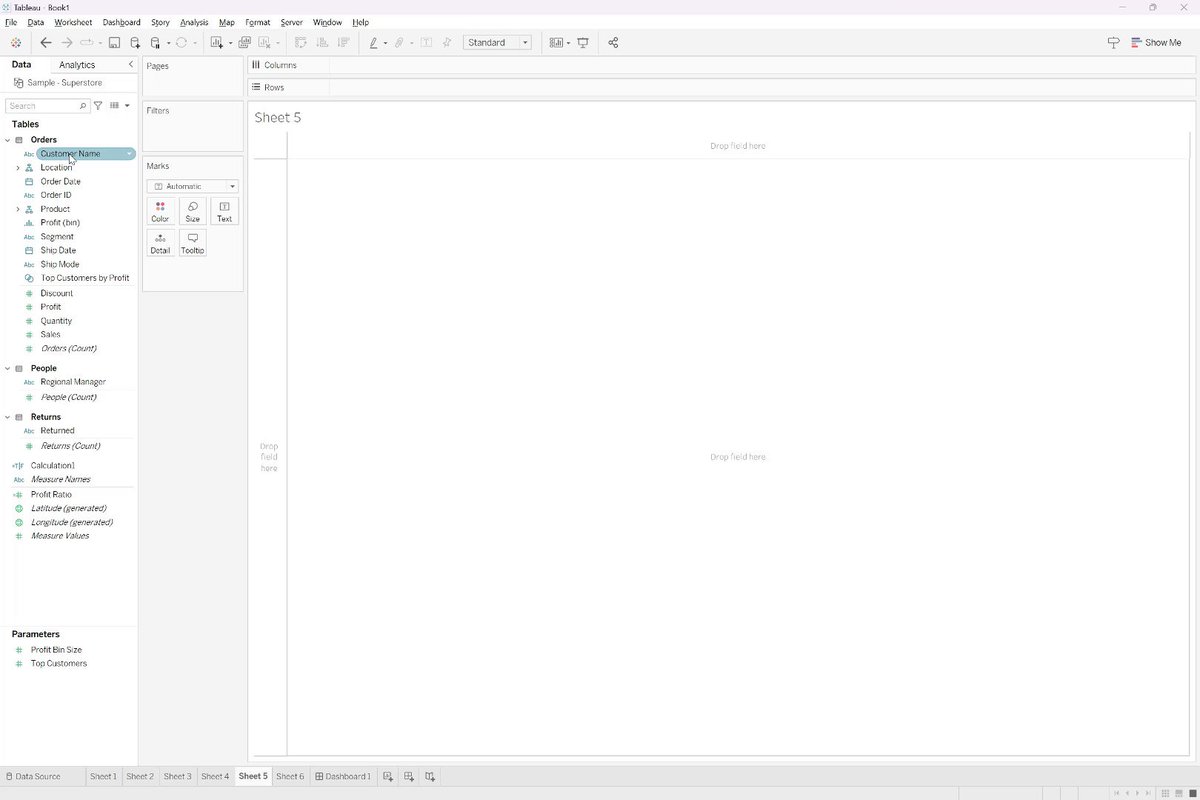
🚨#TinyTableauTips 15 - Reset field to original name Did you re-name a field and want to set it back to its original name. No worries, it's very easy!
1) Right click on the field you want to reset
2) Click Rename
3) Click the arrow circle icon #Tableau #DataFam #Data #Analytics
153
30 May 2023
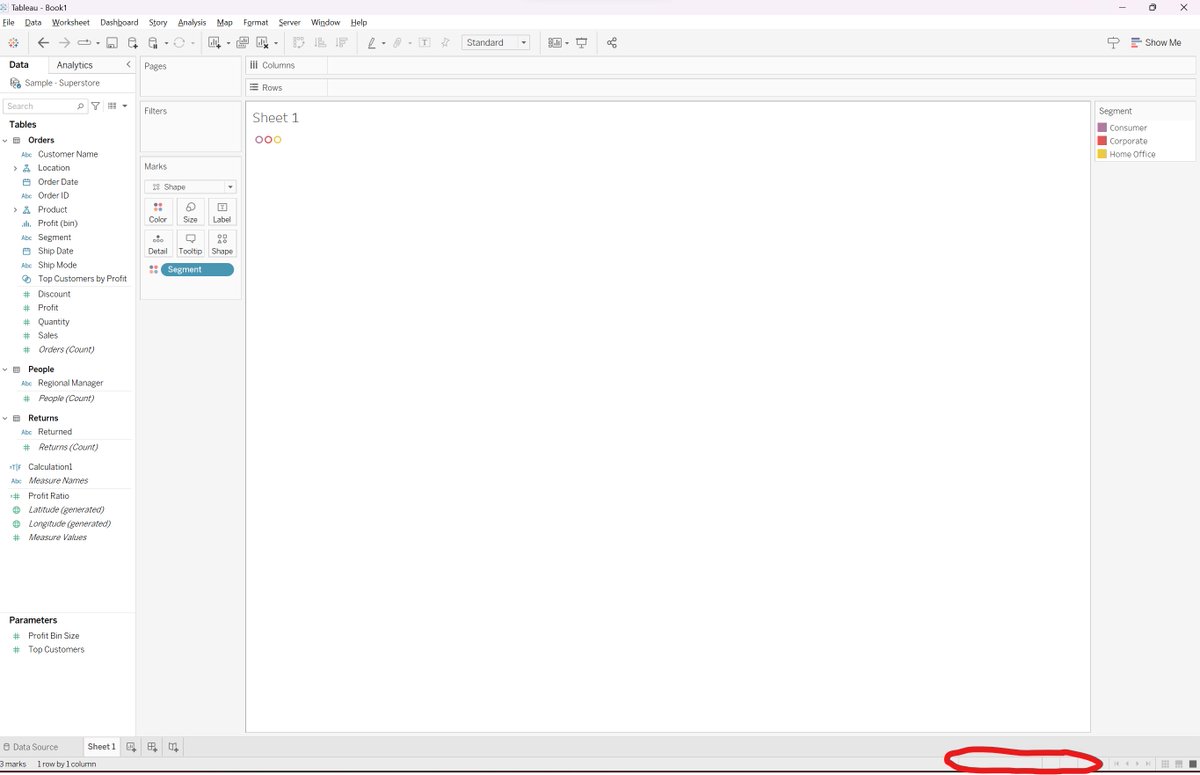
🚨#TinyTableauTips 14 - View dashboard as a specific user
Using USER functions for row level security or masking? In the bottom right of Tableau, there will be a selection menu for you to change to a different user view(defaults to your own ID)
#Tableau #DataFam #Data #Analytics
1
150
29 May 2023
🚨#TinyTableauTips 13 - Row Level Security - AD Group
Need to limit who can see your data based on ad group?
1) Create a new field called "RLS"
2) Set up a new calc: ismemberof('ad-ent group name')
3) Add RLS to data source filter, keep the true
#Tableau #DataFam #Data #Analytics
1
128
28 May 2023
🚨#TinyTableauTips 12 - Row Level Security - User
Need to limit who can see your data?
1) Create a new field called "RLS"
2) Set up a new calc: username() in ('username1','username2','etc')
3) Add RLS to data source filter, keep the true
#Tableau #DataFam #Data #Analytics
1
168
27 May 2023
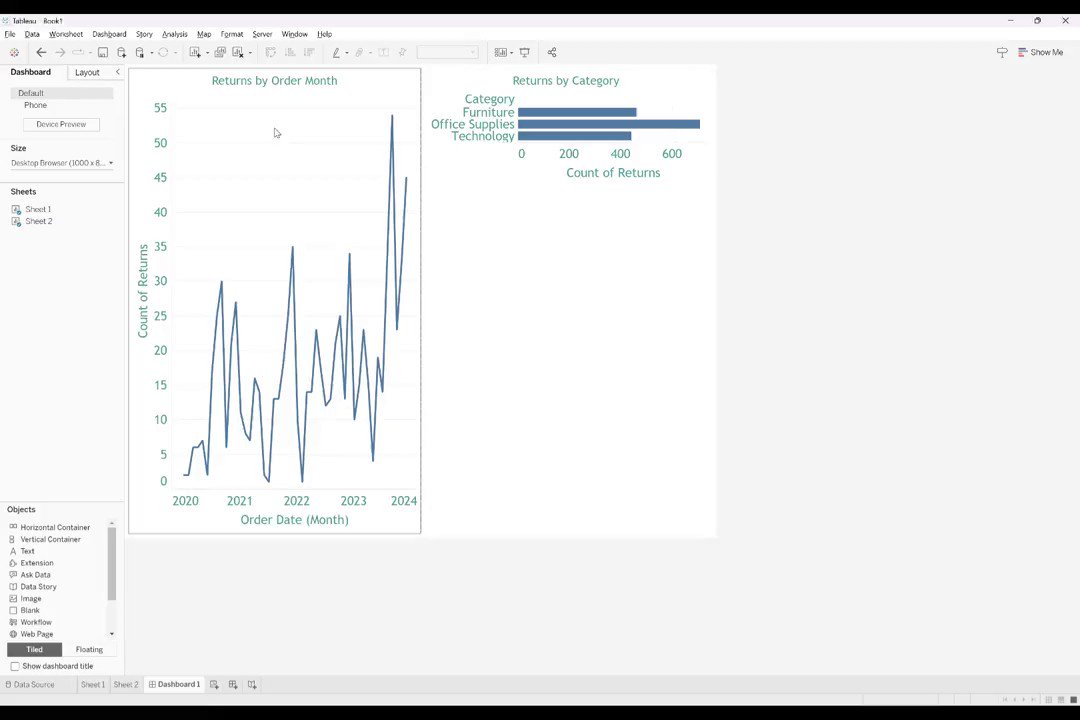
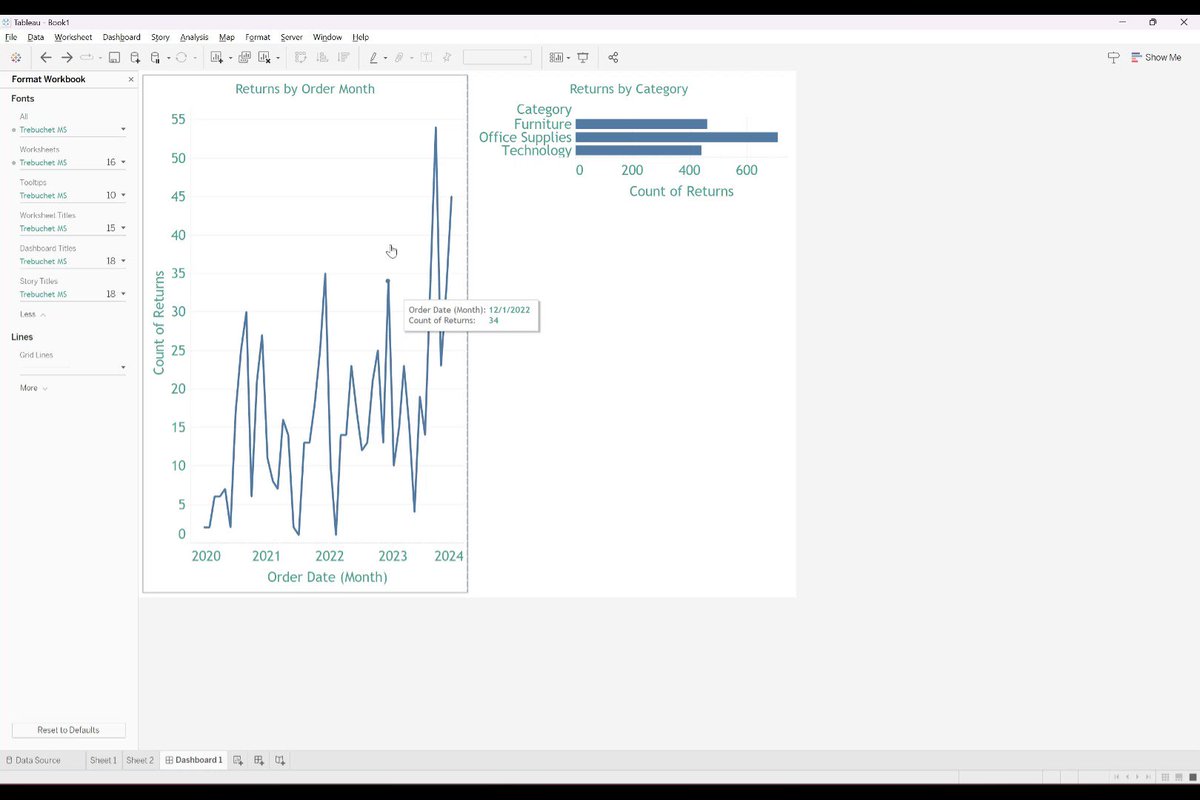
🚨#TinyTableauTips 11 - Format Workbook
Need to format your entire workbook?
Don't waste your time formatting each sheet!
1) Click on Format>Workbook
2) Use the side panel on the left to format everything in your entire workbook!
#Tableau #DataFam #Data #Analytics #Dashboards
3
181
26 May 2023
🚨#TinyTableauTip 10
Need to edit a tooltip from your dashboard?
Don't waste your time going to the individual sheet!
1) Click on the sheet of the tooltip you want to edit
2) Click on worksheet>tooltip
3) Change your tooltip
#Tableau #DataFam #Data #Analytics #Dashboards
1
196
25 May 2023
🚨🚨🚨
OR....OR....OR....OR....OR....OR....OR....OR....OR....OR....OR....OR....OR....OR....OR....OR....OR....OR....OR....OR....
WHY?!
Use the IN function! Just like in SQL, Tableau Desktop now allows you to feed lists to the IN statement.
#Tableau #TinyTableauTip #DataFam #Data
3
154
24 May 2023
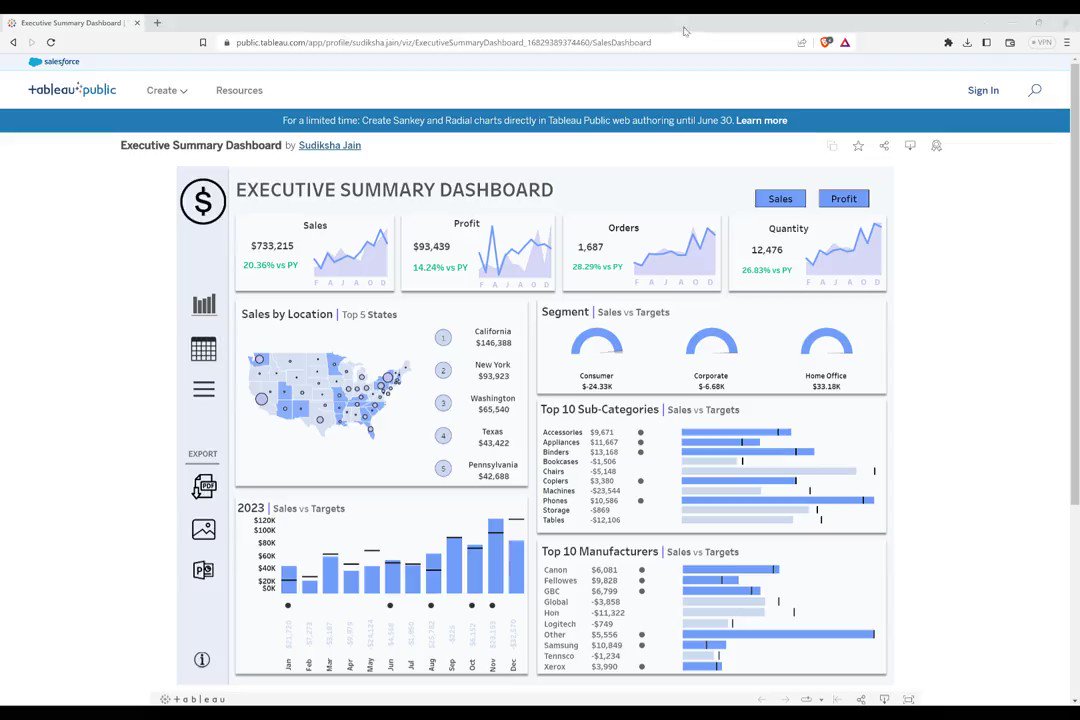
Download PNG or PDF of a Tableau dashboard:
Go to the URL, and add ".PNG", or ".PDF" to the end
*Works with Tableau Public and Server
**Helpful for using Python to mass download PDF versions or embedding dashboard image for HTML
#Tableau #TinyTableauTip #DataFam #Data #Analytics
2
154
23 May 2023
Dependent Fields - Want to find the fields that are dependent on a field or calculation?
Just change the data type
All dependent fields will now have the red "!"
*not 100% perfect, future tweet will explain another method
#Tableau #TinyTableauTip #DataFam #Data #Analytics
1
207
22 May 2023
NON-DRILLABLE DATES: Want to use a date field, but not allow the date to be drillable? Use the datetrunc function! This example fixes the viz at the month level:
date(datetrunc('month',[Order Date]))
#Tableau #TinyTableauTip #DataFam #Data #Analytics
2
197
21 May 2023
Want to mask a field based on the value of another field?
Create a new field>create an IF statement to mask Sub-Category based on Category field value:
if [Category] = 'Furniture' then '***MASKED***'
else [Sub-Category]
end
#Tableau #TinyTableauTip #DataFam #Data #Analytics
1
259
20 May 2023
Have a field already on your visualization (column/row/mark/filter) and want to use it again in another spot? Don't search for it again; just hold CTRL and click and drag the pill to where you want to see it again.
#Tableau #TinyTableauTip #DataFam #Data #Analytics
1
201