
🦋 Not using this platform anymore, find me on bsky.app/profile/techwatchin…
Joined June 2014
- Tweets 1,020
- Following 203
- Followers 212
- Likes 963
156 Photos and videos





21 Oct 2024
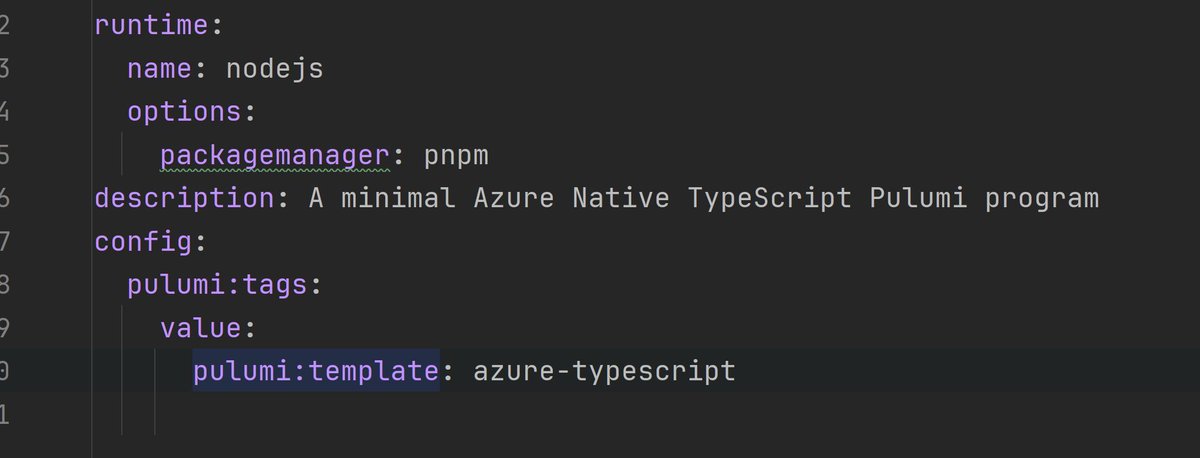
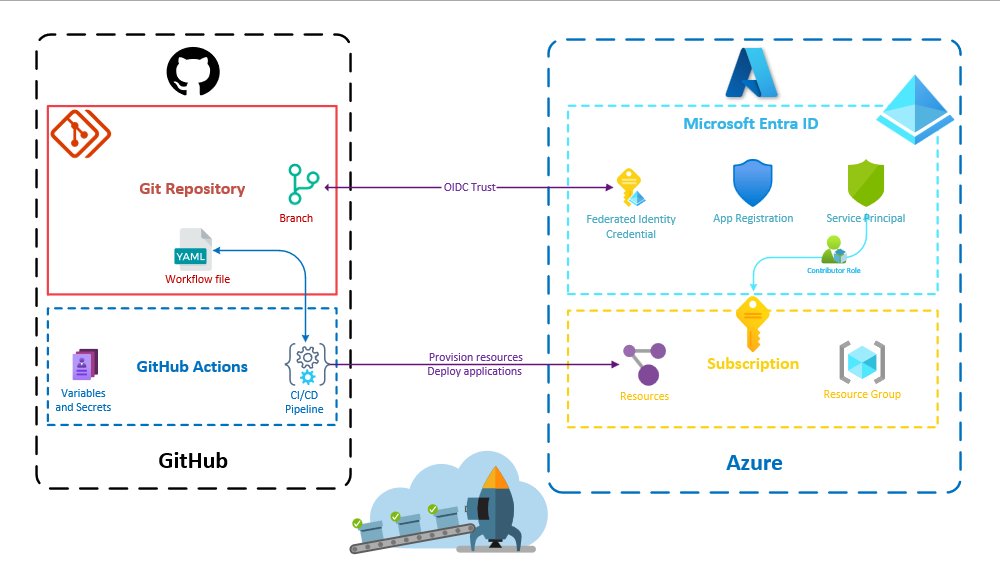
Explore my Pulumi workshop for Infrastructure as Code and Azure enthusiasts. This lab, available on this GitHub repository👉 buff.ly/3A8gukM, provides self-paced learning with TypeScript, C#, and Python code solutions.
#IaC #InfrastructureasCode #pulumi #devops #azure
2
77
Alexandre Nédélec retweeted

2 Oct 2024
I'm thrilled to unveil Nuxt UI v3-alpha to the world! 🚀
✨ Completely rebuilt from the ground up
🎨 Powered by Tailwind CSS v4-alpha
🧩 Integrated with Radix Vue for accessible primitives
🔧 Enhanced with Tailwind Variants for flexible styling
ui3.nuxt.dev/
21
45
406
40,321
Alexandre Nédélec retweeted

1 Oct 2024
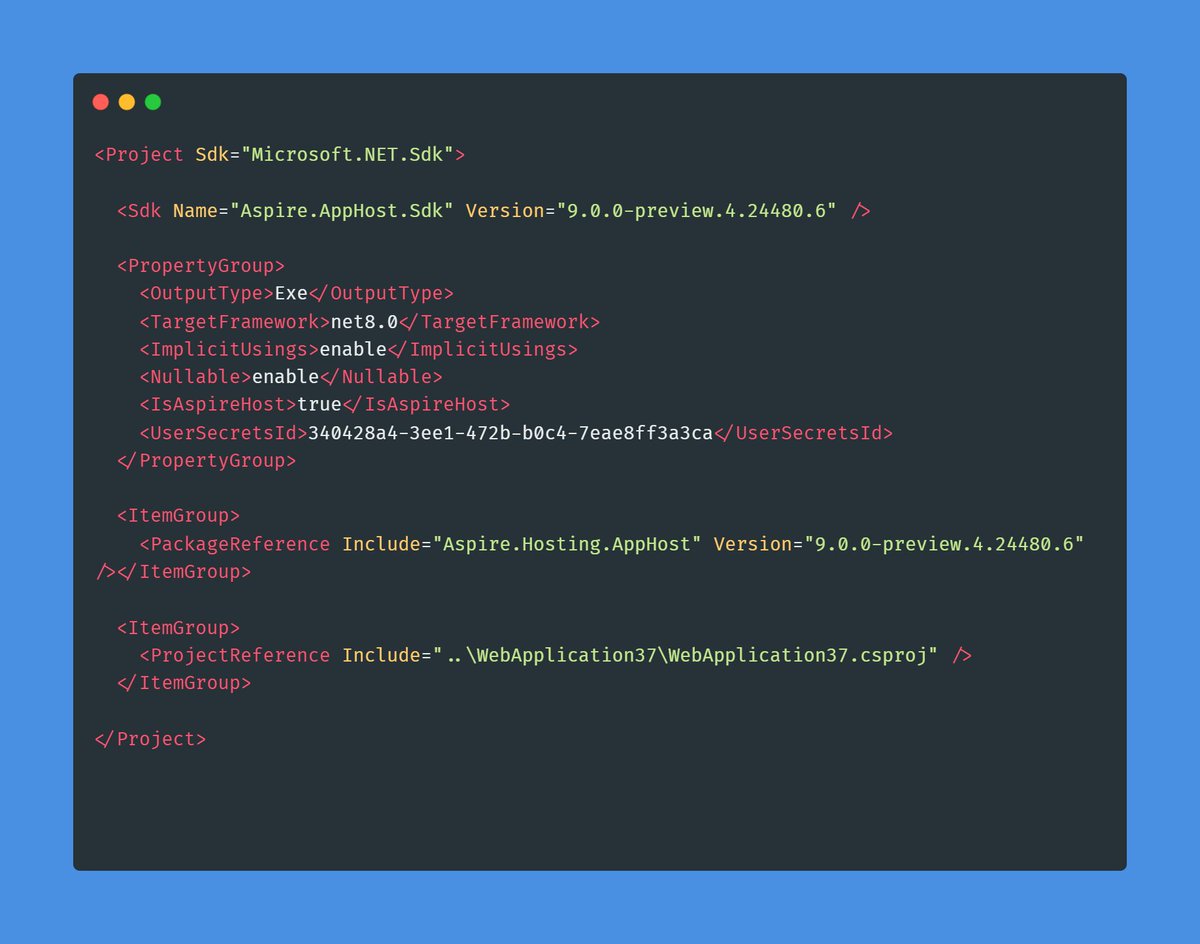
Aspire 9 upcoming features 🧵:
First, you'll be able to use Aspire 9 with .NET 8 and .NET 9! It will no longer require a call to dotnet workload install, and instead uses an MSBuild SDK. This should simplify CI/CD integration and getting started immensely! All you need is NuGet!
#dotnet #aspire
11
77
466
42,763
27 Sep 2024
@glaforge I came across a blog post (teckbootcamps.com/learn-text…) which seems to be a plagiarism of your article "Text classification with Gemini and LangChain4j". An AI may have been used to reformulate some words but it's the same article otherwise.
1
81
27 Sep 2024
I don't know how you can report that but I thought you should be aware of it and maybe contact the "author" of this plagiarism
1
25
23 Sep 2024
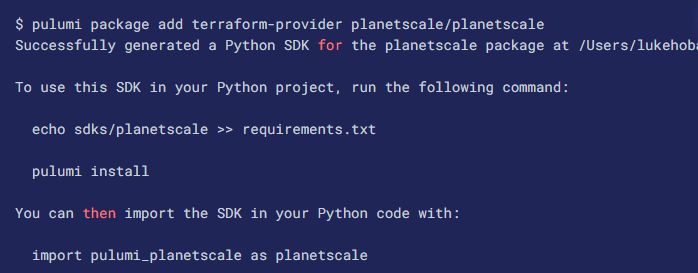
I've just published a new blog post on using any Terraform provider in Pulumi, featuring a hands-on guide with the Netlify provider! 🌐✨
Check it out and learn how to generate a local Pulumi SDK from any Terraform or OpenTofu provider! 💻🔧
Read more: buff.ly/47BAAQE
1
1
296
23 Sep 2024
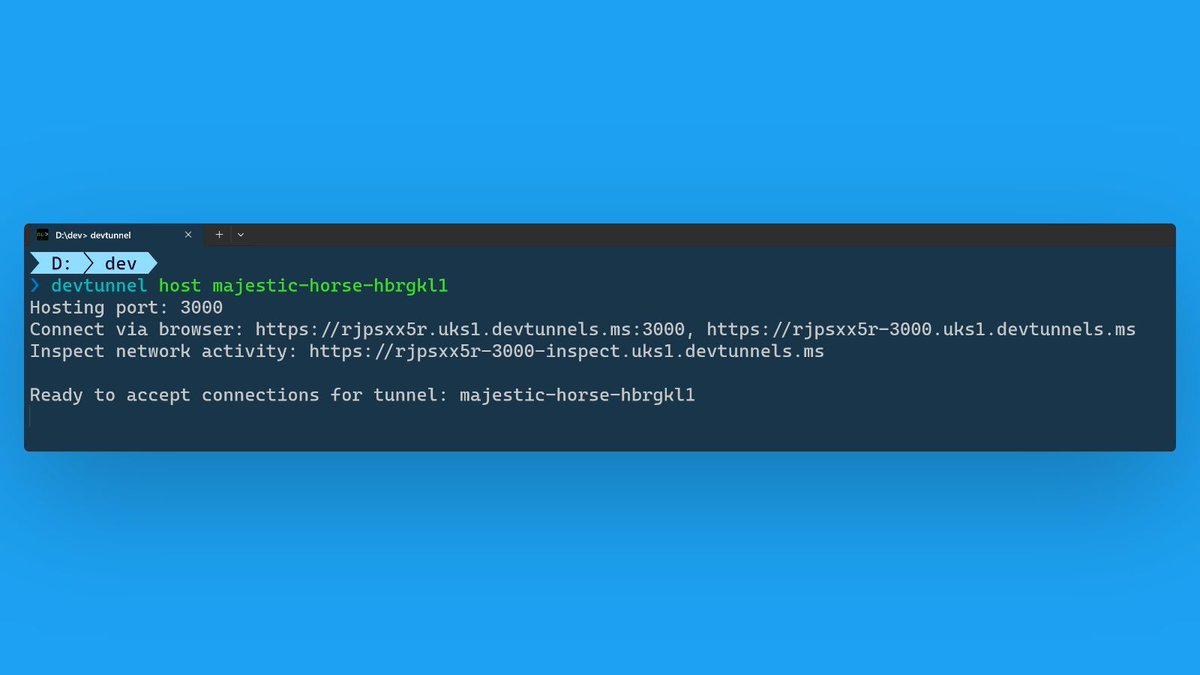
💡Tip of the day for developers working on APIs for mobile applications or webhooks:
Microsoft Dev Tunnels tool allows you to securely expose your localhost to the internet
1
55
23 Sep 2024
➡️ You might be familiar with ngrok, which offers similar features, but there are plenty of alternatives listed here: 👉 buff.ly/3dnbpFn
2
21
23 Sep 2024
➡️ Dev Tunnels' documentation 👉 buff.ly/4e4okuz
➡️ Dev Tunnels SDK GitHub repository👉 buff.ly/3zl3VlF
27
Alexandre Nédélec retweeted

18 Sep 2024
🚀Introducing Pulumi Insights 2.0! Get asset management, compliance remediation, resource visualizations, and AI insights over any infrastructure. 🧵
hubs.ly/Q02QjmPb0
7
19
102
1,333,127
18 Sep 2024
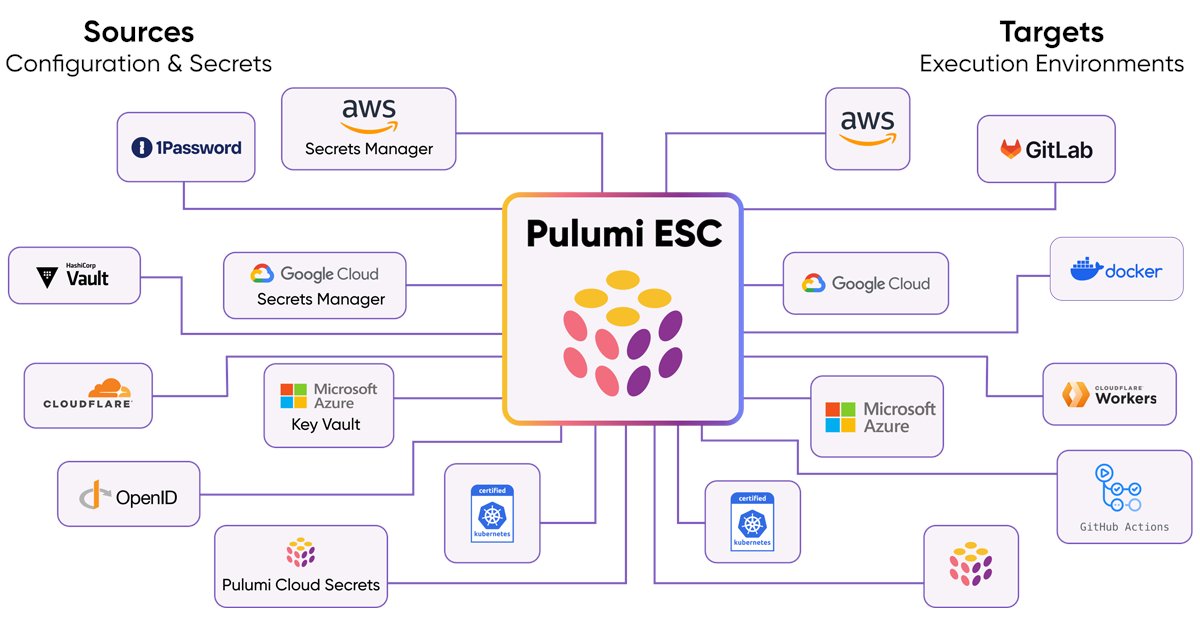
Pulumi ESC is very convenient. I like the ability to retrieve short cloud access tokens using OpenID Connect. Combined with Pulumi IaC, managing your stack configuration becomes as simple as importing an ESC Environment.
18 Sep 2024

🚀Introducing Pulumi ESC! Centralized secrets management & orchestration. Tame secrets sprawl and configuration complexity securely across all your cloud infrastructure and applications. 🧵
Learn more at hubs.ly/Q02QhZGw0
1
58
16 Sep 2024
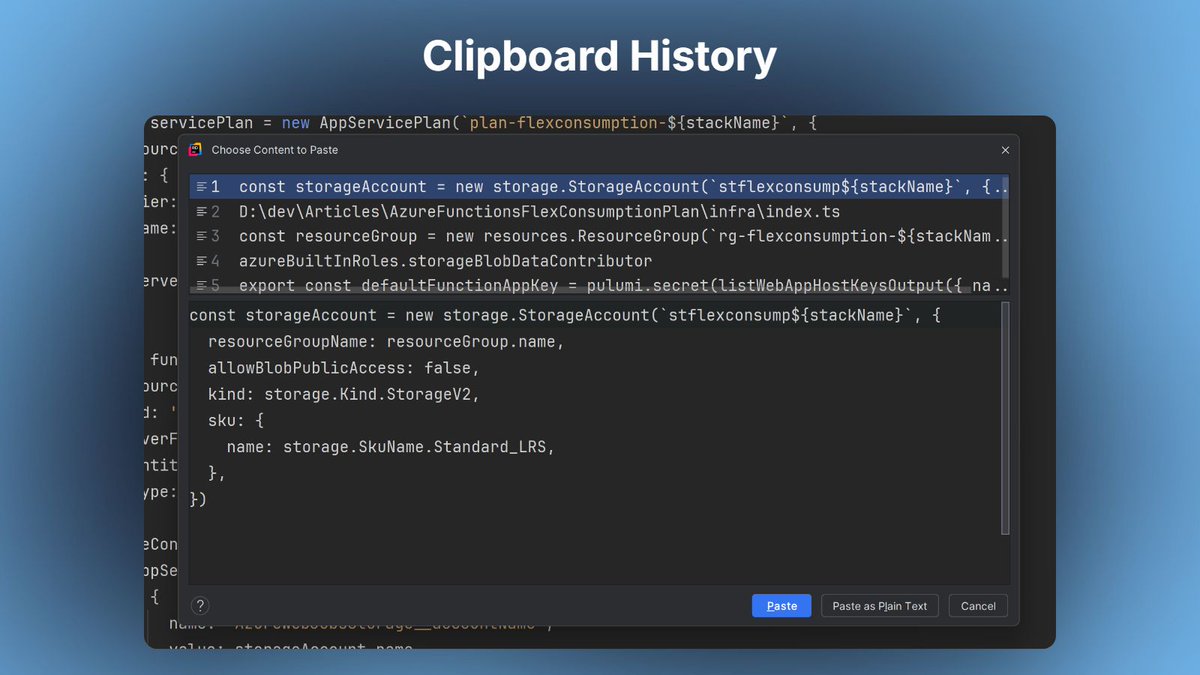
Even when applying DRY principle, we frequently copy bits of code so:
💡Tip of the day to find a piece of code previously copy-pasted into your IDE 👇
Most IDEs have a history of your clipboard, allowing you to find code pasted a while ago.
#productivity #tipoftheday
1
31
16 Sep 2024
➡️ In JetBrains IDEs and in Visual Studio it's called Clipboard history/ring and you can use the shortcut Ctrl Shift V (Windows)
➡️ If you're on Windows, there's a built-in clipboard history (Windows V) that can be combined with the utility Advanced Paste from Power Toys
23
13 Sep 2024
Using JetBrains Rider with git submodules just became easier for me thanks to this article from Steve Streeting 👉 buff.ly/3B3itae
Thanks for the tip.
24
13 Sep 2024
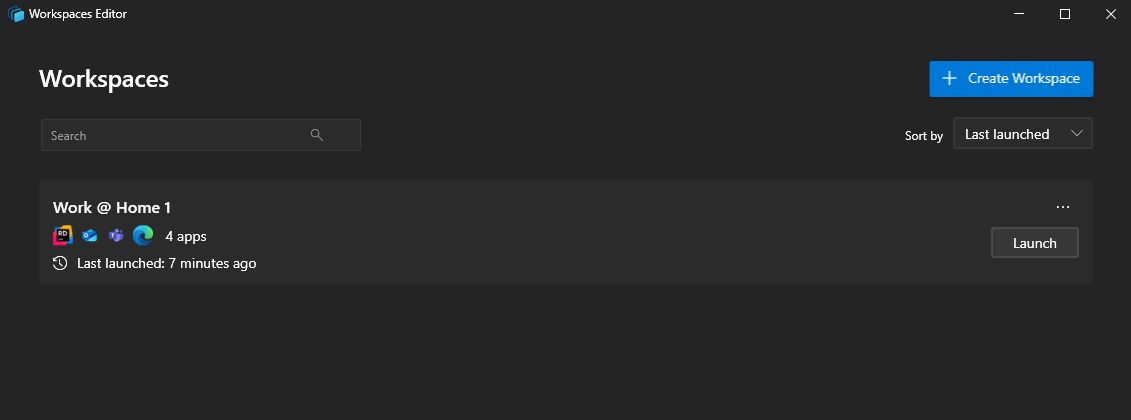
💡Today's tip if you work on Windows and start your day by always opening the same applications:
Microsoft Power Toys' Workspaces utility lets you launch a set of applications in predefined locations with a single click.
1
21
13 Sep 2024
➡️It works very well with Fancy Zones to quickly have your applications positioned in their usual place on your screen(s)
➡️You can define multiple workspaces to switch easily from one work configuration to another (particularly handy if you have various setups)
11
11 Sep 2024
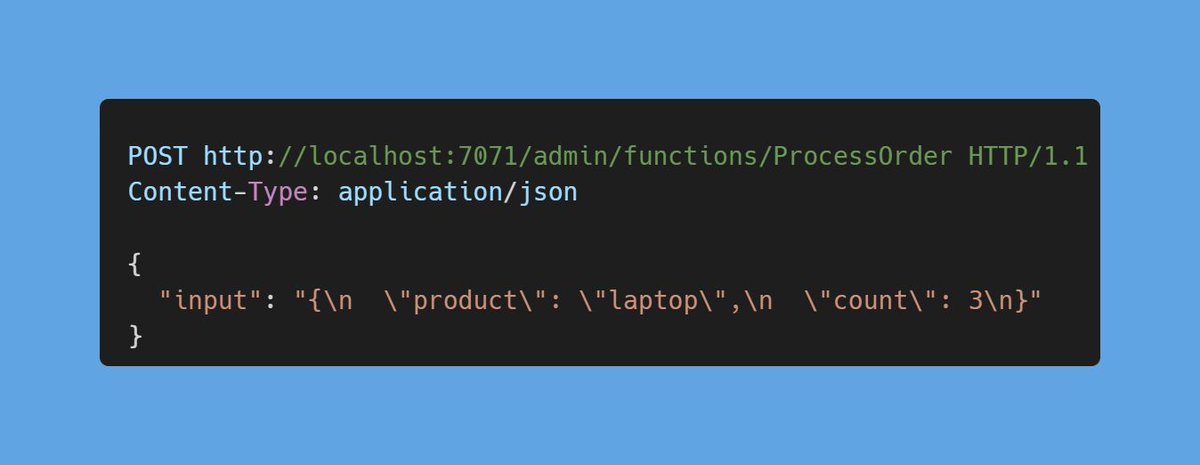
Today's tip for debugging your Azure Functions locally without an HTTP trigger:
You can still trigger your function with a POST request 😉
➡️ request format: POST hostname/admin/functions/functionName
➡️ the request body: { “input”: “<TRIGGER_INPUT>” }
1
18
11 Sep 2024
👉 It also works to run an Activity Function if you use Durable Functions
👉 It also works to run an Azure Function deployed under Azure, but you'll need an “x-functions-key” header as well
👉 You can store these requests in HTTP files in your git repo and run them from your IDE
28