
👩🏽🏫20 yr Teacher 💻 EdTech Trainer 👨👩👧👦 Mom👩🏽💻Google Trainer & Coach, Innovator, Iste Educator 🍎Apple Coach ❤ to learn & share
- Tweets 7,289
- Following 2,623
- Followers 1,767
- Likes 12,196















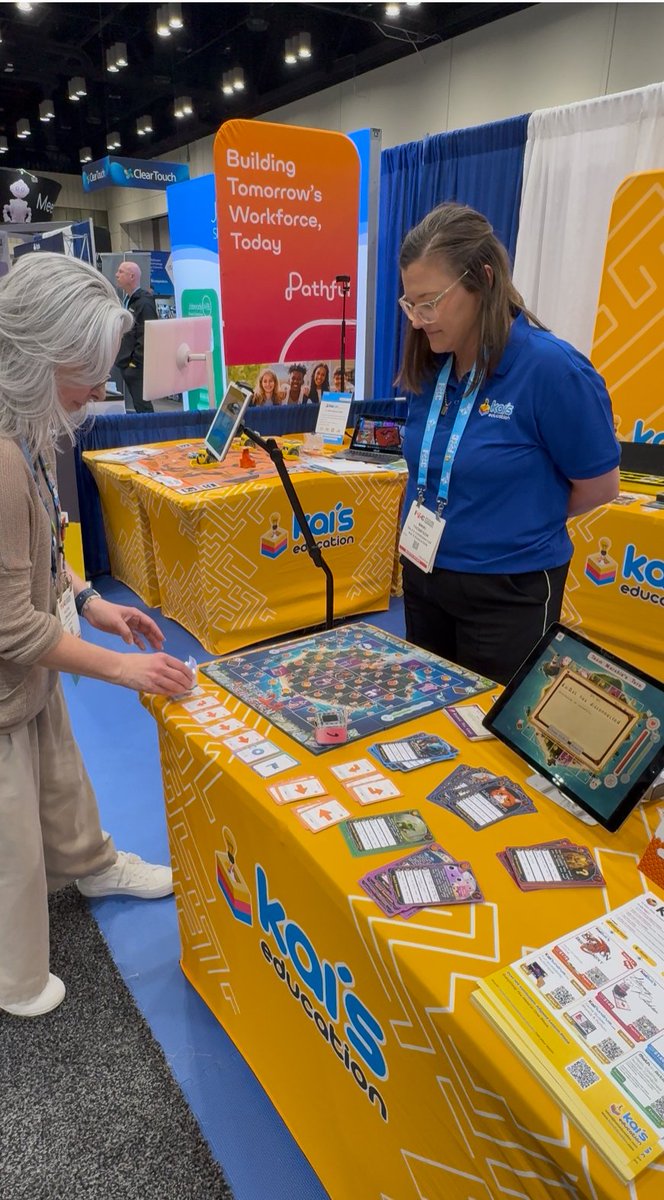
ALT A photo of a "Kai's Education" exhibit at a trade show (FETC). A woman with long gray hair leans over a yellow table covered in educational tools, interacting with a set of directional coding cards. Standing behind the table, a company representative in a blue polo shirt and glasses looks on. The table features a colorful game board, character cards, small robots known as KaiBots, and a tablet displaying a digital interface. In the background, an orange banner reads "Building Tomorrow's Workforce, Today," alongside other convention booths.
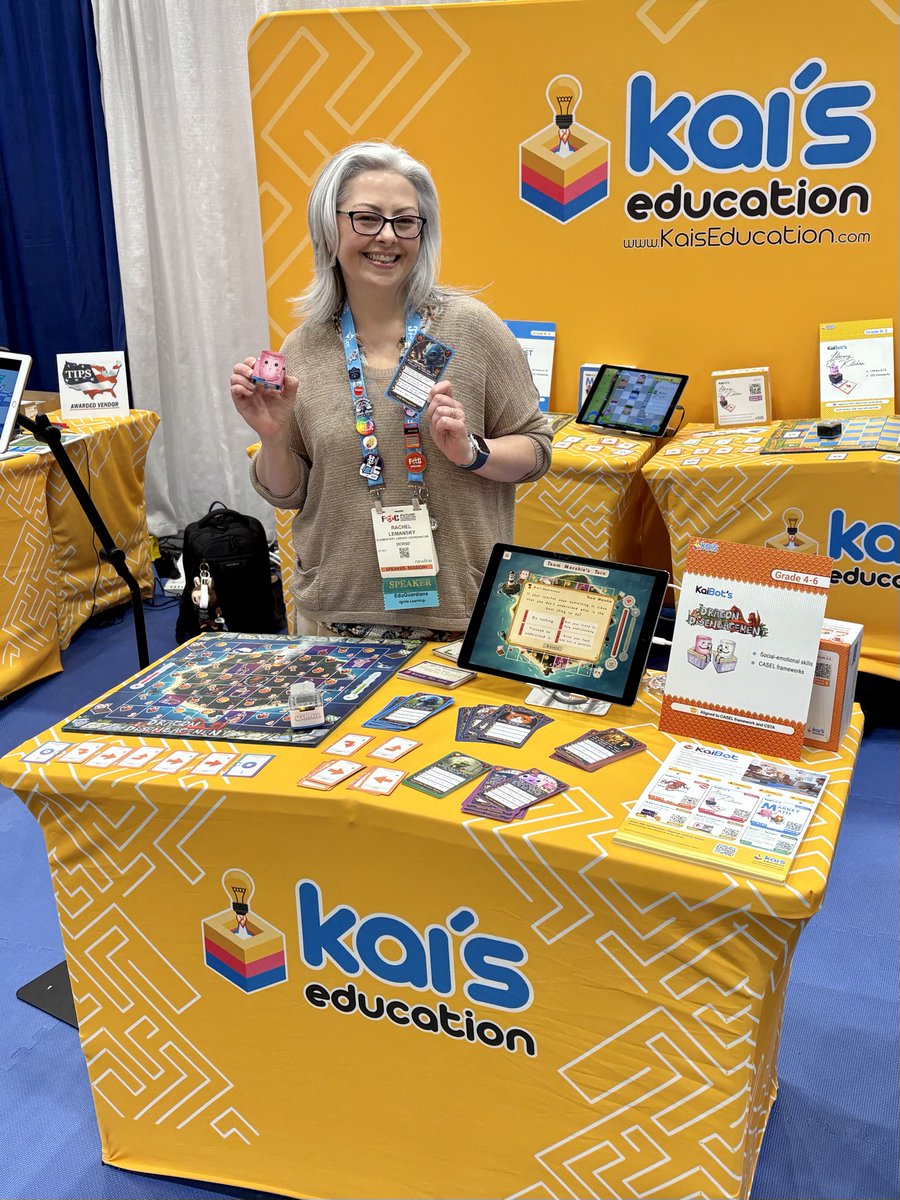
ALT Rachel Lemansky holding a KaiBot in front of the Kai's Education booth
