
Need help? @Mention us in your post, and general queries will be answered between 8am-10pm AEDT. For account support, you can visit the MyTelstra app for assist
Joined July 2009
- Tweets 850,666
- Following 7,850
- Followers 109,061
- Likes 1,610
4,084 Photos and videos





We recommend customers using these devices delay updating the software on their device until we confirm the issue is resolved.
For devices that may be impacted, check here: tel.st/iPhone-calling-issue (2/2)
3
2
2
2,980
⚠️ If you're trying to reach us on 132200 or 132000 your call may not be going through. We're on the issue and working to get it fixed ASAP. You can still request a call or send us a message via the My Telstra app. We'll let you know when the numbers are back online.
33
2
5
11,074
⚠️ Our team fixed an onsite power issue impacting mobile, nbn, ADSL and PSTN services on the NSW South Coast this afternoon. Services have been coming back online since 1:45pm. More than 100,000 customers may have been impacted. Thanks for your patience while we got this sorted.
6
4
9,157
🙌 Shaun is our number-one tablet holder, helping deliver a first for Aussie AFL fans who are blind or have low-vision

Blind and low-vision Australians can now experience sport like never before, thanks to @Telstra’s Touch and Track technology, which translates the movement of the ball on-field to a physical hand-held tablet.
17
3
18
11,337
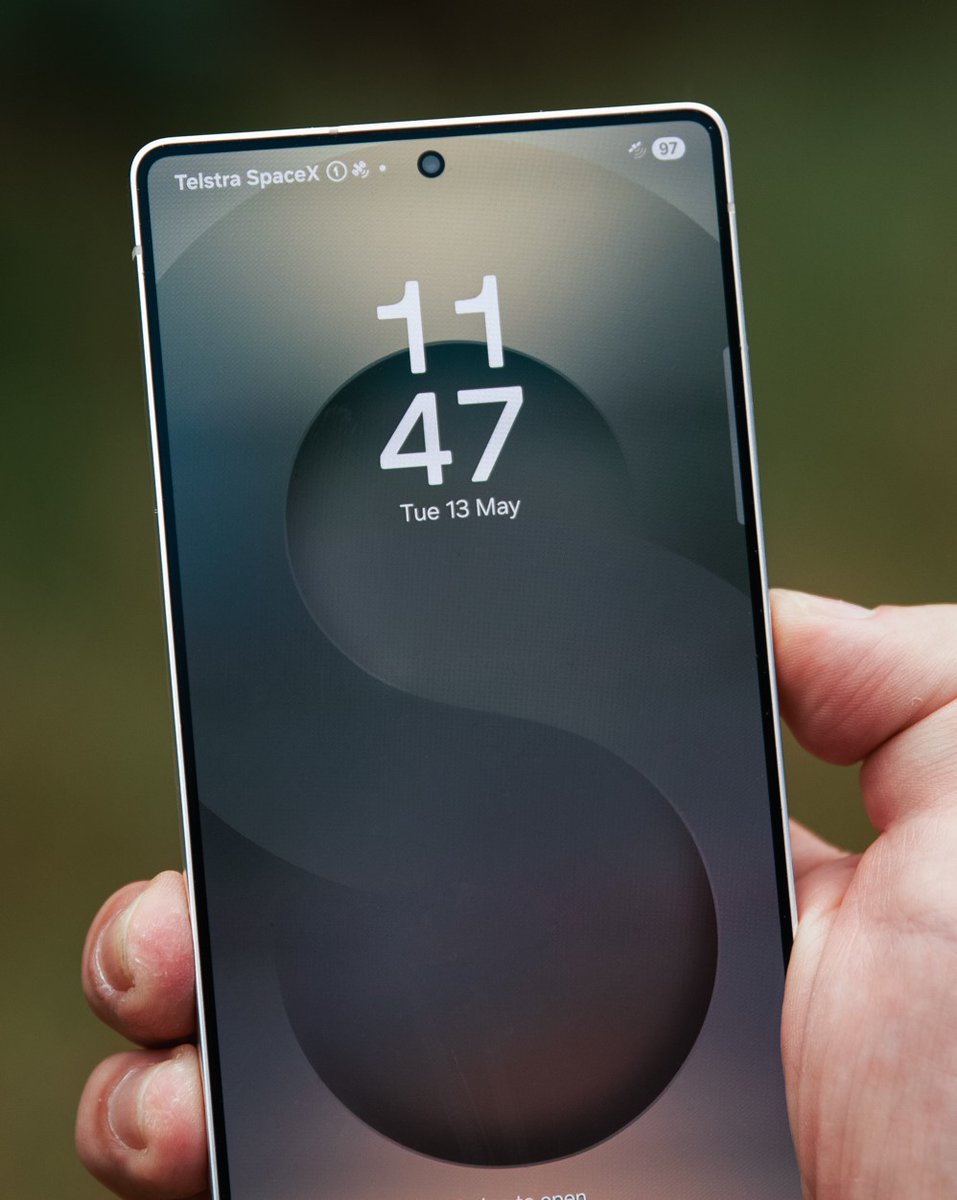
Starting today, iPhone users with a compatible device and eligible plan will be able to send and receive text messages via satellite from some of Australia’s hardest-to-reach places.
For a bit more about Telstra Satellite Messaging, click here 👉 tel.st/satellitetomobile (2/2)
9
2
13
5,010
It’s available when you’re beyond the reach of our mobile network and have a clear line of sight to the sky. We’ve been busy testing, sending over 55,000 texts in the past few months.
Here’s what you need to know: telstra.com.au/exchange/tels… (2/2)
3
29
4,857
⚠ We've picked up an issue affecting some customers trying to access their BigPond/Telstra Mail via the web.
Our team's on it, and we hope to have you back in your inbox soon. Using an app to access your mailbox (Outlook) may help in the meantime.
Thanks for your patience.
53
5
32
17,117
Still having trouble logging in? Webmail is online but you might need to take some extra steps to get back into your inbox if you're using third party clients like your device's email app or Outlook. More info and instructions are here: tel.st/bigpondhelp
4
1
4,983