
Transform your workflow with Termius – Modern SSH client designed for team collaboration, productivity, and a seamless experience across devices.
Joined February 2012
- Tweets 1,564
- Following 1
- Followers 9,055
- Likes 854
143 Photos and videos

Pinned Tweet

May 12
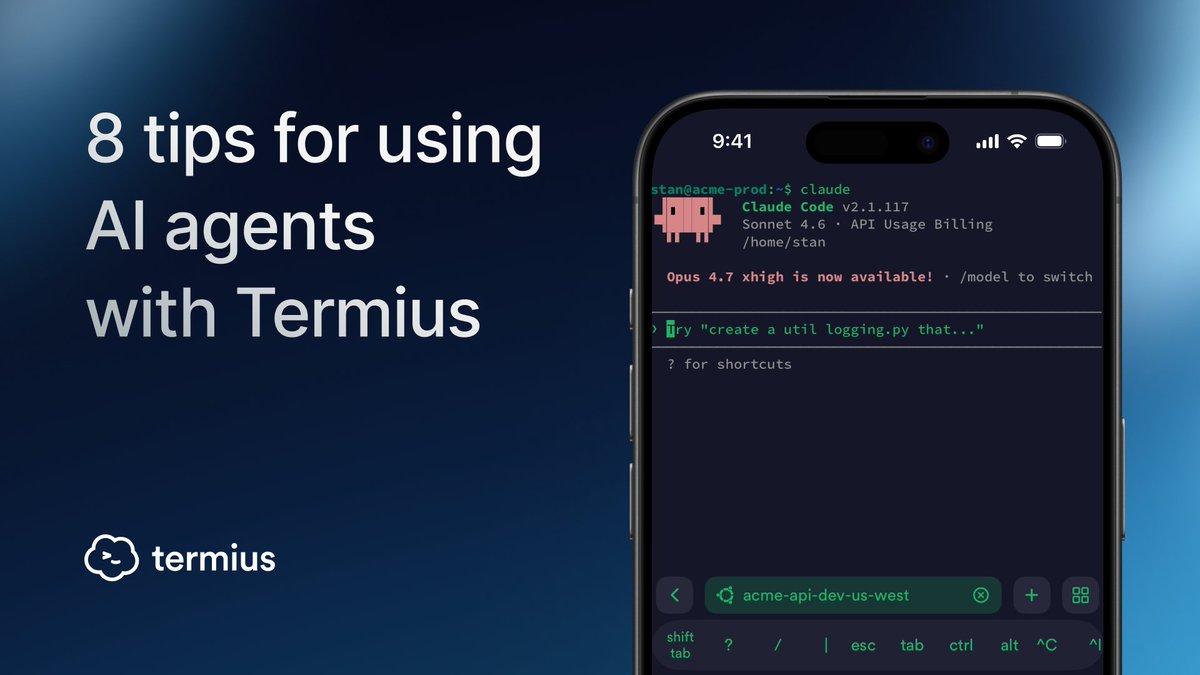
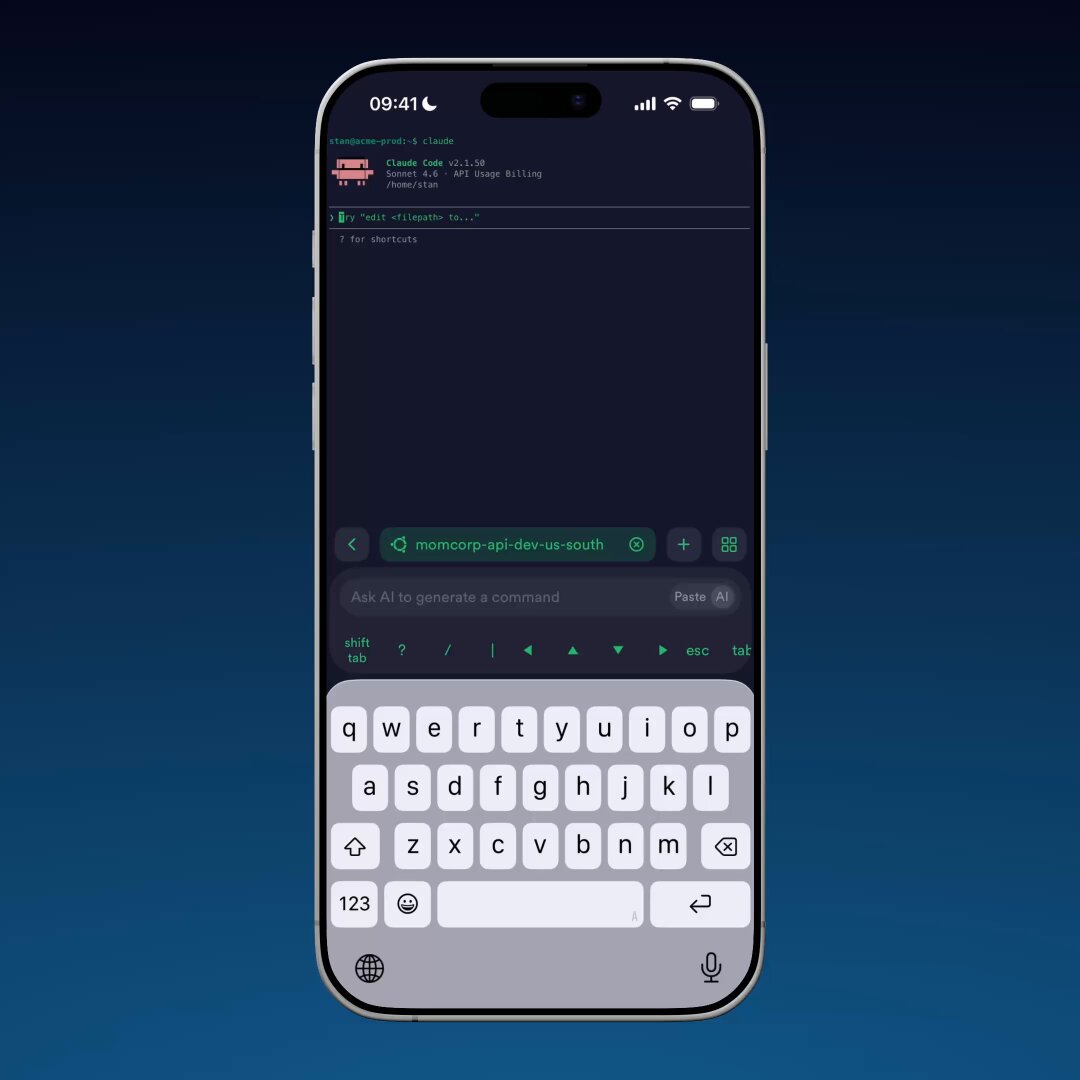
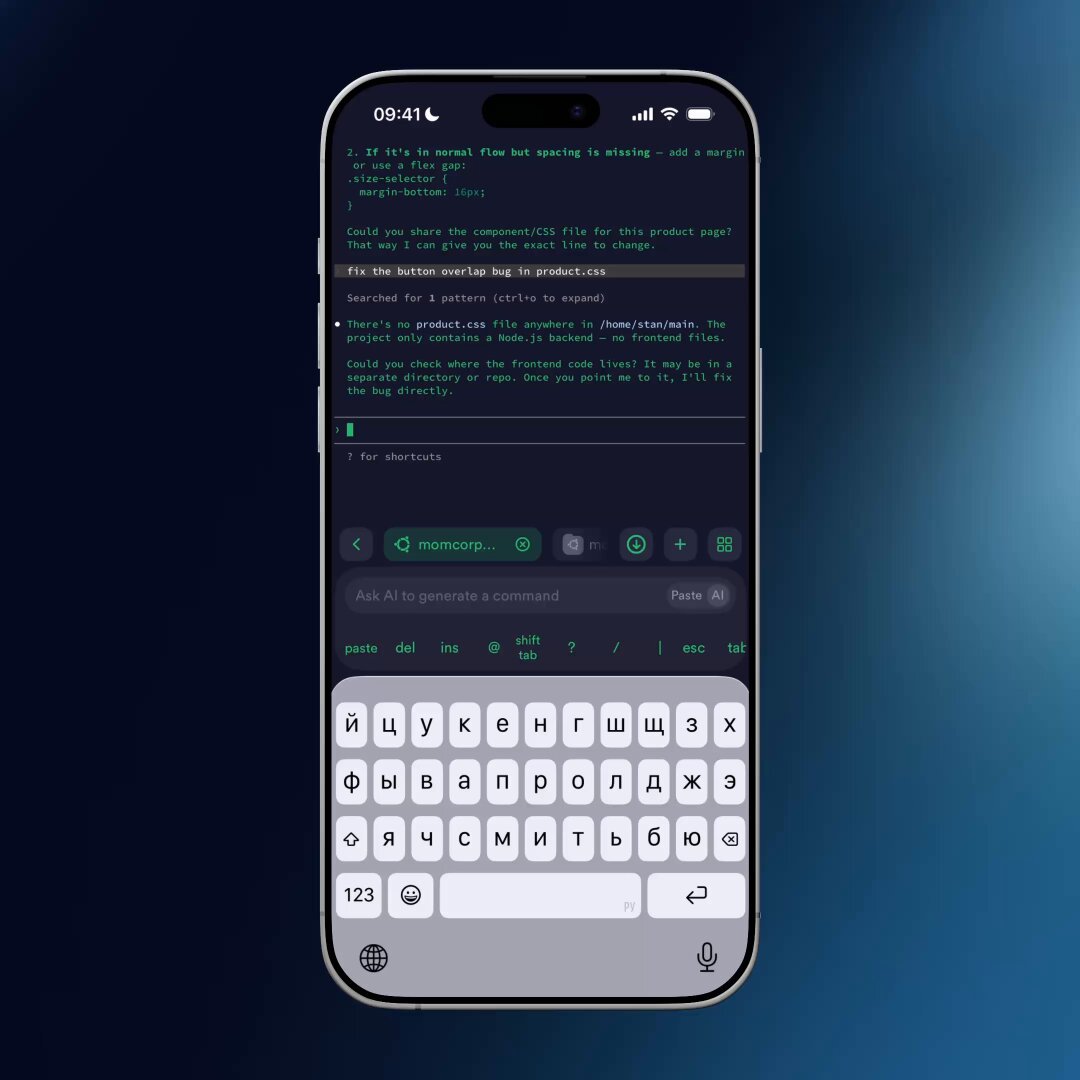
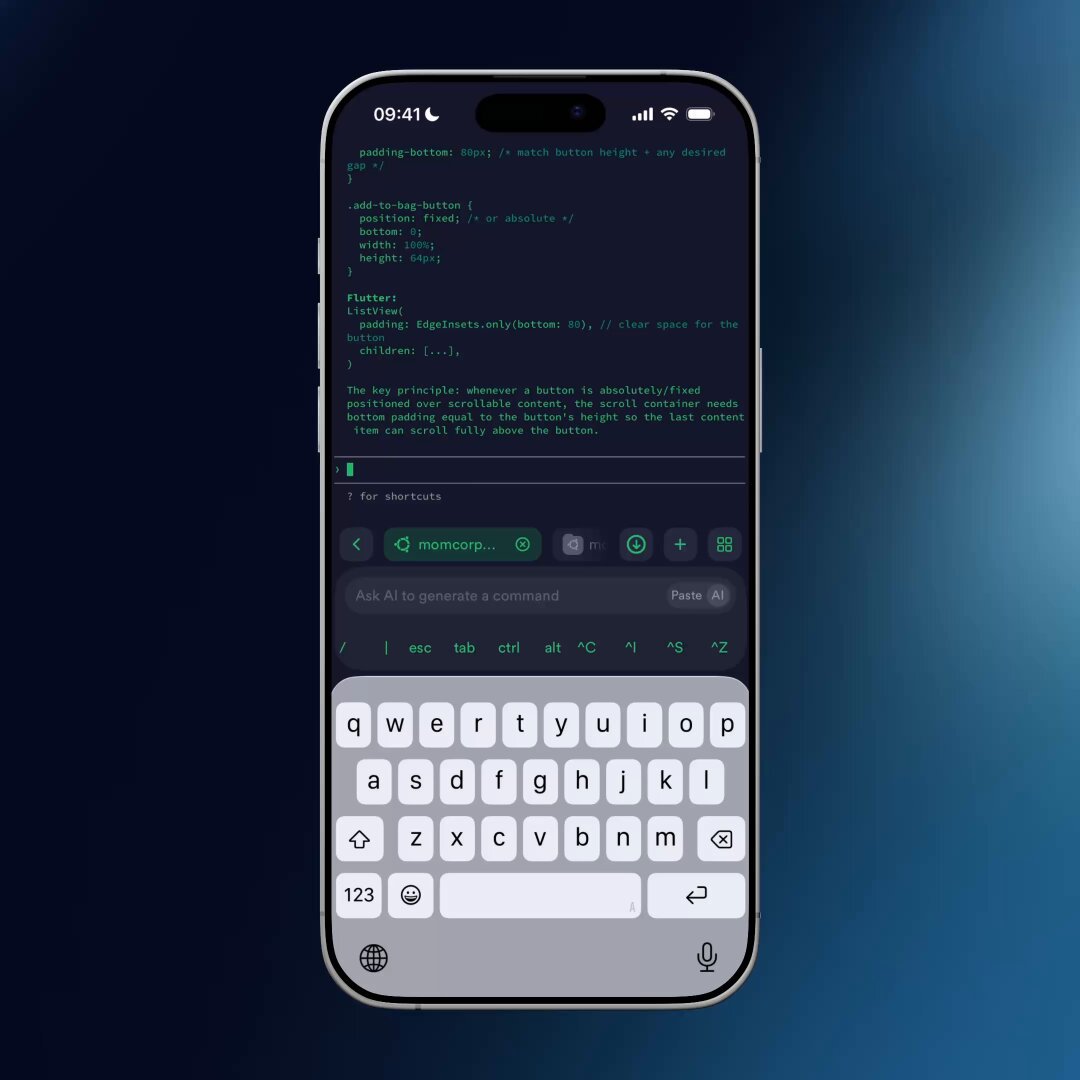
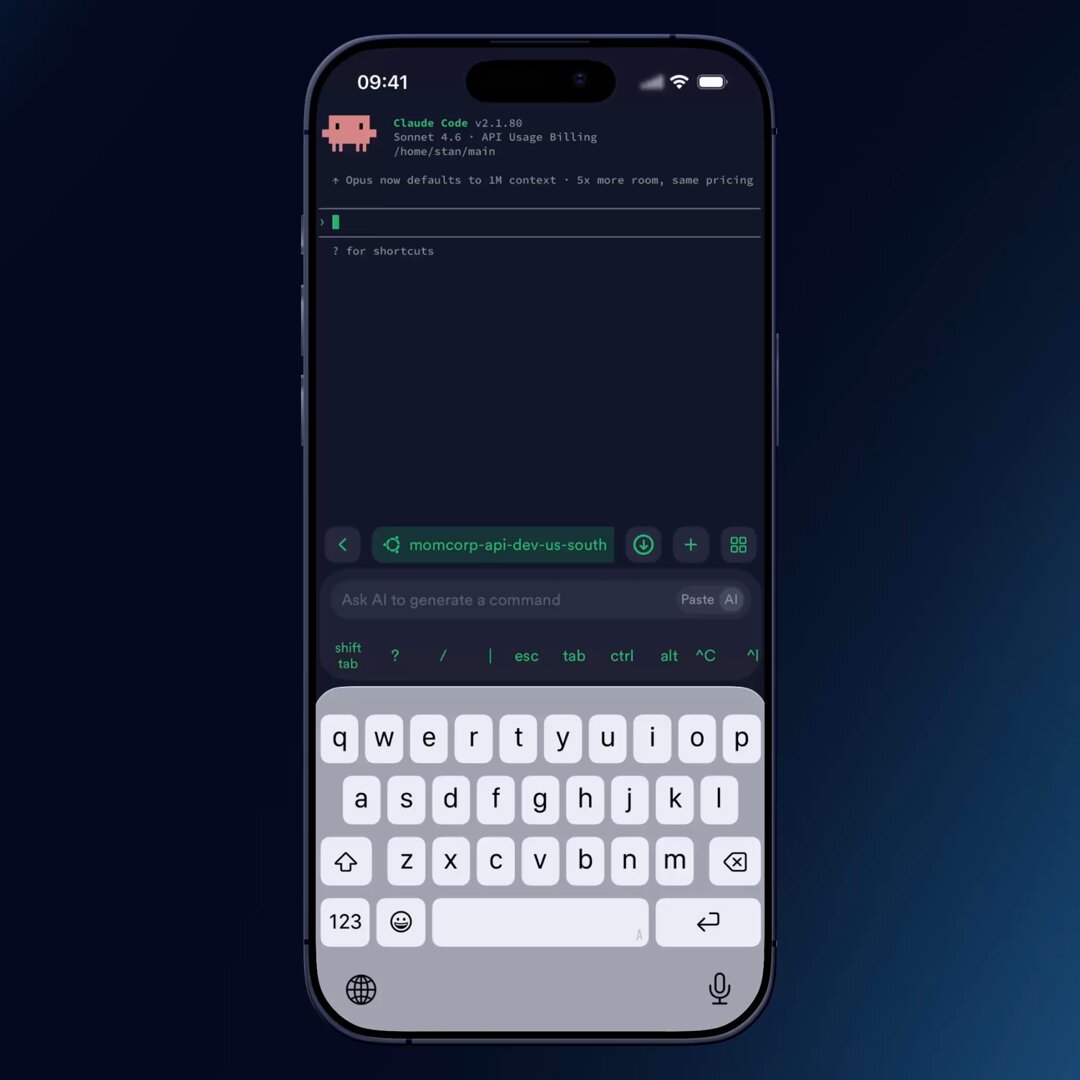
All tips for vibe coding on mobile with Termius, now in one article.
For anyone working with Claude Code, Gemini CLI, OpenCode, and others.
→ termius.com/blog/8-tips-for-…
1
3
33
12,946
Jun 11
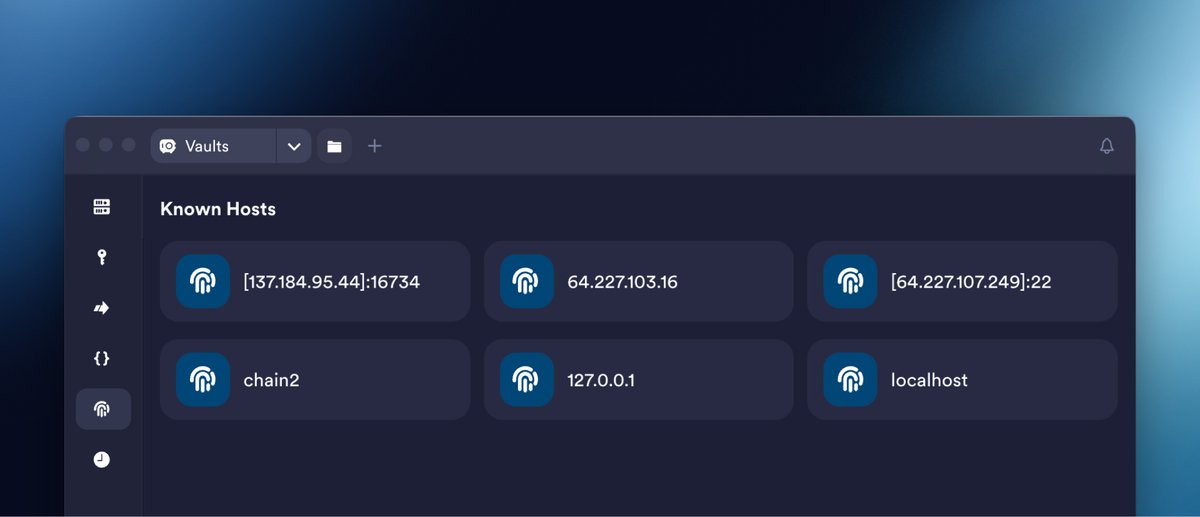
known_hosts is one of SSH's defenses against man-in-the-middle attacks, but is often treated like a cookie banner.
Doing it right is manual: whoever trusts the server on first use shares the fingerprint, and the team compares it on every device they connect from.
1
5
781
Jun 11
Termius does this automatically through encrypted vaults.
When one teammate verifies a host, the fingerprint syncs across all other members and devices. Everyone else just connects.
The only time anyone sees the warning is when the key has actually changed.
4
616
Apr 28
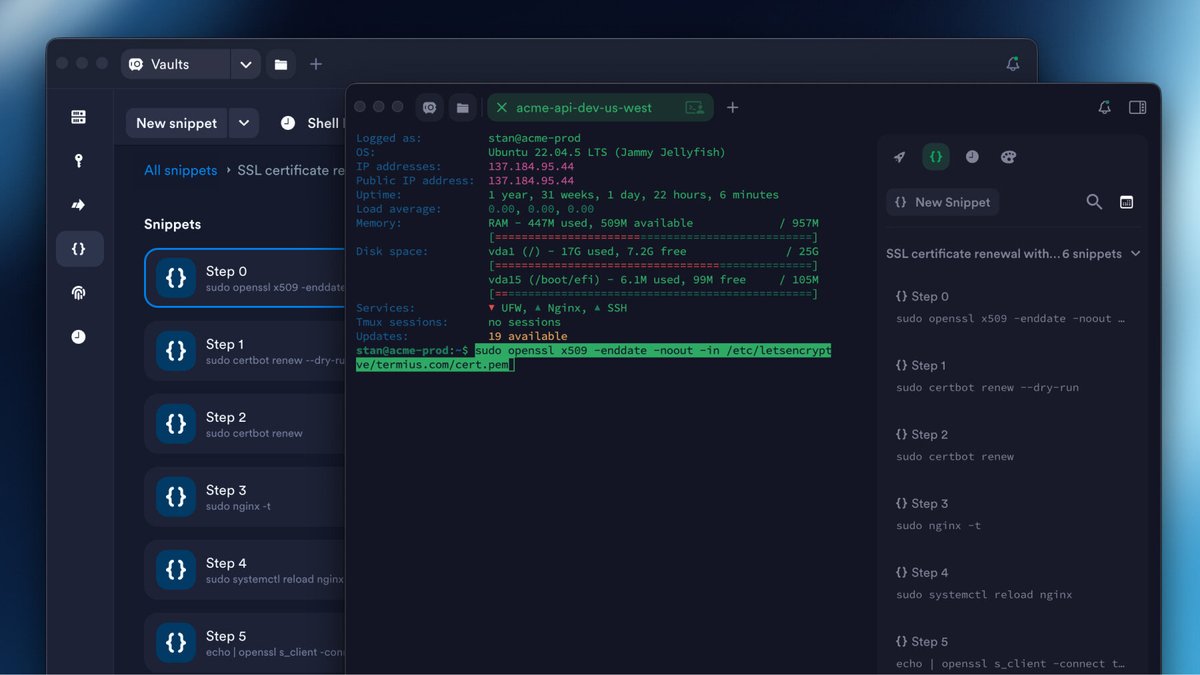
If you work in the terminal, you run the same commands over and over. Every retype is a chance for a typo.
Termius fixes this:
→ Snippets – save commands and run them from any session.
→ Snippet Packages – group related snippets and run as workflows.
docs.termius.com/terminal/sn…
1
14
12,343
Apr 17
Quantum computers will break most of today's encryption, once they appear. But we're already prepared.
We added support for ML-KEM & ML-DSA, two post-quantum algorithms that bring quantum-resistant protection to SSH key exchange and authentication.
→ termius.com/blog/post-quantu…
9
6,146
Apr 7
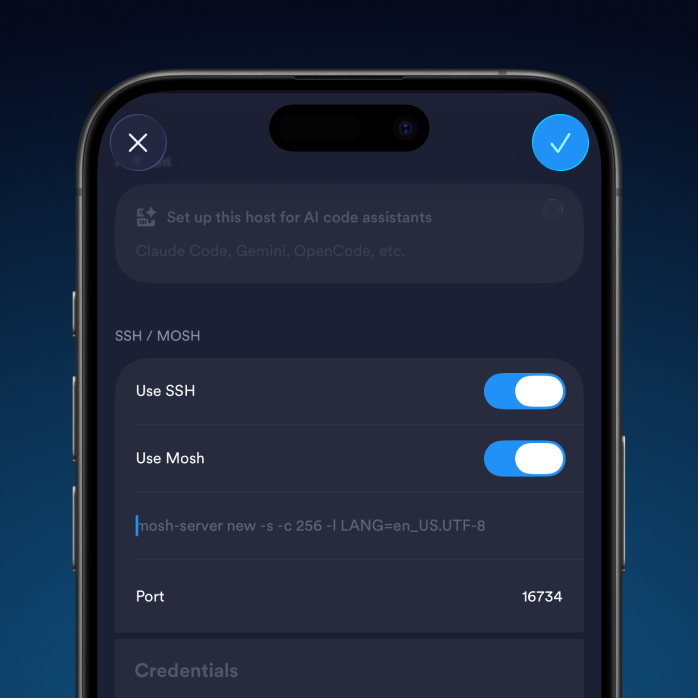
Network changes (Wi-Fi ↔ mobile data) can interrupt your terminal session at the worst moment. Especially when working with AI agents.
Here’s how to avoid it:
→ Enable Live Activities in app settings (iOS)
→ Run your AI agent inside tmux
→ Set up Mosh on your server
1
1
13
3,791
Mar 20
A few tips and tricks for vibecoding with Termius 🧵
1/5 Paste images and files to your AI agent prompt via SFTP
→ Open an SFTP tab from your terminal
→ Upload or drag & drop images or files from your phone
→ Copy the path
→ Paste it straight into your agent prompt
3
2
29
4,873
Mar 20
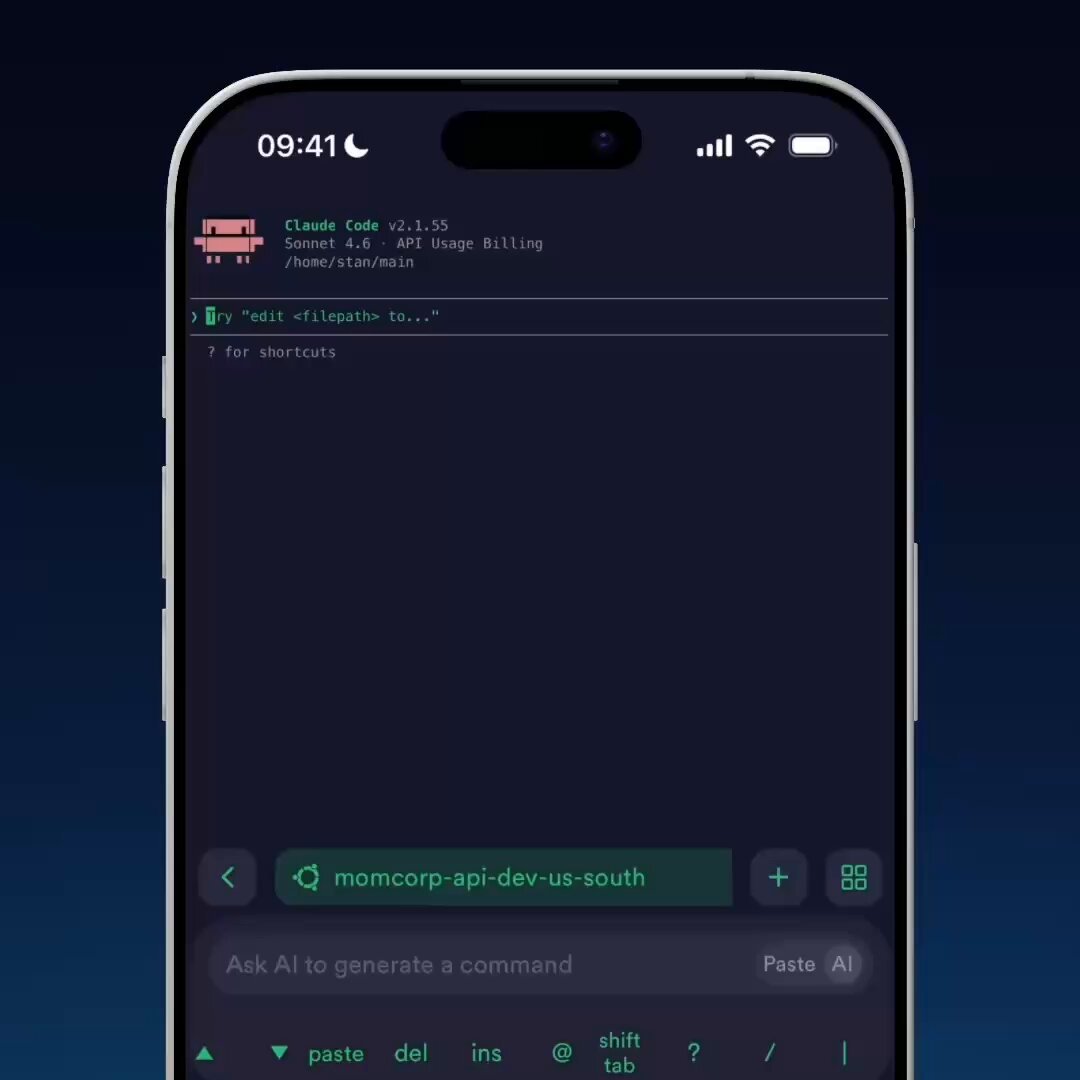
4/5 Customize the shortcut bar for AI workflows
AI agents often require specific key combinations like Shift Tab to switch modes. In Termius, you can customize the shortcut bar to keep important actions right at your fingertips.
1
8
2,259
Mar 20
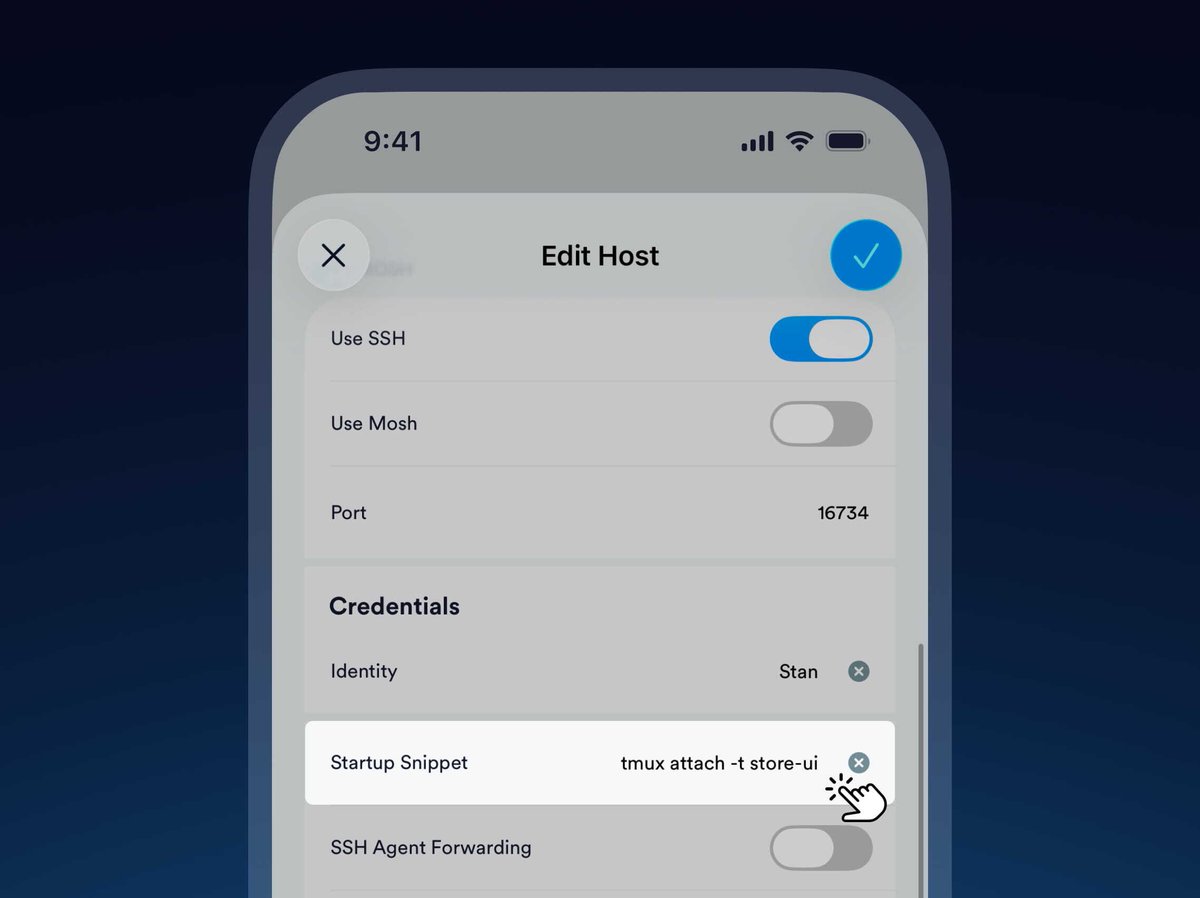
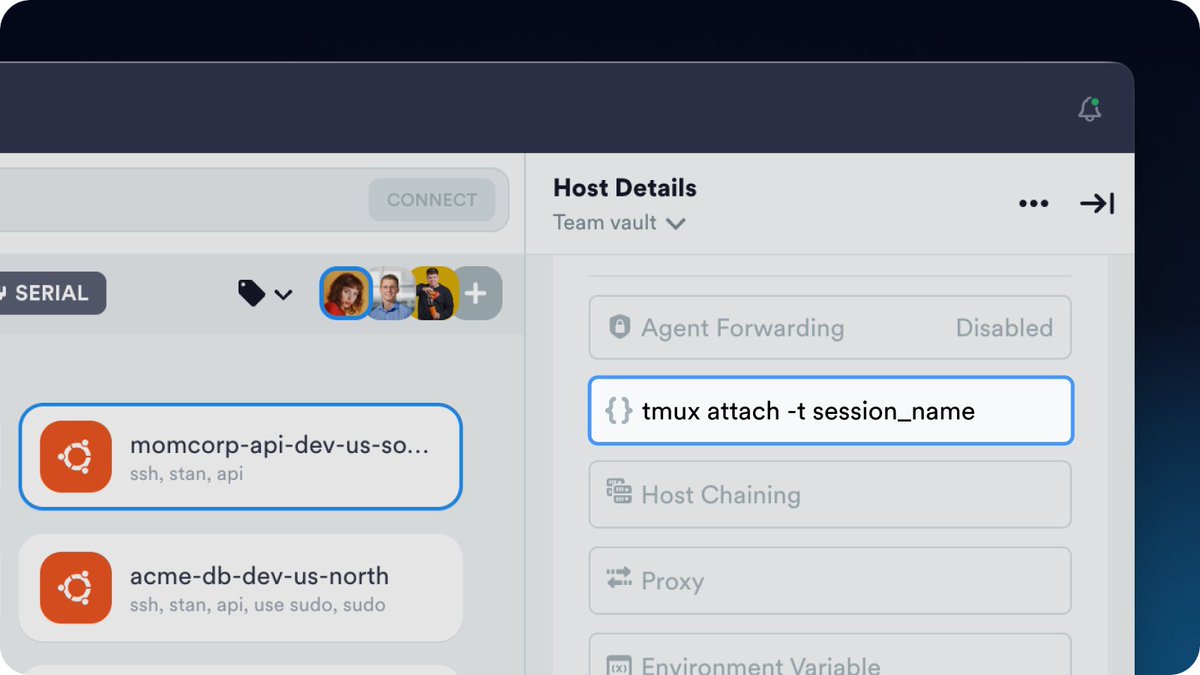
5/5 tmux startup snippet
Run your AI agent inside tmux to prevent losing context if the network drops. Then add a startup snippet like tmux attach -t %claude_session_name% to your host to automatically restore your previous session.
1
6
1,597
Mar 11
Review and upload files with SFTP
To review files generated by your agent, open an SFTP tab directly from your terminal without leaving your session.
You can use the same SFTP tab to upload screenshots of a website, then include those files as context in your agent's prompt.
1
17
6,107
Mar 2
tmux Startup Commands in Termius
Run Claude Code, Gemini CLI, or OpenCode inside tmux to keep your context if the network drops or you switch devices.
Set it as the Startup Command for a host in Termius: tmux attach -t session_name. Your session auto-restores on connect.
1
22
4,303
7 Nov 2025
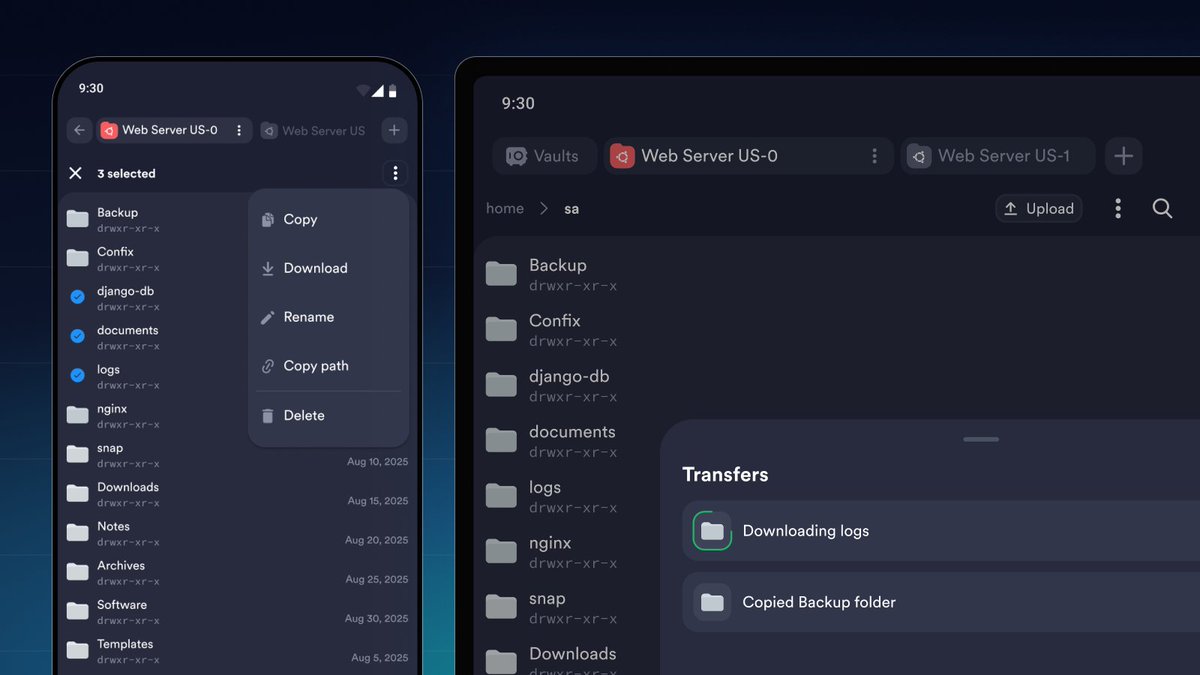
SSH on mobile has become second nature for many Termius users.
But SFTP hasn’t always kept up.
We’ve reimagined file management on mobile for real work, not occasional fixes.
3
2
29
16,156
7 Nov 2025
🔹 Multiple connections, side by side
🔹 Instant switch between terminal & SFTP
🔹 Full transfer visibility
🔹 Native access to your phone’s filesystem
1
3
9,494
7 Nov 2025
It’s faster, more flexible, and now on Android too.
SFTP that works the way you do — wherever you are.
🧠 Learn more in our blog 👇
termius.com/blog/rethinking-…
4
8,003