
Joined May 2017
- Tweets 18,055
- Following 1,503
- Followers 1,488
- Likes 4,159
10,651 Photos and videos
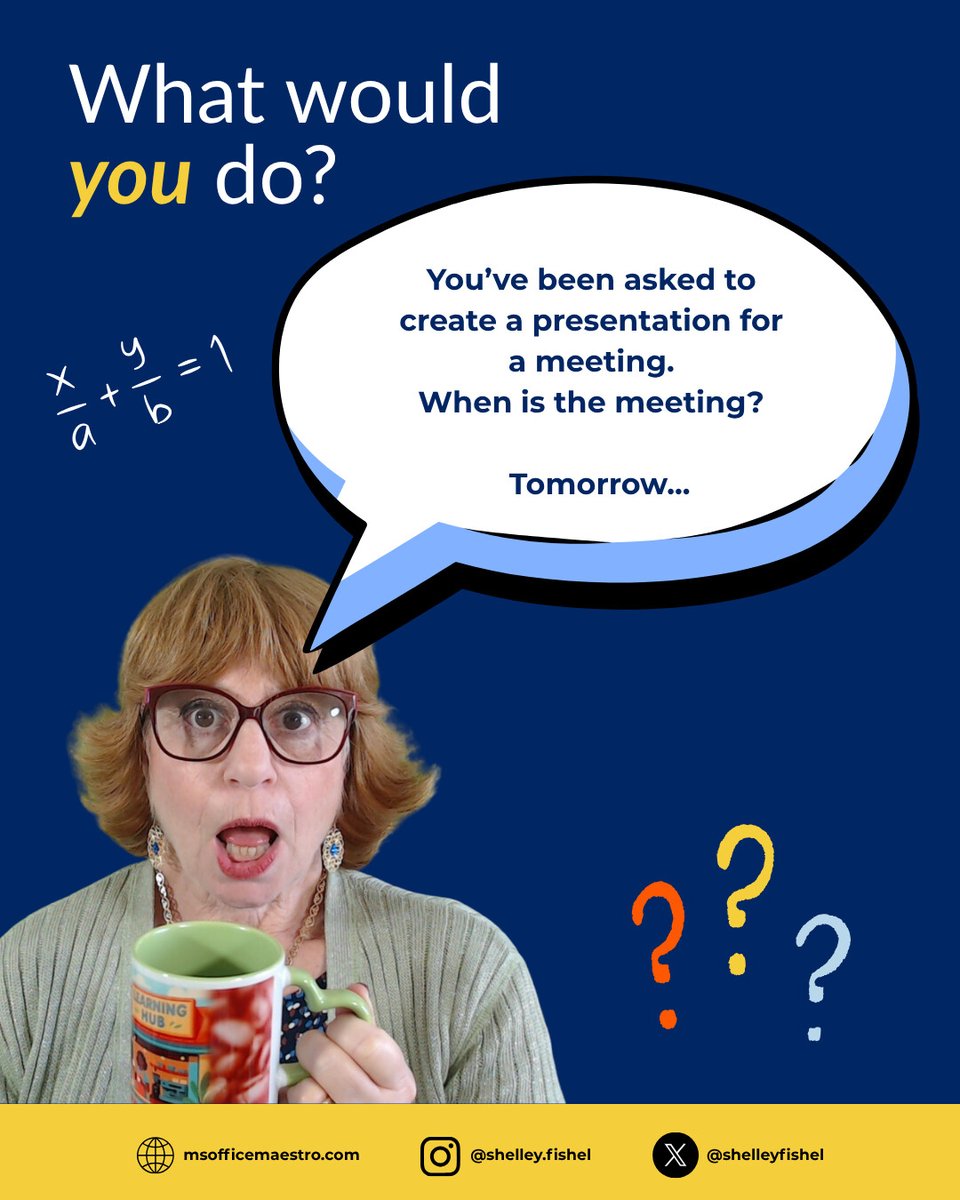

👀 What would you do?
You need to build a presentation… and the meeting is tomorrow. 😩
💡 My approach:
✔️ Use Copilot for a first draft
✔️ Structure first
✔️ Branding from the start
✔️ Refine the message
#executiveassistant #virtualassistant #Copilot #PowerPoint
17

May 31
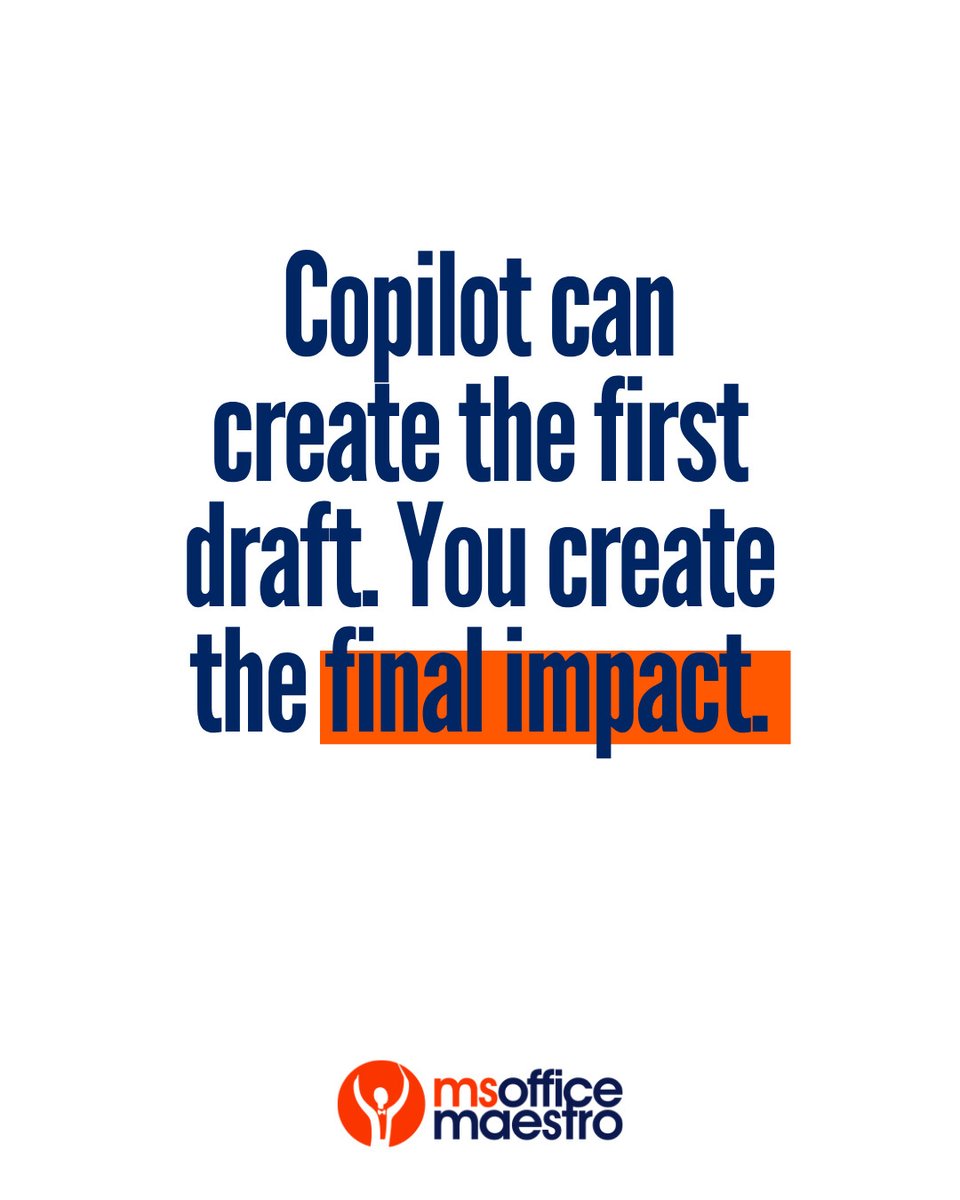
Copilot can help you create faster, there's no doubt about it, but the real value comes from the human touch behind it.
Your judgement, experience and understanding are what turn a first draft into something meaningful.
Would you agree?
#VirtualAssistants #ExecutiveAssistants
May 29
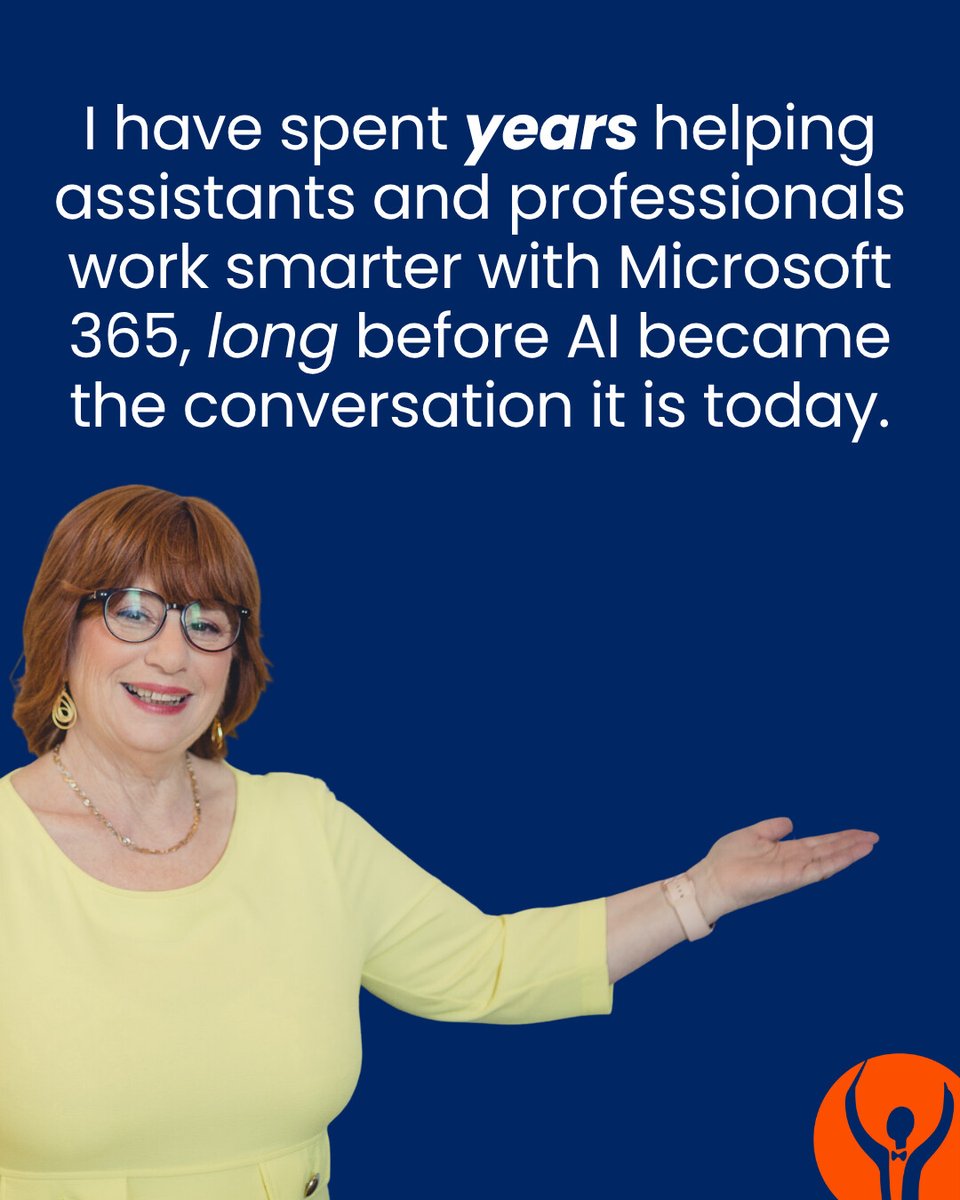
💡 I’ve been helping assistants & professionals work smarter with Microsoft 365 long before AI became the conversation it is today.
My approach?
No jargon or overwhelm. Just practical skills that make a real difference
msofficemaestro.com
13
May 28
You don’t need to know everything about AI to start using it well.
Most confidence comes from trying small things consistently.
Don't try & use AI for the first time with a huge project. Learning how AI works is SO important if you want to get it right.
officemaestro.com
3
May 27
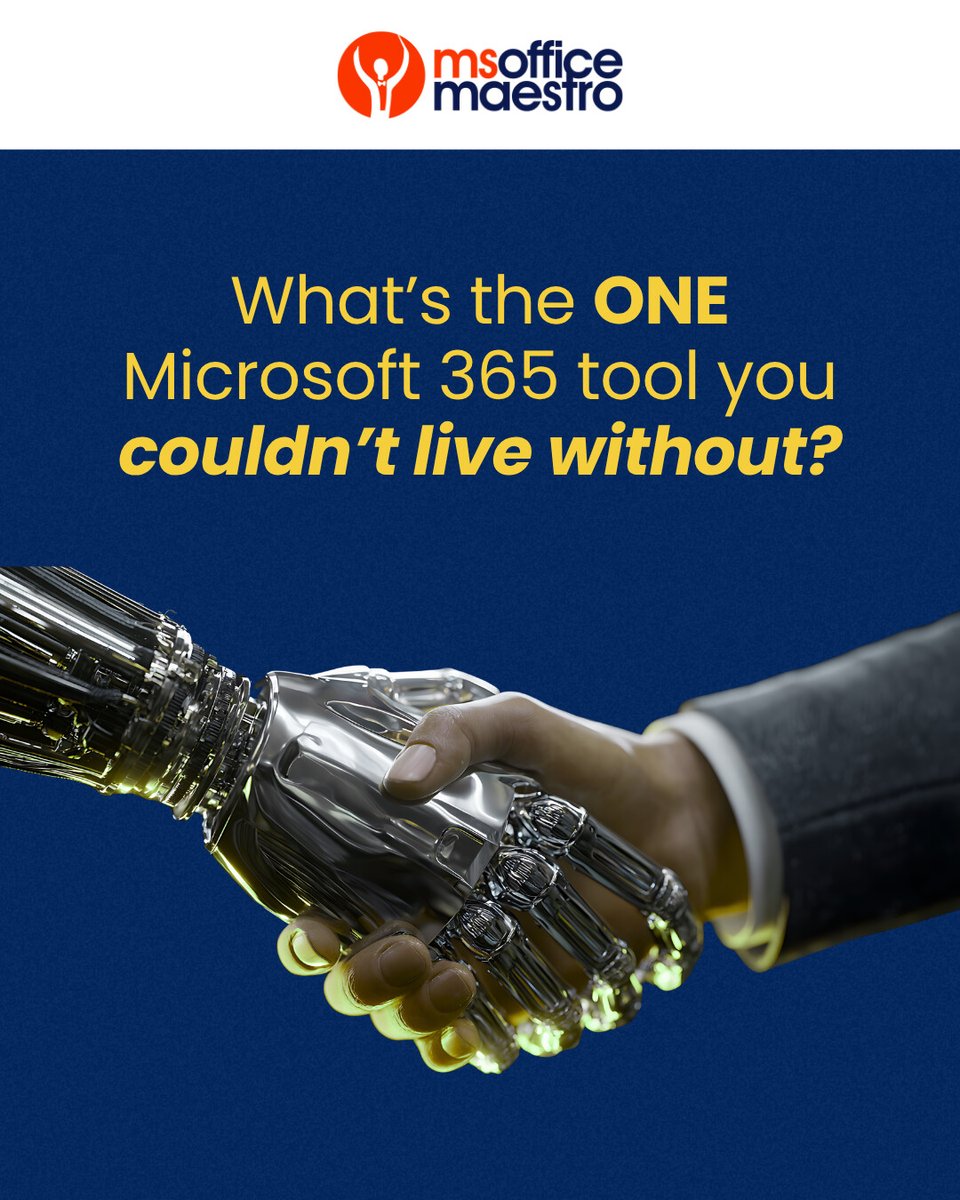
Quick question…
What’s the ONE Microsoft 365 tool you couldn’t live without?
📧 Outlook
💬 Teams
📊 Excel
📝 Word
🎞️ PowerPoint
Or something else? Pop the corresponding emoji in the comments..
#virtualassistant #executiveassistant
22
May 26
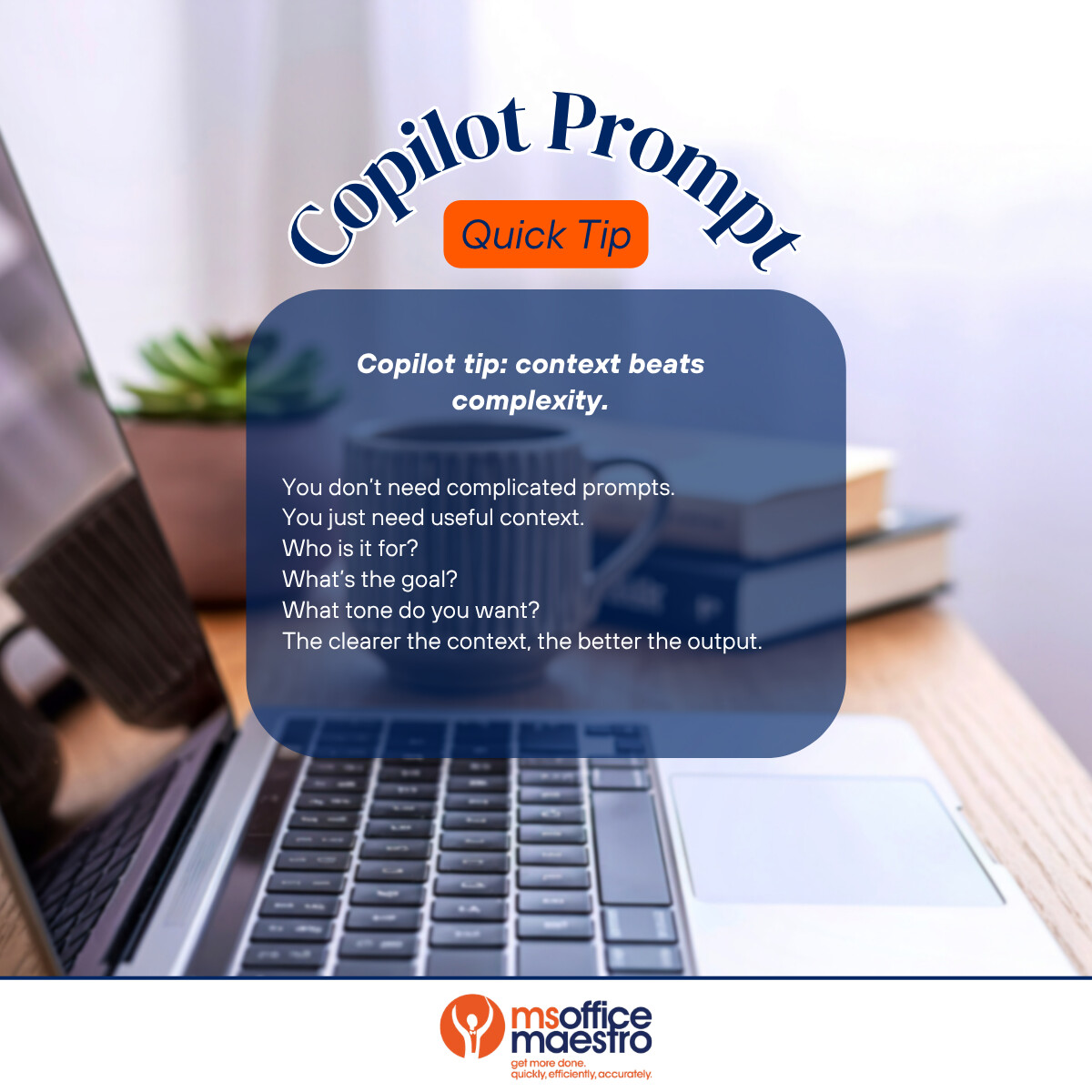
Copilot tip: context beats complexity.
You don’t need complicated prompts.
You just need useful context.
Who is it for?
What’s the goal?
What tone do you want?
The clearer the context, the better the output!
#virtualassistant #executiveassistant
9
May 25
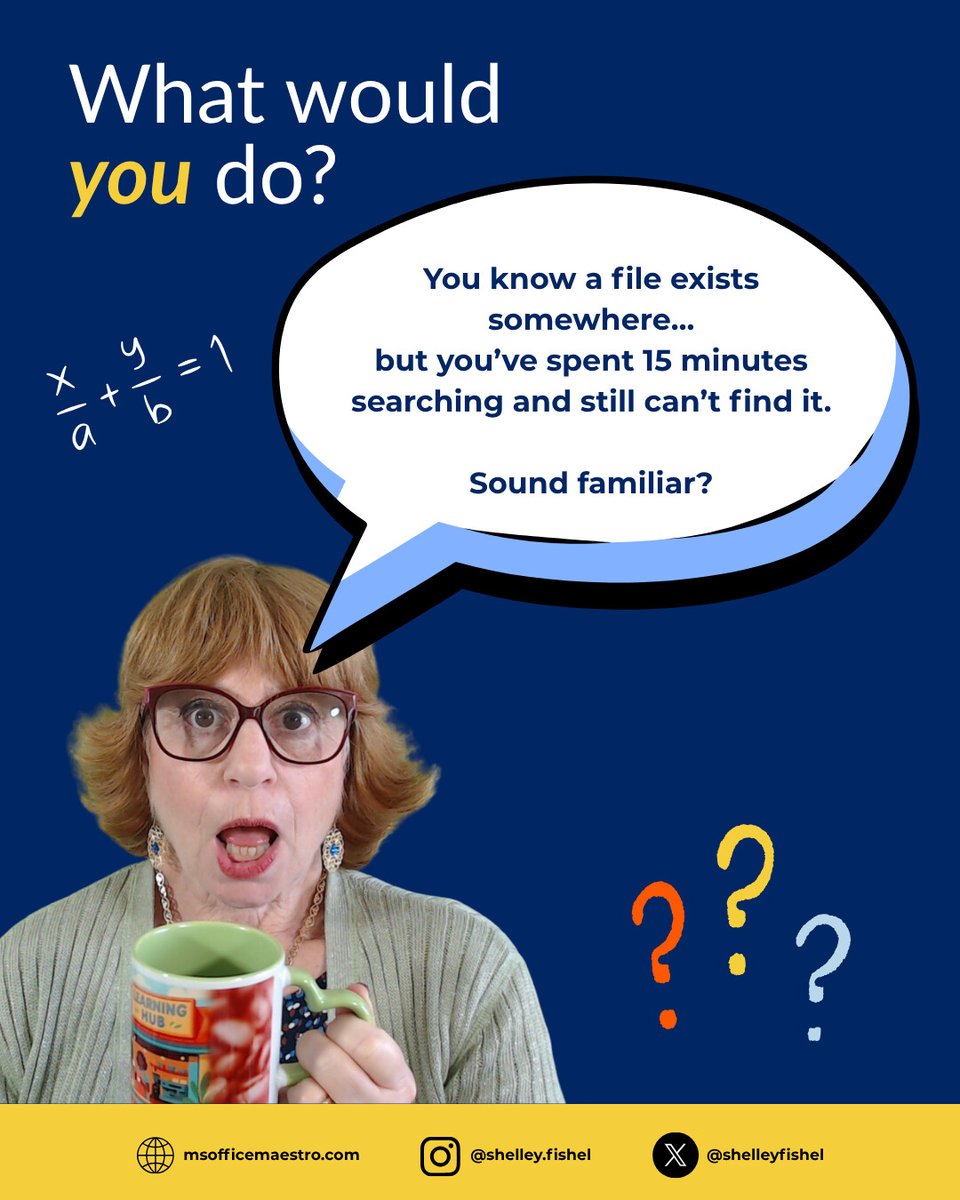
What would you do?
My approach:
• Search by keywords, not just file names
• Check OneDrive/SharePoint first
• Use filters and recent activity
• Keep file names clear and consistent from the start
Good organisation saves more time than most people realise.
#virtualassistants
11
May 24
Most people only scratch the surface of Microsoft 365, however when you understand how Outlook, Teams, Word, PowerPoint and Copilot connect, your workflow becomes smoother, faster and far less stressful.
Let me know what success you've had with MS365.
#virtualassistant
29
May 22
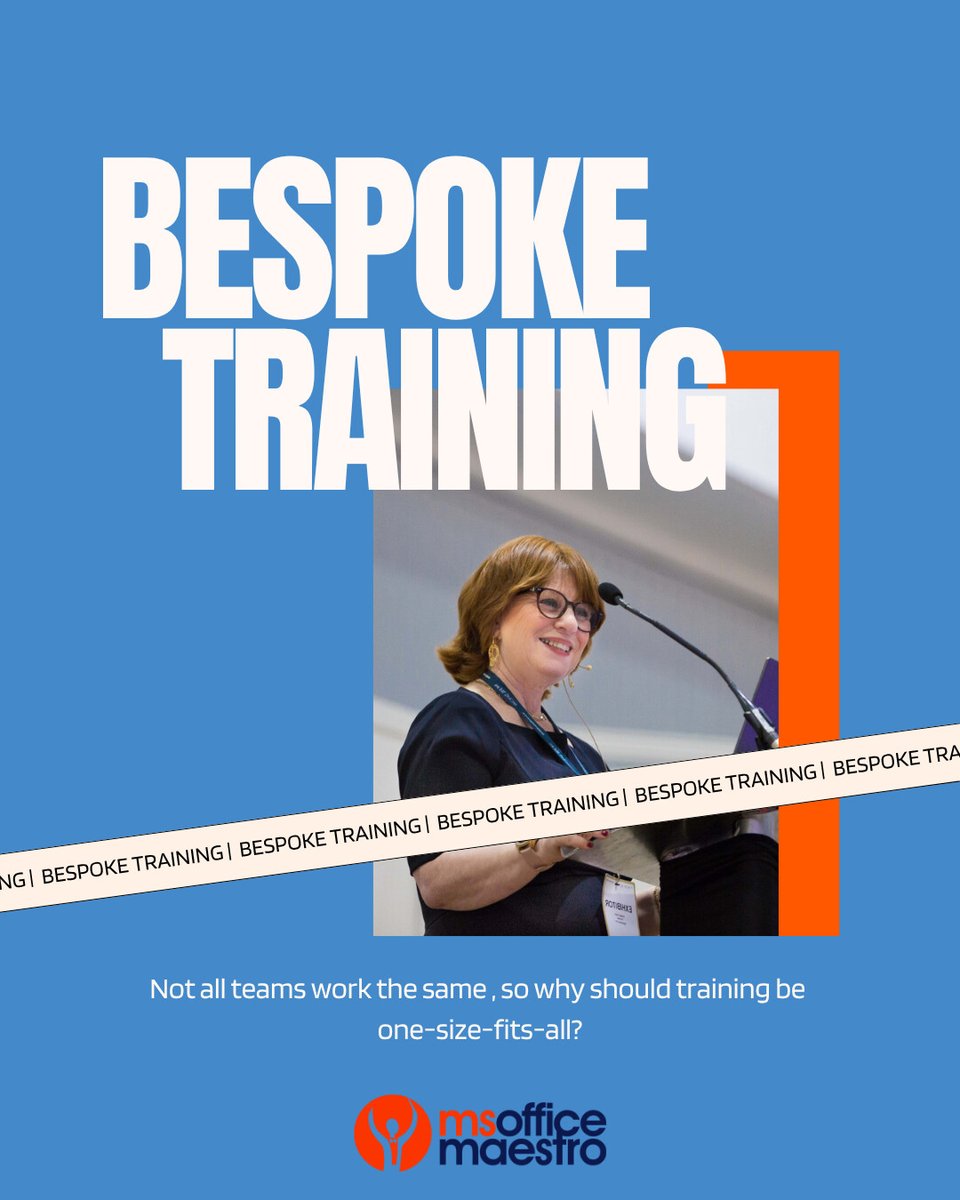
Every team works differently, which is why one-size-fits-all training rarely works.
My bespoke Microsoft 365 and AI training sessions are tailored around your team, your workflows and your real challenges in whatever setting you're in.
msofficemaestro.com/bespoke-…
#virtualassistant
8
May 21
Be honest…
How many tabs do you currently have open right now?
I want just 1 number (or 2 if you're in double figures! 😉) - Pop it in the comments below and lets see what the average is that people have open.
#virtualassistant #executiveassistant
4
May 20
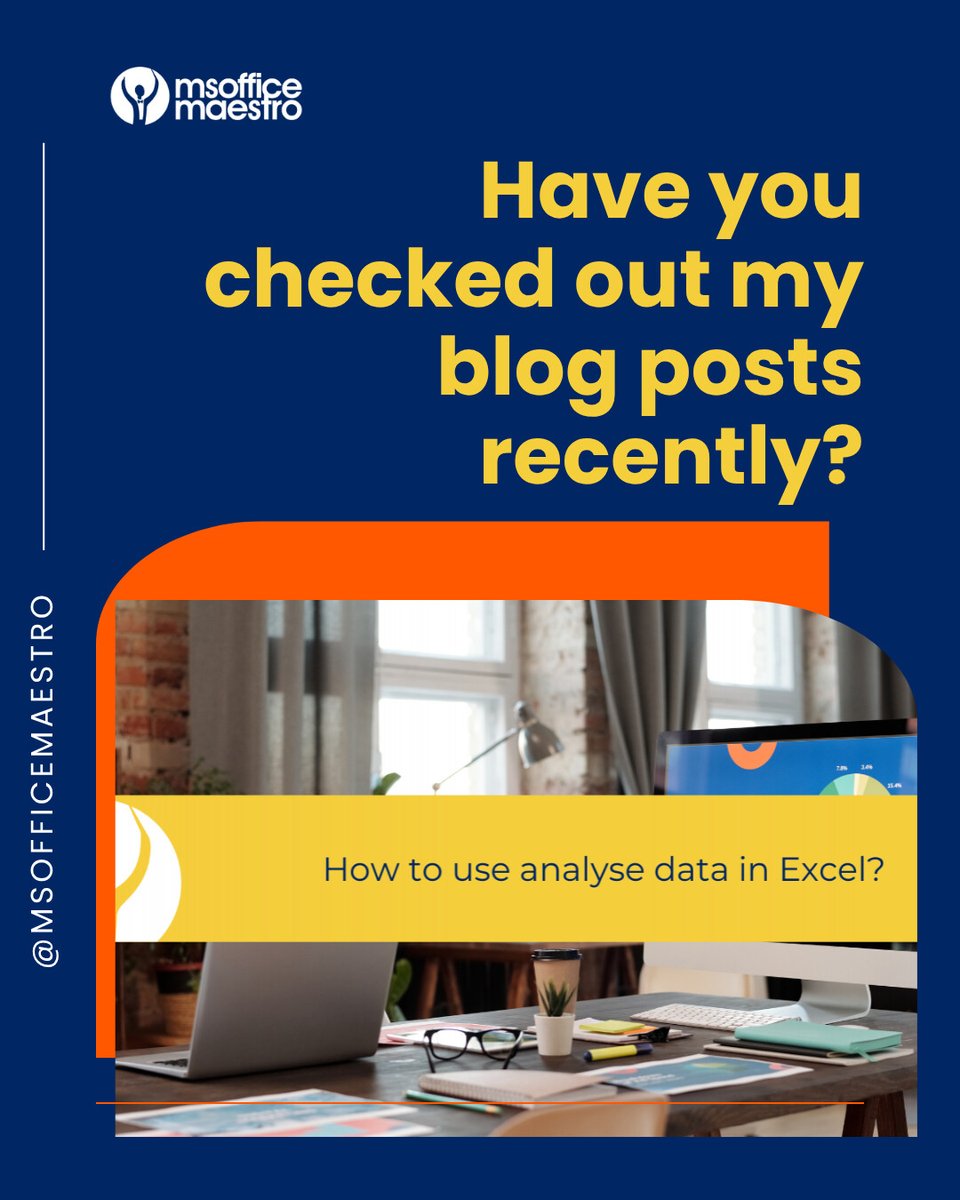
Have you checked out the blogs on my website lately?
From Outlook tips and Copilot guidance to productivity & Microsoft 365 know-how, there’s plenty of practical advice designed to make your working day easier.
Quick reads too if you're short on time!
#virtualassistant
1
41
May 19
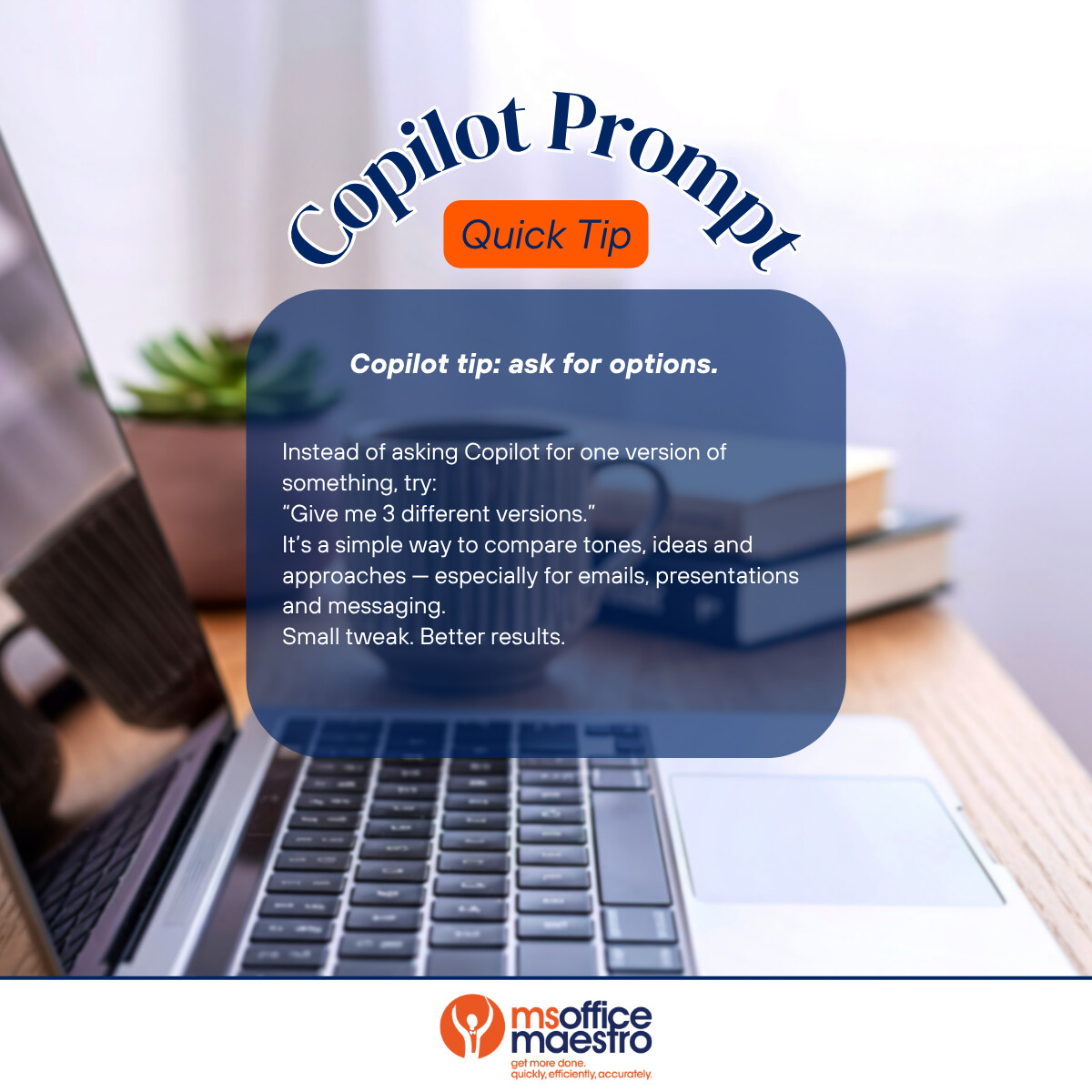
Instead of asking Copilot for one version of something, try:
“Give me 3 different versions.”
It’s a simple way to compare tones, ideas and approaches — especially for emails, presentations and messaging. Small tweak - B=better results.
#virtualassistants
6
May 18
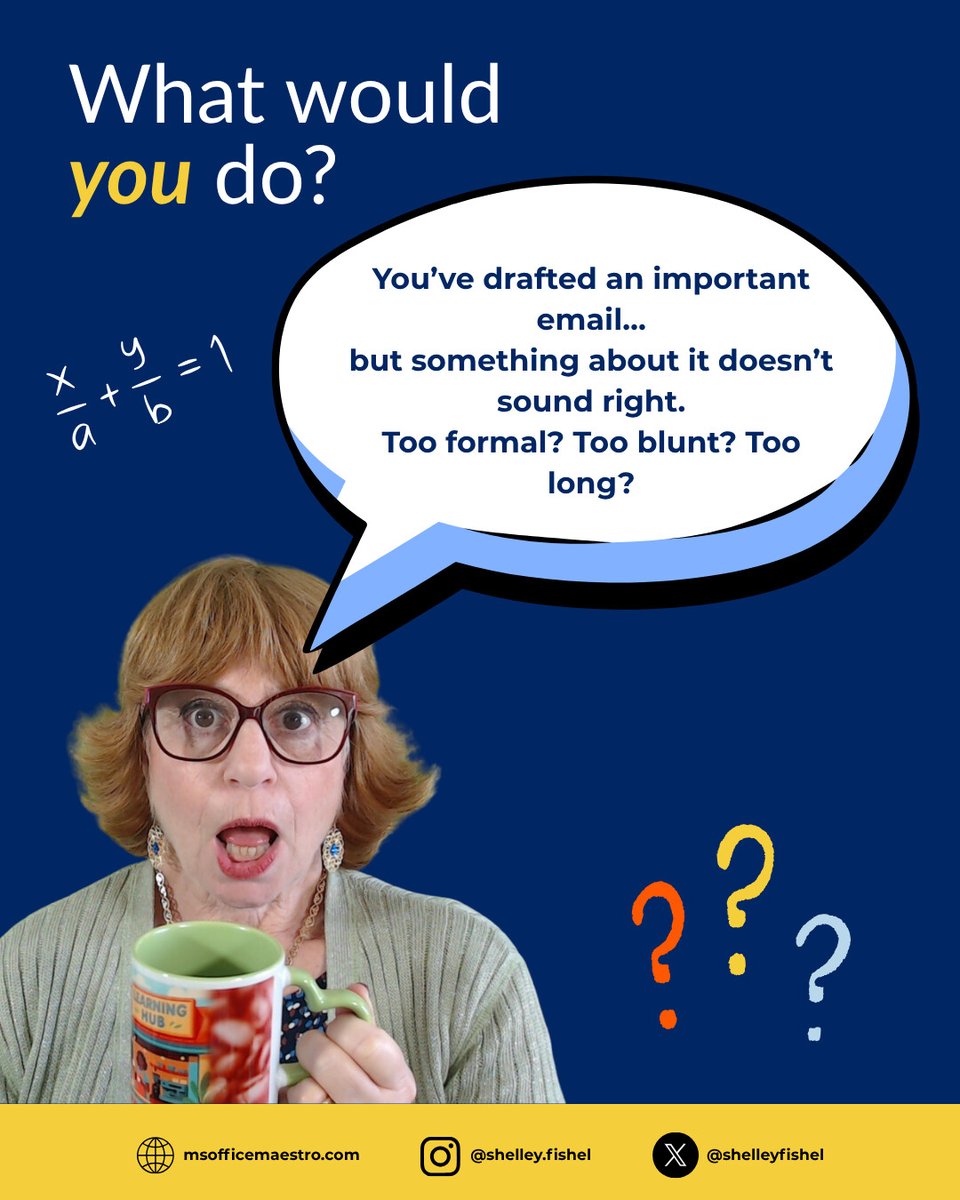
What would you do in this situation?
My approach:
• Use Copilot to suggest a different tone
• Ask it to make the message clearer or more concise
• Review it carefully so it still sounds human
• Never hit send without checking it yourself
#virtualassistant
10
May 17
AI isn’t here to replace skilled assistants (as many people like to think!). It’s here to enhance what they already do brilliantly.
Let me know your thoughts on AI and assistants below...
#virtualassistants #virtualassistance
2
May 15
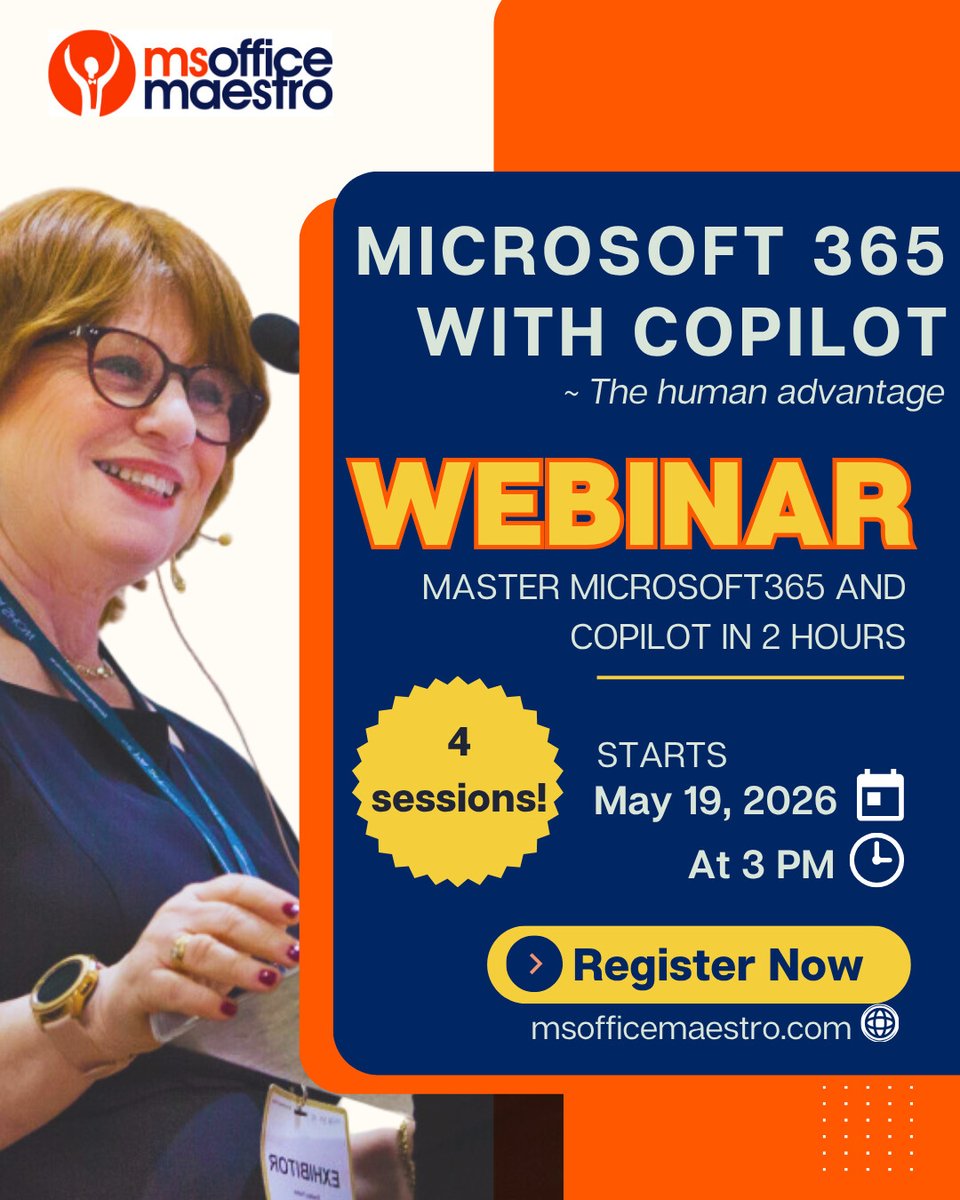
AI helps you get from blank page to first draft faster, with less stress and more confidence.
This live webinar shows assistants how to use Microsoft365 Copilot to work faster, smarter & with less stress.
Book now (spaces go fast!):
msofficemaestro.com/live-web…
#VirtualAssistant
1
15
May 14
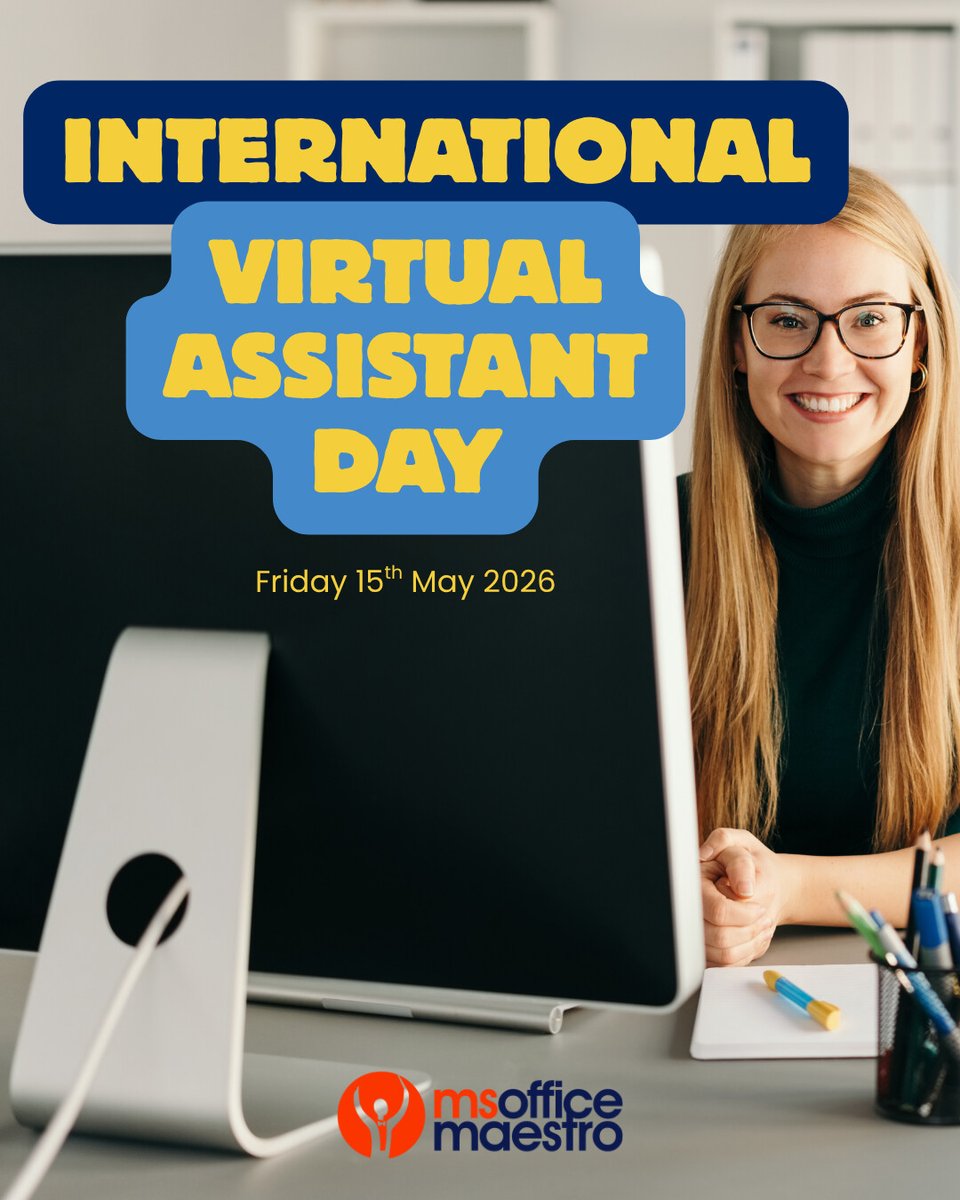
Tomorrow is International Virtual Assistants Day!
I've seen the role evolve — from organisation to problem-solving, tech, and keeping everything running smoothly.
With tools like Copilot & AI, assistants aren’t replaced — they’re enhanced 💙
Here's to all the VA's!
#VA
15
May 13
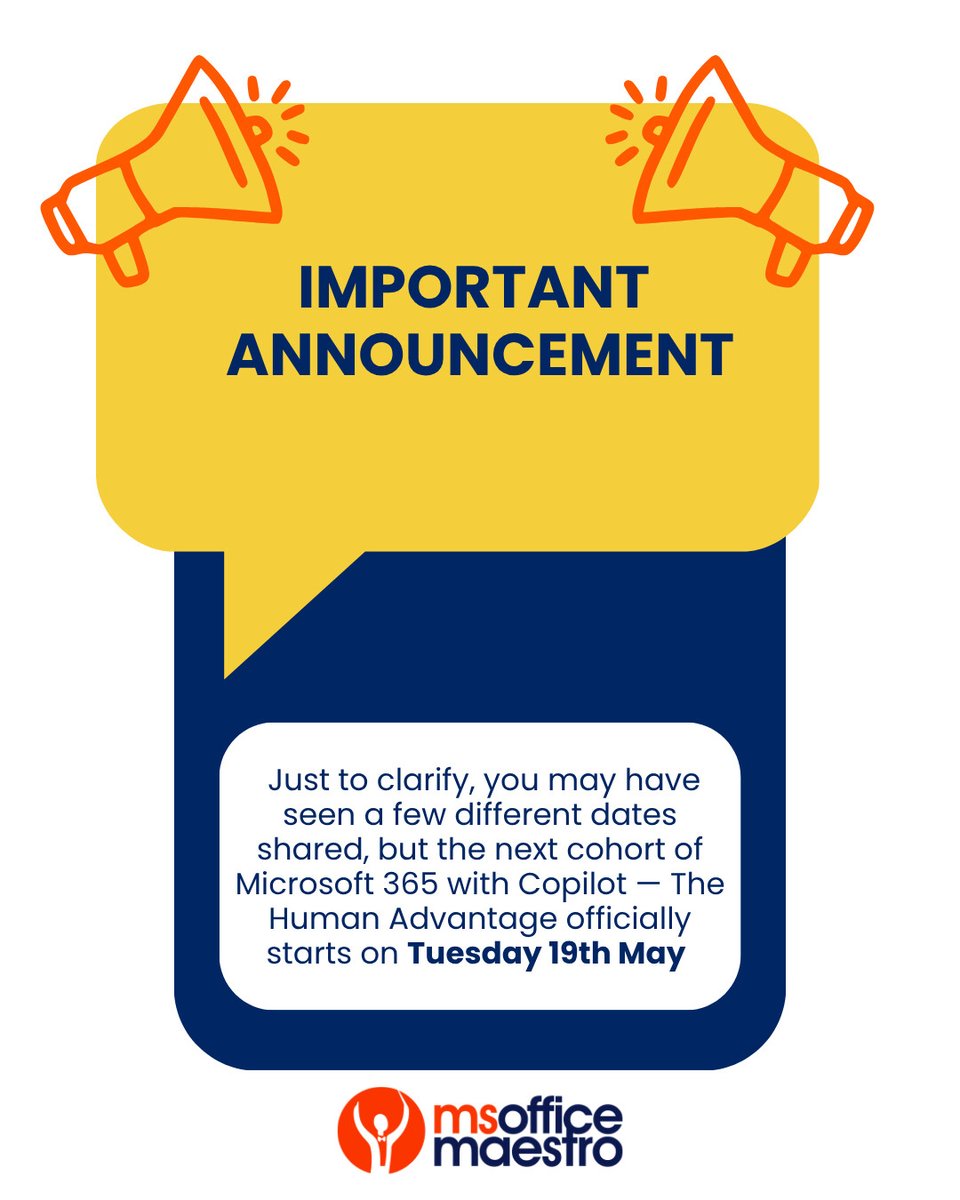
Important Announcement to everyone attending next weeks' cohort!
#virtualassistant #executiveassistant #VA #Microsoft365
10
May 12
Mental Health Awareness Week
Work stress isn’t always about workload — it’s how you’re working.
Better systems smarter tools = less overwhelm, more headspace 💙
What’s one thing you could simplify this week?
#MentalHealthAwarenessWeek #Virtualassistants
6
May 11
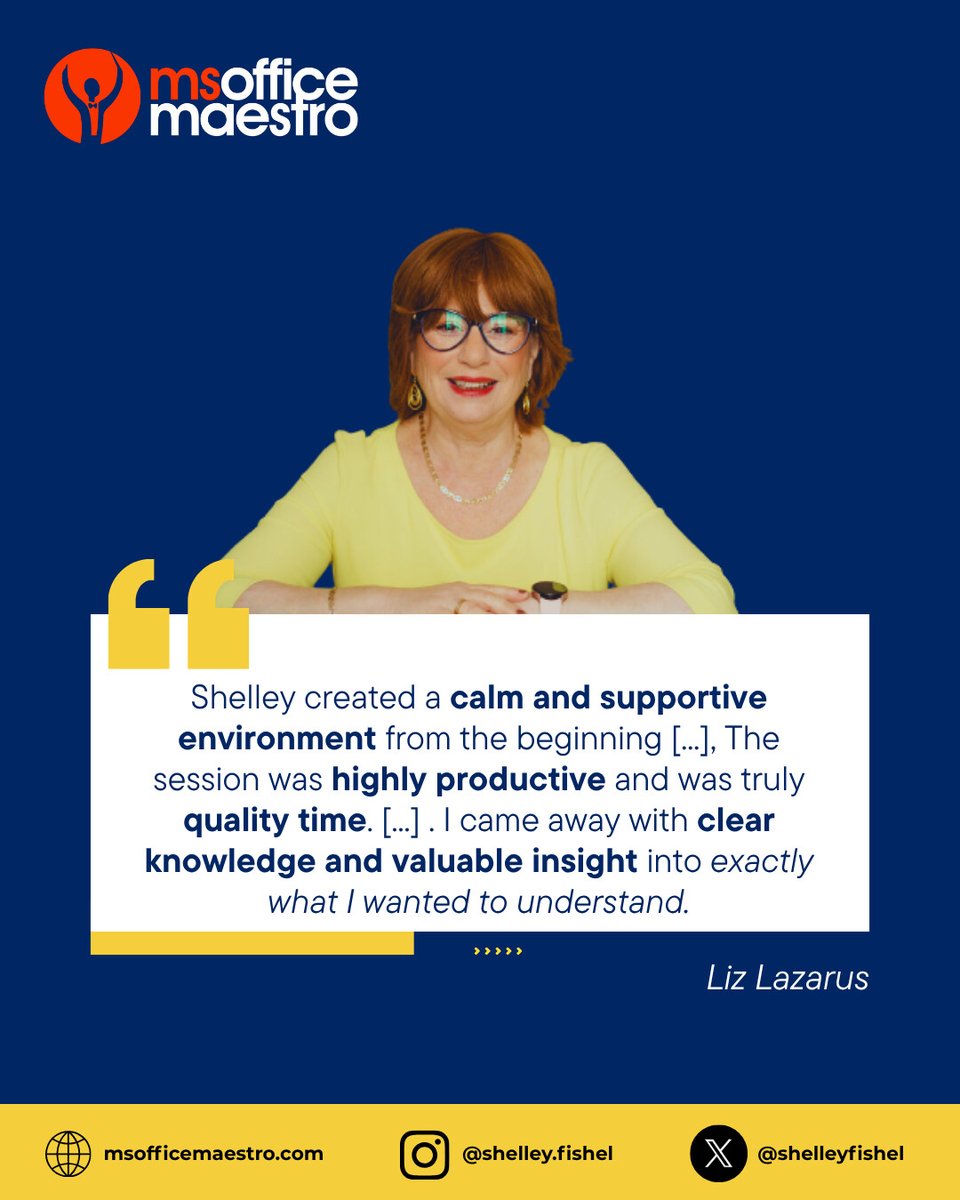
This is what it’s really about — building confidence and making everyday work feel easier.
Liz invested in some training and was so glad she did!
#executiveassistant #virtualassistant #copilot #aitraining
4
May 10
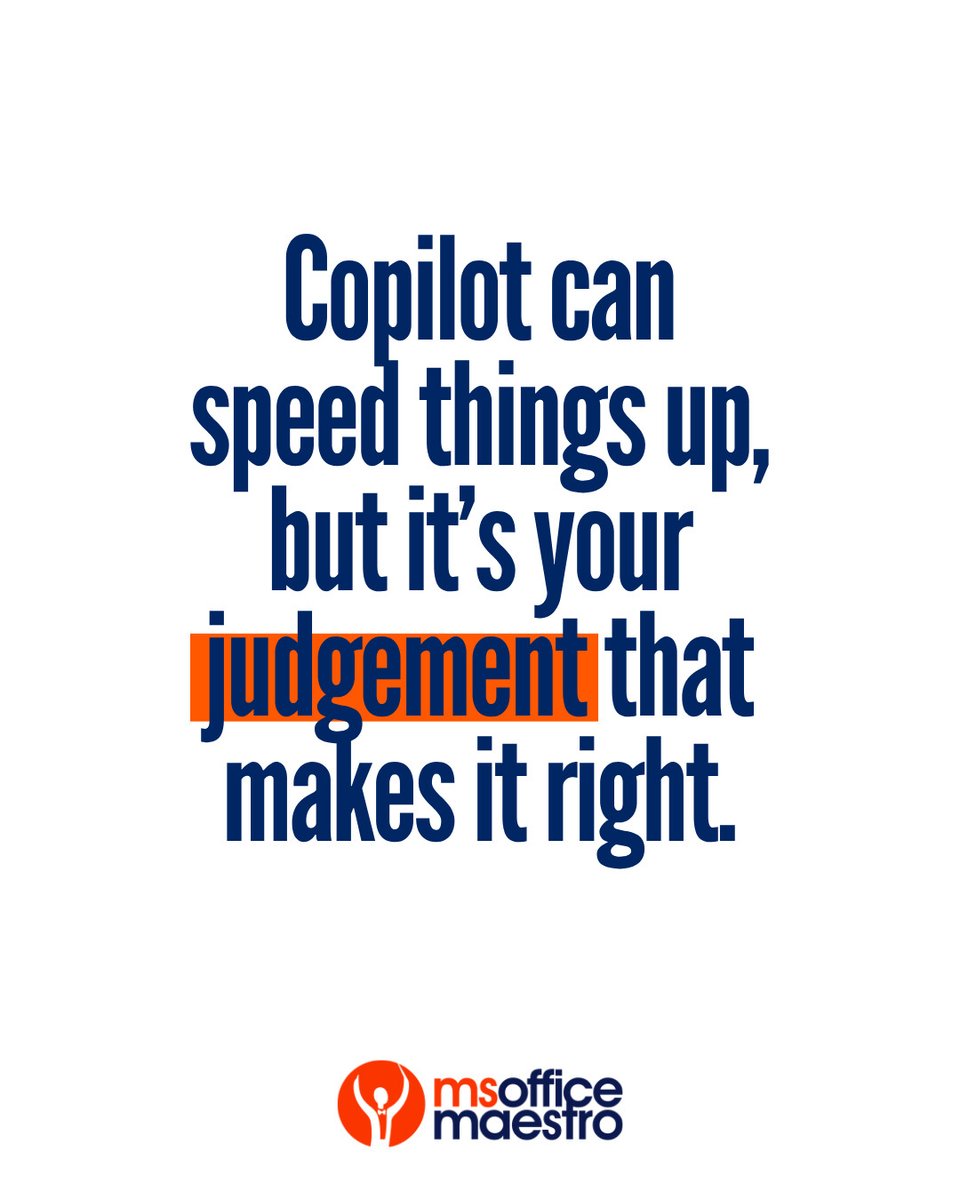
Copilot can speed things up, but your judgement makes it right.
AI can draft, summarise, create etc, but knowing what to change (or not send!) is what really matters.
You’re still in control, remember that!
#virtualassistant #AI #ExecutiveAssistant
1
9