
Joined April 2018
- Tweets 2,992
- Following 161
- Followers 26,617
- Likes 2,689
1,650 Photos and videos
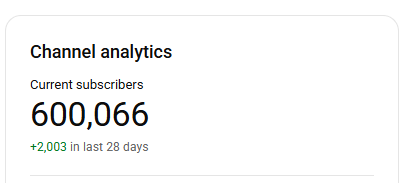




wohoo 600k! It's crazy how this channel has already been such a long journey, I hope you've all learned a ton from my videos! Best of luck in your game dev journeys!
6
2
82
1,718
Quick Tip: If you're looking for help with something don't just say "It's not working"!
There's a million ways something can "not work" and if you don't identify exactly what doesn't work then no one can help you.
Is the code not running at all? Is there an error in the console? Is it behaving differently than expected? Does it look visually strange? Is it working correctly but then something goes wrong?
All of those fit the definition of "not working" and they all have different causes and different solutions, without knowing exactly what the issue is it's impossible for anyone to help.
Step one to solve any problem: Identify exactly what the problem is.
2
3
18
853

Jun 12
What exactly is the perfect formula to make a game fun? A concept could look like fun in theory but how do you ensure it is actually fun?
That's always a super tricky question because "fun" is something that can't really be measured. The way you figure out if a game is fun is through tons and tons of playtesting, both playtesting yourself and getting others to play it.
Sometimes yes something sounds like a lot of fun in your mind, but once you make a prototype it doesn't seem fun at all, that's part of the process, that's why idea validation is so important.
You need to test your idea before you commit serious time and resources to it. If you spend 1 year working on a game without even testing if the idea is fun then that's a very risky move.
1
1
13
690
Jun 12
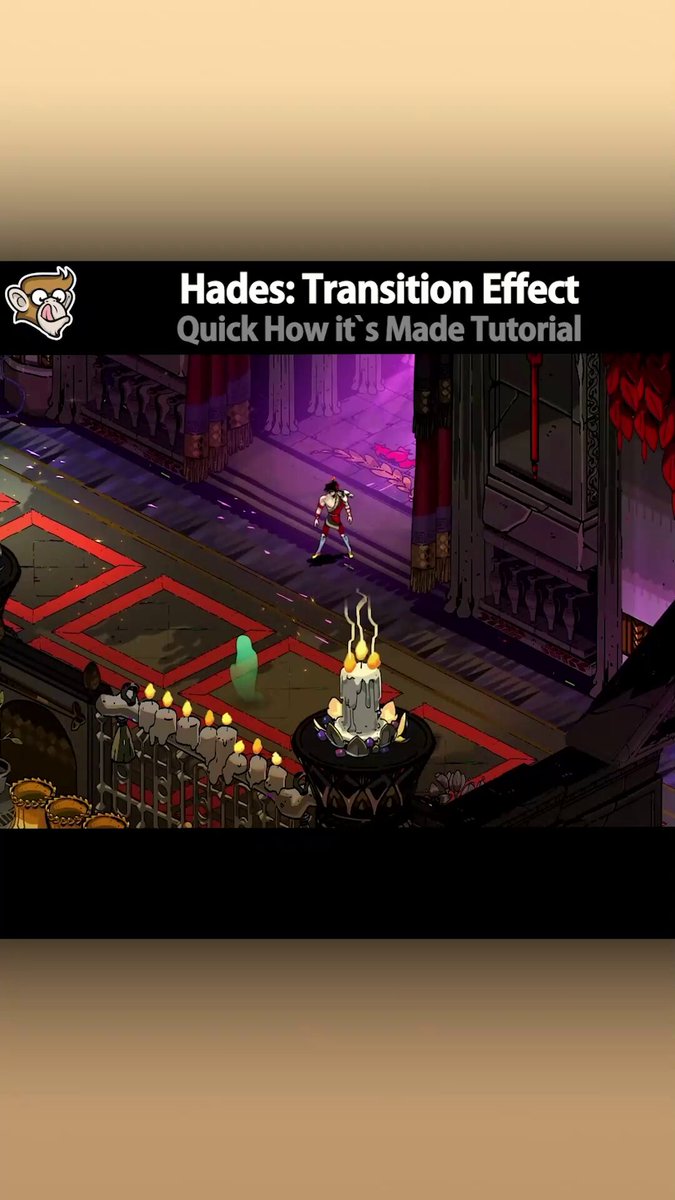
Hades: Transition Effect (Quick How It's Made | Unity Tutorial)
3
93
4,596
Jun 12
What is the possible error in this code:
tickTimer = Time.deltaTime;
if (tickTimer >= TICK_TIMER_MAX) {
tickTimer -= TICK_TIMER_MAX;
tick ;
OnTickEvent(this, EventArgs.Empty);
}
A) None
B) NullReferenceException
C) Crash
(answer in reply below)
40%
(A)
43%
(B)
16%
(C)
92 votes • Final results
9
16
6,407
Jun 12
#### ANSWER ####
#### ANSWER ####
#### ANSWER ####
#### ANSWER ####
#### ANSWER ####
#### ANSWER ####
#### ANSWER ####
#### ANSWER ####
#### ANSWER ####
#### ANSWER ####
#### ANSWER ####
#### ANSWER ####
(B)
OnTickEvent might cause a NullReferenceException if there are no subscribers to the event.
You always need to check for null before triggering an event.
if (OnTickEvent != null) OnTickEvent(this, EventArgs.Empty);
Or use the shorthand ? null-conditional operator which will auto-test for null.
OnTickEvent?.Invoke(this, EventArgs.Empty);
Check out the lecture on Events in my FREE C# Course youtube.com/watch?v=qZpMX8Re…
3
6
1,127
Jun 11
Your game isn't "for everyone", it needs an audience that WANTS it!
Don't try to appeal to literally all 2 billion gamers in the world. Pick one niche/genre, ideally one where you can confirm that there are players that want more games like it, and then make something those players would want to play.
Does anyone want to play Flappy Bird Clone #56? Probably not. Does anyone want to play another wacky Simulator game? Probably yes.
If you want to find success with your games you NEED to make sure you pick an idea that appeals to players. But of course if you're making games just for fun then feel free to just make something YOU want to play.
11
827
Jun 11
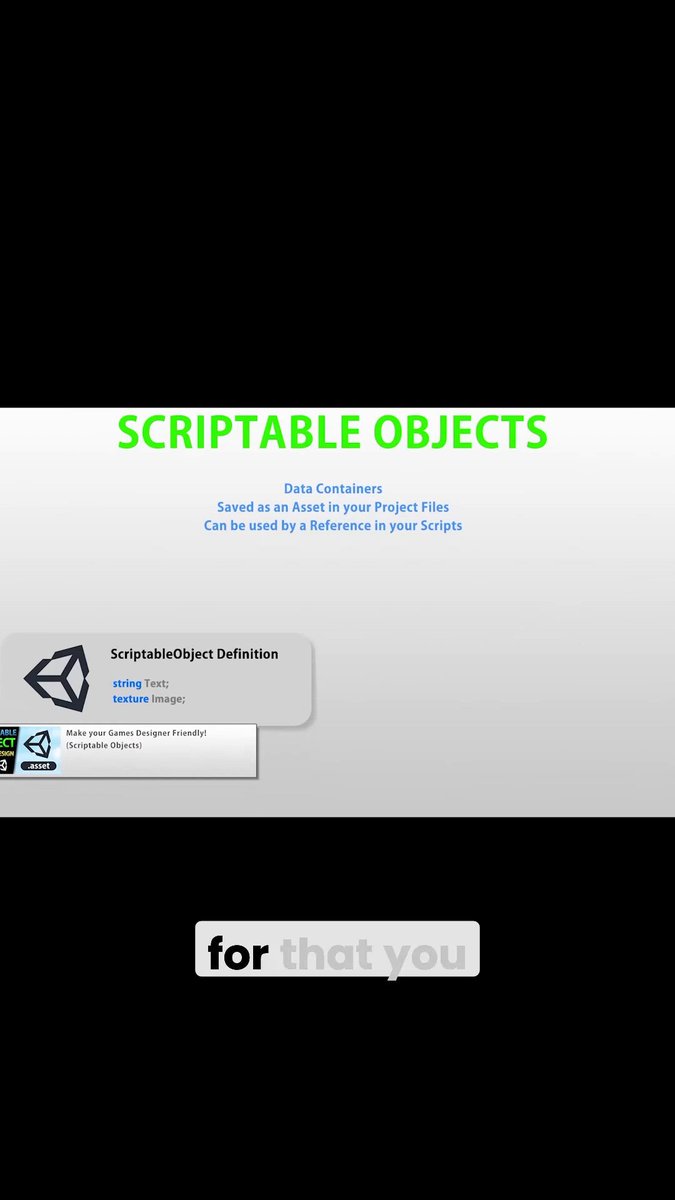
Scriptable Objects are an extremely useful Unity feature!
32
900
Jun 10
Sometimes when I talk about Game Dev (Financial) Success I get comments like: "what if I don't care if my game is successful? What if I just want to make something for myself? Do I still need to follow all this marketing and genre advice?"
If you're making games just for fun then there are no rules! Make whatever you want and spend whatever time and resources you want.
If it's just for fun then as long as you're having fun and enjoying the journey you're doing great! Keep going!
Personally I do fitness for fun, I go to the gym every day, I run, I lift, I've been doing it for almost 10 years, I've spent thousands of dollars on gym memberships, equipment, supplements, etc. And in all that time I've made $0 from it which is fine since money is not my goal! I'm enjoying the journey and have no intention whatsoever of turning that hobby into a job.
If that's game dev for you, if it's a hobby for fun, then yup do whatever you want! If you want to spend 5 years making a 2D Puzzle Platformer then go for it! There are no rules if you're making something for fun.
But if your goal is to make games for a living then it really pays to listen to advice so you increase your odds of finding success.
1
23
883
Jun 9
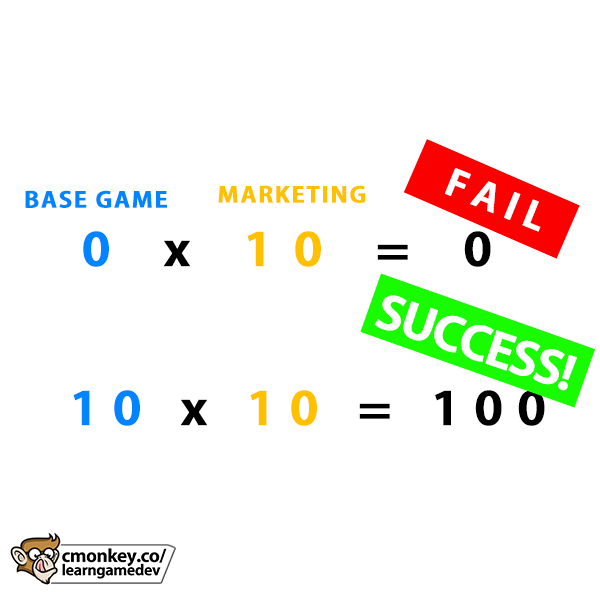
Game marketing doesn't fix a game few people want. I'll say it again: MARKETING IS A MULTIPLIER.
If your game is a Flappy Bird clone in 2026, even if you spend $5000 on ads you won't get any sales/wishlists.
If your game has a base value of 0, then anything multiplied by 0 is still 0! So the most awesome most clever marketing in the world won't save a weak game idea.
In order to find success you need to make something people are genuinely excited for. Test your idea's appeal early with real humans. If you do that then your odds off success are infinitely higher than if you just make "yet another 2D Puzzle Platformer"
1
2
39
1,421
Jun 9
If I do:
Instantiate(myPrefab, Input.mousePosition, Quaternion.identity);
Will myPrefab be spawned under the mouse?
A) Yes
B) No
(answer in reply below)
28%
(A)
72%
(B)
198 votes • Final results
3
23
5,492
Jun 9
#### ANSWER ####
#### ANSWER ####
#### ANSWER ####
#### ANSWER ####
#### ANSWER ####
#### ANSWER ####
#### ANSWER ####
#### ANSWER ####
#### ANSWER ####
#### ANSWER ####
#### ANSWER ####
#### ANSWER ####
(B)
Input.mousePosition returns the Screen Pixel coordinates that are dependent on Resolution, it is not in World space.
In order to get a World position from the Mouse you need to convert from Screen Space into World Space
In a 2D Game you can do it with:
Vector3 worldPosition = Camera.main.ScreenToWorldPoint(Input.mousePosition);
And in a 3D game you need to do a Raycast in order to intersect some position in the world, like a Terrain/Floor.
I covered both methods and made a really useful helper class that I've used in a ton of videos here:
##REF##video_small, 0jTPKz3ga4w, How to get Mouse Position in 3D and 2D!##REF##
For example this is how you can handle finding the Shoot point in a Third Person Shooter
##REF##video_small, FbM4CkqtOuA, Awesome Third Person Shooter Controller!##REF## ##REF##video_small, luBBz5oeR4Q, PERFECT Weapon Aiming! (IK, Unity Tutorial Third Person Shooter)##REF##
Or if you want to work with the UI use RectTransformUtility.ScreenPointToLocalPointInRectangle();
1
2
18
1,045
Jun 8
How do you know if a game idea is fun or not? When should you drop a game idea?
"fun" is really hard because it's impossible to measure, there's no objective "fun" meter. So the only way is to playtest constantly, both by yourself and ask friends and other players to play and give you their feedback.
If the feedback you get on your prototype is negative then absolutely you should drop that idea and go back to the drawing board. Remember how it's much easier to drop a project in the beginning, rather than spend 6 months working on something and then be disappointed when it sells 0 copies because you ignored negative feedback at the start.
But it's also up to you to analyze that feedback. It might be fixable, maybe you can tweak some things to get the project onto a good state.
As always the only way to know is to constantly playtest, if the feedback is improving then you're on the right track so keep working on it, but if you're working super hard to improve and the feedback just keeps coming back negative, then it might be wise to drop it and move on to something else.
Idea Selection and Idea Validation are extremely important things nowadays (if your goal is to find success), so do not neglect this very important step!
2
1
16
1,135
Jun 6
How much should current trends influence the games that you make? Should you make just what you want, or just what the market wants? Or something in between?
The answer first starts with being honest with yourself about what exactly you want out of game development. Is it a hobby just for fun? Or a job intended to make money? The games that you should make depends heavily on your answer to this question.
Ideally, if your goal is financial success, then the idea that you pick should be a mix between games you want to make and genres that are currently hot. For me that's not an issue at all since the current hot genres are exactly the games I want to make: Incremental games, Simulator games, Strategy games, etc.
Genre is super important and massively defines your odds of success, so if your goal is indeed financial success then picking the right genre is key. If your goal is success and your favorite genre to make are 2D Puzzle Platformers I would highly advise against it since you're going to be fighting a very tough uphill battle.
However if you are making games for fun, then there are no rules! Build whatever you want to build! Do you really want to make a 2D Puzzle Platformer or a Match-3? You will likely end up selling under 100 copies, but if the goal is fun then you will have achieved your goal! Congrats!
4
2
36
1,938
Jun 5
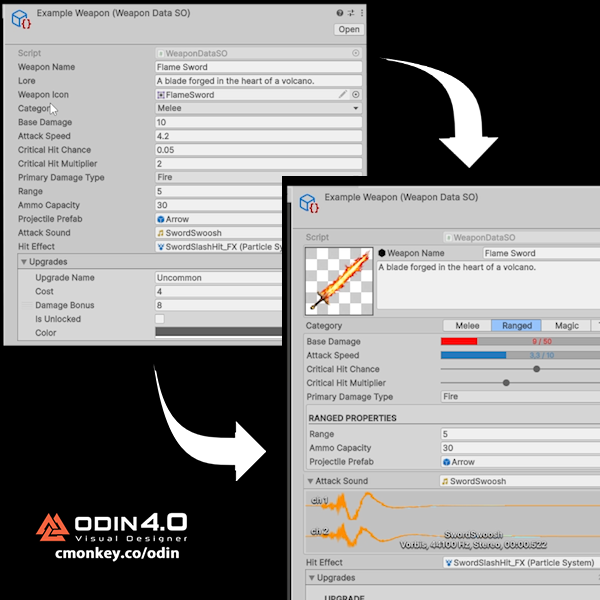
What is a Custom Inspector?
This is one of those things that sounds very advanced (and it kind of is) but it can massively improve your Unity workflow.
By default, Unity just shows your fields one after another. Technically you can customize it with a lot of complex editor code, learning how to do that is the advanced part.
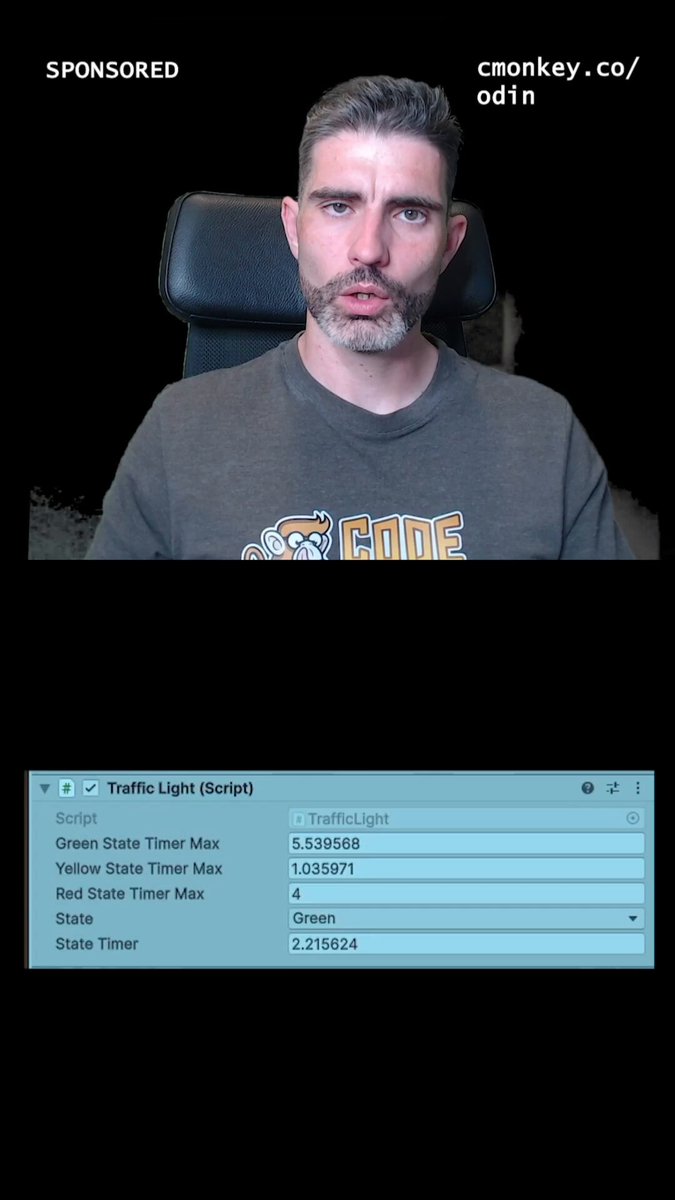
Or you can use Odin! Which now with the Visual Designer update has just become a MASSIVE productivity booster whilst being insanely easy to use. In a few clicks you can customize the inspector in any way you can imagine. Your scripts are no longer just scripts, they become actual proper usable tools.
You can add image previews, sliders, progress bars, tabs, validation warnings, buttons, conditional fields, and a ton more.
So instead of your designer editing a confusing wall of fields, they get a clean UI that actually explains what they're editing.
And with the new Odin Visual Designer, you can build those awesome inspectors in literally seconds. You can literally right-click, open the Visual Designer, and drag things around.
This is a HUGE upgrade for anyone making tools, ScriptableObjects, data-heavy systems, or anything that designers need to touch.
Plus now they even have a completely FREE 90 day trial so you can verify that it really is an awesome tool that will help you immensely.
I have a fully detailed Tutorial video on my channel youtube.com/watch?v=ywDrlnC-…
Check out Odin at cmonkey.co/odin
@Odin_Inspector
#sponsored
44
1,560
Jun 5
13
826