Award-winning customer care from @VIZIO. Mon-Fri, 7am-9pm CT/ Sat-Sun, 9-6pm CT
Joined August 2009
- Tweets 25,773
- Following 2
- Followers 9,832
- Likes 88
25 Photos and videos

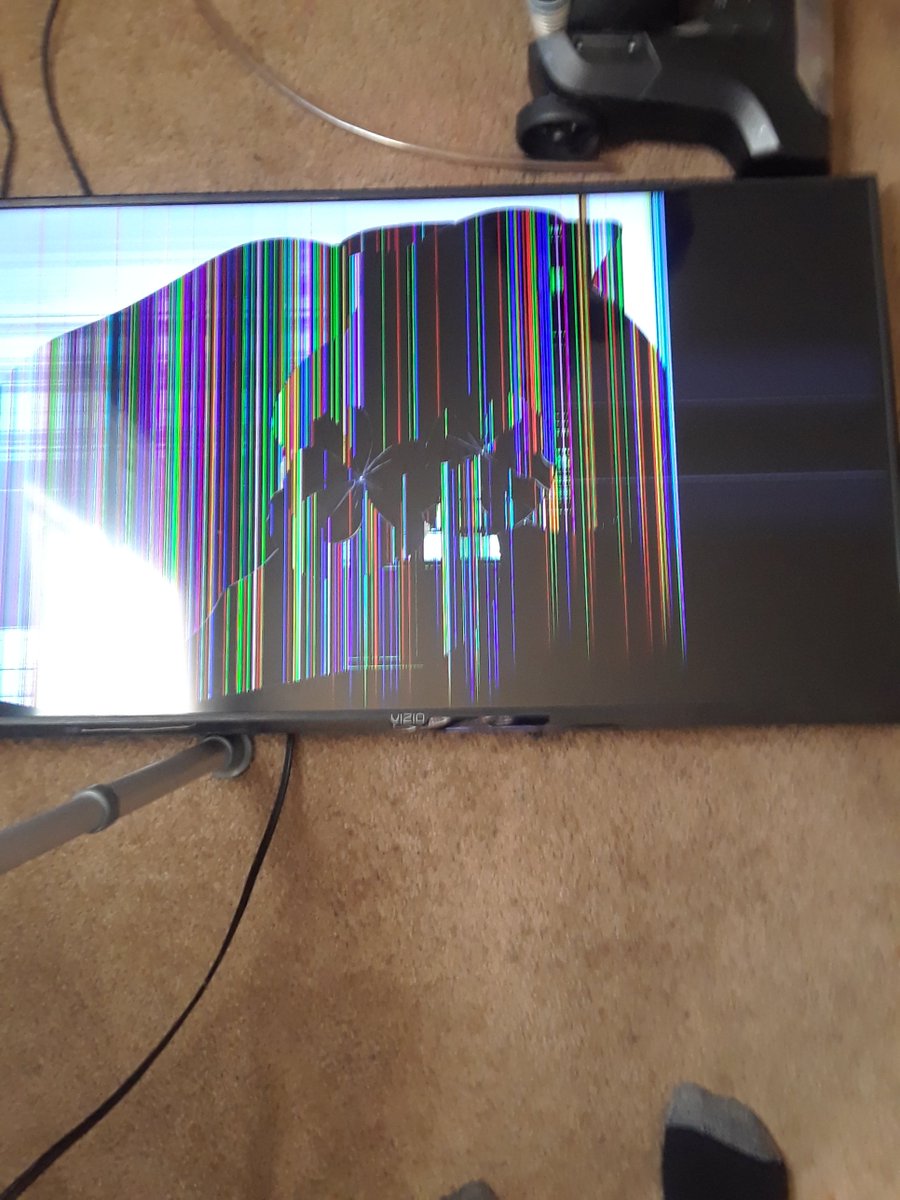

3 Dec 2021
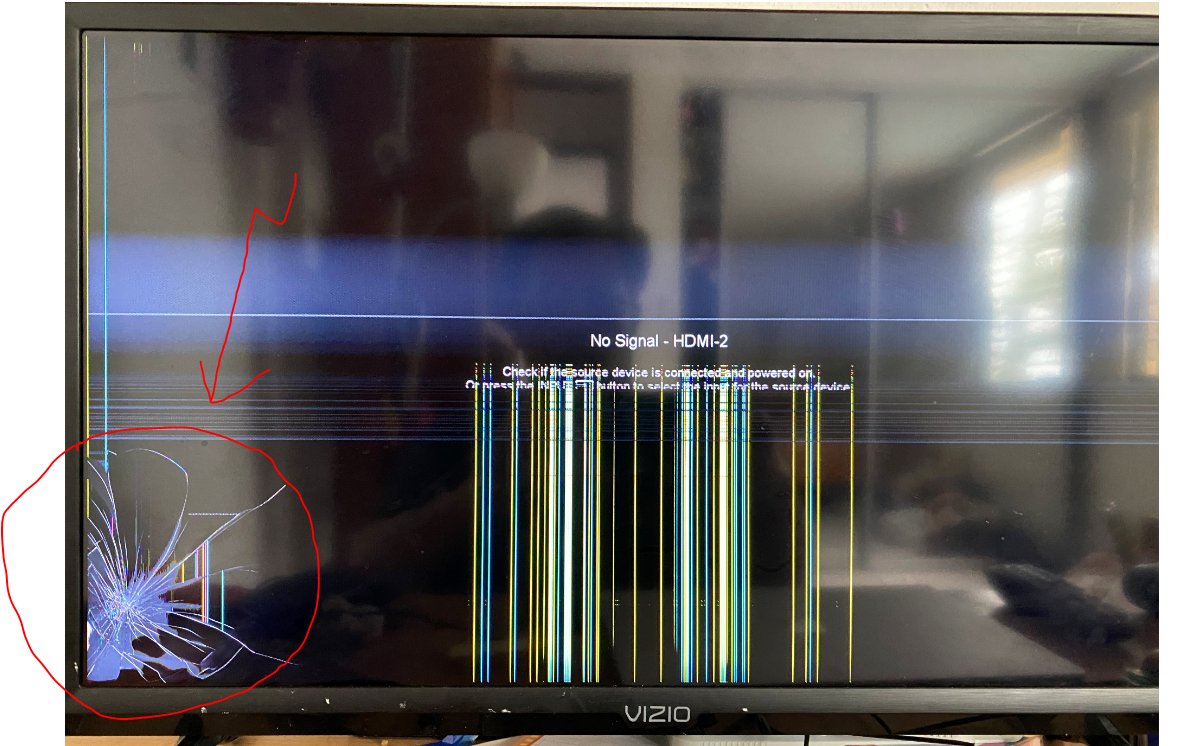
Ted, we are sorry to hear that you are having some issues with your VIZIO. Please direct message us so we can look into a resolution for this matter. Thank you and stay safe. -SH
25
2
4
27 Nov 2021
We’re happy to share that Discovery will be coming to SmartCast soon; in the meantime, VIZIO makes it easy to cast apps, videos, photos and other content directly from your phone, tablet or computer to your VIZIO TV. Thanks. -SH
7
2
6
27 Nov 2021
Hello there! At the moment, this app is not yet available on VIZIO SmartCast. However, you can always cast the app to your TV using Apple Airplay or Chromecast built-in. If/when it becomes available, it will be automatically downloaded to your SmartCast platform. Thank you! --DH
1
1
5
24 Nov 2021
I'm sorry to hear you're having an issue with your Vizio product. In order to best get you taken care of, please direct message us with your phone number and the serial number. - JF
2
1
2
18 Nov 2021
Hi there! We’d love to help you out! Please send us a Direct Message, and we’d be happy to help you with your device. Thanks! -- JH
1
2
12 Nov 2021
Hi Rain! I would like to help you. Please Direct Message us with your phone number and the serial number from the Soundbar. - JF
2
12 Nov 2021
I do understand. We need the full model number or serial number from the Soundbar to look up that information for you. - JF
1
1
17 Sep 2021
Hi there! What are you watching when you are getting 720p resolution? - NE
3
1
17 Sep 2021
Each app will cap at a different resolution. If your TV is able to pull different resolutions up to the 4K resolution that it's compatible with, most likely it's the app or network you are watching that's causing the low resolution. - NE
2
2
5 May 2021
Hi Chris! We’d love to help you out! Please send us a DM, and we’d be happy to help you with your device. -BU
5
1
2
6 Oct 2020
Hi, GJ. We can help you with this. What device is connected to your TV when you are seeing those captions? Also, what kind of cable is connecting that device to your TV? --Bo
1
6 Oct 2020
I'm sorry about that! I missed the Antenna description. Open up the TV's menu and select the Closed Caption option. Let's make sure that they are disabled in the TV's menu. --Bo
1
26 May 2020
SmartCast and features that require it like Alexa will only work in the US and Canada. -Booker
9
2
27 May 2020
We don't actually sell our products in Mexico. If you purchased the TV in Mexico, it was purchased from an unauthroized VIZIO reseller and they purchased it from somewhere in the US and broght it to Mexico. -GM
1
2
4
8 May 2020
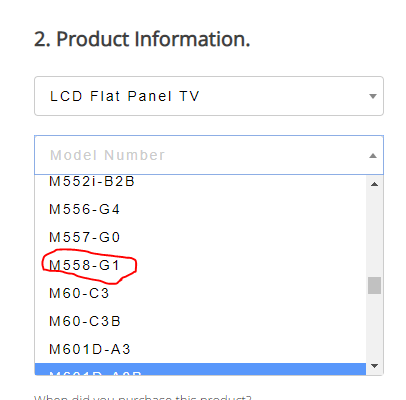
Make sure you are selecting LCD flat panel display and scrolling down to the M558-G1 as shown in this picture. Thanks, --CW
3
1
8 May 2020
Not a problem, happy to help! Let us know if you need anything else! --CW
3
1
22 Mar 2020
Hello! Does this happen with any other streaming app? - Dev

@VIZIOsupport I’m trying to cast Twitch to my Vizio D32h-F1. I used to do it often and it ran smoothly..now it runs it what seems to be slow motion. I’ve tested it with my phone as well. And the issue only happens when I cast it.
3
1
5
6 Nov 2019
Everything is back up and running. I would recommend that you contact our technical support team at support.vizio.com or by calling 877-698-4946. Thanks!
6
6 Nov 2019
Hi Jeffrey, If that's on the Smartcast input that certainly is not normal. I would would unplug the TV for 60 seconds and then if it still happens factory reset it from menu, system, reset & admin. Thanks! -R
3
1
1
4 Apr 2019
We are currently looking into solutions for the low latency format of Dolby Vision that Microsoft has enabled. We will give further details as we look to roll support for this feature. Thank you - Dennis
5
3
4 Feb 2019
It is likely location specific, but the find a retailer option can be found on the V series model info page. vizio.com/v505g9.html
-Warren
2
4 Feb 2019
Sorry Trevor please disregard the model link provided. It was sent in error.
1
1
23 Mar 2018
Stephen, Would advise contacting our support team at support.vizio.com or 877-698-4946 so we can look into this further. - W.
5
23 Mar 2018
Quintin, I believe you are referring to the model E32-C1. We currently only have D-Series for that size available. - W.
1
27 Jan 2018
Hello Tam,
Thanks for your message. With the legs on the TV, it will measure 49.09" x 30.75" x 9.81".
Thanks, M.
1
2
27 Oct 2017
If you have recently received an email from us stating a new case was created, it was sent due to a glitch. Please disregard it. Thanks!
5
1
2
10 May 2017
The app can power the TV on and off by setting the Power Mode to Quick Start under the System menu. Thanks -R