
building @arcstash | documenting the journey
Joined February 2024
- Tweets 47,735
- Following 989
- Followers 2,743
- Likes 92,563
1,759 Photos and videos







Pinned Tweet

Jun 5
It's been one month of building on @arc
and i just shipped cross-chain bridging via CCTP
@arcstash now lets you
> bridge USDC from Arc to Ethereum and Base testnet
> view explorer links for every tx
link in the first comment
May 22

I don't know how to code
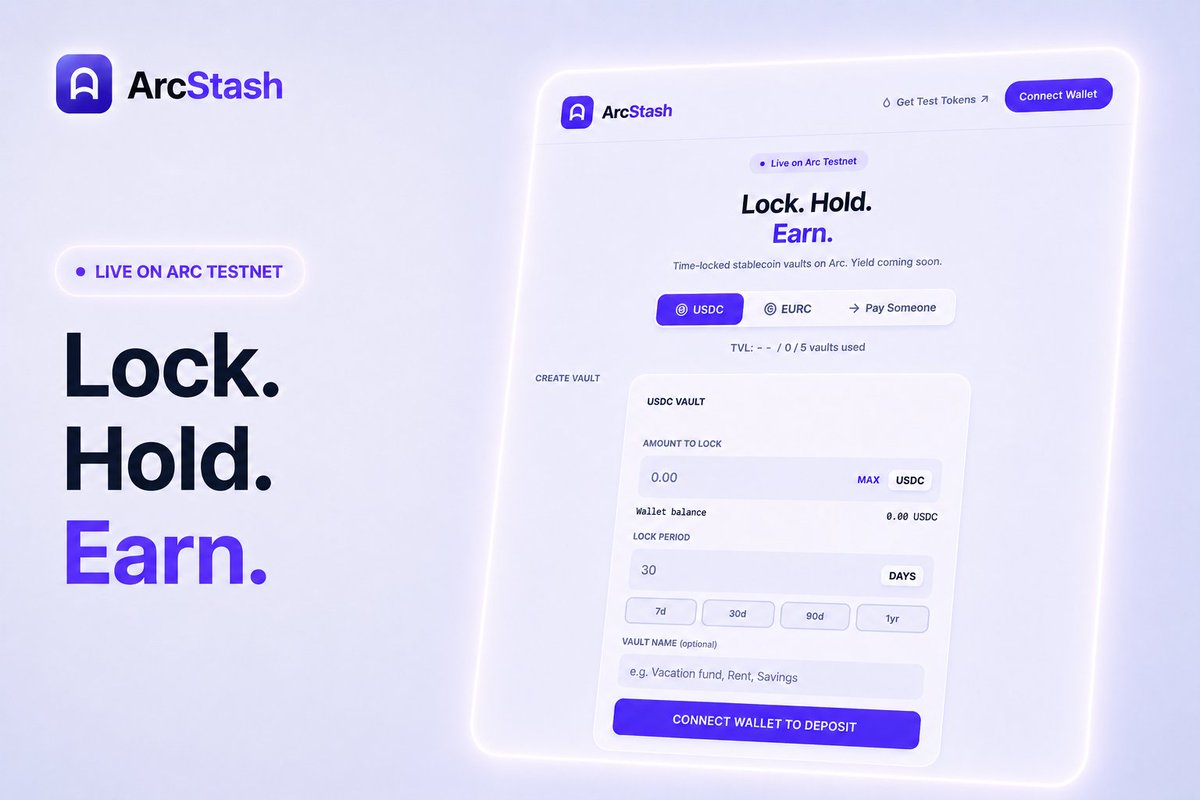
But I just built onchain payroll on @arcstash
New updates:
> lock USDC/EURC for yourself or someone else
> bulk pay 10 people in one tx
> vault labels and better UI
try it on @arc testnet: arcstash.vercel.app
and give your feedback :)
63
3
115
4,166
Manish retweeted
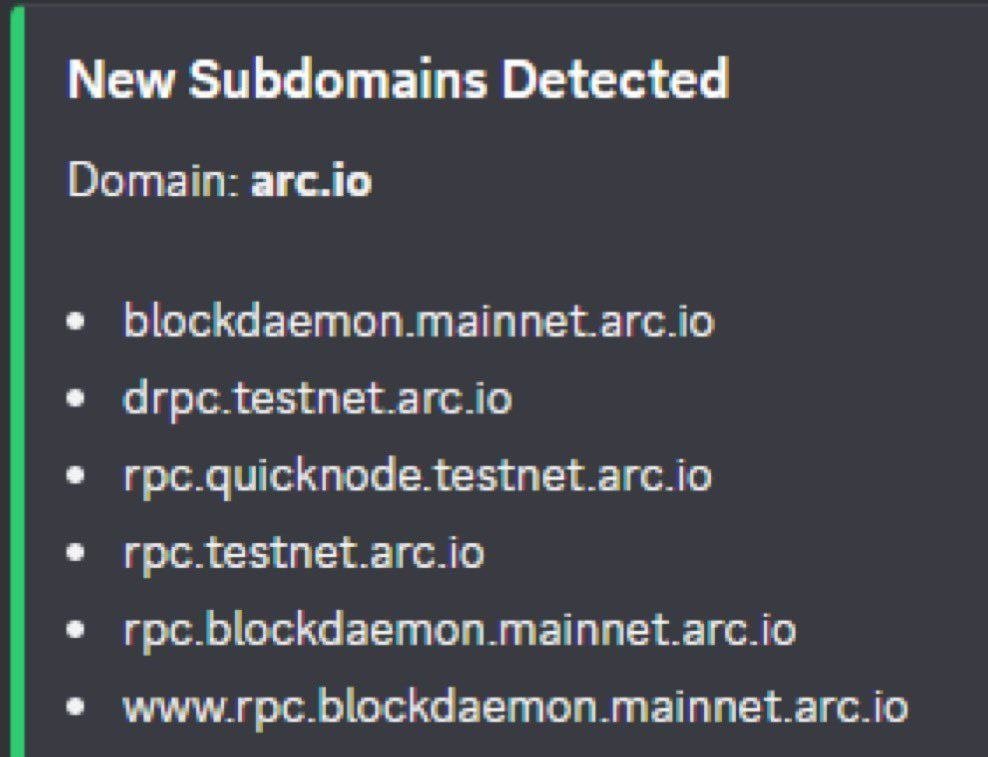
Looks like Arc mainnet is almost there
their new subdomains just appeared
Blockdaemon (enterprise-grade node infra) setting up mainnet endpoints for @arc
whitepaper already showing mainnet in summer 2026
feels like we are very close
Jun 12
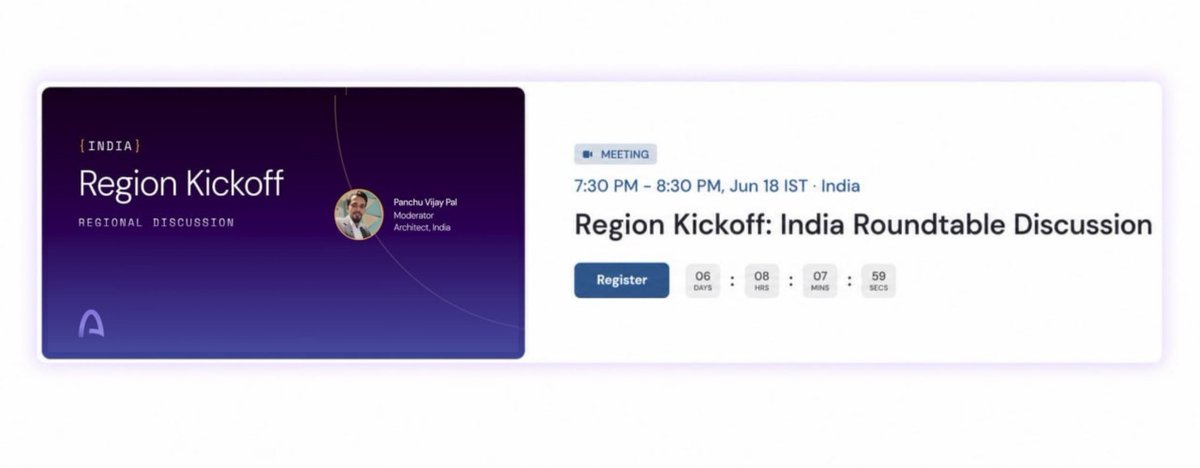
.@arc India chapter is kicking off
invitation only, you have to apply
> June 18 at 7:30pm IST
> online roundtable
> for devs, creators or anyone building on Arc
apply there, these rooms are best way to build connections
35
1
48
476
23h
One thing i've noticed about Polymarket farming lately
mustafa hyped the token and suddenly everyone started posting
few days later most of them disappeared
now world cup started and they're back again
but ask yourself
if polymarket doesn't drop token for next 6 months will you still post?
if not then you're just wasting your time now
41
68
1,689
Jun 12
How to get Polymarket bronze badge with just $100:
> go to crypto category (has volume multiplier)
> trade bitcoin monthly timeframe only
> wait for range bound price
> market buy $100
> immediately place limit sell at same price
> order fills in minutes
> repeat 3-4x daily
$2k weighted volume done in 5-6 days with only $100 capital
gib it a try
59
99
4,268
Jun 12
.@arc India chapter is kicking off
invitation only, you have to apply
> June 18 at 7:30pm IST
> online roundtable
> for devs, creators or anyone building on Arc
apply there, these rooms are best way to build connections
37
1
69
1,281
Jun 12
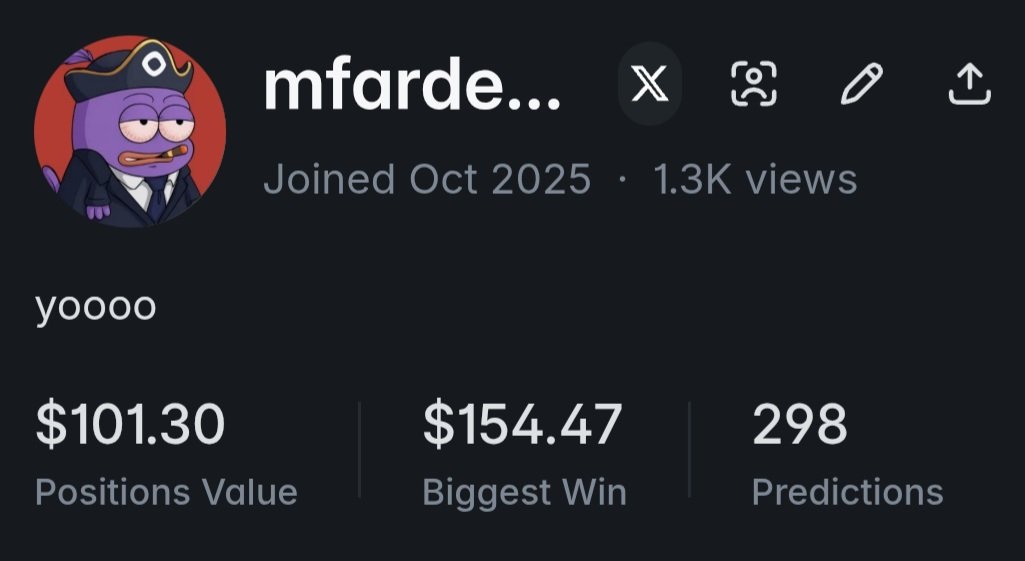
Polymarket account and a dream

65
114
3,829
Jun 11
im waiting fifa world cup start,
and i will be rooting for argentina,
how about you?
Jun 10

im waiting fifa world cup start,
and i will be rooting for argentina,
how about you?

48
69
1,454
Jun 11
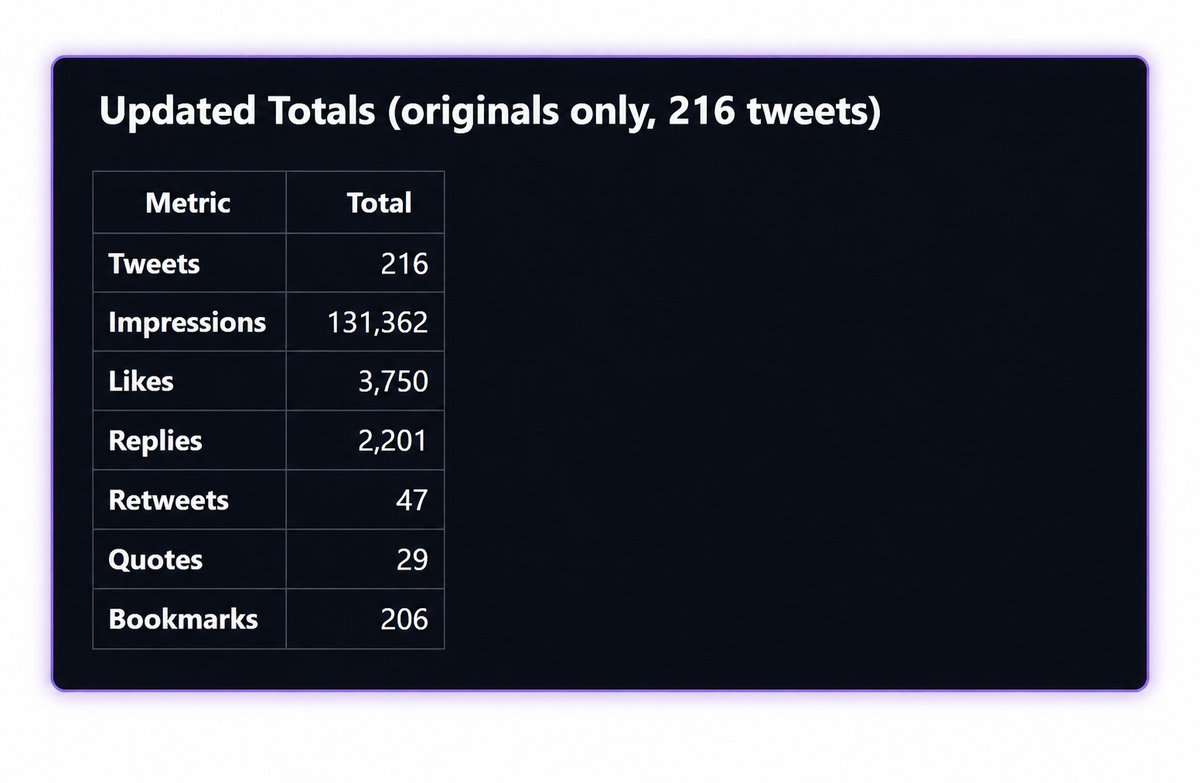
I used Claude to check my @Polymarket stats on X
my stats:
> 130k impressions
> 200 posts
> 3.5k likes
Here's how you can check the latest data:
► Step 1: Get a X API Key
> go to: twitterapi(.)io
> sign up with your email (no credit card needed)
> you'll get free bonus credits (enough for this)
> your API key will show on the dashboard
► Step 2: Set Up Claude Code
You need claude code - works in VS code or the claude desktop app
> download from claude(.)ai/download
> create a folder called x-stats
> open claude code and navigate to that folder
► Step 3: Paste This Prompt
"I want to analyze all my tweets mentioning Polymarket on X/Twitter.
I have a twitterapi(.)io API key. Tell me where to save it first (use a .env file).
Important: X's search index misses video and article tweets. So use a hybrid approach:
1. First, search for all tweets from @[YOUR_USERNAME] that mention "Polymarket" using the advanced_search endpoint. Paginate through ALL results.
2. Then, also fetch my last 30 days of timeline tweets using the user/last_tweets endpoint. Filter those locally for "Polymarket".
3. Merge both datasets and deduplicate by tweet ID so nothing is counted twice.
4. Save the merged raw data to a local JSON file for caching — use cached data on reruns, don't call the API again.
5. Exclude retweets — only count my original tweets and replies.
6. Calculate totals: total impressions/views, total likes, total retweets, total replies, total quotes, total bookmarks, and number of tweets.
7. Show a breakdown per tweet sorted by impressions (top 20).
8. Export the summary as a clean table.
Guide me step by step"
► Replace [YOUR_USERNAME] with your X handle
► Step 4: Follow claude code's instructions
Claude code will:
> ask you to save your API key - it'll create a .env file
> open it, paste your API key, save with Ctrl S
> ask permission to run commands (click "Yes" every time)
done
it will show you the results (total stats top tweets table)
65
97
1,559
Jun 10
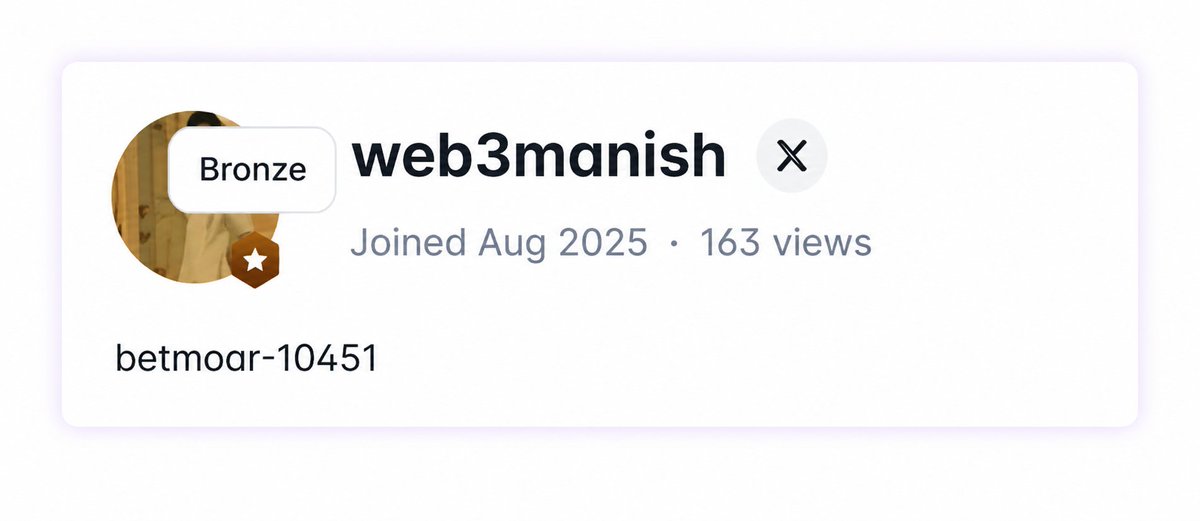
just hit Bronze on @Polymarket taker tiers
3 ways to earn there now:
> LP rewards
> maker rebates
> taker rebates bonus
slowly trying everything before $POLY launch
all from the same $100 starting capital
79
1
160
2,344
Jun 9
I Joined @Stitch3_ai and made $28 just for signing up
it's a creator agency built on Bittensor
both the invited and the inviter earn $
how to get in:
> go to: stitch3.ai/register?ref=d2Vi…
> input your x handle to check
> enter bittensor wallet address (wallet link below)
bigger account you onboard = bigger bonus
go try it or i will come to your house

43
66
1,565
Jun 9
not a paid promotion btw, i'm sharing because the project actually looks good
if you join you'll also get a bonus in their tokens
Taostats extension: chromewebstore.google.com/de…
- use this address while connecting and submitting wallet
good luck
1
8
194
Jun 9
not a single green timeframe on Polymarket
he's still showing up daily
respect @waleswoosh
80
2
150
32,847
Jun 9
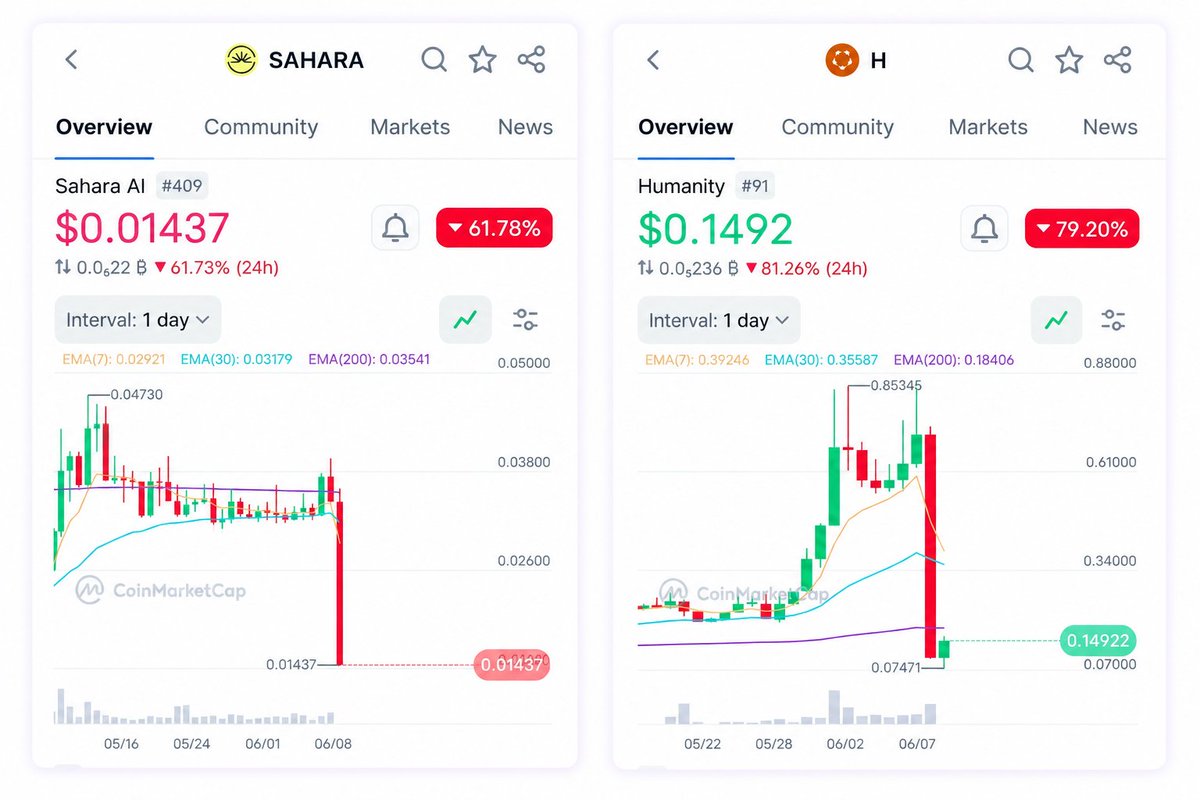
two more coins dumped 60-80% today
dump and dump
airdrop coins keep dying and you keep holding
111
145
3,932
Jun 8
A guy made $80k from a single airdrop in 2023
back then it only needs one win to change your life
now in 2026:
- you farm 6 months, get $50
- project rugs before checker goes live
do you think life changing airdrops still exist?
111
1
171
14,717
Jun 7
This is what my PFP would be if i was a battlestation.
show me yours



51
1
70
3,316
Jun 7
Just crossed $145 in LP rewards on @Polymarket
took a few losses on trades recently
but still moving forward
next target: $200
how much LP rewards have you earned?

72
114
2,093

Prediction Arena V1 is now live on @arc testnet
Trade BTC - ETH - SOL on a 5 minute chart, Similar to @Polymarket
🪂Link: arcfun.vercel.app/
Claim USDC Faucet : faucet.circle.com/
[ PC users only for now ]
5 min prediction markets are tough to build. Expect some errors or API limits for now
This is just V1
I'll make sure V2 and V3 are far more advanced, optimized and powerful
Built By @0x_zax
Try it before the API limits kick in and let me know your honest feedback 😄

Deploy Your Own Token on @arc Testnet in One Click
🪂Link: arcfun.vercel.app/
Claim USDC Faucet Here : faucet.circle.com/
>Create your own token on Arc Easily
>Send tokens to 10 or 100 wallets in one click
>Deposit USDC into Vault and earn extra rewards
>Wallet / Profile Analyzer
>Twitter Analyzer (Soon)
>Games on Arc (Soon)
Would love some honest feedbacks🙂
69
15
161
16,694
Manish retweeted

CT lost it's charm.
The repost ERA is died especially in crypto.
Everyone kept complaining about reach going down but nobody's talking about why !!
Earlier there were two types of people on CT
1> Influencer/Creator
2> Audience/Retailers
That's why the number of reposts was at least 15% to 20% of the number of likes (since there was actual retailers)
However after InfoFi and pathetic long bear market : we've left with grinders
And this grinding thing changed one of the key metrics of CT
"The number of Reposts"
Since everyone is grinding and building X presence so they have the perception that reposting others content isn't for their X account
Although it is not true but perception is perception no matter it is right or wrong in most cases.
So due to this perception the number of reposts dropped like crazy
You'll see posts with 200 likes 40 comments with 4 reposts and it's happening with almost every CT creator.
Since repost play a very BIG role in impressions that's why you'll see the drop in impressions across CT as well.
This will continue untill we see at least 3 to 6 months bull rally so that actual retailers will comeback on X otherwise the pie will keep shrinking.
Keep in mind that it is great to see everyone is grinding to pay their bills and this is just an observation.
If you feel otherwise then comment section is for you.
40
14
161
5,255
Jun 6
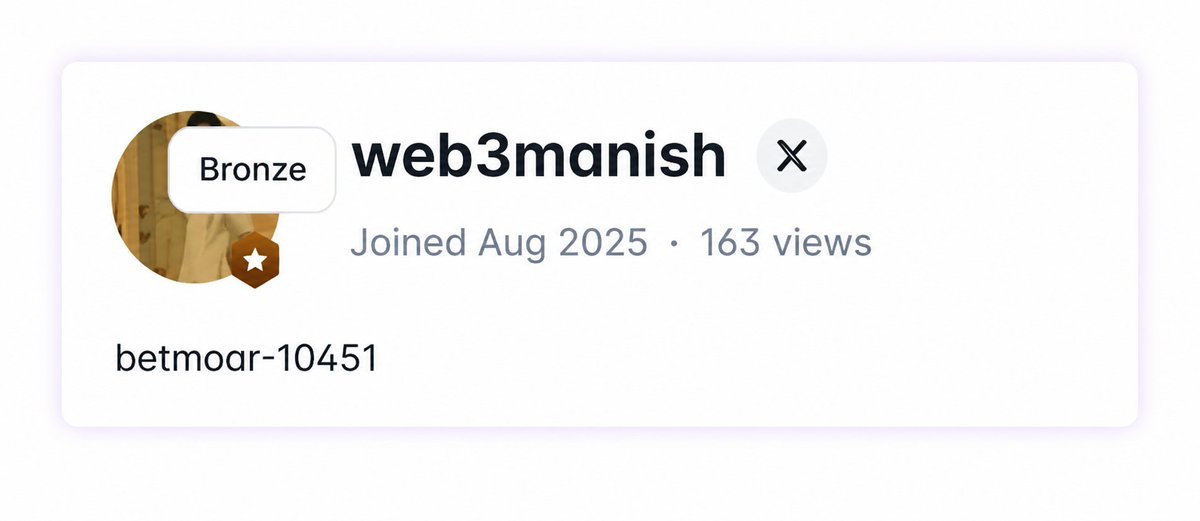
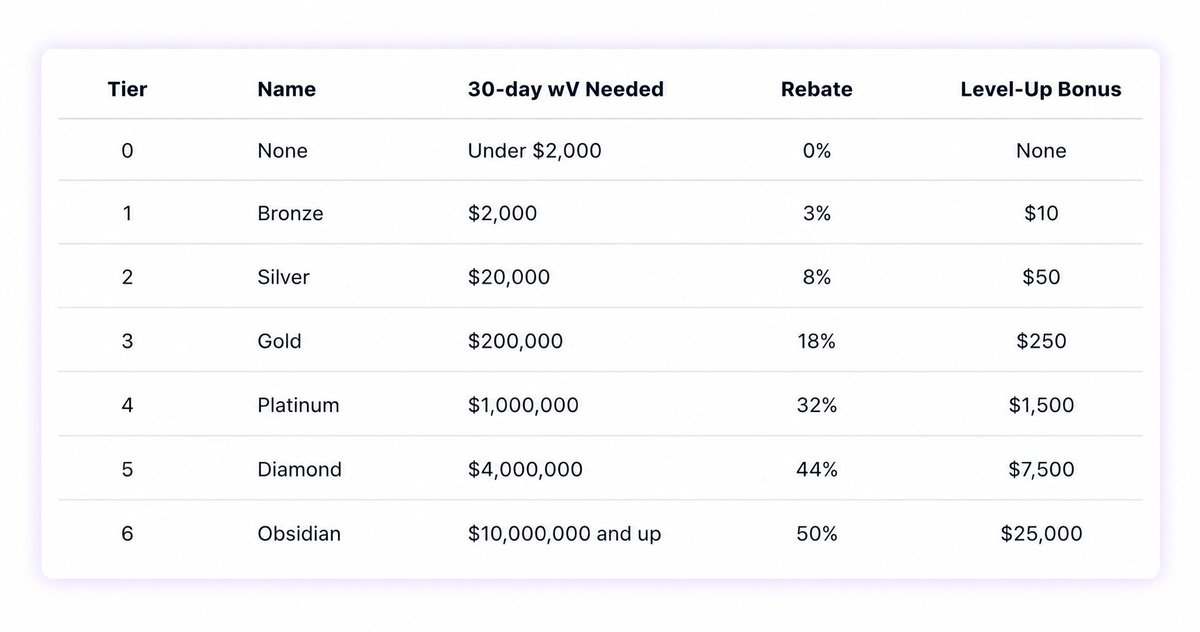
.@Polymarket is now paying you to trade
taker tiers just went live
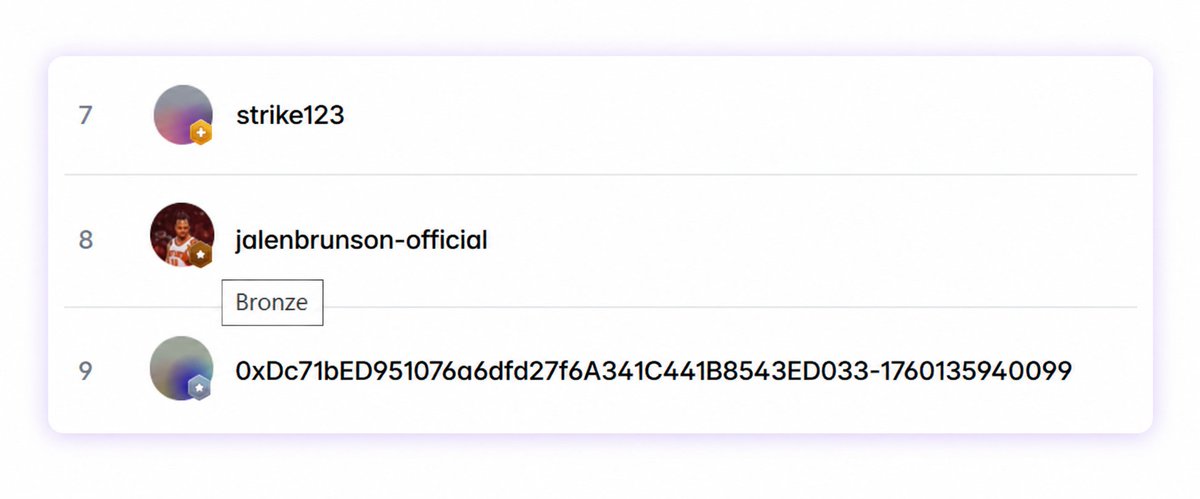
some users already have badges on their profile
Here's how it works:
> tiers are based on weighted volume
> cheaper shares = more weighted volume per trade
> crypto markets have 2.3x weight
> only market orders count, limit orders don't
did you get any tier badge?
43
66
1,767