
Joined February 2023
- Tweets 115
- Following 1
- Followers 27
- Likes 731
11 Photos and videos





Pinned Tweet

Feb 24
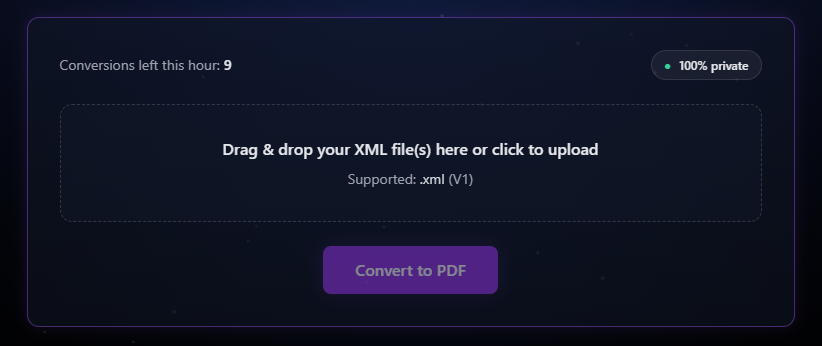
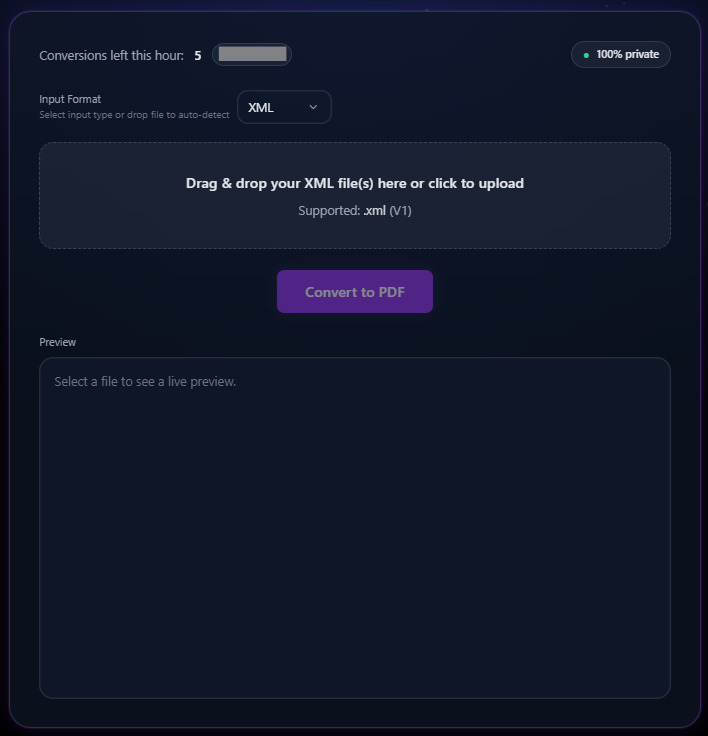
Welp, we have made a new tool!
More features/formats to come soon
XML > PDF ✅
1
3
167
Webfrens retweeted

May 8
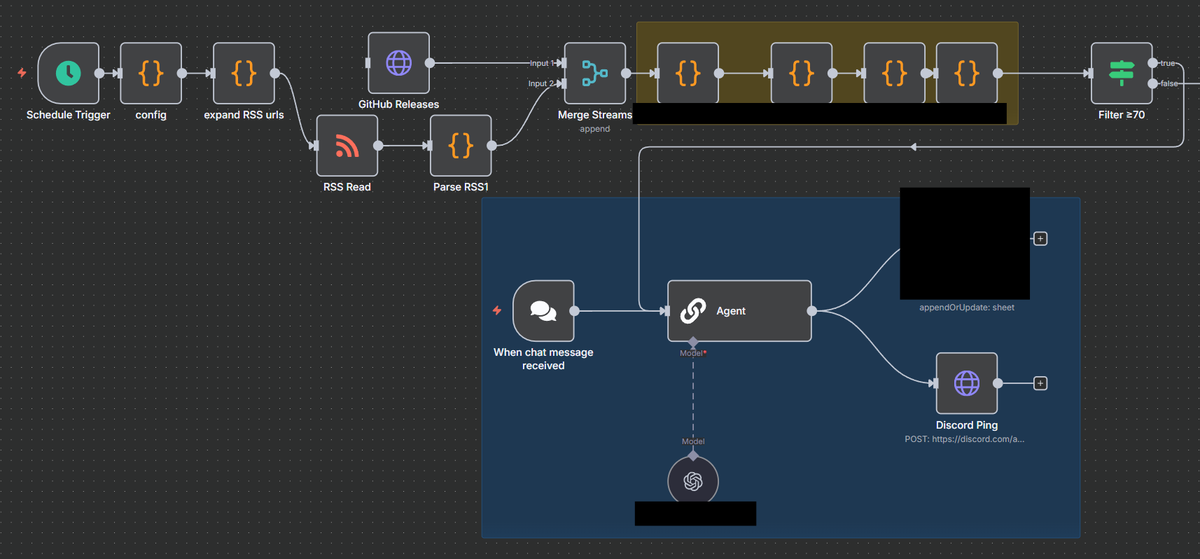
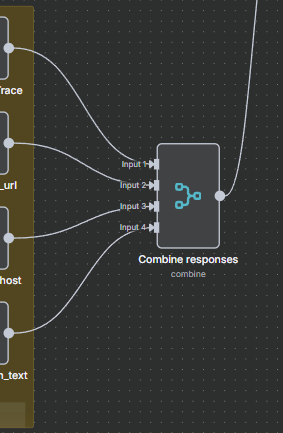
Baby steps trough this Galaxy of tiny chunks



1
2
4
287
Webfrens retweeted
May 3
First I felt like Tmux was the only thing I ever needed, then came the color commands, and now Im redesigning Linux looking like Windows.
I can't be the only one, right? RIGHT?!
1
2
96
Webfrens retweeted
May 3
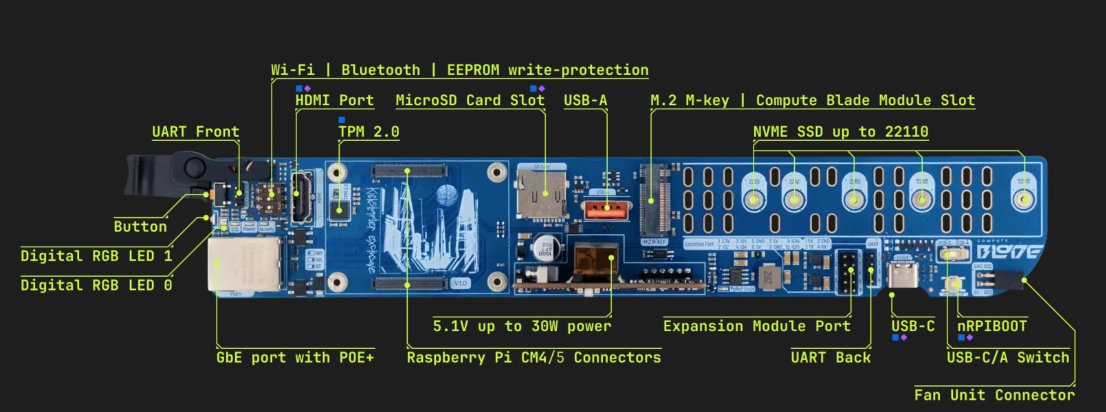
About to build my own vector database for the RAG system I’ve been working on.
Debating whether I should add Compute Blades or another Raspberry Pi 5 for redundancy/failover.
3
1
3
147
Webfrens retweeted
May 2
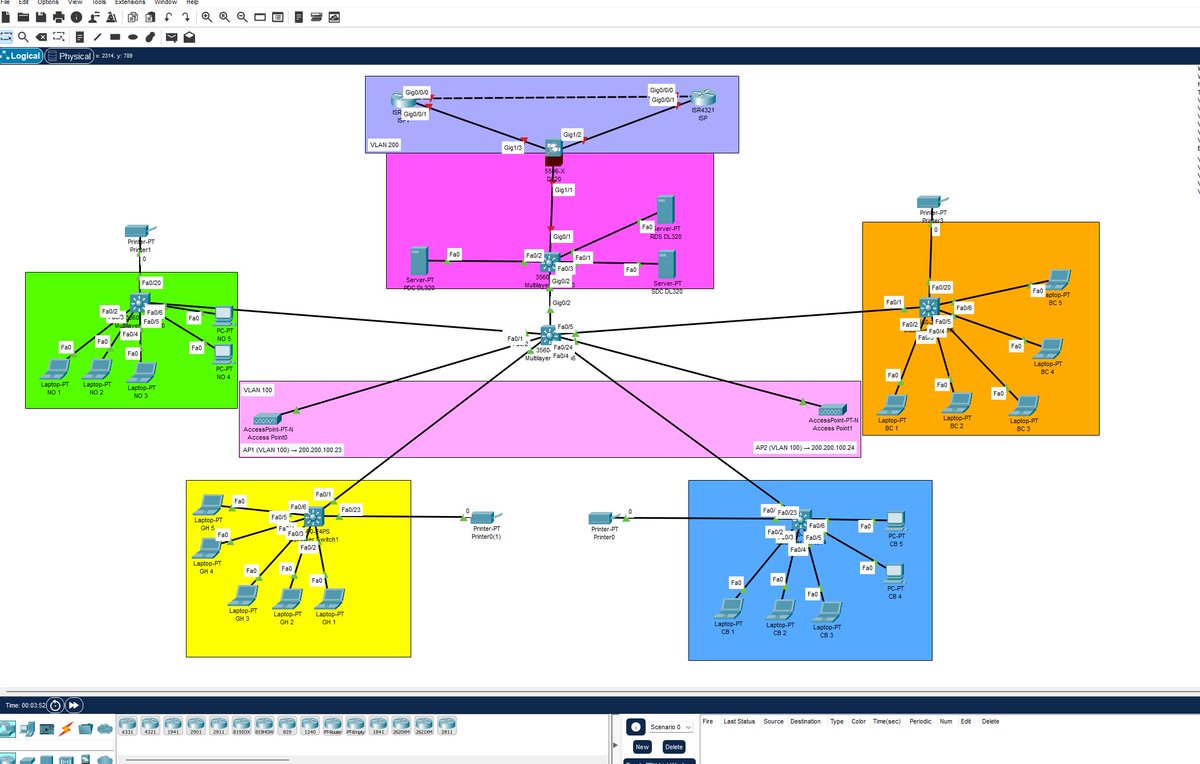
Small throwback with the magnificent Cisco Packet Tracer to my graduation project as an ICT support Engineer last year.
(Not an APIPA glitchy Packet tracer behavior fan tbf)
1
2
3
106
Webfrens retweeted
May 1
Re-designed me hero page in less then a minute and it might look a bit better even…..
Should I push this?!
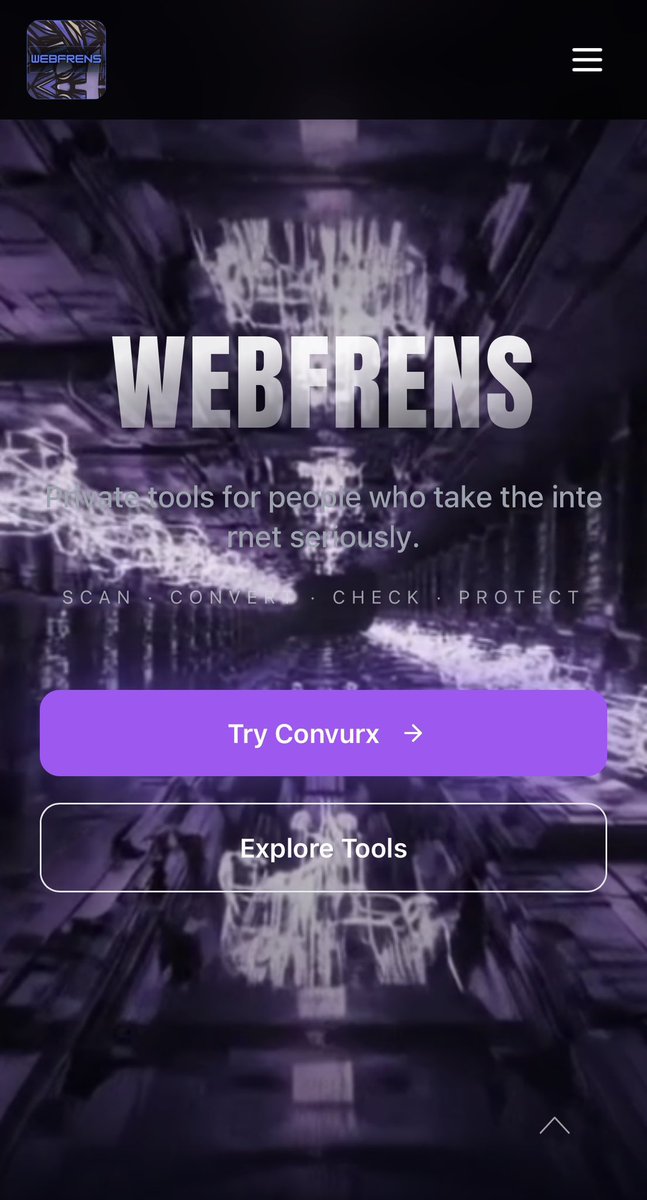
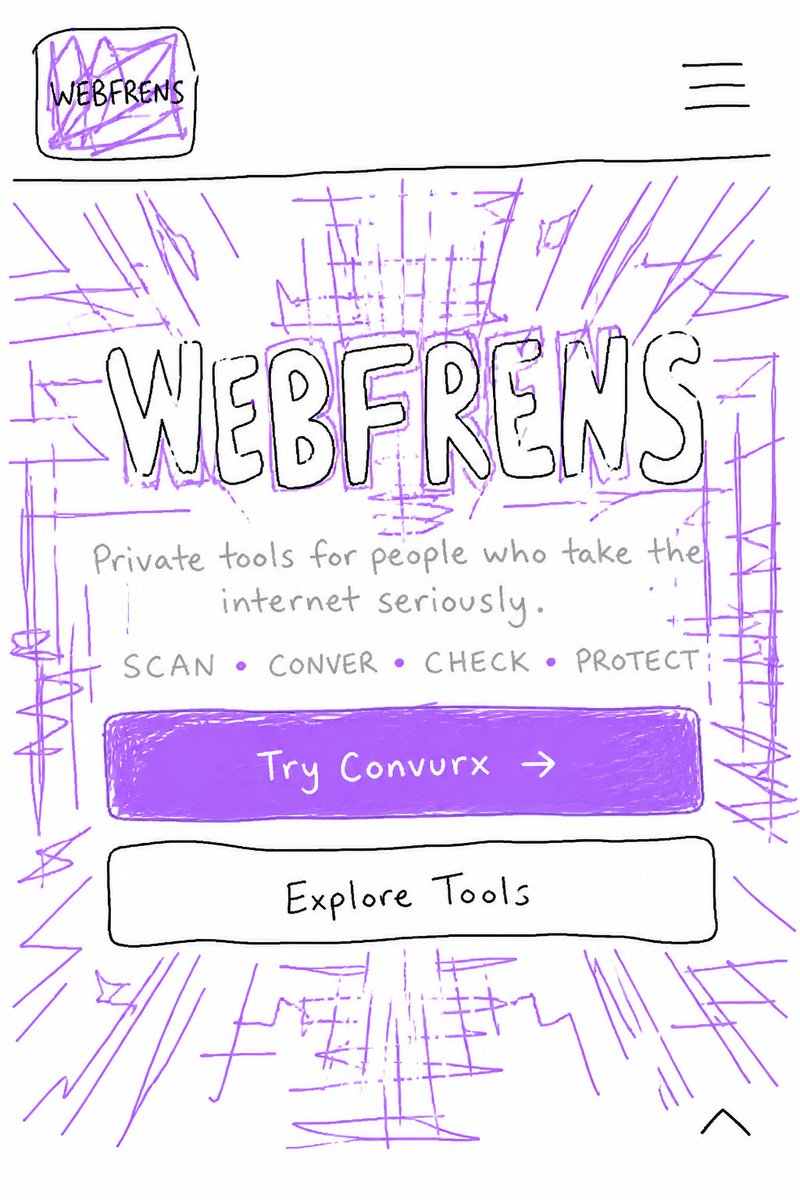
1
1
2
54
Webfrens retweeted
Apr 8
Currently here zoning out to when the last time was I actually slept
2
2
5
57
Webfrens retweeted
Apr 8
SFTP as it encrypts both data and authentication. Unlike FTP.
Prevents things like man in the middle attacks & passwd sniffing etc..
1
7
1,092
Webfrens retweeted
Mar 30
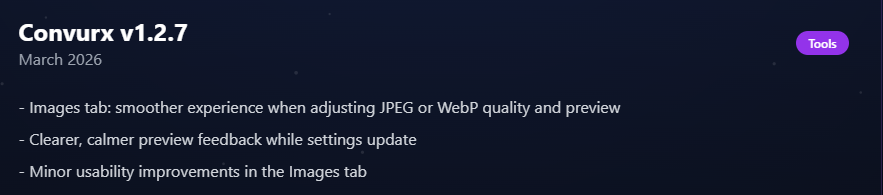
New version until v1.3.0 in the works to be indexed soooonnn.
Testing.
Testing.
Testing.
Testing.
Testing.
Testing.
Testing.
1
4
28
Webfrens retweeted
Mar 1
New features dropping in V1.1.1 and some minor bug fixes.
If you're extremely bored and would like to test, lmk!
Feb 24
Dropping website soon and/or adding it to my BIO
Having some Raspberry Pi immigration issues currently so other tools workflow back end side aren't fully operational no mo
1
2
2
68
Webfrens retweeted
Feb 24
Dropping website soon and/or adding it to my BIO
Having some Raspberry Pi immigration issues currently so other tools workflow back end side aren't fully operational no mo
Feb 24

Welp, we have made a new tool!
More features/formats to come soon
XML > PDF ✅
1
2
4
145
Feb 1
Still building day by day, step by step were getting closer to an official launch!!
22 Dec 2025
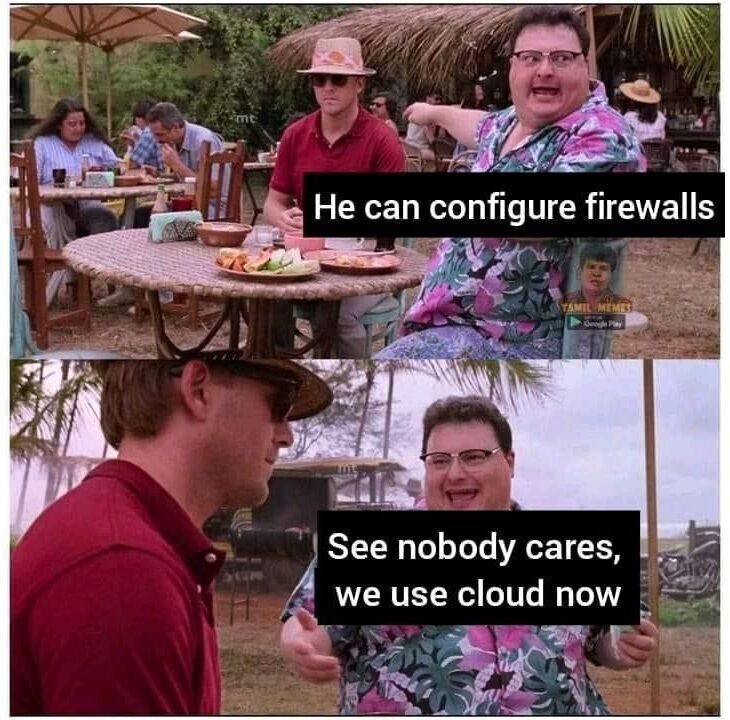
We keep on building day by day, and all for you to make your life more safe, but keeping a nostalgic touch
1
1
27
26 Dec 2025
And even though we made a perfect mix of both!
1
3
111
22 Dec 2025
We keep on building day by day, and all for you to make your life more safe, but keeping a nostalgic touch
22 Dec 2025
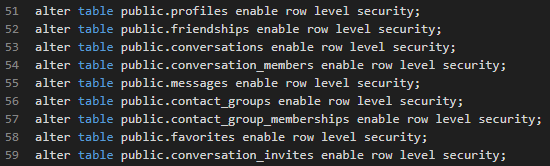
Currently writing some SQL to see if we can manage to build something new for my @WebFrens_ project ..
Can you guess what it is?
1
1
66
Webfrens retweeted
12 Dec 2025
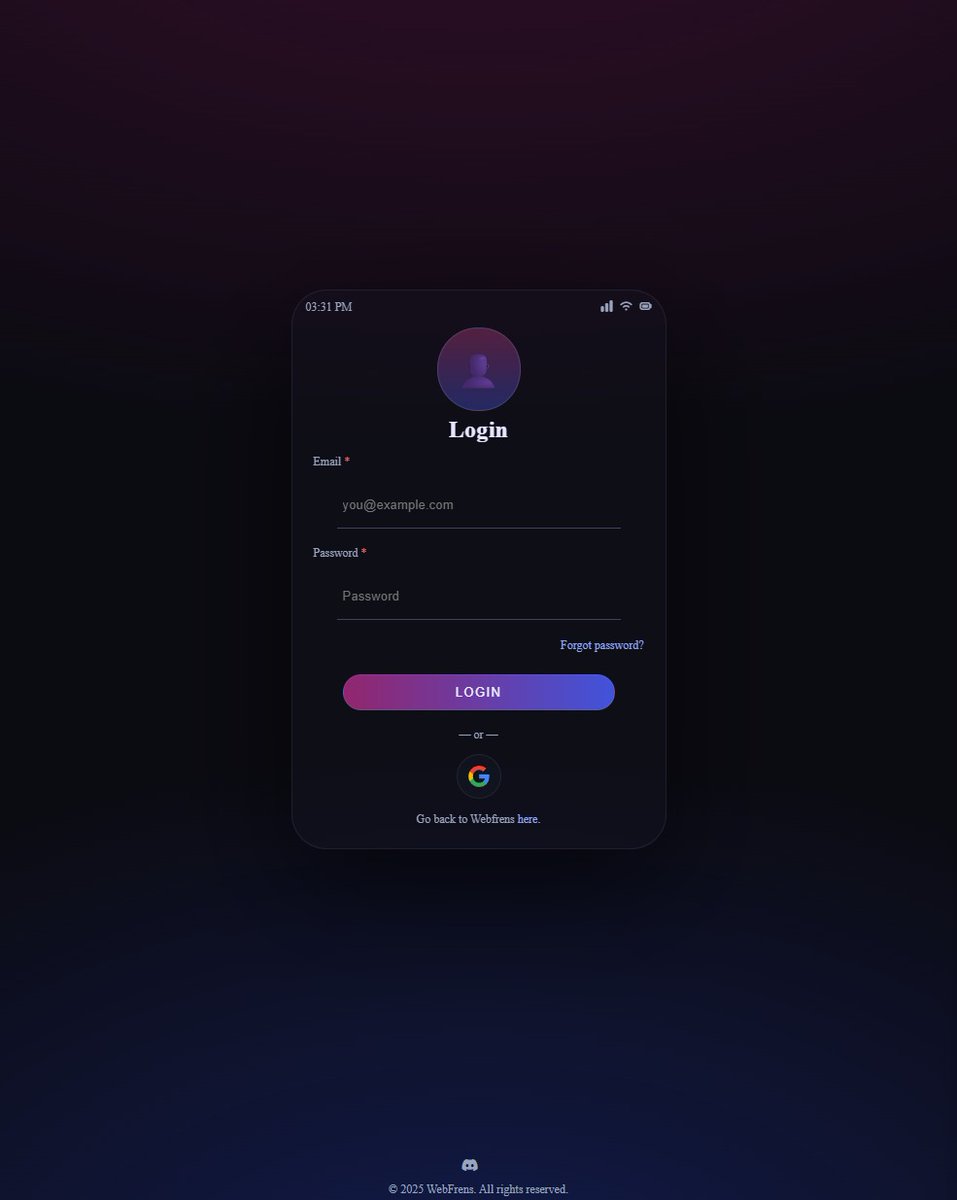
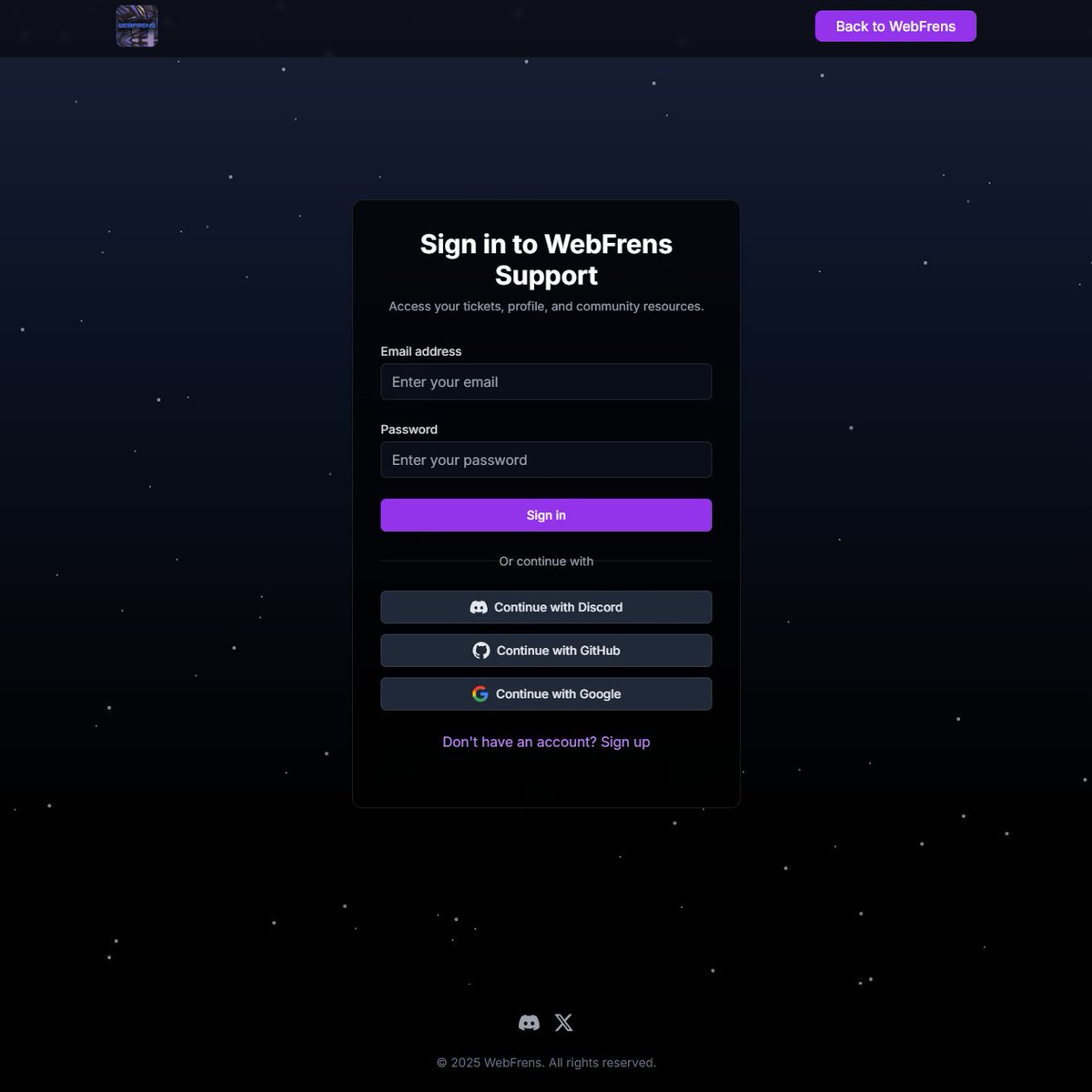
Sooo uhm.. Login/sign up to support page is ready
(2FA/MFA MANDATORY email confirmation)
Still working on the support page itself
Hope it to be beta-ready for the list of early supporters by Q2 2026 with limited options enabled
Do you want to be one of em?
1
2
4
225
Webfrens retweeted
7 Dec 2025
I did break Windows again earlier today
No worries, I fixed it again and documented it on my support page currently building @WebFrens_
1
2
42
Webfrens retweeted
22 Nov 2025
Ever tried breaking & fixing your operating system in a virtual environment?
No? Not sure what I'm talking about?
Just take your main OS as an example, like Windows.
Spin it up in a VM and go wild.
Change things, break things, fix them again.
That feeling when you solve the mess you created yourself is honestly unmatched.
The feeling of fixing something / finding a solution is AWESOME
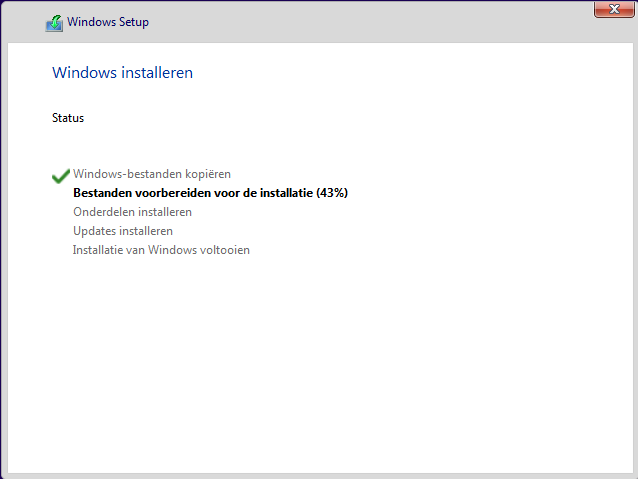
I’m literally reinstalling Win11 for the 11th time rn. Yes, it’s in Dutch. NO, I don’t care. It’s just for testing. And yes, it’s still fun.
if you’ve done this before and want more: it gets way better from here.
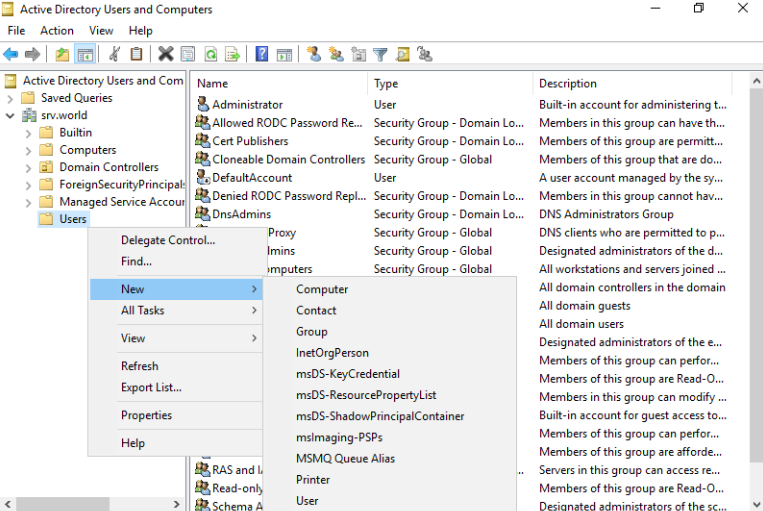
You can install a Windows Server in a second VM, connect it to your test machine (your Windows host), build your own domain, mess with policies, break those too, and learn a ton while doing it.
Once you start experimenting in virtual machines, you unlock an entire playground for learning IT skills without risking your real setup.
Here are some things you can discover fast:
🔹Create snapshots, break something & instantly roll back.
🔹Set up a Windows Server domain & join your Windows 11 VM to it.
🔹Play with Group Policy Objects & watch how they change the client.
🔹Try installing Linux side by side & compare OS behaviors.
🔹Test firewalls, DHCP, DNS, network configs without touching ur home router.
🔹Practice troubleshooting broken boots, corrupted registries, weird drivers.
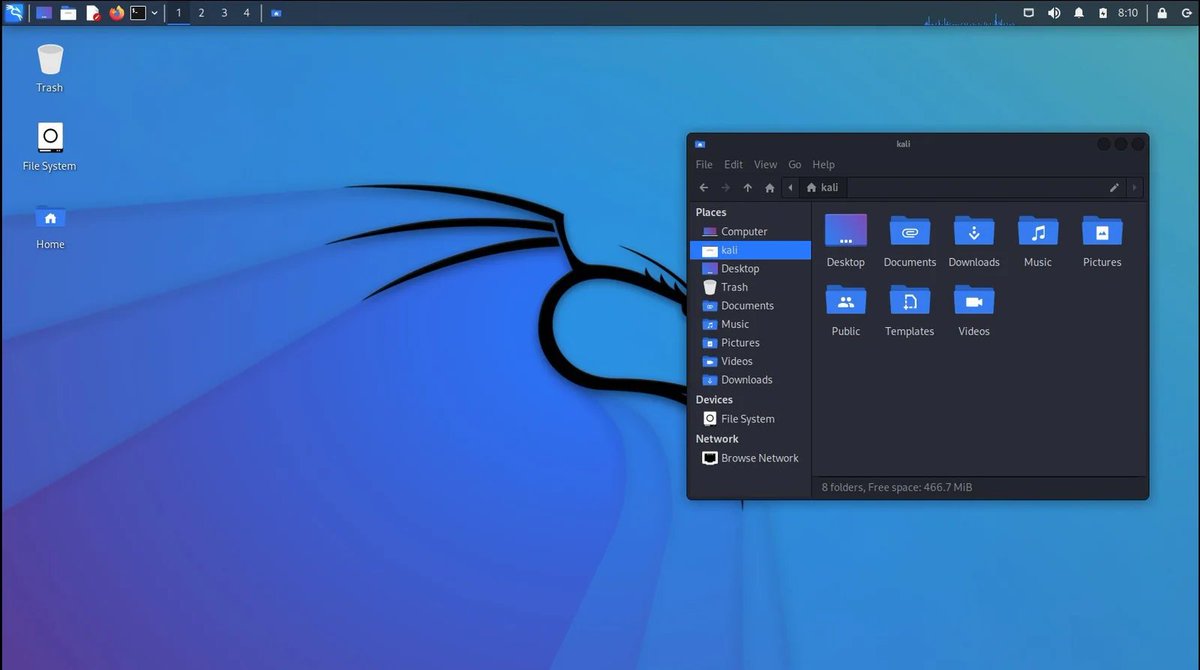
🔹Try hacking your own VM in a safe way using tools like Kali Linux. (so a different VM basically consisting of a different OS called Linux which can be Ubuntu, Debian, Kali,....)
🔹Learn how enterprise networks actually function.
You'll need one of these:
VM:
🔹VMware Workstation Player (free for personal use)
🔹VirtualBox (free)
🔹Hyper-V (built into Windows Pro/Enterprise)
🔸Proxmox (IYKYK)
Operating Systems to try & fry:
🔹Win 10/11 ISO
🔹Win Server 2016–2025 ISO
🔹Linux distros: Ubuntu, Kali, Debian, ..
Tools in a VM:
🔹Group Policy Management tools (for Win Server)
🔹RSAT tools (on Windows client)
🔹Wireshark
🔹Sysinternals Suite
🔹PowerShell 7
Any browser and your curiosity obviously
Recommended PC/laptop Specs:
(to avoid overheating or frying your stuff)
🔹CPU: At least 4 cores (8 preferred)
🔹RAM: Min. 16GB (32GB if you run multiple VMs)
🔹Storage: SSD (NVMe strongly recommended)
🔸ALSO IF POSSIBLE: External SSD for storing VM's is way better, so you can access them from ANY device
🔹Cooling: A laptop cooling pad if you’re on a notebook
🔹Power: Keep your laptop plugged in; VMs drain CPUs hard (if Desktop, you're way to awesome already)
Optional but helpful:
🔹A second monitor to add more practical fun
🔹A notebook or Notion page to document what you break and how you fix it, can even setup a private Discord Server and make different channels consisting of the all the things you have tried already screenshots to help you remember certain things.
I will share my server soon where I go over a LOT of the shizzle mentioned above and more with forum options for you to add to it.
If you need more help setting up something explained above, you know where to find me..
1
3
113
25 Nov 2025
Would you read our ToS as well when we launch?
23 Nov 2025
Before I agree
To 2026
I want to read the
Terms and Conditions
1
1
2
46
Webfrens retweeted
18 Nov 2025
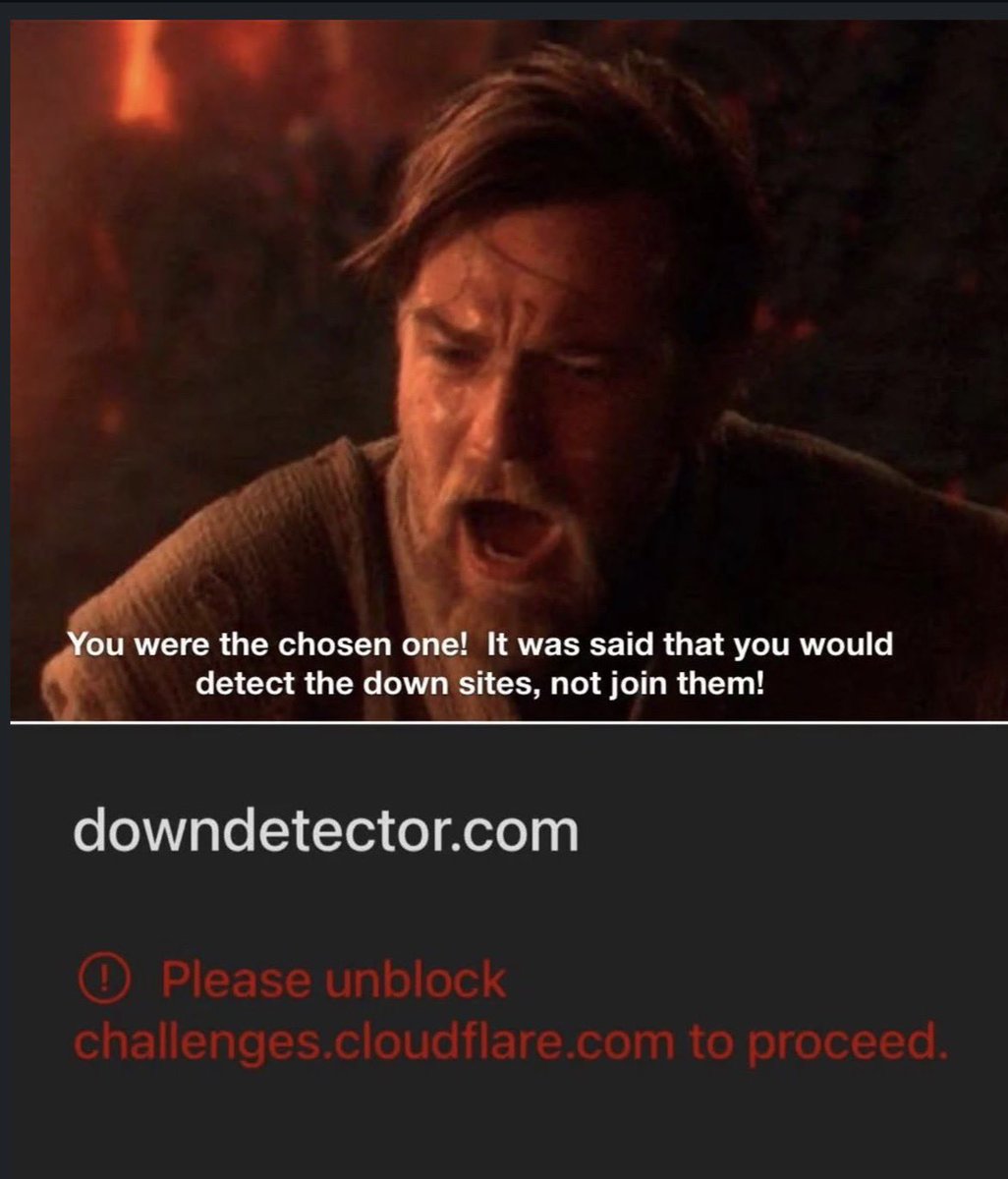
Yeah, so, that happened. Anyone of you got affected by it?
1
1
46