
Once won Webflow Developer of the Year. Still learning CSS Grid.
Joined July 2022
- Tweets 7,599
- Following 1,162
- Followers 5,810
- Likes 16,634
1,402 Photos and videos








Web Bae retweeted

May 14
If you are in SF tomorrow, drop by AI Council. I'm going to talk about how Webflow has been evolving towards supporting agents natively.

2
14
493
Code components are still my favorite tech in Webflow since we got variable fonts.

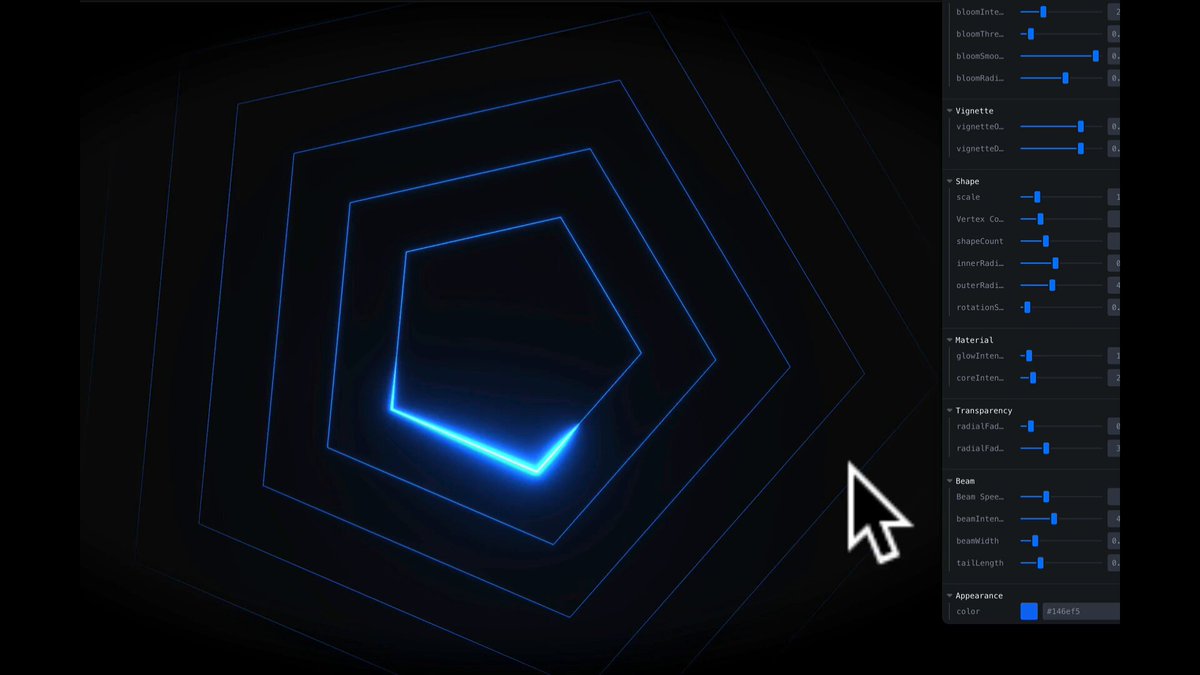
AI Code Components in @webflow are a huge unlock and they're remarkably different than the code gen you've seen before. Here are some of my favorite prompts and reasons why:
1
1
11
903
Web Bae retweeted

Apr 1
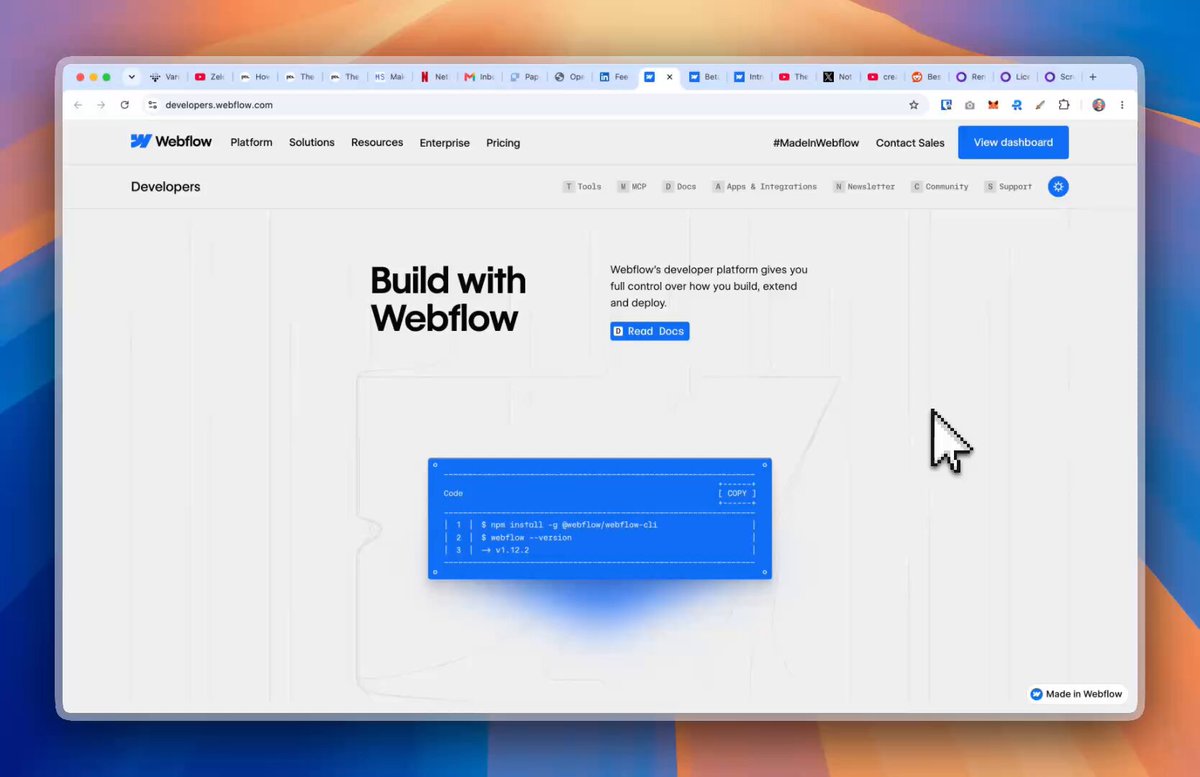
The new @Webflow MCP v1.2 just dropped.🔥
Raw HTML to Webflow elements. Component slots. 500 CSS properties. Element querying. Variable creation.
Your agents just got a whole lot more powerful. Here's what's new 🧵
18
26
172
40,620
Web Bae retweeted
Mar 19
The official GSAP skill just dropped; there goes your weekend (sorry) github.com/greensock/gsap-sk…
7
47
3,216
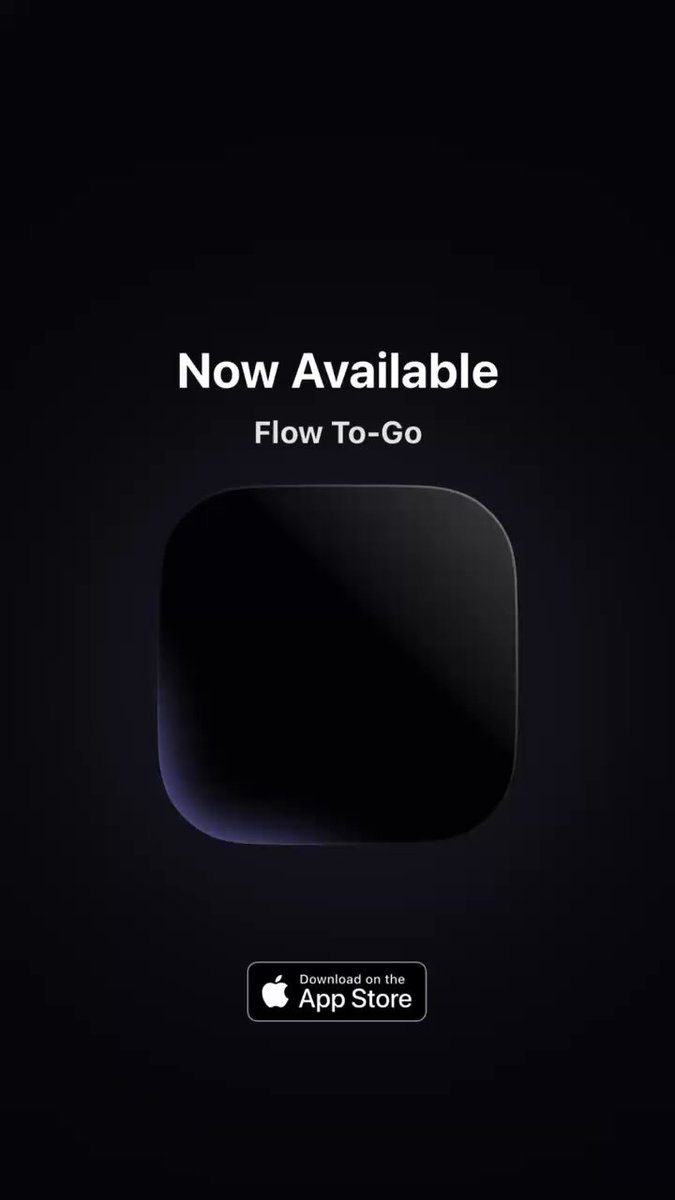
Prompted this mobile app @Webflow CMS manager from phone in between 👶 screams. apps.apple.com/us/app/flow-t…
Jan 29

I’m designing in code on my phone through prompts while the baby naps.
Wish I could share that with my 20 year old self who kept worrying over the question “should designers code?”
2
18
1,829
Web Bae retweeted

Jan 17
Story about how I made my way to Webflow!
webflow.com/blog/team-jon-sa…
1
1
19
776
Watch your mouth marc trying to bring us the VS Code fork from Meta 😭
I don’t want it!!!
24 Nov 2025

an IDE that shows you ads while your agent is spinning
and the ads pay for the tokens
1
6
982
MarchingCubes Roughness Transmission. Thanks @threejs!

4
1
25
5,257

Weird - Just got this question in Discord the other day! been playing around with light-dark a lot on and off for a while now thanks @claudialnathan for reminding me!
made a quick Loom on getting it set up in a Webflow project if you'd like. loom.com/share/99cade51f8da4…
18 Nov 2025

🫨 When @webflow announced CSS function support back in June I was mostly excited about fluid sizing, and didn't actually consider it meant I could use one of my favorite color functions, light-dark().
Yes this can be achieved in Webflow's modes. Yes, I love Webflow modes and will still use them for color modes in most client work. But for my personal site and a few client sites I've done, the only two color modes I typically need are light and dark.
So why not just rely on Webflow's modes for this? Well, css light-dark() does some cool things out of the box. Importantly, I prefer to hand as much UI-level control back to the user as possible—just as we do when we use rem units to respect their font-size preferences. This is the color scheme equivalent.
🌓 When you use light-dark() you’re building on top of the browser’s native color-scheme system, not re-implementing a theming engine yourself. The browser already knows how to detect the user’s OS theme (which if configured to switch by the user, does so at sunrise/sunset), it will animate the transition cleanly (and take motion preferences into account), and theme built-in UI (form controls, scrollbars, inputs).
🧹 Because this logic is baked into CSS itself, the JS you write for a toggle becomes incredibly small — you’re just overriding color-scheme on the root and storing a preference. With Webflow’s variable modes you’re effectively creating your own theme system: you have to manage two sets of tokens, read and write custom attributes, sync them with localStorage, listen for system preferences manually, etc.
⚠️ In order for this to work you need to set color-scheme: light dark; on either the :root in custom code or on the body via custom properties, which also enables you to override the default for specific components and sections (which I know is done often with Webflow's modes).
I prefer the latter to keep it scoped sensibly, you can override the default for specific components if needed, and I also just prefer to keep as much of this stuff out of custom code embeds and visible directly in the designer via custom properties where possible (for easier debugging).
Also pls ignore my sloppy variable names this is only how I set this stuff up for my personal work 😅
MDN → developer.mozilla.org/en-US/…
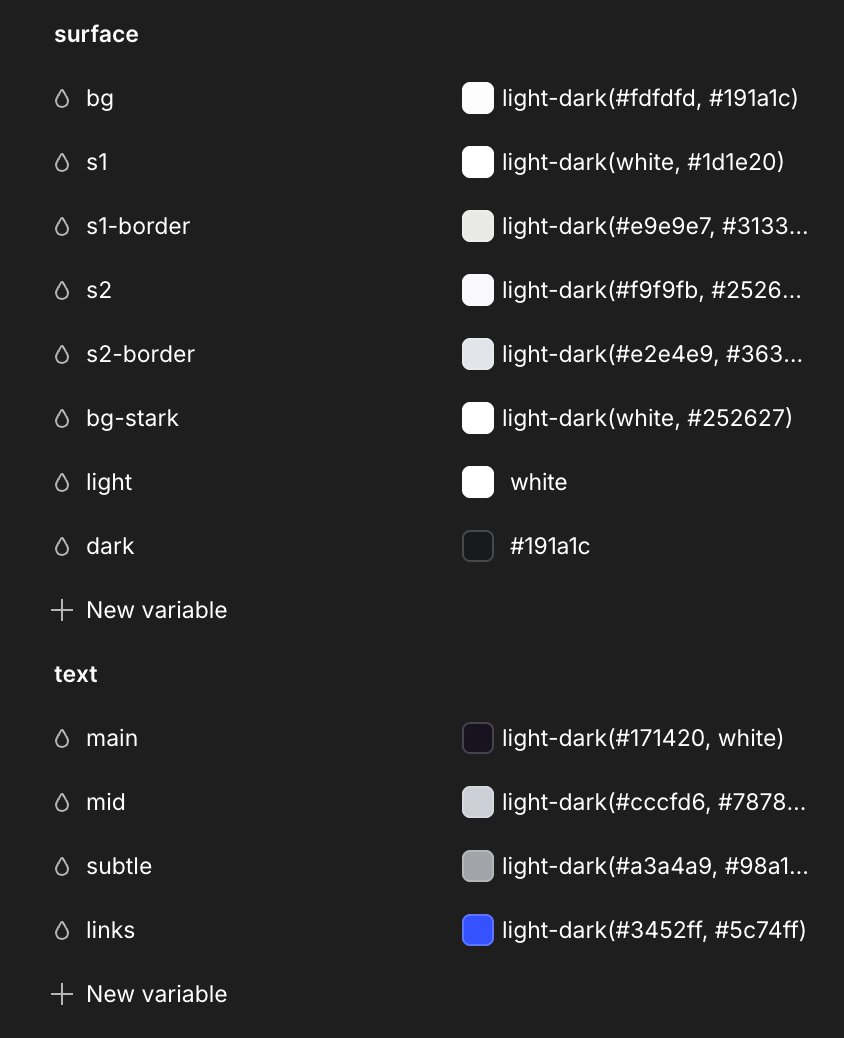
ALT Webflow variables panel displaying surface and foreground color tokens using the light-dark() color feature as the color value.
4
21
2,056