
Davidson College Technology & Innovation | ti@davidson.edu | 704-894-2900 (call or text)
- Tweets 3,669
- Following 208
- Followers 772
- Likes 2,679
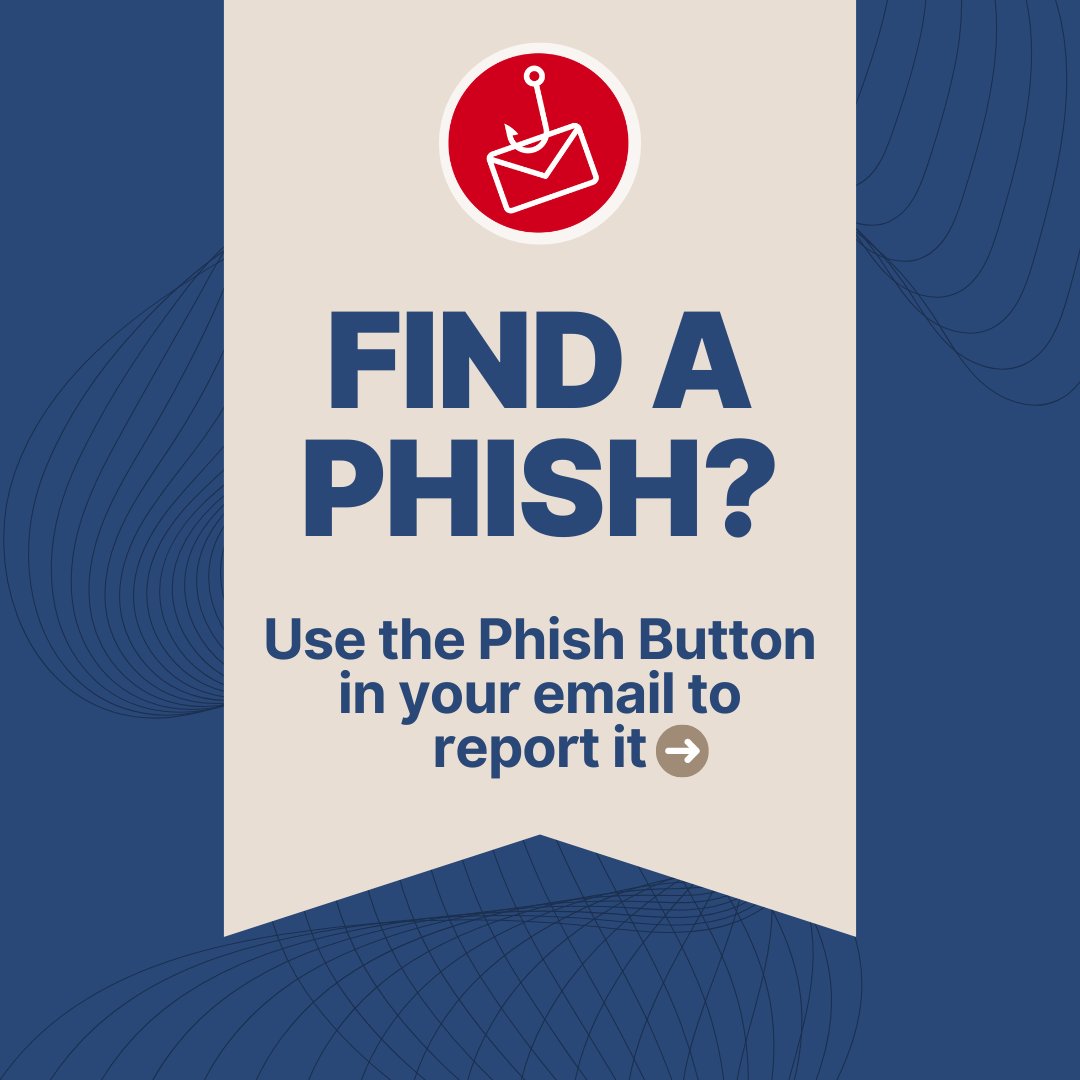
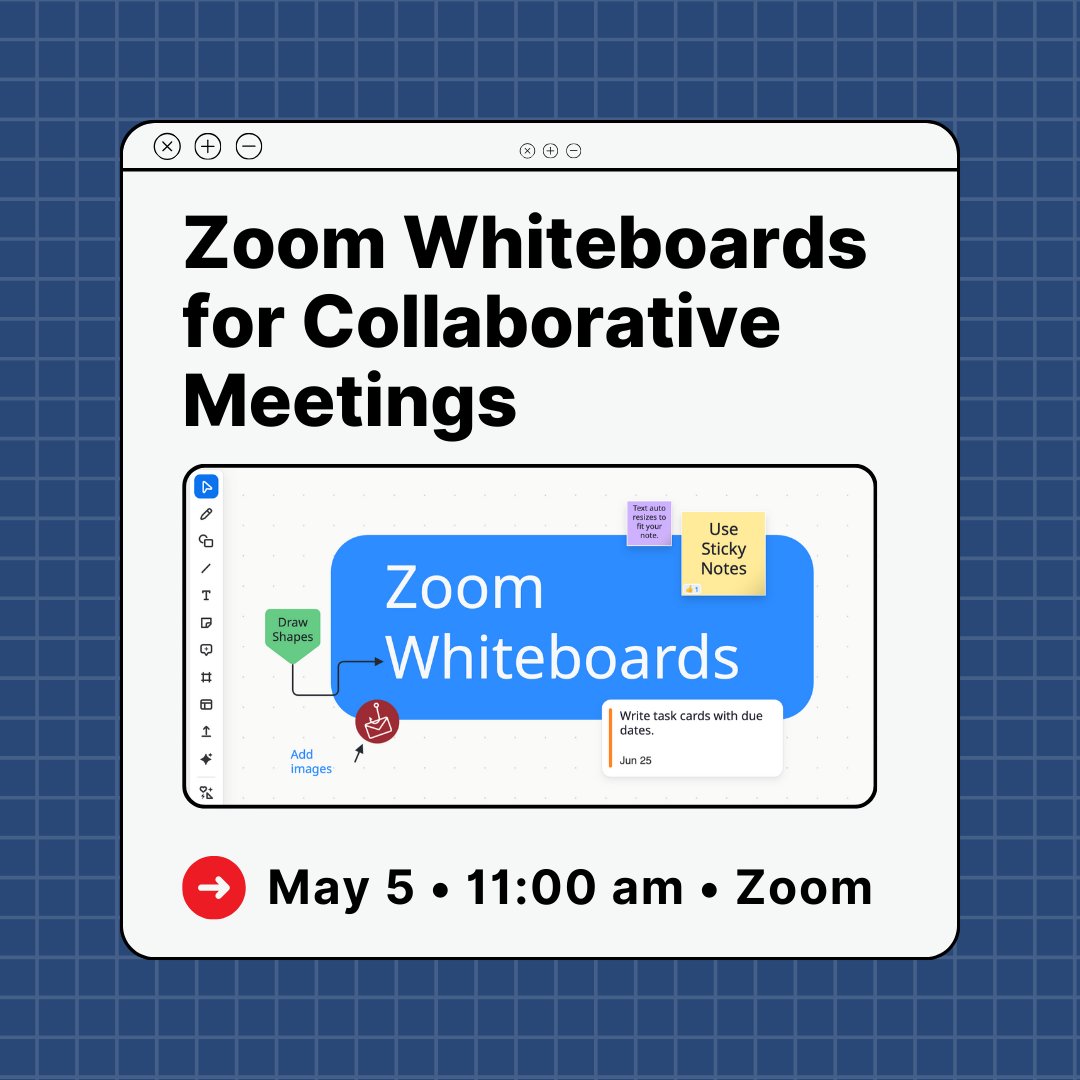



ALT A banner with a light tan background on a dark blue background with faint line patterns. At the top of the banner is a red circle with a white outline of an envelope on a fishing hook, symbolizing a phishing attempt. Below this, large, dark blue text asks, "FIND A PHISH?" Underneath, in smaller dark blue text, it instructs, "Use the Phish Button in your email to report it," with a white arrow pointing to the right.
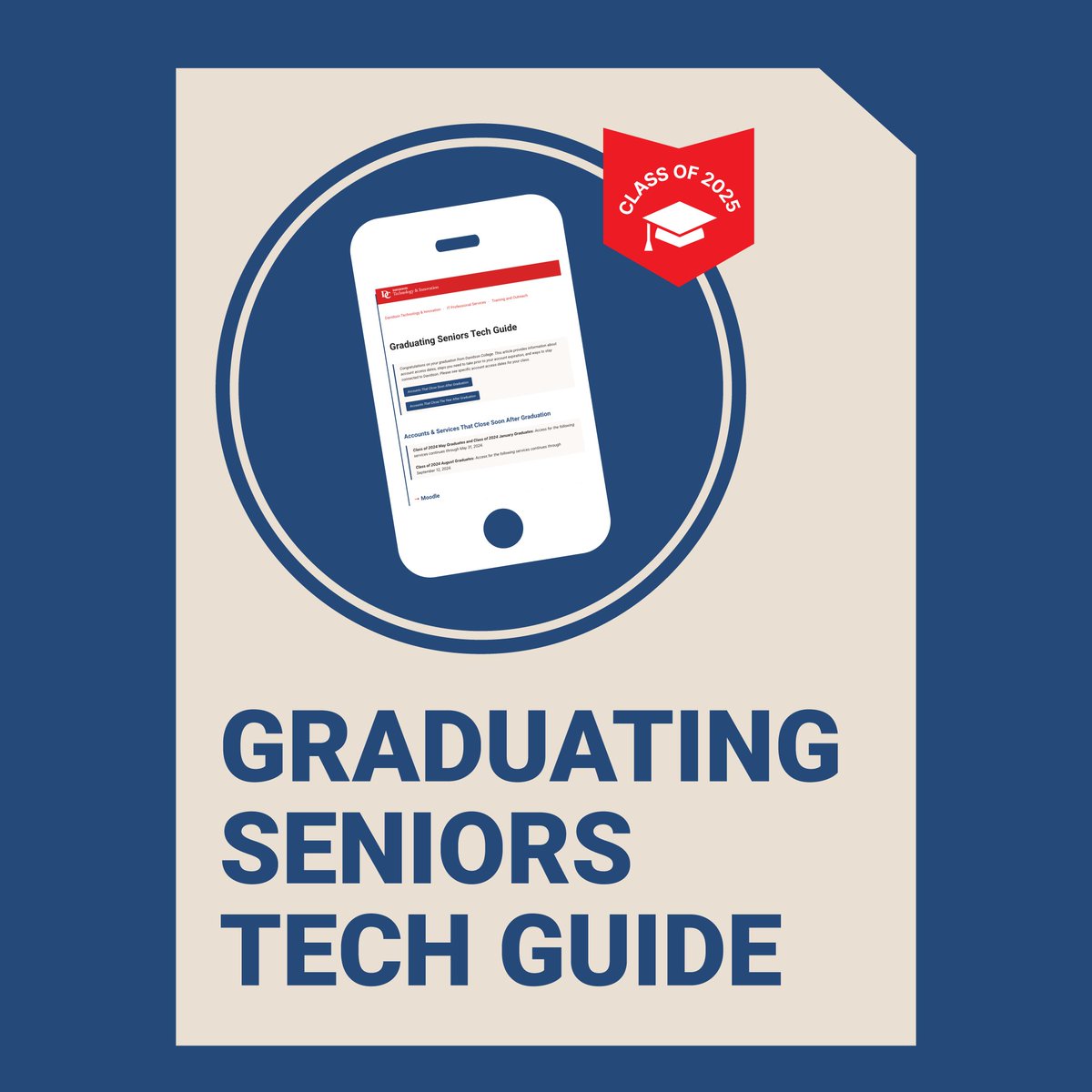
ALT Graphic with a smartphone illustration displaying a webpage titled “Graduating Seniors Tech Guide.” A red badge in the top right reads “Class of 2025” with a graduation cap icon. Bold text at the bottom says “Graduating Seniors Tech Guide.” The background is navy blue with a beige paper-like shape.
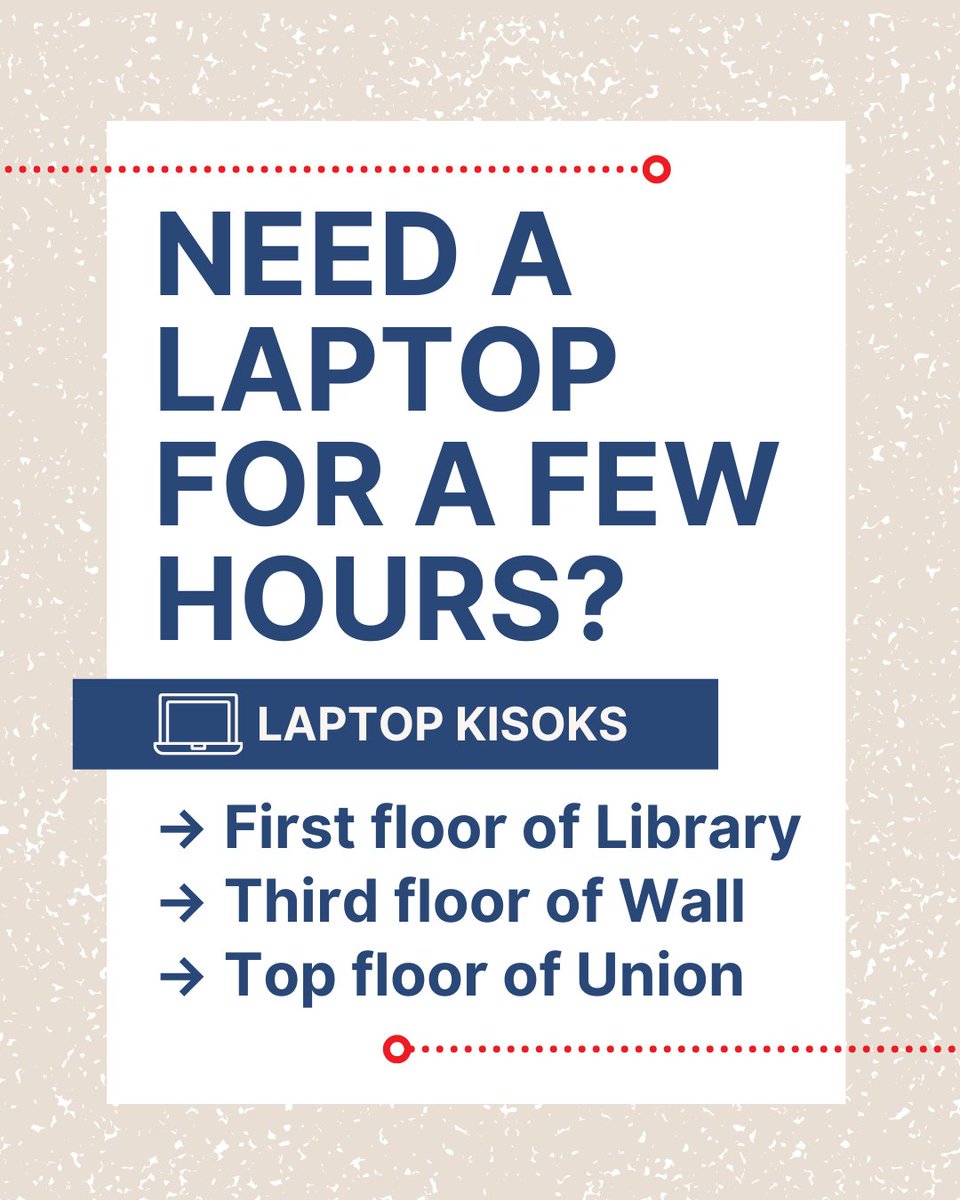
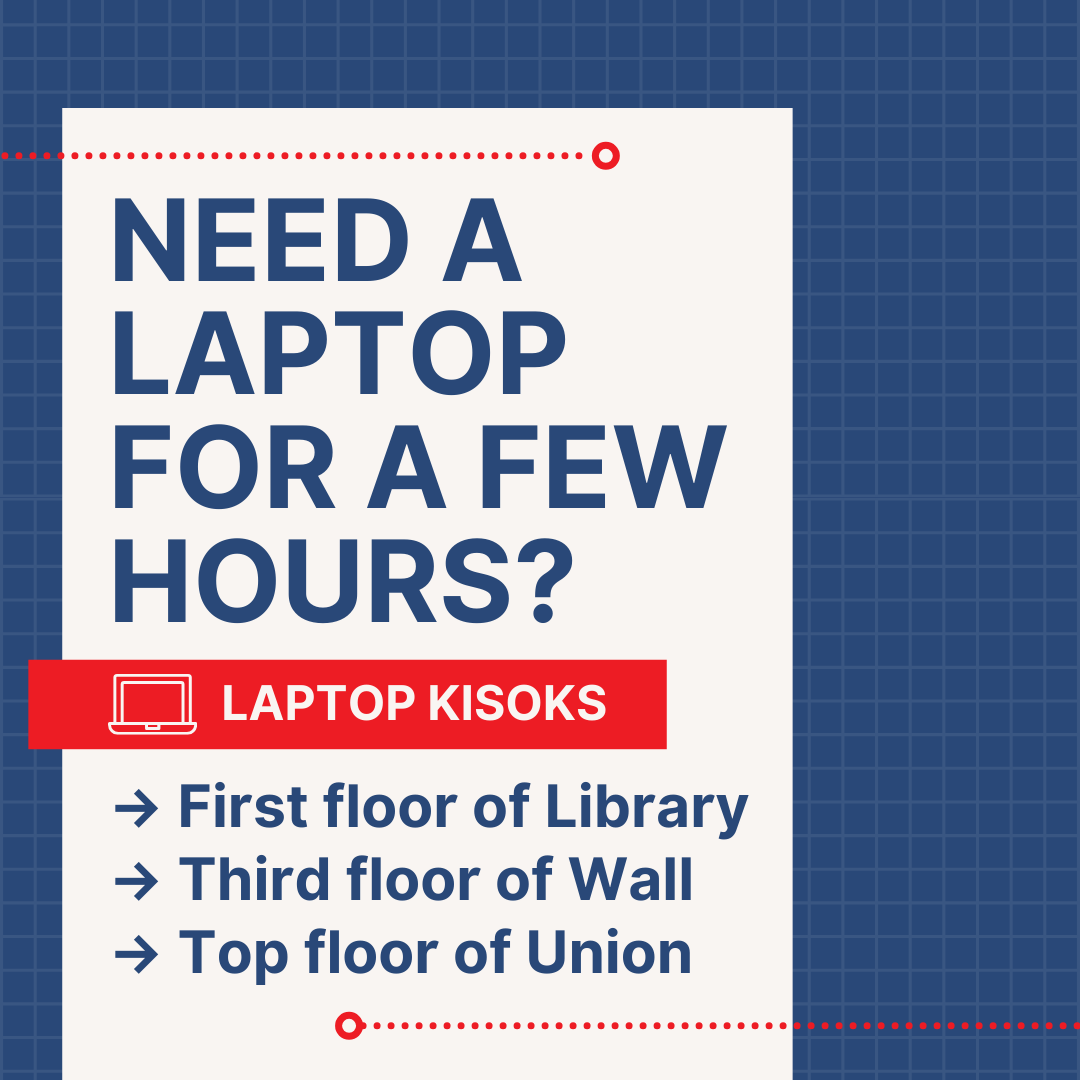
ALT A digital informational sign with a beige textured background and a white text box. The main message in bold, navy blue text reads: “NEED A LAPTOP FOR A FEW HOURS?” Below, a dark blue banner with a laptop icon and white text says “LAPTOP KIOSKS.” The sign lists three kiosk locations with navy blue bullet points: First floor of Library, Third floor of Wall, Top floor of Union. Red dotted lines and circular accents decorate the design.
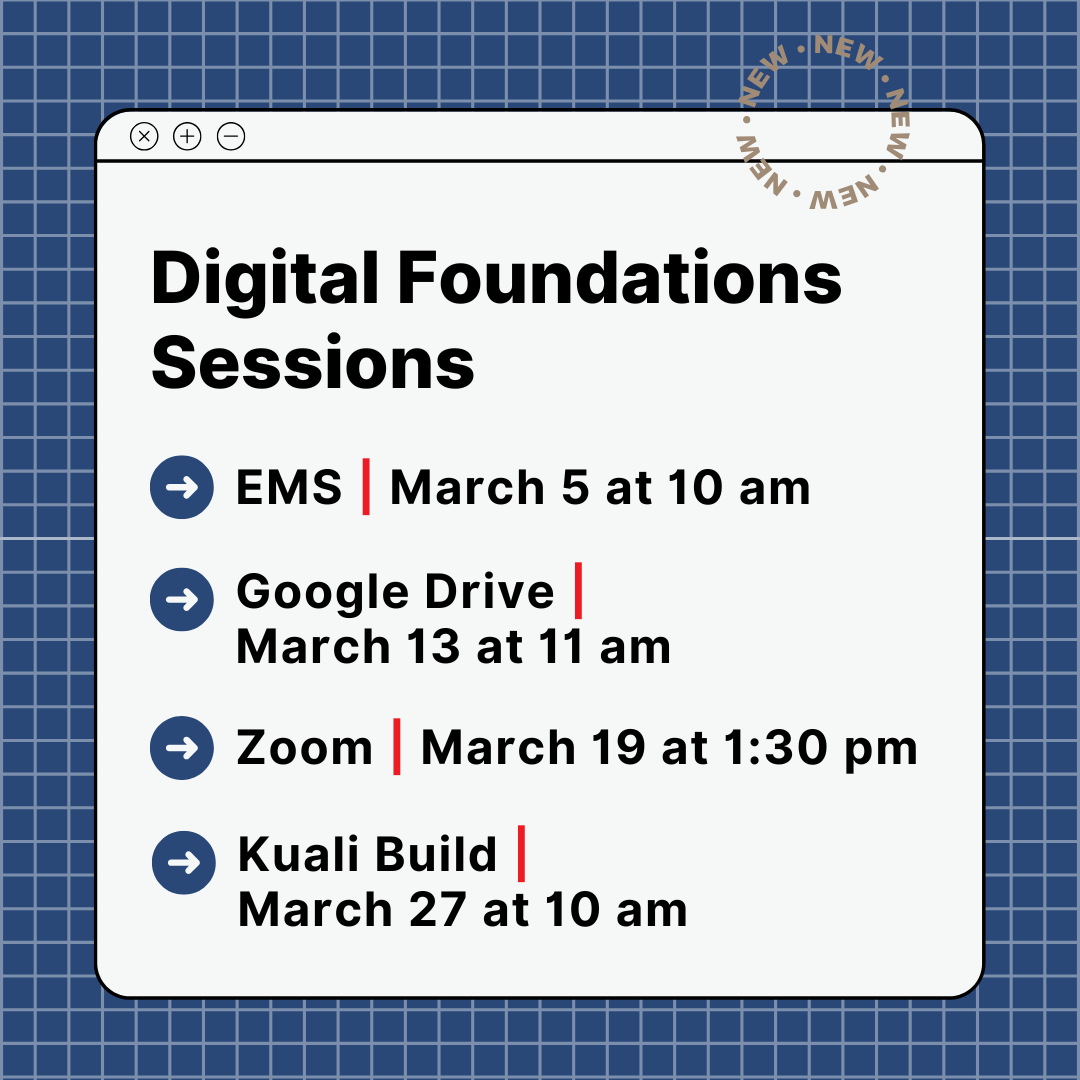
ALT A graphic designed to look like a web browser window displays a list of “Digital Foundations Sessions” on a white background with a blue grid pattern. The sessions are: EMS on March 5 at 10 am, Google Drive on March 13 at 11 am, Zoom on March 19 at 1:30 pm and Kuali Build on March 27 at 10 am. Each session is preceded by a blue circle with a white right-facing arrow. In the top right corner, a circular stamp-like design repeats the word “NEW.”
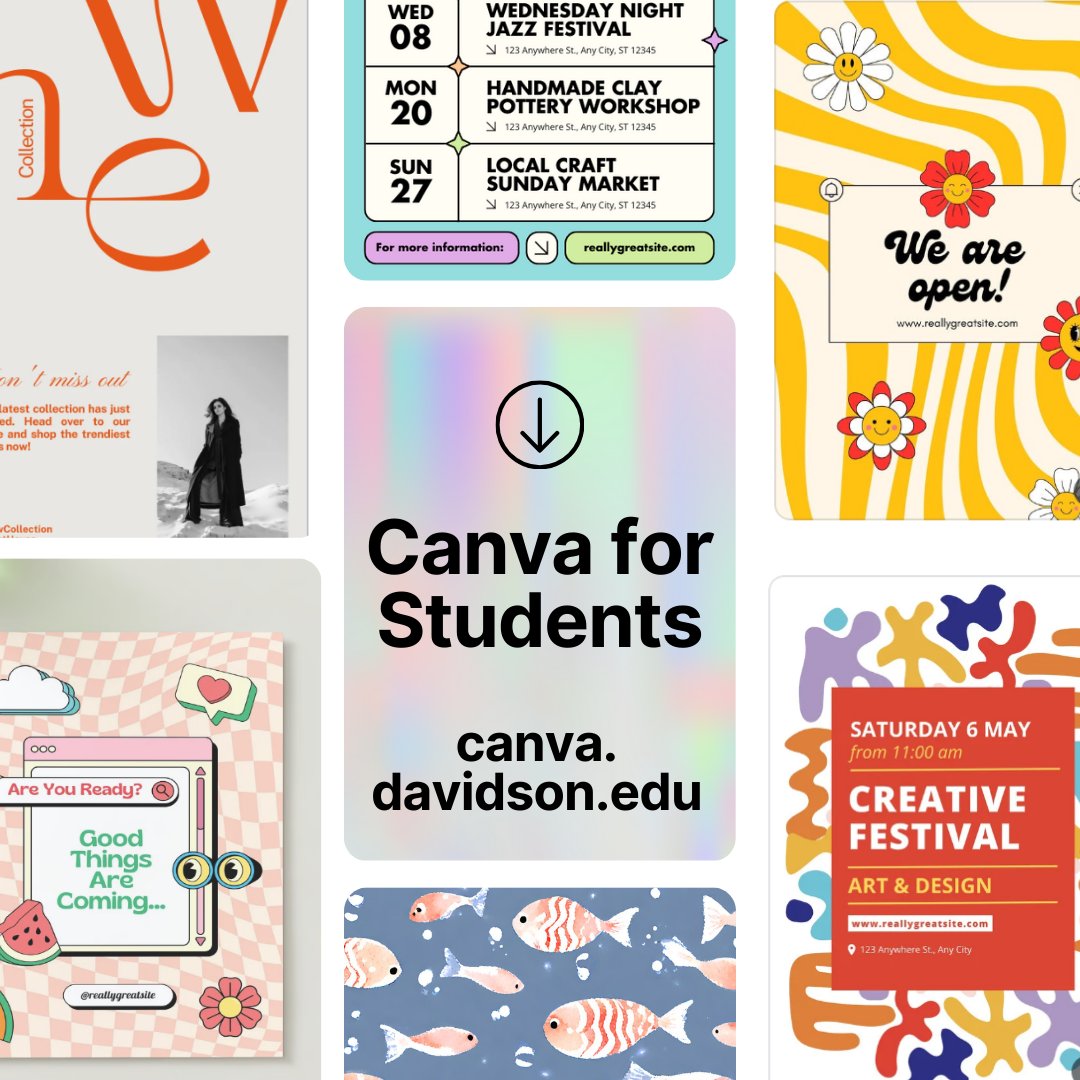
ALT This image contains a collage of various event posters, announcements, and promotional designs, with a central focus on “Canva for Students” at canva.davidson.edu. The posters showcase different styles, including modern, retro, and artistic themes, covering events like festivals, workshops, and business promotions.
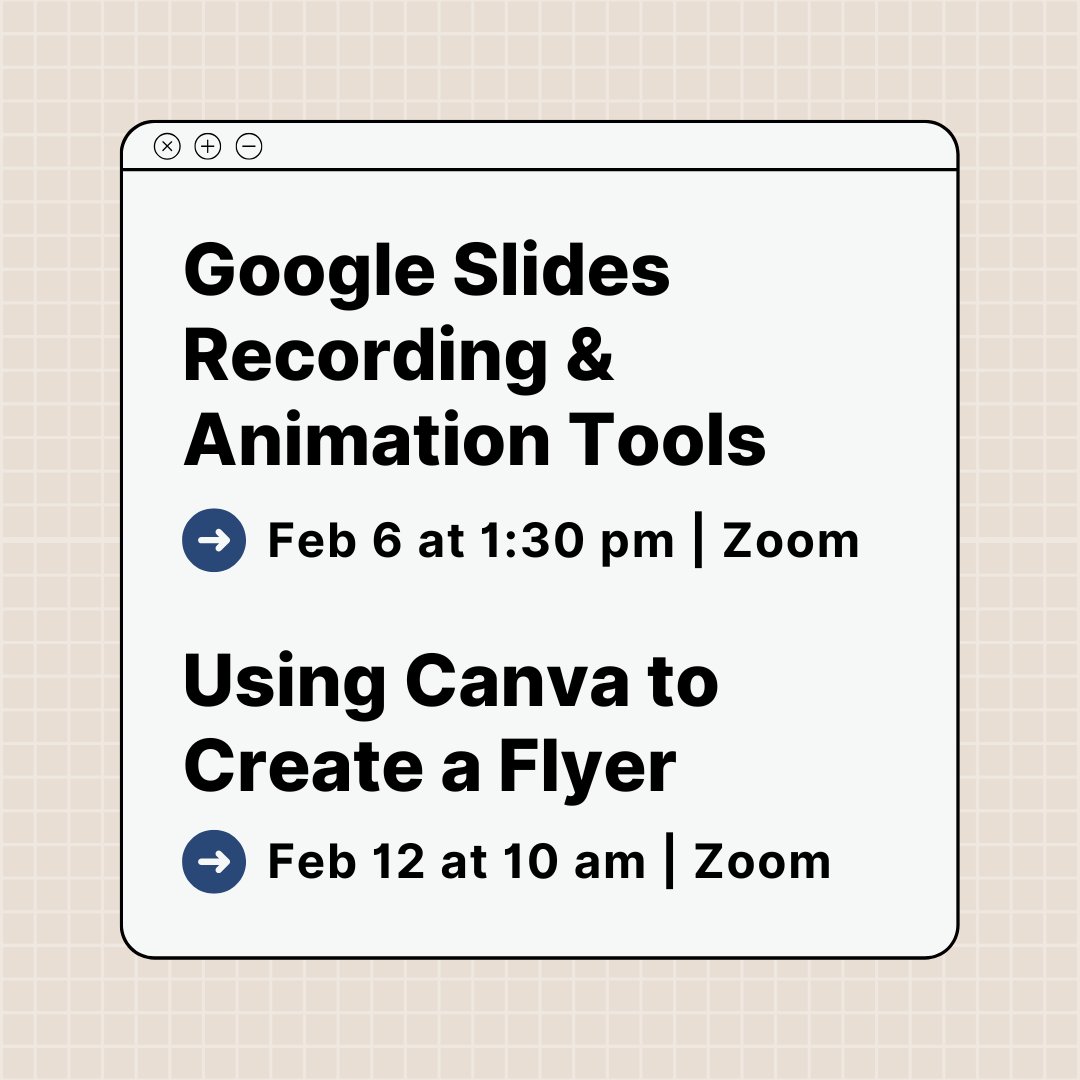
ALT A graphic resembling a computer window with a beige grid background. The window contains text announcing two events: “Google Slides Recording & Animation Tools” with the date and time “Feb 6 at 1:30 pm | Zoom,” and “Using Canva to Create a Flyer” with the date and time “Feb 12 at 10 am | Zoom.” Each event has a blue arrow icon next to the date and time.
ALT Bold black text on a light beige background reads, “We’re here to help!” A small illustrated icon of a yellow hand waving, with motion lines and a blue star above it, is positioned to the right of the text. Below, in smaller black text, is the URL “ti.davidson.edu,” separated by a thin brown horizontal line.
ALT A graphic with a blue background featuring a yellow burst of fireworks at the top. Large white text reads, “Start the new year by learning something new!” In the top-right corner, there is a circular photo of a man in an orange shirt, with the text “Prompt Engineering” partially visible. Below the photo, smaller white text reads, “Introduction to Prompt Engineering.” At the bottom, a blue circular icon with an arrow points to text that reads, “linkedin.com/learning,” over a beige background with subtle line patterns.
ALT A beige background with small white snowflakes scattered across it. A black snowflake icon is placed near the top left. Below it, bold black text reads, “Staying Safe Online this Holiday Season.” A white arrow in a circle is in the bottom right corner.
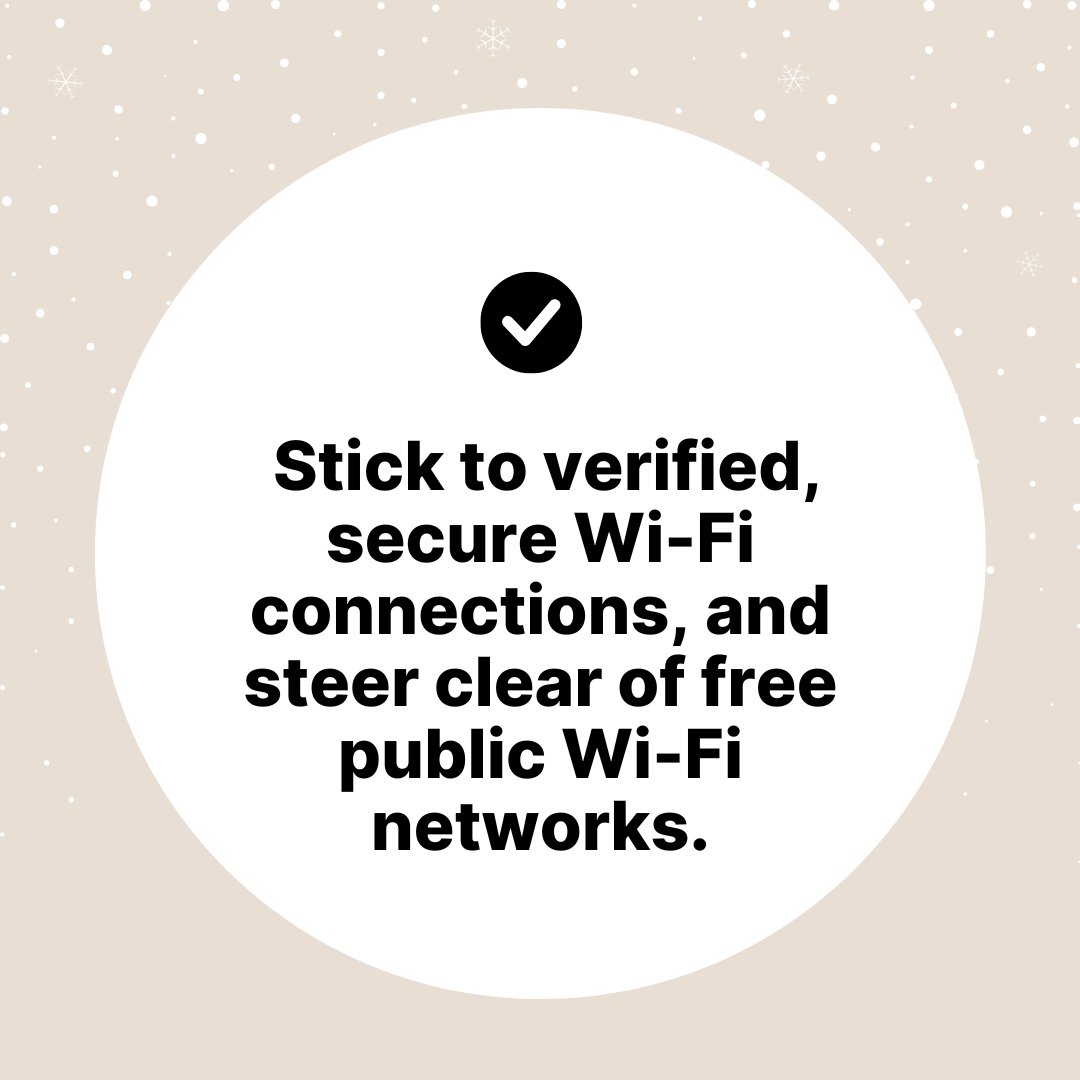
ALT A beige background with small white snowflakes scattered across it. In the center, a large white circle contains a black checkmark icon at the top. Below, bold black text reads, “Stick to verified, secure Wi-Fi connections, and steer clear of free public Wi-Fi networks.”

ALT A beige background with small white snowflakes scattered across it. In the center, a large white circle contains a black checkmark icon at the top. Below, bold black text reads, “Watch out for too-good-to-be-true promo offers & and fraudulent shipping notifications.”
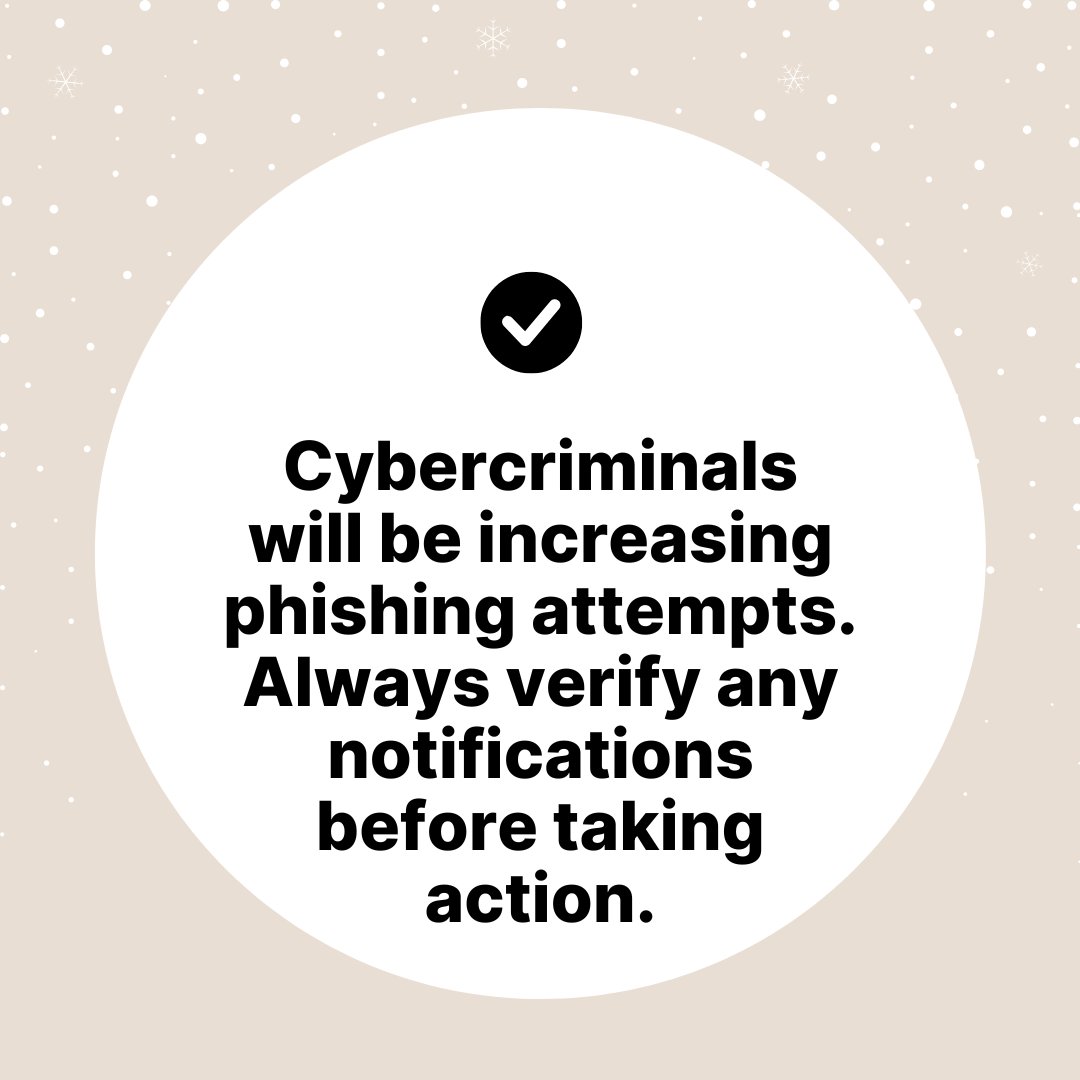
ALT A beige background with small white snowflakes scattered across it. In the center, a large white circle contains a black checkmark icon at the top. Below, bold black text reads, “Cybercriminals will be increasing phishing attempts. Always verify any notifications before taking action.”
ALT A graphic resembling a name badge with the text “Ready to learn something new?” in bold blue letters. Below it is a blue bar with a yellow arrow icon and the text “linkedin.com/learning” in white. At the top left, there’s a small blue icon of a video player with dots around it. The background is beige with subtle curved lines.
ALT Bold blue text on a white background reads, “Need a laptop for a few hours?” Below, a red banner with a laptop icon and white text reads, “Laptop Kiosks.” Underneath, a list in blue text shows three locations: “First floor of Library,” “Third floor of Wall,” and “Top floor of Union.” The background has a blue grid pattern with red dot accents.