Build secure, AI‑ready workplaces with Windows—from Windows 11 to Windows 365. Learn, share, and connect.
- Tweets 21,677
- Following 836
- Followers 45,947
- Likes 1,634



ALT Graphic with abstract blue Windows 11–style folded shapes on a light blue background and the text “Welcome to Windows at Work” displayed prominently.
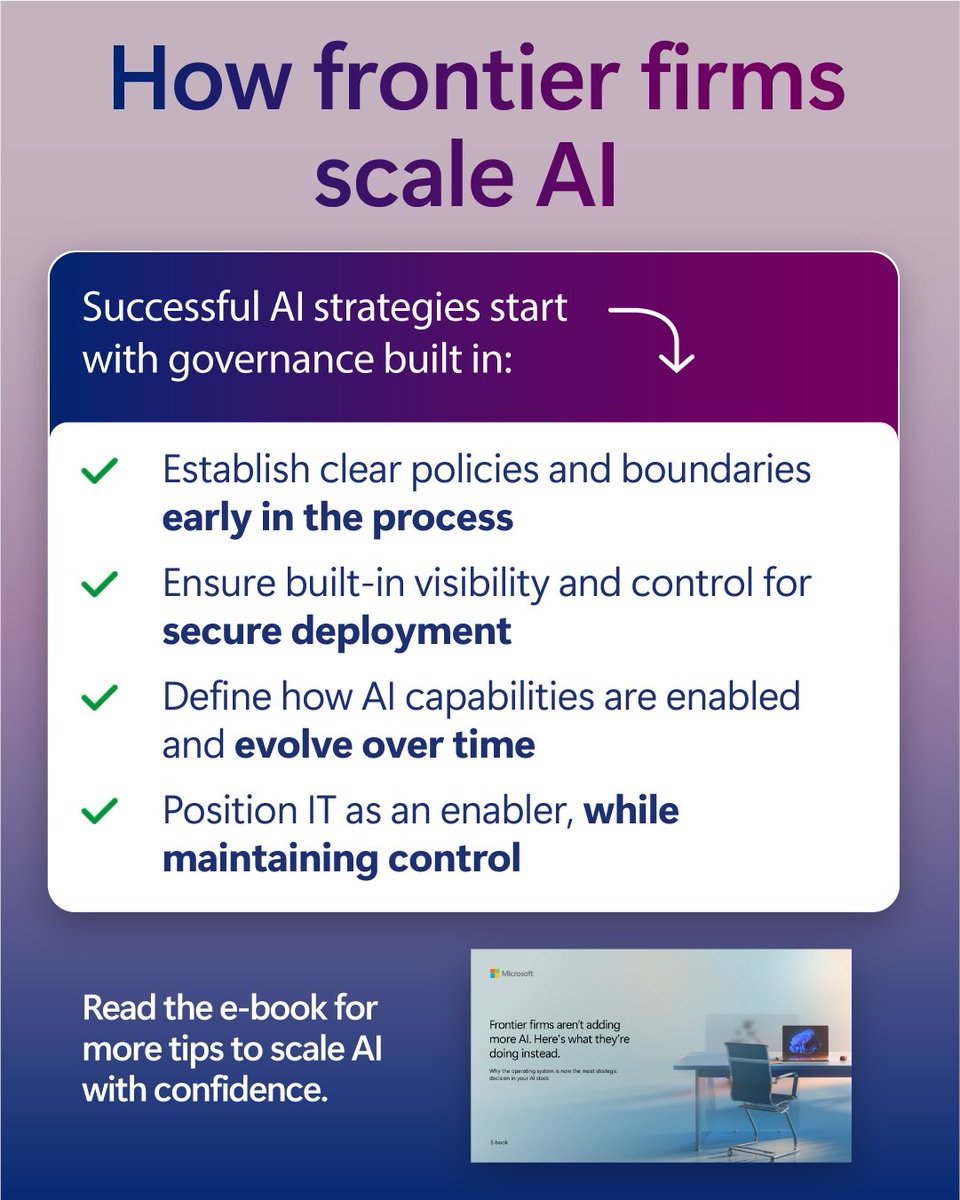
ALT Gradient blue and purple graphic titled “How frontier firms scale AI.” A card highlights that successful AI strategies start with built-in governance, with bullet points on establishing clear policies early, ensuring visibility for secure deployment, enabling AI capabilities over time, and positioning IT as an enabler while maintaining control. A prompt at the bottom encourages reading the e-book for more tips.
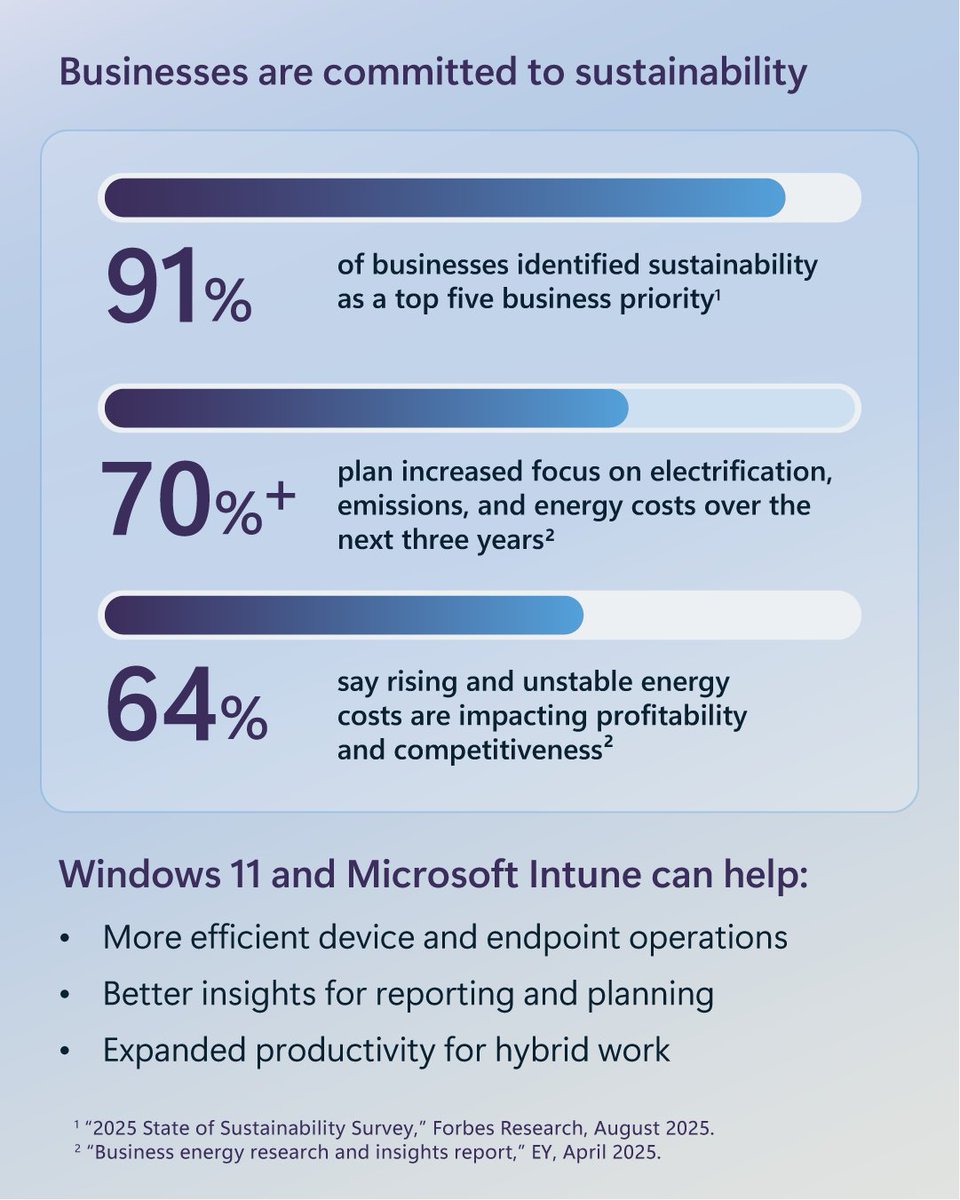
ALT Infographic titled “Businesses are committed to sustainability” highlighting key stats: 91% of businesses rank sustainability as a top five priority, 70% plan increased focus on electrification, emissions, and energy costs over the next three years, and 64% say rising and unstable energy costs are impacting profitability and competitiveness. Supporting text notes Windows 11 and Microsoft Intune can improve efficiency, provide better reporting insights, and boost productivity for hybrid work.
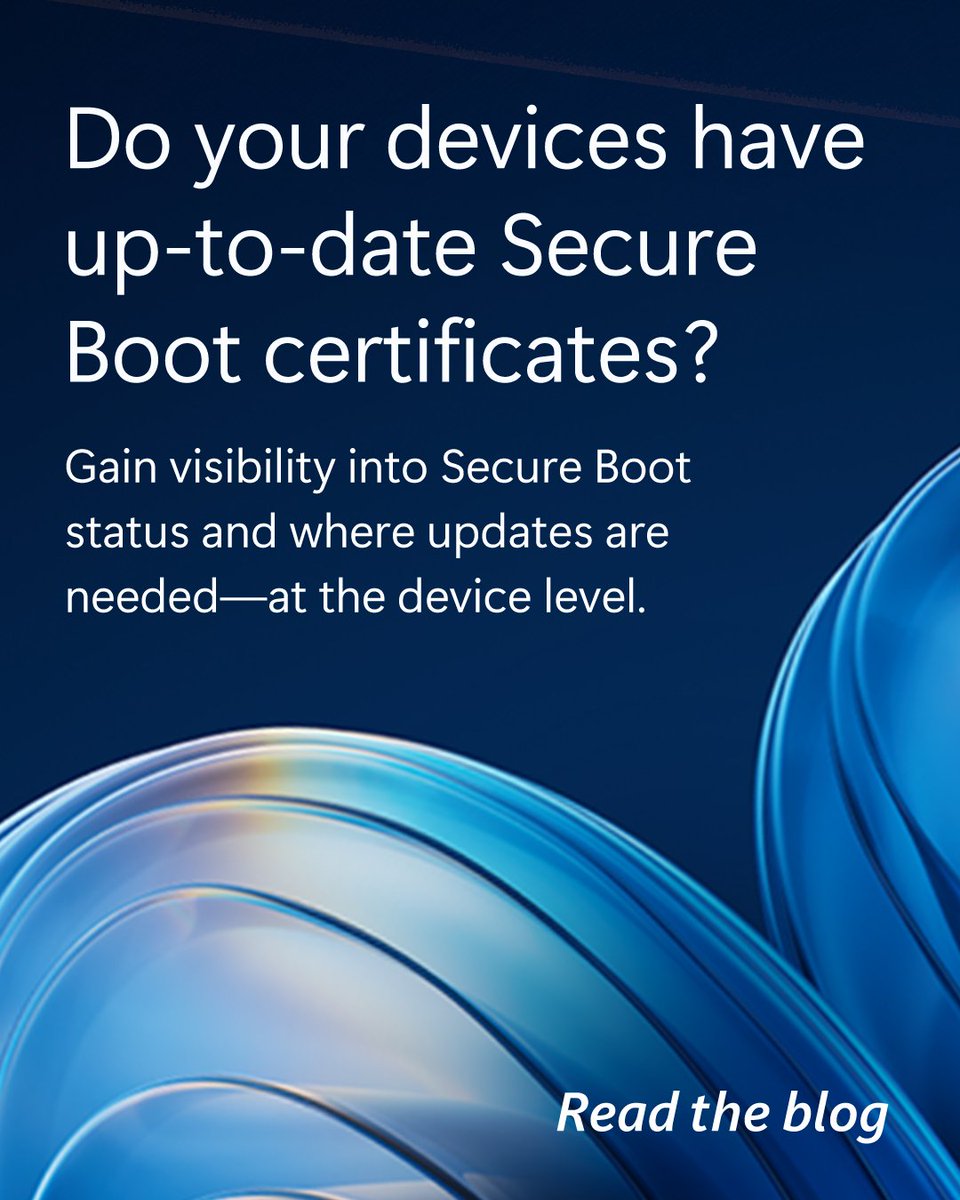
ALT Graphic with a blue abstract background featuring curved, wave-like shapes. White text reads: “Do your devices have up-to-date Secure Boot certificates? Gain visibility into Secure Boot status and where updates are needed—at the device level.” A small call to action in the corner says, “Read the blog.”
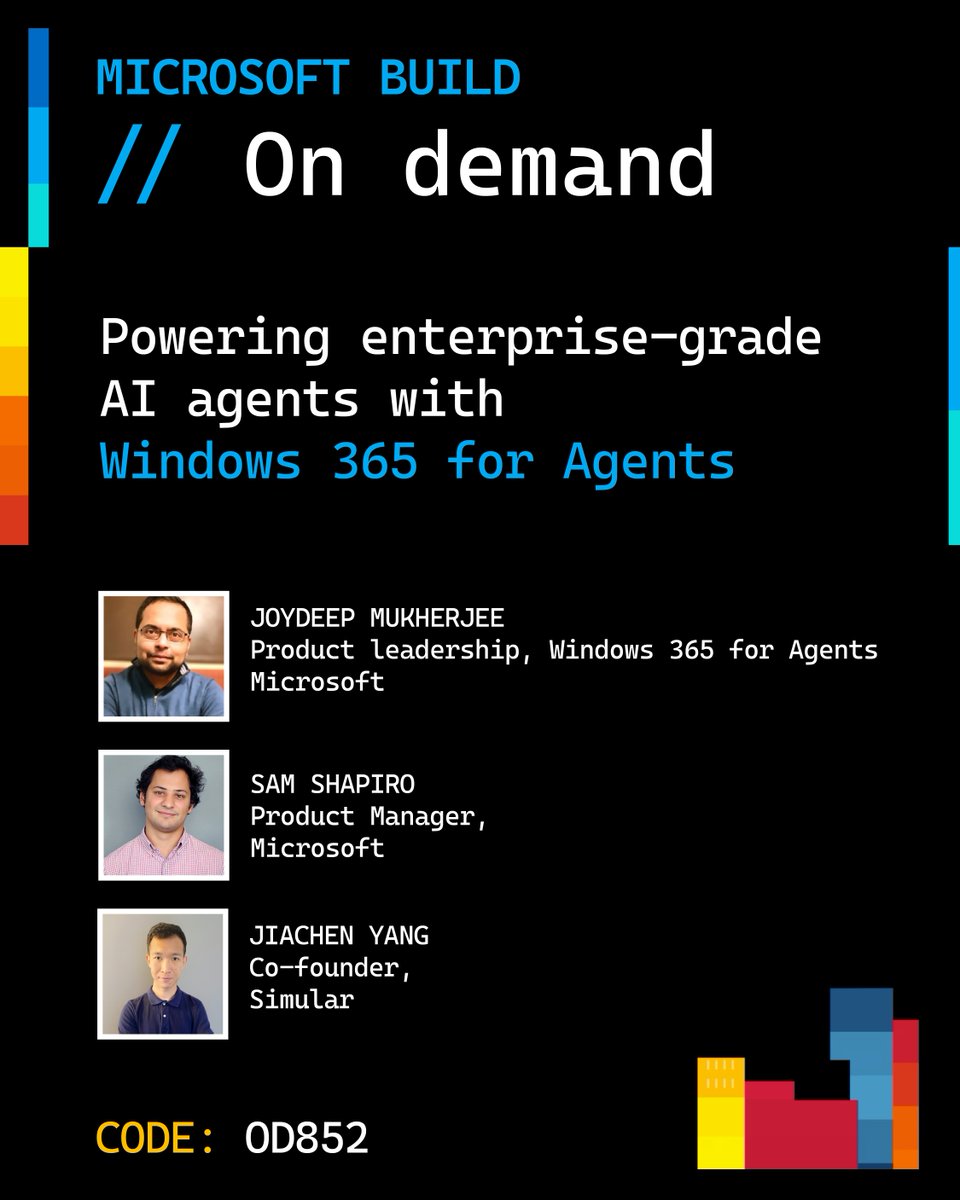
ALT Black Microsoft Build promotional graphic labeled “// On demand” with the headline “Powering enterprise-grade AI agents with Windows 365 for Agents.” Three speaker headshots appear with names and titles: Joydeep Mukherjee, Product Leadership, Windows 365 for Agents, Microsoft; Sam Shapiro, Product Manager, Microsoft; and Jiachen Yang, Co-founder, Simular. Bottom left shows “CODE: OD852,” with colorful geometric accents along the edges.
ALT Black promotional slide with “Microsoft Build // On demand” at the top and the headline “Accelerating developer productivity with Windows 365.” Below are two speaker headshots with names and titles: Phil Gerity, Partner Group Product Manager, Microsoft, and Roop Kiran Chevuri, Group Product Manager, Microsoft. Bottom left shows “CODE: OD855,” with colorful geometric accents along the edges.
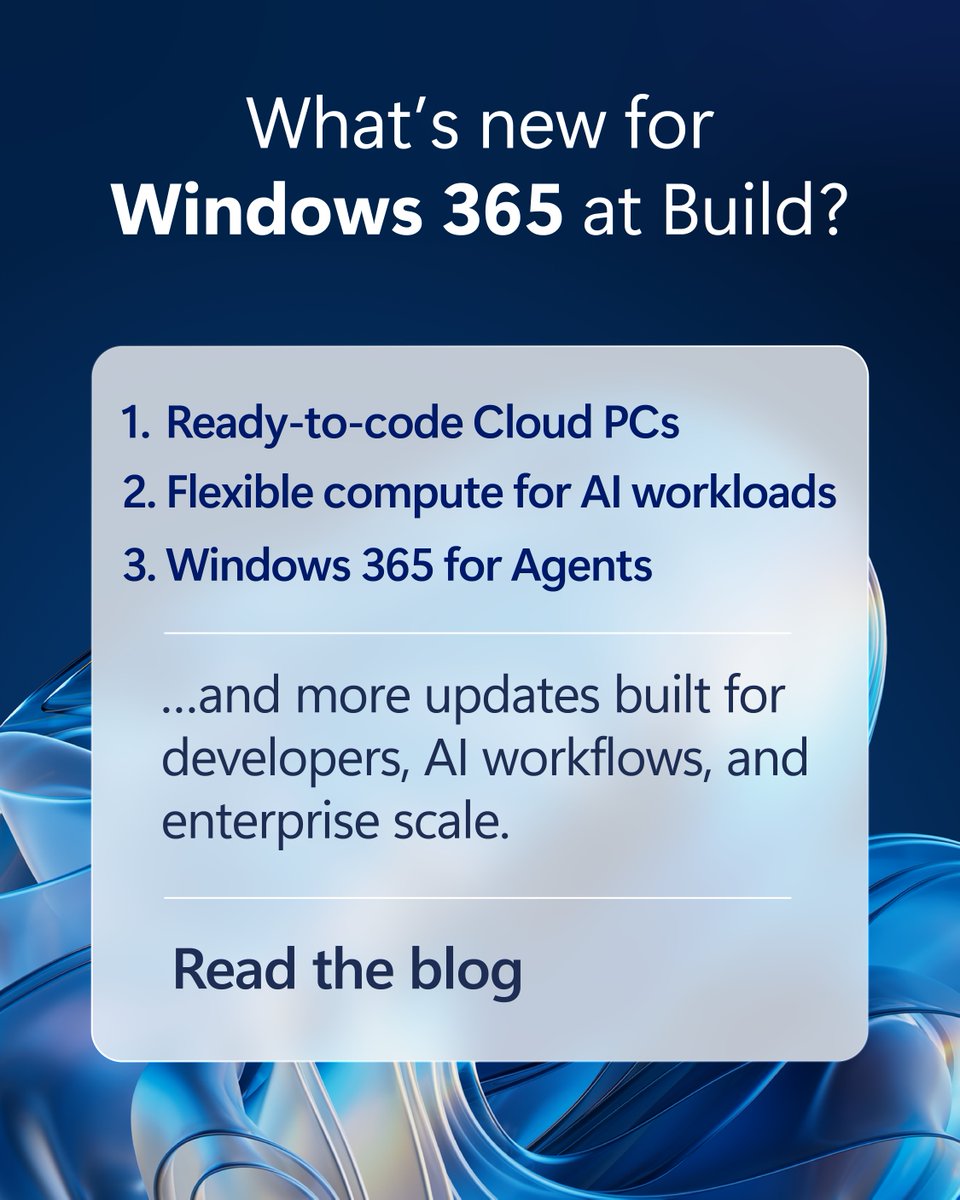
ALT Graphic with a blue abstract Windows background and a centered text box titled “What’s new for Windows 365 at Build?” listing: “1. Ready-to-code Cloud PCs, 2. Flexible compute for AI workloads, 3. Windows 365 for Agents,” followed by “...and more updates built for developers, AI workflows, and enterprise scale” and a “Read the blog” call to action.
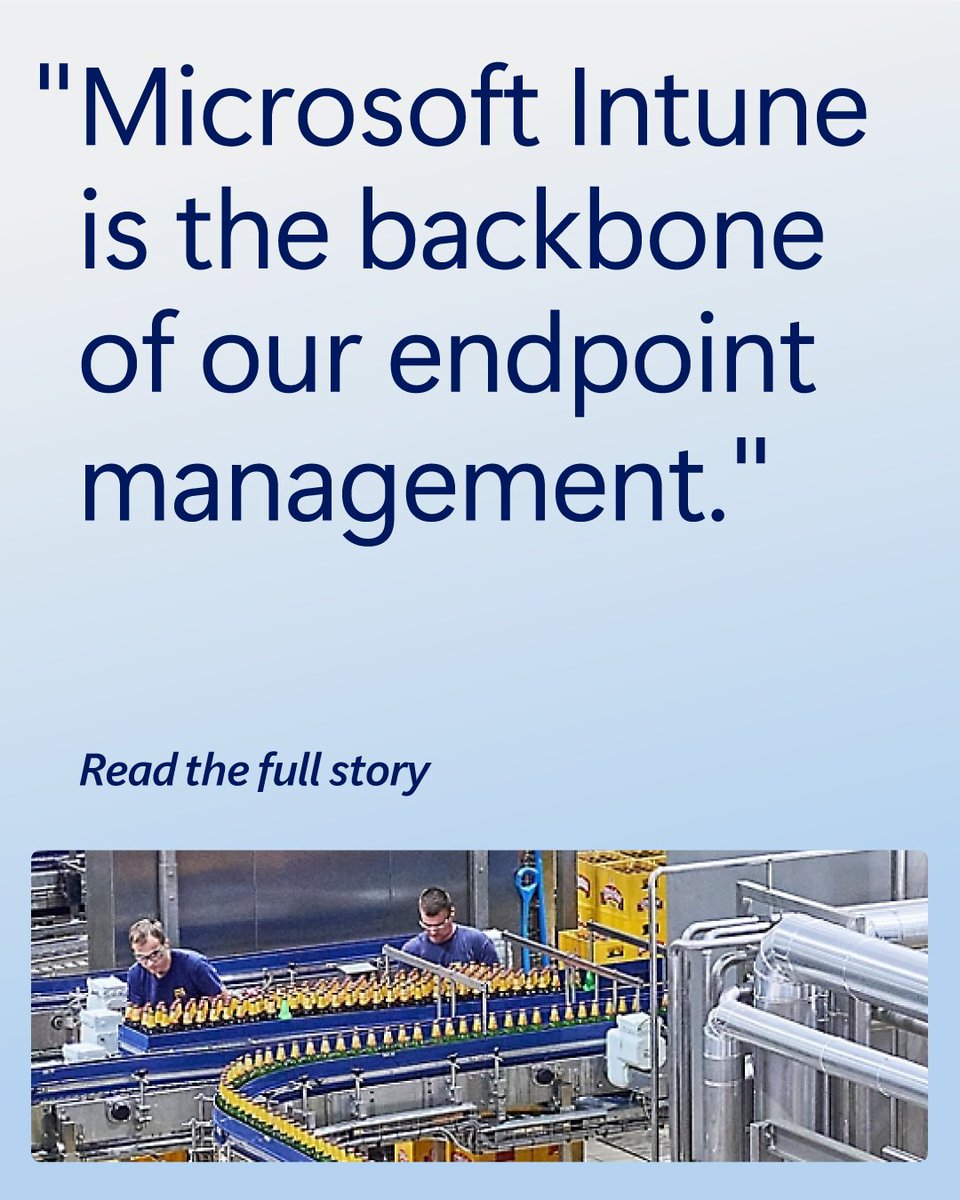
ALT Large quote on a light blue background reads, “Microsoft Intune is the backbone of our endpoint management.” Below the quote is a prompt that says “Read the full story.” The lower portion of the image shows a manufacturing facility with workers standing along a production line moving rows of glass bottles through industrial machinery.
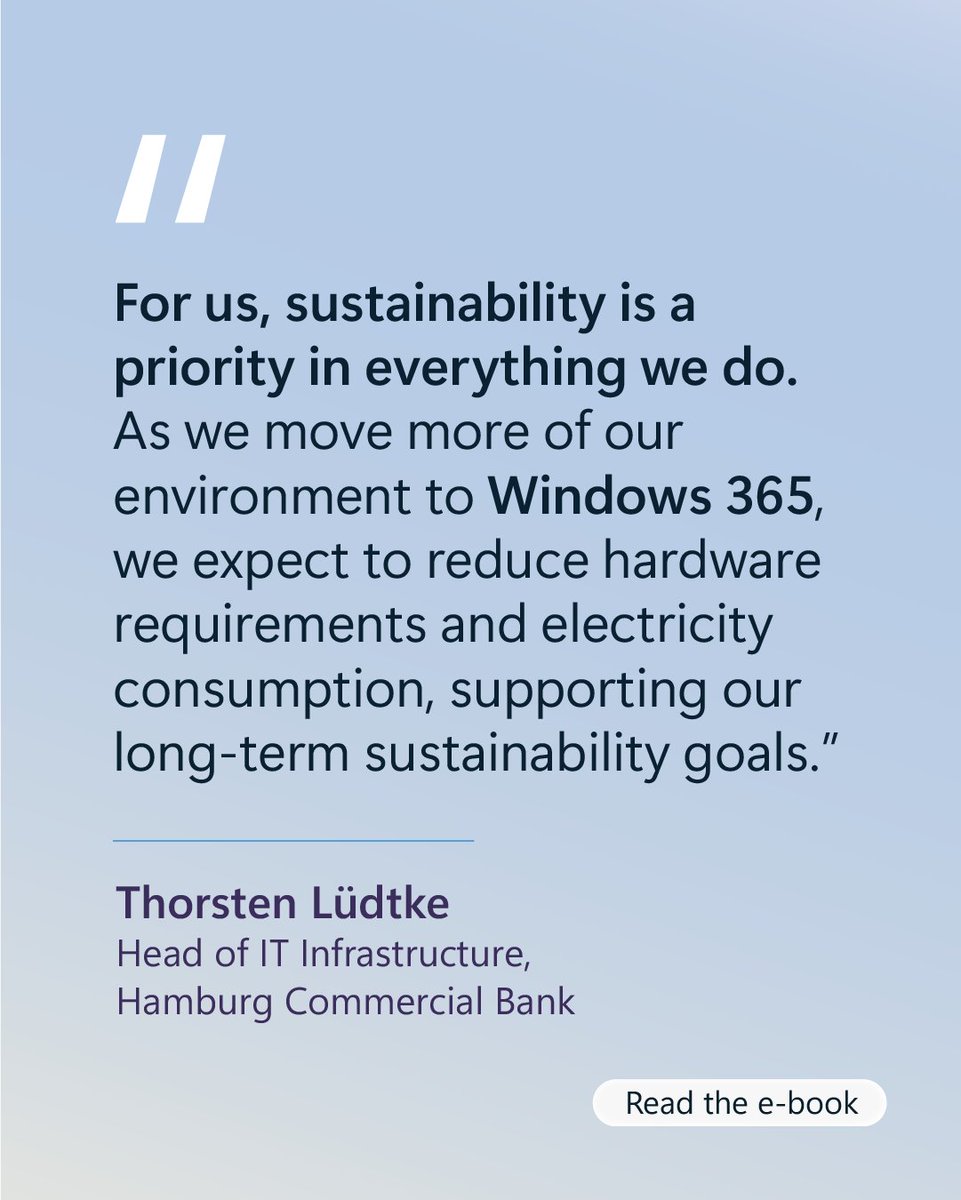
ALT Light blue graphic featuring a quote about sustainability and Windows 365 reducing hardware and electricity use, attributed to Thorsten Lüdtke, Head of IT Infrastructure at Hamburg Commercial Bank, with a “Read the e-book” button at the bottom.
ALT Microsoft graphic with abstract blue Windows-inspired background and central overlay reading “April 2026: What’s new in Windows?” followed by “Read the blog to find out.”
ALT Light blue to lavender gradient graphic with bold text reading “See how Windows 11 brings AI into everyday workflows for all types of roles.” Below, a Copilot icon appears next to a sample prompt asking for a summary of a milestone review meeting and key action items, with a “Read the e-book” call to action at the bottom right.
ALT A Windows 11 laptop sits open on a desk in a modern office workspace, displaying the blue Windows 11 swirl wallpaper. In the background, an office workstation with a person seated at a computer is softly out of focus. On-screen text reads “Windows means business,” with the Windows 11 logo in the bottom corner.
ALT Abstract blue and silver flowing shapes form a modern background. A translucent text box reads “Uplevel business continuity with Windows 365 Reserve,” with a call to action beneath that says “Watch the video” and a right arrow.
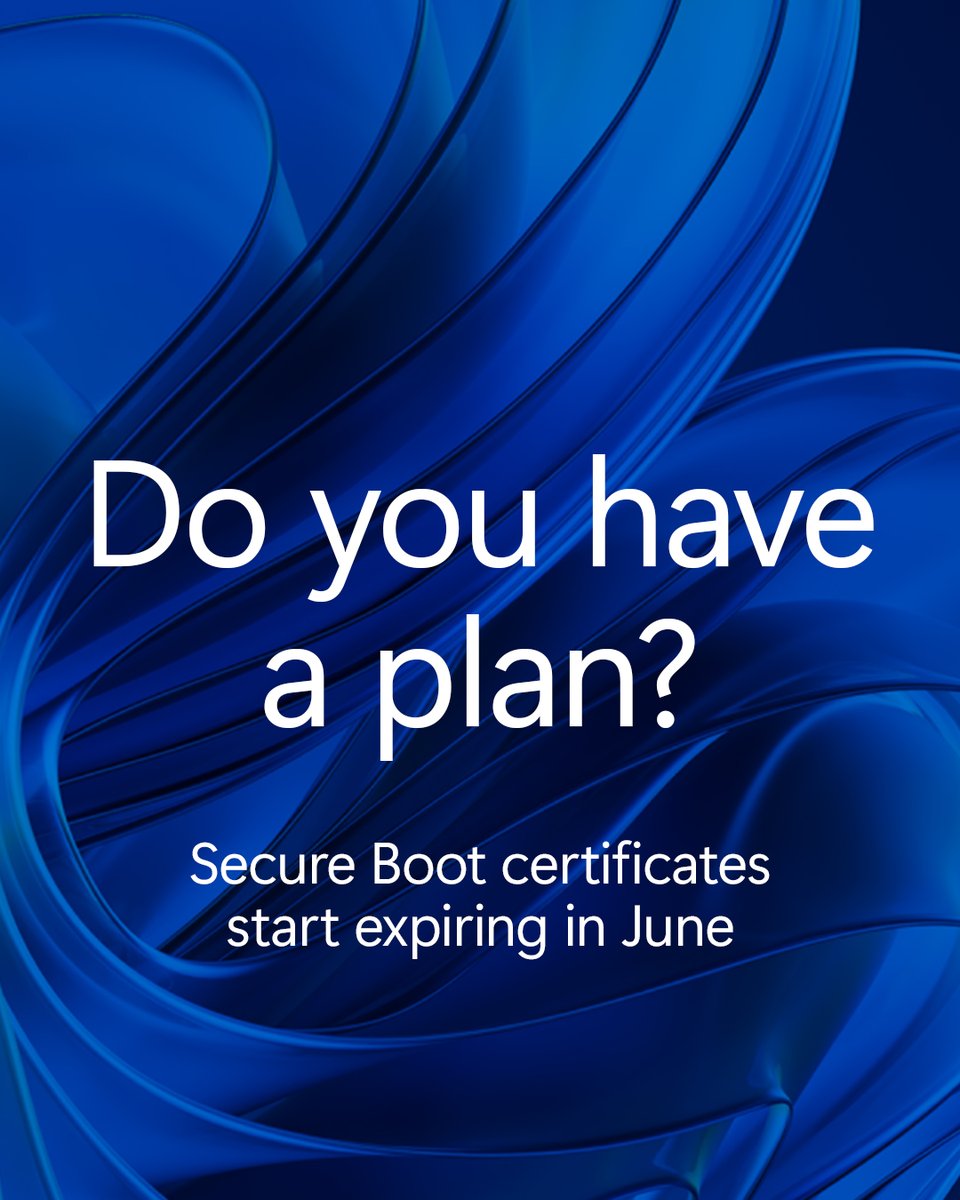
ALT Dark blue abstract Windows-style wave background with white text reading “Do you have a plan?” and smaller text below that says “Secure Boot certificates start expiring in June.”
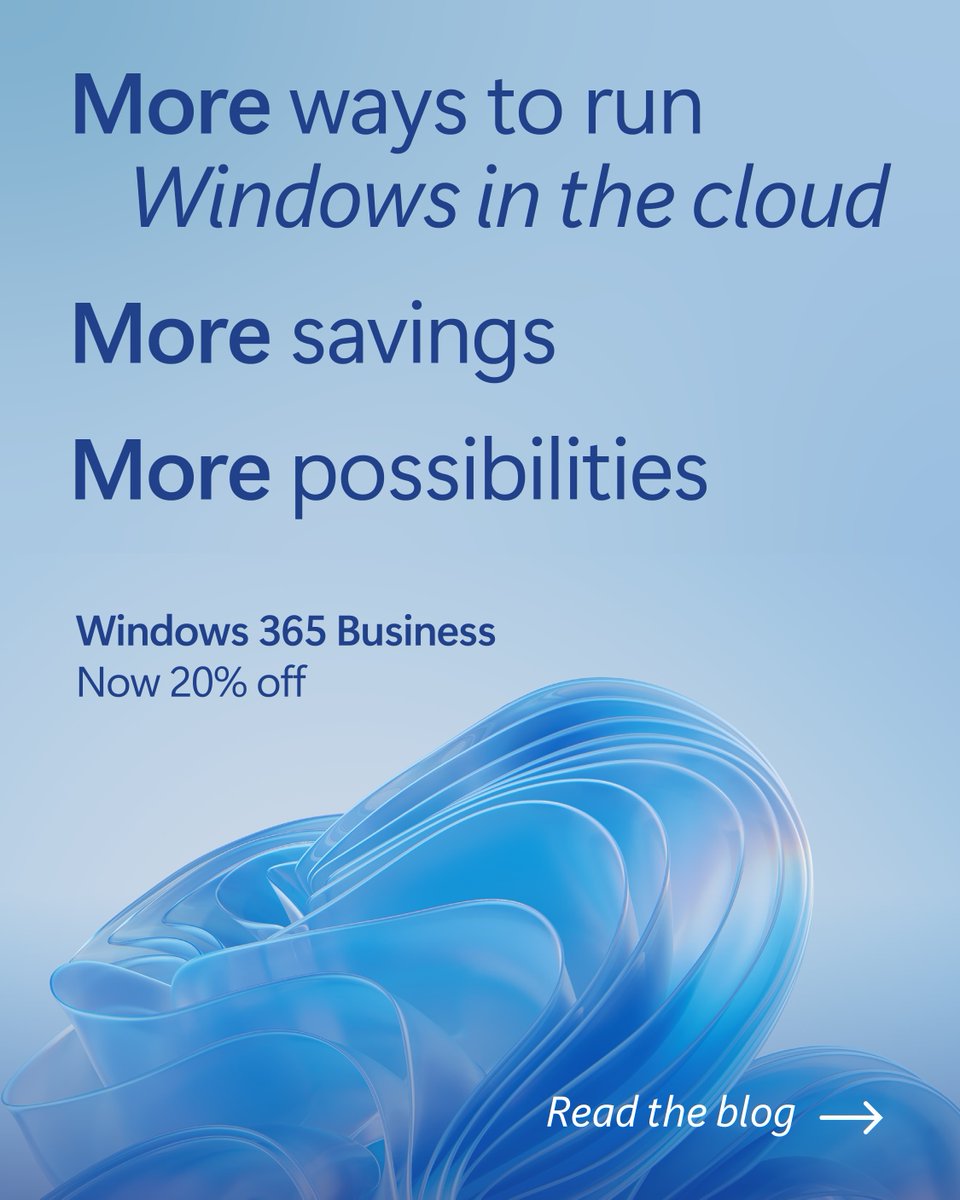
ALT Graphic with a light blue background featuring abstract Windows 11–style blue wave shapes at the bottom. Text reads “More ways to run Windows in the cloud. More savings. More possibilities.” Below, smaller text says “Windows 365 Business. Now 20% off.” A call to action in the bottom right reads “Read the blog” with a right arrow icon.